
LTX Studio
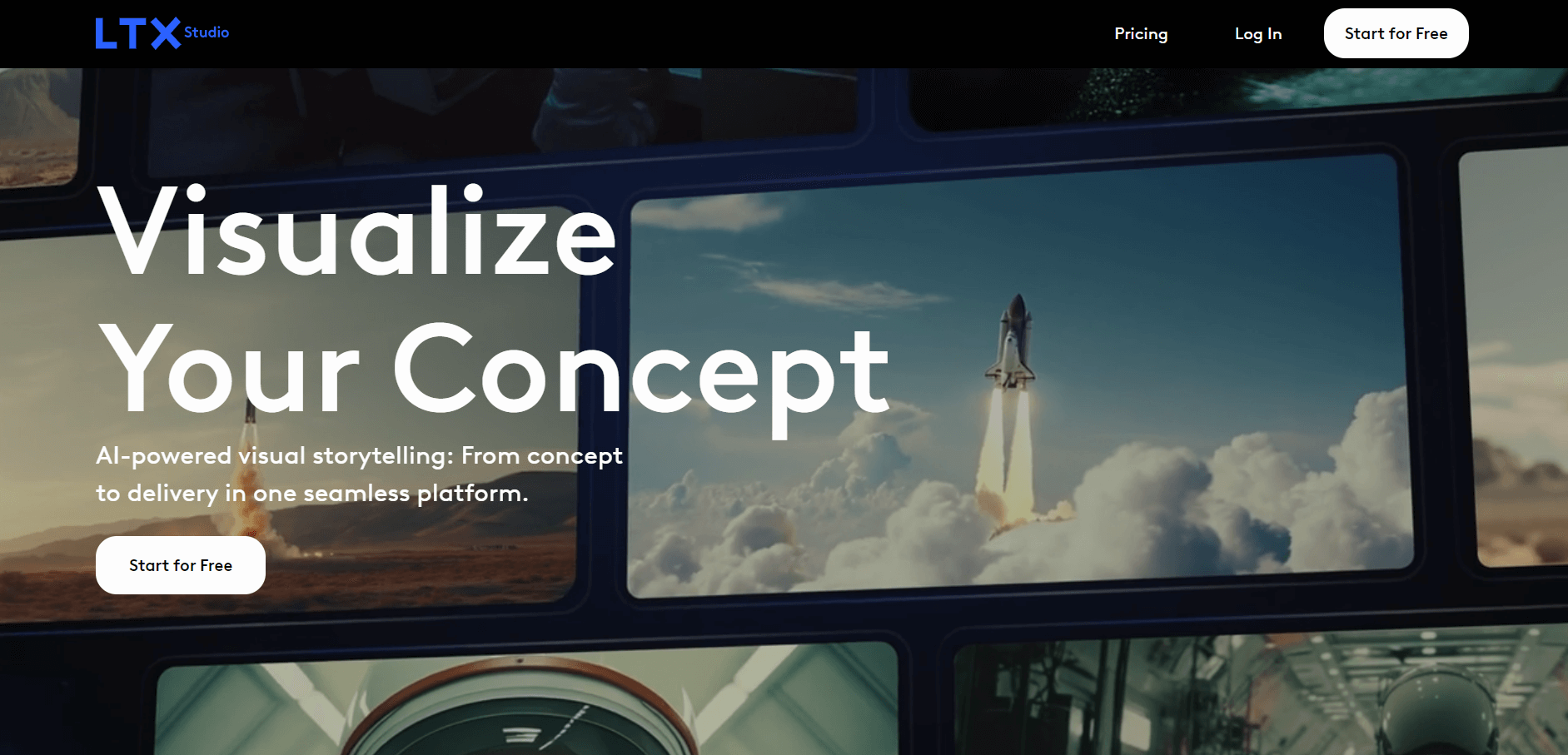
LTX Studio is an AI-powered video design tool that automates editing, content optimization, and visual effects, streamlining the production process.
What is LTX Studio?
LTX Studio is an AI-powered design tool that helps to design videos and images. The tool helps to streamline the video production process by automating tasks such as editing, optimizing content, and enhancing visual effects from scripting to final edits.
Key Features
LTX Studio's key features are:
- AI Video Editing: LTX Studio helps to automate video editing processes like cutting, color correction, and transition to save time and improve efficiency.
- Visual Effects Enhancement: LTX Studio uses an advanced AI algorithm to enhance video quality and improve resolution.
- Content Optimization: LTX Studio helps to optimize videos for various platforms, such as social media, websites, or other distribution channels.
- User-Friendly Interface: LTX Studio offers an easy and clean user interface, making it accessible for professionals and beginners alike.
Pricing
LTX Studio offers various pricing plans:
Free Plan:
- Users can generate AI images & video
- Offers advanced camera controls
- Offers character casting & animation
- Real-time collaboration with many tools
Community Plan:
- The plan starts at $8 per month
- Offers 5 collaborators per project
- Users can generate AI images & video
- Offers advanced camera controls
- Offers character casting & animation
- Real-time collaboration with many tools
Standard Plan:
- The plan starts at $ 35 per month
- Offers 28,800 Computing seconds/month
- Offers 5 collaborators per project
- Users can generate AI images & video
- Offers advanced camera controls
- Offers character casting & animation
- Real-time collaboration with many tools
Disclaimer: For the latest and most accurate pricing information, please visit the official LTX Studio website.
Who is Using LTX Studio?
A diverse range of users and organizations utilize LTX Studio:
- Video Editors
- Content Creators and YouTubers
- Digital Marketing Agencies
- Media and News Organizations
- E-commerce and Retail Businesses
- Educational Institutions and Online Learning Platforms
LTX Studio
LTX Studio Alternatives
Some of the alternatives are:
- Pictory
- PlayPlay
- Magic Hour
- Arting AI
- FilmForge AI
- Byrdhouse AI
Conclusion
Media outlets, education platforms, and marketing agencies, among other creators and video production teams, use LTX Studio, an AI-powered tool. The tool enables users to create professional videos easily.
Also Check:
Frequently Asked Questions (FAQs)
Q: Who can use LTX Studio?
A: LTX Studio is used by content creators, YouTubers, Professional Video Editors, Digital Marketing Agencies, and many others.
Q: Can I use LTX Studio to edit videos for social media?
A: Yes, users can use LTX Studio for optimizing video content for various social media platforms, like YouTube, Instagram, Facebook, and others.
User Reviews
No reviews yet for LTX Studio.
Featured Tools
Featured AI tools from TechShark

Melody Genie
MelodyGenie is an AI-powered music generator that creates original songs from simple text prompts. Users can choose styles, moods, and genres, then instantly generate melodies and full tracks, making it easy for creators, marketers, and hobbyists to produce custom music without musical expertise.
Freemium

Kimi AI
Kimi AI is an advanced AI assistant developed by Moonshot AI that helps you chat, research, write, code, and automate tasks in one place. It supports web search, file analysis, and multimodal inputs, and can even run autonomous “agent” workflows to complete complex tasks end-to-end.
Freemium

Fashion Diffusion AI
Fashion Diffusion is an AI-powered fashion design platform that helps brands and designers create clothing designs, virtual try-ons, AI models, product photos, and marketing visuals faster and cost-effectively.
Paid

Veo 4
Veo 4 AI is an AI video creation platform that generates dramatic videos from text, images, audio, and video prompts using realistic motion and synchronized sound.
Paid
Alternatives
Alternatives to LTX Studio
LTX Studio is an AI-powered design platform that automates video and image creation, streamlining editing, visual effects, and content optimization for creators, marketers, and businesses.
 4.9
4.9Adobe Stock
Design
Adobe Stock is a creative asset marketplace that helps designers and businesses access millions of royalty-free images, videos, templates, and 3D assets. It integrates with Adobe Creative Cloud, enabling users to search, customize, and license high-quality visuals quickly for marketing, design, and content creation.
 4.9
4.9Yellow Images
Design
Yellow Images is a digital marketplace that helps designers create branding and marketing visuals using high-quality mockups, fonts, PNGs, and graphic assets. It offers a large library of ready-to-use creative resources, enabling faster design workflows for agencies, freelancers, and ecommerce businesses.
 4.9
4.9Placeit
Design
Placeit is a browser-based design platform that helps creators and businesses generate mockups, logos, videos, and marketing visuals using ready-made templates. It allows users to quickly customize designs and download professional assets, making it ideal for ecommerce, social media, and branding without advanced design skills.
 4.8
4.8Figma AI
Design
Figma AI brings generative and assistive tools directly into Figma workflows, helping designers move from ideas to editable designs, visuals, prototypes, and production-ready experiences faster. Users can generate concepts, edit images, search files, automate repetitive work, and collaborate with teammates while keeping creative exploration inside the familiar Figma design environment.
 4.7
4.7PageGPT
Design
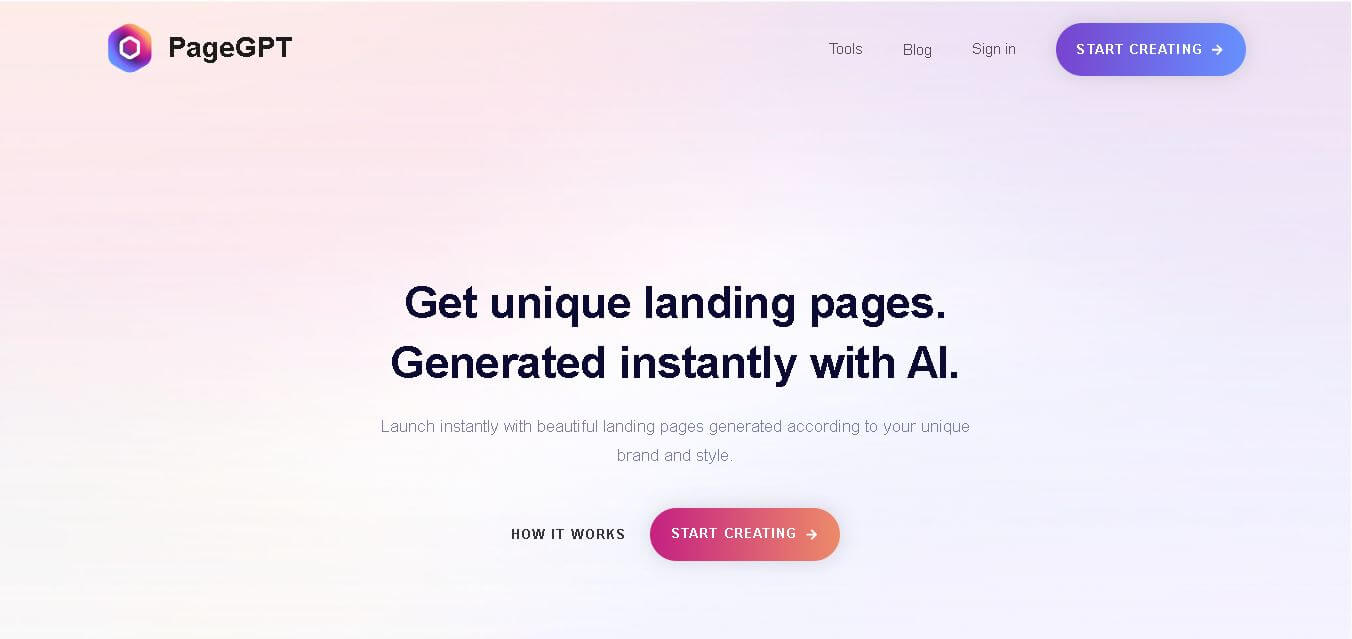
PageGPT helps businesses, creators, marketers, and entrepreneurs create customized landing pages and websites with AI. Users can describe their product and preferred style, generate designs with copy and images, then refine the result through chat or drag-and-drop editing. It also supports responsive pages, custom effects, and publishing options.
 4.8
4.8Locofy.ai
Design
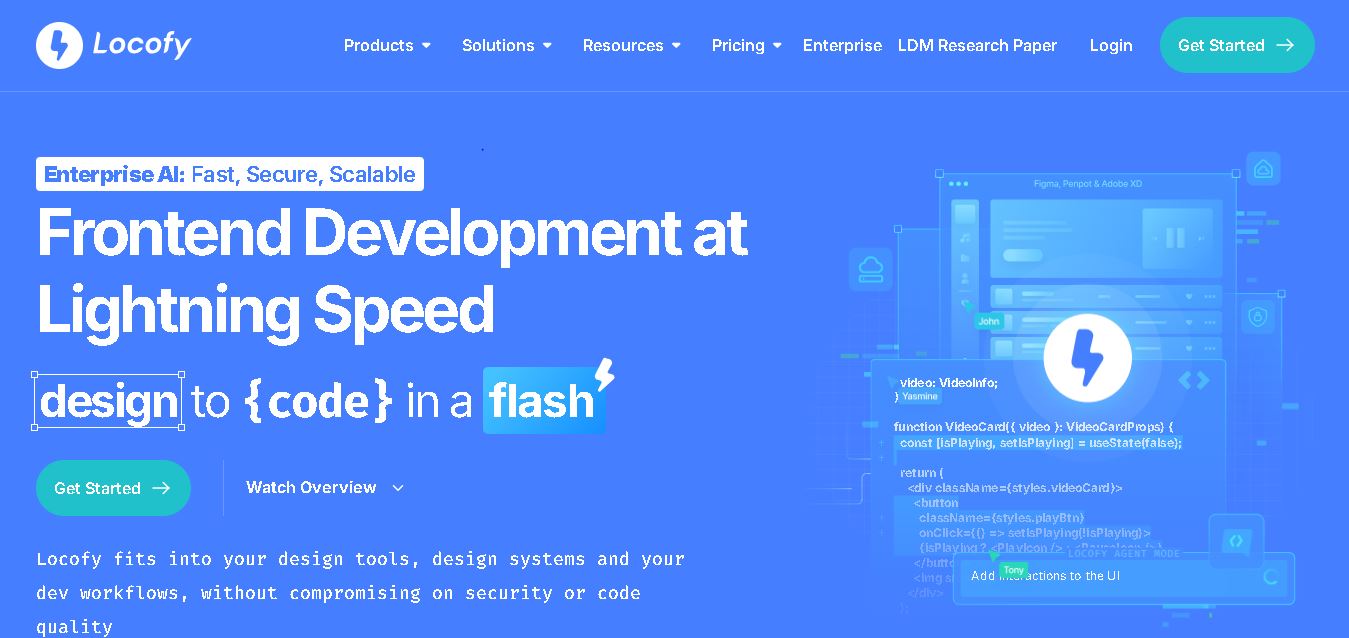
Locofy helps teams transform UI designs into developer-friendly frontend code without rebuilding interfaces manually. It supports popular design tools, web and mobile frameworks, responsive layouts, reusable components, and AI-assisted refinement. Designers can prepare screens while developers customize, export, synchronize, and continue development within familiar workflows and coding environments for teams.
 4.8
4.8Rooms.xyz
Design
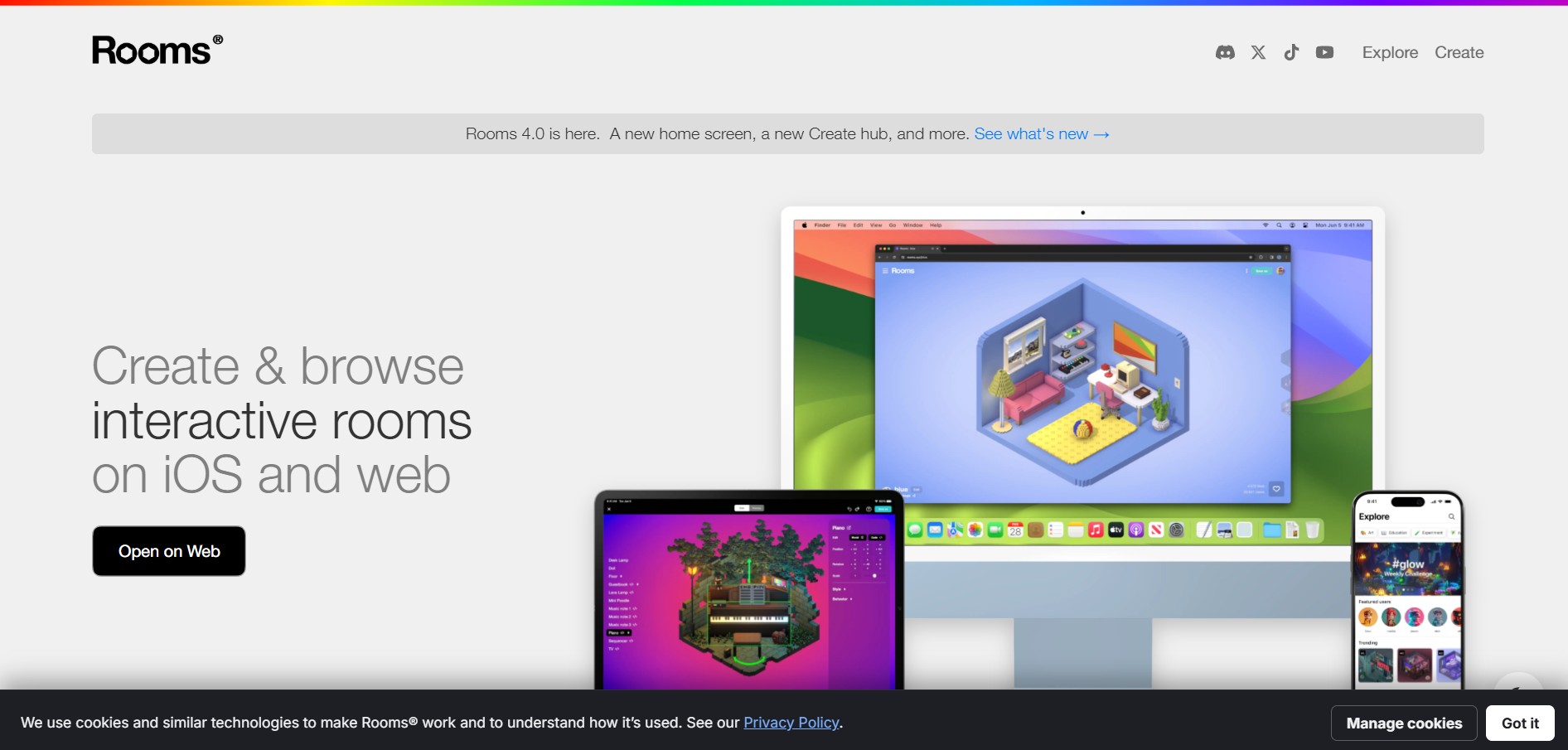
Rooms.xyz is a browser and mobile-based 3D design and game creation platform that allows users to build, code, and remix interactive 3D rooms and mini-games. Built by Things, Inc., the platform features a TikTok-like vertical feed for browsing user-generated worlds, a no-code Actions editor, deep Lua scripting support, and AI-powered voice/character integrations via Google's Gemini API.
 4.6
4.6UiMagic
Design
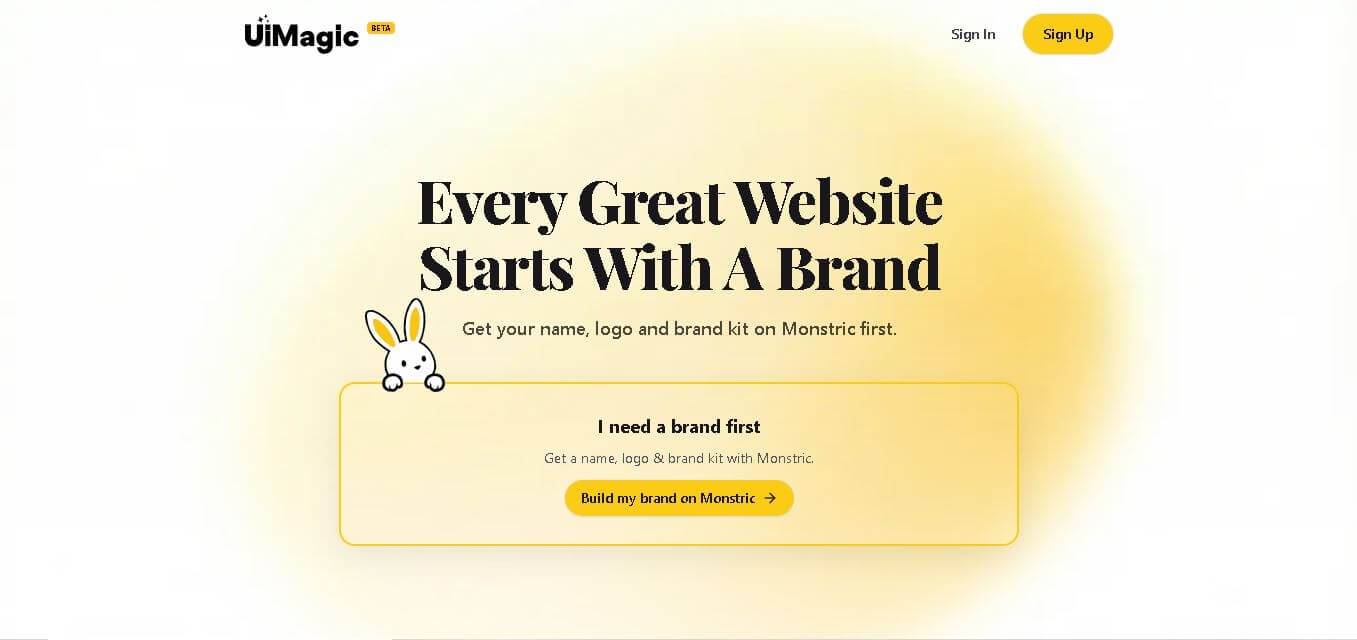
UiMagic helps users transform natural-language product ideas into full-stack applications without beginning from a blank coding environment. Its text-based approach can help developers, founders, designers, and creators quickly experiment with application concepts and move toward working products. The platform is currently presented as a beta product focused on faster application development.
 4.8
4.8Khroma
Design
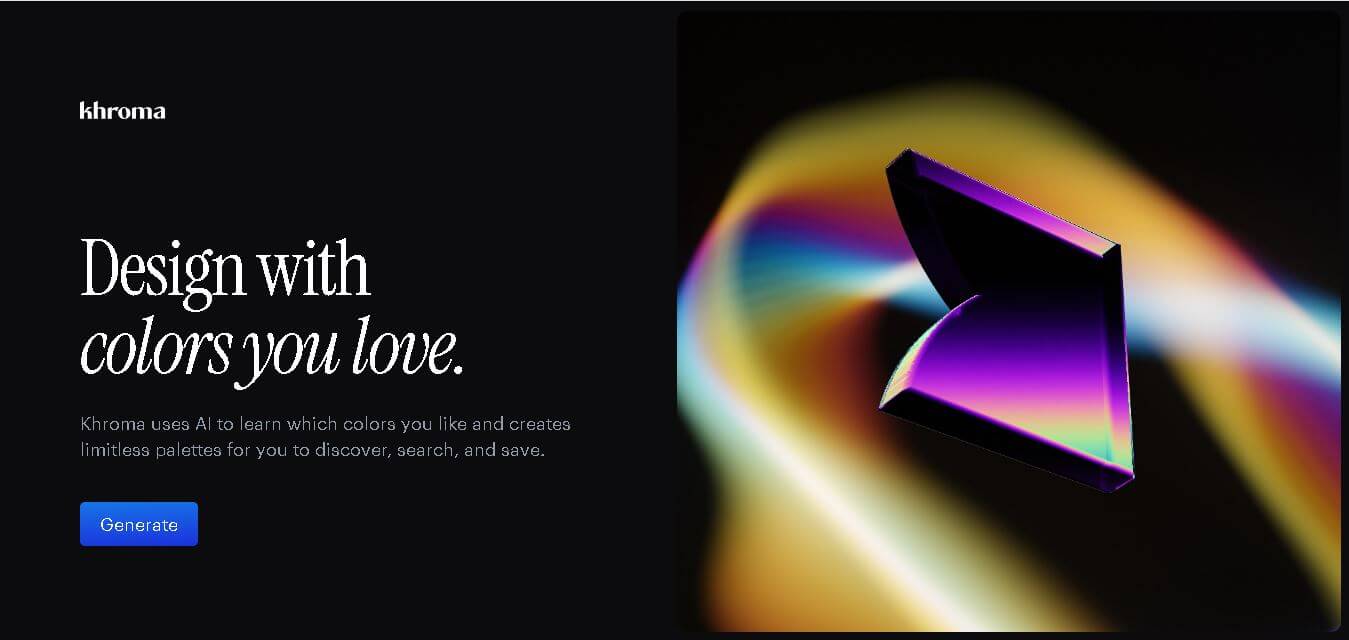
Khroma is a personalized color discovery tool for designers that learns your color preferences and generates endless combinations. You can explore palettes, gradients, typography, and images, then search results using color properties or HEX and RGB values. Favorite combinations can be saved with useful color information and accessibility ratings.