AutoDraw
AutoDraw is a free Google drawing tool that recognizes rough sketches and suggests polished illustrations. You can draw using a phone, tablet, or computer, select a matching suggestion, add colors and shapes, and create simple visual content quickly. It is useful for beginners, students, educators, presentations, invitations, and casual creative projects.
What is AutoDraw?
AutoDraw is a browser-based drawing tool from Google that helps users turn rough sketches into recognizable illustrations. As you draw, its machine-learning suggestion system tries to understand what you are creating and recommends professionally drawn icons or images that match your sketch. You can use it on a computer, phone, or tablet without installing traditional drawing software. AutoDraw is designed for quick creative tasks such as making invitations, birthday cards, simple graphics, classroom materials, or casual doodles, making visual creation easier for people without advanced drawing skills.
AutoDraw was introduced by Google in 2017 as a web-based drawing experiment designed to make digital drawing faster and more accessible. Google states that AutoDraw works across phones, computers, and tablets and is free to use. Its suggestion feature uses machine learning to interpret sketches and recommend drawings created by artists. The tool also provides options to download and share creations. AutoDraw requires JavaScript and is designed primarily for quick, simple visual creation rather than professional illustration workflows.
- Platform Role: AI Drawing Assistant & Vector Icon Generation Tool
- Developer & Organization: Google Creative Lab
- Cross-Platform Access: Web Browser (Desktop, Tablet, Smartphone)
Use Cases:
- Creating clean visual aids, flashcards, and presentation assets for classroom teaching
- Drafting rapid wireframes, mind maps, and schematic doodles during design brainstorming sessions
- Generating quick icons and simple clipart for social media posts, flyers, and digital notes
- Providing accessible digital artwork tools for students, kids, and non-artists
- Designing basic diagrams and downloadable PNG graphics without complex vector software
Technology:
- Google machine learning pattern recognition trained on millions of doodle datasets
- Real-time shape prediction algorithm matching stroke paths to artist-contributed vector drawings
- Lightweight web-based canvas engine executing entirely in the browser without server plugins
Target Users:
- Educators, teachers, and students needing simple digital drawing tools for projects
- Content creators, marketers, and bloggers building quick visual illustrations
- UX/UI designers and product teams requiring fast visual wireframing tools
Acquisition: 100% free web app access with no registration required at autodraw.com.
What are the key features of AutoDraw?
AutoDraw's key platform features are
- AutoDraw Predictive Tool: AI stroke recognition engine that turns rough scribbles into clean vector artwork instantly.
- Free Draw & Freehand Tools: standard pen tools for unassisted doodling and custom drawing.
- Color Palette & Fill: Custom color selection palette with bucket fill capabilities for fast coloring.
- Text & Shape Tools: Add basic typography, circles, rectangles, and custom text labels to the canvas.
- Selection & Transformation: Move, resize, rotate, and re-order elements directly on the drawing board.
- Instant PNG Export & Sharing: One-click image download in PNG format or instant link sharing.
How much does AutoDraw cost?
AutoDraw is completely free to use with no hidden fees, paywalls, or account creation requirements.
Free Access Model:
- 100% Free Web Experiment: Unlimited drawing, unrestricted vector downloads, and full access to AI suggestions without requiring a user account or subscription.
Disclaimer: AutoDraw is a free Google Creative Lab web experiment. Visit autodraw.com to start drawing immediately.
Who should use AutoDraw?
AutoDraw is designed for users of all skill levels, including
- Teachers & Students: Classrooms needing quick, fun, and accessible visual content tools.
- Non-Designers & Beginners: Individuals who want clean illustrations without graphic design skills.
- Designers & Strategists: Teams needing rapid visual ideation and quick icon generation during meetings.
What are the best alternatives to AutoDraw?
Some of the strongest AutoDraw alternatives include
- Google Quick, Draw!
- Scribble Diffusion
- Canva Draw
- Excalidraw
- Excalidraw AI
What are the pros and cons of AutoDraw?
What are the pros of AutoDraw?
- Completely free to use with zero registration or account setup needed
- Instant, highly accurate AI recognition for common icons and everyday objects
- Lightweight and works smoothly across web browsers on mobile, tablet, and desktop
- Clean vector artwork provided by professional contributing artists
What are the cons of AutoDraw?
- Limited to pre-existing vector drawings in Google's library (cannot generate custom generative art)
- Does not offer advanced vector editing, layers, or multi-format exports like SVG
- Lacks collaborative live multiplayer features for real-time teamwork
Why should you choose AutoDraw?
When you need a quick icon, simple graphic, or diagram without opening complex software like Adobe Illustrator or Figma, AutoDraw provides an effortless solution. By leveraging machine learning to interpret user intent, AutoDraw transforms rough mouse or touchscreen doodles into professional graphics within seconds.
How does AutoDraw compare to competitors?
While tools like Scribble Diffusion use generative AI to render detailed paintings from sketches, AutoDraw focuses on fast icon and vector clipart replacement—making it vastly superior for clean, simple graphic design tasks.
| Feature / Platform | AutoDraw | Scribble Diffusion | Canva Draw | Excalidraw |
|---|---|---|---|---|
| Primary Focus | Doodle to Clipart/Icon Matching | Sketch to Generative Image Art | Whiteboard Drawing & Templates | Hand-Drawn Style Diagramming |
| AI Technology | Google Machine Learning Recognition | Stable Diffusion ControlNet | Standard Pen / basic AI tools | Optional AI Plugin |
| User Account Required | No | No | Yes | No |
| Output Style | Clean Clipart / Icons | Photorealistic / Digital Paintings | Freehand Canvas Assets | Sketchy Diagram Vectors |
How do we rate AutoDraw?
| Parameter | Rating (out of 5) |
|---|---|
| Ease of Use & Accessibility | 5.0 |
| AI Stroke Recognition Speed | 4.8 |
| Clipart & Vector Library Quality | 4.5 |
| Cross-Device Performance | 4.8 |
| Value for Money (Free Tool) | 5.0 |
| Overall Score | 4.82 |
What is our review and verdict on AutoDraw?
AutoDraw is an exceptionally useful, lightweight tool from Google Creative Lab. By combining machine learning prediction with clean artwork, it bridges the gap between rough ideas and presentable graphics for anyone without design experience.
Conclusion
AutoDraw remains a useful choice for anyone who wants to create simple drawings without advanced artistic skills. Its combination of machine-learning sketch recognition and artist-created suggestions makes the drawing process faster and more approachable. Because it works directly in a browser and supports phones, tablets, and computers, AutoDraw is convenient for quick creative projects. It is not intended to replace professional illustration software, but it can be an effective tool for beginners, students, teachers, and casual creators.
FAQ
What is AutoDraw?
AutoDraw is a browser-based drawing tool from Google that helps users turn rough sketches into recognizable illustrations. It combines machine learning with artwork created by talented artists, suggesting polished drawings as you sketch. The tool is designed for quick, accessible visual creation, making it useful for students, educators, marketers, designers, and anyone who wants to create simple graphics without advanced drawing skills.
How does AutoDraw work?
AutoDraw works by recognizing the rough shapes you draw and matching them with possible illustrations. As you sketch, the tool uses machine learning to understand your drawing and presents suggested artwork that you can select. This approach lets beginners create cleaner visuals quickly without manually producing detailed drawings from scratch.
Is AutoDraw free to use?
Yes, AutoDraw is available to use without a paid subscription. Users can open the website in a supported browser and start creating drawings directly. There is no requirement to purchase an expensive design application or subscribe to a premium plan, making AutoDraw particularly convenient for casual and educational creative projects.
Who should use AutoDraw?
AutoDraw is suitable for students, teachers, casual creators, marketers, presenters, and anyone who needs simple illustrations quickly. It is particularly helpful when you have an idea but lack drawing skills. Instead of spending time learning professional illustration software, you can sketch a rough concept and choose from recognizable suggestions generated through its machine-learning system.
Can AutoDraw create professional illustrations?
AutoDraw can help produce clean, recognizable illustrations, but it is not intended to replace professional illustration software. Its main strength is speed and simplicity rather than advanced artistic control. For presentations, classroom activities, basic graphics, and quick concepts, its suggested drawings can be useful without requiring professional design or illustration experience.
Does AutoDraw use artificial intelligence?
AutoDraw uses machine learning to recognize users' rough sketches and suggest corresponding drawings. Google describes the service as pairing machine learning with drawings created by talented artists. This combination allows the tool to interpret simple sketches and provide more polished visual options, helping users create recognizable artwork with less manual effort.
User Reviews
No reviews yet for AutoDraw.
Featured Tools
Featured AI tools from TechShark

Melody Genie
MelodyGenie is an AI-powered music generator that creates original songs from simple text prompts. Users can choose styles, moods, and genres, then instantly generate melodies and full tracks, making it easy for creators, marketers, and hobbyists to produce custom music without musical expertise.
Freemium

Kimi AI
Kimi AI is an advanced AI assistant developed by Moonshot AI that helps you chat, research, write, code, and automate tasks in one place. It supports web search, file analysis, and multimodal inputs, and can even run autonomous “agent” workflows to complete complex tasks end-to-end.
Freemium

Fashion Diffusion AI
Fashion Diffusion is an AI-powered fashion design platform that helps brands and designers create clothing designs, virtual try-ons, AI models, product photos, and marketing visuals faster and cost-effectively.
Paid

Veo 4
Veo 4 AI is an AI video creation platform that generates dramatic videos from text, images, audio, and video prompts using realistic motion and synchronized sound.
Paid
Alternatives
Alternatives to AutoDraw
The best AutoDraw alternatives include Google Quick Draw, Scribble Diffusion, Canva Draw, and Excalidraw. While Scribble Diffusion creates generative digital paintings, AutoDraw offers instant doodle-to-vector icon conversion.
 4.8
4.8AiDash
Personal Assistant
AiDASH helps utilities and infrastructure organizations monitor assets, identify vegetation and climate-related risks, predict storm and wildfire impacts, and prioritize inspections. Its platform combines satellite imagery, AI models, weather, GIS, and historical operational data to provide actionable intelligence for improving reliability, reducing costs, and strengthening infrastructure resilience.
 4.8
4.8Inngest
Personal Assistant
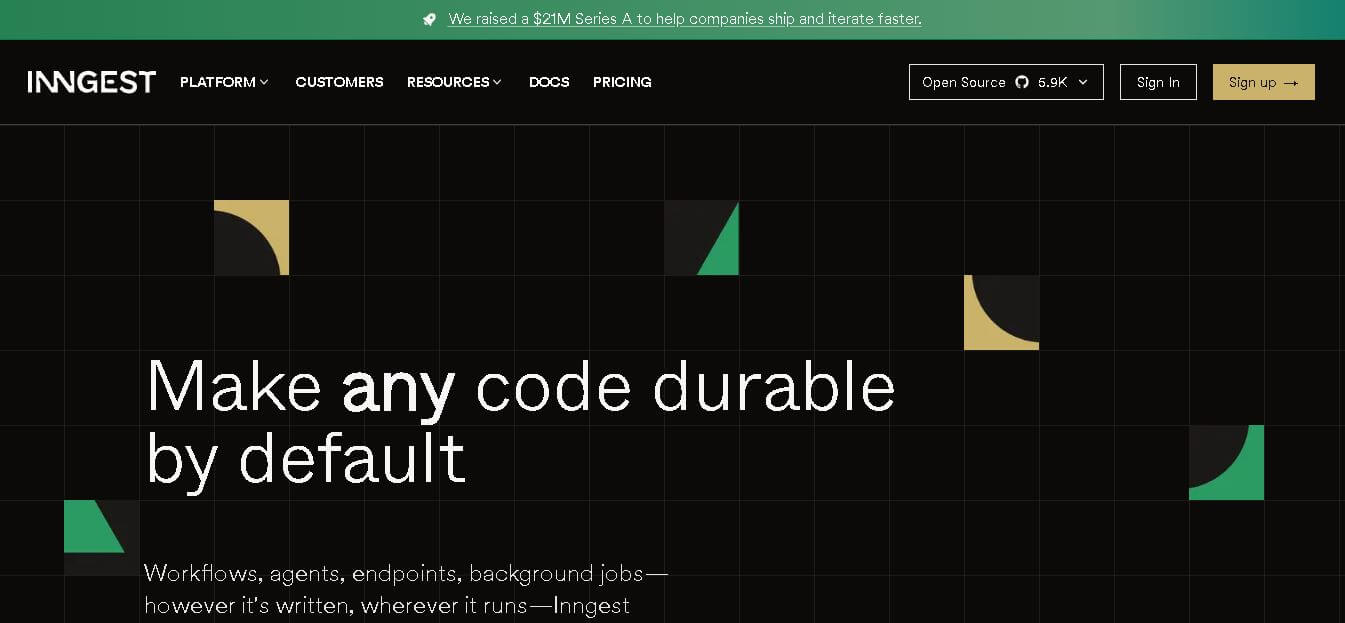
Inngest helps developers build reliable workflows and AI agents by adding durable execution to application code. It handles retries, waits, saved step results, concurrency, scheduling, and execution traces, while allowing teams to keep existing infrastructure. It is designed for background jobs, long-running workflows, integrations, and multi-step automated processes.
 4.8
4.8Qdrant
Personal Assistant
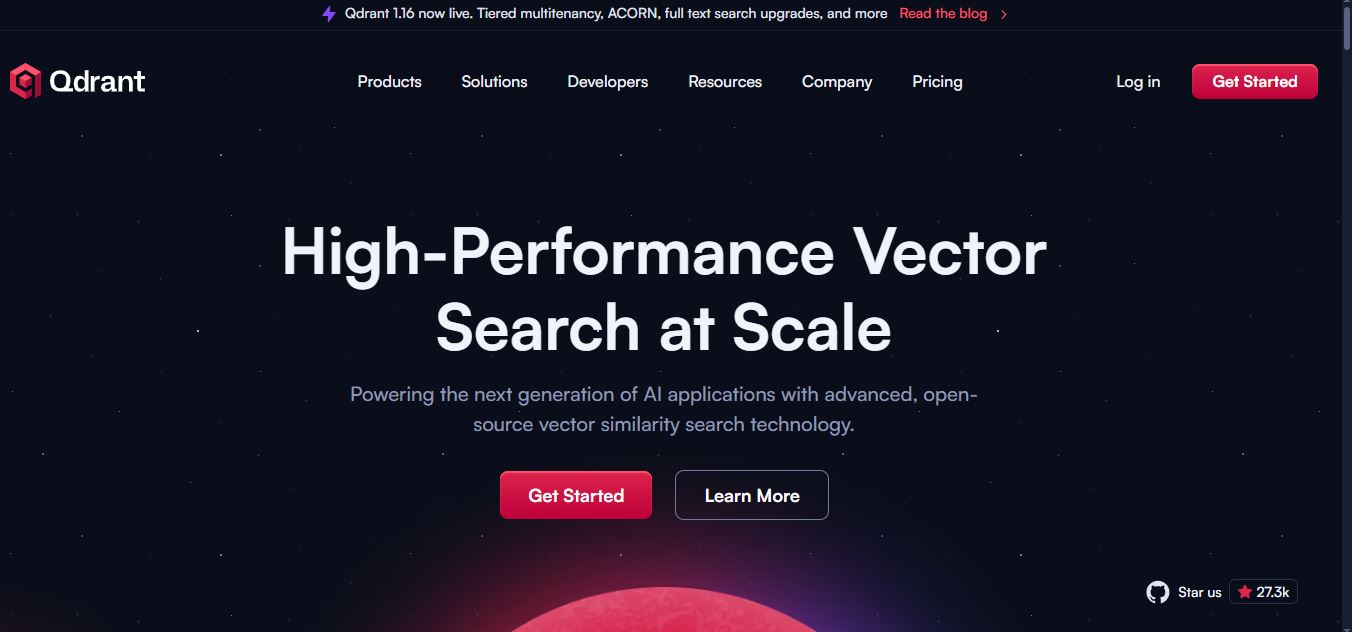
Qdrant is a vector search engine for building fast, scalable AI retrieval systems. It supports semantic search, RAG, recommendations, AI agents, hybrid dense-sparse retrieval, metadata filtering, reranking, and multimodal search. Developers can self-host Qdrant or use Qdrant Cloud for managed infrastructure, scaling, backups, monitoring, and enterprise deployment options for applications.
 4.8
4.8Fellow
Personal Assistant
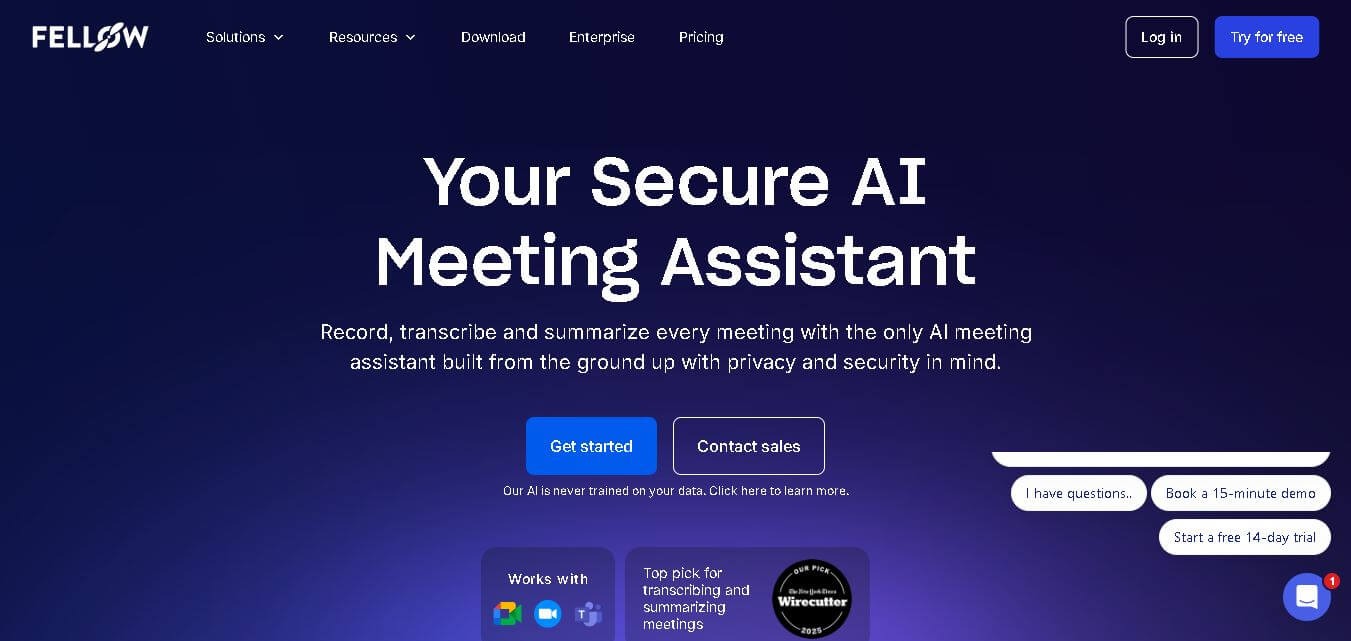
Fellow is an AI-powered meeting assistant and team management platform designed to streamline collaborative agendas, AI meeting transcriptions, summaries, action items, and 1-on-1 accountability structures.
 4.6
4.6Tarotoo
Personal Assistant
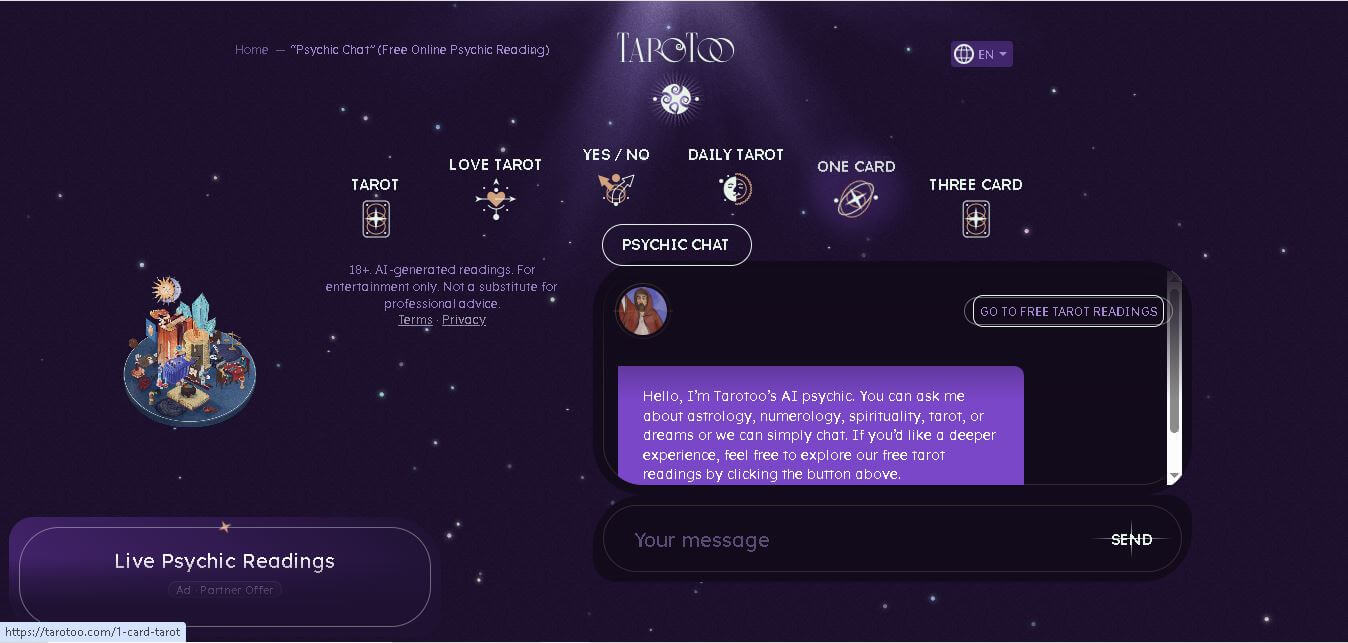
Tarotoo Psychic is an online spiritual guidance tool that helps users explore questions related to love, relationships, career, personal growth, astrology, numerology, and tarot symbolism. It offers personalized AI-generated conversations for self-reflection rather than predicting the future, making it suitable for anyone seeking thoughtful insights in a private, free, and accessible environment.
 4.9
4.9Luzia
Personal Assistant
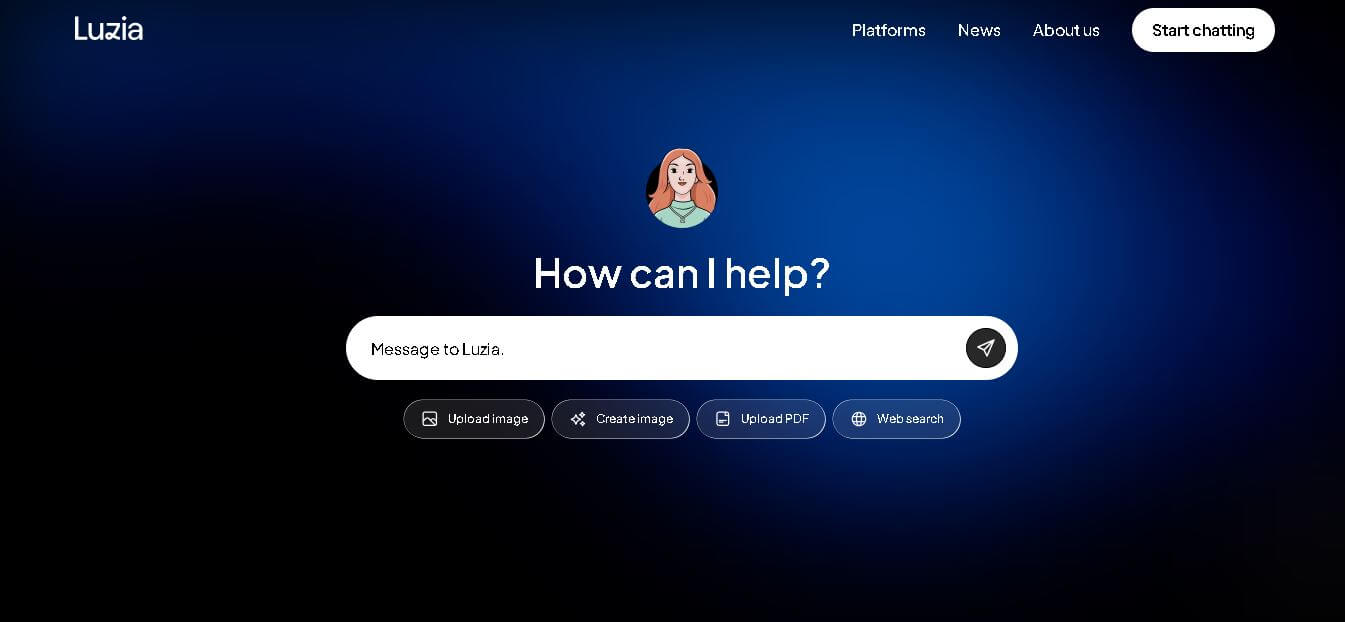
Luzia is a free, mobile-first AI personal assistant designed to bring conversational AI, instant voice note transcription, document analysis, and daily task automation directly into WhatsApp, Telegram, iOS, and Android.
 4.5
4.5MaestroLabs
Email Assistant
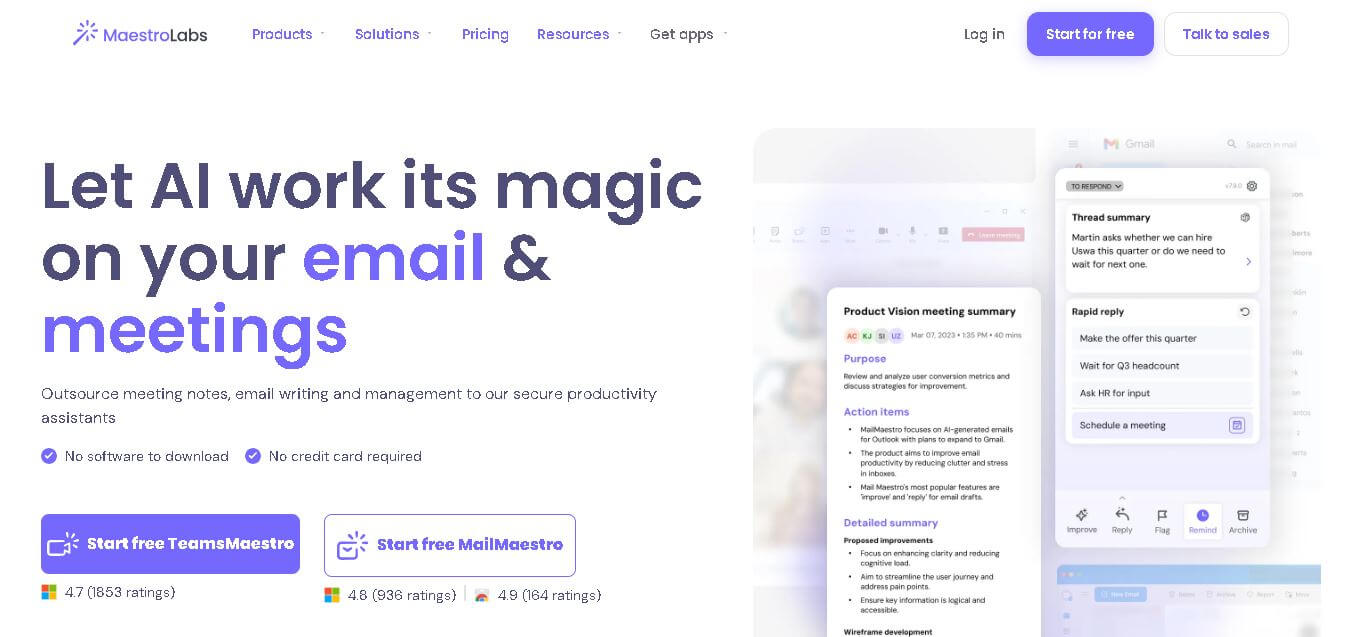
Maestro Labs is an AI-powered productivity platform that streamlines email writing, meeting notes, scheduling, and inbox management for Outlook, Gmail, and Microsoft Teams, helping professionals save valuable time.
 4.5
4.5Wellpin
Personal Assistant
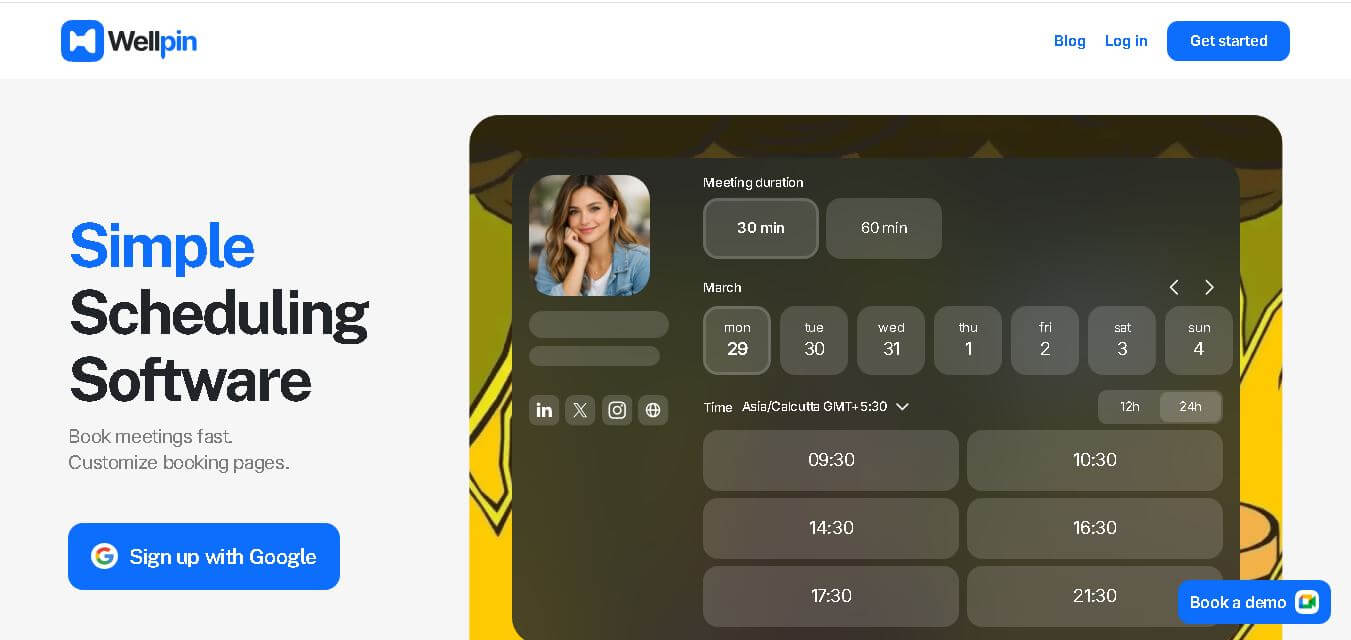
Wellpin is an AI-powered scheduling platform that simplifies appointment booking with smart calendar synchronization, automated reminders, customizable booking pages, and team scheduling for businesses, freelancers, and professionals.
 4.3
4.3Supermanage AI
HR
SuperManage AI is an AI-powered management assistant that helps teams prepare better meetings, analyze communication insights, and improve employee interactions using intelligent summaries and data-driven recommendations.