
LockedIn AI
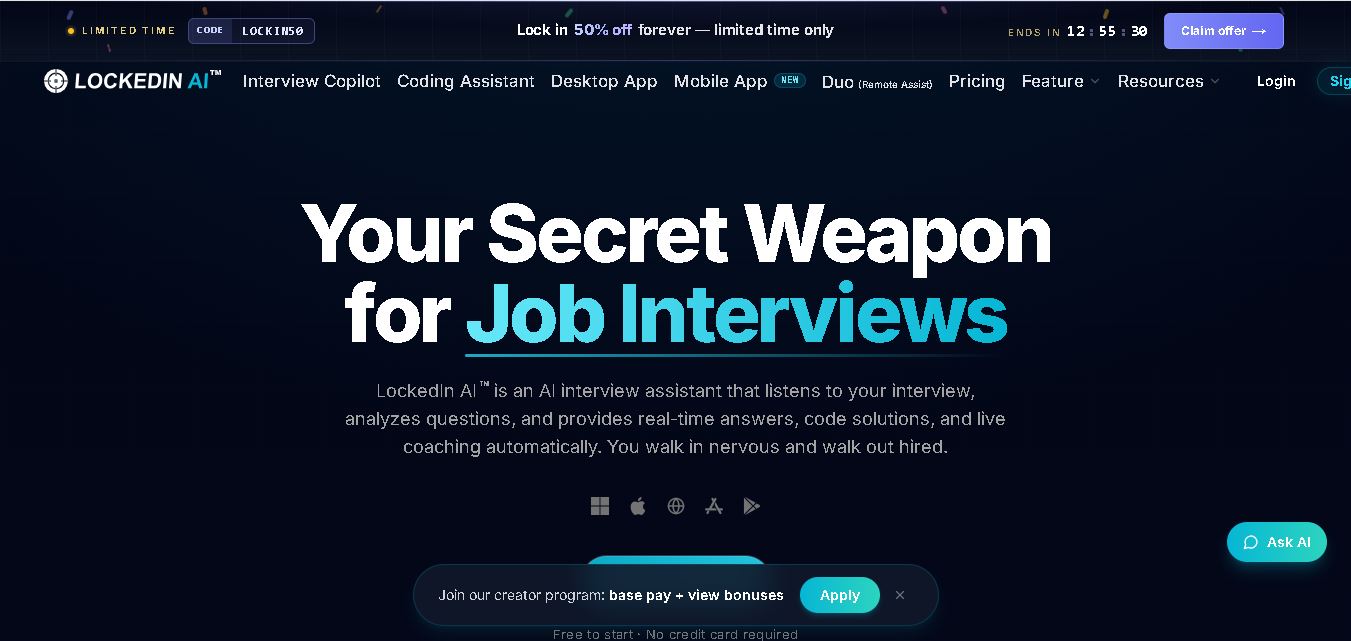
LockedIn AI helps job seekers prepare for and navigate interviews using real-time responses, personalized coaching, coding support, and performance feedback. It supports technical and professional interview scenarios, works with popular meeting platforms, offers mock interview practice, and includes tools designed to improve communication, problem-solving, and overall interview preparation.
What is LockedIn AI?
LockedIn AI is a real-time interview assistant designed to help job seekers handle technical, behavioral, and professional interviews with personalized guidance. It listens to interview questions and provides relevant responses, coding assistance, coaching, and follow-up support during live conversations. Users can configure their profile for role-specific suggestions, practice through mock interviews, review performance reports, and access assistance across meeting platforms such as Zoom, Google Meet, and Microsoft Teams.
LockedIn AI reports more than 1 million users worldwide and displays a 4.8 rating based on 2,739 reviews on its homepage. The service lists an average response speed of 116 milliseconds and support for 50+ languages, while another homepage section mentions 99+ languages and accents. Its Free plan requires no credit card and provides unlimited 5-minute sessions, with up to 60 free minutes per day and a 1-minute pause between sessions.
- Platform Role: AI Interview Assistant, Real-Time Copilot & Assessment Helper
- Developer & Organization: LockedIn AI, Inc.
- Cross-Platform Access: Web Browser App, macOS & Windows Desktop Apps, Mobile App, and native VSCode/Cursor Editor extensions
Use Cases:
- Receiving real-time, on-screen textual answers during behavioral, system design, and technical interviews
- Solving coding challenges, debugging algorithms, and getting instant live code explanations directly in VSCode or Cursor
- Navigating automated online technical assessments on platforms like HireVue, HackerRank, and CodeSignal
- Inviting a remote human mentor via LockedIn Duo to co-pilot interviews with live audio and chat assistance
- Practicing mock interviews across 50+ supported languages and receiving detailed post-session scoring reports
Technology:
- Ultra-low latency audio processing engine delivering AI responses in as fast as 116 ms
- Multi-model routing powered by top-tier LLMs, including ChatGPT, Gemini, Claude, DeepSeek, and Grok, with real-time web search integration
- Stealth Desktop Overlay technology allowing the app to run on top of active video software without system UI detection
- LockedIn Duo architecture facilitating secure remote stream sharing and helper collaboration
Target Users:
- Software engineers and developers undergoing live coding, system design, and algorithmic evaluations
- Product managers, UX designers, and project managers tackling case studies and situational interview prompts
- Job seekers across finance, marketing, legal, and sales seeking real-time guidance during high-stakes interviews
Acquisition: Native web and desktop application operated by LockedIn AI (lockedinai.com)
What are the key features of LockedIn AI?
LockedIn AI's key platform features are
- Real-Time Interview Copilot: Listens to interview audio stream and immediately displays private, personalized answers and bullet points.
- Stealth Overlay & Background Mode: Runs invisibly with customized hotkeys to toggle answer overlays over Zoom, Google Meet, or Microsoft Teams.
- Coding Copilot & IDE Integrations: Offers direct extensions for VSCode and Cursor to send code snippets and receive instant debug solutions via keyboard shortcuts.
- Online Assessment Support: Supports audio and visual inputs across testing suites such as HireVue, CodeSignal, and HackerRank.
- LockedIn Duo (Remote Assist): Enables candidates to securely invite a trusted colleague or mentor to assist live during sessions.
- Multilingual Voice Recognition: Supports real-time speech processing and answer generation in over 50 global languages.
How much does LockedIn AI cost?
LockedIn AI offers a free trial plan to test basic mock interviews, alongside flexible premium subscription tiers based on interview session limits, model access, and feature depth.
Pricing Plans:
- Free Tier ($0 / Free Plan): Free account creation with basic mock practice session access; no credit card required.
- Pro / Premium Plans: Tiered subscription options unlocking full live copilot access, VSCode/Cursor integrations, stealth overlay mode, and LockedIn Duo remote collaboration features.
Disclaimer: Free sign-up provides basic access for practice. Live real-time meeting capture, IDE extensions, and advanced multi-model choices require a paid membership.
Who should use LockedIn AI?
LockedIn AI is designed for job candidates and interviewees, including
- Software Developers & DevOps Engineers: Technical professionals needing immediate algorithmic breakdowns and live coding debug assistance.
- Project & Product Managers: Candidates answering complex situational, strategy, and behavioral questions under time pressure.
- Multilingual Job Applicants: Non-native speakers seeking instant speech transcription and multi-language answer translation during calls.
What are the best alternatives to LockedIn AI?
Some of the strongest LockedIn AI alternatives include
- Final Round AI
- Interviewer.AI
- Sensei AI
- Hinterview
- Interview Warmup
What are the pros and cons of LockedIn AI?
What are the pros of LockedIn AI?
- Ultra-fast latency (116ms average speed) for virtually instantaneous answer delivery
- Native integrations directly inside popular coding editors like VSCode and Cursor
- Unique LockedIn Duo feature allowing remote human mentor support alongside AI
- Stealth desktop mode designed to stay private and overlay unobtrusively on any call software
What are the cons of LockedIn AI?
- Reliance on live audio capture requires a stable internet connection for fast model inference
- Over-reliance during live interviews can reduce natural conversational eye contact if not managed carefully
Why should you choose LockedIn AI?
Preparing for interviews across system design, coding assessments, and behavioral panels often leads to high anxiety and missed details. LockedIn AI alleviates interview stress by serving as an intelligent, real-time safety net. With its unobtrusive desktop overlay, instant 116ms processing speed, code editor integration, and remote assist capabilities, LockedIn AI helps candidates present their best self and answer tough questions with confidence.
How does LockedIn AI compare to competitors?
| Feature / Platform | LockedIn AI | Final Round AI | Sensei AI | Google Interview Warmup |
|---|---|---|---|---|
| Core Focus | Live Interview Copilot & Coding Assist | Real-time Interview Co-pilot & Resume AI | Live Meeting Assistance & Scripting | Free Self-Paced Practice & Transcript Analysis |
| IDE Integration | Native extensions for VSCode & Cursor | Web-based / Desktop Overlay | None (Desktop/Web only) | None (Web browser practice only) |
| Human-AI Duo Mode | Yes (LockedIn Duo Remote Assist) | No | No | No |
| Response Latency | Ultra-low (~116 ms) | Fast real-time streaming | Standard streaming | Asynchronous (Post-answer feedback) |
| Best For | Developers and technical job applicants wanting stealth, real-time help | General job seekers wanting complete interview suites | Business professionals seeking live transcript prompts | Entry-level job seekers practicing behavioral basics for free |
How do we rate LockedIn AI?
| Parameter | Rating (out of 5) |
|---|---|
| Real-Time Audio Latency & Speed | 4.9 |
| IDE & Desktop Integration | 4.8 |
| Answer Accuracy & Multi-Model Depth | 4.7 |
| Privacy & Stealth Usability | 4.8 |
| Value for Money | 4.7 |
| Overall Score | 4.78 |
What is our review and verdict on LockedIn AI?
LockedIn AI represents an impressive advancement in real-time AI assistance. By offering ultra-low latency audio processing, seamless stealth desktop overlays, native VSCode/Cursor extensions, and the innovative LockedIn Duo co-piloting feature, it stands out as one of the most capable tools available for technical job seekers and meeting prep.
Conclusion
LockedIn AI combines real-time interview guidance, mock interview practice, coding assistance, personalized responses, and post-session feedback within one career-focused service. Its support for different interview scenarios, popular meeting platforms, multiple languages, and developer tools makes it relevant to both technical and non-technical candidates. The available Free plan also gives new users an opportunity to explore its interview assistance before deciding whether advanced paid features fit their preparation needs.
FAQ
What is LockedIn AI used for?
LockedIn AI is mainly used for interview preparation and real-time interview assistance. If you are preparing for technical, behavioral, consulting, sales, or other professional interviews, it can provide personalized responses, coaching, coding guidance, and feedback. You can also practice through mock interviews and review performance reports afterward.
How does LockedIn AI work during an interview?
LockedIn AI listens to interview conversations, analyzes questions, and generates relevant suggestions that you can reference during the session. Before starting, you can configure your profile and provide role information for personalized assistance. Its Copilot can support responses, while coaching features help with communication, pacing, clarity, and follow-up questions.
Is LockedIn AI free to use?
Yes, LockedIn AI provides a Free plan, so you can test its core functionality before purchasing a subscription. According to its current support documentation, free users receive unlimited 5-minute sessions, subject to a maximum of 60 free minutes each day, with a 1-minute pause required between individual sessions.
Can I use LockedIn AI for coding interviews?
Yes. LockedIn AI includes Coding Copilot capabilities for technical interviews involving algorithms, programming problems, follow-up questions, debugging, and code review. It also provides integrations for VSCode and Cursor, allowing developers to send selected code to Copilot and add code directly to the contextual information used for assistance during technical preparation.
Does LockedIn AI work with Zoom and Google Meet?
Yes. LockedIn AI states that its interview assistant works with popular meeting platforms, including Zoom, Google Meet, and Microsoft Teams. The system captures audio to identify interview content and generate assistance. This makes it useful when your interviews or professional meetings take place through commonly used online communication and conferencing services.
Can I practice with LockedIn AI before an interview?
Yes. You can use LockedIn AI for mock interview practice before attending an actual interview. Practice sessions are available across desktop, tablet, and phone devices without requiring a download. After completing a session, the system can provide performance analysis and competency scores, helping you identify areas that may need additional preparation.
User Reviews
No reviews yet for LockedIn AI.
Featured Tools
Featured AI tools from TechShark

Melody Genie
MelodyGenie is an AI-powered music generator that creates original songs from simple text prompts. Users can choose styles, moods, and genres, then instantly generate melodies and full tracks, making it easy for creators, marketers, and hobbyists to produce custom music without musical expertise.
Freemium

Kimi AI
Kimi AI is an advanced AI assistant developed by Moonshot AI that helps you chat, research, write, code, and automate tasks in one place. It supports web search, file analysis, and multimodal inputs, and can even run autonomous “agent” workflows to complete complex tasks end-to-end.
Freemium

Fashion Diffusion AI
Fashion Diffusion is an AI-powered fashion design platform that helps brands and designers create clothing designs, virtual try-ons, AI models, product photos, and marketing visuals faster and cost-effectively.
Paid

Veo 4
Veo 4 AI is an AI video creation platform that generates dramatic videos from text, images, audio, and video prompts using realistic motion and synchronized sound.
Paid
Alternatives
Alternatives to LockedIn AI
The best LockedIn AI alternatives include Final Round AI, Sensei AI, and Google Interview Warmup. While LockedIn AI provides real-time stealth desktop assistance, VSCode/Cursor IDE extensions, and LockedIn Duo human collaboration, alternatives like Final Round AI offer broad resume and interview preparation suites, while Google Interview Warmup provides free self-paced behavioral practice.
 4.7
4.7PartyPilot AI
Life Assistant
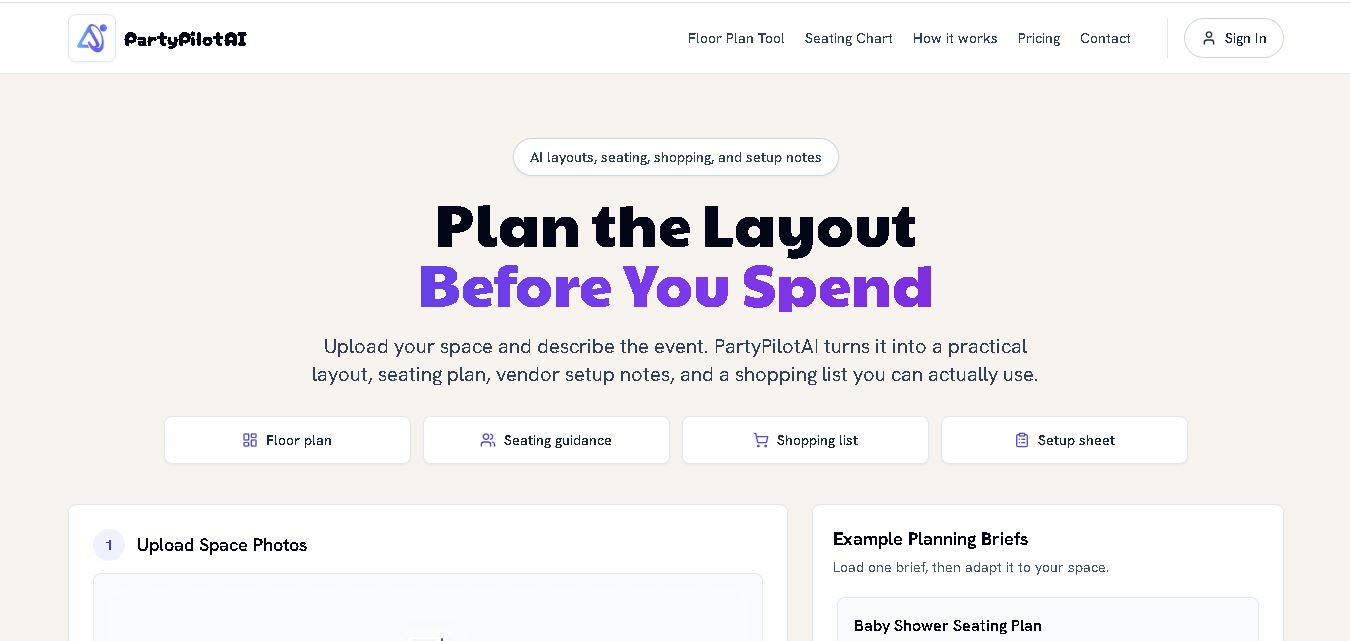
PartyPilotAI helps you plan celebrations around your actual space. Upload venue photos, describe your guest count, theme, budget, and requirements, then receive practical layout guidance, seating ideas, shopping priorities, setup notes, and optional visual mockups. It is designed for hosts, families, helpers, vendors, and event-planning workflows for smoother event preparation.
 4.8
4.8SuperIntern
Life Assistant
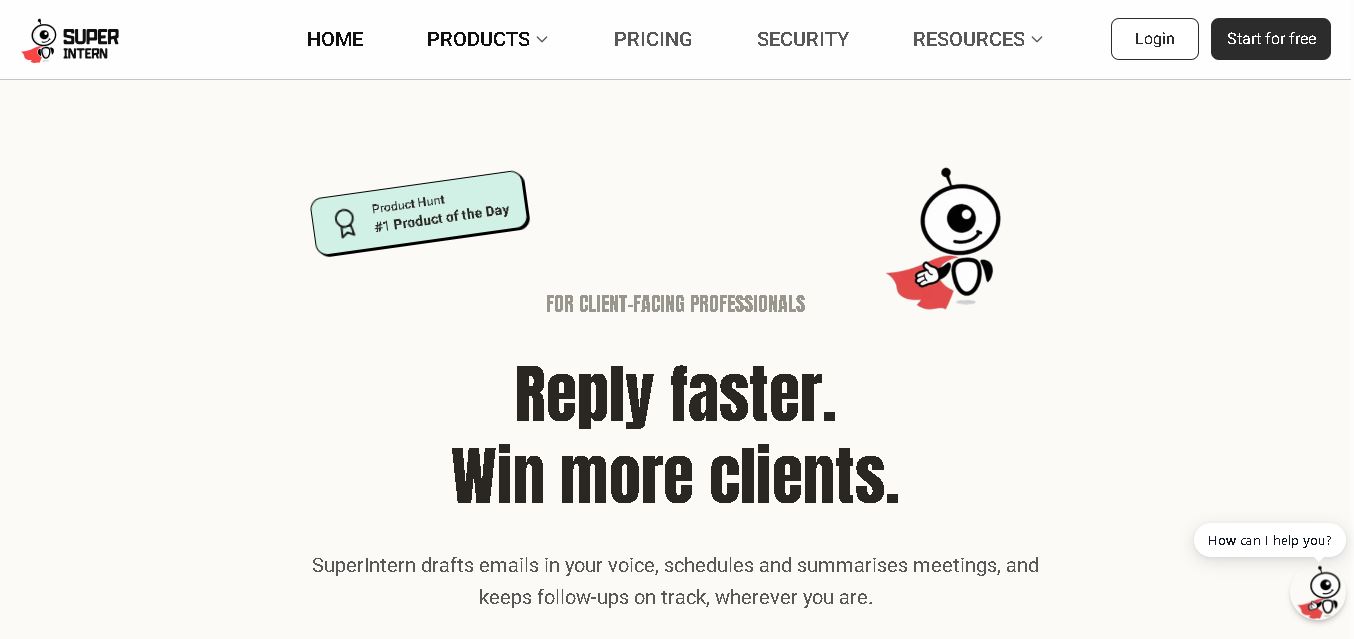
SuperIntern is a proactive AI assistant for professionals who want help managing emails, meetings, tasks, reminders, and follow-ups. It learns your communication style, works through familiar messaging apps, connects business knowledge, and handles recurring workflows. You review important outputs before sending, while the assistant reduces repetitive administrative work across operations.
 4.8
4.8JourneAI
Life Assistant
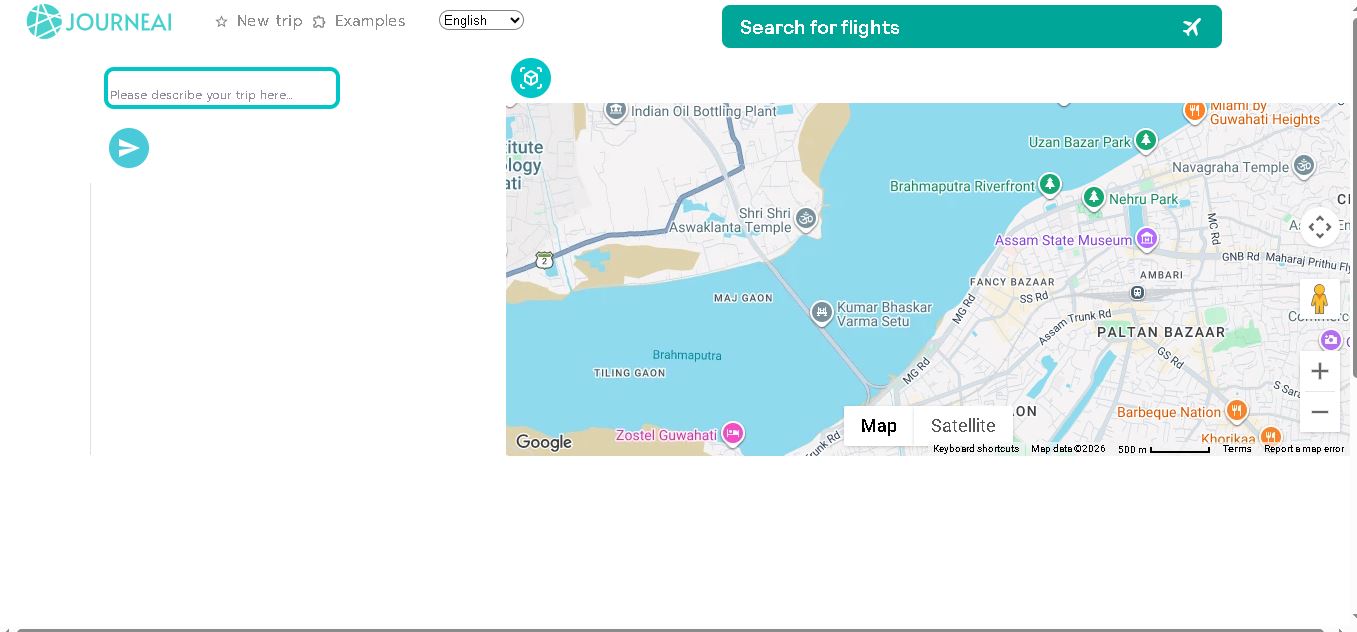
JourneAI is a travel itinerary generator that turns your destination or travel idea into a personalized trip plan. It helps travelers organize journeys quickly by generating detailed itineraries from simple descriptions. The tool is useful for discovering travel possibilities, structuring activities, and creating a practical starting point for trip planning.
 4.7
4.7SYiGO
Life Assistant
SYiGO is a structured digital dialogue space for reflection, clarity, and conscious decision-making. It helps individuals organize thoughts, explore values, understand complex situations, and identify priorities. Teams can also use SYiGO to bring perspectives together, clarify responsibilities, strengthen communication, and create shared alignment during important decisions or organizational change.
 4.7
4.7RedditScout
Life Assistant
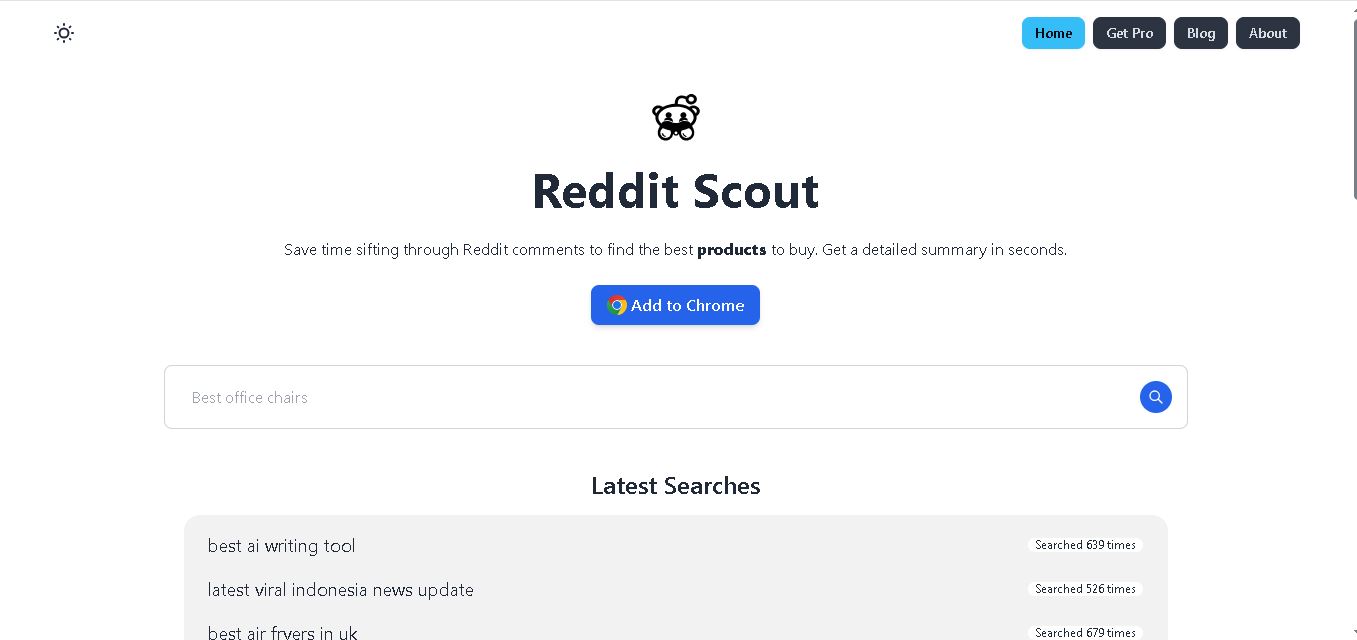
Reddit Scout helps you research products through Reddit discussions. Enter a product or category, and it surfaces relevant comments, highlights community experiences, and summarizes useful information. It can reduce time spent browsing multiple threads when comparing products, discovering recommendations, or understanding what Reddit users say about a specific purchase decision.
 4.7
4.7Glitter AI
Life Assistant
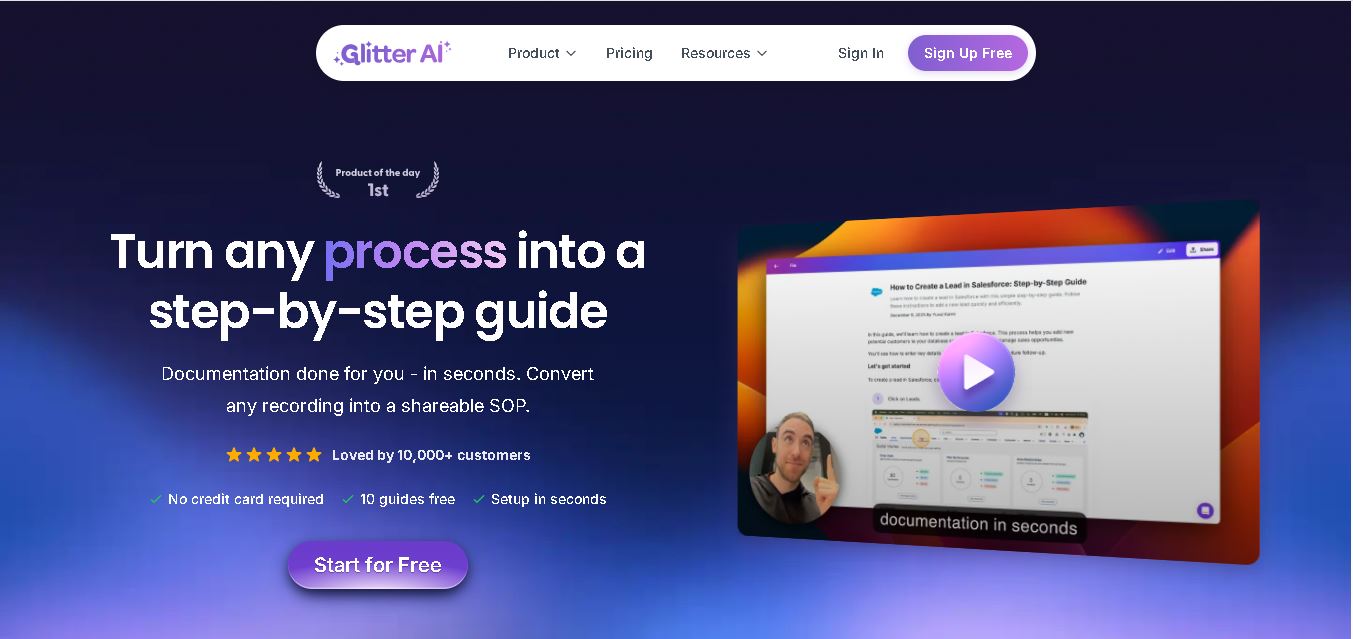
Glitter AI helps teams turn everyday workflows into clear step-by-step guides, SOPs, and training documentation. Record your screen and voice or upload an existing video, and Glitter identifies important moments, captures screenshots, and generates written instructions. Guides can then be edited, shared, exported, translated, or embedded for easier knowledge sharing.
 4.7
4.7BlackInk AI
Life Assistant
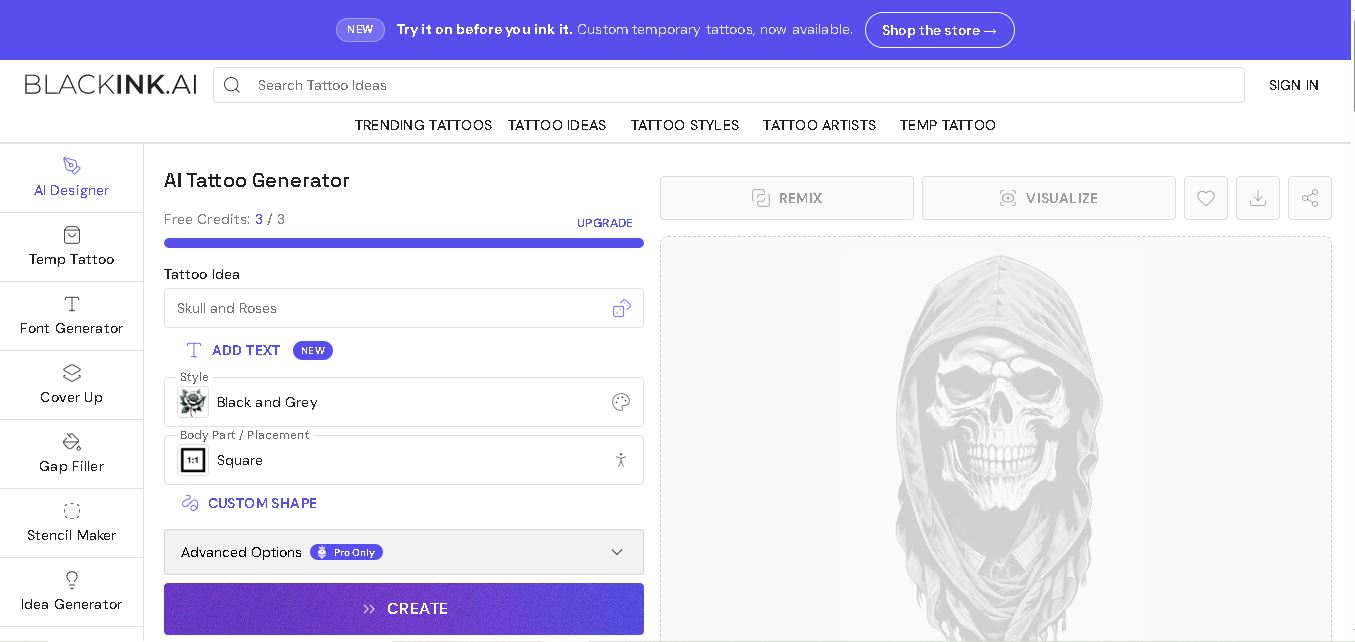
BlackInk AI helps users turn tattoo ideas into personalized visual concepts using simple text prompts and customization options. You can explore different styles, preview designs on body placements, create stencils, and refine creative directions before visiting an artist. It suits beginners, tattoo enthusiasts, illustrators, and professional tattoo artists alike today.
 4.8
4.8Jovida AI
Life Assistant
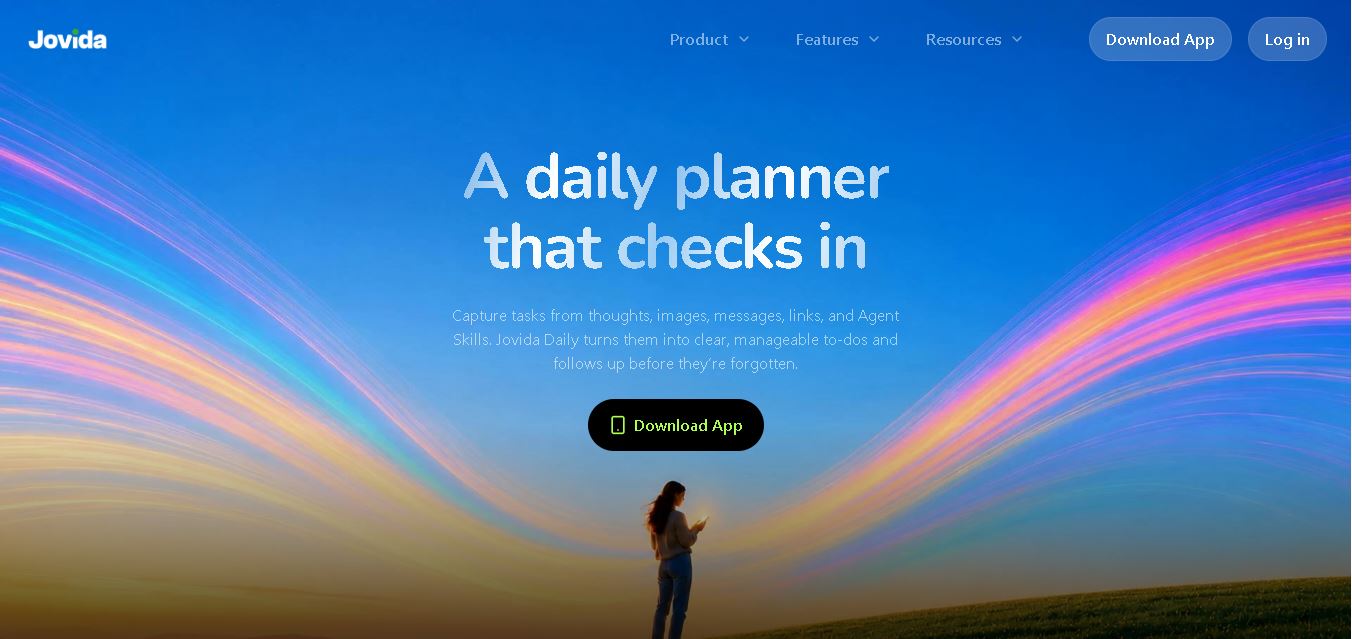
Jovida Daily helps users capture, organize, prioritize, and complete everyday tasks without constantly maintaining a complicated productivity system. It converts voice notes, screenshots, links, messages, and rough ideas into actionable to-dos, breaks overwhelming projects into smaller steps, adjusts daily plans, and follows up when important work remains unfinished.
 4.7
4.7MysticX AI
Life Assistant
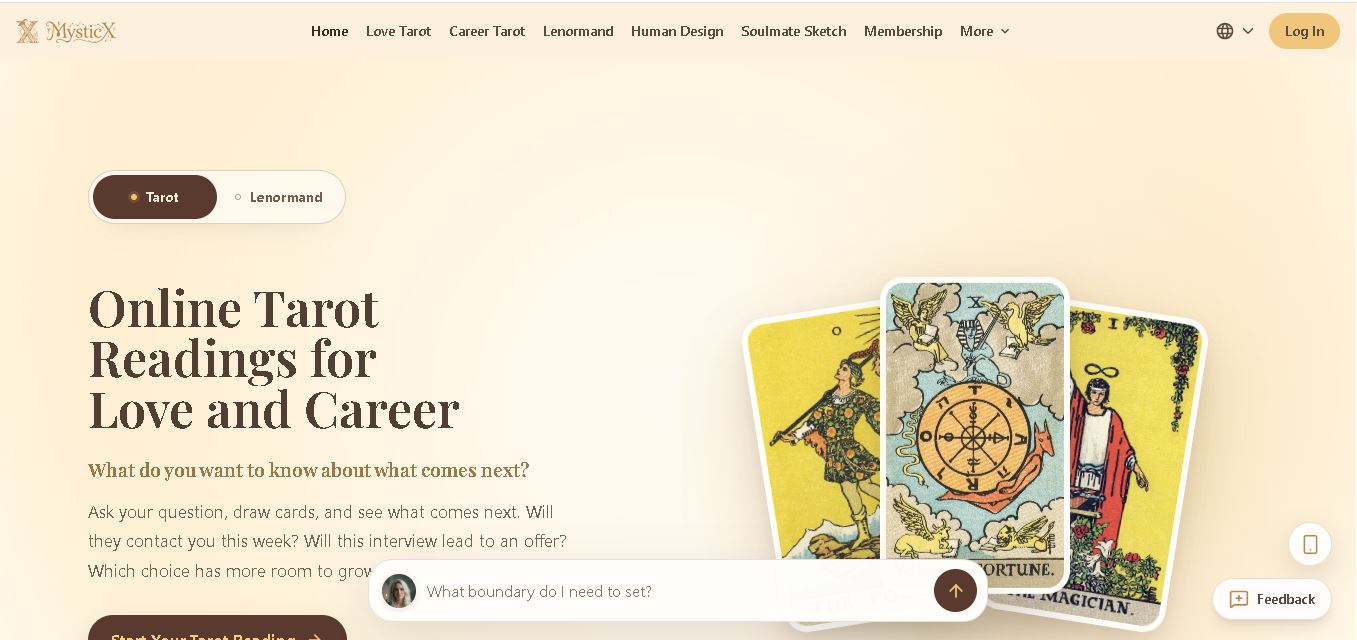
MysticX is an online tarot and reflection tool for personalized guidance across love, career, relationships, decisions, and daily life. Users can draw Tarot or Lenormand cards, explore different spreads, ask follow-up questions, save meaningful readings, and discover additional experiences such as Human Design and Soulmate Sketch.