
Kilo Code
Kilo AI helps developers write, review, debug, and manage code faster using multiple AI models with transparent pricing and open-source flexibility.
What is Kilo Code AI?
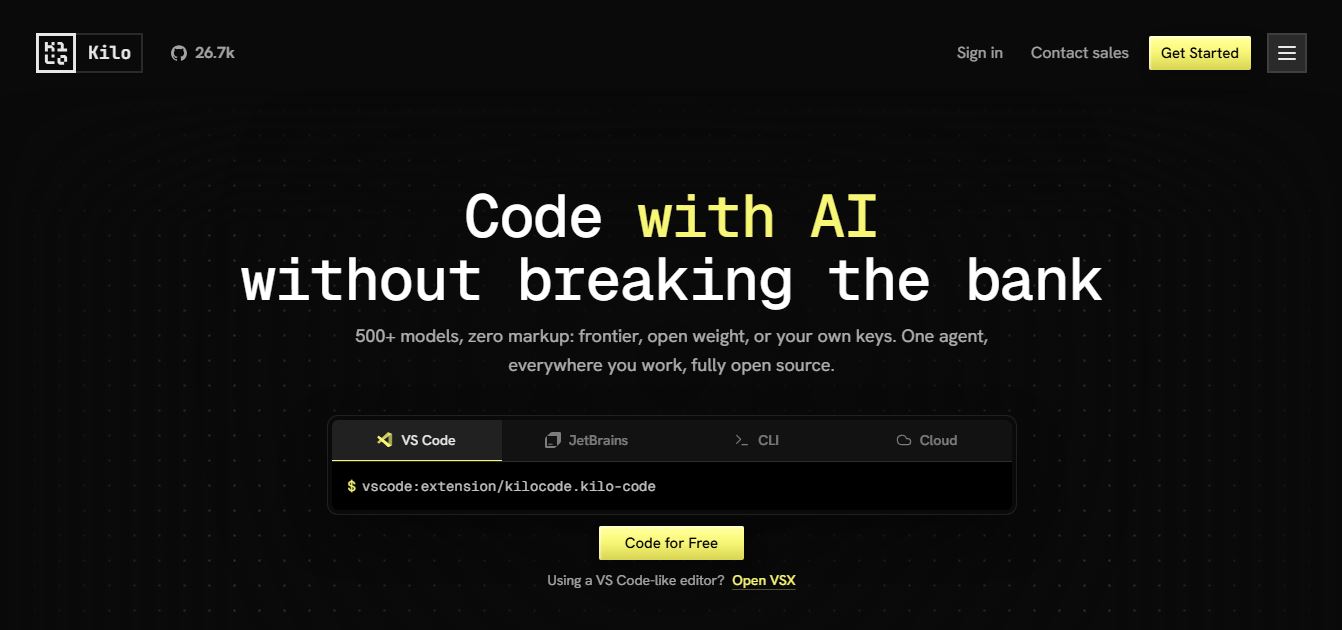
Kilo AI is an AI-powered coding assistant platform that simplifies software development by generating smart code, debugging, automating, and managing projects. It was developed as an open-source platform, therefore it supports over 500 AI models. It also integrates with common development environments, including Visual Studio Code, JetBrains IDEs, and the command line. Kilo Gateway allows developers to bring own AI models, execute them locally, or use cloud-based models. There is a straightforward price model, powerful coding agents, and certain teamwork capabilities, making it suitable for solitary devs, startups, and even enterprise engineering teams seeking flexible AI-supported software development.
Kilo AI supports over 500 AI models from more than 60 providers and is trusted by more than 3 million developers worldwide. The platform processes trillions of AI tokens every month while remaining open source under the MIT license. It works across Visual Studio Code, JetBrains IDEs, and CLI environments. Developers can access free models, connect their own API keys, or use pay-as-you-go AI inference without platform markup, making it one of the fastest-growing AI coding platforms.
- Founder: Scott Breitenother
- Launch Date: 2025
- Use Cases:
- AI code generation
- Code completion
- Bug fixing
- Code review
- Software architecture planning
- AI pair programming
- Automated debugging
- Project deployment
- Technology
- Large Language Models
- AI Coding Agents
- Natural Language Processing
- Model Context Protocol
- Cloud AI Infrastructure
- Local AI Model Support
- Target Users
- Software developers
- Engineering teams
- Freelancers
- Startups
- DevOps professionals
- Enterprise organizations
- Acquisition
- Independent company
- No public acquisition reported

Key Features
Kilo AI key features are
- Multi Model AI Support: Access more than 500 AI models from over 60 providers, allowing developers to choose the best model for coding, debugging, and code generation.
- AI Coding Agent: Automates coding tasks such as writing new code, refactoring existing code, fixing bugs, and explaining complex functions using natural language prompts.
- Intelligent Code Completion: Provides real-time code suggestions and auto-completion to improve coding speed and reduce repetitive work.
- Code Review Assistant: Reviews code for potential bugs, security issues, and performance improvements before deployment, helping to maintain high-quality code.
- Cloud Coding Agents: Runs AI-powered coding workflows in the cloud, enabling developers to perform large-scale code generation and project automation without using local resources.
- Bring Your Own API Key: Connect personal API keys from providers like OpenAI, Anthropic, Google, Azure OpenAI, OpenRouter, Groq, and others to use preferred AI models.
- Local AI Model Support: Integrates with Ollama and LM Studio, allowing developers to run AI models locally for improved privacy, security, and offline development.
- Memory Bank: Stores project context, coding preferences, and previous conversations so the AI can provide more accurate and context-aware assistance.
- Project Deployment: Simplifies application deployment with built-in tools that help developers move projects from development to production more quickly.
- Cross Platform IDE Integration: Works seamlessly with Visual Studio Code, JetBrains IDEs, and the command line, providing a consistent AI coding experience across environments.
Kilo AI Pricing
Kilo AI offers various pricing plans
- Individual Plan: Free forever
- Teams Plan: 15 USD per user per month
- Enterprise Plan: Custom pricing
- Kilo Gateway: Pay only for AI usage
- Kilo Pass: Starts at 19 USD per month
- Bring Your Own API Key supported
- Local AI models supported without subscription
Disclaimer: For the latest and most accurate pricing information, please visit the official Kilo AI website.
Who is Using Kilo AI?
A diverse range of users and organizations utilize Kilo AI
- Software engineers
- Full stack developers
- Backend developers
- Frontend developers
- AI developers
- Startup founders
- Technology companies
- Enterprise engineering teams
- Open-source contributors
- DevOps professionals
Best Kilo AI Alternatives
Some Kilo AI alternatives are
- Cursor
- GitHub Copilot
- Windsurf
- Codeium
- Amazon Q Developer
- Tabnine
- Continue
- Sourcegraph Cody
- Replit AI
- JetBrains AI Assistant
Pros and Cons
Pros
- Open-source platform
- Supports 500+ AI models
- Free plan available
- Transparent pricing
- Works with multiple IDEs
- Local AI model support
- BYOK support
- Team collaboration features
- No vendor lock-in
Cons
- Advanced features require paid usage
- Enterprise tools cost extra
- Learning curve for beginners
- AI usage charges depend on selected models
Why Choose Kilo AI?
Kilo AI stands out because it combines flexibility, transparency, and developer productivity into one platform. Unlike many AI coding assistants, it allows developers to choose their preferred AI models while keeping pricing transparent.
Reasons to Choose Kilo AI
- Open-source ecosystem
- More than 500 supported AI models
- Free developer plan
- No hidden AI markup
- Local model compatibility
- Enterprise collaboration
- Advanced coding agents
- Fast deployment workflow
- Cross-platform IDE support
Kilo AI vs Competitors
The main difference between Kilo AI, Cursor, GitHub Copilot, and Codeium is that Kilo AI offers an open-source platform with support for more than 500 AI models and transparent pay-as-you-go pricing. Cursor focuses on an AI-first coding experience, GitHub Copilot emphasizes GitHub integration, while Codeium prioritizes a free AI coding assistant. Kilo AI provides greater flexibility through BYOK, local AI models, and enterprise collaboration features.
| Feature | Kilo AI | Cursor | GitHub Copilot | Codeium |
|---|---|---|---|---|
| Open Source | Yes | No | No | Partial |
| AI Models | 500+ | Limited | OpenAI Models | Multiple |
| Free Plan | Yes | Limited | No | Yes |
| Local Models | Yes | No | No | Yes |
| BYOK | Yes | Yes | No | Yes |
| Team Management | Yes | Yes | Yes | Yes |
| IDE Support | VS Code JetBrains CLI | VS Code | VS Code JetBrains | Multiple IDEs |
How Do We Rate Kilo AI?
| Category | Rating out of 5 |
|---|---|
| AI Features | 5 |
| Ease of Use | 4.5 |
| Performance | 4.8 |
| Pricing | 5 |
| Value for Money | 4.9 |
| Overall Rating | 4.8 |
Kilo AI Review
Kilo AI is one of the most adaptable AI coding assistants currently available. Its support for hundreds of AI models, open-source philosophy, clear pricing, and compatibility with major development environments make it appealing to developers seeking greater control over their AI workflow. The option to swap between cloud models, local models, and personal API credentials adds versatility that many competing coding aids lack. While beginners may require some time to grasp advanced functions, experienced developers and engineering teams will value its scalability, customization, and collaboration possibilities.
Conclusion
Kilo AI is a modern AI coding platform that brings together intelligent automation, open-source development, and transparent pricing into a single solution. Whether you are an individual developer or part of a larger engineering team, it still provides advanced coding, code review, deployment capabilities, and even support for hundreds of AI models. The truth is, its pricing is flexible, and it works well with local AI installations. It also contains enterprise collaboration tools. So, for developers looking for something efficient and adaptable, it appears to be a viable choice for an AI-powered coding helper that can suit various workflows and requirements.
People are also reading
FAQ
What is Kilo AI used for?
Kilo AI is used for AI-powered code generation, debugging, code review, automation, and software development.
Is Kilo AI free?
Yes. Kilo AI offers a free individual plan with optional pay-as-you-go AI usage.
Which IDEs does Kilo AI support?
It supports Visual Studio Code, JetBrains IDEs, and Command Line Interface.
Does Kilo AI support local AI models?
Yes. Developers can connect local models through Ollama and LM Studio.
Can I use my own API keys?
Yes. Kilo AI supports Bring Your Own Key for providers such as OpenAI, Anthropic, Google, Azure, and others.
User Reviews
No reviews yet for Kilo Code.
Featured Tools
Featured AI tools from TechShark

Melody Genie
MelodyGenie is an AI-powered music generator that creates original songs from simple text prompts. Users can choose styles, moods, and genres, then instantly generate melodies and full tracks, making it easy for creators, marketers, and hobbyists to produce custom music without musical expertise.
Freemium

Kimi AI
Kimi AI is an advanced AI assistant developed by Moonshot AI that helps you chat, research, write, code, and automate tasks in one place. It supports web search, file analysis, and multimodal inputs, and can even run autonomous “agent” workflows to complete complex tasks end-to-end.
Freemium

Fashion Diffusion AI
Fashion Diffusion is an AI-powered fashion design platform that helps brands and designers create clothing designs, virtual try-ons, AI models, product photos, and marketing visuals faster and cost-effectively.
Paid

Veo 4
Veo 4 AI is an AI video creation platform that generates dramatic videos from text, images, audio, and video prompts using realistic motion and synchronized sound.
Paid
Alternatives
Alternatives to Kilo Code
The best Kilo AI alternatives include Cursor, GitHub Copilot, Codeium, Windsurf, Amazon Q Developer, Continue, Sourcegraph Cody, JetBrains AI Assistant, Replit AI, and Tabnine. These AI coding assistants provide features such as intelligent code completion, debugging, code generation, AI chat, and project automation. While each tool has unique strengths, Kilo AI differentiates itself through its open-source architecture, support for over 500 AI models, transparent pricing, and local AI model compatibility.
 4.9
4.9Claudebin
Code Assistant
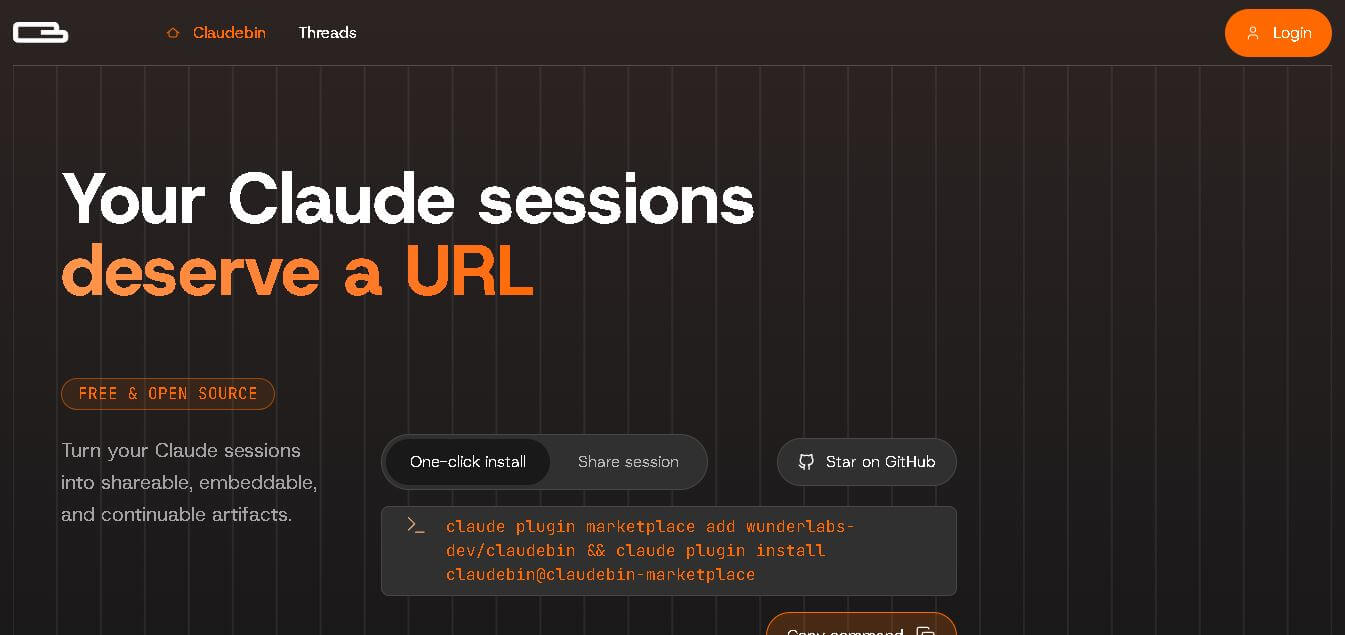
Claudebin is an open-source tool for sharing Claude Code sessions through structured, accessible web links. It captures conversations, file operations, terminal commands, and tool calls, helping developers explain their coding workflows. With session viewing and embedding capabilities, it simplifies technical documentation, collaboration, debugging discussions, and knowledge sharing across development projects.
 4.9
4.9GitFluence
Code Assistant
GitFluence is an AI-powered Git command generator that helps developers turn plain-English instructions into exact Git commands. It eliminates the need to memorize syntax, speeds up version control workflows, and lets users quickly copy accurate commands for tasks like branching, merging, and fixing commits.
 4.9
4.9Kiro
Vibe Coding
Kiro is an AI-powered developer platform that helps teams plan, build, and ship software using autonomous agents. It turns prompts into structured specs, writes and tests code, and automates workflows across IDE, CLI, and cloud, enabling faster, reliable development from prototype to production.
 4.8
4.8Emergent
Vibe Coding
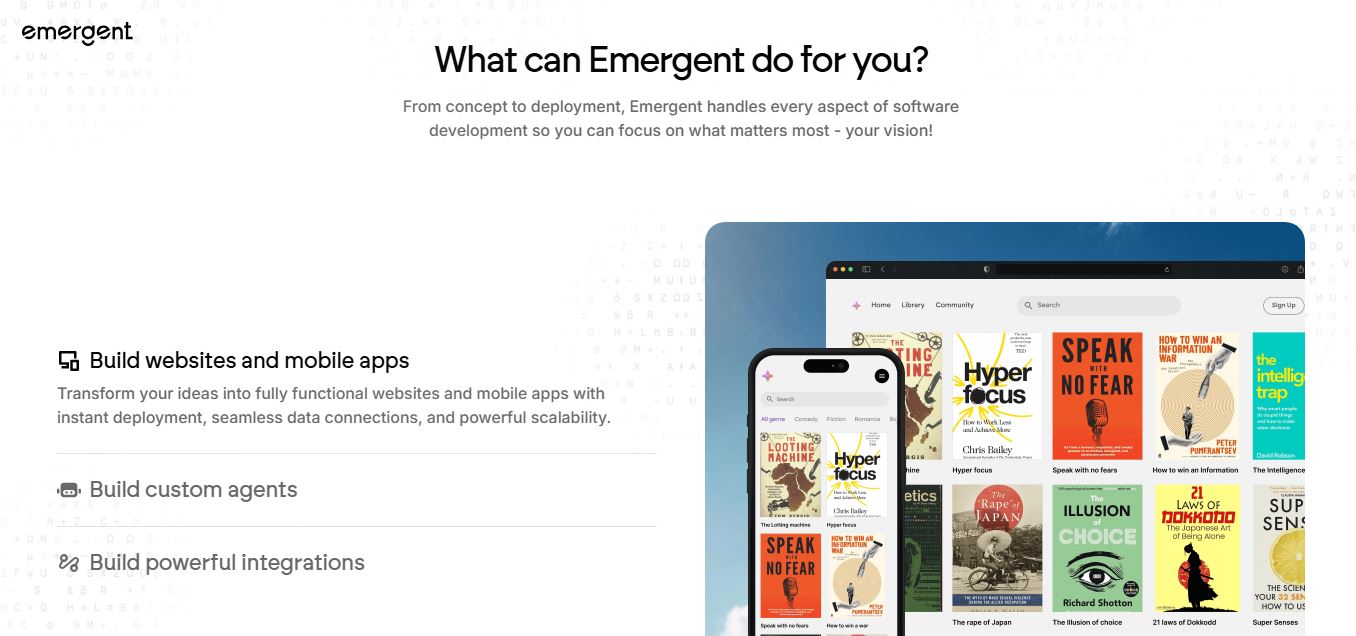
Emergent is an AI-powered app builder that lets users create full-stack web and mobile applications by simply describing their idea. It uses autonomous agents to plan, code, test, and deploy apps, handling everything from backend to hosting without requiring traditional programming skills.
 4.7
4.7Amazon Q Developer
Code Assistant
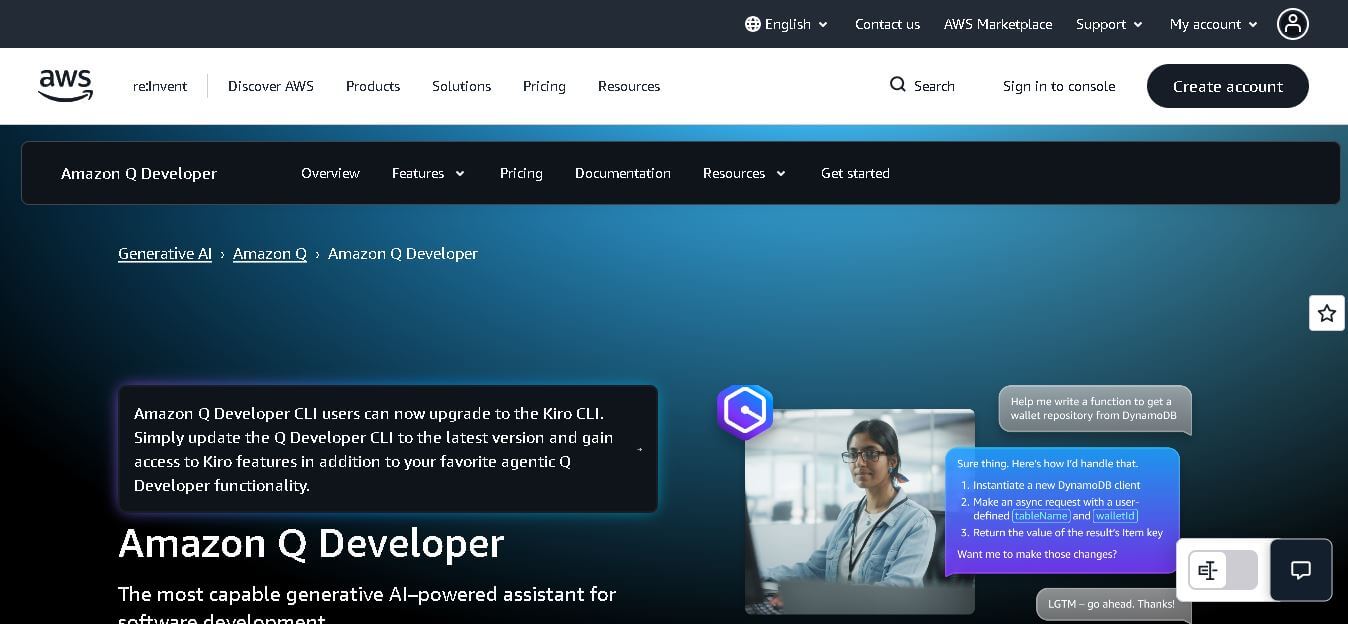
Amazon Q Developer helps developers write, explain, test, refactor, secure, and troubleshoot code while working with AWS services. It provides conversational assistance, inline suggestions, agentic coding, and cloud guidance across supported IDEs, command-line environments, and AWS interfaces. Its goal is to reduce repetitive work and help teams move from ideas to deployable software.
 4.9
4.9GitLab
Code Assistant
GitLab is a DevOps platform that provides a complete suite for planning, coding, testing, and deploying software in one place. It combines version control, CI/CD, security, and collaboration tools, helping teams streamline development workflows and deliver software faster and more efficiently.
 4.9
4.9CodeRabbit
Code Assistant
CodeRabbit is an AI-powered code review assistant that helps developers catch bugs, improve code quality, and speed up pull requests. It analyzes code changes in real time, provides actionable feedback, and integrates with Git workflows to make reviews faster and more efficient.
 4.9
4.9Sourcery
Code Assistant
Sourcery is an AI-powered code refactoring tool that helps developers automatically improve Python code quality. It analyzes code, suggests cleaner and more efficient alternatives, and applies refactors instantly, making code more readable, maintainable, and aligned with best practices.
Tenki Cloud
Code Assistant
Tenki Cloud is a high-performance, cost-efficient cloud infrastructure platform offering disposable sandboxes for AI agents, self-hosted GitHub Actions runners, and automated AI code review.