
HitPaw Edimakor
Edimakor is an AI-powered video editing tool that simplifies content creation with automated subtitles, voiceovers, and smart editing features for creators, marketers, and beginners. Sec 2: 35-word description
What is HitPaw Edimakor AI?
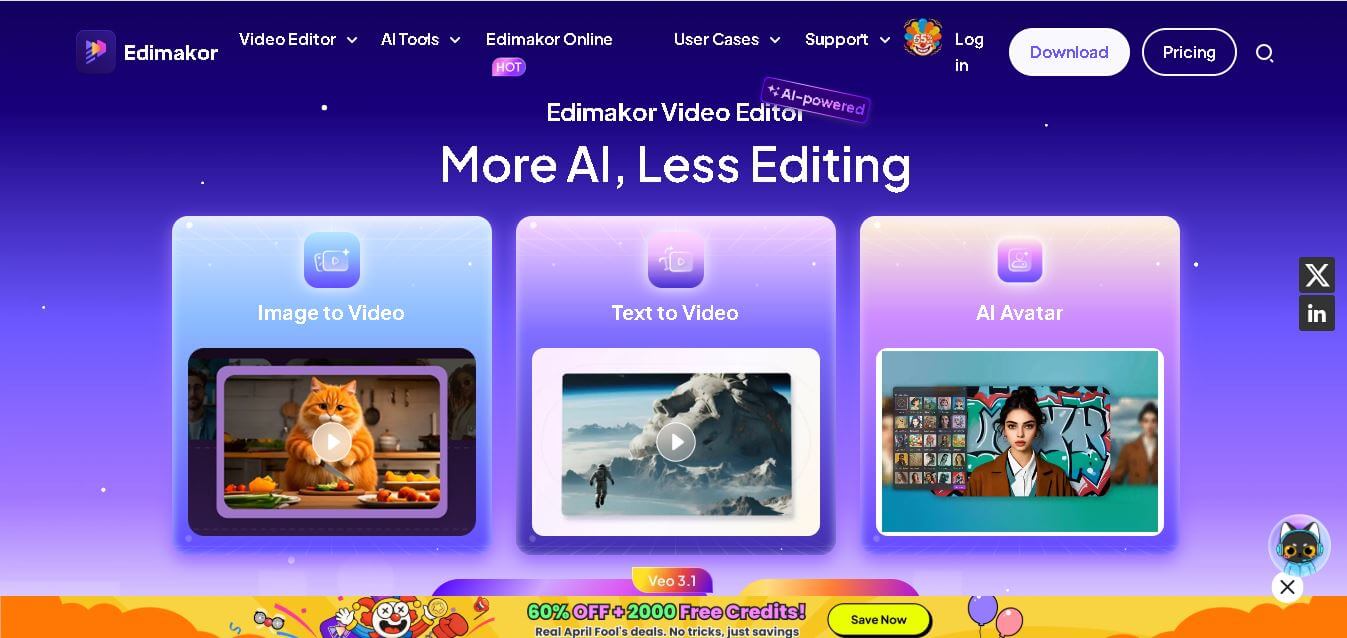
Edimakor is an AI-powered video-editing platform that transforms the way users create and edit videos by combining intelligent automation with easy-to-use tools. Designed for beginners and professionals alike, it simplifies complex editing tasks such as subtitle generation, voiceovers, and video enhancement. The platform uses advanced artificial intelligence to streamline workflows, allowing creators to produce high-quality content in less time. Whether for social media, marketing, or educational purposes, Edimakor offers a seamless editing experience. Its intuitive interface and powerful features make it an ideal choice for anyone looking to create engaging videos without needing extensive technical skills or prior editing experience.
HitPaw Edimakor is an AI-powered video editor designed for creators, marketers, educators, and businesses looking to produce videos faster. It combines 20+ AI tools with traditional editing features, including text-to-video, auto subtitles, AI avatars, face swap, and video translation. The platform supports 400+ AI voices, includes 50,000+ stock photos and videos, 1,000+ effects, and has reached 200 million+ downloads, serving users in 160+ countries with 50 million+ users worldwide.
- Founder: Developed by HitPaw team
- Launch: Recently launched as part of HitPaw AI suite
- Use Cases:
- Social media video creation
- YouTube content editing
- Educational and tutorial videos
- Marketing and promotional content
- Technology:
- AI-based video processing
- Natural language processing for subtitles
- Text-to-speech and speech recognition
- Automation-driven editing engine

Key Features
Edimakor AI key features are
- AI Subtitle Generator: Automatically detects speech and converts it into accurate subtitles, saving hours of manual work and improving accessibility.
- Text-to-Speech Conversion: Converts written text into natural-sounding voiceovers in multiple languages, ideal for narration and explainer videos.
- Speech-to-Text Accuracy: Transcribes audio content quickly with high precision, making it useful for captions and content repurposing.
- User-Friendly Interface: Clean and intuitive design ensures even beginners can edit videos without confusion or steep learning curves.
- Multi-Language Support: Supports multiple languages, making it suitable for global content creators and businesses targeting diverse audiences.
- Built-in Video Editing Tools: Includes trimming, cutting, transitions, filters, and effects to enhance video quality professionally.
- AI Automation: Reduces manual editing effort by automating repetitive tasks, improving productivity and efficiency.
- Export in Multiple Formats: Allows users to export videos in various formats and resolutions suitable for different platforms.
Pricing
- Free plan available
- Monthly subscription plan
- Annual subscription plan
- Lifetime purchase option
Disclaimer: For the latest and most accurate pricing information, please visit the official Edimakor AI website.
Who is using Edimakor AI?
A diverse range of users and organizations utilize Edimakor AI
- Content creators
- YouTubers
- Social media marketers
- Digital agencies
- Educators and trainers
- Small business owners
- Freelance video editors
Alternatives
Some Edimakor AI alternatives are
- Adobe Premiere Pro
- Final Cut Pro
- Filmora
- CapCut
- DaVinci Resolve
- VEED.io
Edimakor AI Vs Competitors
The main difference between HitPaw Edimakor, CapCut, Filmora, Descript, and VEED.io is their primary focus. HitPaw Edimakor emphasizes AI-powered video creation with features like AI avatars, face swap, and video translation. CapCut is ideal for social media content, Filmora offers a balance of AI and traditional editing, Descript specializes in text-based audio and video editing, while VEED.io focuses on fast, browser-based collaboration and content creation.
| Feature | HitPaw Edimakor | CapCut | Filmora | Descript | VEED.io |
|---|---|---|---|---|---|
| Best For | AI video editing | Social media videos | General video editing | Podcast & video editing | Online video creation |
| AI Video Generation | Yes | Yes | Yes | Yes | Yes |
| AI Avatars | Yes | Limited | Yes | No | Yes |
| AI Voice Generator | 400+ voices | Yes | Yes | Yes | Yes |
| AI Video Translation | Yes | Yes | Yes | Yes | Yes |
| Auto Subtitles | Yes | Yes | Yes | Yes | Yes |
| Text-to-Video | Yes | Yes | Yes | Limited | Yes |
| Face Swap | Yes | No | Yes | No | No |
| Stock Assets | 50,000+ | Millions | Millions | Limited | Millions |
| Video Templates | Yes | Yes | Yes | Limited | Yes |
| Beginner Friendly | Excellent | Excellent | Very Good | Very Good | Excellent |
| Desktop App | Yes | Yes | Yes | Yes | No |
| Web Version | Yes | Yes | Limited | Yes | Yes |
| Free Plan | Yes | Yes | Yes | Yes | Yes |
| Paid Plan Starts At | Around $19.95/month | Around $9.99/month | Around $29.99/quarter | Around $16/month | Around $18/month |
| Ideal Users | Content creators, educators, marketers | Short-form creators | YouTubers and professionals | Podcasters and teams | Businesses and social media marketers |
How Did We Rate Edimakor AI?
| Rating Factor | Rating (Out of 5) |
|---|---|
| AI Features & Capabilities | 4.9/5 |
| Video Editing Tools | 4.8/5 |
| User Experience | 4.7/5 |
| Speed & Performance | 4.8/5 |
| AI Voice & Avatar Quality | 4.8/5 |
| Export Quality | 4.7/5 |
| Value for Money | 4.9/5 |
| Customer Support | 4.6/5 |
| Overall Rating | 4.8/5 |
Conclusion
Edimakor stands out as a reliable and efficient AI video editing tool designed to simplify content creation for users of all skill levels. Its powerful automation features, combined with an easy-to-use interface, make it a strong choice for anyone looking to create professional-quality videos quickly. From generating subtitles to adding voiceovers, the platform reduces manual effort and enhances productivity. It is especially useful for creators who want fast results without compromising quality. With flexible pricing options and a wide range of features, Edimakor continues to gain popularity as a go-to solution for modern video editing needs.
People are also reading
FAQ
What is Edimakor used for?
Edimakor is used for AI-powered video editing, including subtitle generation, voiceovers, and content creation.
Is Edimakor beginner-friendly?
Yes, it offers a simple interface that makes video editing easy for beginners.
Does Edimakor support multiple languages?
Yes, it supports multiple languages for subtitles and voiceovers.
Is there a free version available?
Yes, Edimakor provides a free plan with basic features.
Can I use Edimakor for YouTube videos?
Absolutely, it is ideal for creating and editing YouTube content quickly and efficiently.
User Reviews
No reviews yet for HitPaw Edimakor.
Featured Tools
Featured AI tools from TechShark

Melody Genie
MelodyGenie is an AI-powered music generator that creates original songs from simple text prompts. Users can choose styles, moods, and genres, then instantly generate melodies and full tracks, making it easy for creators, marketers, and hobbyists to produce custom music without musical expertise.
Freemium

Kimi AI
Kimi AI is an advanced AI assistant developed by Moonshot AI that helps you chat, research, write, code, and automate tasks in one place. It supports web search, file analysis, and multimodal inputs, and can even run autonomous “agent” workflows to complete complex tasks end-to-end.
Freemium

Fashion Diffusion AI
Fashion Diffusion is an AI-powered fashion design platform that helps brands and designers create clothing designs, virtual try-ons, AI models, product photos, and marketing visuals faster and cost-effectively.
Paid

Veo 4
Veo 4 AI is an AI video creation platform that generates dramatic videos from text, images, audio, and video prompts using realistic motion and synchronized sound.
Paid
Alternatives
Alternatives to HitPaw Edimakor
The best HitPaw Edimakor alternatives are CapCut, Filmora, VEED.io, Descript, Adobe Premiere Pro, DaVinci Resolve, InVideo AI, Pictory, Canva Video, and Camtasia. These AI-powered video editing tools offer features like text-to-video, automatic subtitles, AI voiceovers, video translation, templates, and advanced editing capabilities, making them excellent choices for creators, marketers, educators, and businesses with different editing needs and budgets.
 4.7
4.7Social Comments GPT
Social Media
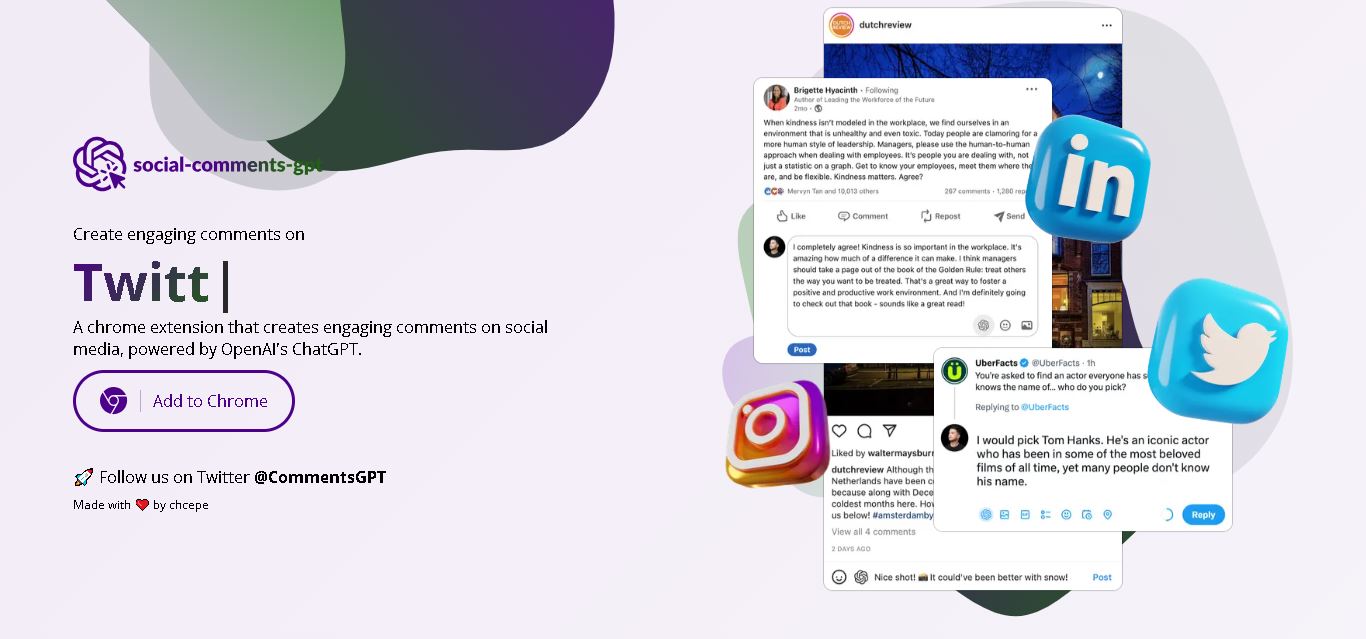
Social Comments GPT helps users draft engaging social media comments with ChatGPT through a Chrome extension. It is useful for professionals, influencers, creators, and marketers who want to respond to posts more efficiently. By generating comment suggestions within supported social networks, it simplifies everyday engagement while leaving users in control of their final replies.
 4.7
4.7Editby
Social Media
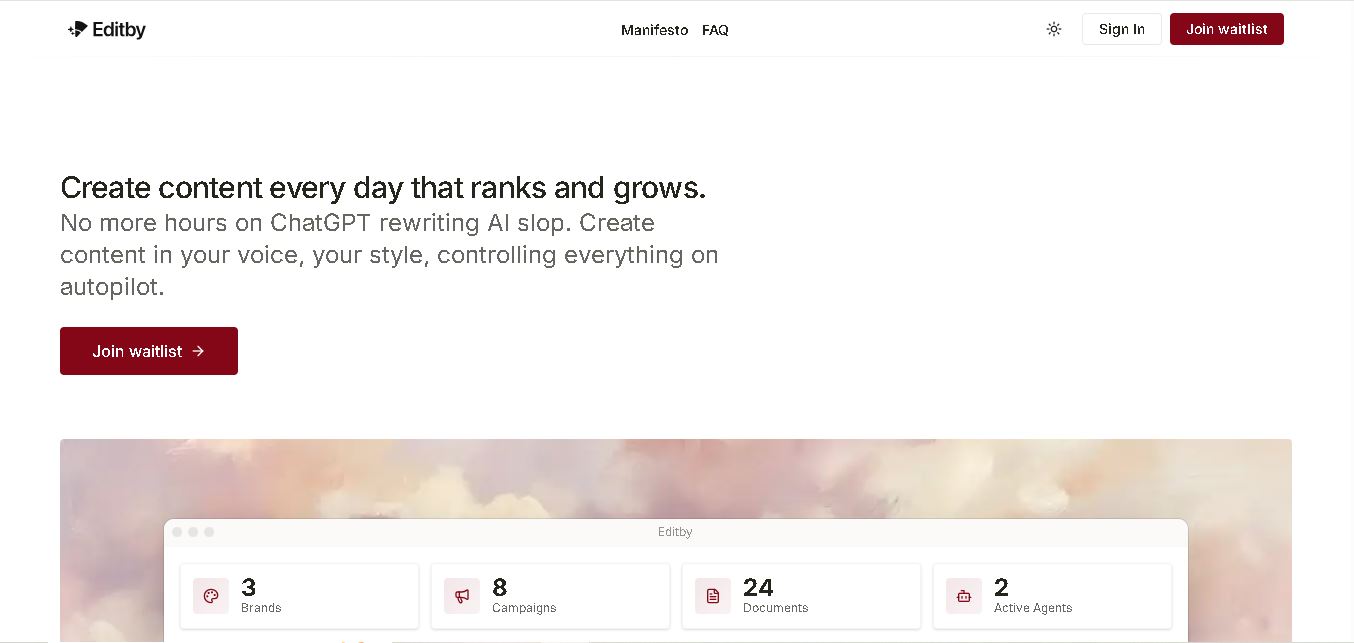
Editby helps marketers, businesses, and creators produce brand-consistent content using AI-assisted writing, research, and automation. It supports blogs, social media posts, newsletters, and press releases while offering customizable brand voices, scheduled content generation, and team collaboration. Its organized campaign workflows help users streamline content planning and maintain a consistent publishing strategy.
 4.8
4.8MagicBrief
Social Media
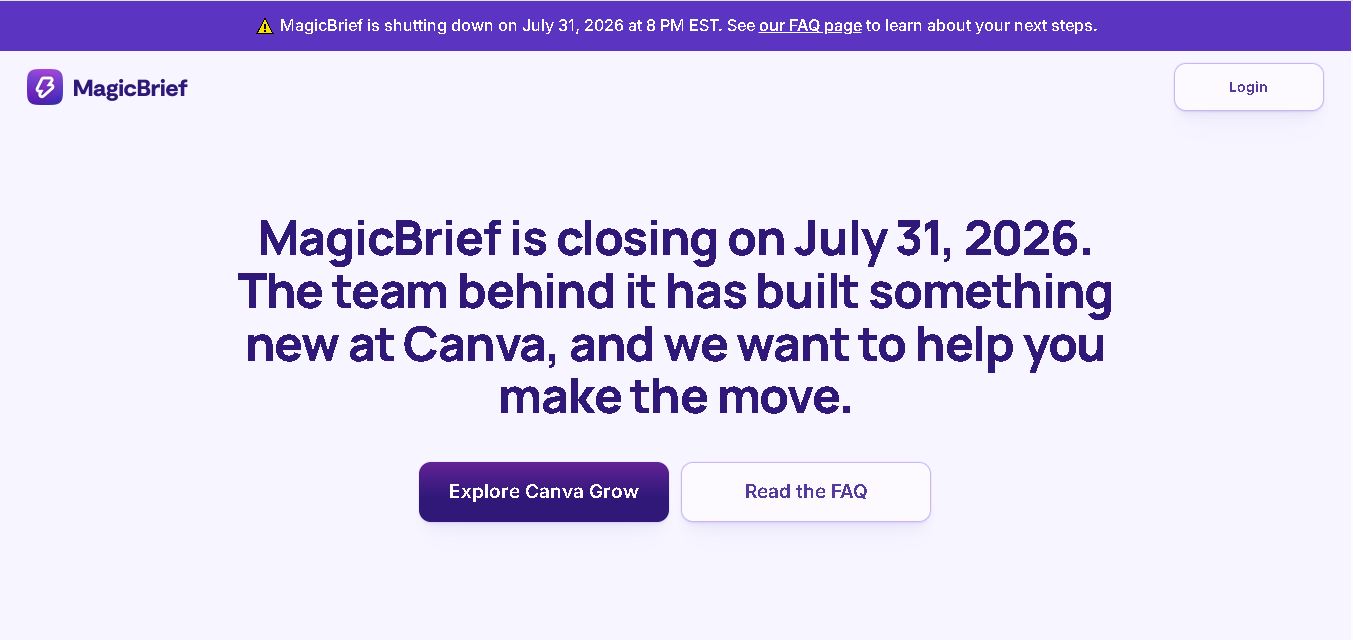
MagicBrief was an advertising creative research and collaboration tool that helped marketers discover inspiring ads, analyze competitors, build storyboards, and organize campaign briefs. It offered AI-assisted video analysis, creative performance insights, and team collaboration. Following its announced shutdown in July 2026, users seeking similar workflows can explore Canva Grow, its successor direction.
 4.7
4.7The Dream AI
Social Media
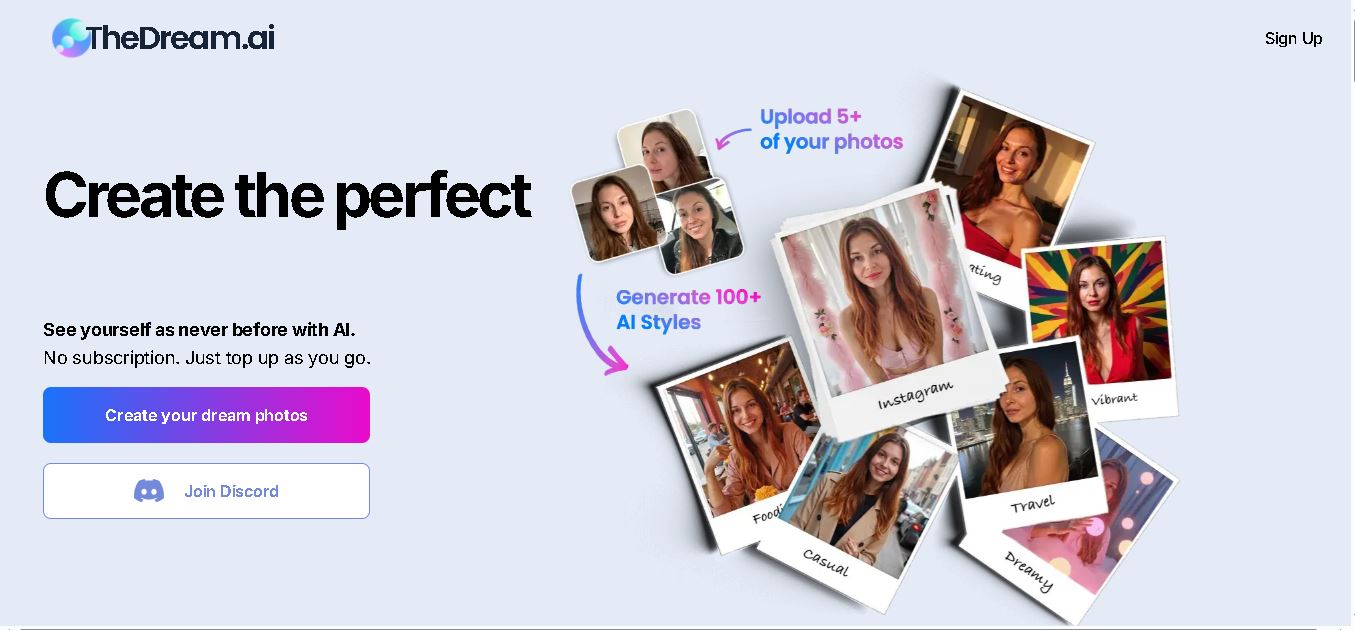
TheDream.ai helps users create personalized AI portraits, profile pictures, and photoshoot-style images from their own photographs. It offers more than 200 styles covering professional, fashion, dating, fitness, and travel themes. Its pay-as-you-go model requires no subscription, making it an option for individuals seeking distinctive digital portraits and creative profile images.
 4.7
4.7TweetEmote
Social Media
TweetEmote helps users generate engaging tweets, replies, and article threads using customizable emotions and writing styles. It is designed for influencers, marketers, content creators, and professionals who want to communicate more expressively on X. Its AI writing features simplify content creation, save time, and help users develop varied social media messages.
 4.8
4.8Devi AI
Social Media
Devi AI helps businesses find potential customers through social media monitoring, keyword tracking, and AI-based buying-intent detection. It generates personalized replies, flags complaints, and supports content creation and scheduling. Designed for marketers, sales professionals, entrepreneurs, and agencies, Devi simplifies lead discovery, outreach, and social media management from a centralized workflow.
 4.7
4.7Social Studio AI
Social Media
Social Studio AI helps creators, businesses, and marketers generate Instagram content, design posts, write captions, and discover relevant hashtags. Its built-in editor supports brand customization, while scheduling features help users organize publishing in advance. The tool simplifies content planning and reduces repetitive work for individuals and agencies managing Instagram marketing activities.
 4.7
4.7Rizz AI
Social Media
Rizz AI is a text-writing assistant that helps users generate messages, improve replies, and communicate more naturally online. Its keyboard-focused approach makes AI writing assistance convenient during everyday conversations. Whether you are drafting a message or looking for a creative response, Rizz AI aims to make digital communication faster and more expressive.
 4.7
4.7Creasquare
Social Media
Creasquare helps creators, marketers, and businesses simplify social media management with AI-generated captions, graphic design tools, video creation, and post scheduling. Its Creative Studio, customizable templates, brand kits, and content calendar support organized publishing across multiple social networks. It is useful for maintaining brand consistency and streamlining everyday content workflows.