
Social Comments GPT
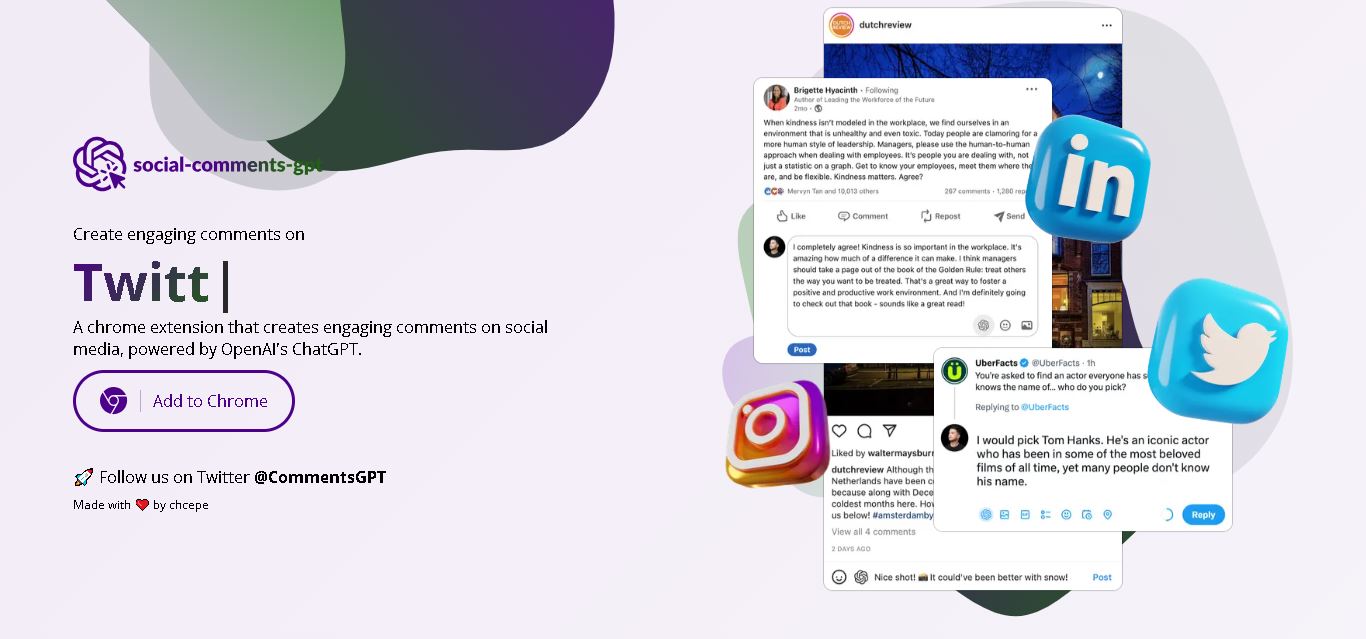
Social Comments GPT helps users draft engaging social media comments with ChatGPT through a Chrome extension. It is useful for professionals, influencers, creators, and marketers who want to respond to posts more efficiently. By generating comment suggestions within supported social networks, it simplifies everyday engagement while leaving users in control of their final replies.
What is Social Comments GPT?
Social Comments GPT is a browser extension that helps users generate relevant comments on social media posts using OpenAI's ChatGPT technology. Designed for creators, marketers, and professionals, it can assist with conversations on platforms such as LinkedIn, Instagram, and X. Instead of composing every response from scratch, users can generate comment suggestions, review the wording, and personalize their replies to support more consistent social media engagement.
Social Comments GPT is a Chrome extension developed by Checepe to generate AI-assisted social media comments. Its public GitHub repository was created for the project in January 2023. The Chrome Web Store lists version 1.6.3, updated on January 11, 2024, with approximately 3,000 users and 23 ratings. The extension supports LinkedIn, Instagram, and Twitter according to its documentation and store listing. It uses OpenAI's ChatGPT technology and may require a user-provided API key for operation.
- Platform Focus: AI social media comment generation, contextual engagement, and cross-platform response automation
- Launch Year: AI Social Media Engagement Extension
Use Cases:
- Generating contextually relevant comments on LinkedIn, Twitter, and Instagram posts to increase profile views
- Scaling social selling and prospect engagement for SDRs and agency growth teams
- Personalizing AI-generated draft responses to match a specific tone before posting
- Maintaining active daily interaction metrics across multiple social accounts
Technology:
- Powered by OpenAI ChatGPT models for natural language context recognition and reply drafting
- Lightweight Chrome extension architecture injecting reply controls directly into social media feeds
- Inline human-in-the-loop editing interface to review generated text before posting
Target Users:
- Social media managers and digital creators driving organic profile engagement
- B2B sales representatives and recruiters conducting social outreach on LinkedIn
- Indie founders and solopreneurs looking to build authority on X (Twitter)
Corporate Entity: Operates as Social Comments GPT / social-comments-gpt.com

Key features of Social Comments GPT
Social Comments GPT's key features are
- ChatGPT Integration: Leverages advanced generative AI to understand post context and draft articulate responses.
- Multi-Platform Support: Operates natively within LinkedIn, Twitter (X), and Instagram feeds.
- Contextual Understanding: Analyzes original post text to ensure generated comments fit the discussion topic.
- One-Click Generation: Instantly inserts drafted responses directly into post comment fields.
- Customizable Draft Controls: Allows users to tweak, refine, or rewrite generated copy prior to publishing.
Social Comments GPT Pricing
Social Comments GPT is available as a free browser extension tool.
Free Plan:
- $0 / Free to install and use via the Chrome Web Store
- Includes core AI comment generation across supported social media networks
Who is using Social Comments GPT?
Social Comments GPT is designed for digital communicators and marketers, including
- LinkedIn Networkers & SDRs: Speeding up interaction with key prospect posts
- X (Twitter) Growth Creators: Maintaining high comment volume to boost timeline visibility
- Instagram Influencers: Responding to audience comments and community feeds efficiently
Best Social Comments GPT Alternatives
Some of the strongest Social Comments GPT alternatives include
- Engage AI
- WriteSmart
- Commenter AI
- ReplyPilot
- Commentify
- PowerIn
Pros and Cons of Social Comments GPT
Pros
- Completely free and easy to install via Chrome Web Store
- Supports multiple social networks, including Twitter, LinkedIn, and Instagram
- Uses ChatGPT to generate context-sensitive comments
- Saves significant time when engaging with high volumes of social feed posts
Cons
- Requires manual review to ensure comments match specific personal or brand voices
- Requires an active internet connection and a desktop Chrome browser
- Lacks advanced CRM synchronization or lead-tracking pipelines found in enterprise tools
Why Choose Social Comments GPT?
Social Comments GPT is an ideal choice for creators, sales reps, and marketers who want a lightweight, free browser extension to speed up daily social media commenting without complex onboarding.
- Eliminates writer's block when replying to industry posts
- Operates seamlessly across Twitter, LinkedIn, and Instagram
- Drafts contextual responses in one click
- Completely free to use with no subscription required
Social Comments GPT vs. Competitors
The main difference between Social Comments GPT, Engage AI, WriteSmart, and Commenter AI is that Social Comments GPT is a free multi-platform Chrome extension providing simple ChatGPT comment generation across Twitter, LinkedIn, and Instagram, whereas WriteSmart offers Bring-Your-Own-Key (BYOK) pricing, Engage AI focuses specifically on LinkedIn relationship building, and Commenter AI targets dedicated custom feed social selling workflows. Social Comments GPT stands out for its zero-cost multi-network accessibility.
| Feature / Tool | Social Comments GPT (social-comments-gpt.com) | Engage AI | WriteSmart | Commenter AI |
|---|---|---|---|---|
| Core Focus | Multi-Platform AI Comment Extension | LinkedIn Relationship Engagement | LinkedIn AI Comments & BYOK | Guided Social Selling & Feeds |
| Supported Networks | LinkedIn, Twitter, Instagram | |||
| Pricing Model | Free | Freemium / Paid Tiers | Paid / BYOK Option | Paid Subscription Tiers |
| Starting Price | $0 / Free | Free tier / ~$30 / mo | $10 / month (BYOK) | ~$149 / month |
| Best For | Quick, Free Multi-Channel Commenting | Solo LinkedIn Networking | High-Volume LinkedIn Outreach | Curated Prospect Feed Workflows |
How do we rate Social Comments GPT?
| Parameter | Rating (out of 5) |
|---|---|
| AI Comment Quality & Context Recognition | 4.6 |
| Multi-Platform Support | 4.7 |
| Ease of Use & Extension Integration | 4.8 |
| Speed & Workflow Ergonomics | 4.7 |
| Value for Money | 5.0 |
| Overall Score | 4.72 |
Social Comments GPT Review
Social Comments GPT offers a simple, accessible solution for users who want to accelerate their social media participation. By connecting ChatGPT directly to browser feeds across LinkedIn, Twitter, and Instagram, it removes the friction of drafting replies manually. As a free Chrome extension, it serves as a lightweight utility for creators, SDRs, and marketers looking to maintain daily engagement.
Conclusion
Social Comments GPT offers a straightforward way to draft social media comments using ChatGPT through a Chrome extension. It can help professionals, influencers, and marketers participate in online discussions while spending less time composing routine replies. However, its usefulness depends on platform compatibility, API configuration, and the quality of generated suggestions. Before adopting it for daily engagement, verify current availability and costs, protect your API credentials, and personalize each comment to build genuine relationships with your audience.
FAQ
What can you use Social Comments GPT for?
You can use Social Comments GPT to draft thoughtful comments on social media posts without writing every response from scratch. It is helpful when networking on LinkedIn, interacting on Instagram, or joining discussions on X. Review each suggestion and personalize it before posting to maintain genuine, meaningful conversations with your audience.
How does Social Comments GPT generate comments?
Social Comments GPT uses OpenAI's ChatGPT technology to generate comment suggestions based on social media content. After installing the Chrome extension and configuring the required access, you can request assistance while browsing supported platforms. The generated text gives you a starting point, allowing you to edit wording before sharing your response.
Is Social Comments GPT free to use?
Social Comments GPT has been listed as a free tool by some AI directories, but its actual usage costs may depend on API access and configuration. The project documentation describes setting up an OpenAI API key. Check the official website and current API pricing before assuming every generated comment is completely free.
Which social media platforms does Social Comments GPT support?
Social Comments GPT documentation identifies LinkedIn and Instagram, while its Chrome Web Store listing also mentions Twitter. This makes it relevant for professional networking, visual content discussions, and short-form conversations. Because compatibility can change, verify that the extension currently works on your preferred platform before relying on it regularly.
Does Social Comments GPT require a Chrome extension?
Yes, Social Comments GPT is distributed as a Chrome browser extension. You can install it in a compatible Chrome environment and use its comment-generation functionality while browsing supported social networks. Its extension-based design reduces the need to switch between separate writing applications, although browser compatibility and platform updates may affect its operation.
Do you need an OpenAI API key to use Social Comments GPT?
The project's GitHub documentation explains how to configure a personal OpenAI API key in the extension's options. This setup connects the extension to OpenAI's services for generating comments. Before using it, review current API charges, protect your credentials, and follow the installation instructions provided by the project's official documentation.
User Reviews
No reviews yet for Social Comments GPT.
Featured Tools
Featured AI tools from TechShark

Melody Genie
MelodyGenie is an AI-powered music generator that creates original songs from simple text prompts. Users can choose styles, moods, and genres, then instantly generate melodies and full tracks, making it easy for creators, marketers, and hobbyists to produce custom music without musical expertise.
Freemium

Kimi AI
Kimi AI is an advanced AI assistant developed by Moonshot AI that helps you chat, research, write, code, and automate tasks in one place. It supports web search, file analysis, and multimodal inputs, and can even run autonomous “agent” workflows to complete complex tasks end-to-end.
Freemium

Fashion Diffusion AI
Fashion Diffusion is an AI-powered fashion design platform that helps brands and designers create clothing designs, virtual try-ons, AI models, product photos, and marketing visuals faster and cost-effectively.
Paid

Veo 4
Veo 4 AI is an AI video creation platform that generates dramatic videos from text, images, audio, and video prompts using realistic motion and synchronized sound.
Paid
Alternatives
Alternatives to Social Comments GPT
The best Social Comments GPT alternatives include Engage AI, WriteSmart, Commenter AI, ReplyPilot, Commentify, and PowerIn. These tools offer AI comment drafting and social media engagement features. While Social Comments GPT is a free Chrome extension supporting LinkedIn, Twitter, and Instagram using ChatGPT, alternatives like WriteSmart offer Bring-Your-Own-Key customization, and Commenter AI provides curated prospect feeds.
 4.7
4.7Editby
Social Media
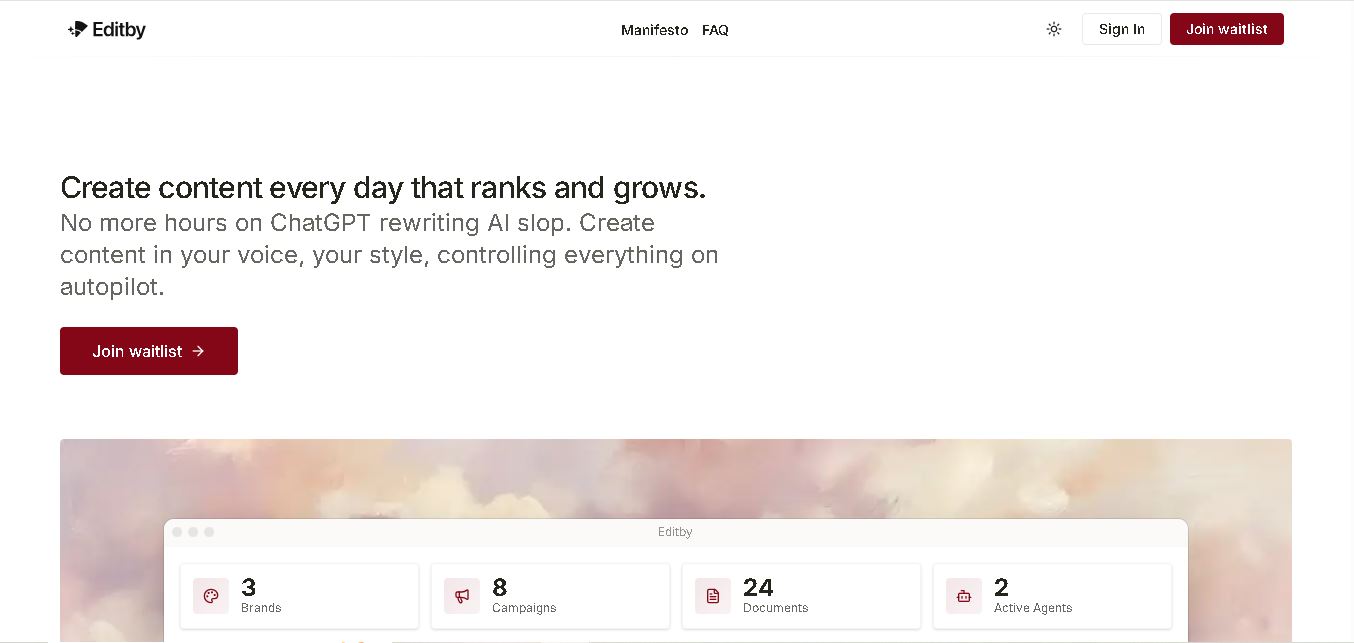
Editby helps marketers, businesses, and creators produce brand-consistent content using AI-assisted writing, research, and automation. It supports blogs, social media posts, newsletters, and press releases while offering customizable brand voices, scheduled content generation, and team collaboration. Its organized campaign workflows help users streamline content planning and maintain a consistent publishing strategy.
 4.8
4.8MagicBrief
Social Media
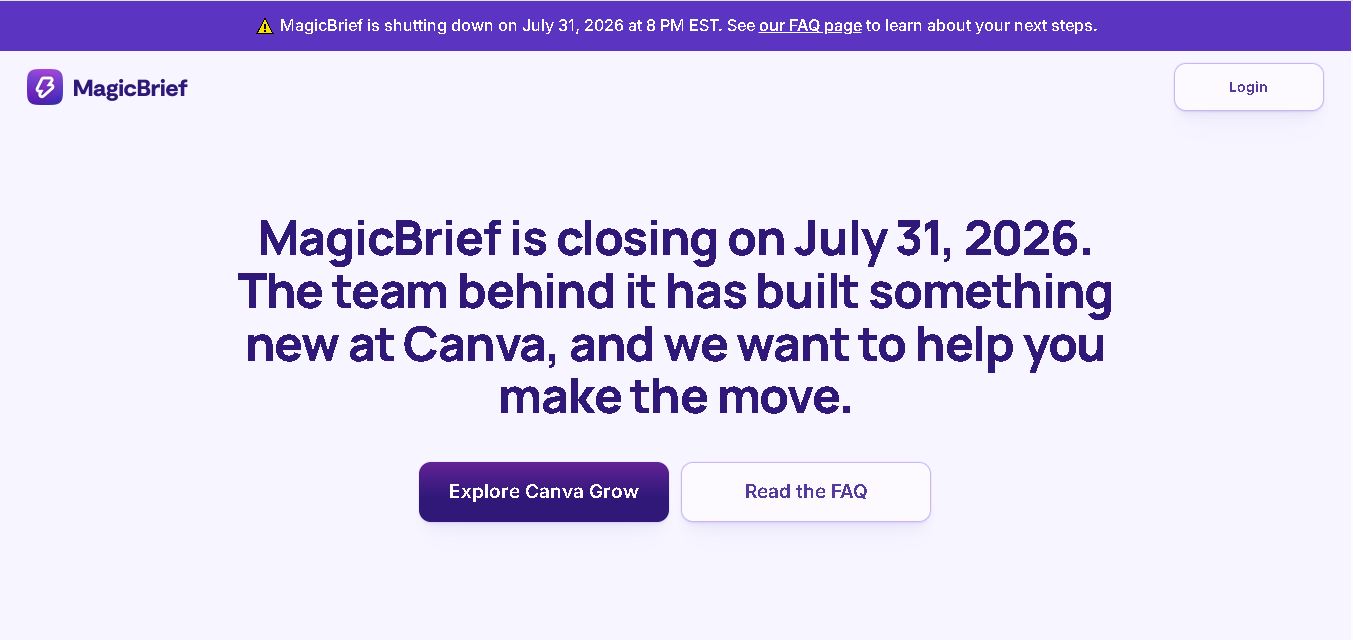
MagicBrief was an advertising creative research and collaboration tool that helped marketers discover inspiring ads, analyze competitors, build storyboards, and organize campaign briefs. It offered AI-assisted video analysis, creative performance insights, and team collaboration. Following its announced shutdown in July 2026, users seeking similar workflows can explore Canva Grow, its successor direction.
 4.7
4.7The Dream AI
Social Media
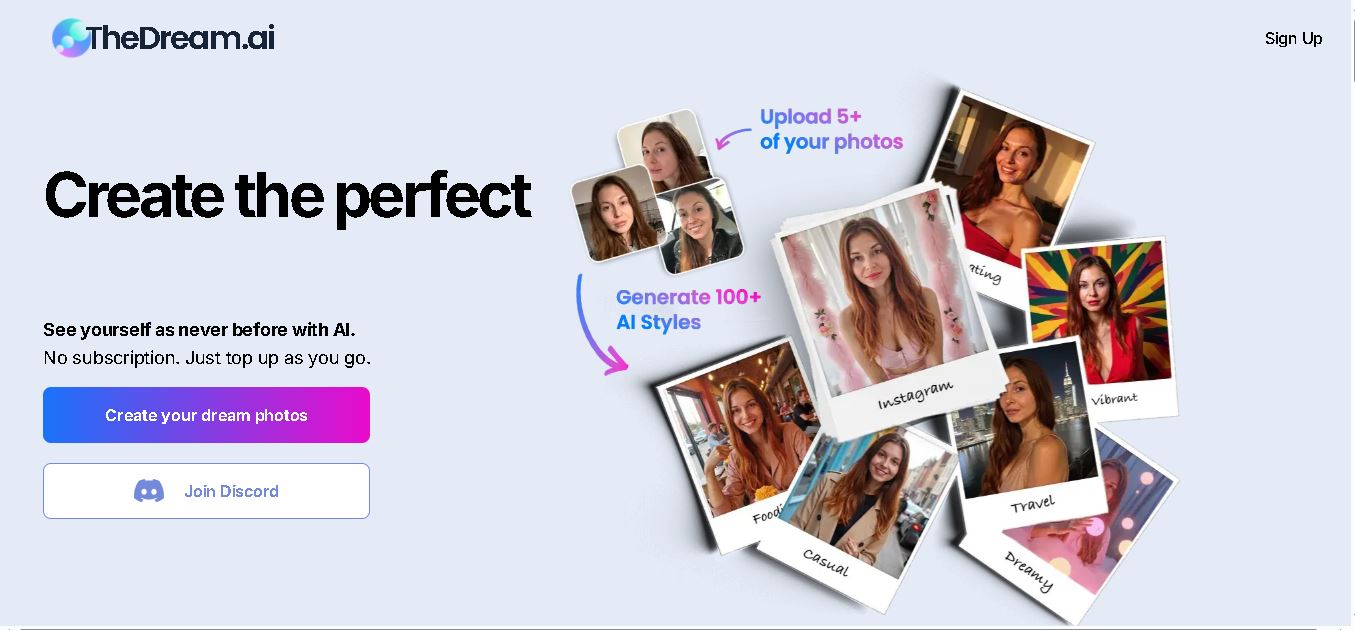
TheDream.ai helps users create personalized AI portraits, profile pictures, and photoshoot-style images from their own photographs. It offers more than 200 styles covering professional, fashion, dating, fitness, and travel themes. Its pay-as-you-go model requires no subscription, making it an option for individuals seeking distinctive digital portraits and creative profile images.
 4.7
4.7Thumbmachine
Social Media
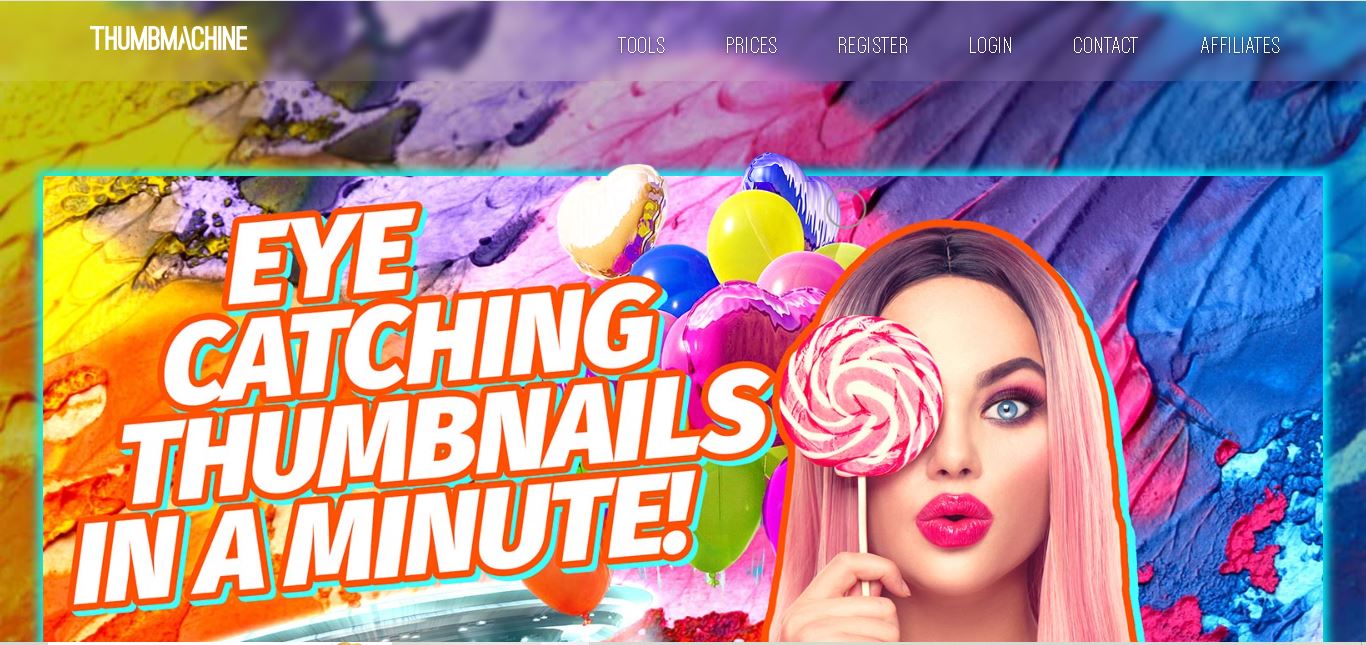
Thumbmachine is useful for YouTubers, video editors, content creators, digital marketers, and small businesses that need engaging visual assets. Beginners can use it to simplify thumbnail design, while experienced creators can explore alternative compositions more quickly. It is particularly relevant for people who publish frequently and want a repeatable, customizable thumbnail creation workflow.
 4.7
4.7ReplyPilot
Social Media
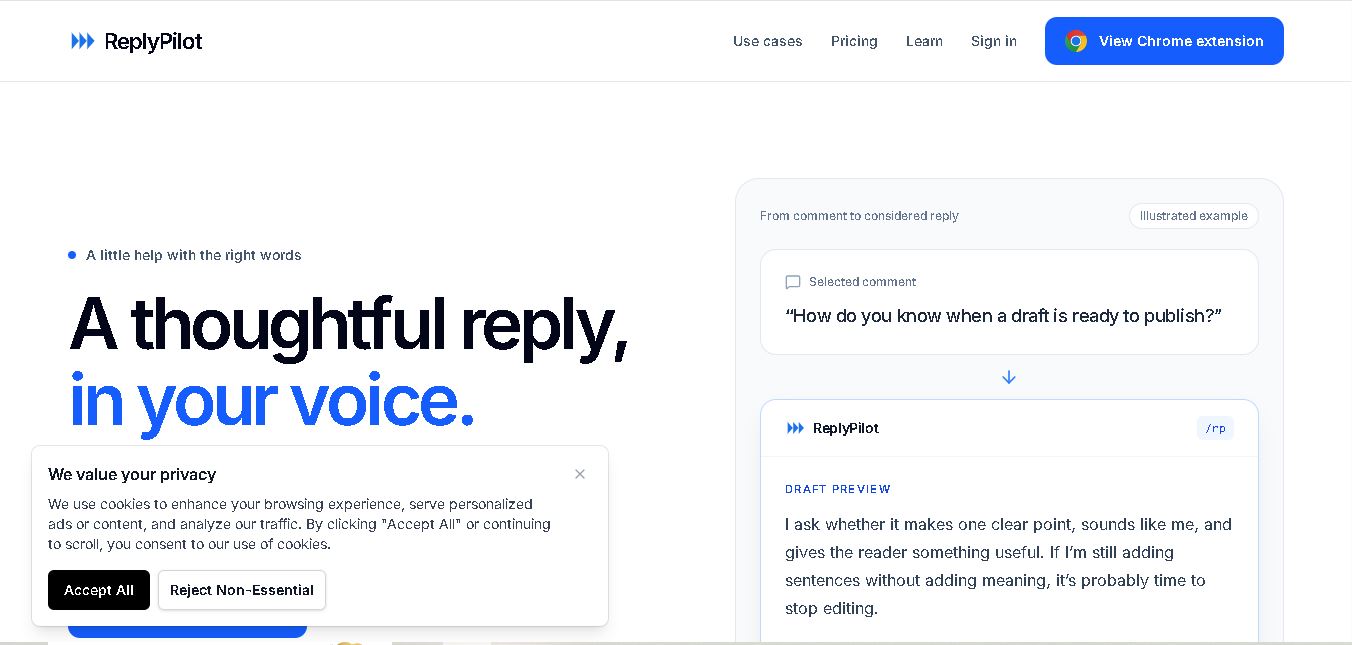
ReplyPilot helps users write personalized social media replies faster through AI-assisted response generation. Its Chrome extension supports contextual comments, writing-style personalization, and multilingual communication. Designed for creators, marketers, and busy professionals, ReplyPilot simplifies everyday engagement while allowing users to review and refine suggested responses before sharing them online.
 4.8
4.8SocialBu
Social Media
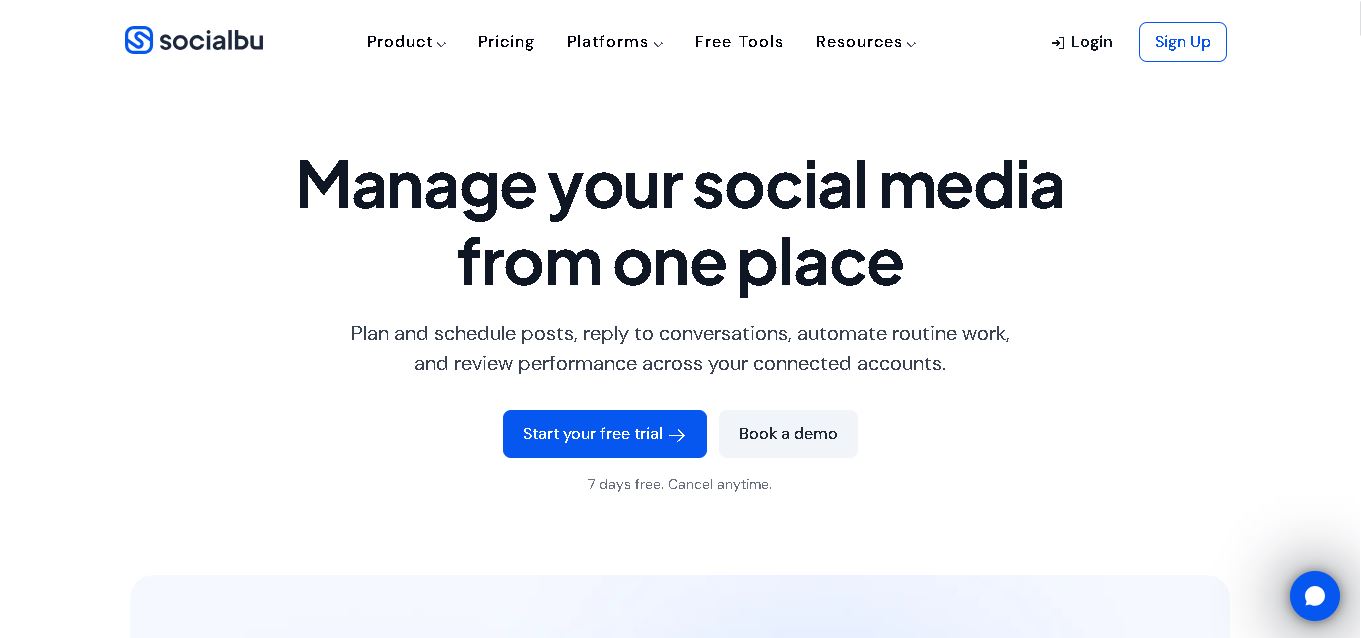
SocialBu is a social media management and automation tool for planning posts, creating AI-assisted content, scheduling publications, managing conversations, and tracking performance. It supports multiple social networks through one workspace, helping creators, small businesses, marketing professionals, and agencies streamline daily activities, maintain consistent communication, and organize their social media marketing efforts more effectively.
 4.8
4.8Clips AI
Social Media
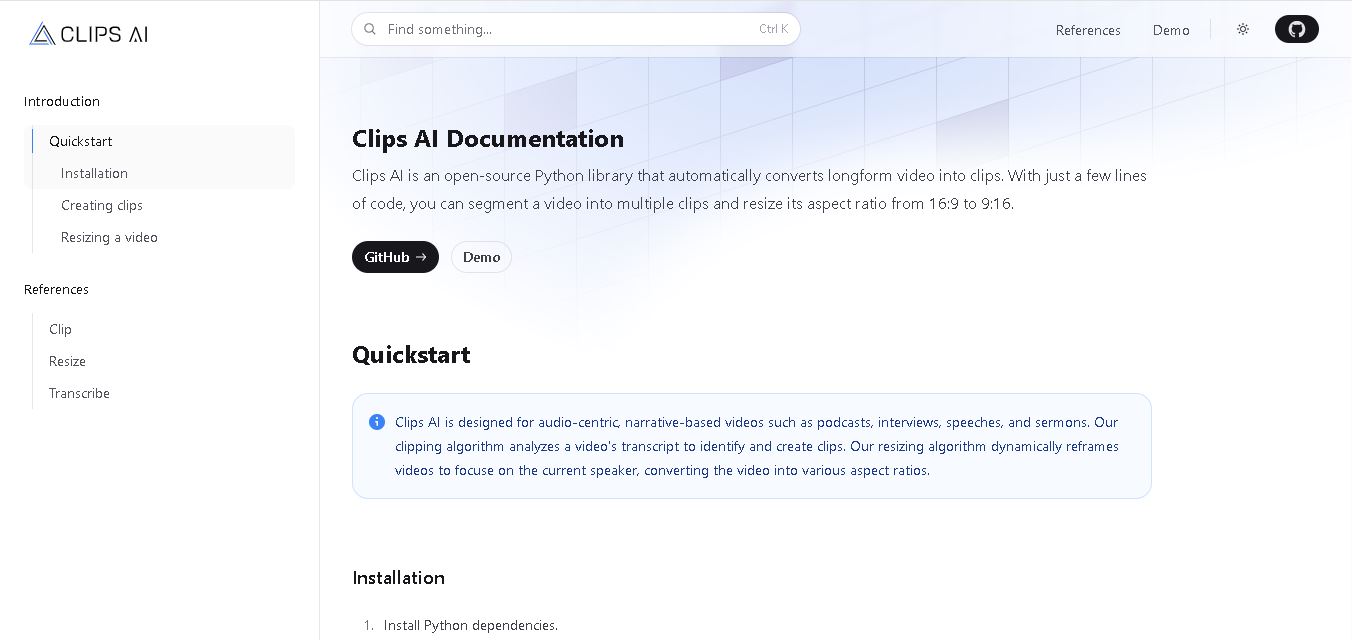
Clips AI is an open-source Python library that converts long-form videos into shorter clips and resizes footage for different aspect ratios. Designed for podcasts, interviews, speeches, and sermons, it uses transcript-based analysis to identify relevant segments and speaker-focused reframing to help developers build automated video repurposing workflows for social media content.
 4.7
4.7TG Video Downloader
Social Media
TG Video Downloader helps users save videos, photos, GIFs, audio, and other supported media from Telegram. Its browser extension offers individual and batch downloads, while its Android application supports browsing accessible conversations and saving selected files. It is useful for offline viewing, personal backups, and convenient media organization across compatible devices and workflows.
 4.8
4.8Markopolo AI
Social Media
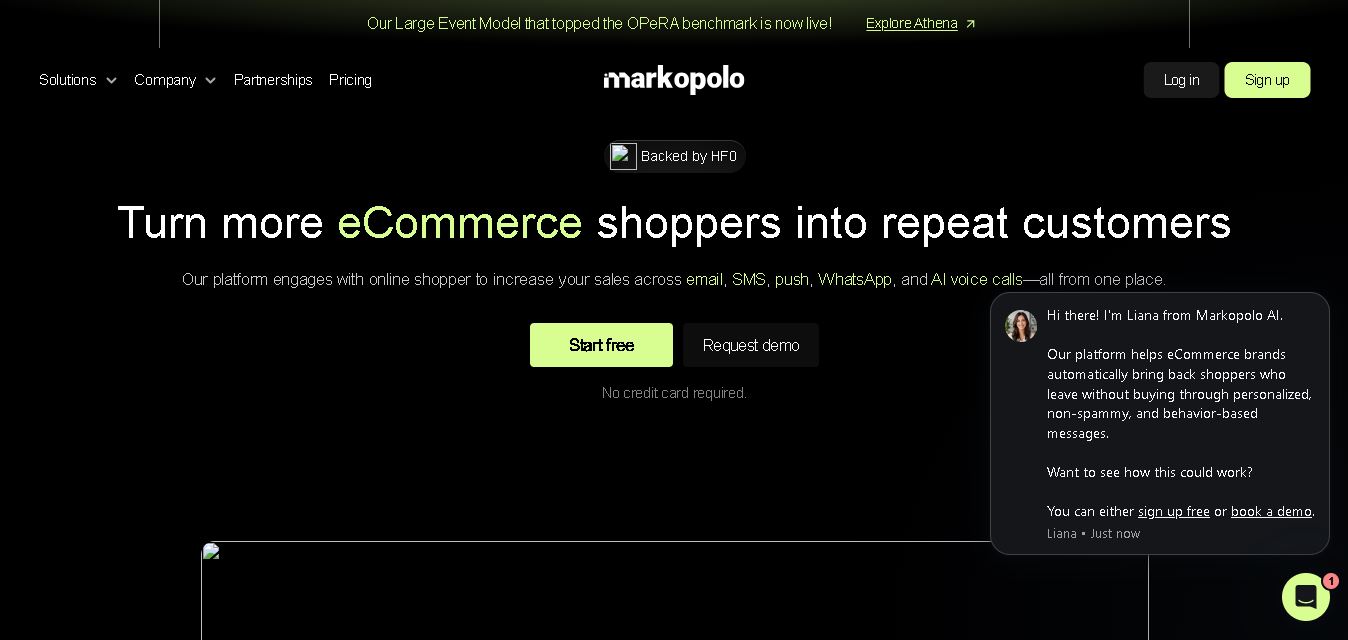
Markopolo AI is a customer engagement and marketing automation tool for eCommerce, retail, and D2C brands. It personalizes customer interactions across email, SMS, WhatsApp, push notifications, and AI voice calls. Its features include abandoned-cart recovery, behavioral tracking, product recommendations, automated campaigns, and analytics to help businesses improve conversions and customer retention.