
HeyHelp
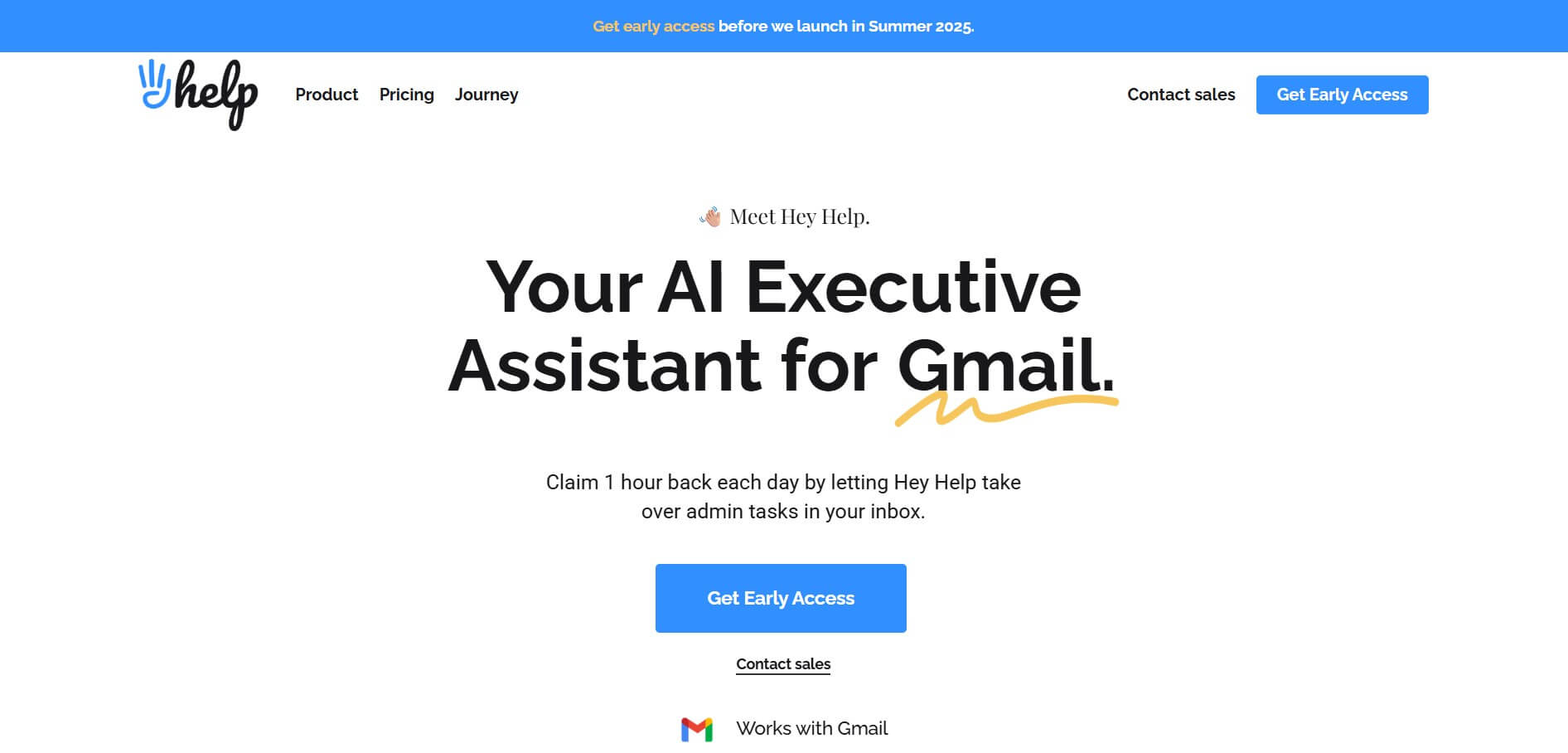
HeyHelp is a native AI executive assistant for Gmail that automatically organizes inboxes, auto-tags priorities, pre-drafts contextual replies in your voice, and manages follow-ups with multi-LLM support across OpenAI, Anthropic, and Google Gemini.
What is HeyHelp?
HeyHelp AI is an AI-powered email assistant designed to simplify and automate everyday inbox management directly within Gmail. It works like a virtual executive assistant, handling repetitive tasks such as sorting emails, drafting replies, tagging conversations, and scheduling follow-ups. Instead of manually organizing your inbox or chasing responses, HeyHelp intelligently prioritizes important messages and filters out noise, helping users stay focused on what matters most. The platform also learns your writing style and workflow over time, making its suggestions more personalized and accurate. With built-in automation and seamless Gmail integration, HeyHelp helps professionals and teams save hours each week while improving productivity and communication efficiency.
Launched in 2025 by Duda Bardavid and Nick Timms—the seasoned productivity team behind DragApp (trusted by over 200,000 Workspace users)—HeyHelp was created to solve inbox fatigue once and for all. Built with a CASA Tier 2 Google Verified security architecture, HeyHelp lets users choose their preferred AI engine (OpenAI, Anthropic Claude, or Google Gemini) or bring their own API keys (BYOK), with subscriptions starting at $12 per month alongside flexible lifetime access deals.
- Founder / Leadership: Duda Bardavid and Nick Timms
- Launch Year: 2025
- Use Cases:
- Waking up to pre-drafted email replies crafted in your tone so you only need to review and hit send
- Auto-sorting, prioritizing, and labeling important customer emails while archiving promotional noise
- Automating gentle, on-time follow-ups on stalled conversations and deal outreach
- Detecting scheduling intent in email threads and creating draft calendar invites with attendees automatically
- Politely declining unsolicited sales pitches and cold outreach without burning mental energy
- Technology:
- Native Google Workspace and Gmail API integration preserving all existing filters, Chrome extensions, and CRM plugins
- Multi-LLM routing architecture allowing users to toggle between OpenAI GPT, Anthropic Claude, and Google Gemini models
- CASA Tier 2 certified, end-to-end encrypted infrastructure with strict zero-training data privacy guarantees
- Target Users:
- Startup founders, solopreneurs, and executives spending 2+ hours daily inside Gmail
- Sales reps and account managers juggling high-volume customer correspondence and follow-ups
- Consultants, freelancers, and agency owners managing multiple client communications
- Busy professionals seeking Inbox Zero without switching away from standard Gmail
- Acquisition: Operates as an independent productivity platform built by the makers of DragApp

Key features of HeyHelp
HeyHelp's key features are
- Native Gmail Integration: Operates directly inside your existing Gmail web interface—no new apps to install, no new tabs, and zero friction with your current browser extensions.
- Contextual AI Drafts: Pre-writes intelligent replies saved directly in your Gmail Drafts folder based on historical thread context, knowledge base info, and your personal voice.
- Smart Inbox Triage & Auto-Tagging: Categorizes incoming messages into clear actionable labels (e.g., Action Needed, Waiting for Reply, Resolved) and archives low-priority clutter.
- Freedom to Choose Your AI (BYOK): Select your underlying AI provider—OpenAI, Anthropic, or Google Gemini—or bring your own API key to pay only for raw token usage.
- Adaptive Self-Learning: Continuously learns your tone, nuances, and habits as you edit drafts or adjust labels, refining its suggestions over time without manual prompts.
- Automated Conversation Follow-Ups: Identifies unreplied conversations and queues timely follow-ups to ensure crucial deals and inquiries never slip through the cracks.
- Smart Calendar Scheduling: Extracts meeting context from messages and prepares draft calendar invites complete with titles, descriptions, and participant invites.
- Google-Verified Security & CASA Tier 2: Adheres to strict enterprise data protection standards with full encryption and zero usage of your private emails for AI training.
HeyHelp Pricing
HeyHelp offers transparent subscription pricing backed by a 7-day free trial (no credit card required), along with a popular lifetime BYOK access tier.
Pro Subscription Plans:
- Pro Annual Plan: $12 per user/month ($144 billed annually) with all-inclusive AI usage (no API key required), AI sorting, draft generation, and calendar assistance
- Pro Monthly Plan: $20 per user/month billed monthly for all-inclusive AI usage and full feature access
HeyHelp Connect (Lifetime Access):
- $199 one-time payment: Lifetime access to HeyHelp with a Bring-Your-Own-Key (BYOK) model (connect OpenAI, Anthropic, or Gemini API keys and pay providers directly for raw token usage)
Disclaimer: For the latest feature rollouts, team discounts, and promotional offers, please visit the official HeyHelp website at heyhelp.ai.
Who is using HeyHelp?
HeyHelp is designed for Gmail power users and fast-moving teams, including
- Startup Founders & Executives: Reclaiming 5+ hours every week by letting AI handle routine email drafting and triage
- Business Development & Sales Reps: Maintaining high response velocity and automating polite follow-ups on open leads
- Customer Success Managers: Quickly dispatching helpful, accurate answers drawing from internal company knowledge
- Operations & Chief of Staff Leads: Organizing chaotic shared email threads and scheduling cross-team calendar invites
- Freelancers & Independent Consultants: Keeping client communication professional and on time without hiring a human virtual assistant
Best HeyHelp Alternatives
Some of the strongest HeyHelp alternatives include
- Superhuman
- Shortwave
- Fyxer AI
- Gemini in Gmail (Google Workspace)
- Auto Gmail
- SaneBox
Pros and Cons of HeyHelp
Pros
- Runs 100% natively inside Gmail without forcing you into a separate third-party email client
- Multi-LLM flexibility lets you choose between OpenAI, Anthropic Claude, and Google Gemini
- Proactively drafts full replies and organizes tags automatically rather than waiting for manual chat prompts
- Built by proven Gmail ecosystem veterans (DragApp) with robust CASA Tier 2 Google security certification
- Cost-effective pricing with an optional one-off lifetime BYOK plan
Cons
- Exclusively optimized for Gmail and Google Workspace (does not support Microsoft Outlook or Apple Mail)
- BYOK Connect lifetime plan requires users to configure and fund their own LLM API accounts
- Advanced team-wide shared tone profiles and collaboration features are still rolling out across roadmaps
Why Choose HeyHelp?
Unlike standalone AI email clients that demand you abandon Gmail entirely, HeyHelp enhances the inbox you already know and love.
- Preserves all your existing Gmail labels, filters, Chrome extensions, and CRM sidebars
- Drafts thoughtful replies in your authentic writing style before you even click into a thread
- Gives you total AI freedom with your choice of top-tier models from OpenAI, Anthropic, or Google
- Delivers enterprise-grade security and Google-verified privacy protection out of the box
HeyHelp vs. Competitors
The main difference between HeyHelp, Superhuman, Shortwave, and Gemini in Gmail is integration philosophy and AI control. While Superhuman and Shortwave require you to use an entirely separate proprietary email client, HeyHelp operates directly within native Gmail. Unlike Google Gemini's basic side-panel prompting, HeyHelp proactively pre-drafts replies, manages custom labels, and allows users to swap between OpenAI, Anthropic, and Google models freely.
| Feature / Tool | HeyHelp (heyhelp.ai) | Superhuman | Shortwave | Gemini in Gmail |
|---|---|---|---|---|
| Native Gmail Interface | Yes (Inside Gmail) | No (Separate App/Client) | No (Separate App/Client) | Yes (Sidebar/Workspace) |
| Multi-LLM Choice / BYOK | Yes (OpenAI, Claude, Gemini) | No (Proprietary/OpenAI) | No (OpenAI) | No (Google Gemini only) |
| Proactive Auto-Drafting | Yes (Ready in Drafts) | Prompt-driven AI write | AI suggestions | Basic quick replies |
| Auto-Tagging & Triage | Yes (Learns & auto-labels) | Split Inboxes | Bundles & Pinning | No |
| Starting Price | $12/mo (or $199 Lifetime) | $30/user/mo | $18/user/mo | $9/user/mo (Workspace) |
| Best For | Gmail users wanting native AI autonomy | Keyboard-first speed seekers | Team thread collaboration | Casual Google Workspace users |
How do we rate HeyHelp?
| Parameter | Rating (out of 5) |
|---|---|
| Native Gmail UX & Workflow Preservation | 5.0 |
| AI Drafting Accuracy & Tone Match | 4.8 |
| Inbox Triage & Auto-Tagging | 4.8 |
| Security & Google Verification (CASA Tier 2) | 5.0 |
| Value for Money & Pricing Flexibility | 4.9 |
| Overall Score | 4.90 |
HeyHelp Review
HeyHelp is one of the most practical and well-executed email assistants available for Google Workspace. Rather than reinventing the wheel with yet another standalone email client, the team behind DragApp has brought thoughtful AI automation directly into native Gmail. The ability to open your inbox and find high-priority messages neatly organized with personalized draft replies waiting for you is a genuine game-changer. For founders, sales professionals, and operators looking to cut their daily email time in half without disrupting their existing workflows, HeyHelp is an indispensable tool.
Conclusion
HeyHelp AI is a smart and highly practical email assistant that transforms Gmail into a more productive and organized workspace. By automating repetitive tasks like sorting emails, drafting replies, managing follow-ups, and scheduling events, it helps users save significant time and stay focused on important work. Its biggest strength lies in working directly inside Gmail while learning your writing style and priorities over time, making the experience feel personalized and efficient. While it may still require human review for accuracy and context, the productivity gains are clear.
HeyHelp AI is a powerful solution for professionals and teams who deal with high email volumes, helping them reduce inbox overload, improve response speed, and manage communication more effectively.
FAQ
What is HeyHelp AI?
HeyHelp AI is an AI-powered email assistant that works directly inside Gmail. It helps users manage their inbox by sorting emails, drafting replies, scheduling tasks, and handling follow-ups automatically, making email workflows faster and more efficient.
How does HeyHelp AI work?
HeyHelp connects with your Gmail account and uses AI to analyze incoming emails. It organizes messages into categories, drafts replies in your writing style, and suggests actions like scheduling meetings or sending follow-ups, all without leaving Gmail.
What can you do with HeyHelp AI?
With HeyHelp, you can automatically sort and label emails, generate reply drafts, track conversations, send follow-ups, and even create calendar events based on email context. It essentially acts like a virtual executive assistant for your inbox.
Does HeyHelp AI draft emails automatically?
Yes, HeyHelp can draft replies for emails using AI. It learns your tone and writing style over time, so the responses feel natural and personalized. You just need to review and send them.
Does HeyHelp integrate with other tools?
Yes, HeyHelp integrates with Gmail and can sync with calendars and CRM tools. It can even create draft calendar events directly from email conversations, helping you stay organized.
Is HeyHelp AI secure to use?
Yes, HeyHelp is a Google Verified app and uses enterprise-grade security, including encryption and privacy-focused infrastructure. However, as with any cloud-based tool, users should avoid sharing highly sensitive data.
Who should use HeyHelp AI?
HeyHelp is ideal for professionals, teams, and businesses that deal with high volumes of email daily. It’s especially useful for sales teams, founders, and customer support professionals who want to save time and improve productivity.
What are the main benefits of using HeyHelp AI?
The main benefits include saving time on repetitive email tasks, improving inbox organization, automating follow-ups, and increasing productivity. It can save users several hours each week by handling routine email work automatically.
User Reviews
No reviews yet for HeyHelp.
Featured Tools
Featured AI tools from TechShark

Melody Genie
MelodyGenie is an AI-powered music generator that creates original songs from simple text prompts. Users can choose styles, moods, and genres, then instantly generate melodies and full tracks, making it easy for creators, marketers, and hobbyists to produce custom music without musical expertise.
Freemium

Kimi AI
Kimi AI is an advanced AI assistant developed by Moonshot AI that helps you chat, research, write, code, and automate tasks in one place. It supports web search, file analysis, and multimodal inputs, and can even run autonomous “agent” workflows to complete complex tasks end-to-end.
Freemium

Fashion Diffusion AI
Fashion Diffusion is an AI-powered fashion design platform that helps brands and designers create clothing designs, virtual try-ons, AI models, product photos, and marketing visuals faster and cost-effectively.
Paid

Veo 4
Veo 4 AI is an AI video creation platform that generates dramatic videos from text, images, audio, and video prompts using realistic motion and synchronized sound.
Paid
Alternatives
Alternatives to HeyHelp
The best HeyHelp alternatives include Superhuman, Shortwave, Fyxer AI, Gemini in Gmail, Auto Gmail, and SaneBox. These tools help users manage high-volume email workflows and draft messages with AI. While HeyHelp specializes in a native Gmail experience with proactive auto-drafting, custom triage tagging, and multi-model flexibility (OpenAI, Anthropic, Gemini) with BYOK options, alternatives like Superhuman provide a dedicated keyboard-first email client, and Gemini in Gmail offers basic built-in Workspace prompts.
 4.8
4.8ClickUp
Productivity
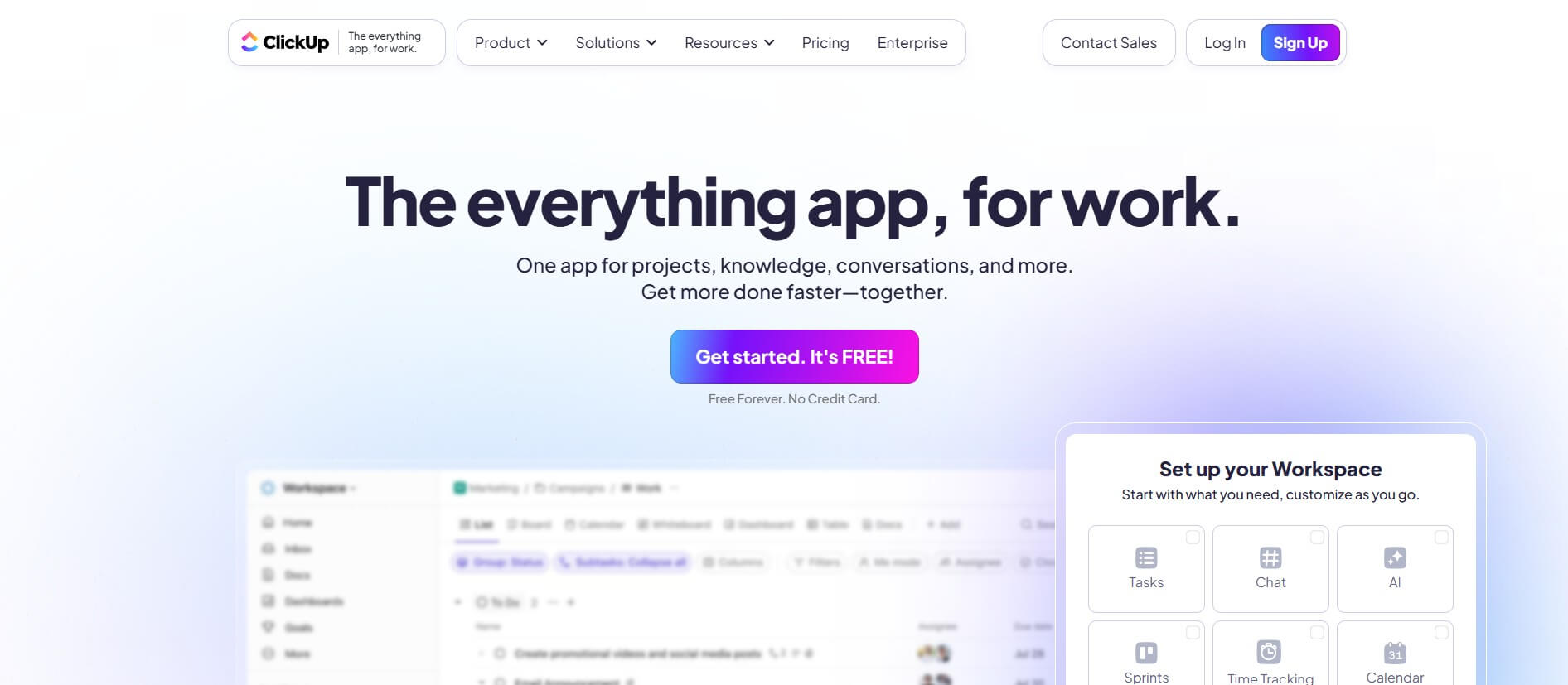
ClickUp is an all-in-one work management platform that helps teams manage projects, tasks, documents, goals, and collaboration in one workspace. Its AI features assist with task creation, meeting summaries, content generation, and workflow automation, while customizable dashboards, multiple project views, and integrations help teams improve productivity and track progress.
 4.9
4.9Notion
Productivity
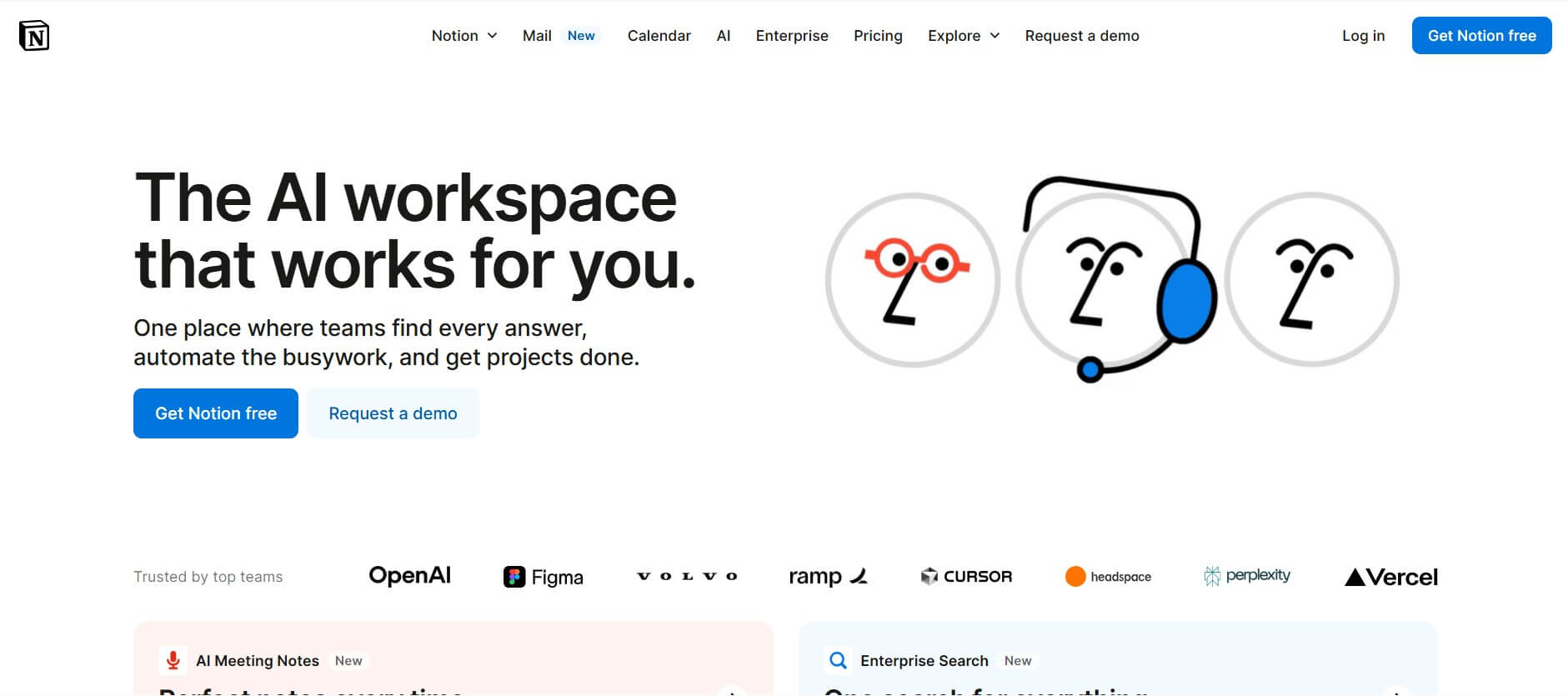
Notion is an all-in-one productivity and AI workspace that helps individuals and teams manage documents, notes, projects, databases, and company knowledge. Its AI features support writing, research, meeting summaries, enterprise search, and workflow automation, while customizable templates and integrations keep everyday work organized in one place.
 4.7
4.7Quinvio AI
Productivity
Quinvio AI helps you turn ideas, scripts, blogs, or web content into polished video presentations. You can refine messaging, choose branded templates, add AI avatars and voiceovers, and produce shareable visual content without traditional recording or editing workflows. It is especially useful for marketers, educators, trainers, creators, and business teams.
 4.9
4.9HubSpot
Marketing
HubSpot is an AI-powered customer platform that helps businesses manage marketing, sales, customer service, and content in one place. It offers a free CRM, automation tools, analytics, and AI features, enabling teams to attract leads, close deals, and deliver better customer experiences at scale.
 4.9
4.9TestSprite
Testing
TestSprite is an AI-powered software testing agent that helps developers automatically generate, run, and fix end-to-end tests for web apps. It simulates real user behavior, detects issues, and provides root-cause insights with suggested fixes, enabling faster releases and more reliable software without manual QA effort.
 4.8
4.8Microsoft Copilot
Productivity
Microsoft Copilot is an AI-powered assistant that helps users write, research, analyze data, and automate tasks across apps like Word, Excel, Outlook, and Teams. It combines large language models with real-time data to generate content, answer questions, and improve productivity across personal and professional workflows.
 4.9
4.9Casablanca AI
Productivity
Casablanca AI is an AI-powered virtual camera that corrects your gaze in real time during video calls, making it appear like you’re maintaining natural eye contact. It works with tools like Zoom and Teams, improving trust, engagement, and communication without needing extra hardware.
 4.9
4.9Granola
Productivity
Granola is an AI-powered meeting assistant that helps you capture, organize, and act on conversations without losing focus. It listens to meetings, turns notes into structured summaries, and generates action items and follow-ups automatically—so you stay present while everything important is documented and ready to use.
 4.8
4.8AI Submit
Productivity
AI Submit is an automated directory submission and SEO distribution platform that allows AI startup founders and developers to submit their artificial intelligence tools to dozens of top AI directories simultaneously for backlink building and traffic growth.