
FridgeSnap.AI
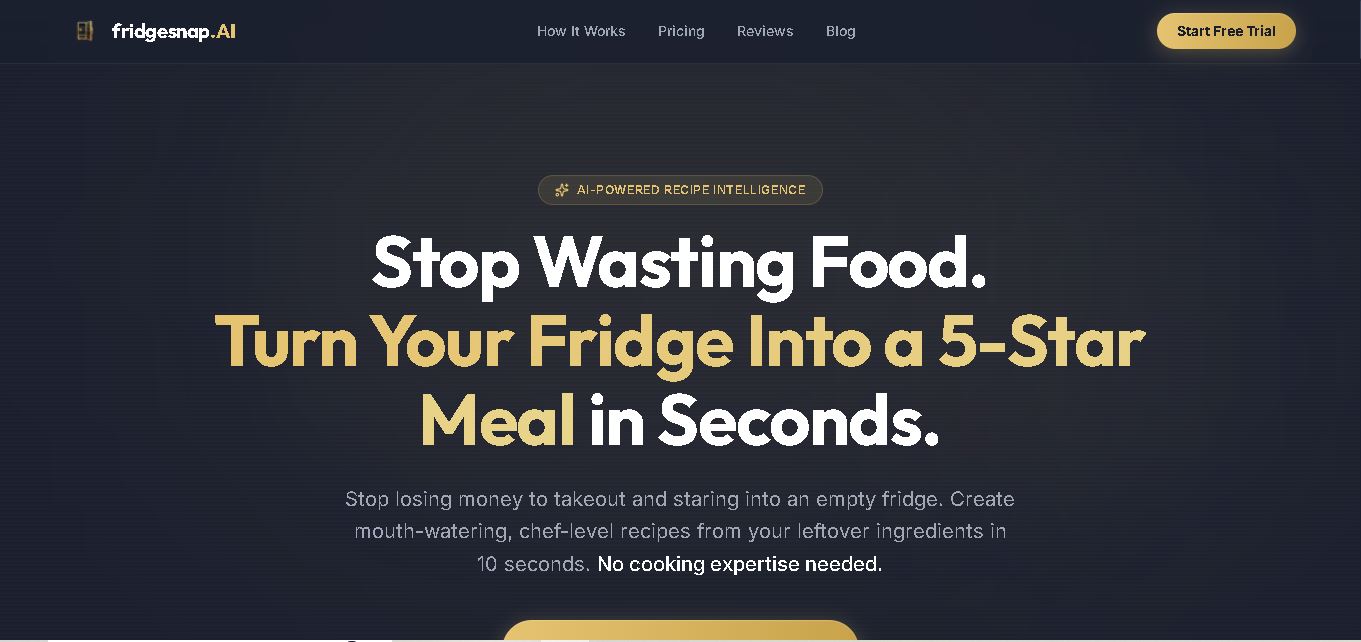
FridgeSnap.AI helps you decide what to cook by analyzing a photo of your fridge and turning visible ingredients into three personalized recipe ideas. It supports dietary preferences, multiple cuisines, pantry input, protein-focused suggestions, and spoilage alerts, making everyday meal planning faster, simpler, and more practical for home cooks at home.
What is FridgeSnap.AI?
FridgeSnap. AI is a recipe-generation tool that turns a photo of your fridge or open shelves into personalized meal ideas. Its vision AI identifies visible ingredients and creates three recipes inspired by different cuisines, with instructions and estimated cooking times. You can also add pantry photos, enter missing ingredients, choose dietary filters, or focus recipes around a primary protein for everyday cooking.
FridgeSnap.AI provides 5 free fridge scans without requiring an account or credit card. Each scan generates 3 recipes inspired by different cuisines using detected ingredients. Paid access costs $9.99 monthly or $99 annually, with unlimited scans. Features include dietary filters, protein-focus mode, pantry-photo input, spoilage alerts, shareable recipe links, and mobile or desktop access. Supported dietary choices include vegetarian, vegan, gluten-free, dairy-free, nut-free, low-carb, keto, paleo, and halal. Photos are processed in memory and not stored after analysis when needed.
- Platform Role: AI Recipe Generator, Computer Vision Meal Planner & Food Waste Reduction Utility
- Developer & Organization: FridgeSnap. AI
- Cross-Platform Access: Web Browser (fridgesnapai.recipes on desktop/mobile) and web-camera integration
Use Cases:
- Scanning refrigerator interiors with a smartphone camera to generate instant dinner ideas without manual typing
- Reducing household food waste by utilizing expiring ingredients and random pantry items
- Applying specific dietary filters such as vegetarian, vegan, gluten-free, dairy-free, keto, paleo, and halal to fridge scans
- Detecting potentially spoiled or expiring food items automatically with visual spoilage alerts
- Generating shareable recipe cards for family members and housemates without requiring sign-ins
Technology:
- Multimodal computer vision AI models capable of identifying 500,000+ ingredients, produce items, and condiments from single-shot photos
- Generative text models for recipe synthesis, dietary rule enforcement, and culinary substitution logic
- In-memory image processing architecture ensuring photos are analyzed without permanent cloud storage retention
- Public web sharing gateway for distributing generated recipe links dynamically
Target Users:
- Home cooks looking to decide "what's for dinner" quickly without browsing long recipe blogs
- Busy parents and professionals aiming to save time on meal planning and grocery prep
- Eco-conscious households and budget-minded individuals focused on cutting food waste
- Individuals following specific dietary requirements (gluten-free, keto, vegan) needing tailored ideas
Acquisition: Web application utility available directly via fridgesnapai. recipes

What are the key features of FridgeSnap?
FridgeSnap. AI's key platform features are
- Instant Visual Ingredient Detection: Snap a photo using your phone or webcam to detect fresh produce, proteins, dairy, and condiments automatically.
- Three Multi-Cuisine Recipes per Scan: Generates three distinct culinary options (e.g., Asian, Mediterranean, or Mexican) tailored precisely to detected items.
- Pantry & Manual Override Input: Combine fridge camera scans with pantry shelf photos or manual ingredient text entries for comprehensive recipe creation.
- Custom Dietary Preferences: Enforce strict dietary filters including vegetarian, vegan, low-carb, keto, gluten-free, dairy-free, nut-free, and halal.
- Spoilage Alert Identification: AI visual assessment flags items that appear near expiration or require immediate usage.
- Shareable Recipe Cards: Export and send instant recipe links to family members that can be opened without downloading an app.
- No Registration Scan Trial: Try up to 5 scans for free directly in the browser without requiring immediate account creation.
How much does FridgeSnap.AI cost?
FridgeSnap.AI operates on a freemium structure, providing initial free scans and offering premium subscriptions for unlimited usage.
Pricing Tiers:
- Free Trial / Visitor Access ($0): Includes up to 5 free fridge scans without registration, complete with dietary filters and multi-cuisine output.
- Monthly Premium ($9.99 / month): Unlocks unlimited image scans, protein-focus mode, unlimited shareable links, and advanced spoilage alerts.
- Annual Premium ($99.00 / year): Provides year-round unlimited access at a discounted rate for frequent home cooks.
- Lifetime Access ($499.00 / one-time): Complete lifetime access to all future vision models and unlimited recipe generations.
Disclaimer: Unregistered visitors receive 5 free scans. Unlimited camera scanning and advanced AI features require an active monthly, annual, or lifetime tier subscription.
Who should use FridgeSnap?
FridgeSnap. AI is designed for home cooks and busy households, including
- Busy Families: Parents needing fast dinner ideas using existing groceries without extra trips to the supermarket.
- Budget-Conscious Individuals: Users looking to save money by using up every ingredient before it spoils.
- Students & Beginners: Cook novice-friendly, step-by-step dishes using available ingredients without complex culinary skills.
What are the best alternatives to FridgeSnap?
Some of the strongest FridgeSnap. AI alternatives include
- DishGen
- SuperCook
- PlantJammer
- Savey Meal-Bot
- ChefAByte
What are the pros and cons of FridgeSnap?
What are the pros of FridgeSnap?
- Eliminates tedious manual typing by using instant camera vision recognition
- Generates 3 diverse global cuisine variations per photo scan within seconds
- Strong privacy standards with temporary in-memory photo processing
- Customizable with robust dietary filters and manual override options
What are the cons of FridgeSnap?
- Image recognition accuracy relies heavily on proper lighting and unobstructed camera views
- Free usage is limited to 5 trial scans before requiring a paid membership
- Occluded or deep-fridge items behind larger containers may require manual entry
Why should you choose FridgeSnap?
Deciding what to cook from a chaotic refrigerator often leads to ordered takeaway or unnecessary food spoilage. FridgeSnap. AI solves this by turning your camera into a personal sous-chef. By taking a single picture, the platform converts random ingredients into organized, step-by-step recipes across global cuisines, saving time, reducing grocery bills, and preventing unnecessary waste.
How does FridgeSnap.AI compare to competitors?
While traditional apps like SuperCook require users to manually check off inventory lists and text-based tools like DishGen require written prompts, FridgeSnap. AI delivers a zero-friction, camera-first experience powered by multimodal visual AI.
| Feature / Platform | FridgeSnap.AI | SuperCook | DishGen |
|---|---|---|---|
| Input Method | Camera/Photo Upload Vision Scan | Manual Checklist Selection | Text Prompting & Ingredient Typing |
| Recipe Generation Speed | Instant (~10 seconds per scan) | Instant database filter match | Instant generative text generation |
| Spoilage Detection | Yes (AI visual alerts) | No | No |
| Best For | Visual fridge scanning with minimal manual effort | Users with detailed, pre-catalogued pantry lists | Users who prefer typing out specific custom dish prompts |
How do we rate FridgeSnap?
| Parameter | Rating (out of 5) |
|---|---|
| Computer Vision & Recognition Speed | 4.7 |
| Recipe Quality & Culinary Diversity | 4.6 |
| User Experience & Accessibility | 4.8 |
| Value for Money | 4.4 |
| Overall Score | 4.62 |
What is our review and verdict on FridgeSnap?
FridgeSnap.AI represents a practical, real-world application of visual artificial intelligence in the kitchen. By taking the friction out of inventory management and recipe searching, it gives users an effortless way to make cooking decisions on the spot. It is an impressive utility for anyone seeking to save money and cook creatively with what they already have.
Conclusion
FridgeSnap.AI offers a practical way to turn ingredients you already have into personalized meal ideas. Its photo-based ingredient detection, three-recipe format, cuisine variety, dietary filters, pantry support, and protein-focus mode make the experience flexible for everyday cooking. The free five-scan option also lets you explore the tool before choosing a paid plan, while its stated photo-processing approach provides additional privacy context.
FAQ
How does FridgeSnap.AI create recipes from a fridge photo?
FridgeSnap. AI analyzes a photo of your fridge or open shelves to identify visible ingredients, including produce, proteins, dairy, condiments, and leftovers. It then creates three different cuisine-inspired recipes using those ingredients, with step-by-step instructions and estimated cooking times. You can also add pantry photos or manually enter ingredients when needed.
Do I need an account to use FridgeSnap.AI?
No account is required for your first five scans, so you can test FridgeSnap.AI before creating a profile. If you register, your account can save scan history and synchronize dietary preferences across devices. This makes the tool more convenient if you regularly plan meals from available ingredients at home easily.
How many recipes does FridgeSnap.AI generate per scan?
Each FridgeSnap.AI scan generates three distinct recipes from your detected ingredients. The recipes are designed around different cuisine styles, giving you several ways to use the same food. This approach can help when you have limited ingredients but want variety instead of repeating one meal idea without needing many extras.
What dietary preferences does FridgeSnap.AI support?
FridgeSnap. AI includes dietary filters for vegetarian, vegan, gluten-free, dairy-free, nut-free, low-carb, keto, paleo, and halal preferences. You can use these options to make generated recipes suited to your preferences. Because ingredient detection depends on the image, review each recipe and ingredient carefully before cooking, especially for allergies and other concerns.
How accurate is FridgeSnap.AI ingredient detection?
FridgeSnap. AI can identify many common ingredients visible in a clear fridge or pantry image, but detection is not guaranteed to be perfect. Lighting, image quality, blocked items, and visibility can affect results. If something is missed, you can manually add it through text input before generating recipes for better results.
Can I use FridgeSnap.AI on my phone or computer?
Yes. FridgeSnap. AI is designed for both mobile and desktop use. On a phone, you can use the camera to capture your fridge, while desktop users can upload an image or use a webcam. This makes the tool useful for home cooking and meal planning on either device with ease today.
User Reviews
No reviews yet for FridgeSnap.AI.
Featured Tools
Featured AI tools from TechShark

Melody Genie
MelodyGenie is an AI-powered music generator that creates original songs from simple text prompts. Users can choose styles, moods, and genres, then instantly generate melodies and full tracks, making it easy for creators, marketers, and hobbyists to produce custom music without musical expertise.
Freemium

Kimi AI
Kimi AI is an advanced AI assistant developed by Moonshot AI that helps you chat, research, write, code, and automate tasks in one place. It supports web search, file analysis, and multimodal inputs, and can even run autonomous “agent” workflows to complete complex tasks end-to-end.
Freemium

Fashion Diffusion AI
Fashion Diffusion is an AI-powered fashion design platform that helps brands and designers create clothing designs, virtual try-ons, AI models, product photos, and marketing visuals faster and cost-effectively.
Paid

Veo 4
Veo 4 AI is an AI video creation platform that generates dramatic videos from text, images, audio, and video prompts using realistic motion and synchronized sound.
Paid
Alternatives
Alternatives to FridgeSnap.AI
The best FridgeSnap.AI alternatives include DishGen, SuperCook, PlantJammer, and Savey Meal-Bot. While FridgeSnap.AI uses computer vision to scan fridge photos and automatically generate multi-cuisine recipes, SuperCook uses a manual inventory checklist and DishGen relies on text-based ingredient prompts.
 4.7
4.7PartyPilot AI
Life Assistant
PartyPilotAI helps you plan celebrations around your actual space. Upload venue photos, describe your guest count, theme, budget, and requirements, then receive practical layout guidance, seating ideas, shopping priorities, setup notes, and optional visual mockups. It is designed for hosts, families, helpers, vendors, and event-planning workflows for smoother event preparation.
 4.8
4.8SuperIntern
Life Assistant
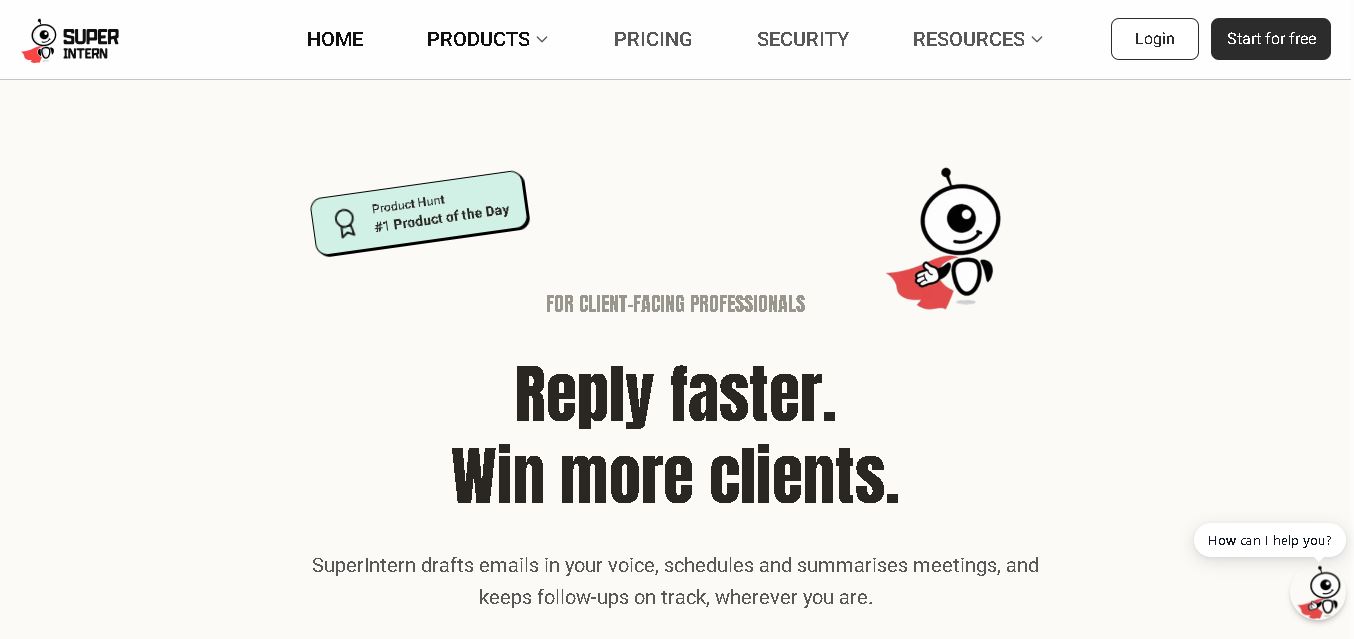
SuperIntern is a proactive AI assistant for professionals who want help managing emails, meetings, tasks, reminders, and follow-ups. It learns your communication style, works through familiar messaging apps, connects business knowledge, and handles recurring workflows. You review important outputs before sending, while the assistant reduces repetitive administrative work across operations.
 4.8
4.8JourneAI
Life Assistant
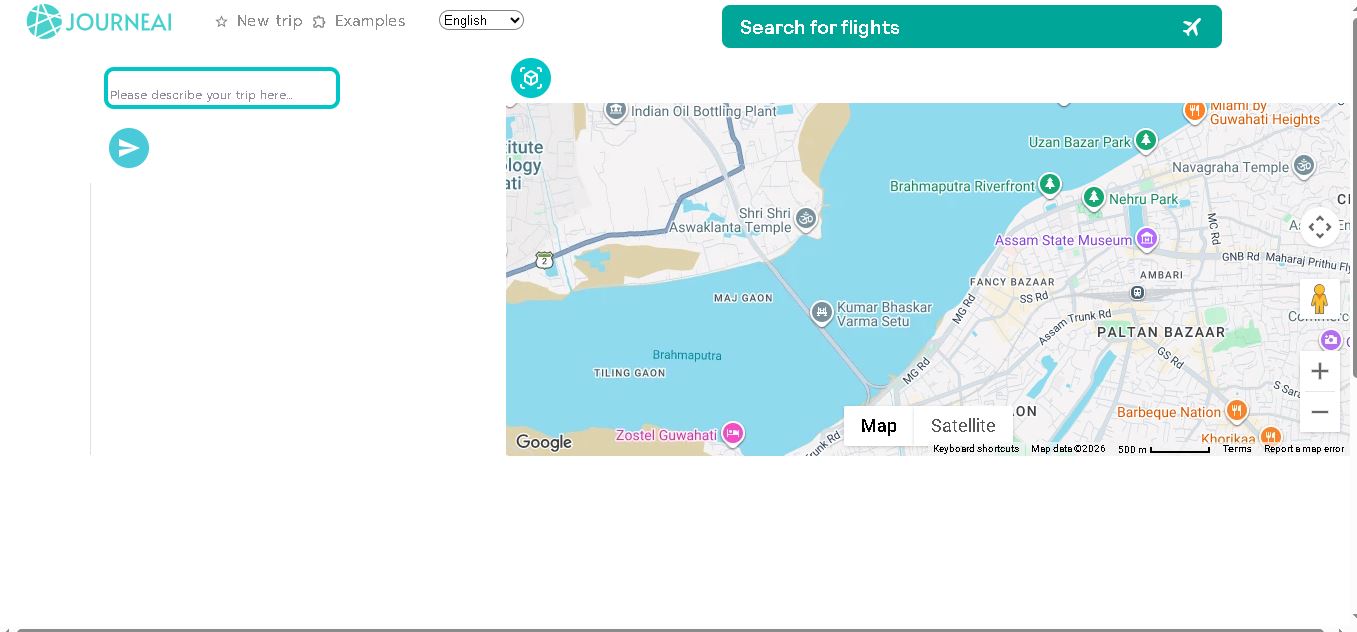
JourneAI is a travel itinerary generator that turns your destination or travel idea into a personalized trip plan. It helps travelers organize journeys quickly by generating detailed itineraries from simple descriptions. The tool is useful for discovering travel possibilities, structuring activities, and creating a practical starting point for trip planning.
 4.7
4.7SYiGO
Life Assistant
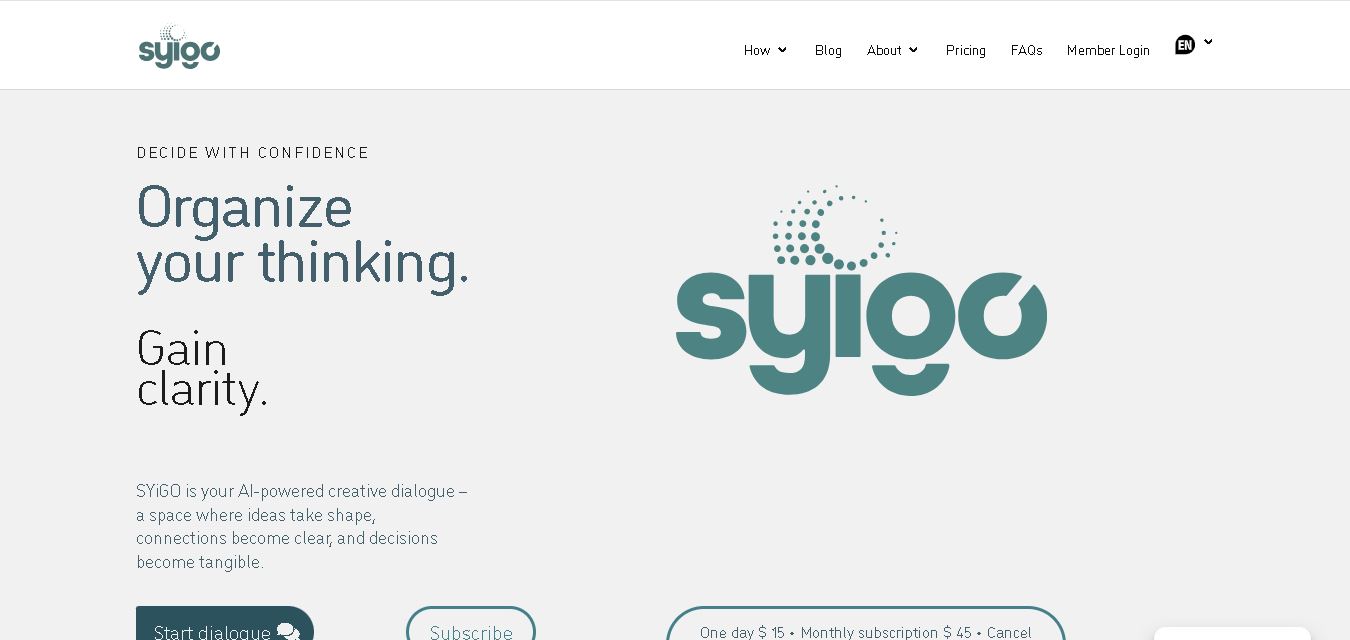
SYiGO is a structured digital dialogue space for reflection, clarity, and conscious decision-making. It helps individuals organize thoughts, explore values, understand complex situations, and identify priorities. Teams can also use SYiGO to bring perspectives together, clarify responsibilities, strengthen communication, and create shared alignment during important decisions or organizational change.
 4.7
4.7RedditScout
Life Assistant
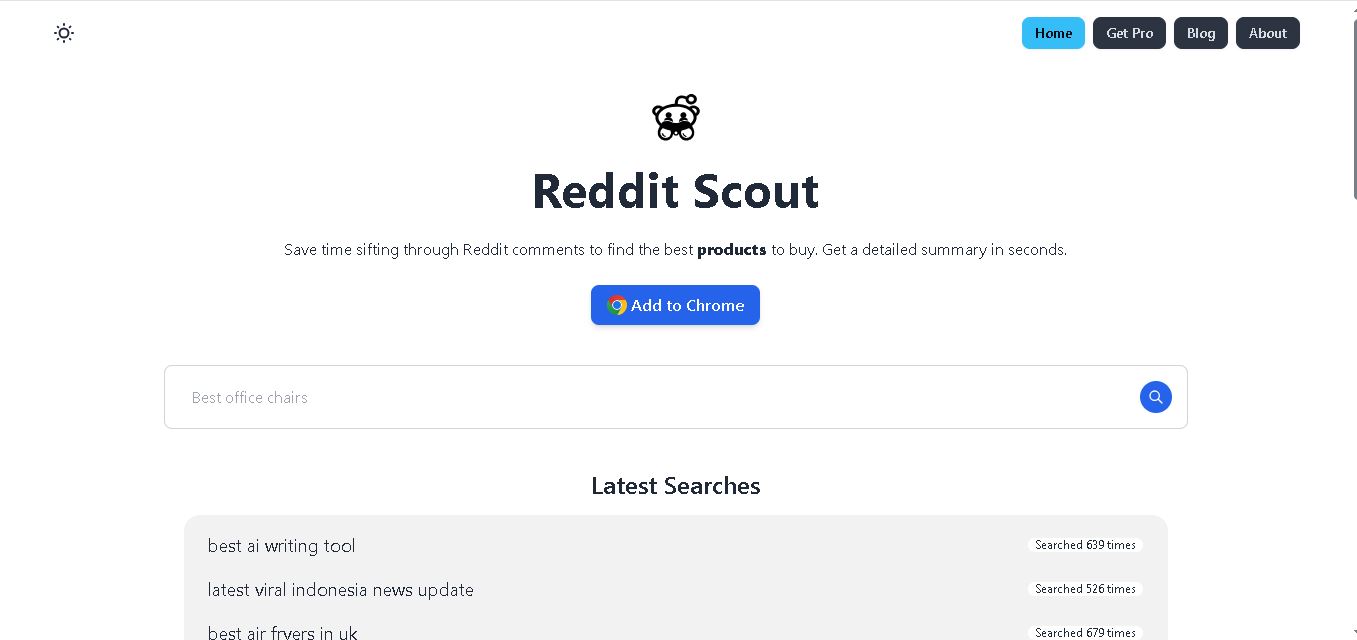
Reddit Scout helps you research products through Reddit discussions. Enter a product or category, and it surfaces relevant comments, highlights community experiences, and summarizes useful information. It can reduce time spent browsing multiple threads when comparing products, discovering recommendations, or understanding what Reddit users say about a specific purchase decision.
 4.7
4.7Glitter AI
Life Assistant
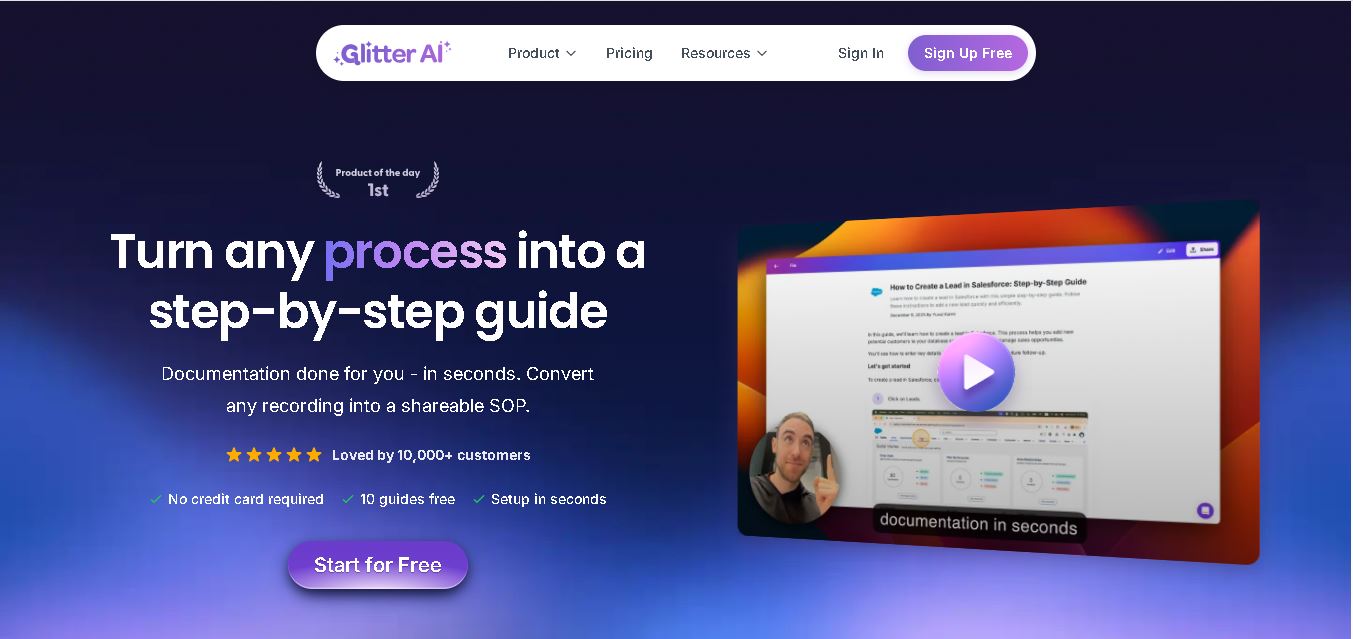
Glitter AI helps teams turn everyday workflows into clear step-by-step guides, SOPs, and training documentation. Record your screen and voice or upload an existing video, and Glitter identifies important moments, captures screenshots, and generates written instructions. Guides can then be edited, shared, exported, translated, or embedded for easier knowledge sharing.
 4.7
4.7BlackInk AI
Life Assistant
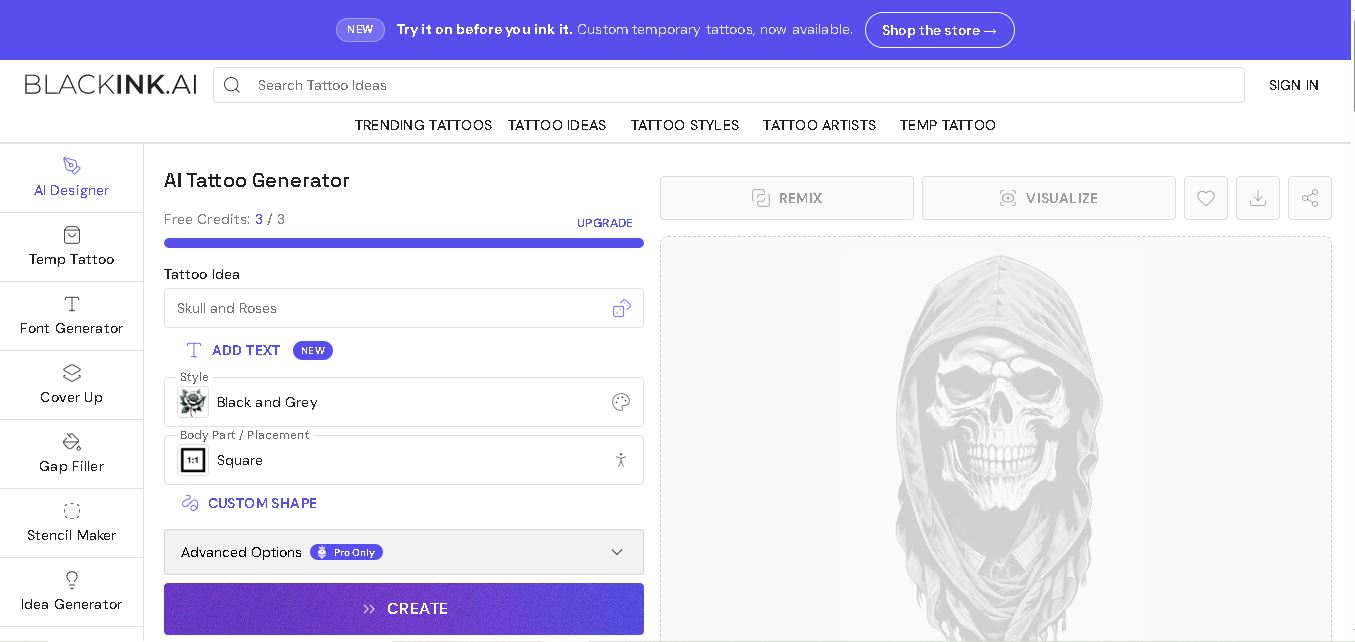
BlackInk AI helps users turn tattoo ideas into personalized visual concepts using simple text prompts and customization options. You can explore different styles, preview designs on body placements, create stencils, and refine creative directions before visiting an artist. It suits beginners, tattoo enthusiasts, illustrators, and professional tattoo artists alike today.
 4.8
4.8Jovida AI
Life Assistant
Jovida Daily helps users capture, organize, prioritize, and complete everyday tasks without constantly maintaining a complicated productivity system. It converts voice notes, screenshots, links, messages, and rough ideas into actionable to-dos, breaks overwhelming projects into smaller steps, adjusts daily plans, and follows up when important work remains unfinished.
 4.7
4.7MysticX AI
Life Assistant
MysticX is an online tarot and reflection tool for personalized guidance across love, career, relationships, decisions, and daily life. Users can draw Tarot or Lenormand cards, explore different spreads, ask follow-up questions, save meaningful readings, and discover additional experiences such as Human Design and Soulmate Sketch.