
CastReader
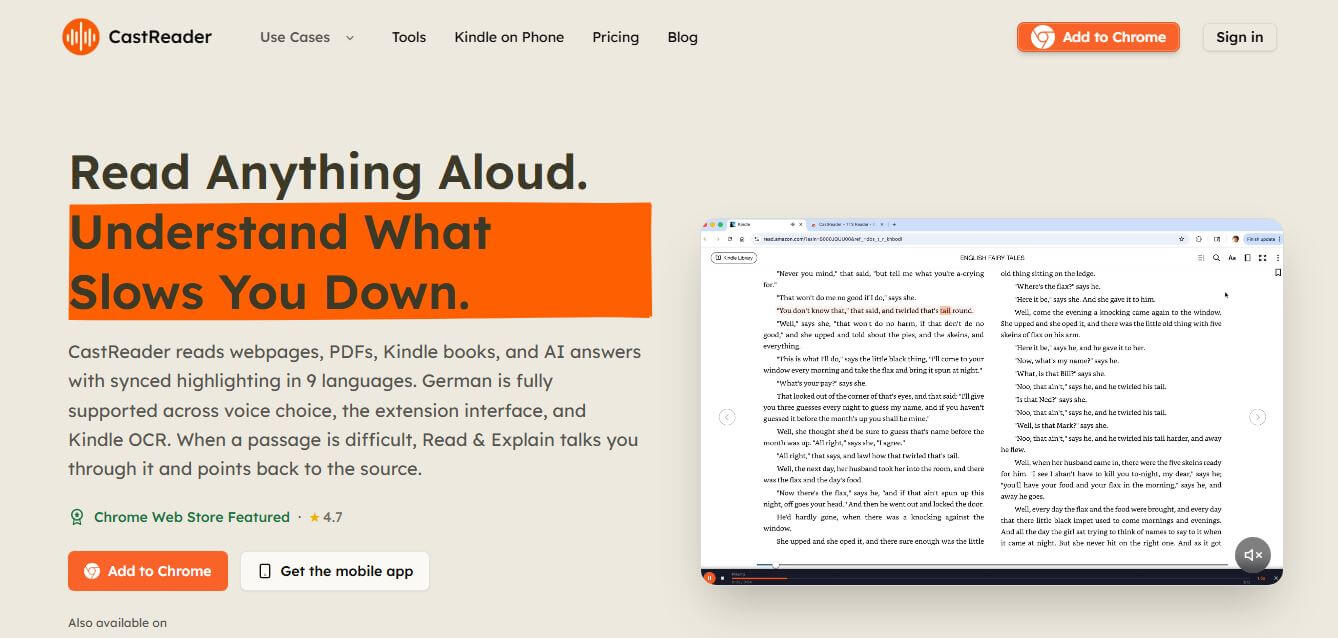
CastReader is an AI-powered text-to-speech reader and reading assistant that converts web articles, PDFs, Kindle books, and AI chatbot responses into natural audio with synchronized word highlighting, auto-scrolling, and interactive AI explanations.
What is CastReader?
CastReader (castreader.com) is an AI-powered text-to-speech reader, reading assistant, and browser extension designed for students, professionals, language learners, and neurodivergent readers. It converts online articles, PDF documents, Kindle books, and AI chatbot answers into natural, human-like audio. Featuring synchronized word-level highlighting, auto page-turning for e-readers, AI-assisted concept explanations, and voice cloning, CastReader simplifies reading and improves content comprehension across desktop and mobile platforms.
CastReader is available as a featured browser extension on Chrome, Microsoft Edge, and Firefox, alongside native mobile apps for iOS and Android. The platform features an expansive library of over 100 natural-sounding AI voices across 30+ languages, with automatic language detection. By combining auditory narration with synchronized visual highlighting, dual-channel learners and individuals with dyslexia or ADHD report significant improvements in reading speed and retention, saving up to 5 hours of screen reading time per week.
- Founder: Developed by the CastReader indie product and assistive AI engineering team
- Launch Year: 2025
- Use Cases:
- Listening to Kindle Cloud Reader and WeChat Reader e-books with auto page-turning
- Academic PDF study and research report review with synced word highlighting
- AI Read & Explain for breaking down difficult technical jargon in plain language
- Proofreading drafts by ear to catch typos and listening to ChatGPT/Claude answers
- Technology:
- Neural Text-to-Speech (TTS) synthesis and voice cloning models
- Canvas-rendered DOM extraction algorithms for e-reader interfaces
- Large Language Model conceptual simplification and synchronized markup rendering
- Target Users:
- Students, university researchers, and academic scholars
- Busy professionals, executives, and remote workers
- Readers with dyslexia, ADHD, or visual fatigue
- Multilingual readers, foreign language learners, and book lovers
- Acquisition: Operates as an independent productivity and assistive technology product

Key features of CastReader
CastReader's key features are
- Read Aloud with Synced Highlighting: Narrates articles, PDFs, and documents while highlighting each word and paragraph in sync with automatic page scrolling.
- AI Read & Explain Mode: Breaks down complex or dense passages into plain language, marking up the original text visually with key highlights.
- Kindle & E-Reader Auto-Turn: Extracts text from canvas-rendered readers like Kindle Cloud Reader and WeChat Reader with automatic page-turning.
- AI Chatbot Per-Response Audio: Adds instant audio narration buttons directly beside individual answers in ChatGPT, Claude, and Gemini threads.
- Natural Voice Library & Cloning: Choose from over 100 natural voices across 30+ languages or clone your own voice for personalized document reading.
- Distraction-Free Smart Extraction: Automatically removes ads, navigation sidebars, and cluttered banners, focusing audio solely on core article text.
- Multi-Speed Playback Controls: Adjust playback speed smoothly from 0.5x for detailed language study up to 3.0x for rapid audio skimming.
- Cross-Platform Continuity: Listen seamlessly across Chrome, Edge, and Firefox browser extensions or native iOS and Android mobile apps.
CastReader Pricing
CastReader offers a daily free access tier alongside flexible Pro subscription plans and pay-as-you-go credit packages.
Free Tier:
- $0
- 20 minutes of daily read-aloud listening
- 3 AI Explain queries per day and standard natural voices
Pro Plan:
- Starts at approximately $8.50 – $14.99/month (or discounted annually)
- Unlimited read-aloud listening and unlimited AI Explains
- Premium neural voices, faster playback speeds, and voice cloning access
Pay-As-You-Go Credits:
- One-off credit packages from ~$9.99 for flexible document reading without subscriptions
Disclaimer: For the latest and most accurate pricing information, please visit the official CastReader website at castreader.com.
Who is using CastReader?
CastReader is designed for a broad range of readers and learners, including
- Students & Researchers: Digesting academic PDFs, study guides, and research papers with dual-channel visual and audio learning
- Busy Professionals: Turning long newsletters, industry reports, and emails into audio during commutes
- Neurodivergent Readers: Utilizing synchronized text highlighting and auto-scrolling to maintain reading focus
- E-Book Readers: Listening to Kindle and online book libraries with hands-free page turning
- Language Learners: Improving pronunciation and vocabulary comprehension through multilingual voice tracking
Best CastReader Alternatives
Some of the strongest CastReader alternatives include
- Speechify
- Readwise Reader
- NaturalReader
- Audioread
- ElevenLabs Reader
Pros and Cons of CastReader
Pros
- Synced word and paragraph highlighting with auto-scrolling keeps readers locked into content
- AI Read & Explain simplifies dense, obscure passages into plain-language summaries
- Specialized support for Kindle Cloud Reader and WeChat Reader with automatic page-turning
- Daily free tier allows 20 minutes of read-aloud without upfront payment
- Seamless browser extension integration across Chrome, Firefox, and Edge
Cons
- Free plan has a 20-minute daily limit, requiring Pro for heavy daily reading
- Voice cloning features require clean microphone samples and Pro authorization
- Highly formatted multi-column PDF layouts may occasionally require manual text selection
- Offline listening requires caching documents in mobile apps ahead of time
Why Choose CastReader?
CastReader is the ideal choice for anyone who wants to turn online reading into an engaging listening experience with AI-powered comprehension support.
- Converts any web page, PDF, or Kindle book into a podcast-quality narration
- Explains difficult concepts on the fly without making you leave the page
- Keeps your eyes and ears synchronized with real-time text highlighting
- Automatically flips pages on supported e-readers for uninterrupted listening
- Accessible across all major browsers and mobile devices with zero sign-up friction
CastReader vs. Competitors
The main difference between CastReader, Speechify, Readwise Reader, and NaturalReader is that CastReader combines e-reader canvas extraction (Kindle Cloud Reader auto page-turning) with an interactive "Read & Explain" AI tutor that marks up and simplifies dense passages, whereas Speechify focuses primarily on celebrity voice narration, Readwise Reader emphasizes RSS bookmarking and highlighting, and NaturalReader provides traditional document text-to-speech. CastReader stands out for its in-line AI explanations and e-reader integration.
| Feature / Tool | CastReader (castreader.com) | Speechify | Readwise Reader | NaturalReader |
|---|---|---|---|---|
| Core Focus | TTS + AI Explain & E-Books | Celebrity Voice TTS | Read-It-Later & Highlighting | Document TTS & Commercial |
| AI Read & Explain | Yes (In-line Summaries & Markup) | AI Summary Only | Ghostreader AI | No |
| Kindle / Canvas Support | Yes (Auto Page-Turn) | Limited / OCR | Limited | OCR Desktop App |
| Synced Word Highlighting | Yes (Auto-Scroll) | Yes | Yes | Yes |
| Free Daily Allowance | 20 Min / Day + 3 Explains | Limited Free Voices | 30-Day Trial | Free Basic Voices |
| Best For | Kindle, Articles & Active Study | General Web & Book Listening | Power Readers & Researchers | Document & File Narration |
How do we rate CastReader?
| Parameter | Rating (out of 5) |
|---|---|
| Voice Naturalness & Audio Quality | 4.8 |
| Synced Highlighting & Auto-Scroll | 4.9 |
| AI Explain & Comprehension Tools | 4.9 |
| Kindle & Platform Compatibility | 4.9 |
| Value for Money | 4.8 |
| Overall Score | 4.86 |
CastReader Review
CastReader provides an exceptionally practical and intuitive reading solution for the digital age. By recognizing that listening to complex documents is only helpful if you can actually comprehend the material, its "Read & Explain" feature elevates it beyond standard text-to-speech tools. The ability to seamlessly narrate Kindle books with automatic page-turning, combined with distraction-free article extraction and synced paragraph tracking, makes tackling massive reading lists feel effortless. For students, professionals, and neurodivergent learners looking to absorb more information with less screen fatigue, CastReader is an outstanding assistive platform.
Conclusion
CastReader is a highly practical and intelligent tool for anyone who prefers listening over reading or wants to improve comprehension of complex content. By combining natural text-to-speech with synchronized highlighting and AI-powered explanations, it goes beyond basic reading tools and acts more like a guided learning assistant. Its ability to work across webpages, PDFs, Kindle books, and even AI responses makes it versatile for students, professionals, and casual readers alike. While accuracy and compatibility can vary depending on the source, its overall functionality is impressive. CastReader helps users save time, stay focused, and better understand information, making it a valuable productivity and learning companion.
FAQ
What is CastReader and how can CastReader help me?
CastReader is an AI-powered text-to-speech and reading assistant that helps you listen to and understand content like articles, PDFs, and books. CastReader turns written text into natural audio while highlighting the words on screen, making it easier to stay focused and absorb information. It’s especially helpful for students, professionals, and anyone who prefers learning through listening.
How does CastReader actually work?
CastReader works by converting text from web pages, documents, or books into spoken audio using AI voices. At the same time, CastReader highlights the text in sync with the speech so you can follow along visually. It also offers an “Explain” feature that breaks down difficult passages and explains them in simpler terms.
What makes CastReader different from other text-to-speech tools?
CastReader stands out because it doesn’t just read text—it helps you understand it. CastReader combines text-to-speech with AI explanations, annotations, and visual cues like highlights and markings. This makes it more like a guided reading assistant rather than a basic voice reader.
What kind of content can CastReader read aloud?
CastReader can read a wide range of content including web articles, PDFs, Kindle books, emails, documents, and even AI-generated responses. It works across browsers, mobile apps, and supported platforms, making it flexible for different types of reading.
Does CastReader support multiple languages?
Yes, CastReader supports multiple languages (around 9 or more) and can automatically detect the language of the text. It also allows you to listen in one language while getting explanations in another, which is helpful for language learners.
Can I use CastReader on mobile devices?
Yes, CastReader is available on iPhone, iPad, and Android devices. The mobile app allows you to listen to documents, books, and web content on the go, with features like background playback and progress tracking.
Is CastReader free to use?
CastReader offers a free plan that includes basic listening and limited AI explanations per day. There is also a Pro version that unlocks more listening time, premium voices, and advanced features for heavy users.
User Reviews
No reviews yet for CastReader.
Featured Tools
Featured AI tools from TechShark

Melody Genie
MelodyGenie is an AI-powered music generator that creates original songs from simple text prompts. Users can choose styles, moods, and genres, then instantly generate melodies and full tracks, making it easy for creators, marketers, and hobbyists to produce custom music without musical expertise.
Freemium

Kimi AI
Kimi AI is an advanced AI assistant developed by Moonshot AI that helps you chat, research, write, code, and automate tasks in one place. It supports web search, file analysis, and multimodal inputs, and can even run autonomous “agent” workflows to complete complex tasks end-to-end.
Freemium

Fashion Diffusion AI
Fashion Diffusion is an AI-powered fashion design platform that helps brands and designers create clothing designs, virtual try-ons, AI models, product photos, and marketing visuals faster and cost-effectively.
Paid

Veo 4
Veo 4 AI is an AI video creation platform that generates dramatic videos from text, images, audio, and video prompts using realistic motion and synchronized sound.
Paid
Alternatives
Alternatives to CastReader
The best CastReader alternatives include Speechify, Readwise Reader, NaturalReader, Audioread, ElevenLabs Reader, and Pocket. These platforms provide text-to-speech, read-it-later bookmarking, and auditory learning tools. While CastReader specializes in Kindle auto page-turning, in-line AI concept explanations, and synchronized word highlighting, alternatives like Speechify focus on celebrity voices, and Readwise Reader emphasizes RSS feeds. Choosing the right tool depends on whether you require interactive study explanations, e-book auto-narration, or general article bookmarking.
 4.9
4.9KittenTTS Web
Text-to-Speech
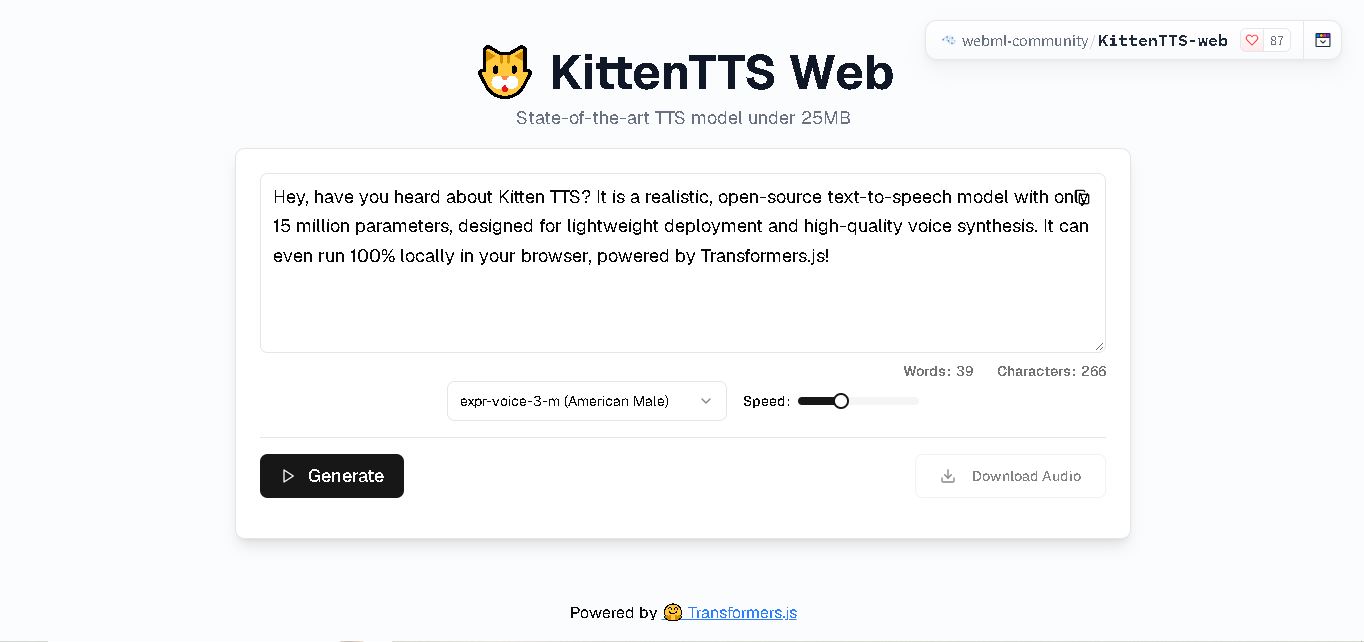
KittenTTS Web is a lightweight text-to-speech demo hosted on Hugging Face Spaces. It helps users explore how written text can be transformed into spoken audio using neural voice synthesis. The project is particularly relevant to developers, content creators, and accessibility-focused users interested in experimenting with compact speech generation technology directly through a web browser.
 4.9
4.9Parler-TTS
Text-to-Speech
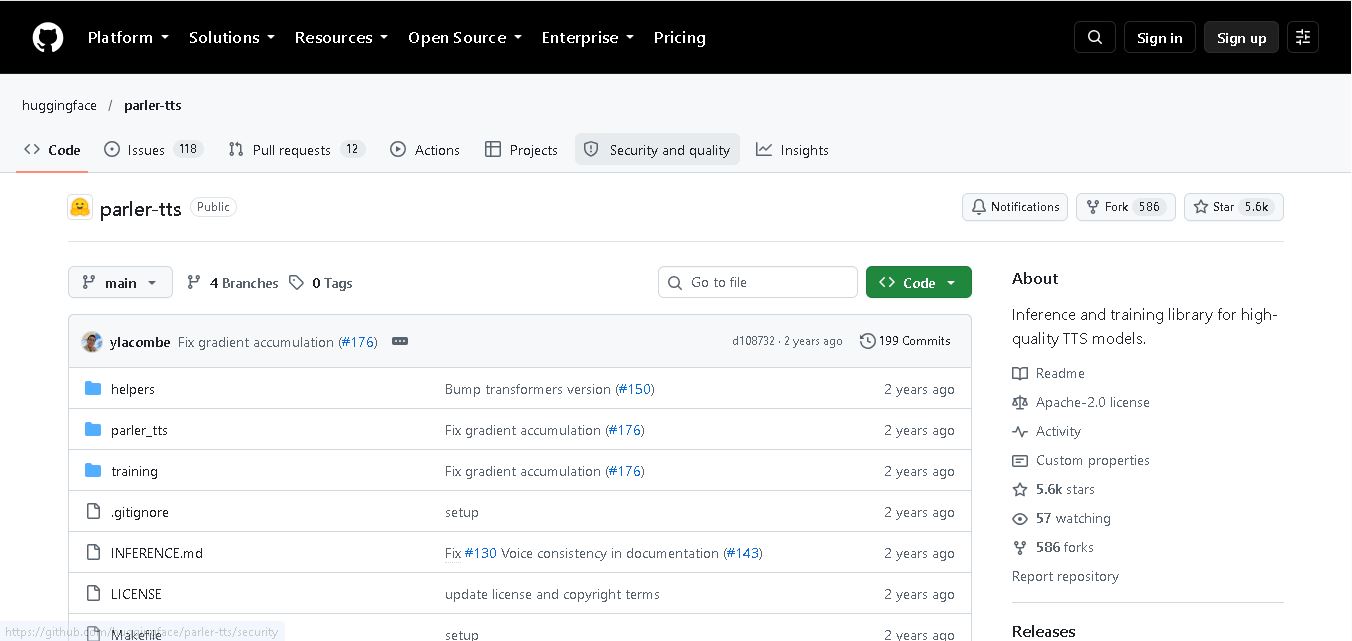
Parler-TTS is an open-source text-to-speech tool that transforms written content into natural-sounding audio. It lets developers describe voice characteristics using natural language, including pitch, speaking speed, and recording quality. With publicly available model weights, training resources, and customizable checkpoints, it supports experimentation, research, and tailored speech-generation applications across projects.
 4.9
4.9IMS Toucan
Text-to-Speech
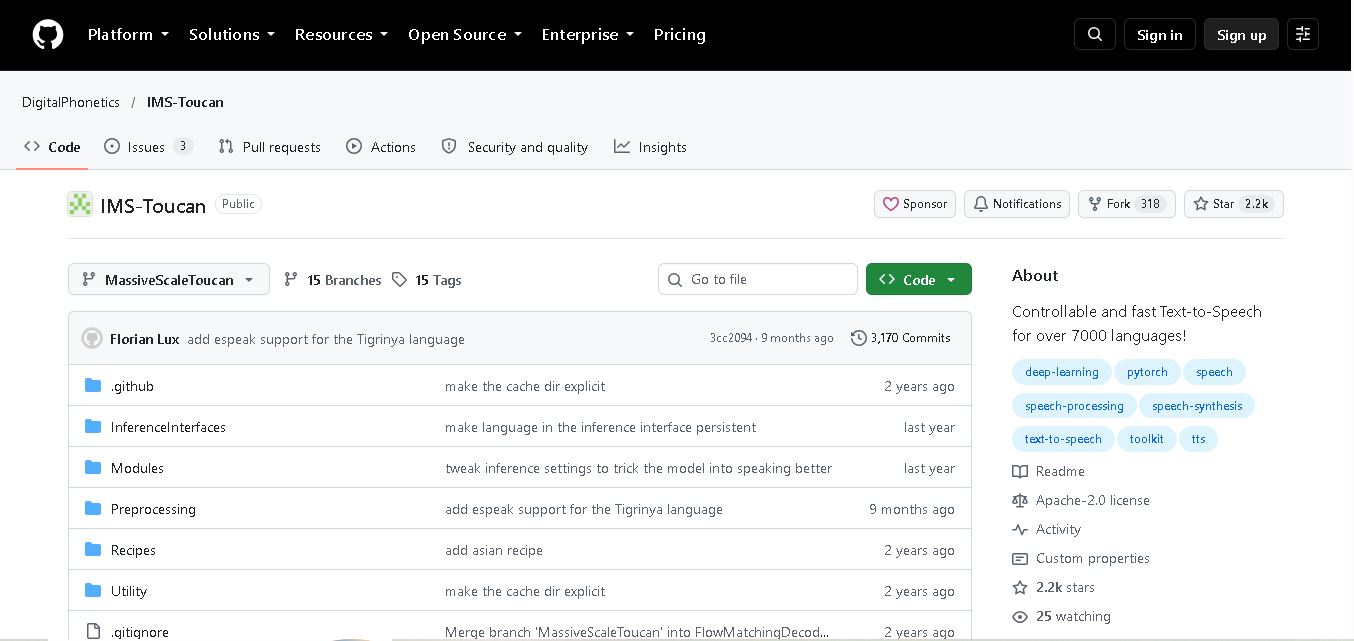
IMS Toucan is an open-source text-to-speech toolkit from the University of Stuttgart designed for multilingual speech generation. It converts text into audio and provides tools for inference, voice and prosody control, and model training. Supporting more than 7,000 languages, it serves developers and researchers exploring technology across linguistic contexts.
 4.8
4.8Verbatik
Text-to-Speech
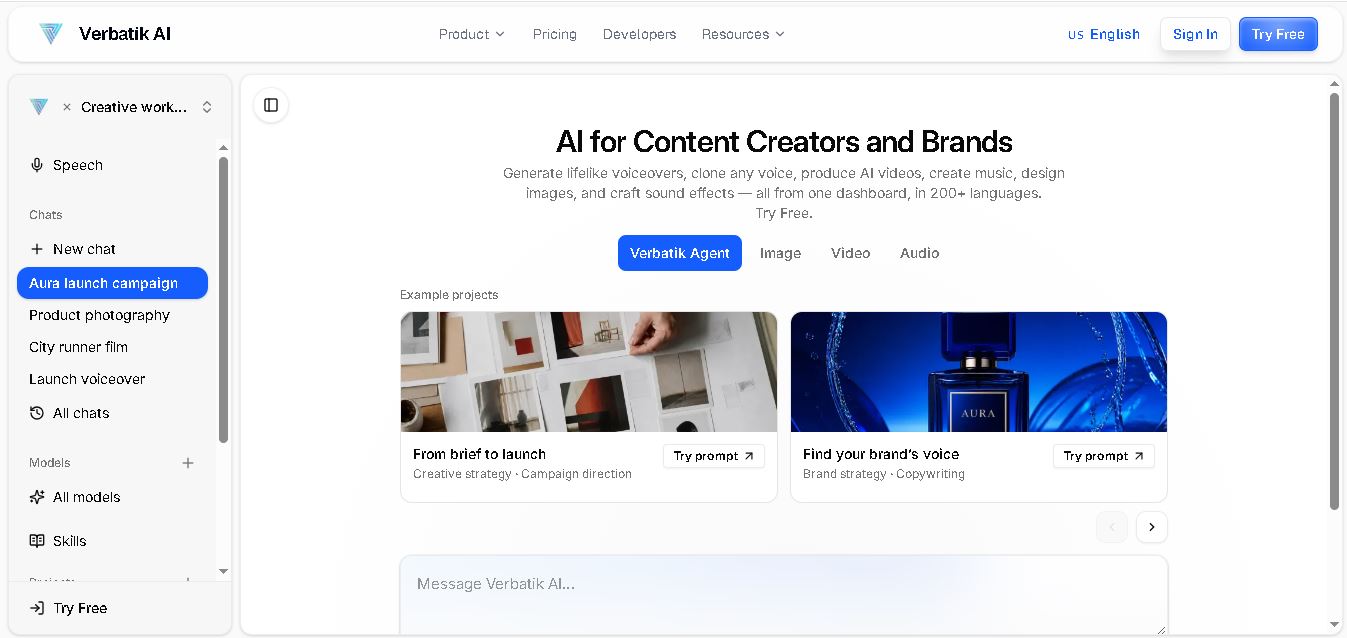
Verbatik AI helps users create realistic voiceovers, clone voices, generate music, and produce multimedia content using artificial intelligence. With multilingual speech, customizable voice settings, and developer APIs, it supports content creators, marketers, educators, and businesses. The platform simplifies audio production, video creation, and content localization from one workspace.
 4.8
4.8Narration Box
Text-to-Speech
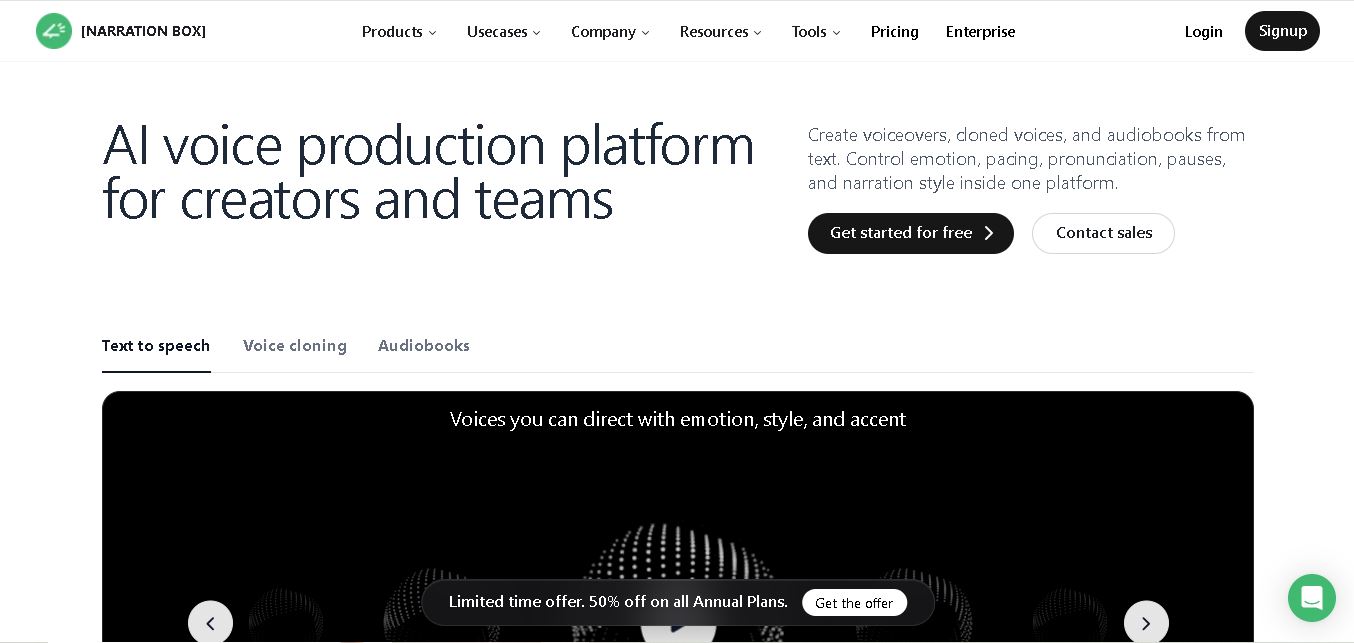
Narration Box is an AI voice generator for creating realistic voiceovers, audiobooks, podcasts, and educational audio from text. It offers over 1,500 AI narrators, 80+ languages and accents, voice cloning, and customizable emotional delivery. Its editing tools help creators produce consistent, multilingual audio content for personal and professional projects.
 4.7
4.7AudioBot
Text-to-Speech
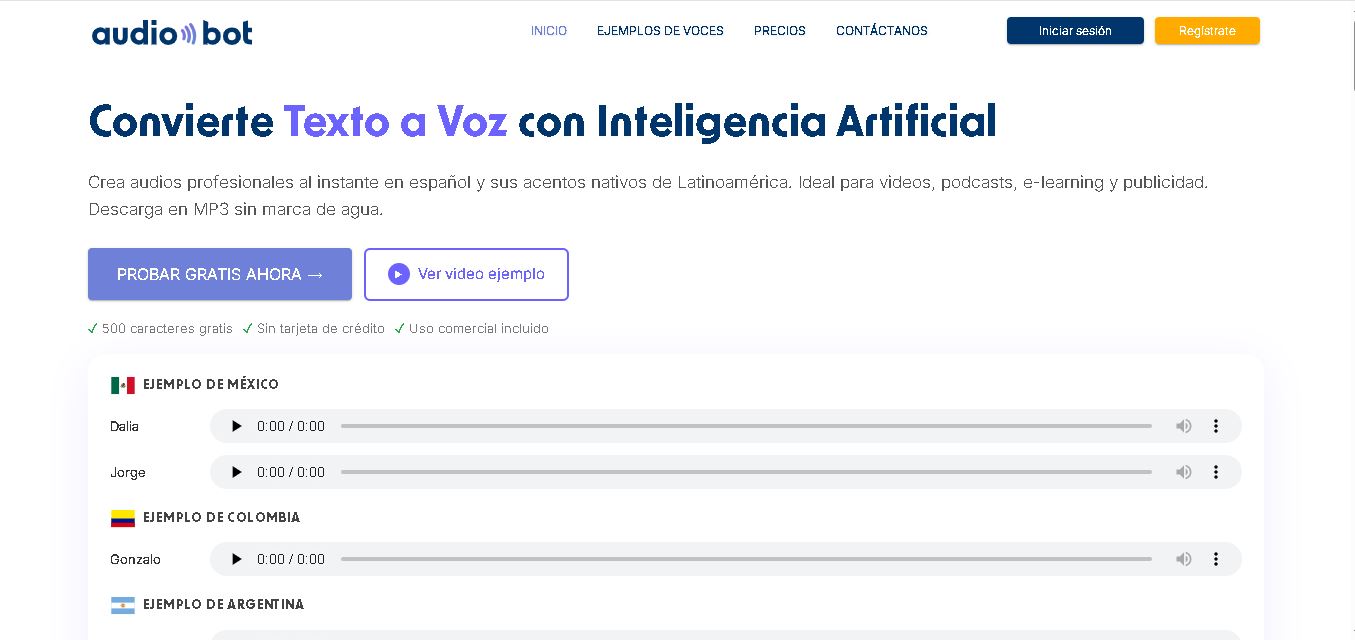
AudioBot converts written text into natural-sounding speech using AI-generated voices. It supports multiple languages and regional accents, making it useful for video voiceovers, presentations, educational materials, and audio content. Users can generate and download audio files, helping simplify narration workflows without requiring traditional recording equipment or voice talent.
 4.7
4.7Audie AI
Text-to-Speech
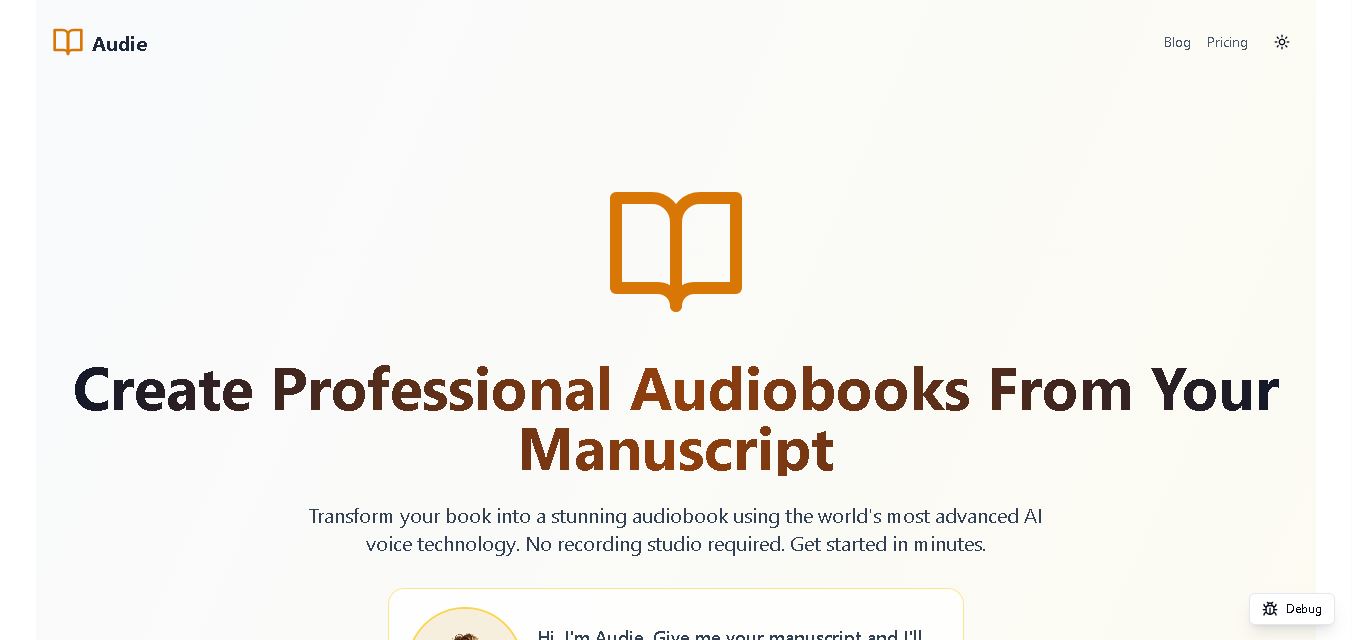
Audie AI is an audiobook creation tool that converts written manuscripts into narrated audio using AI-generated voices. It helps authors and publishers simplify production, explore different narration styles, and reduce reliance on traditional recording studios. With voice selection, advertised voice cloning, and downloadable audio, it supports more accessible audiobook creation for independent creators.
 4.6
4.6Speechelo
Text-to-Speech
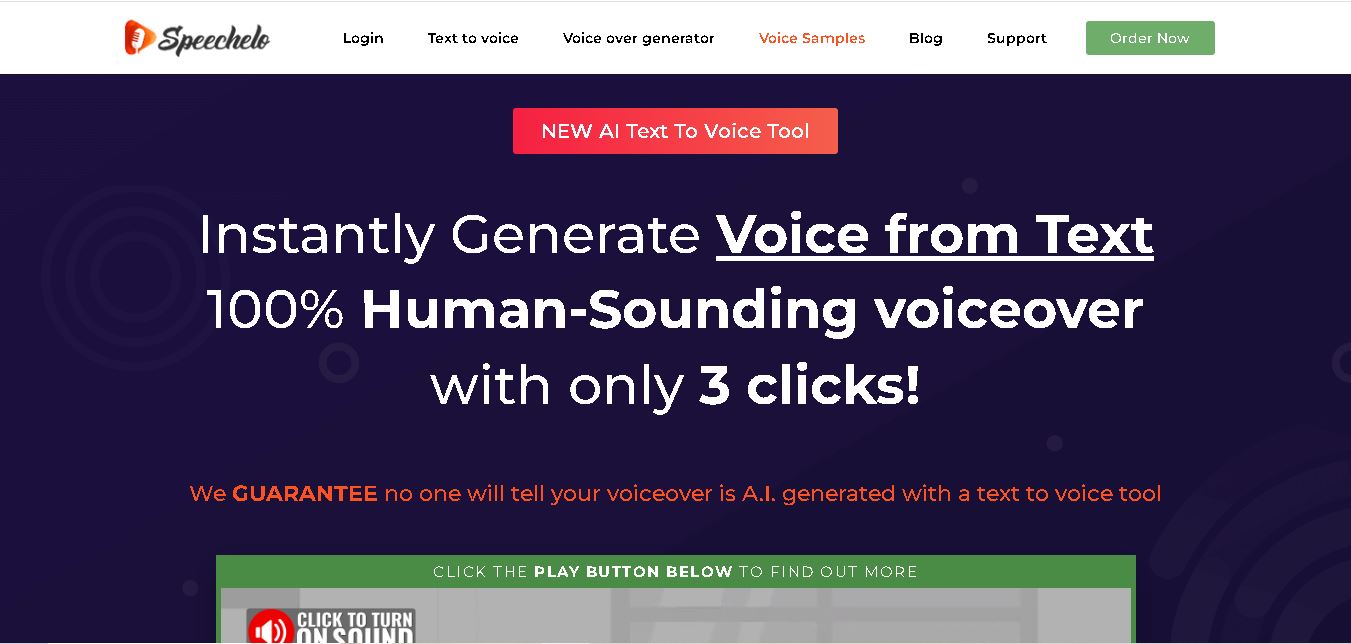
Speechelo is a text-to-speech tool designed to help creators turn written scripts into voiceovers. It offers different voices, languages, tones, and audio adjustments for creating narration. Video creators, educators, marketers, and content teams can use it to produce audio for tutorials, presentations, promotional videos, and other digital content projects.
 4.7
4.7Leelo AI
Text-to-Speech
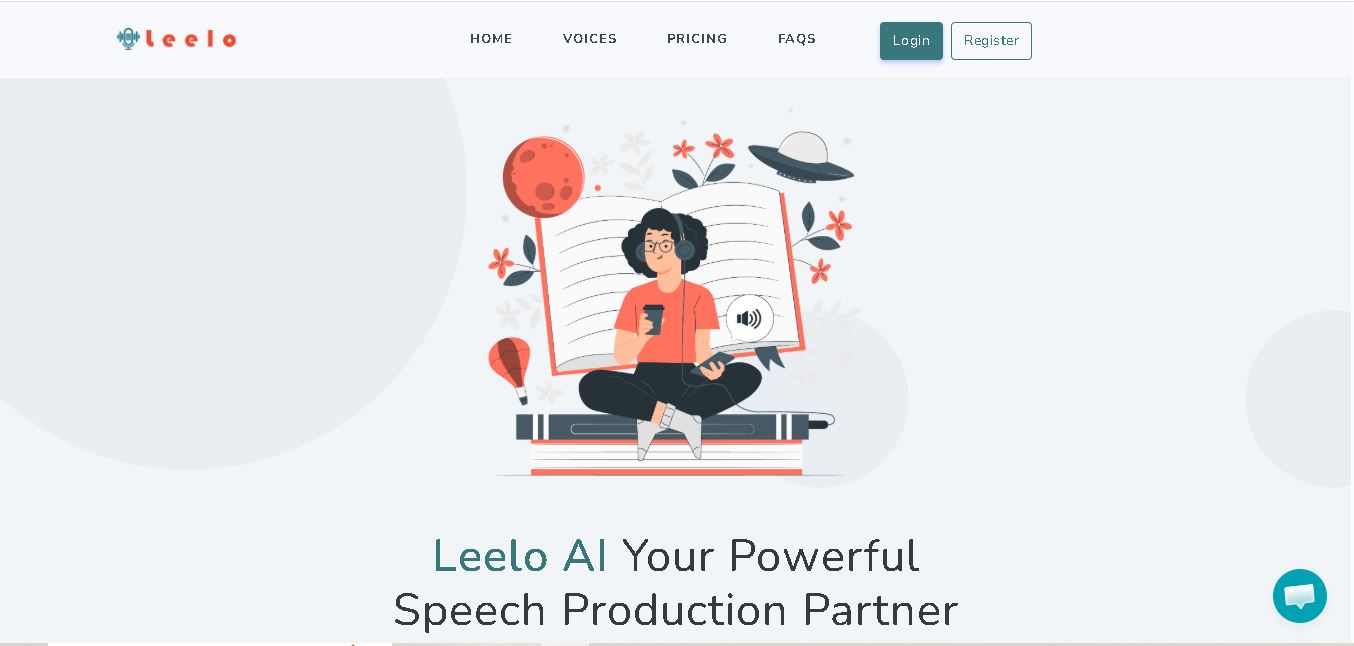
Leelo AI helps you turn written content into natural-sounding speech without recording your own voice. You can choose from 800+ voices across 142 languages and accents, adjust available voice settings, generate audio, store files in the cloud, export recordings, and use generated speech commercially for different content and communication needs.