Bing Image Creator
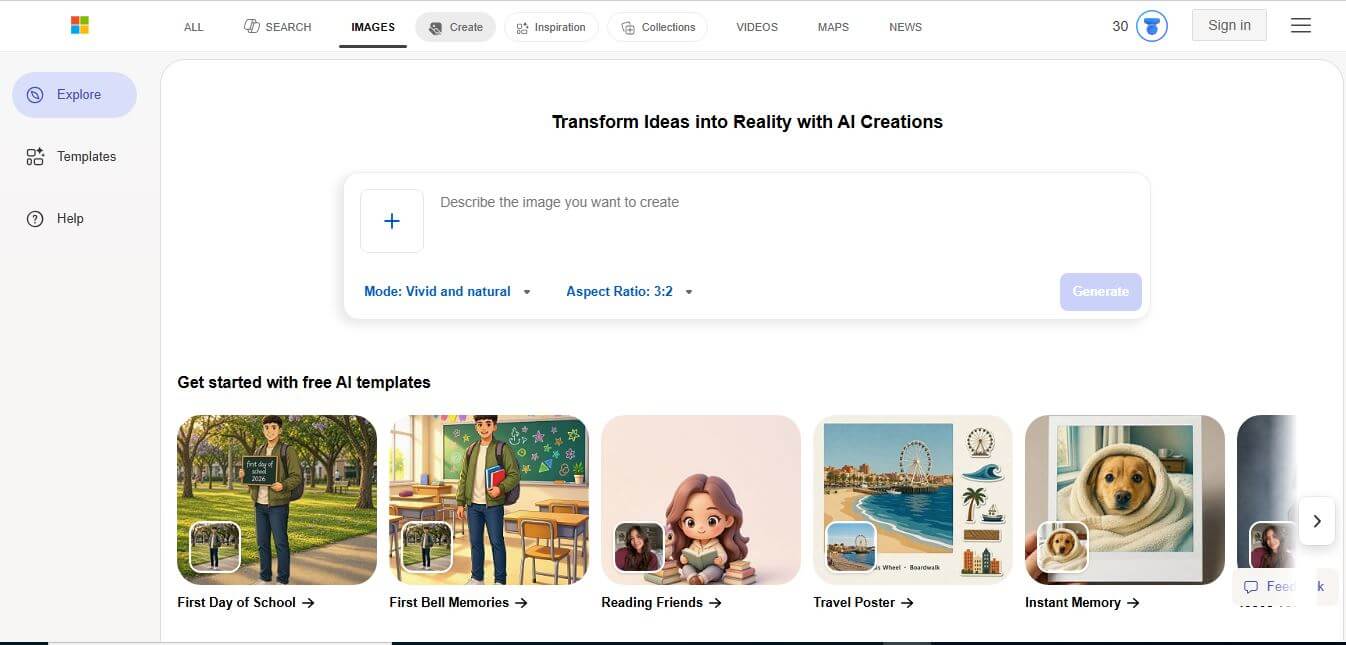
Bing Image Creator (powered by Microsoft Copilot and OpenAI's DALL-E 3) is a free AI text-to-image generator that turns natural language descriptions into high-resolution, photorealistic, and stylized digital artwork directly inside any web browser.
What is Bing Image Creator?
Bing Image Creator (now integrated within Microsoft Copilot) is a free AI-powered text-to-image generation platform developed by Microsoft in partnership with OpenAI. Powered by the DALL-E 3 neural network, it enables users to generate detailed digital illustrations, photorealistic scenes, 3D renders, and stylized graphics from simple natural language prompts. Featuring rapid image generation boosts, multi-language prompt support, and direct integration with Microsoft Edge and Copilot, Bing Image Creator simplifies visual creation for personal and commercial projects.
Bing Image Creator generates hundreds of millions of AI images monthly for users worldwide. Powered by OpenAI's advanced DALL-E 3 diffusion architecture, the platform delivers batches of four distinct 1024x1024 pixel visual variations in under 15 seconds per prompt. Users receive 15 to 25 daily fast-generation "Boosts" that automatically replenish, with options to redeem additional boosts via Microsoft Rewards points, allowing millions of global creators to produce high-grade imagery completely free of charge.
- Founder / Creator: Microsoft Corporation (in partnership with OpenAI)
- Launch Year: 2023
- Use Cases:
- Generating custom editorial blog graphics, headers, and newsletter visuals
- Creating social media campaign graphics, thumbnails, and concept art
- Visualizing fictional characters, storybook scenes, and concept mood boards
- Designing educational presentation slides and interactive classroom materials
- Technology:
- OpenAI DALL-E 3 deep generative diffusion model architecture
- Microsoft Azure AI cloud compute and fast parallel rendering infrastructure
- Content Credentials (C2PA) cryptographic digital provenance watermarking
- Target Users:
- Content creators, digital publishers, and social media managers
- Graphic designers, concept artists, and creative directors
- Educators, university students, and visual storytellers
- Small business owners, indie founders, and marketing professionals
- Acquisition: Operates natively as a core service of Microsoft AI and Microsoft Copilot

Key features of Bing Image Creator
Bing Image Creator's key features are
- DALL-E 3 Powered Generation: Leverages OpenAI's deep language understanding to follow detailed, nuanced visual prompts accurately.
- 4-Image Variation Grid: Generates four distinct aesthetic interpretations for every text prompt submitted.
- Daily Fast Generation Boosts: Provides 15 to 25 daily fast credits to render images in seconds, with unlimited standard-speed generation afterward.
- Microsoft Copilot & Edge Integration: Access the generator directly within the Microsoft Edge sidebar or conversationally inside Copilot chats.
- Broad Artistic Style Support: Easily renders digital paintings, anime, 3D isometric models, cinematic photography, watercolors, and retro vector art.
- Multilingual Prompt Comprehension: Supports prompts written in over 100 languages with automatic contextual translation.
- Content Credentials (C2PA Metadata): Automatically embeds invisible cryptographic metadata and C2PA watermarks confirming AI generation provenance.
- Microsoft Rewards Top-Ups: Redeem accumulated Microsoft Rewards points for additional fast boosts without paying subscription fees.
Bing Image Creator Pricing
Bing Image Creator operates on a 100% free-to-use model supported by Microsoft accounts and optional Rewards points.
Free Access:
- $0
- 15 to 25 daily fast generations Boosts that reset every 24 hours
- Unlimited standard-speed generation after boosts are exhausted
Microsoft Rewards Points:
- Free exchange of accumulated Rewards points for extra fast generation boosts
Microsoft Copilot Pro (Optional):
- $20/month
- Priority DALL-E 3 rendering speeds during peak hours and Microsoft 365 app integration
Disclaimer: For the latest updates and feature rollouts, please visit the official Bing Image Creator website at bing.com/images/create.
Who is using Bing Image Creator?
Bing Image Creator is designed for a broad range of creative individuals and teams, including
- Social Media Managers: Creating attention-grabbing thumbnails and post graphics on tight turnarounds
- Bloggers & Publishers: Generating unique editorial illustrations and header images
- Concept Artists: Visualizing character concepts, landscapes, and mood boards rapidly
- Educators & Students: Designing visual storytelling materials and interactive presentation slides
- Content Creators: Using writing tools to draft descriptive prompts and pair written articles with custom visuals
- Small Business Owners: Generating promotional graphics and product backdrop mockups on a zero budget
Best Bing Image Creator Alternatives
Some of the strongest Bing Image Creator alternatives include
- Midjourney
- Adobe Firefly
- Canva (Magic Media)
- Ideogram
- Leonardo.AI
- Stable Diffusion (Stability AI)
Pros and Cons of Bing Image Creator
Pros
- 100% free access to OpenAI's flagship DALL-E 3 engine without paid subscriptions
- Exceptional prompt accuracy and understanding of complex spatial relationships
- Built directly into Microsoft Edge, Bing search, and Copilot for frictionless access
- Generates 4 distinct variations per prompt in under 15 seconds
- Supports over 100 languages with natural conversational phrasing
Cons
- Standard aspect ratio is constrained to 1:1 square (1024x1024) format inside the default web app
- Content safety filters can occasionally trigger false positives on benign creative prompts
- Advanced parametric controls (like seed numbers, camera focal lengths, and negative prompts) are limited
- Commercial usage rights operate under Microsoft’s consumer service terms
Why Choose Bing Image Creator?
Bing Image Creator is the ideal choice for creators, marketers, and students who want top-tier DALL-E 3 image generation without paying expensive subscription fees.
- Access OpenAI’s DALL-E 3 model completely free of charge
- Generates four creative variations per prompt in seconds
- Requires no complex Discord setups or specialized software installations
- Understands natural human language and complex visual concepts easily
- Integrates directly into your daily web browsing experience via Microsoft Edge and Copilot
Bing Image Creator vs. Competitors
The main difference between Bing Image Creator, Midjourney, Adobe Firefly, and Ideogram is that Bing Image Creator offers completely free, web-based access to DALL-E 3 with 4-image batch rendering, whereas Midjourney requires a paid monthly subscription via Discord, Adobe Firefly is geared toward Photoshop creative pros with generative credits, and Ideogram specializes in complex typography. Bing Image Creator stands out for its zero-cost accessibility and deep language comprehension.
| Feature / Tool | Bing Image Creator | Midjourney | Adobe Firefly | Ideogram |
|---|---|---|---|---|
| Core Focus | Free DALL-E 3 Image Studio | Hyper-Realistic AI Art | Commercial Creative Suite | Typography & Graphic AI |
| Underlying Engine | OpenAI DALL-E 3 | Midjourney V6+ | Firefly Generative Model | Ideogram Diffusion |
| Pricing Model | 100% Free (Daily Boosts) | Paid Only (From $10/mo) | Freemium (Generative Credits) | Freemium / Subscription |
| Interface | Web & Edge Sidebar | Discord / Web (Paid) | Web & Creative Cloud | Web App |
| Prompt Language Support | 100+ Languages | English Primary | 100+ Languages | English Primary |
| Best For | Fast, Free Daily Visuals | Cinematic Artists & Designers | Graphic Pros & Designers | Text-in-Image & Vector Art |
How do we rate Bing Image Creator?
| Parameter | Rating (out of 5) |
|---|---|
| Prompt Adherence & Realism | 4.9 |
| Generation Speed & Ease of Use | 5.0 |
| Ecosystem & Copilot Integration | 4.9 |
| Safety & Metadata Provenance | 4.8 |
| Value for Money | 5.0 |
| Overall Score | 4.92 |
Bing Image Creator Review
Bing Image Creator remains one of the most generous and capable generative AI tools on the internet. By making OpenAI’s state-of-the-art DALL-E 3 model freely accessible to anyone with a Microsoft account, Microsoft has lowered the barrier to digital art creation. The model's ability to translate long, descriptive paragraphs into coherent visual compositions—without requiring arcane cheat codes or parameter tags—makes it a joy to use. For content marketers, bloggers, educators, and everyday creatives looking for fast, high-quality visuals, Bing Image Creator is an outstanding tool.
Conclusion
Bing AI Image Generator is a simple yet powerful tool that allows anyone to turn text prompts into high-quality visuals within seconds. It removes the need for design skills by automatically generating images in different styles, making it accessible for creators, marketers, and casual users alike. Its biggest strength lies in ease of use and flexibility—you can create anything from illustrations to realistic scenes just by describing your idea. While there are limits like daily credits and prompt restrictions, the overall experience remains fast and user-friendly. Bing AI Image Generator is a reliable and creative tool for quickly visualizing ideas, producing content, and exploring AI-powered design without complexity.
FAQ
What is Bing AI Image Generator and how can Bing AI Image Generator help me?
Bing AI Image Generator is a free AI tool that turns your text prompts into images. Bing AI Image Generator helps you create artwork, illustrations, thumbnails, and creative visuals in seconds without needing design skills. It’s especially useful for creators, marketers, and anyone who wants quick, high-quality visuals.
How does Bing AI Image Generator actually work?
Bing AI Image Generator works by using advanced AI models to interpret your text prompt and generate images based on your description. You simply type what you want—like “a futuristic city at sunset”—and Bing AI Image Generator creates multiple image variations within seconds.
What makes Bing AI Image Generator different from other AI image tools?
Bing AI Image Generator stands out because it’s free to use and deeply integrated with Microsoft’s ecosystem. It also offers fast generation speeds and produces high-quality images without requiring advanced setup or paid subscriptions in many cases.
What kind of images can Bing AI Image Generator create?
Bing AI Image Generator can create a wide range of images, including digital art, realistic photos, logos, illustrations, concept art, and social media graphics. The results depend on how detailed and clear your prompt is.
Is Bing AI Image Generator free to use?
Yes, Bing AI Image Generator offers free image generation with a system of “boosts” for faster results. Once boosts are used, generation may still work but at a slower speed.
Can I use images from Bing AI Image Generator commercially?
In many cases, yes, but it’s important to review Microsoft’s usage policies. Bing AI Image Generator allows users to use generated images, but you should ensure compliance with licensing and content guidelines before using them commercially.
Who should use Bing AI Image Generator?
Bing AI Image Generator is ideal for content creators, marketers, designers, bloggers, and social media users. It’s also great for beginners who want to experiment with AI-generated art without investing in paid tools.
User Reviews
No reviews yet for Bing Image Creator.
Featured Tools
Featured AI tools from TechShark

Melody Genie
MelodyGenie is an AI-powered music generator that creates original songs from simple text prompts. Users can choose styles, moods, and genres, then instantly generate melodies and full tracks, making it easy for creators, marketers, and hobbyists to produce custom music without musical expertise.
Freemium

Kimi AI
Kimi AI is an advanced AI assistant developed by Moonshot AI that helps you chat, research, write, code, and automate tasks in one place. It supports web search, file analysis, and multimodal inputs, and can even run autonomous “agent” workflows to complete complex tasks end-to-end.
Freemium

Fashion Diffusion AI
Fashion Diffusion is an AI-powered fashion design platform that helps brands and designers create clothing designs, virtual try-ons, AI models, product photos, and marketing visuals faster and cost-effectively.
Paid

Veo 4
Veo 4 AI is an AI video creation platform that generates dramatic videos from text, images, audio, and video prompts using realistic motion and synchronized sound.
Paid
Alternatives
Alternatives to Bing Image Creator
The best Bing Image Creator alternatives include Midjourney, Adobe Firefly, Canva (Magic Media), Ideogram, Leonardo.Ai, and Stable Diffusion. These platforms provide text-to-image synthesis, generative art, and graphic design tools. While Bing Image Creator specializes in free, zero-setup DALL-E 3 image generation with daily fast boosts, alternatives like Midjourney cater to cinematic artists via paid plans, and Adobe Firefly integrates directly into Creative Cloud software. Choosing the right tool depends on whether you require free daily DALL-E 3 generations, commercial design tool integrations, or advanced parametric styling controls.
 4.8
4.8Airbrush AI
Image
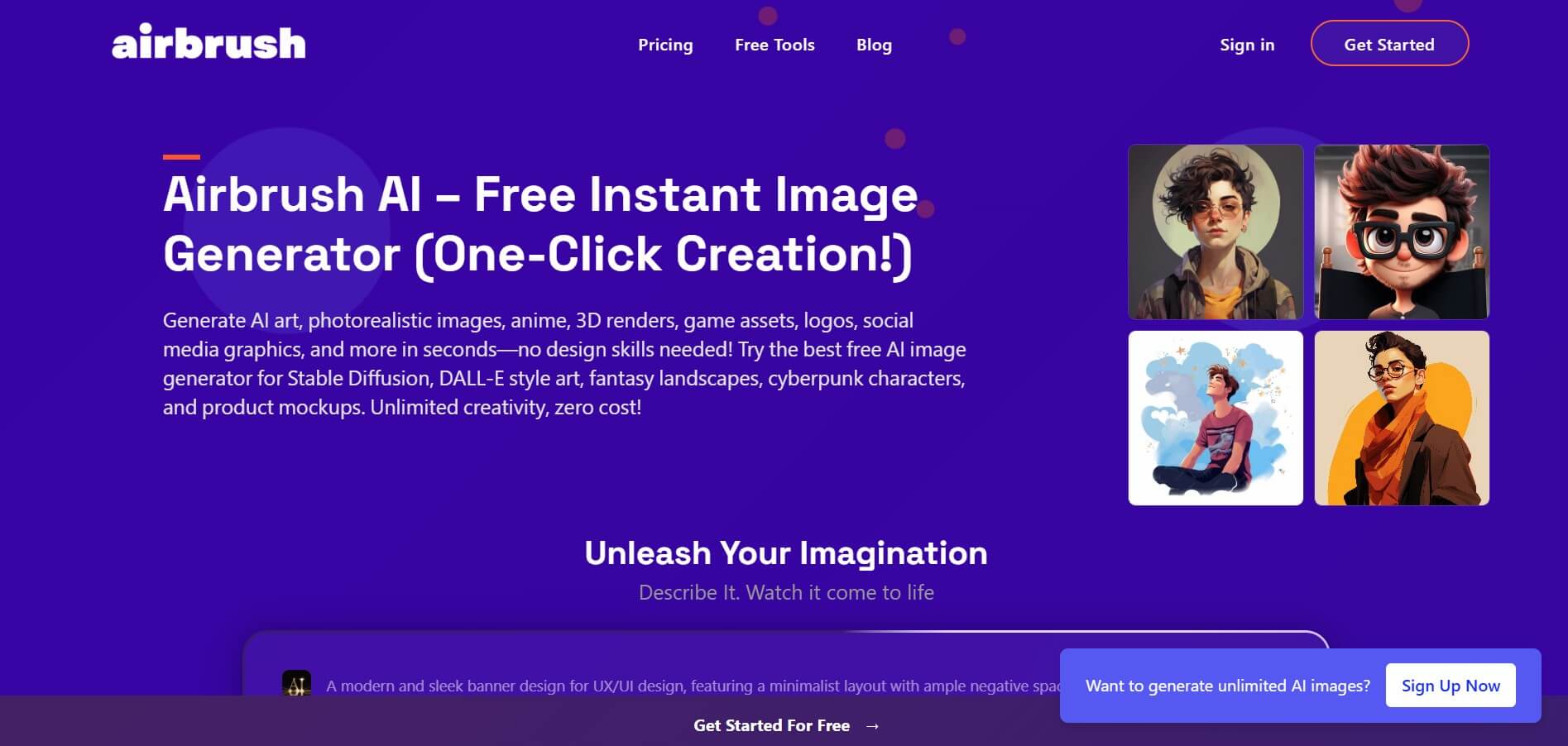
Airbrush is an AI-powered image generation and editing platform that helps users create, enhance, and customize visuals from simple text prompts. It supports multiple AI models and styles, enabling creators to generate artwork, marketing assets, and realistic images quickly without advanced design skills.
 4.8
4.8AliveAI
Image
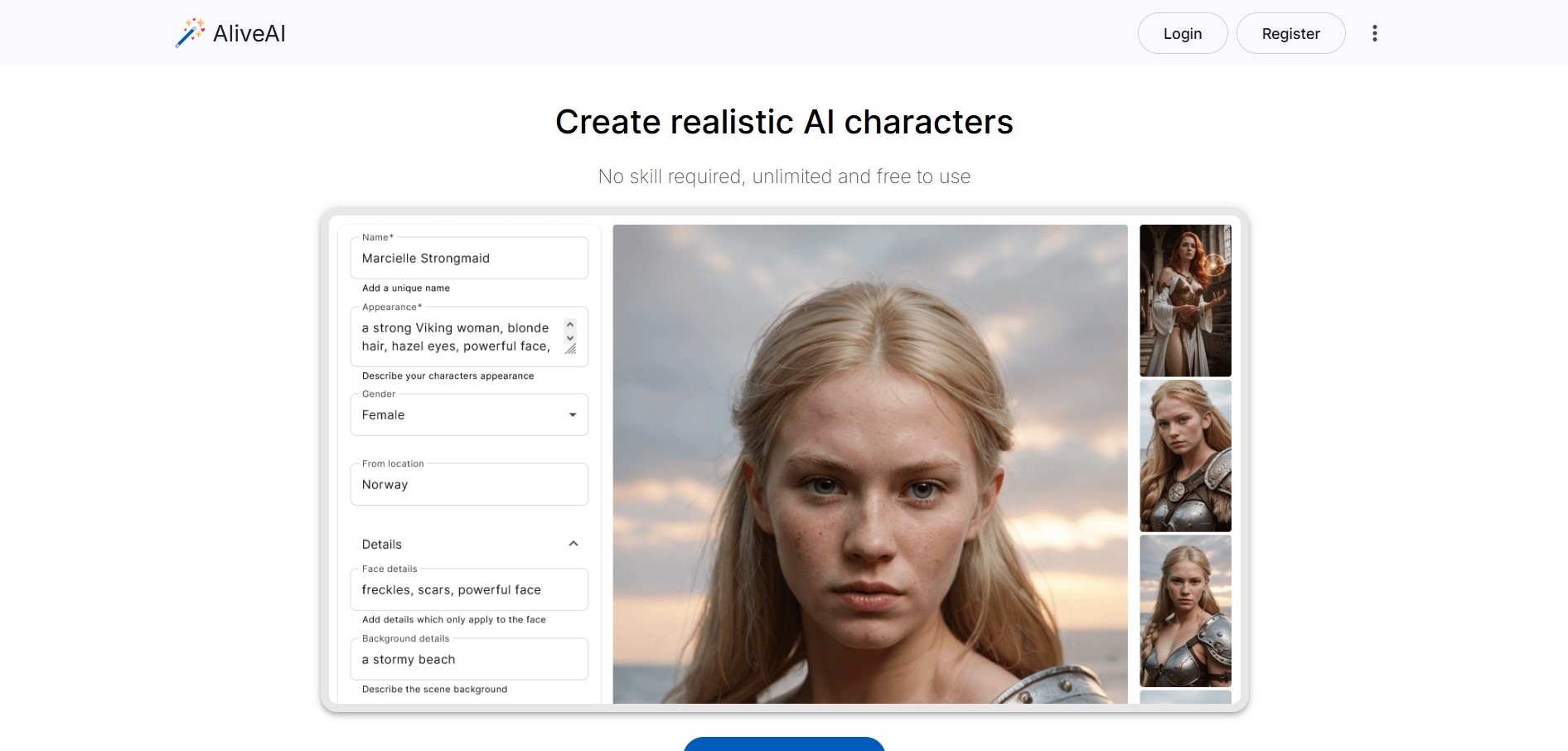
Alive AI is an AI content generation platform that lets users create realistic images, videos, and characters from simple text prompts. It supports multiple styles like realistic and anime, offers editing tools, and even enables interactive character chat, making it useful for creators and apps.
 4.9
4.9iPic Ai
Image
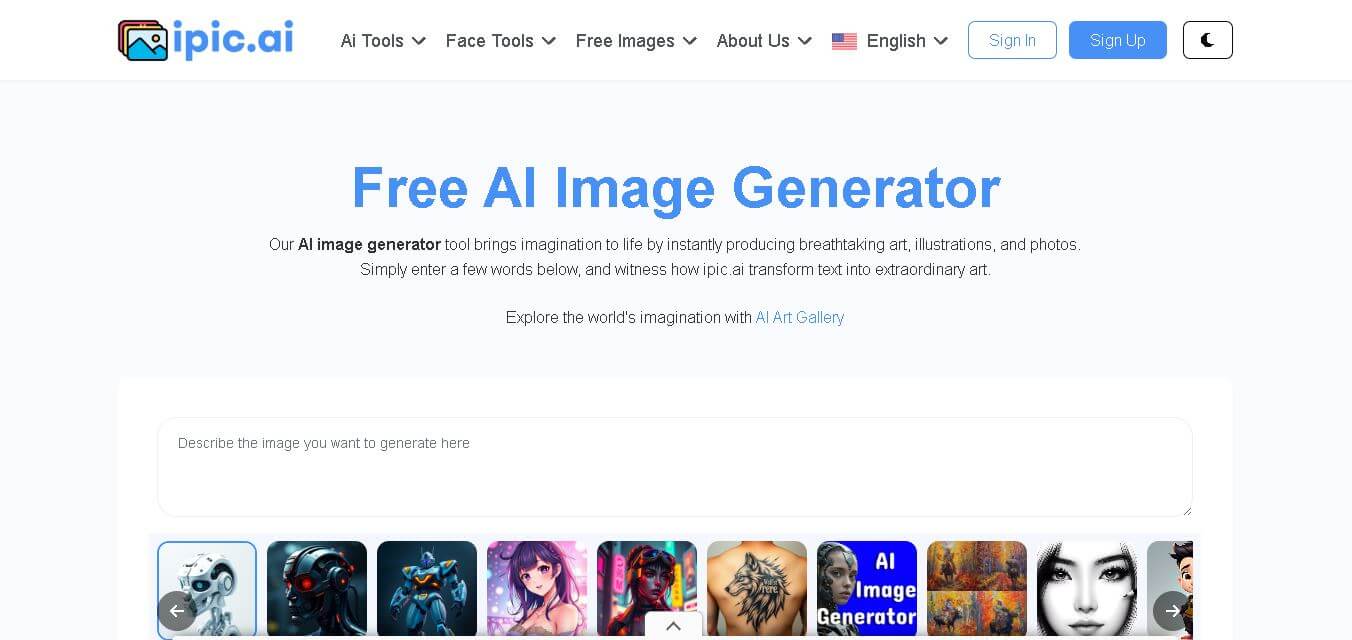
iPic is an AI-powered image generation and editing platform that lets users create visuals from text prompts and enhance photos with tools like background removal, upscaling, and style filters. It’s designed for quick, creative image creation for marketing, social media, and design needs.
Photoleap
Image
Photoleap is an AI-powered photo editing app that helps users create and enhance images with tools like background removal, AI image generation, effects, and retouching. It’s designed for both beginners and creators to easily transform photos into professional-looking visuals and creative designs.
 4.8
4.8Facewow
Image
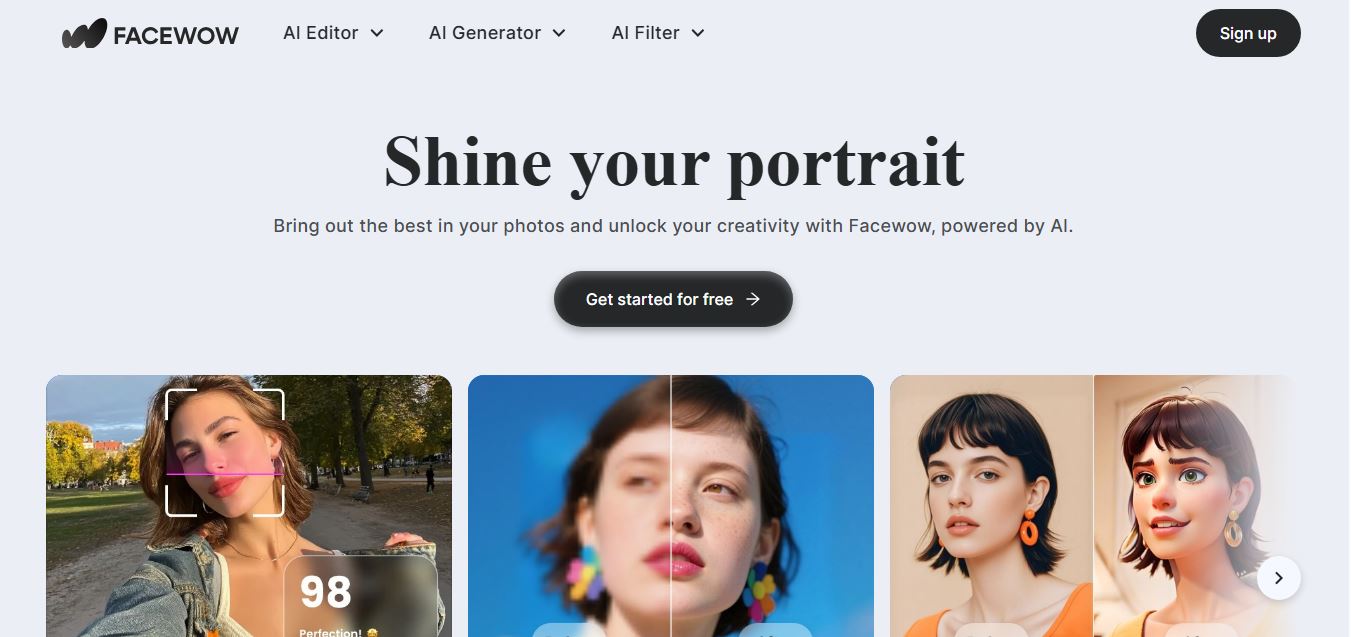
Facewow is an AI-powered photo enhancement tool that helps users improve portraits with features like face retouching, background editing, and image upscaling. It automatically enhances facial details and overall quality, making photos look clearer, more polished, and ready for social media or professional use.
 4.8
4.8Getimg AI
Image
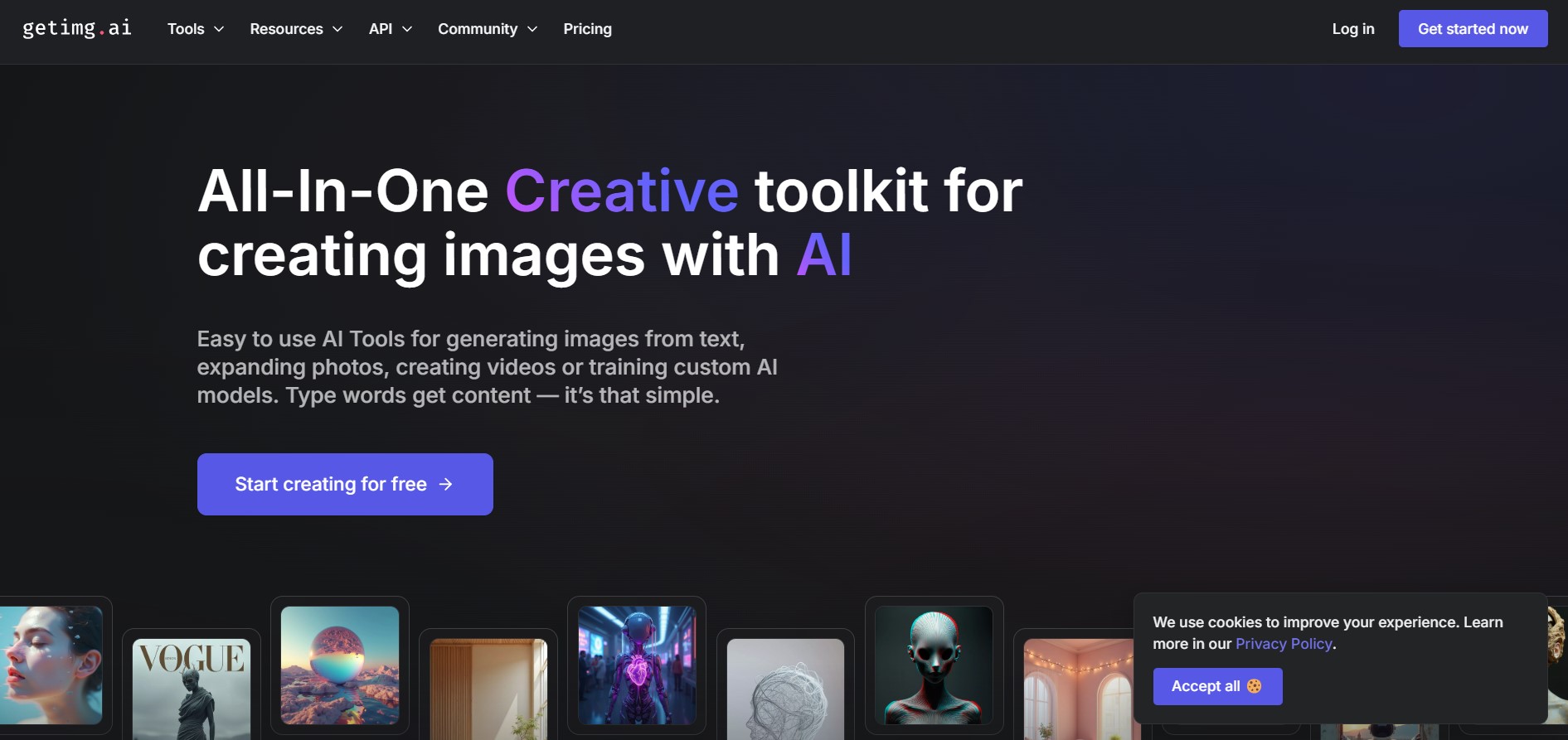
Getimg AI is an all-in-one AI creative studio and API platform that consolidates 20+ foundation models (including FLUX, Google Veo, Kling, Sora, Seedream, and Wan) across text-to-image, video generation, audio synthesis, and canvas editing under a unified credit balance.
 4.9
4.9Civitai
Image
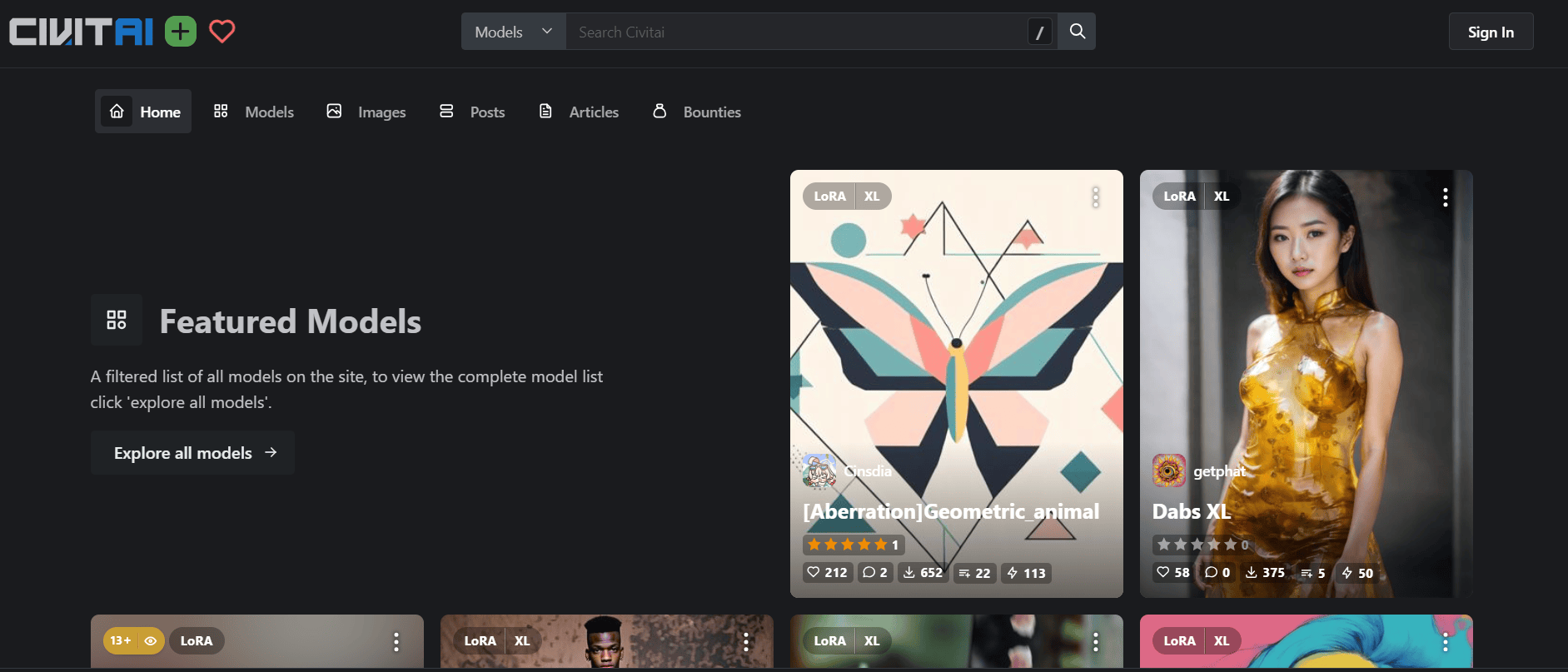
Civitai is the world's largest open-source generative AI model repository and creative community platform, hosting hundreds of thousands of checkpoints, LoRAs, and embeddings across SD 1.5, SDXL, Pony, Illustrious, and FLUX.1 with integrated cloud generation, LoRA training, and creator monetization.
 4.9
4.9OpenAI Sora
Text-to-Image
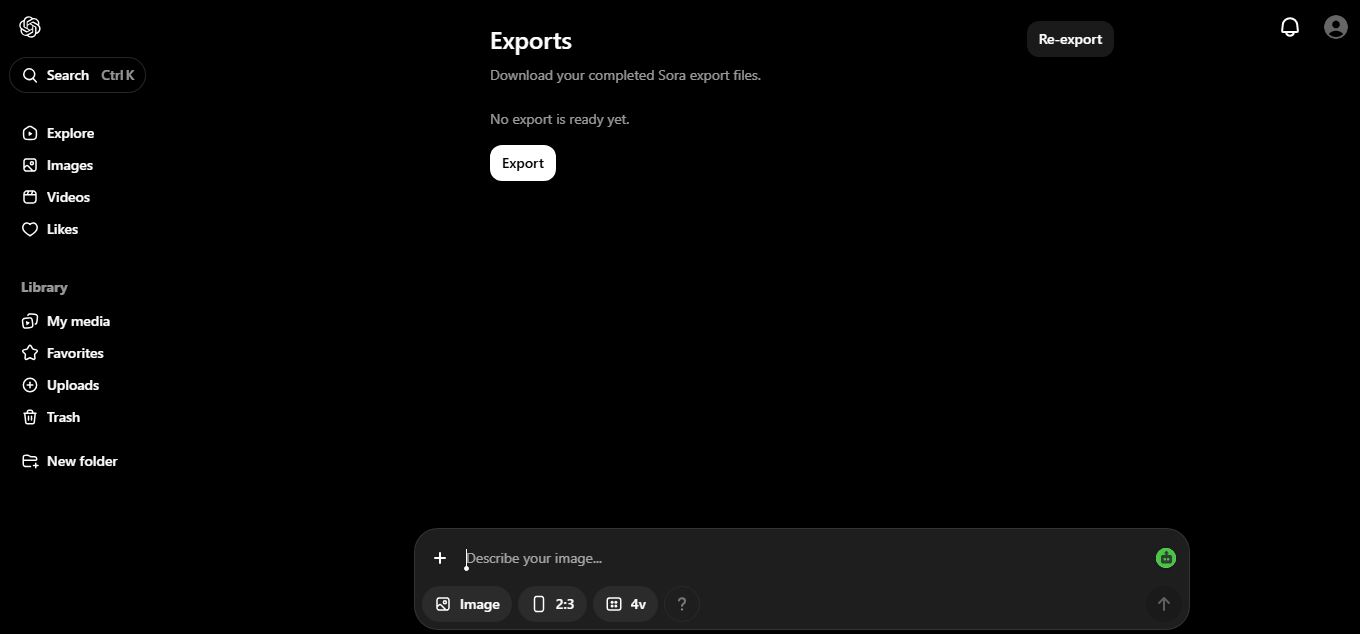
OpenAI Sora is a flagship diffusion-transformer text-to-video and image-to-video generation model developed by OpenAI, capable of simulating complex real-world physical dynamics, camera movement, synchronized audio, and multi-shot cinematic video sequences up to 1080p resolution.
 4.9
4.9Leonardo AI
Design
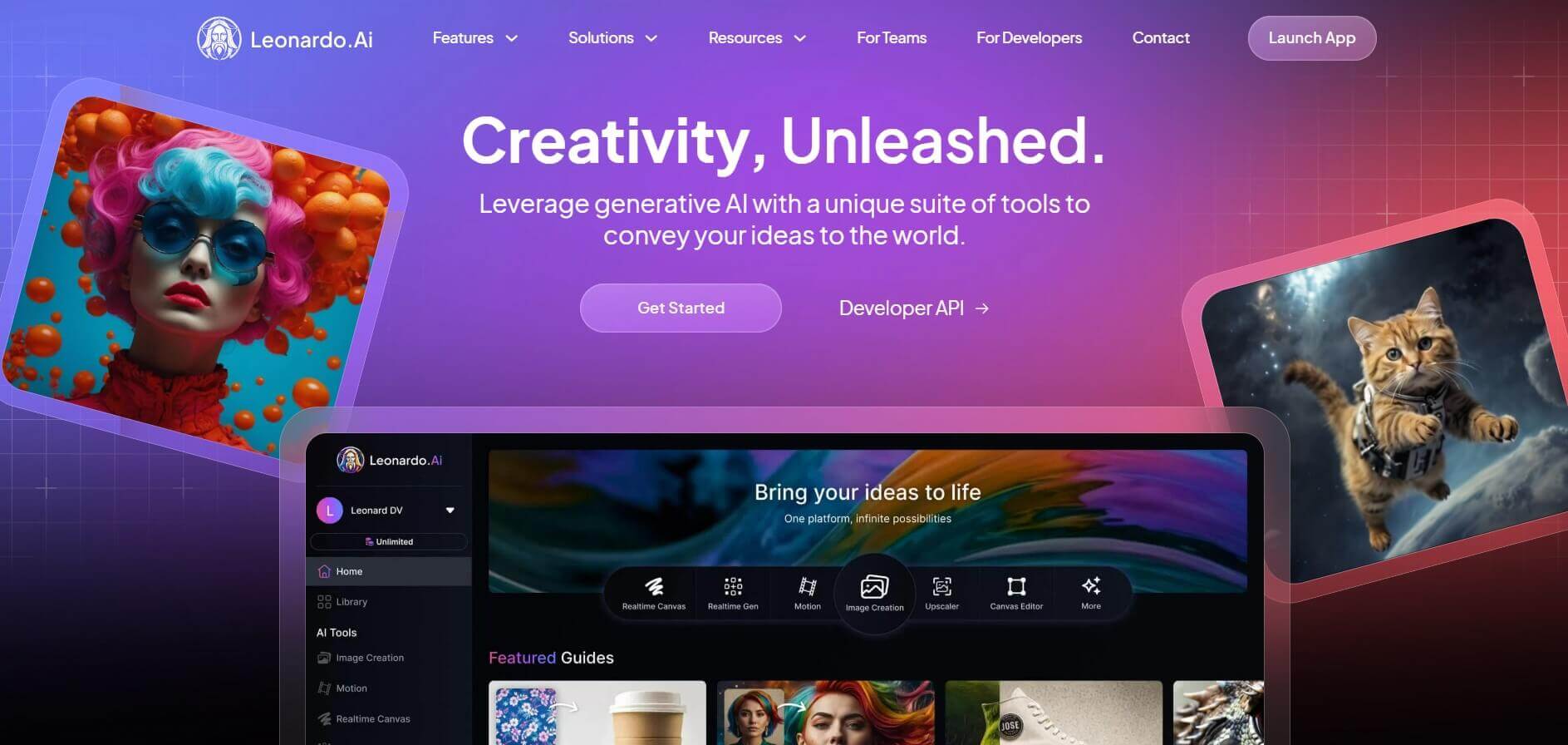
Leonardo is an advanced generative AI platform for image and video creation, featuring custom model fine-tuning (LoRA training), Real-Time Canvas, Real-Time Generation, and multi-model support across proprietary Phoenix, Lucid, and FLUX architectures.