
Agent.exe
Agent.exe is an open-source Electron desktop app created by Kyle Corbitt that leverages Anthropic’s Claude 3.5 Sonnet Computer Use API to let AI interact with desktop interfaces, click buttons, navigate browsers, and automate local computer tasks.
What is Agent.exe?
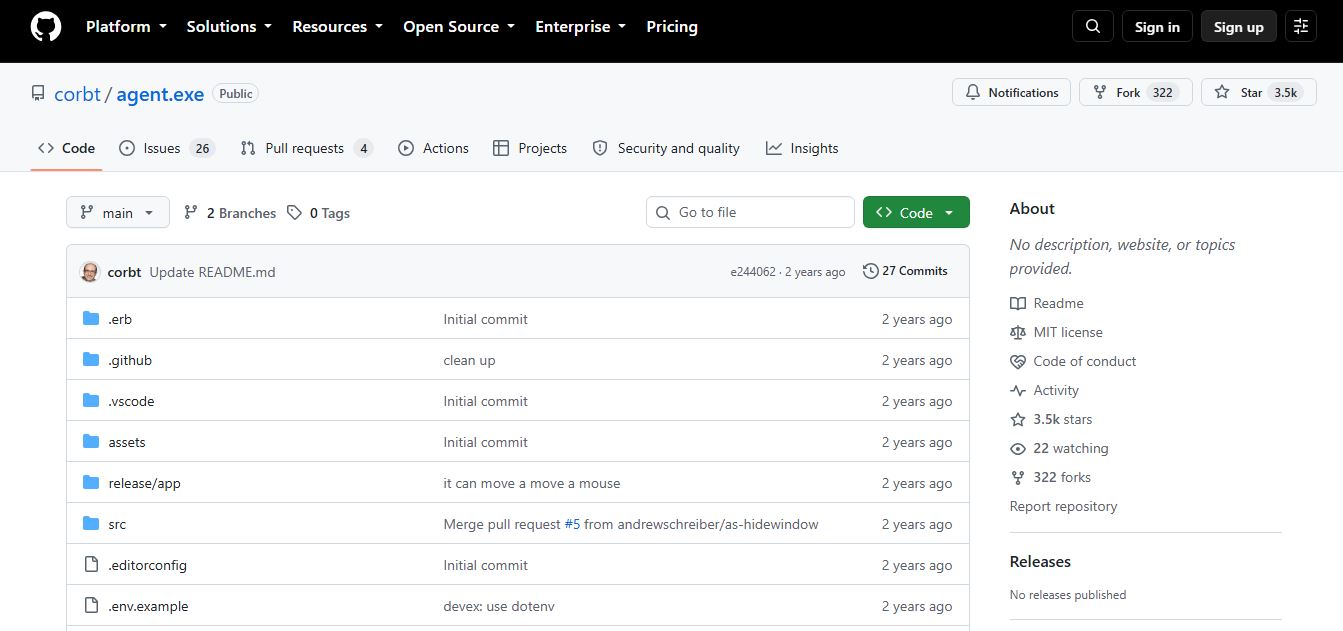
Agent.exe is an open-source Electron desktop application and developer proof of concept created by Kyle Corbitt. It enables Anthropic's Claude 3.5 Sonnet model to directly control a local computer using Anthropic's native Computer Use API. By processing screen captures and executing mouse and keyboard actions, Agent.exe allows Claude to perform tasks like navigating web browsers, filling forms, and managing files through simple text prompts.
Agent.exe is an open-source project hosted on GitHub with over 3,500 stars and hundreds of community forks. Written primarily in TypeScript (approx. 90%) and JavaScript within an Electron framework, the application was originally built as a rapid 6-hour proof-of-concept. It provides a lightweight local alternative to heavy container-based implementations, giving developers direct access to Claude 3.5 Sonnet's GUI control capabilities using their own Anthropic API credentials.
- Founder / Maintainer: Kyle Corbitt (@corbt)
- Launch Year: 2024
- Use Cases:
- Experimenting with Anthropic's Claude 3.5 Sonnet Computer Use API
- Automating local browser workflows, flight lookups, and form completions
- Testing autonomous GUI software testing and multi-step UI navigation
- Building custom computer automation scripts and developer agents
- Technology:
- Anthropic Computer Use API (Claude 3.5 Sonnet model)
- Electron desktop application runtime with Node.js backend
- Native OS display capture and input automation libraries (TypeScript / JavaScript)
- Target Users:
- AI developers, machine learning researchers, and software engineers
- QA automation engineers and developer tooling specialists
- Indie hackers exploring autonomous agent frameworks
- Open-source software contributors and technical hobbyists
- Acquisition: Operates as an open-source developer project on GitHub

Key features of Agent.exe
Agent.exe's key features are
- Direct Local Computer Control: Enables Claude 3.5 Sonnet to take screenshots, move the cursor, click buttons, and type text directly on your OS.
- Lightweight Electron Architecture: Runs as a native desktop client without requiring heavy Docker containers or virtual machines.
- Emergency Stop Control: Features an immediate "Stop" button in the UI to halt agent execution instantly if the model encounters errors.
- BYO Anthropic API Key: Connects securely to Anthropic’s API using your own ANTHROPIC_API_KEY stored in a local .env configuration.
- Browser Navigation Assistance: Optimized for browser-based tasks like researching information, searching flights, or filling web forms.
- Primary Display Screen Capture: Automatically captures desktop frames to feed visual coordinates and UI states to Claude's vision encoder.
- Natural Language Prompting: Accepts high-level text commands and autonomously breaks them down into sequential GUI interactions.
- Open Source & Extensible: Full source code available on GitHub for developers to fork, inspect, and build custom automation workflows.
Agent.exe Pricing
Agent.exe is completely free and open-source software.
Free & Open Source:
- $0 (MIT-style Open Source on GitHub)
- Unlimited local code execution and developer modifications
Anthropic API Usage:
- Pay-per-token pricing billed directly by Anthropic based on Claude 3.5 Sonnet input/output and vision image token consumption
Disclaimer: For the latest repository updates and setup guides, please visit the official GitHub repository at github.com/corbt/agent.exe.
Who is using Agent.exe?
Agent.exe is designed for a broad range of developers and automation researchers, including
- AI Engineers: Testing and benchmarking Anthropic's Computer Use API capabilities on desktop interfaces
- QA Automation Teams: Experimenting with autonomous GUI testing and web form automation
- Researchers: Exploring multimodal agent interactions and computer vision-based OS control
- Indie Developers: Building custom desktop automation scripts and AI copilot experiments
- Tech Enthusiasts: Exploring hands-off local computer control proof of concepts safely
Best Agent.exe Alternatives
Some of the strongest Agent.exe alternatives include
- Anthropic Computer Use Reference Demo
- Open-Interpreter
- Microsoft OmniParser + UI Agent
- UFO (Microsoft Windows OS Agent)
- Adept ACT-1
- Browserbase / Stagehand
Pros and Cons of Agent.exe
Pros
- 100 percent free and open-source with simple npm installation
- Lightweight Electron setup avoids heavy Docker container overhead
- Directly leverages state-of-the-art Claude 3.5 Sonnet computer use capabilities
- Clean, minimalist interface with an instant emergency stop button
- Full access to source code for custom developer modifications
Cons
- Proof of concept meant for experimentation rather than production enterprise deployments
- Currently limited to controlling the primary display monitor
- High API token consumption due to continuous screenshot processing
- Requires user supervision as granting full mouse/keyboard control carries inherent execution risks
Why Choose Agent.exe?
Agent.exe is the ideal choice for developers and enthusiasts who want the fastest, simplest way to test Claude's computer use API locally.
- Bypasses heavy virtual machine setups with a clean Electron desktop app
- Lets you experiment with autonomous mouse and keyboard control in minutes
- Uses your own Anthropic API key with full control over execution
- Provides an open-source codebase to build your own custom GUI agents
- Includes an instant emergency stop button to halt runs at any time
Agent.exe vs. Competitors
The main difference between Agent.exe, Anthropic’s Official Demo, and Open-Interpreter is that Agent.exe is a lightweight local Electron app specifically built for Claude’s Computer Use API, whereas Anthropic’s official demo runs inside a containerized Docker VM, and Open-Interpreter focuses primarily on local terminal/code execution with optional OS automation. Agent.exe stands out for its fast local setup and minimalist GUI control.
| Feature / Tool | Agent.exe | Anthropic Official Demo | Open-Interpreter | Microsoft UFO |
|---|---|---|---|---|
| Core Focus | Local Claude GUI App | Containerized Reference Demo | CLI & Local Code Agent | Windows OS Agent |
| Target Model | Claude 3.5 Sonnet | Claude 3.5 Sonnet | Multi-LLM (OpenAI/Local) | GPT-4V / Vision LLMs |
| Setup Method | Electron (npm start) | Docker Container | CLI (pip install) | Python / Windows Hook |
| Visual Screen Control | Yes (Direct OS) | Yes (Virtual Desktop) | Experimental / OS Mode | Yes (Windows UI) |
| Price | Free (Open Source) | Free (Open Source) | Free (Open Source) | Free (Open Source) |
| Best For | Quick Local Claude Testing | Isolated Docker Sandbox | Terminal & Code Automation | Native Windows App Automation |
How do we rate Agent.exe?
| Parameter | Rating (out of 5) |
|---|---|
| Setup Simplicity & Installation | 4.9 |
| API Integration & Control | 4.8 |
| Code Transparency & Open Source | 5.0 |
| Execution Safety Controls | 4.7 |
| Value for Money | 5.0 |
| Overall Score | 4.88 |
Agent.exe Review
Agent.exe is one of the most accessible and practical developer demonstrations of Anthropic's Computer Use API. By packaging visual OS control into a straightforward Electron client, creator Kyle Corbitt stripped away the complexity of running virtualized sandboxes just to test model capabilities. While the inherent speed of multimodal API calls means actions execute step-by-step with noticeable latency, the ability to watch Claude navigate real desktop software is remarkable. For developers, hackers, and researchers eager to explore autonomous GUI agents firsthand, Agent.exe is a must-try repository.
Conclusion
Agent.exe (GitHub) is an experimental but highly intriguing project that demonstrates how AI agents can directly control a user’s computer. Built as a lightweight Electron app, it allows models like Claude 3.5 to perform real-world tasks such as opening apps, browsing, and managing files through simple prompts. Its biggest strength lies in showcasing the future of AI automation—where systems don’t just suggest actions but actually execute them. However, since it gives AI deep control over a device, it also raises important concerns around safety, accuracy, and reliability. Agent.exe is best seen as a proof-of-concept that highlights both the power and risks of autonomous AI systems in everyday computing.
FAQ
What is Agent.exe and how can Agent.exe help me?
Agent.exe is an open-source AI automation tool that allows an AI model (like Claude 3.5 Sonnet) to directly control your computer. Agent.exe helps you automate tasks such as browsing the web, opening apps, and managing files using simple prompts. It’s especially useful for developers and tech enthusiasts who want to experiment with AI-driven desktop automation.
How does Agent.exe actually work?
Agent.exe works by connecting to the Anthropic API and using an AI model to interpret your commands. Once you give a prompt, Agent.exe translates it into actions on your computer—like clicking, typing, or navigating apps—effectively acting as a virtual operator for your system.
What makes Agent.exe different from other AI tools?
Agent.exe stands out because it doesn’t just generate text—it controls your actual computer environment. Unlike typical chatbots, Agent.exe can perform real actions like opening browsers or executing workflows, making it more like an autonomous agent than a simple assistant.
What kind of tasks can Agent.exe perform?
Agent.exe can perform everyday computer tasks such as opening websites, managing files, filling forms, and navigating applications. It can even automate multi-step workflows like searching for flights or interacting with online tools, depending on your instructions.
Which platforms does Agent.exe support?
Agent.exe is designed to be cross-platform. It works best on macOS but can theoretically run on Windows and Linux as well since its dependencies support multiple operating systems.
Is Agent.exe safe to use?
Agent.exe comes with risks because it allows AI to take control of your computer. While it’s open-source and transparent, you should use it carefully, preferably in a controlled or test environment, since the AI can perform actions without strict safeguards.
Do I need an API key to use Agent.exe?
Yes, Agent.exe requires an Anthropic API key to function. This key allows the tool to communicate with the AI model that powers its automation capabilities.
Can Agent.exe run complex workflows?
Yes, Agent.exe can handle multi-step workflows, but performance depends on the AI model and task complexity. Each step may take a few seconds, and sometimes the AI may make mistakes, so monitoring is recommended.
User Reviews
No reviews yet for Agent.exe.
Featured Tools
Featured AI tools from TechShark

Melody Genie
MelodyGenie is an AI-powered music generator that creates original songs from simple text prompts. Users can choose styles, moods, and genres, then instantly generate melodies and full tracks, making it easy for creators, marketers, and hobbyists to produce custom music without musical expertise.
Freemium

Kimi AI
Kimi AI is an advanced AI assistant developed by Moonshot AI that helps you chat, research, write, code, and automate tasks in one place. It supports web search, file analysis, and multimodal inputs, and can even run autonomous “agent” workflows to complete complex tasks end-to-end.
Freemium

Fashion Diffusion AI
Fashion Diffusion is an AI-powered fashion design platform that helps brands and designers create clothing designs, virtual try-ons, AI models, product photos, and marketing visuals faster and cost-effectively.
Paid

Veo 4
Veo 4 AI is an AI video creation platform that generates dramatic videos from text, images, audio, and video prompts using realistic motion and synchronized sound.
Paid
Alternatives
Alternatives to Agent.exe
The best Agent.exe alternatives includes Anthropic Computer Use Reference Demo, Open-Interpreter, Microsoft UFO, Adept ACT-1, and Browserbase. These open-source projects and developer tools provide AI GUI automation, computer control, and browser execution frameworks. While Agent.exe specializes in a lightweight local Electron wrapper for Claude 3.5 Sonnet's Computer Use API, alternatives like Open-Interpreter focus on terminal execution, and Anthropic's official demo runs in isolated Docker containers. Choosing the right tool depends on whether you require a local desktop testing client or a containerized sandbox.
 4.8
4.8ClickUp
Productivity
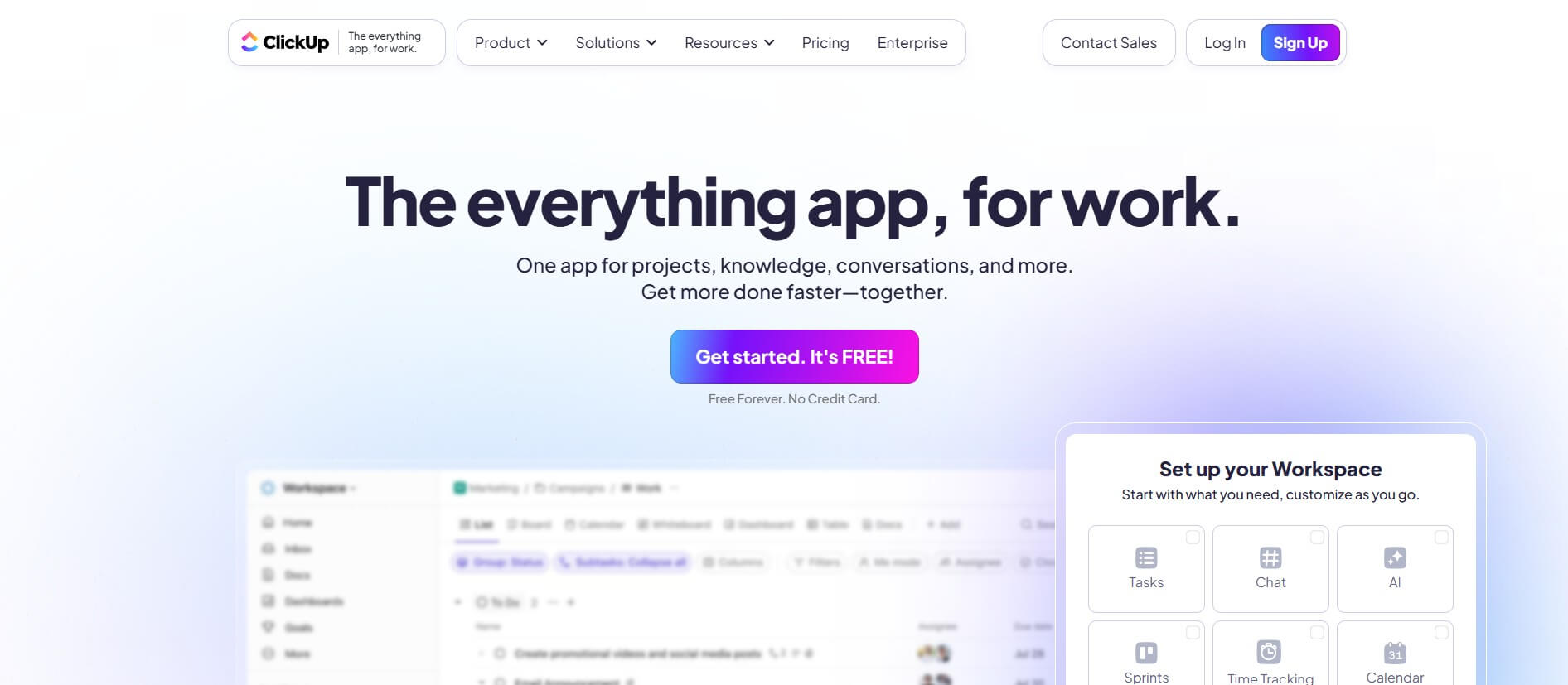
ClickUp is an all-in-one work management platform that helps teams manage projects, tasks, documents, goals, and collaboration in one workspace. Its AI features assist with task creation, meeting summaries, content generation, and workflow automation, while customizable dashboards, multiple project views, and integrations help teams improve productivity and track progress.
 4.9
4.9Notion
Productivity
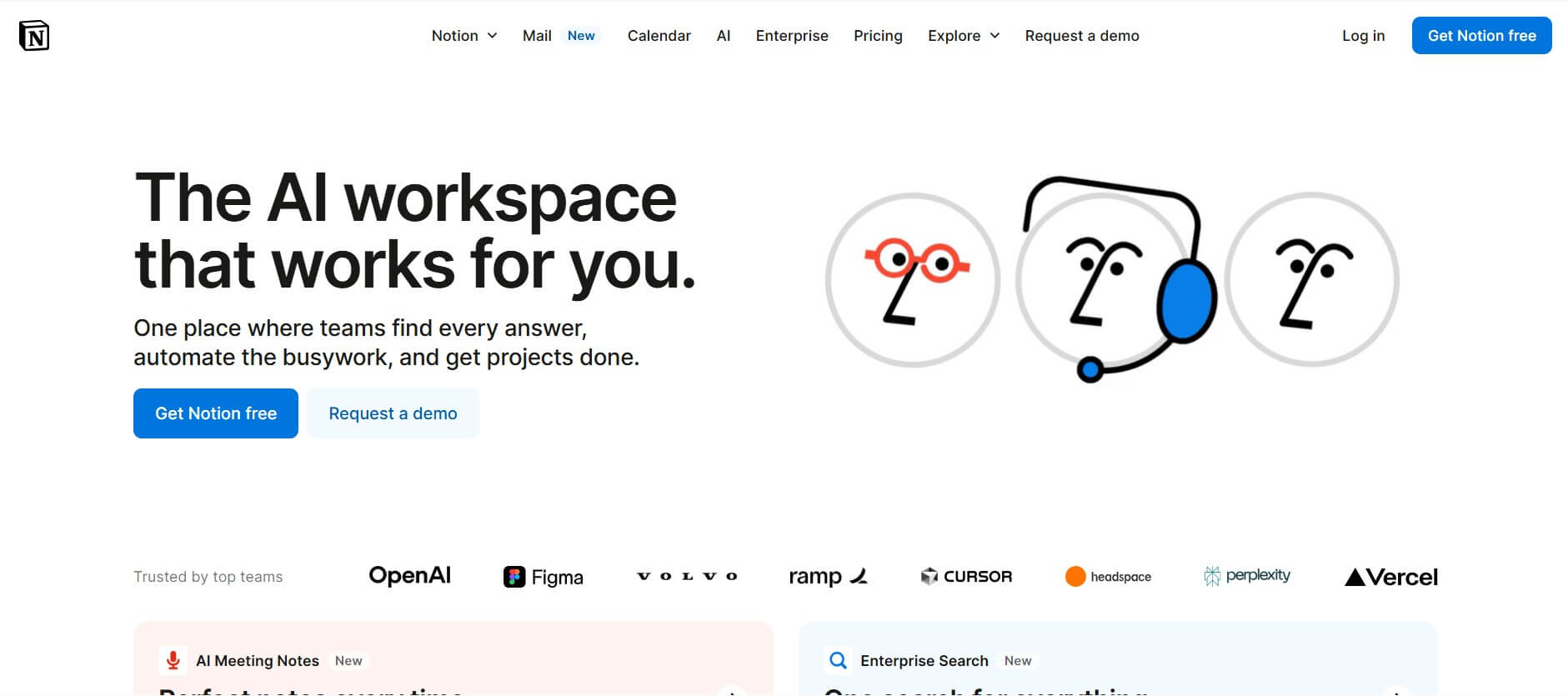
Notion is an all-in-one productivity and AI workspace that helps individuals and teams manage documents, notes, projects, databases, and company knowledge. Its AI features support writing, research, meeting summaries, enterprise search, and workflow automation, while customizable templates and integrations keep everyday work organized in one place.
 4.7
4.7Quinvio AI
Productivity
Quinvio AI helps you turn ideas, scripts, blogs, or web content into polished video presentations. You can refine messaging, choose branded templates, add AI avatars and voiceovers, and produce shareable visual content without traditional recording or editing workflows. It is especially useful for marketers, educators, trainers, creators, and business teams.
 4.9
4.9HubSpot
Marketing
HubSpot is an AI-powered customer platform that helps businesses manage marketing, sales, customer service, and content in one place. It offers a free CRM, automation tools, analytics, and AI features, enabling teams to attract leads, close deals, and deliver better customer experiences at scale.
 4.9
4.9TestSprite
Testing
TestSprite is an AI-powered software testing agent that helps developers automatically generate, run, and fix end-to-end tests for web apps. It simulates real user behavior, detects issues, and provides root-cause insights with suggested fixes, enabling faster releases and more reliable software without manual QA effort.
 4.8
4.8Microsoft Copilot
Productivity
Microsoft Copilot is an AI-powered assistant that helps users write, research, analyze data, and automate tasks across apps like Word, Excel, Outlook, and Teams. It combines large language models with real-time data to generate content, answer questions, and improve productivity across personal and professional workflows.
 4.9
4.9Casablanca AI
Productivity
Casablanca AI is an AI-powered virtual camera that corrects your gaze in real time during video calls, making it appear like you’re maintaining natural eye contact. It works with tools like Zoom and Teams, improving trust, engagement, and communication without needing extra hardware.
 4.9
4.9Granola
Productivity
Granola is an AI-powered meeting assistant that helps you capture, organize, and act on conversations without losing focus. It listens to meetings, turns notes into structured summaries, and generates action items and follow-ups automatically—so you stay present while everything important is documented and ready to use.
 4.8
4.8AI Submit
Productivity
AI Submit is an automated directory submission and SEO distribution platform that allows AI startup founders and developers to submit their artificial intelligence tools to dozens of top AI directories simultaneously for backlink building and traffic growth.