
UPDF
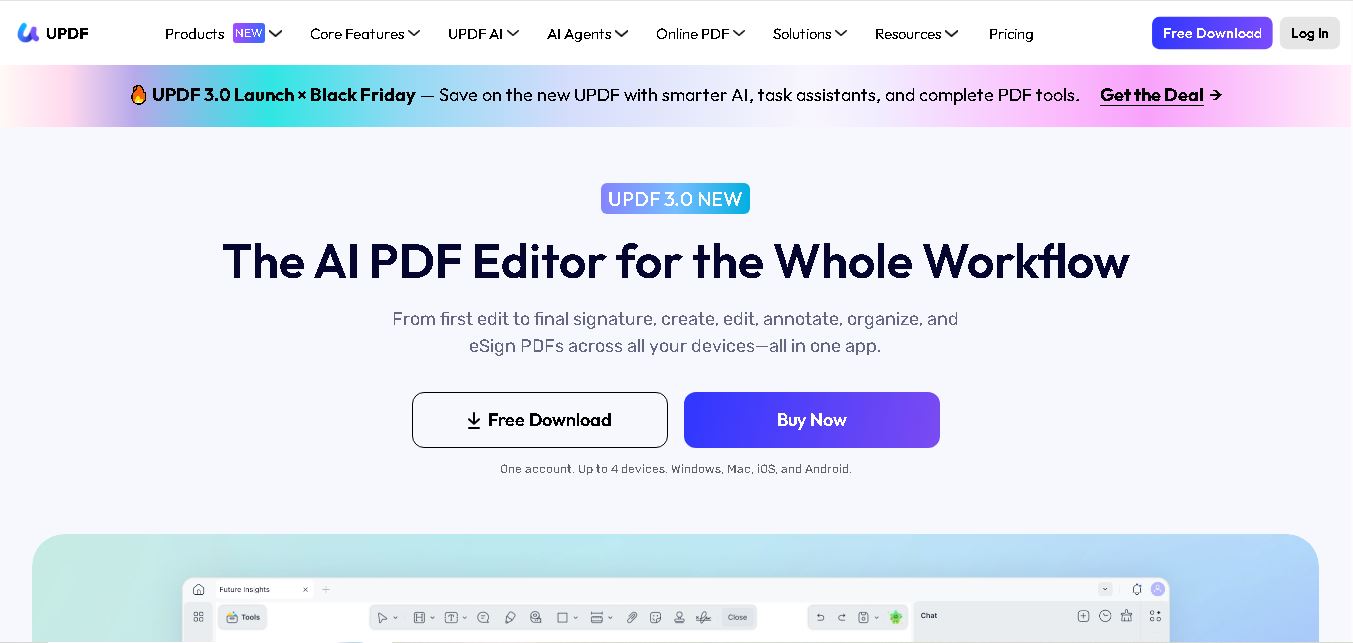
UPDF is a versatile PDF editor that combines document management with artificial intelligence. It enables users to edit, convert, annotate, organize, and sign PDF files while using AI to summarize, translate, and explain documents. Its cross-platform compatibility makes it a practical solution for students, professionals, and businesses.
What is UPDF?
UPDF is a comprehensive PDF management software designed to help users read, edit, annotate, convert, organize, and sign PDF documents. It combines traditional PDF editing capabilities with artificial intelligence features that simplify document-related tasks. Users can summarize lengthy files, translate content, ask questions about documents, and make scanned PDFs searchable through OCR. UPDF supports Windows, Mac, iOS, Android, and web-based workflows, making document management convenient across multiple devices.
UPDF brings together PDF editing, conversion, annotation, OCR, document organization, and AI assistance in one application. It supports 4 major operating systems: Windows, macOS, iOS, and Android, with one premium account usable on up to 4 devices. Its AI Assistant supports PDF summarization, translation, explanation, and document conversations. The free AI trial includes up to 5 PDFs, 100 pages per PDF, and 100 questions. Paid AI access offers unlimited document analysis, while selected mobile AI Vision features use monthly credits. No separate PDF editor is required for these essential workflows.
- Core Focus / Category: AI PDF Editor, Document Converter, OCR Scanner, and e-Signature Suite
- Platform Architecture: Cross-platform desktop (Windows & macOS), mobile (iOS & Android), and cloud web suite paired with UPDF Cloud storage and AI document tools
- Key Specialization: Multi-device account coverage, PDF text/image/link editing, scanned PDF OCR, batch file operations, and AI PDF summarization/Q&A
Use Cases:
- Editing text, fonts, images, links, watermarks, headers, footers, and backgrounds directly inside existing PDF documents
- Converting PDFs into editable Word, Excel, PowerPoint, or image files and running OCR on scanned documents to make text searchable and editable
- Summarizing, translating, explaining, or chatting with long PDFs and multi-document collections using UPDF AI
- Merging, splitting, rotating, cropping, compressing, redacting, and sharing PDFs across desktop and mobile devices
Technology:
- PDF Editing & Page Engine supporting layout modifications, form filling, redaction, measurement tools, compression, and PDF/A, PDF/X, and PDF/E exports
- OCR & Format Conversion Pipeline transforming scanned PDFs and images into editable or searchable files while preserving document structure
- UPDF AI Document Intelligence enabling Q&A, summarization, translation, mind maps, and AI credits for vision/extraction tasks
Target Users:
- Students, educators, and researchers annotating study PDFs, extracting text from scans, and summarizing reading materials
- Freelancers, consultants, and small businesses editing proposals, converting invoices, and managing client files across devices
- Legal, real estate, finance, and operations teams handling contracts, redactions, comparisons, and signature requests
- Professionals using productivity tools who want a unified PDF editor and AI reader without locking into steep recurring fees
Corporate Entity: Operates as UPDF (updf.com / Cross-Platform PDF & AI Software)

Key features of UPDF
UPDF's key features are
- Comprehensive PDF Editing: Edit existing text, images, and links directly, and customize watermarks, backgrounds, headers, and footers.
- Format Conversion & OCR: Convert PDFs to and from Word, Excel, PowerPoint, images, text, HTML, and XML, plus run OCR on scanned PDFs and images.
- UPDF AI Assistant: Chat with PDFs, summarize long documents, translate text, explain complex content, and convert PDFs into mind maps.
- Page Organization & Batch Tools: Merge, split, extract, reorder, rotate, crop, and compress pages, or run batch convert, combine, encrypt, insert, and print tasks.
- Annotations, Forms & Redaction: Highlight, underline, strike out, add sticky notes or callouts, fill forms, compare PDF versions, and permanently redact sensitive data.
- Security & e-Signatures: Add password protection, flatten PDFs, share via link or email, and sign or request electronic signatures.
- Cross-Device Sync & Cloud Storage: Sync files across Windows, macOS, iOS, Android, and web with UPDF Cloud storage.
UPDF Pricing
UPDF offers a free tier alongside annual and one-time lifetime licenses for UPDF Pro, with UPDF AI Assistant available as a separate add-on or bundle. Promotional discounts and separate plans for Education and Enterprise are also offered.
Free Tier:
- $0 / Free access (No credit card required)
- Includes basic reading, annotation, form filling, limited conversions (up to 2 files/day), limited OCR (up to 5 uses), 1 GB UPDF Cloud storage, and an AI preview allowance, with trial watermarks applied to most saved outputs from premium editing tools
UPDF Pro (Annual & Lifetime):
- Annual Plan: Listed around ~$64.99/year (often discounted during promotions)
- Lifetime Plan: One-time payment listed around ~$94.99–$139.99 depending on current promotions
- Unlocks clean watermark-free exports, full editing, unlimited conversions and OCR, batch tools, 10 GB UPDF Cloud storage, and multi-device access
UPDF AI Assistant & Bundles:
- UPDF AI is sold separately or in Pro + AI bundles (with a 7-day trial on eligible bundles, followed by recurring annual AI pricing) and unlocks higher document limits, unlimited Q&A, and monthly AI credits
- Separate pricing and volume licensing apply to Education users and Enterprise teams
Disclaimer: UPDF frequently runs promotional pricing and bundles, and AI Assistant features are separate from base UPDF Pro licenses unless bundled. Check updf.com for current regional pricing and plan terms.
Who is using UPDF?
UPDF is designed for everyday document users, students, professionals, and organizations, including
- Students & Educators: Annotating lecture slides, converting scanned handouts via OCR, and summarizing long PDFs with AI
- Freelancers & Small Businesses: Editing contracts, compressing client files, and managing PDFs across desktop and mobile without high recurring costs
- Legal, Finance & Real Estate Teams: Comparing document versions, redacting sensitive fields, adding watermarks, and collecting signatures
- Lifetime-License Seekers: Users who prefer a one-time payment for core PDF editing rather than ongoing monthly subscriptions
- Multi-Device Workers: People switching between Windows, Mac, iOS, and Android who want one account across devices
Best UPDF Alternatives
Some of the strongest UPDF alternatives include
- Adobe Acrobat (Comprehensive PDF editing, document workflows, and enterprise document management suite)
- Smallpdf (Swiss cloud PDF toolkit offering 30+ compression, conversion, e-sign, and AI PDF tools across web, desktop, and mobile)
- iLovePDF (Popular web, mobile, and desktop PDF platform for merging, splitting, compressing, and converting files)
- Foxit PDF Editor (Desktop and cloud PDF editor focused on document editing, forms, and business workflows)
- Wondershare PDFelement (All-in-one desktop and cloud PDF editor with form, OCR, and AI capabilities)
- PDFgear (Desktop PDF editing and AI reader utility across supported operating systems)
Pros and Cons of UPDF
Pros
- Covers Windows, macOS, iOS, Android, and web under a single account
- Offers a one-time lifetime license option for UPDF Pro alongside annual subscriptions
- Combines PDF editing, OCR, batch processing, page management, and AI document tools in one suite
- Supports practical business tasks like redaction, PDF comparison, compression, and signature requests
- Provides dedicated discounted plans for education and team/enterprise management
Cons
- Free version applies a trial watermark to most PDFs saved after using premium editing tools
- Free tier has tight daily/total limits on conversions, OCR uses, and signature requests
- UPDF AI Assistant is billed separately from base UPDF Pro unless purchased in a bundle
- Lifetime licenses cover core PDF Pro access rather than unlimited ongoing AI usage without renewal
Why Choose UPDF?
UPDF is a strong fit if you want a modern, cross-device PDF editor and AI document assistant with flexible annual or lifetime licensing.
- Edit text, images, and links and convert or OCR PDFs across desktop and mobile
- Choose between recurring annual billing or a one-time UPDF Pro lifetime license
- Summarize, translate, and chat with PDFs using built-in AI tools
- Handle batch conversions, redactions, comparisons, and signature workflows in one place
- Access discounted education pricing or centralized enterprise license controls
UPDF vs. Competitors
The primary difference between UPDF, Adobe Acrobat, Smallpdf, and Foxit PDF Editor lies in licensing flexibility, cross-platform reach, and how AI is packaged. While Adobe Acrobat is subscription-only and geared heavily toward deep enterprise PDF workflows, and Smallpdf focuses heavily on fast cloud-first web/mobile PDF utilities, UPDF pairs multi-device editing, OCR, and AI document tools with both annual subscriptions and a one-time lifetime option for UPDF Pro.
| Feature / Platform | UPDF (updf.com) | Adobe Acrobat | Smallpdf | Foxit PDF Editor |
|---|---|---|---|---|
| Primary Focus | Cross-Platform PDF Editor, OCR & AI | Full PDF Authoring & Enterprise Suite | Cloud PDF Suite, AI Tools & e-Sign | Desktop & Cloud PDF Editing |
| Platforms | Windows, macOS, iOS, Android & Web | Desktop, Web, iOS & Android | Web, Desktop, iOS & Android | Windows, macOS, iOS, Android & Web |
| Lifetime License Option | Yes (UPDF Pro Lifetime) | No (Subscription-based) | No (Subscription-based) | Available on select editions |
| AI Document Features | Chat, Summarize, Translate & Mind Maps | AI Assistant for PDFs | Chat, Summarize, Translate & Q&A | AI Assistant for PDFs |
| Pricing Structure | Free tier, Annual & Lifetime Pro + AI | Subscription plans | Free tier, Monthly & Annual plans | Subscription & license options |
| Best For | Multi-Device PDF Editing & Lifetime Buyers | Heavy Enterprise PDF & Form Workflows | Fast Cross-Device Compression & Web Tools | Business PDF Editing & Deployment |
How do we rate UPDF?
| Parameter | Rating (out of 5) |
|---|---|
| PDF Editing, OCR & Conversion | 4.7 |
| Cross-Device Usability | 4.8 |
| AI Document Tools | 4.6 |
| Licensing Flexibility & Value | 4.7 |
| Free Tier Limitations | 4.0 |
| Overall Score | 4.56 |
UPDF Review
UPDF stands out as a practical, cross-platform PDF toolkit that brings editing, OCR, batch operations, e-signatures, and AI document assistance together across desktop, mobile, and web. Having a lifetime option for UPDF Pro makes it appealing for individuals and small teams who want to avoid ongoing subscription fatigue on core PDF tools, while the AI add-on gives researchers and professionals quick ways to summarize and query long files. Free-tier watermarks and separate AI pricing are worth keeping in mind before committing, but UPDF delivers strong everyday utility across devices.
Conclusion
UPDF is a useful document management solution for individuals and businesses looking to simplify PDF-related work. Its combination of AI assistance, OCR technology, editing, conversion, annotation, and electronic signatures makes everyday document tasks more manageable. The ability to access files across four major operating systems adds flexibility to different workflows. Although some advanced features require paid subscriptions, its free version provides an opportunity to explore its capabilities. Overall, UPDF is worth considering for users seeking an AI-assisted PDF solution that supports productivity, document organization, and efficient digital workflows.
FAQ
What is UPDF used for?
UPDF is used to manage PDF documents through editing, reading, annotation, conversion, and electronic signatures. It also provides AI features for summarizing files, translating content, and answering document-related questions. Students, professionals, researchers, and businesses can use it to simplify everyday document tasks and improve productivity.
Is UPDF free to use?
Yes, UPDF offers a free version with access to several PDF management features. However, certain functions have limitations, including file conversion, OCR usage, and saving documents with trial watermarks. Users can upgrade to a paid plan to unlock additional capabilities and access more advanced PDF editing tools.
Does UPDF have an AI assistant?
Yes, UPDF includes an AI Assistant that helps users summarize, translate, explain, and interact with PDF documents. Users can ask questions about uploaded files, understand complicated information, and extract important insights. It also offers specialized assistants for research papers, contracts, resumes, and financial reports.
Can UPDF edit existing PDF documents?
Yes, UPDF allows users to edit existing PDF documents by modifying text, images, links, and other elements. Users can adjust font styles, replace images, add new content, and manage document layouts. These editing capabilities make it useful for updating reports, business documents, presentations, and other PDF files.
Does UPDF support OCR technology?
Yes, UPDF provides Optical Character Recognition (OCR) technology that converts scanned documents into searchable and editable PDFs. This feature helps users extract text from image-based documents and work with previously uneditable files. It is particularly useful for digitizing printed paperwork, scanned reports, and archived documents.
User Reviews
No reviews yet for UPDF.
Featured Tools
Featured AI tools from TechShark

LandAtlas
LandAtlas is a land investing platform that combines parcel research, skip tracing, buyer matching, contracts, and deal management. It helps land wholesalers and acquisition teams organize property leads, evaluate opportunities, connect with potential buyers, and manage transactions from one workspace.
Paid
Klap
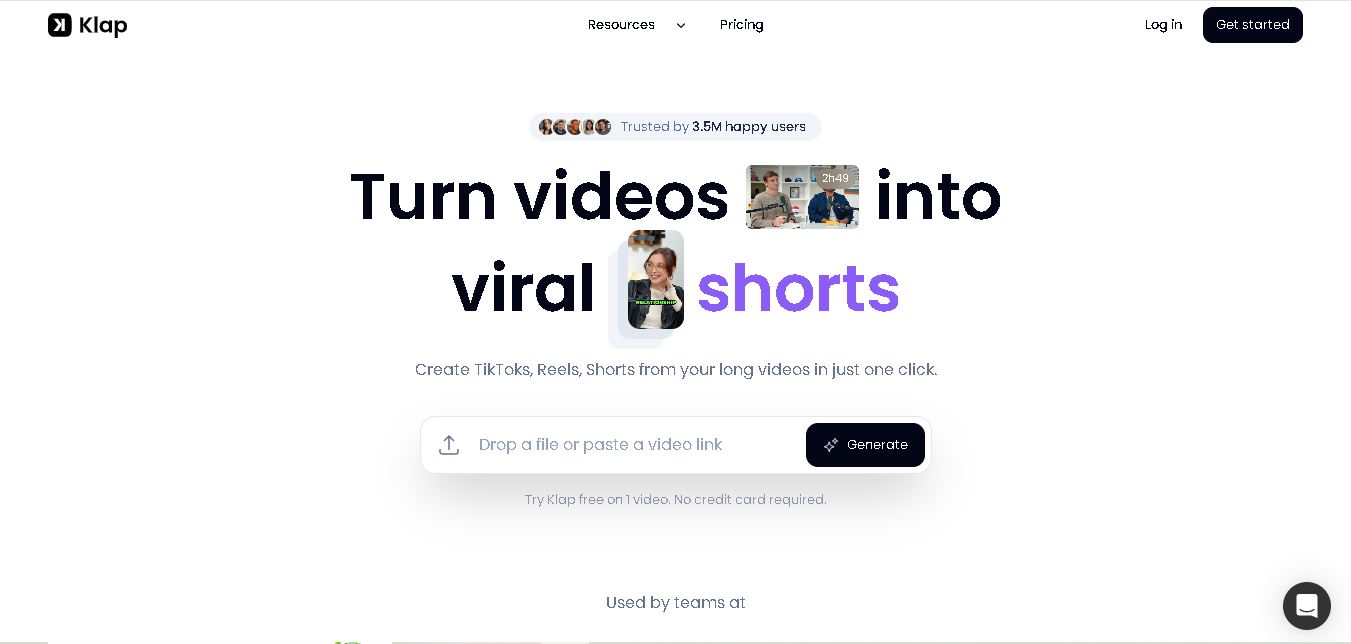
Klap is an AI video clipping platform that transforms long videos into short-form social media content. It automatically identifies highlights, creates captions, reframes speakers, and schedules clips, helping creators, podcasters, and marketing teams repurpose existing videos with less manual editing.
Free
Melody Genie
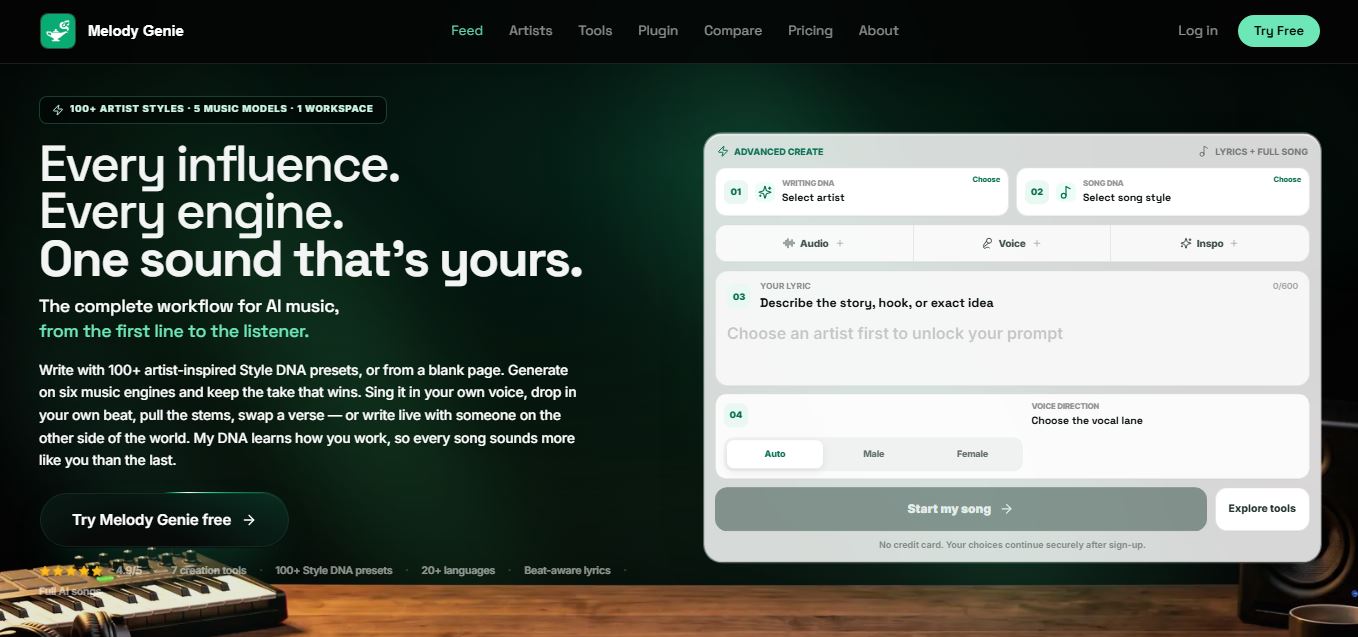
MelodyGenie is an AI-powered music generator that creates original songs from simple text prompts. Users can choose styles, moods, and genres, then instantly generate melodies and full tracks, making it easy for creators, marketers, and hobbyists to produce custom music without musical expertise.
Freemium
Fashion Diffusion AI
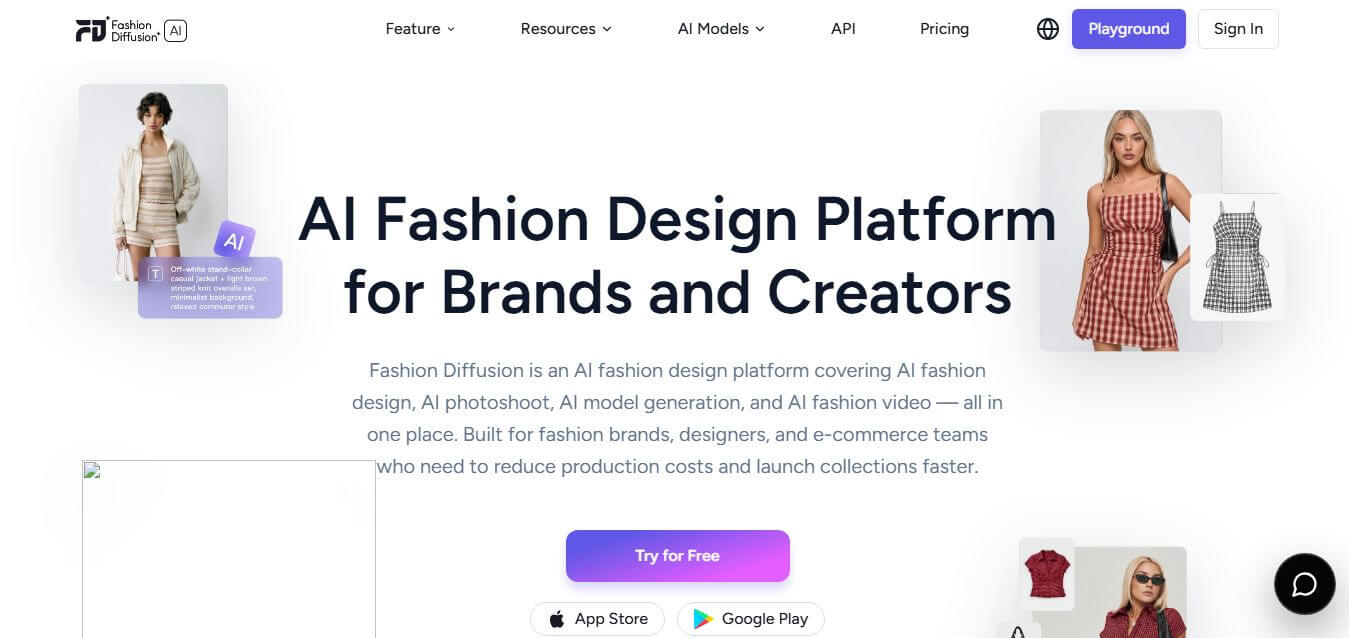
Fashion Diffusion is an AI-powered fashion design platform that helps brands and designers create clothing designs, virtual try-ons, AI models, product photos, and marketing visuals faster and cost-effectively.
Paid
Alternatives
Alternatives to UPDF
The best UPDF alternatives include Adobe Acrobat, Smallpdf, iLovePDF, Foxit PDF Editor, Wondershare PDFelement, and PDFgear. These platforms provide PDF editing, document conversion, OCR, annotation, and AI document tools. While UPDF stands out for cross-device support across desktop, mobile, and web, AI document features, and a lifetime license option for UPDF Pro alongside annual plans, alternatives like Adobe Acrobat focus on deep enterprise PDF workflows, Smallpdf emphasizes fast cross-device cloud PDF utilities, and Foxit PDF Editor offers strong business editing and deployment tools. Choosing the right platform depends on whether you prioritize a lifetime PDF license and cross-device AI tools or specialized enterprise authoring.
 4.4
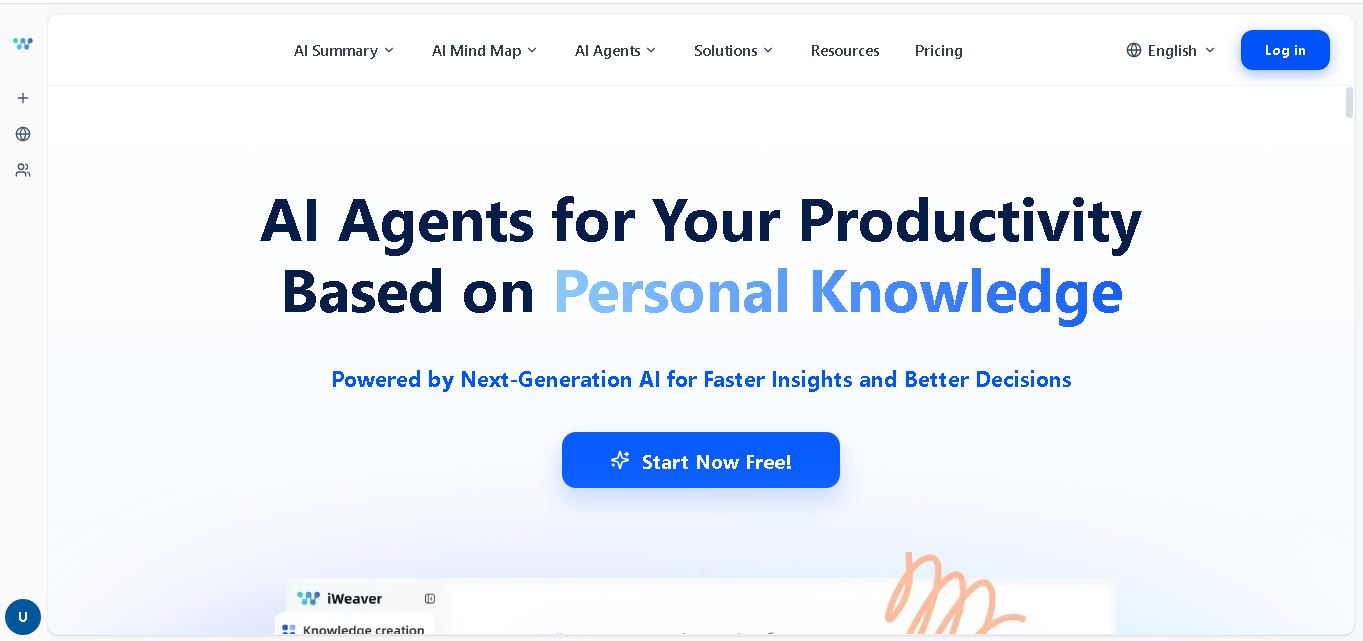
iWeaver
Summarizer
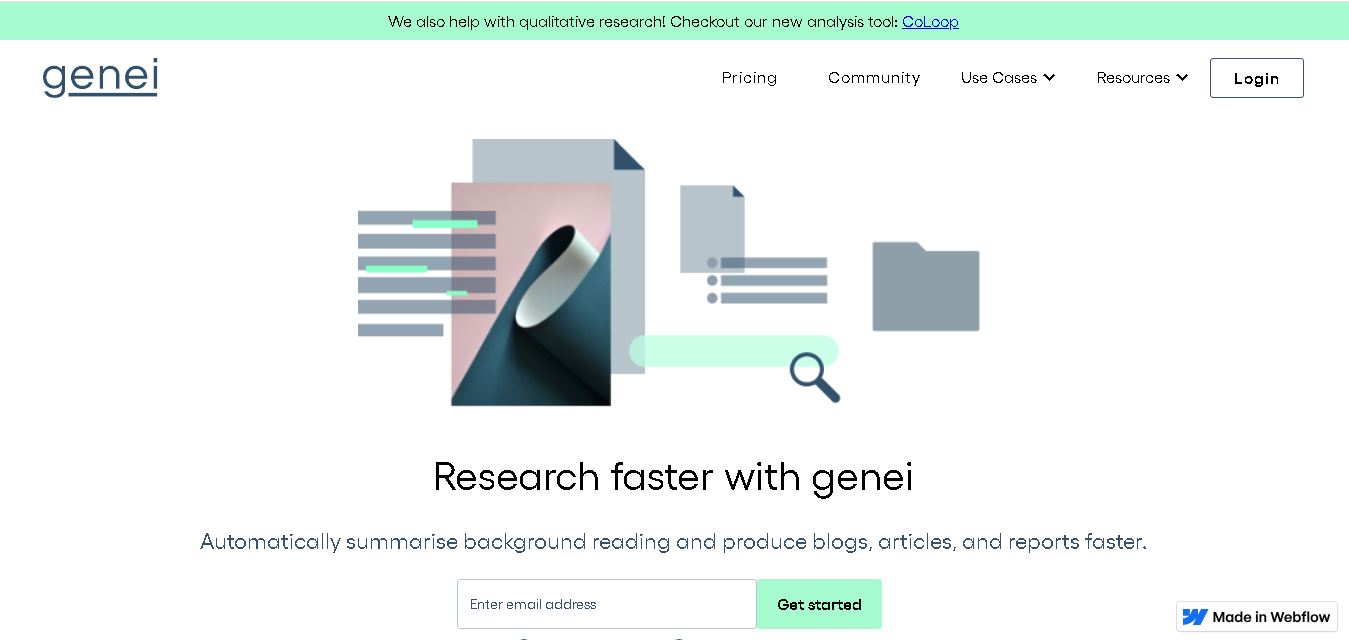
Genei is a research and document summarization tool that helps users understand lengthy PDFs and webpages faster. It offers AI-generated summaries, keyword extraction, semantic search, question answering, and smart note-taking. With document organization and citation management features, Genei simplifies research workflows for students, academics, professionals, and content creators.
 4.4
genei
Summarizer
Genei is a research and document summarization tool that helps users understand lengthy PDFs and webpages faster. It offers AI-generated summaries, keyword extraction, semantic search, question answering, and smart note-taking. With document organization and citation management features, Genei simplifies research workflows for students, academics, professionals, and content creators.
 4.6
Grain
Summarizer
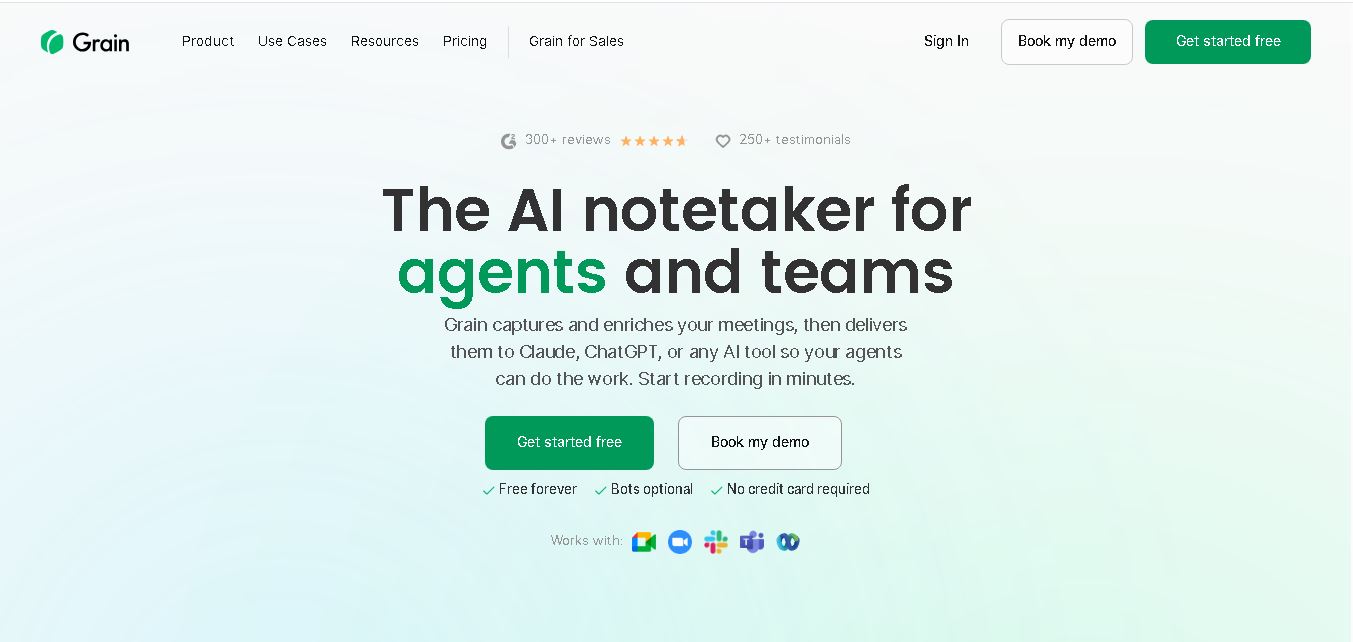
Grain helps individuals and teams record meetings, transcribe conversations, and generate AI summaries, highlights, and action items. With searchable meeting history, bot-free capture, video clips, and integrations for tools such as ChatGPT, Claude, Slack, and HubSpot, it turns everyday conversations into organized information that supports better collaboration and follow-through.
 4.5
Sembly AI
Summarizer
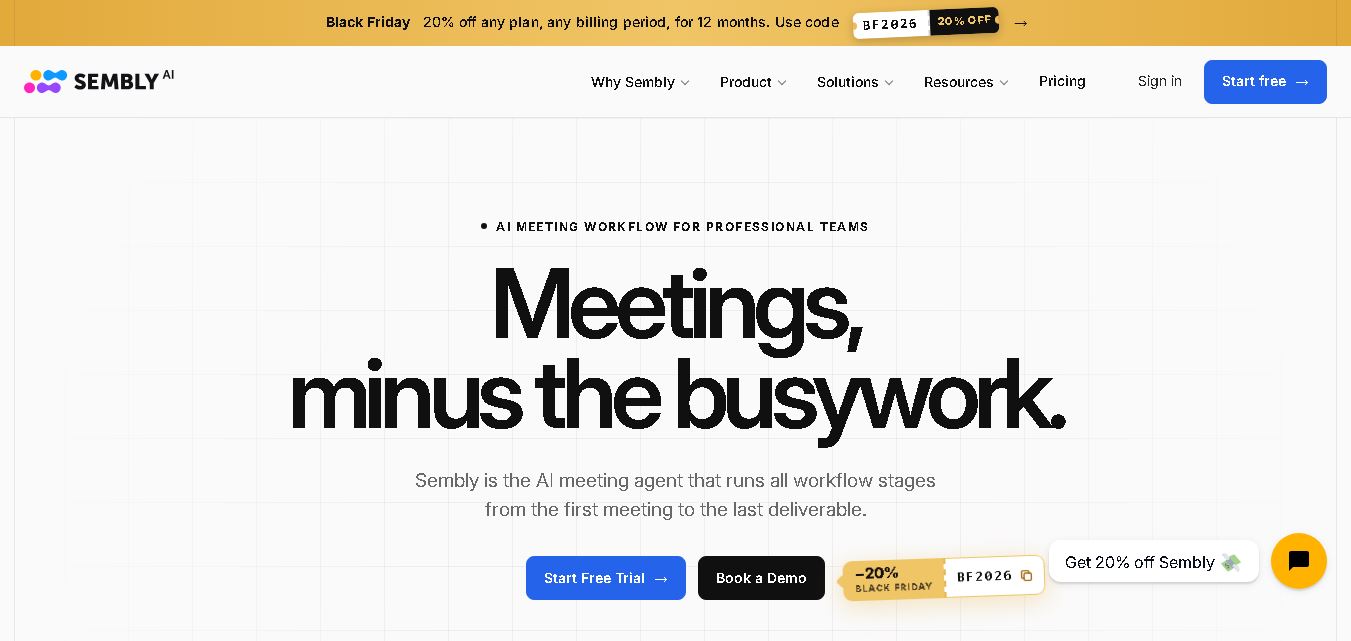
Sembly AI helps professionals record meetings, transcribe conversations, generate summaries, and organize important action items. It supports popular video conferencing platforms and multiple languages. With AI-powered insights, searchable transcripts, integrations, and automated document creation, Sembly helps businesses improve meeting productivity, simplify follow-ups, and manage client communication more effectively.
 4.7
Glasp
Summarizer
Glasp helps you save meaningful ideas from webpages, PDFs, YouTube videos, and Kindle books in one searchable library. Highlight passages, add notes, organize research, and use AI to summarize or revisit what you have learned. It also supports sharing and exporting insights to popular productivity and note-taking apps every day.
 4.7
Smallpdf
Summarizer
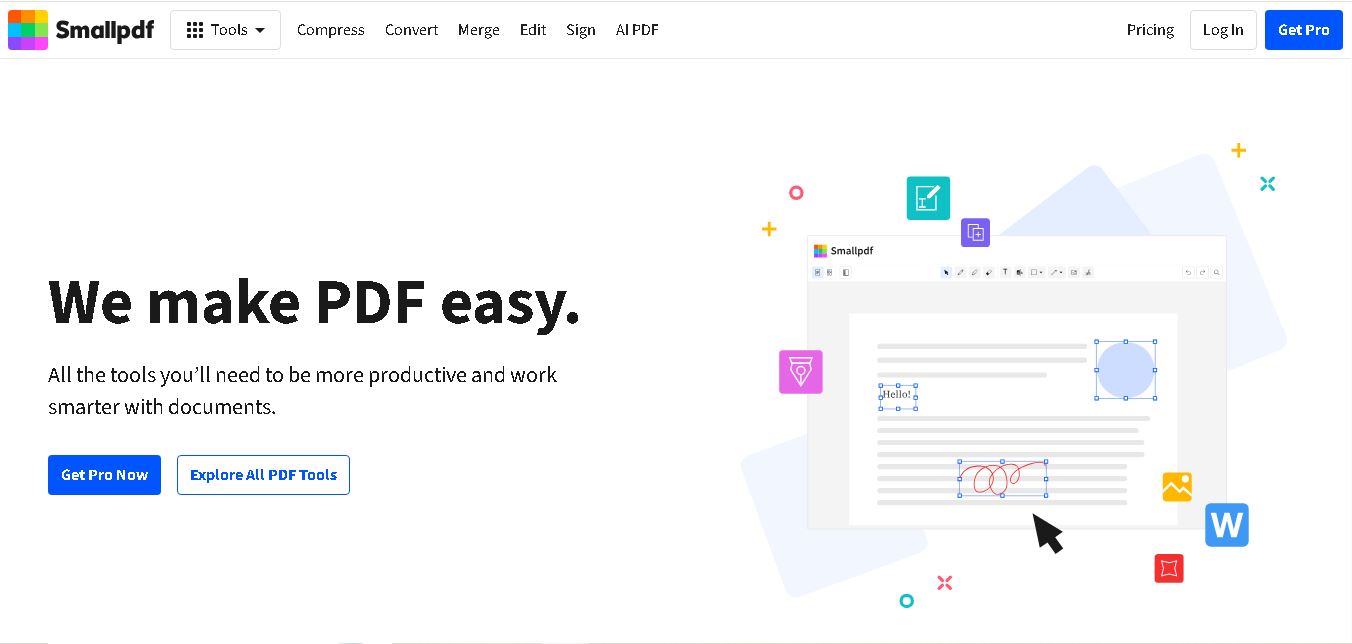
Smallpdf is an online PDF management solution that helps users compress, convert, edit, merge, split, and sign documents. It also offers AI-powered tools for summarizing, translating, and interacting with PDFs. With browser-based access and mobile applications, Smallpdf makes document management easier for students, professionals, freelancers, and businesses.
 4.6
Summarizer.org
Summarizer
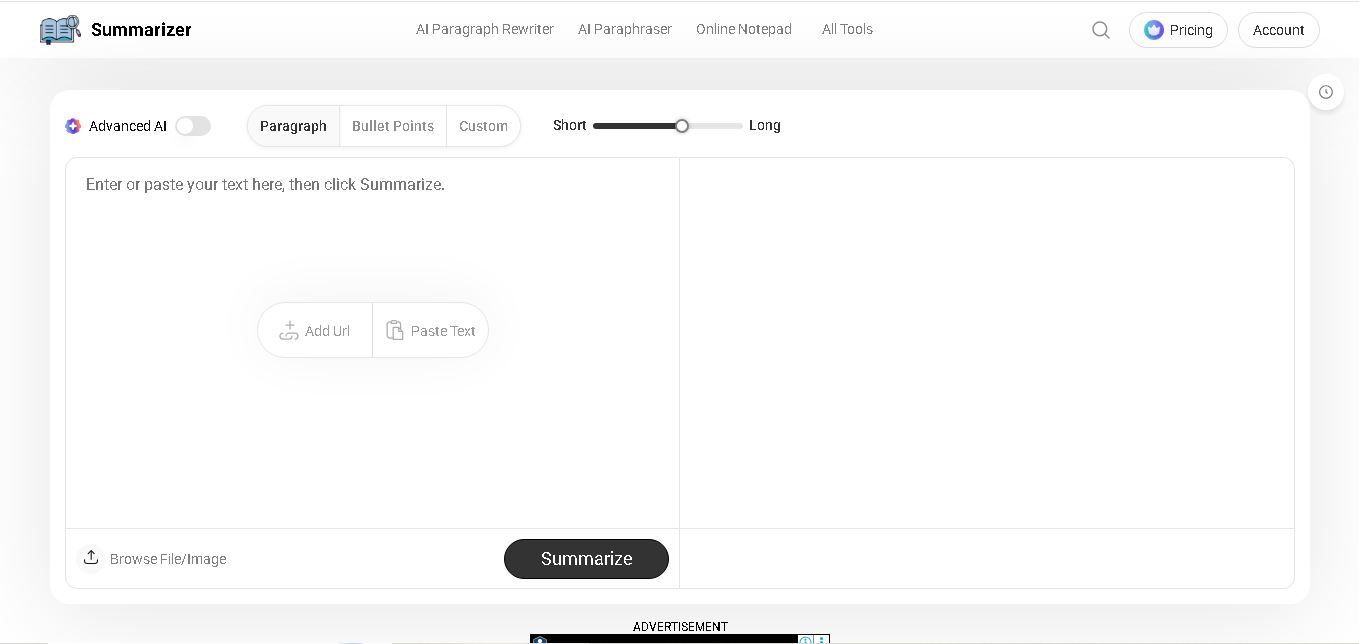
Summarizer.org is an online text summarization tool that transforms lengthy articles, essays, and documents into concise summaries. It helps students, researchers, writers, and professionals extract important information quickly. With adjustable summary lengths and multiple output formats, users can simplify reading, save time, and improve their everyday content research.
 4.9
Resoomer
Research
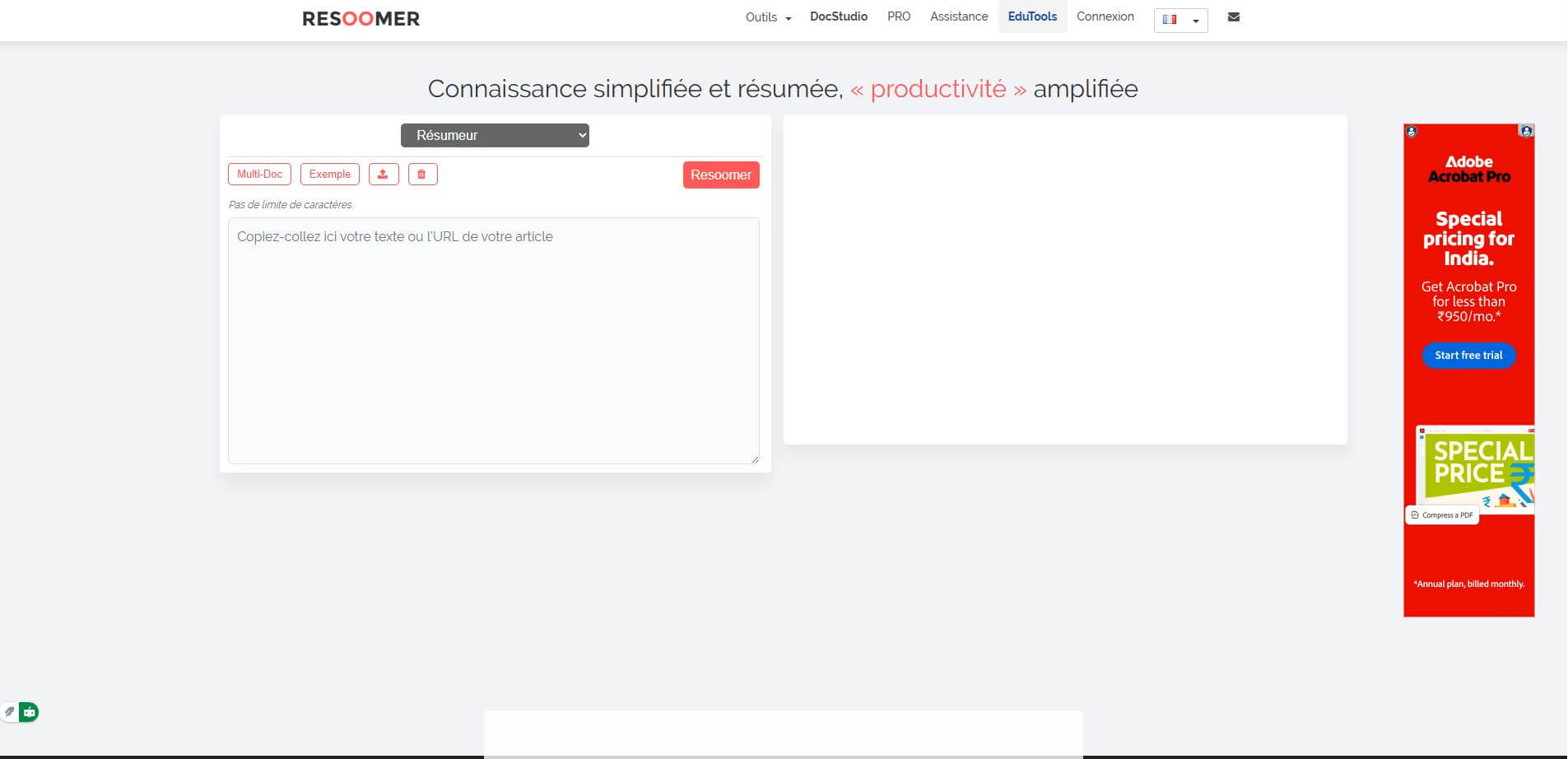
Resoomer is an AI-powered text summarization tool that helps users quickly turn long articles, research papers, and documents into concise summaries. It identifies key ideas, supports multiple formats like PDFs and URLs, and includes tools for paraphrasing, translating, and analyzing content for faster understanding.
 4.8
Smry
Summarizer
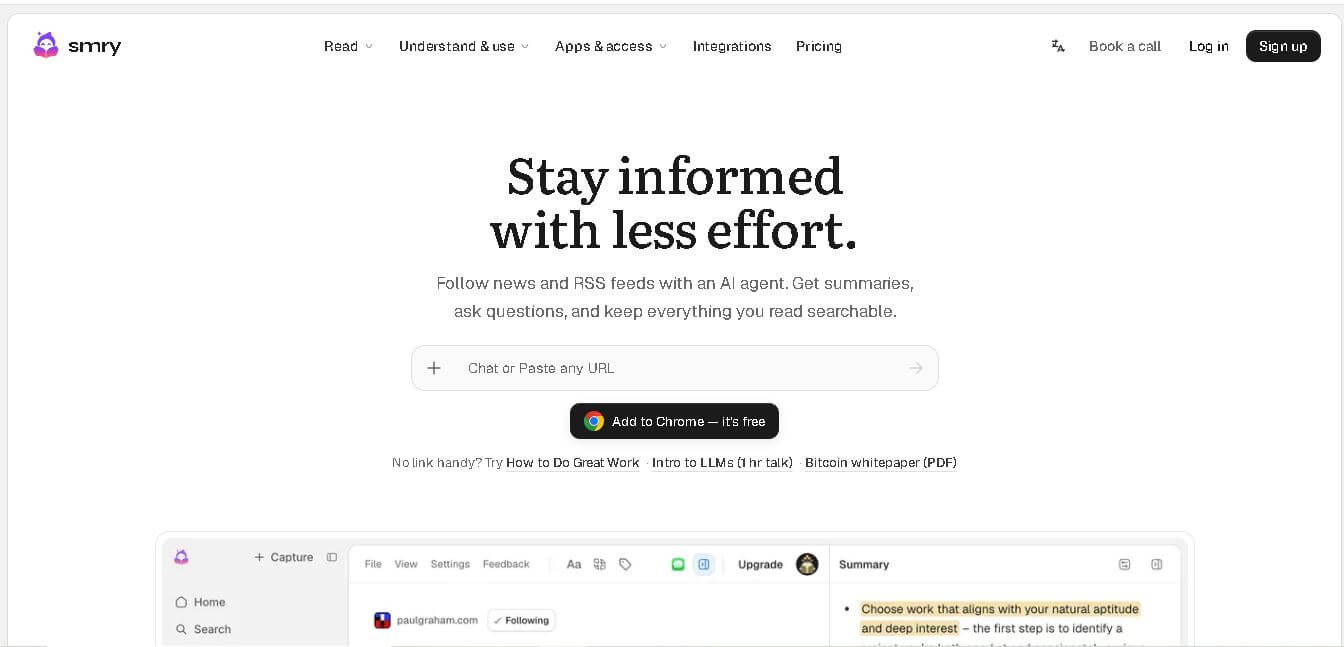
smry is an AI-powered reading and research workspace that helps users summarize articles, ask questions, listen to content, save highlights, follow feeds, and organize research. It supports webpages, YouTube videos, PDFs, EPUBs, documents, and other sources. Its clean reader removes distractions while keeping summaries and answers connected to the original source.