
Glasp
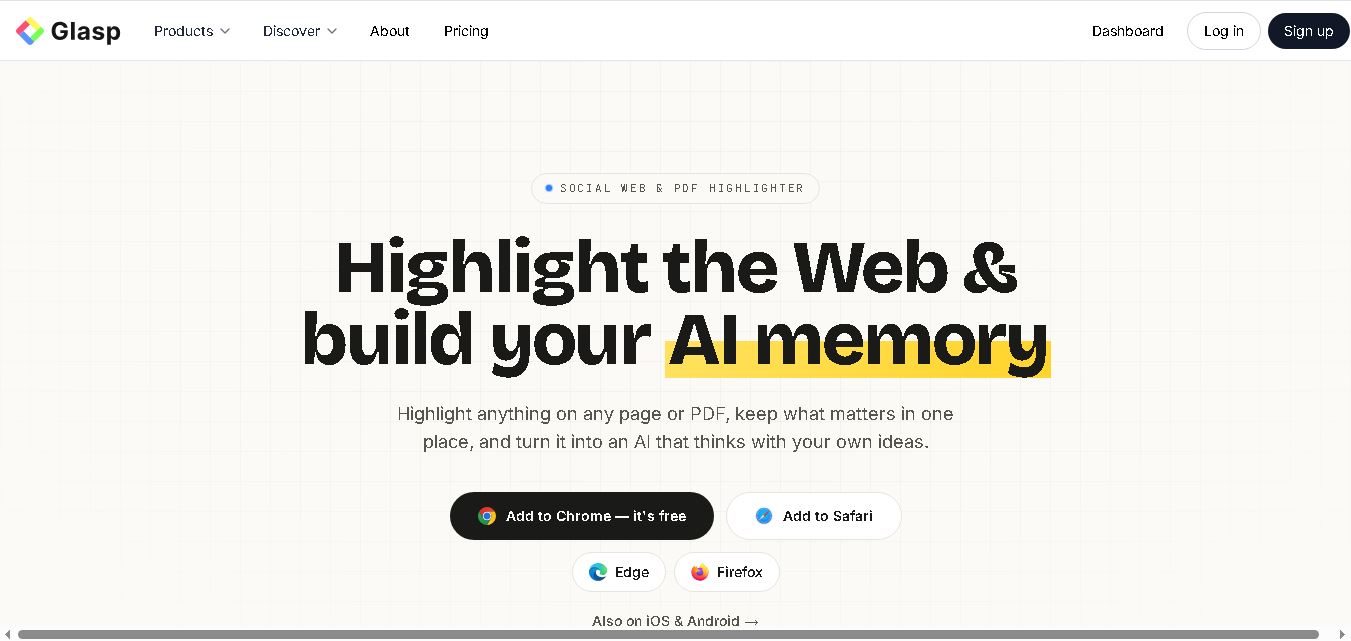
Glasp helps you save meaningful ideas from webpages, PDFs, YouTube videos, and Kindle books in one searchable library. Highlight passages, add notes, organize research, and use AI to summarize or revisit what you have learned. It also supports sharing and exporting insights to popular productivity and note-taking apps every day.
What is Glasp?
Glasp is a social learning and knowledge-management tool that helps people capture useful information while reading online. It lets users highlight and annotate webpages, PDFs, YouTube videos, and Kindle content, then organize those discoveries in a searchable library. Its AI features can summarize saved material, answer questions from personal highlights, and help connect ideas. Users can also share insights and export them to other productivity tools.
Glasp was founded by Kei and Kazuki Nakayashiki, with its first lines of code written in September 2020. The company’s growth story reports 1,000 users by November 2021, 1 million users across its products by June 2023, and 3 million across its ecosystem in 2025. Its features page separately displays 2 million plus highlighters. Glasp supports 4 major browser extensions and offers free and paid plans, with AI usage limits varying by subscription. Core highlighting has no subscription fee currently.
- Core Focus / Category: Social Web & Video Highlighter, AI Summarizer, PDF & Knowledge Library, and Note Export Tool
- Platform Architecture: Browser extensions (Chrome, Safari, Edge, Firefox, plus Chromium-based browsers like Brave and Opera) paired with iOS and Android apps and a web library
- Key Specialization: Timestamped YouTube transcript highlighting and AI summaries, social crowd highlights, free daily Notion sync and multi-format exports, and AI Q&A across saved highlights
Use Cases:
- Highlighting articles, research PDFs, and images while attaching margin notes and tags to build a searchable personal knowledge base
- Summarizing long YouTube videos and lectures with clickable timestamps or highlighting key transcript lines to jump back to exact moments
- Querying saved highlights and PDFs with AI to synthesize research, connect ideas, or draft writing from cited passages
- Exporting or daily-syncing highlights into Notion, Obsidian, or Markdown/JSON files without vendor lock-in
Technology:
- Browser & Mobile Capture Layer tracking text selections, PDF page numbers, image saves, and YouTube video timestamps in real time
- AI Summarization & Library Chat Engine generating summaries, PDF citations, and cross-highlight answers using supported models
- Sync, Export & MCP Connector Layer pushing highlights to Notion and personal knowledge tools or exposing saved highlights to AI clients via MCP
Target Users:
- University students and academic researchers organizing sources, PDFs, and lecture videos
- Writers, newsletter authors, and creators collecting research quotes and drafting from cited highlights
- Lifelong learners and readers importing Kindle notes and discovering ideas from fellow highlighters
- Knowledge workers using productivity tools like Notion and Obsidian to store curated notes
Corporate Entity: Operates as Glasp (glasp.co / Web, Browser Extension & Mobile Platform)

Key features of Glasp
Glasp's key features are
- Web, PDF, Image & Kindle Highlighting: Highlight web articles and PDFs (with page numbers), save images, and import Kindle highlights.
- YouTube Summarizer & Timestamp Highlighter: Generate AI video summaries with clickable timestamps, view transcripts, and highlight transcript lines tied to exact video seconds.
- AI Chat & Research Workflows: Summarize articles, PDFs, and videos, chat with a PDF or across your highlights, surface idea connections, and draft from cited notes.
- Notion Sync & Multi-Format Exports: Export or daily-sync highlights to Notion, Obsidian, Roam Research, and mem.ai, or download as Markdown, HTML, CSV, or JSON.
- Imports & MCP Connector: Import from Kindle, Pocket, Medium, Instapaper, Readwise, Hypothesis, Diigo, Raindrop, and Weava, and connect highlights to AI tools via MCP.
- Social Discovery & Privacy Controls: Browse what others highlighted on a page or share URLs, while keeping individual pages or sites private on any plan.
- Quoteshots & Reading Utilities: Turn highlights into shareable quote images and access free utilities like Kindle clippings conversion and reading-speed tests.
Glasp Pricing
Glasp uses a freemium pricing model where core highlighting, privacy settings, exports, and daily Notion sync remain free, while paid plans raise AI usage limits and unlock additional models and channel tracking.
Free Plan:
- $0 / Free forever (No credit card required)
- Includes unlimited public and private highlights, 3 basic YouTube summaries/day and 3 advanced summaries per 7 days, 5 YouTube transcripts/day in extensions, 1 tracked YouTube channel (3 videos/channel), 30 PDF uploads/summaries, 20 PDF chat messages/month, 20 AI chat credits/month (Fast model), 30 minutes/month of audio transcription, and daily Notion sync/exports.
Student Plan (Free for Eligible University Students):
- $0 / Free with a qualifying university email for 12 months (renewable while eligible), plus 40% off Pro yearly ($90/year instead of $150/year) for students and educators
- Provides higher AI limits than Free—including 100 AI summaries per 30 days, 100 AI chat credits across all models, 50 PDF chat messages, 120 minutes of audio transcription, and 20 suggested highlights per 7 days.
Pro Plan:
- $12.50 / month billed yearly ($150/year) or $15.00 / month billed monthly
- Includes unlimited basic YouTube summaries, 1,000 advanced summaries/month, unlimited transcripts, 5 tracked YouTube channels (30 videos/channel), 100 PDF uploads/summaries, 500 PDF chat messages/month, 500 AI chat credits/month (all models including Deep), and 300 minutes/month of audio transcription.
Unlimited Plan:
- $30.00 / month billed yearly ($360/year) or $36.00 / month billed monthly
- Includes unlimited basic YouTube summaries, 5,000 advanced summaries per 30 days, unlimited transcripts, 25 tracked YouTube channels (500 videos/channel), unlimited PDF uploads/summaries, 5,000 PDF chat messages/month, 2,000 AI chat credits/month (all models), 1,500 minutes/month of audio transcription, and priority support.
Disclaimer: Plans and pricing are listed in USD and may change; paid subscriptions are non-refundable and applicable taxes may apply. Check glasp.co/pricing for the latest plan terms.
Who is using Glasp?
Glasp is designed for readers, students, writers, and researchers, including
- Students & University Researchers: Capturing quotes from articles, PDFs, and lectures with a dedicated free Student tier.
- Writers, Authors & Creators: Building research libraries, generating cited drafts, and exporting notes to Notion or Obsidian.
- Video & Podcast Learners: Summarizing long YouTube videos and jumping back to highlighted timestamps.
- Kindle & E-Book Readers: Consolidating book highlights with web and PDF notes in one searchable archive.
- Community & Social Learners: Exploring crowd highlights and sharing curated reading lists via URL.
Best Glasp Alternatives
Some of the strongest Glasp alternatives include
- Readwise & Readwise Reader (Popular read-it-later, highlighting, and spaced-repetition review suite)
- Hypothesis (Open web and PDF annotation and collaborative markup tool)
- Raindrop.io (Visual bookmark manager and web archive with highlighting and collections)
- Liner (Web and PDF highlighter and AI research assistant)
- Weava (Web and PDF highlighter and citation organizer for students and researchers)
- Notion Web Clipper / Obsidian (Note-taking and knowledge management workspaces for storing clipped research)
Pros and Cons of Glasp
Pros
- Core highlighting across web, PDFs, YouTube, and Kindle is free with no credit card required.
- Exports and daily Notion sync are available even on the free plan, avoiding data lock-in.
- Timestamped YouTube highlights and AI summaries make reviewing long videos much faster.
- Free Student plan and 40% annual discount for students and educators add strong academic value.
- Supports private page/site highlighting alongside social crowd highlights and MCP integration.
Cons
- Highlights are public by default unless manually marked private or configured to start private.
- AI summaries, PDF chat, chat credits, and audio transcription have strict monthly/weekly caps on the free plan.
- Paid plans are billed in USD and marked non-refundable under Glasp's terms.
- Browser extension workflows are centered on desktop browsers alongside companion mobile apps.
Why Choose Glasp?
Glasp is a practical choice when you want one place to highlight articles, PDFs, Kindle books, and YouTube videos and turn those highlights into summaries, answers, and exported notes.
- Capture web, PDF, image, and timestamped YouTube highlights in one library.
- Keep highlighting, exports, and daily Notion sync free without a credit card.
- Ask AI across your saved reading or chat with individual PDFs.
- See crowd highlights for social discovery or keep sensitive pages private.
- Take advantage of the free university Student tier when eligible.
Glasp vs. Competitors
The main difference between Glasp, Readwise, Hypothesis, and Raindrop.io lies in combining social crowd highlighting, timestamped YouTube summaries, and free exports/Notion sync with AI library features. While Readwise focuses heavily on spaced-repetition review and a dedicated reader subscription, Hypothesis emphasizes open annotation layers, and Raindrop.io centers on visual bookmarking and collections, Glasp pairs a generous free highlighting tier and daily Notion sync with AI summaries, chat over highlights, and MCP access.
| Feature / Platform | Glasp (glasp.co) | Readwise | Hypothesis | Raindrop.io |
|---|---|---|---|---|
| Primary Focus | Social Highlighting, YouTube & AI Notes | Highlight Aggregation & Spaced Repetition | Web & PDF Annotation Layer | Visual Bookmarking & Web Curation |
| YouTube Transcript & AI Summary | Yes (Timestamps, transcripts & AI summaries) | Supported via Reader workflows | Limited to text/PDF web layers | Bookmarking & basic media saving |
| Social / Crowd Highlights | Yes (Public profiles & crowd highlights) | Primarily personal library focus | Public & group annotations | Public/shared collections |
| Notion & PKM Exports | Free daily Notion sync + Markdown/CSV/JSON | Export & sync integrations | Export & API integrations | Bookmarks/exports & integrations |
| Starting Price | Free tier / Pro $12.50/mo yearly ($15/mo) | Paid subscription after free trial | Free basic / Paid team options | Free tier / Pro subscription |
| Best For | Free Highlighting + Video Summaries + AI Library | Daily Spaced-Repetition Recall & Reader | Academic & Collaborative Margin Notes | Visual Bookmark Organization |
How do we rate Glasp?
| Parameter | Rating (out of 5) |
|---|---|
| Highlighting & Timestamp Capture | 4.8 |
| YouTube & AI Summarization | 4.7 |
| Exports, Notion Sync & AI Connectors | 4.7 |
| Social Discovery & Privacy Controls | 4.5 |
| Value for Money & Free Tier | 4.8 |
| Overall Score | 4.70 |
Glasp Review
Glasp stands out by keeping essential highlighting, multi-format exports, and daily Notion sync free while layering on practical AI features for summarizing articles, PDFs, and YouTube videos. Being able to highlight a line in a video transcript and click straight back to that timestamp—or query your own reading library with AI—makes it especially useful for research and study. Users who care strongly about privacy should remember that highlights default to public unless marked private, and heavy AI usage requires upgrading past the free monthly quotas, but overall Glasp delivers strong everyday value for learners and writers.
Conclusion
Glasp is a practical choice for people who want to turn everyday reading into organized, reusable knowledge. Its combination of web and PDF highlighting, YouTube summaries, searchable notes, social discovery, and AI-powered recall can support research and content creation. The free plan is a useful starting point, while paid tiers suit heavier AI use. Before choosing a subscription, compare its monthly limits with your actual reading and research workload.
FAQ
What does Glasp do?
Glasp lets you highlight text on webpages, PDFs, YouTube videos, and Kindle books, then save those insights in one searchable library. You can add notes, organize highlights with tags, and revisit sources later. Its AI tools can summarize content and answer questions using the material you have collected over time.
Is Glasp free to use?
Yes. Glasp offers a free plan with unlimited highlighting and access to selected AI features. The free tier includes limited YouTube summaries, PDF uploads, AI chat credits, and audio transcription. You can keep highlights private or share them. Paid plans mainly increase AI usage limits and document capacity for individuals.
How can I highlight webpages and PDFs using Glasp?
Install the Glasp browser extension, open an article or PDF, select the passage you want to keep, and choose the highlight option. You can attach a note and organize the saved passage with tags. Glasp stores its source information, helping you return to the original context whenever needed during research.
Can Glasp summarize YouTube videos automatically?
Yes. Glasp can generate summaries and transcripts for supported YouTube videos. You can also highlight specific moments with timestamps, making it easier to revisit important sections without watching the entire recording again. Free accounts have usage limits, while paid plans provide substantially higher allowances for frequent video research for learners.
Can I export my Glasp highlights to Notion and Obsidian?
Glasp supports exporting saved knowledge to tools such as Notion, Obsidian, and Roam Research. You can also download highlights in formats including Markdown, HTML, CSV, and JSON. These options help researchers, students, and content creators reuse collected information in their preferred writing, documentation, and knowledge-management workflows and team projects daily.
Who should use Glasp for learning and research?
Glasp is useful for students, researchers, writers, and professionals who regularly learn from online sources. It combines highlighting, note-taking, social discovery, and AI-assisted recall in one workflow. If you mainly need a simple private note-taking app, its community features and broader research tools may feel unnecessary for everyday reading work.
User Reviews
No reviews yet for Glasp.
Featured Tools
Featured AI tools from TechShark

LandAtlas
LandAtlas is a land investing platform that combines parcel research, skip tracing, buyer matching, contracts, and deal management. It helps land wholesalers and acquisition teams organize property leads, evaluate opportunities, connect with potential buyers, and manage transactions from one workspace.
Paid
Klap
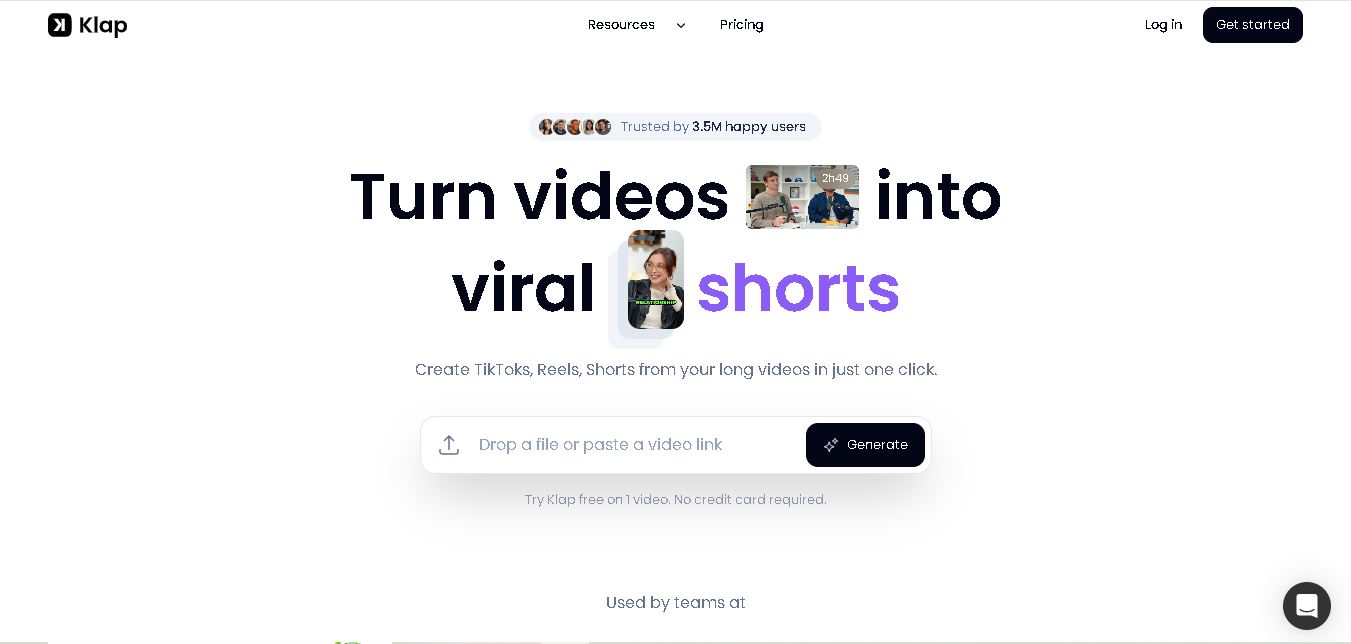
Klap is an AI video clipping platform that transforms long videos into short-form social media content. It automatically identifies highlights, creates captions, reframes speakers, and schedules clips, helping creators, podcasters, and marketing teams repurpose existing videos with less manual editing.
Free
Melody Genie
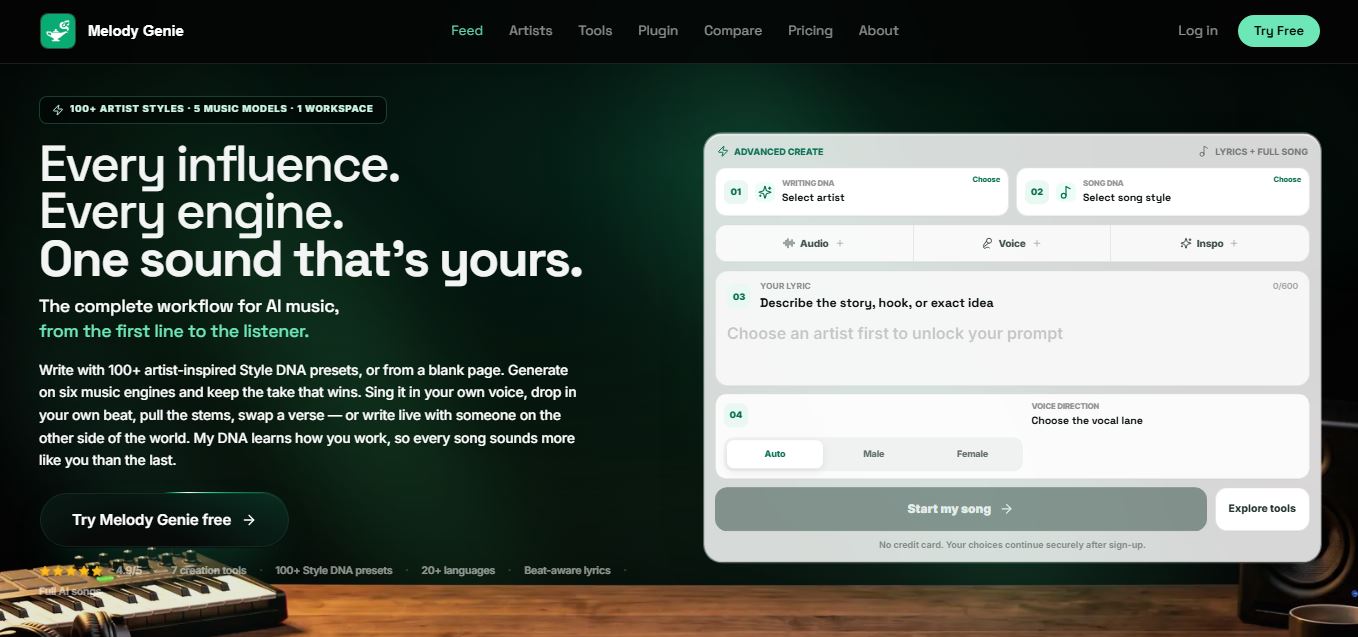
MelodyGenie is an AI-powered music generator that creates original songs from simple text prompts. Users can choose styles, moods, and genres, then instantly generate melodies and full tracks, making it easy for creators, marketers, and hobbyists to produce custom music without musical expertise.
Freemium
Fashion Diffusion AI
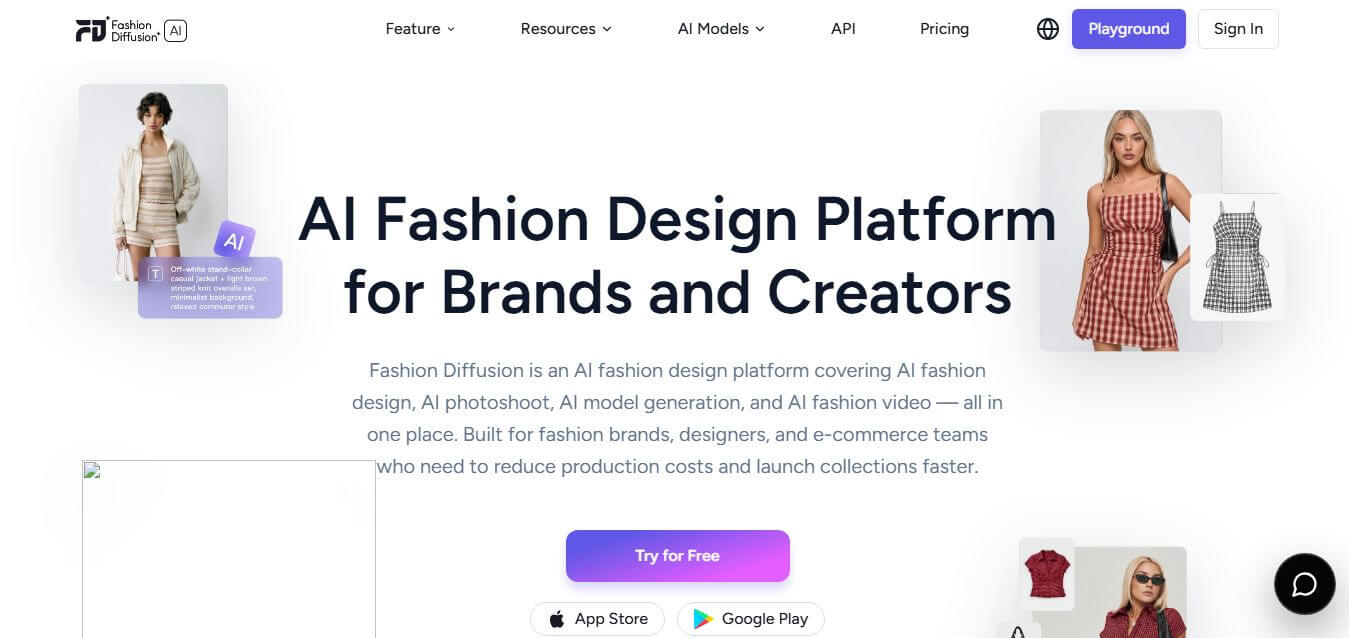
Fashion Diffusion is an AI-powered fashion design platform that helps brands and designers create clothing designs, virtual try-ons, AI models, product photos, and marketing visuals faster and cost-effectively.
Paid
Alternatives
Alternatives to Glasp
The best Glasp alternatives include Readwise, Hypothesis, Raindrop.io, Liner, Weava, and Notion Web Clipper. These platforms offer web and PDF highlighting, bookmarking, annotation, and research organization workflows. While Glasp stands out for combining free unlimited highlighting across web, PDFs, YouTube, and Kindle with free daily Notion sync, timestamped YouTube AI summaries, a free university student tier, and Pro plans starting at $12.50/month billed annually ($15/month monthly), alternatives like Readwise focus heavily on spaced-repetition review, Hypothesis centers on open web/PDF annotation, and Raindrop.io specializes in visual bookmark collections. Choosing the right platform depends on whether you prioritize free highlighting with video AI summaries and Notion sync or specialized spaced-repetition and bookmarking workflows.
 4.4
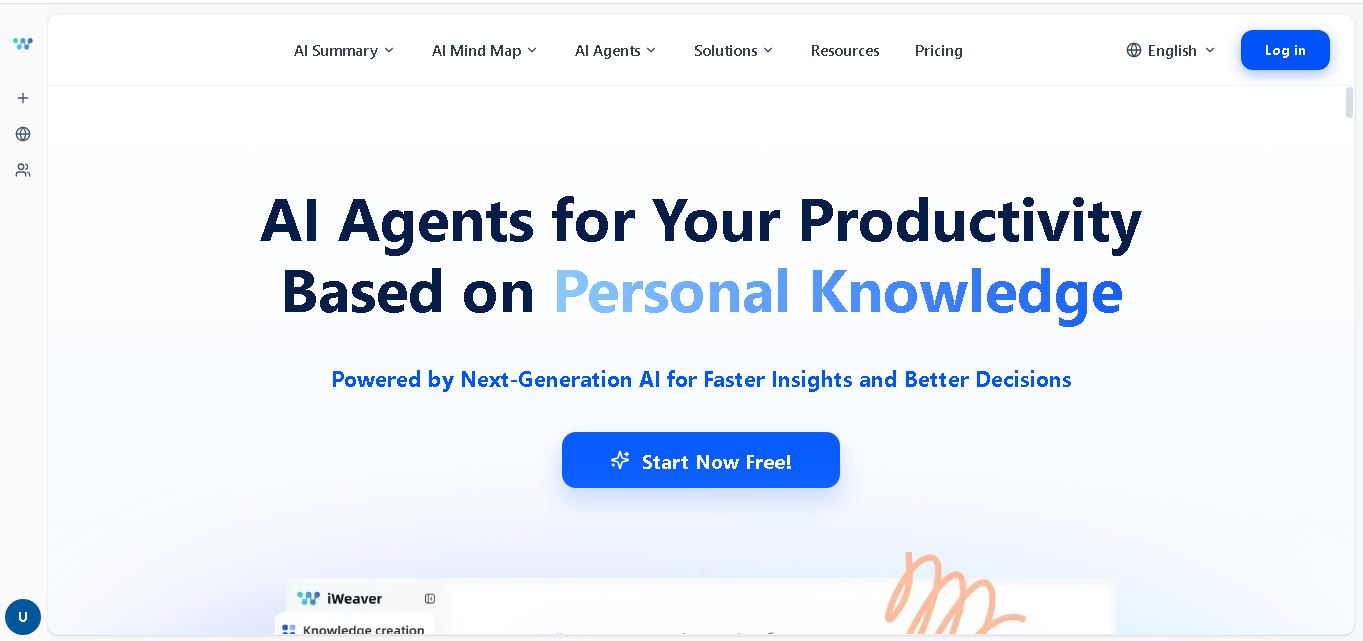
iWeaver
Summarizer
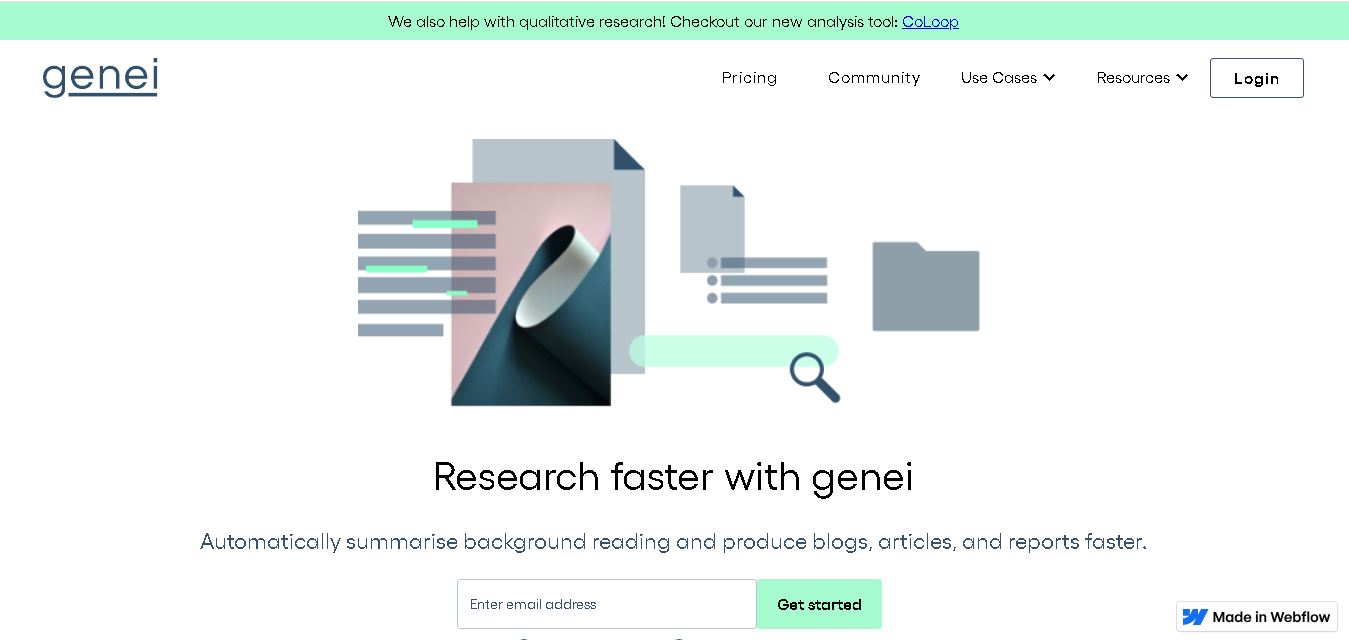
Genei is a research and document summarization tool that helps users understand lengthy PDFs and webpages faster. It offers AI-generated summaries, keyword extraction, semantic search, question answering, and smart note-taking. With document organization and citation management features, Genei simplifies research workflows for students, academics, professionals, and content creators.
 4.4
genei
Summarizer
Genei is a research and document summarization tool that helps users understand lengthy PDFs and webpages faster. It offers AI-generated summaries, keyword extraction, semantic search, question answering, and smart note-taking. With document organization and citation management features, Genei simplifies research workflows for students, academics, professionals, and content creators.
 4.6
Grain
Summarizer
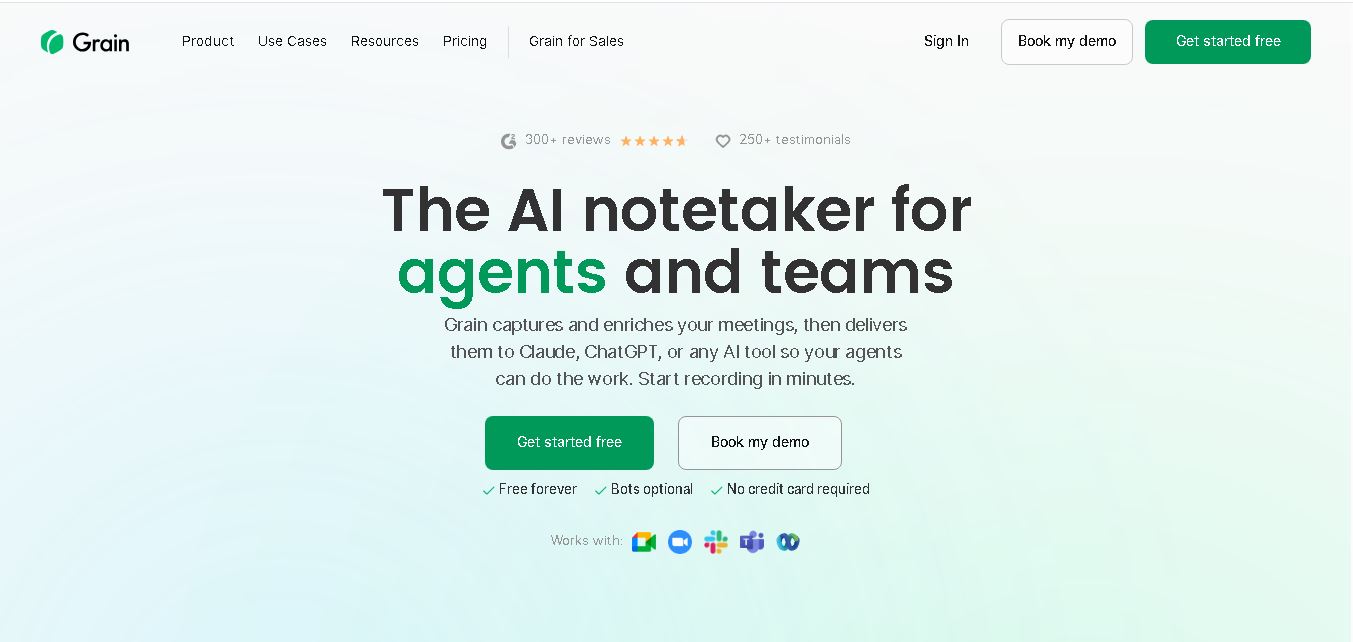
Grain helps individuals and teams record meetings, transcribe conversations, and generate AI summaries, highlights, and action items. With searchable meeting history, bot-free capture, video clips, and integrations for tools such as ChatGPT, Claude, Slack, and HubSpot, it turns everyday conversations into organized information that supports better collaboration and follow-through.
 4.5
Sembly AI
Summarizer
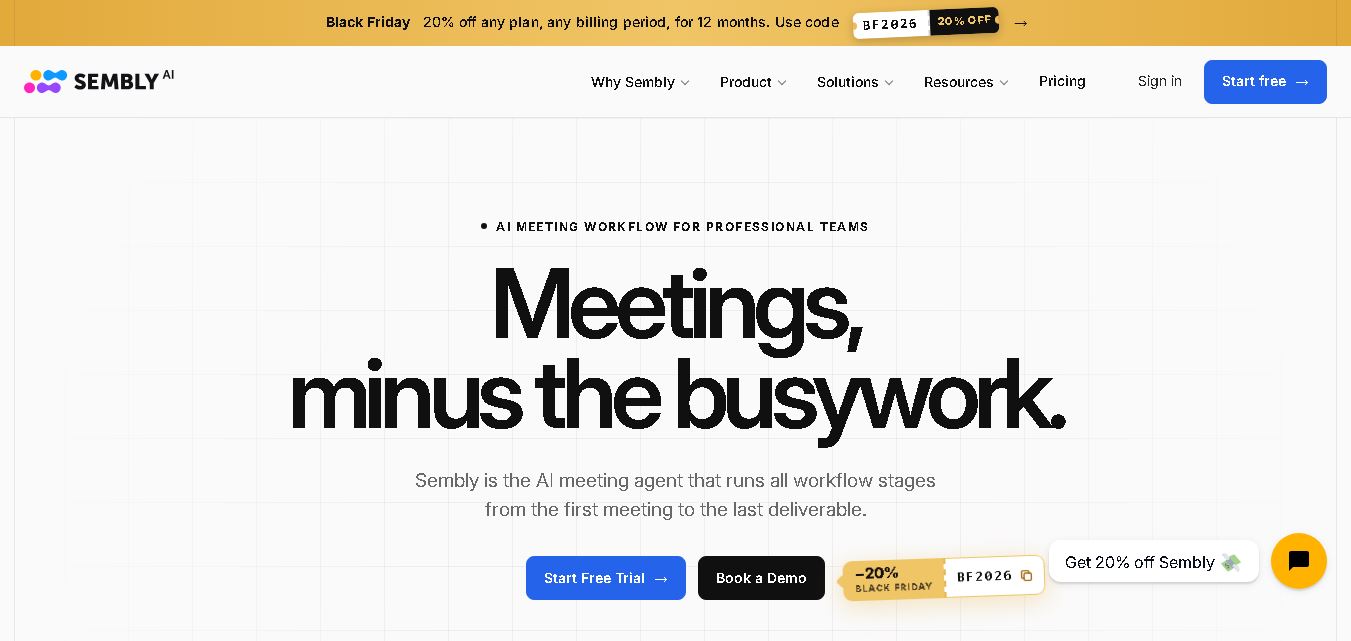
Sembly AI helps professionals record meetings, transcribe conversations, generate summaries, and organize important action items. It supports popular video conferencing platforms and multiple languages. With AI-powered insights, searchable transcripts, integrations, and automated document creation, Sembly helps businesses improve meeting productivity, simplify follow-ups, and manage client communication more effectively.
 4.6
UPDF
Summarizer
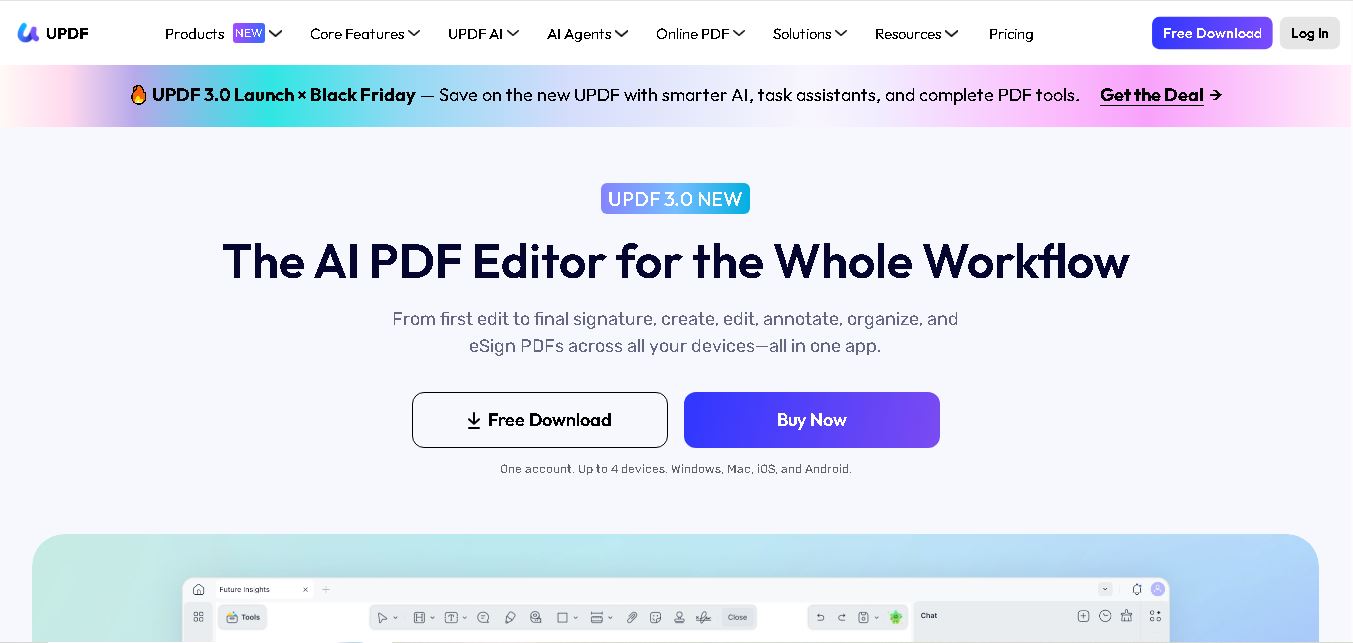
UPDF is a versatile PDF editor that combines document management with artificial intelligence. It enables users to edit, convert, annotate, organize, and sign PDF files while using AI to summarize, translate, and explain documents. Its cross-platform compatibility makes it a practical solution for students, professionals, and businesses.
 4.7
Smallpdf
Summarizer
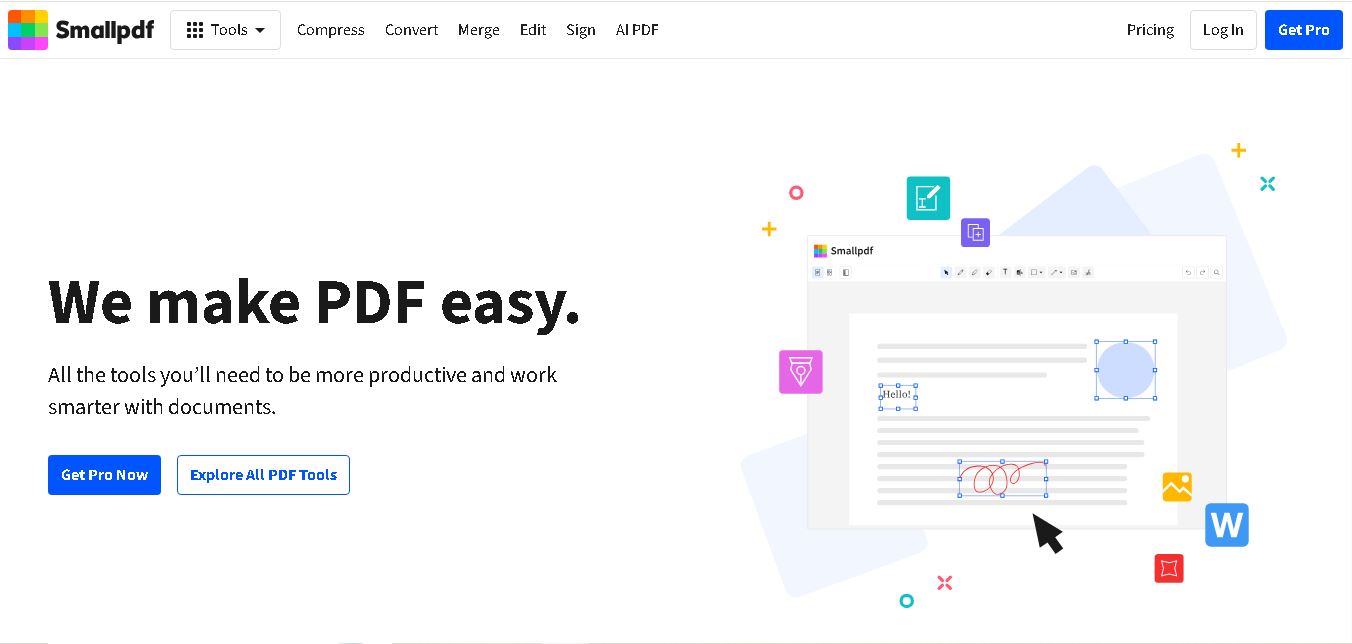
Smallpdf is an online PDF management solution that helps users compress, convert, edit, merge, split, and sign documents. It also offers AI-powered tools for summarizing, translating, and interacting with PDFs. With browser-based access and mobile applications, Smallpdf makes document management easier for students, professionals, freelancers, and businesses.
 4.6
Summarizer.org
Summarizer
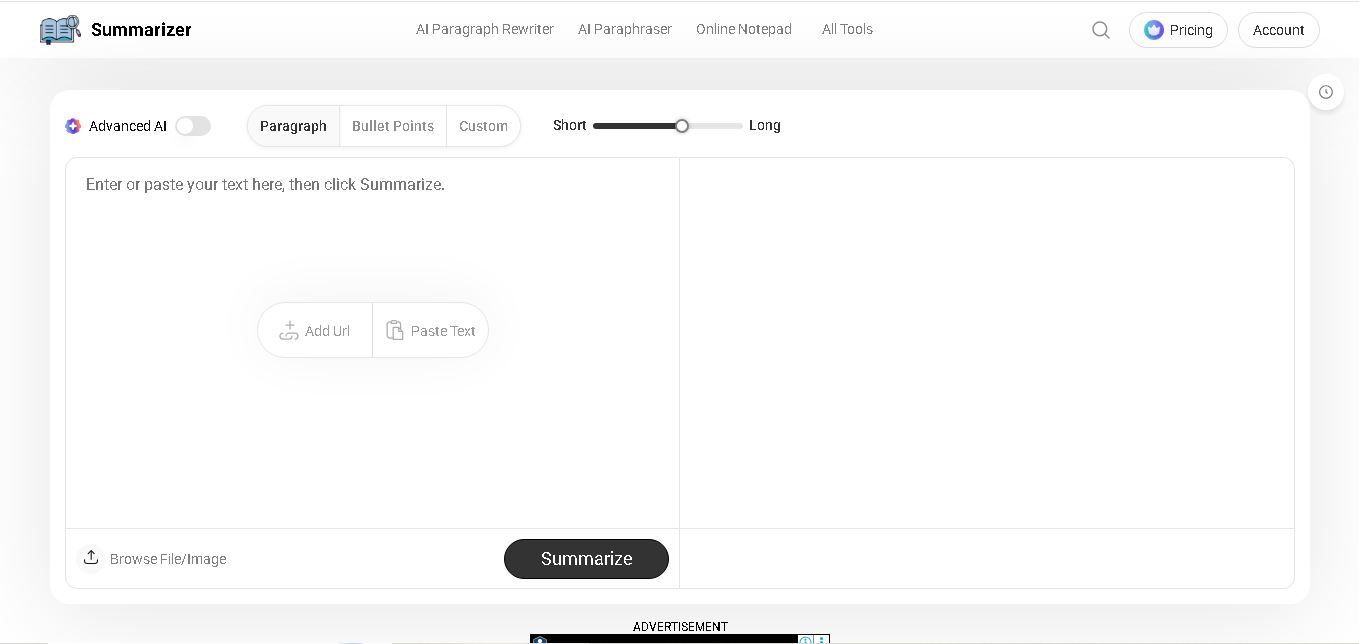
Summarizer.org is an online text summarization tool that transforms lengthy articles, essays, and documents into concise summaries. It helps students, researchers, writers, and professionals extract important information quickly. With adjustable summary lengths and multiple output formats, users can simplify reading, save time, and improve their everyday content research.
 4.9
Resoomer
Research
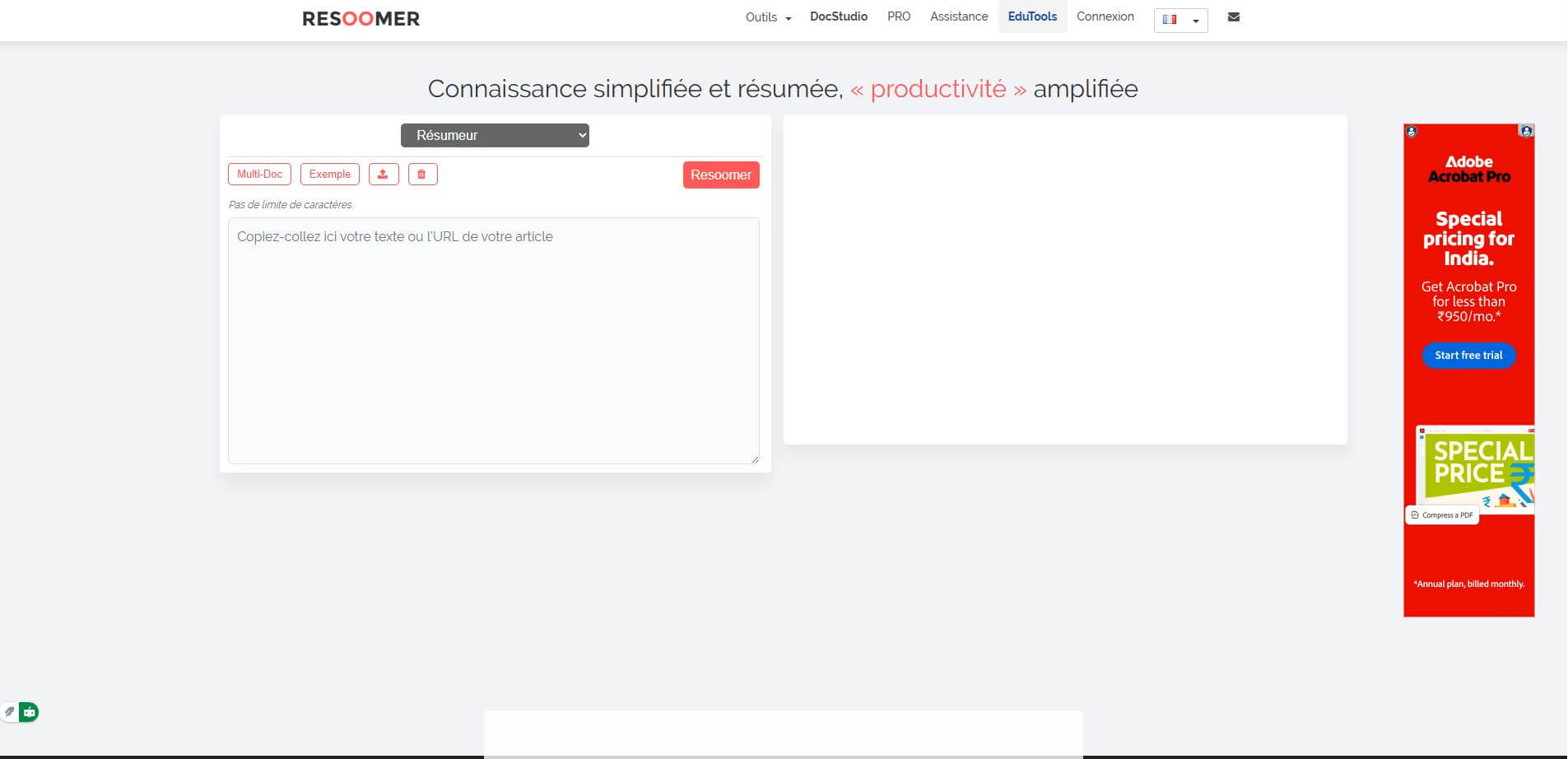
Resoomer is an AI-powered text summarization tool that helps users quickly turn long articles, research papers, and documents into concise summaries. It identifies key ideas, supports multiple formats like PDFs and URLs, and includes tools for paraphrasing, translating, and analyzing content for faster understanding.
 4.8
Smry
Summarizer
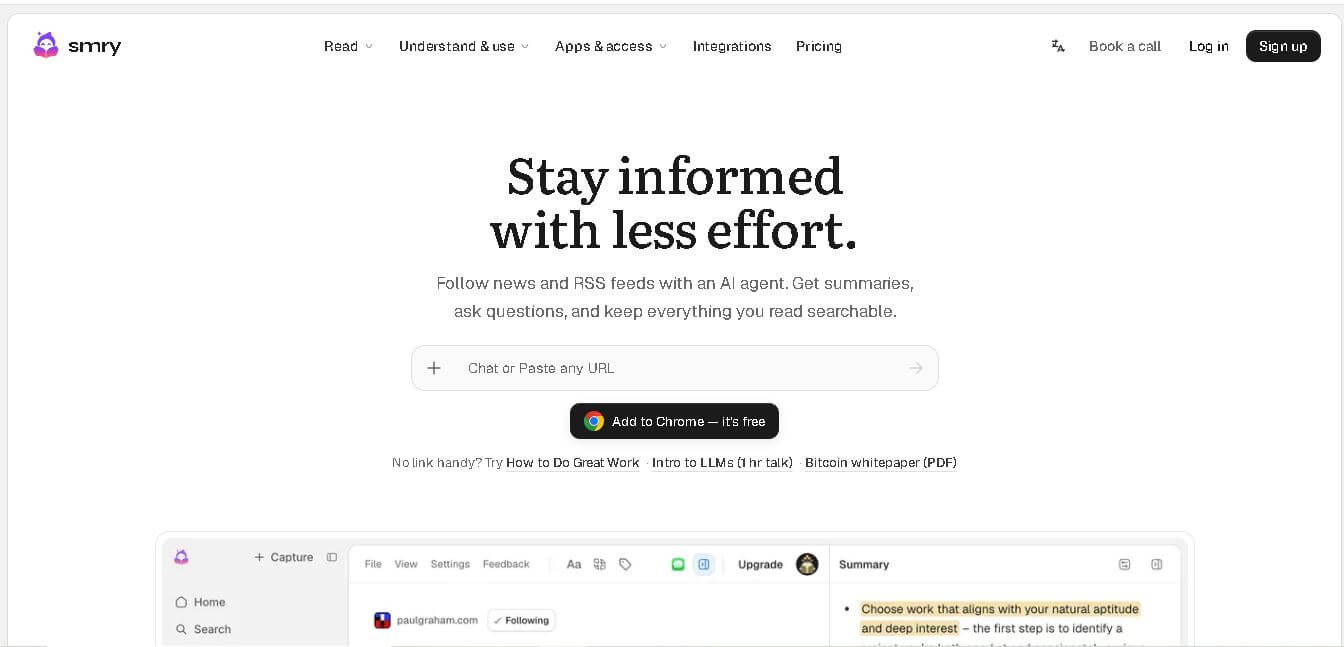
smry is an AI-powered reading and research workspace that helps users summarize articles, ask questions, listen to content, save highlights, follow feeds, and organize research. It supports webpages, YouTube videos, PDFs, EPUBs, documents, and other sources. Its clean reader removes distractions while keeping summaries and answers connected to the original source.