
Grain
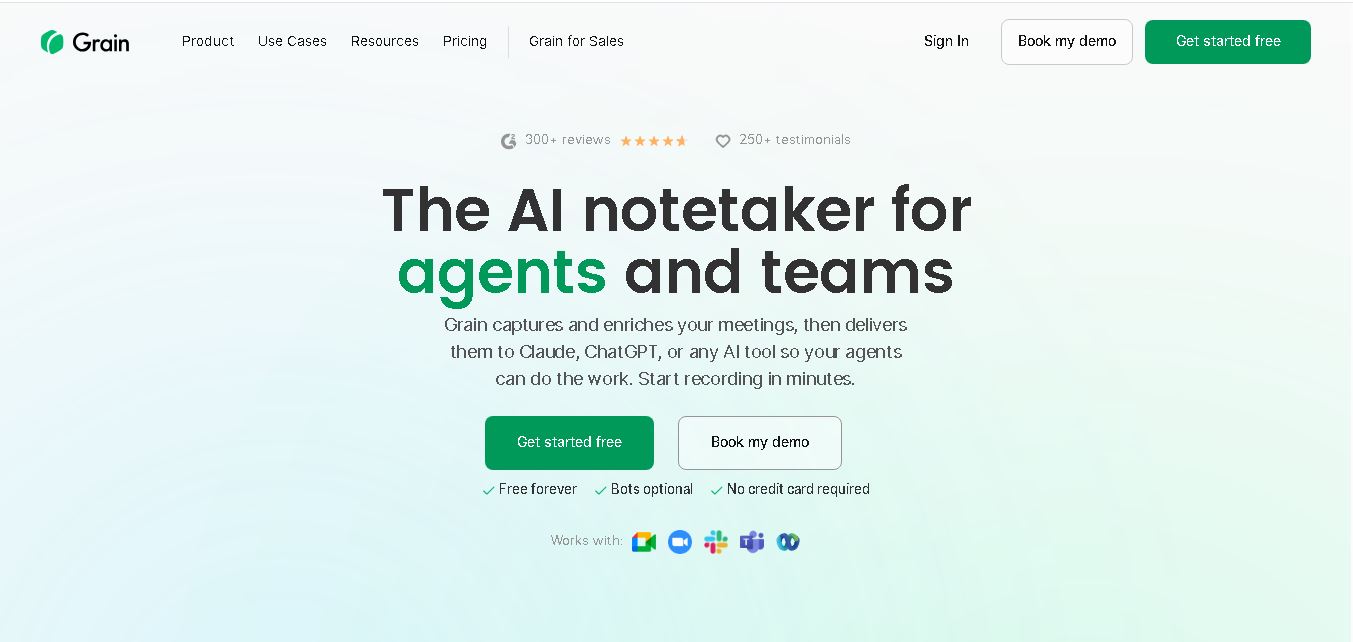
Grain helps individuals and teams record meetings, transcribe conversations, and generate AI summaries, highlights, and action items. With searchable meeting history, bot-free capture, video clips, and integrations for tools such as ChatGPT, Claude, Slack, and HubSpot, it turns everyday conversations into organized information that supports better collaboration and follow-through.
What is Grain?
Grain is a meeting intelligence and AI note-taking tool designed to record, transcribe, and organize conversations from online meetings. It converts discussions into searchable transcripts, meeting summaries, key highlights, and actionable tasks. Grain helps sales teams, customer success professionals, researchers, and businesses capture important information, improve collaboration, and turn meeting conversations into useful business insights without relying on manual note-taking.
Grain was developed to simplify meeting documentation and improve team productivity through automated conversation intelligence. It supports transcription in more than 100 languages and offers integrations with platforms such as Zoom, Google Meet, Microsoft Teams, Webex, and Slack. Its free plan includes meetings of up to 45 minutes, while Pro supports meetings of up to 4 hours. Business pricing starts at $29 per seat/month with annual billing. Grain also highlights customer-reported results of 8+ hours saved weekly per person and 3x faster follow-up workflows.
- Core Focus / Category: AI Meeting Notetaker, Video Clip & Highlight Reel Library, Conversation Intelligence, and AI Agent Context Layer
- Platform Architecture: Cloud-native workspace paired with desktop capture apps, calendar integrations (Google & Microsoft), conferencing connectors, APIs, and Model Context Protocol (MCP) support
- Key Specialization: Bot-optional capture (bot-free desktop audio capture alongside bot video recording), shareable video clips and highlight reels, cross-meeting Q&A with citations, sales coaching/trackers, and Claude/ChatGPT MCP & Markdown exports
Use Cases:
- Capturing transcripts, AI notes, and action items from sales discovery calls, customer check-ins, and team syncs without manual note-taking
- Clipping standout customer feedback, objections, or feature requests into shareable video clips and highlight reels for product and leadership teams
- Querying past meetings with cross-meeting AI search and citations—or connecting Claude and ChatGPT via MCP and Markdown exports for agent workflows
- Coaching revenue reps with conversation trackers, deal insights, and automated CRM syncing to HubSpot and Salesforce
Technology:
- Dual Capture & Transcription Pipeline supporting meeting bot video capture, bot-free desktop capture, speaker identification, and multilingual transcription
- Clip, Highlight & Cross-Meeting RAG Engine linking transcript moments to video clips/reels and answering questions across meetings with source citations
- AI Agent, Webhook & CRM Sync Layer exposing enriched Markdown, API/webhook events, and MCP connectors for Claude, ChatGPT, Slack, HubSpot, and Salesforce
Target Users:
- Sales leaders, account executives, and RevOps teams reviewing calls, coaching reps, and logging deal notes in CRMs
- Customer success and user research teams sharing real customer voice clips and highlight reels across product squads
- Product managers and founders synthesizing customer discovery calls and turning action items into follow-ups
- Teams using productivity tools and AI assistants to turn call context into automated workflows
Corporate Entity: Operates as Grain (grain.com / Cloud Meeting & Conversation Intelligence Platform)

Key features of Grain
Grain's key features are
- Bot & Bot-Free Capture: Record video meetings with the Grain bot or capture computer audio without a bot via the desktop app across Zoom, Google Meet, Teams, and Webex.
- AI Notes, Action Items & Follow-Ups: Automatically generate structured notes, action items, custom AI note templates, and custom AI follow-up emails.
- Video Clips & Highlight Reels: Trim key moments from transcripts into shareable video clips and curate multi-call highlight reels.
- Cross-Meeting Q&A with Citations: Ask questions across your meeting history inside Grain and trace answers back to exact source meetings.
- Claude, ChatGPT, MCP & Markdown Exports: Connect external AI tools via MCP, export enriched Markdown, or use APIs and webhooks to feed meeting context to agents.
- Conversation Intelligence & CRM Sync: Track key topics, review deal/team performance insights, and sync notes to HubSpot and Salesforce on Business plans.
- Workspace Sharing & Free Viewers: Share recordings, clips, and team libraries with admin controls and unlimited free viewer seats.
Grain Pricing
Grain offers a free plan for individuals alongside per-seat paid plans (Starter and Business) with monthly or annual billing, plus custom Enterprise pricing.
Free Plan (Individuals):
- $0 / Free forever (No credit card required)
- Includes unlimited meetings up to 45 minutes each, 30-day meeting history, AI notes and action items, bot-free desktop capture, basic MCP access, and unlimited free viewers
Starter Plan:
- Starts from $15 per seat/month billed annually (or $19 per seat/month billed monthly)
- Unlocks unlimited meeting duration (up to 4 hours per meeting on Pro/paid tiers), unlimited meeting history, uploads/imports, custom AI notes, and Slack integration
Business Plan:
- Starts from $29 per seat/month billed annually (or $39 per seat/month billed monthly)
- Includes shared company workspace, admin controls, conversation intelligence/trackers, AI coaching, custom AI follow-up emails, HubSpot and Salesforce integrations, workspace API/webhooks, and advanced MCP
Enterprise Plan:
- Custom pricing (contact sales)
- Adds SAML SSO & SCIM, 1080p recording, bring-your-own-LLM options, custom data retention, custom invoicing, and dedicated support
Disclaimer: Plan durations, seat minimums, and feature availability across tiers can change over time. Grain states it does not train AI models on customer meeting data. Check grain.com/pricing for current plan terms.
Who is using Grain?
Grain is designed for customer-facing teams, managers, and researchers running frequent calls, including
- Sales & Revenue Teams: Reviewing discovery/demo calls, tracking conversation themes, coaching reps, and syncing summaries to HubSpot or Salesforce
- Customer Success & Account Teams: Capturing onboarding calls, pain points, and renewals while sharing video clips internally
- Product & UX Research Teams: Building highlight reels of customer quotes to ground roadmap and feature decisions in real evidence
- Founders & Managers: Sharing structured call takeaways and action items without forcing everyone to sit through full recordings
Best Grain Alternatives
Some of the strongest Grain alternatives include
- Fireflies.ai (AI meeting notetaker offering transcription, search, AI apps/skills, and CRM/workflow integrations)
- Otter.ai (Popular AI meeting assistant focused on real-time collaborative transcription, summaries, and meeting chat)
- tl;dv (Meeting recording, transcription, and highlight-clipping platform popular with sales and product teams)
- Fathom (AI meeting assistant providing call recording, highlights, and summaries with a free tier)
- Gong (Enterprise revenue intelligence platform for deal tracking, pipeline analytics, and sales call coaching)
- Claap (Video and AI meeting/conversation intelligence platform with recording, coaching, and workflow automation)
Pros and Cons of Grain
Pros
- Strong video clip and highlight reel workflows make sharing exact call moments easy
- Supports both meeting-bot capture and bot-free desktop audio capture
- Offers cross-meeting AI Q&A with citations plus MCP, API, and Markdown exports for AI assistants
- Free plan includes AI notes, action items, desktop capture, and unlimited free viewers
- Includes conversation trackers, coaching insights, and HubSpot/Salesforce sync on Business plans
Cons
- Free plan caps meetings at 45 minutes and retains a 30-day meeting history
- Per-seat pricing adds up across larger teams, especially on the Business tier ($29/seat/month annual)
- CRM integrations (HubSpot and Salesforce) and shared workspace intelligence require upgrading to Business
- Requires an active internet connection and can still need manual review on noisy audio or niche terminology
Why Choose Grain?
Grain is a strong fit when your team wants to share real video clips from calls, query meeting memory with AI, and feed call context into AI tools and CRMs.
- Capture calls with a meeting bot or bot-free desktop capture
- Turn key moments into shareable video clips and highlight reels
- Search across meetings with citations and export Markdown or connect via MCP
- Track conversation topics, coach reps, and sync with HubSpot or Salesforce
Grain vs. Competitors
The primary difference between Grain, Fireflies.ai, Otter.ai, and Gong lies in balancing video highlight clipping and AI agent context with transcription breadth or enterprise revenue intelligence. While Fireflies.ai emphasizes broad integrations and workflow automation, Otter.ai focuses heavily on live collaborative transcription, and Gong targets large enterprise sales organizations, Grain pairs shareable video clips and highlight reels with cross-meeting AI search, MCP/Markdown agent context, and team coaching at accessible mid-market tiers.
| Feature / Platform | Grain (grain.com) | Fireflies.ai | Otter.ai | Gong |
|---|---|---|---|---|
| Primary Focus | Meeting Notes, Video Clips & AI Context | Meeting Notes, Search & Integrations | Real-Time Transcription & Collaboration | Enterprise Revenue Intelligence |
| Video Clips & Reels | Yes (Clips & highlight reels) | Soundbites & clip sharing | Limited clip workflows | Yes (Call snippets & playlists) |
| Capture Options | Bot recording & bot-free desktop capture | Meeting bot & audio uploads | Meeting bot & mobile/audio | Call/meeting recorder & telephony |
| AI Agent / MCP Support | Yes (MCP, API, Markdown & AI search) | MCP, API & AI apps/skills | Meeting chat & integrations | AI deal & coaching insights |
| Starting Price | Free tier / Paid from $15/seat/mo (annual) | Free tier / Paid from ~$10/user/mo (annual) | Free tier / Paid subscription plans | Custom enterprise pricing |
| Best For | Video Highlight Clips, Coaching & AI Context | Workflow Automation & Search | Live Call Collaboration & Notes | Large Enterprise Sales Organizations |
How do we rate Grain?
| Parameter | Rating (out of 5) |
|---|---|
| Video Clips, Highlight Reels & Sharing | 4.8 |
| AI Notes, Search & Agent Context (MCP) | 4.7 |
| Capture Flexibility (Bot & Desktop) | 4.6 |
| Coaching, Trackers & CRM Sync | 4.6 |
| Value for Money | 4.5 |
| Overall Score | 4.64 |
Grain Review
Grain stands out in the crowded AI meeting space by treating call recordings as shareable video highlights and structured AI context rather than just text transcripts. Being able to clip key customer moments into reels, query across meetings with citations, and connect meeting context to Claude, ChatGPT, or CRMs makes it especially practical for sales, customer success, and product teams. Free-tier time and history caps and per-seat team pricing are worth factoring in as a workspace grows, but Grain delivers a capable, modern workflow for teams that rely on customer conversations.
Conclusion
Grain is a practical choice for professionals and teams that want to spend less time taking notes and more time acting on meeting outcomes. Its transcription, summaries, searchable conversations, clips, and AI integrations support sales, research, and collaboration workflows. The free plan makes it accessible to individuals, while paid plans add longer recordings and team capabilities. Review its pricing, platform compatibility, and recording-consent requirements before adopting it.
FAQ
What is Grain used for?
Grain helps individuals and businesses record meetings, generate transcripts, summarize conversations, and identify important action items. Sales representatives can review customer discussions, researchers can organize interview insights, and managers can track team conversations. It reduces manual documentation and makes meeting information easier to revisit, share, and use.
How does Grain AI meeting transcription work?
Grain captures meeting audio through desktop recording or its meeting bot and converts conversations into searchable transcripts. After processing, users can access summaries, action items, and important discussion points. This allows professionals to concentrate on conversations instead of typing notes while meetings are happening, improving productivity and information retention.
Does Grain work with Zoom, Google Meet, and Microsoft Teams?
Yes, Grain supports popular meeting platforms, including Zoom, Google Meet, Microsoft Teams, and Webex. It also supports Slack huddles. Users can capture conversations across these platforms and manage recordings in one workspace, making it easier for distributed teams to maintain consistent meeting documentation and collaboration.
Does Grain offer a free plan?
Yes, Grain offers a free plan starting at $0, without requiring a credit card. It includes unlimited meetings with a 45-minute limit per meeting, 30-day meeting history, AI-generated notes, action items, and bot-free desktop recording. It is suitable for individuals exploring automated meeting documentation before upgrading.
How much does Grain cost?
Grain offers a Free plan at $0, Pro at $15 per month with annual billing, and Business at $29 per seat monthly with annual billing. Pro costs $19 monthly when billed monthly, while Business costs $39 monthly with a two-seat minimum. Enterprise pricing requires contacting Grain's sales team.
Can Grain automatically generate meeting summaries and action items?
Yes, Grain automatically creates meeting summaries, highlights important discussion points, and identifies follow-up action items. Users can review these notes, edit them, and share them with teammates. This feature is particularly helpful for sales professionals and project managers who need clear records of decisions and responsibilities after meetings.
User Reviews
No reviews yet for Grain.
Featured Tools
Featured AI tools from TechShark

LandAtlas
LandAtlas is a land investing platform that combines parcel research, skip tracing, buyer matching, contracts, and deal management. It helps land wholesalers and acquisition teams organize property leads, evaluate opportunities, connect with potential buyers, and manage transactions from one workspace.
Paid
Klap
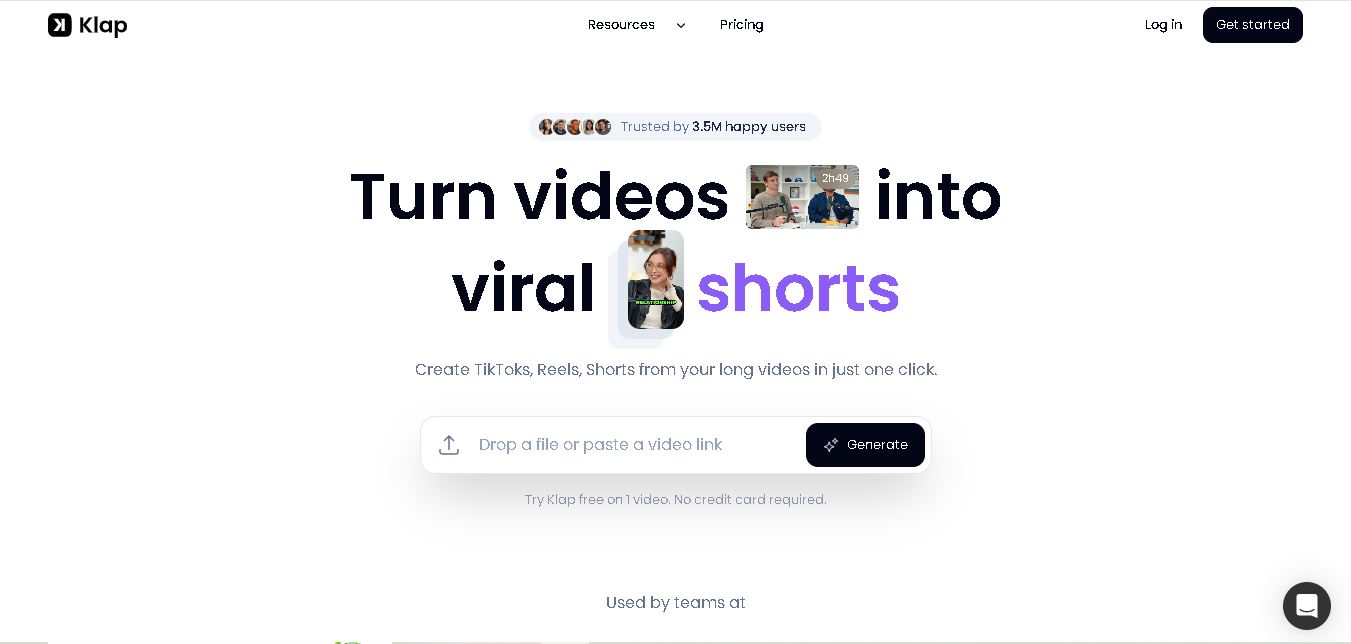
Klap is an AI video clipping platform that transforms long videos into short-form social media content. It automatically identifies highlights, creates captions, reframes speakers, and schedules clips, helping creators, podcasters, and marketing teams repurpose existing videos with less manual editing.
Free
Melody Genie
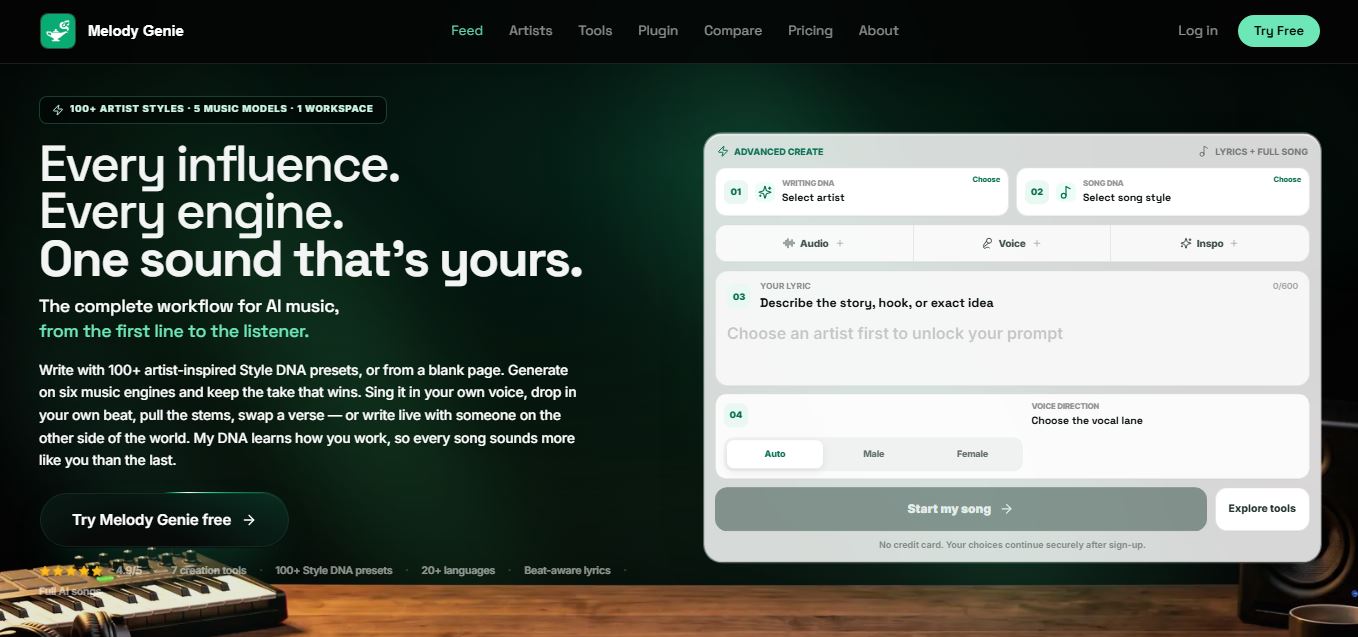
MelodyGenie is an AI-powered music generator that creates original songs from simple text prompts. Users can choose styles, moods, and genres, then instantly generate melodies and full tracks, making it easy for creators, marketers, and hobbyists to produce custom music without musical expertise.
Freemium
Fashion Diffusion AI
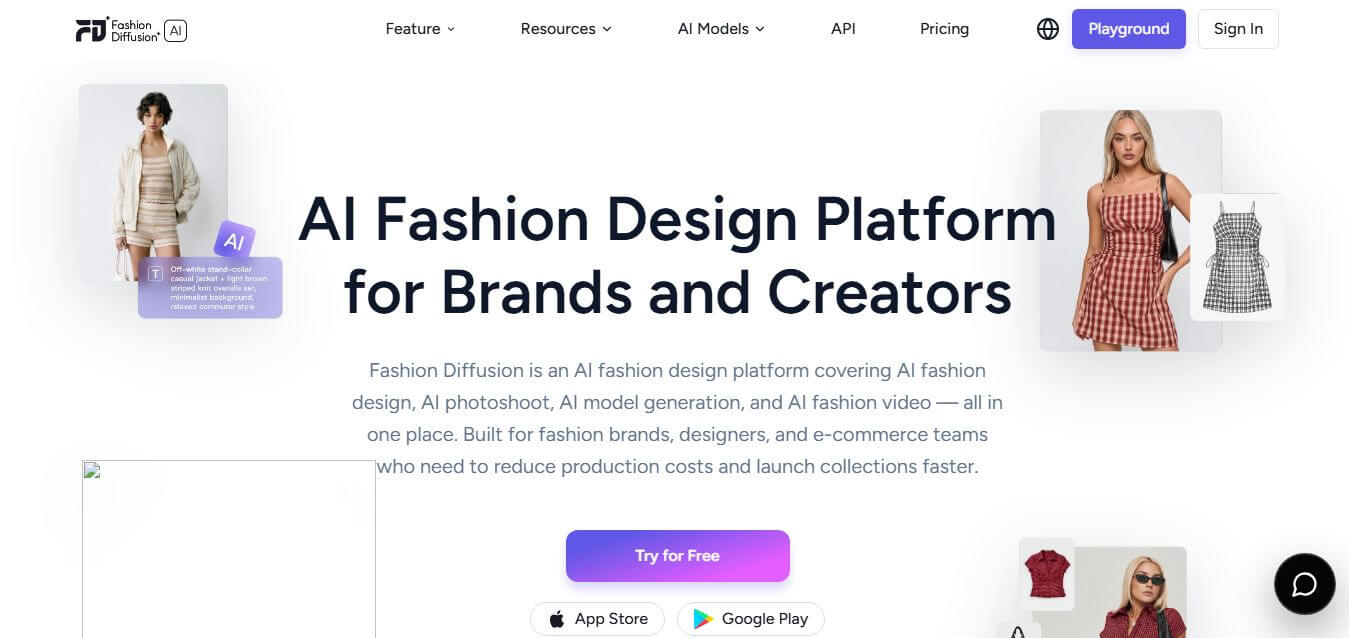
Fashion Diffusion is an AI-powered fashion design platform that helps brands and designers create clothing designs, virtual try-ons, AI models, product photos, and marketing visuals faster and cost-effectively.
Paid
Alternatives
Alternatives to Grain
The best Grain alternatives include Fireflies.ai, Otter.ai, tl;dv, Fathom, Gong, and Claap. These platforms provide meeting transcription, AI summaries, call clipping, and revenue or conversation intelligence workflows. While Grain stands out for combining bot and bot-free desktop capture, shareable video clips and highlight reels, cross-meeting AI Q&A with citations, and MCP/Markdown/CRM workflows starting from a free plan up to $15–$29/seat/month billed annually, alternatives like Fireflies.ai emphasize broad workflow integrations, Otter.ai focuses on live collaborative transcription, and Gong targets enterprise revenue teams. Choosing the right platform depends on whether you prioritize video highlight clipping and AI agent context or live transcription and enterprise deal intelligence.
 4.4
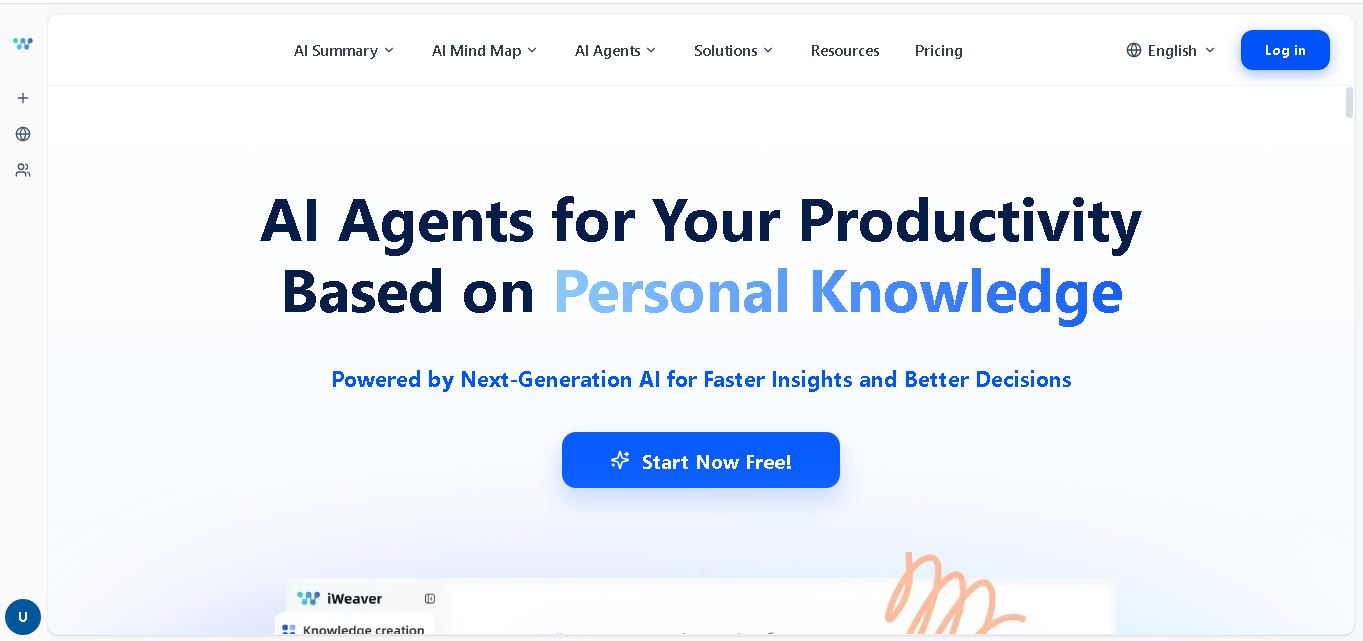
iWeaver
Summarizer
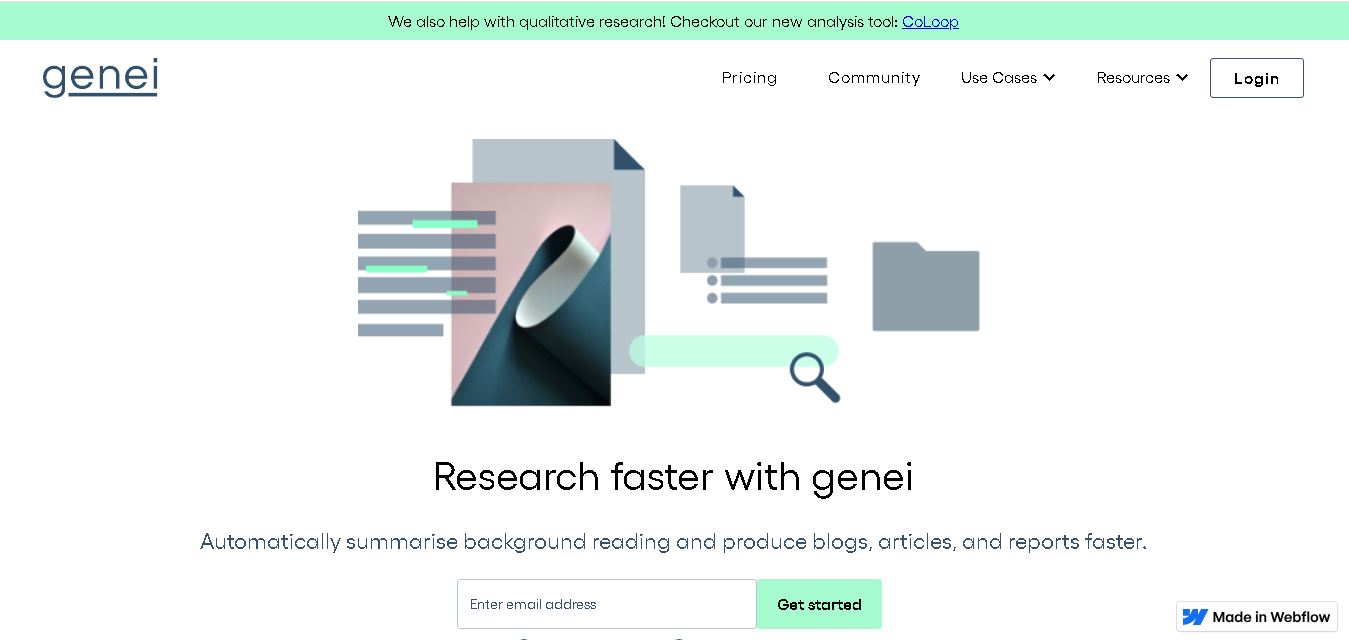
Genei is a research and document summarization tool that helps users understand lengthy PDFs and webpages faster. It offers AI-generated summaries, keyword extraction, semantic search, question answering, and smart note-taking. With document organization and citation management features, Genei simplifies research workflows for students, academics, professionals, and content creators.
 4.4
genei
Summarizer
Genei is a research and document summarization tool that helps users understand lengthy PDFs and webpages faster. It offers AI-generated summaries, keyword extraction, semantic search, question answering, and smart note-taking. With document organization and citation management features, Genei simplifies research workflows for students, academics, professionals, and content creators.
 4.5
Sembly AI
Summarizer
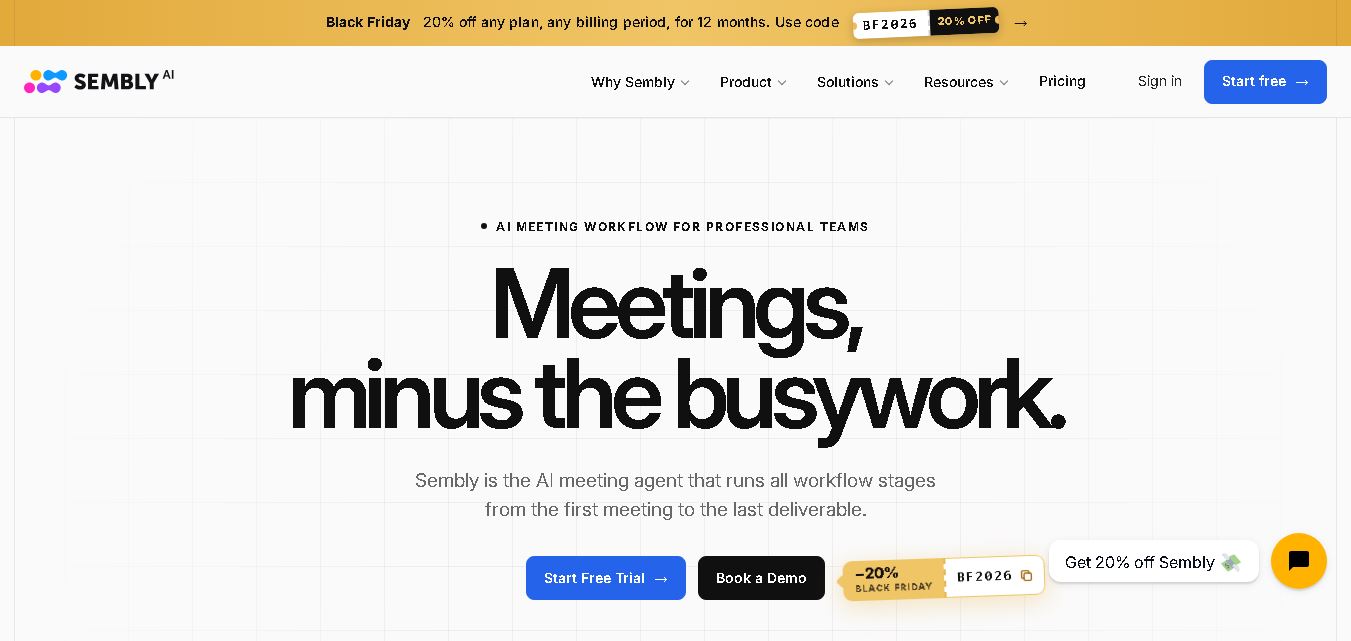
Sembly AI helps professionals record meetings, transcribe conversations, generate summaries, and organize important action items. It supports popular video conferencing platforms and multiple languages. With AI-powered insights, searchable transcripts, integrations, and automated document creation, Sembly helps businesses improve meeting productivity, simplify follow-ups, and manage client communication more effectively.
 4.7
Glasp
Summarizer
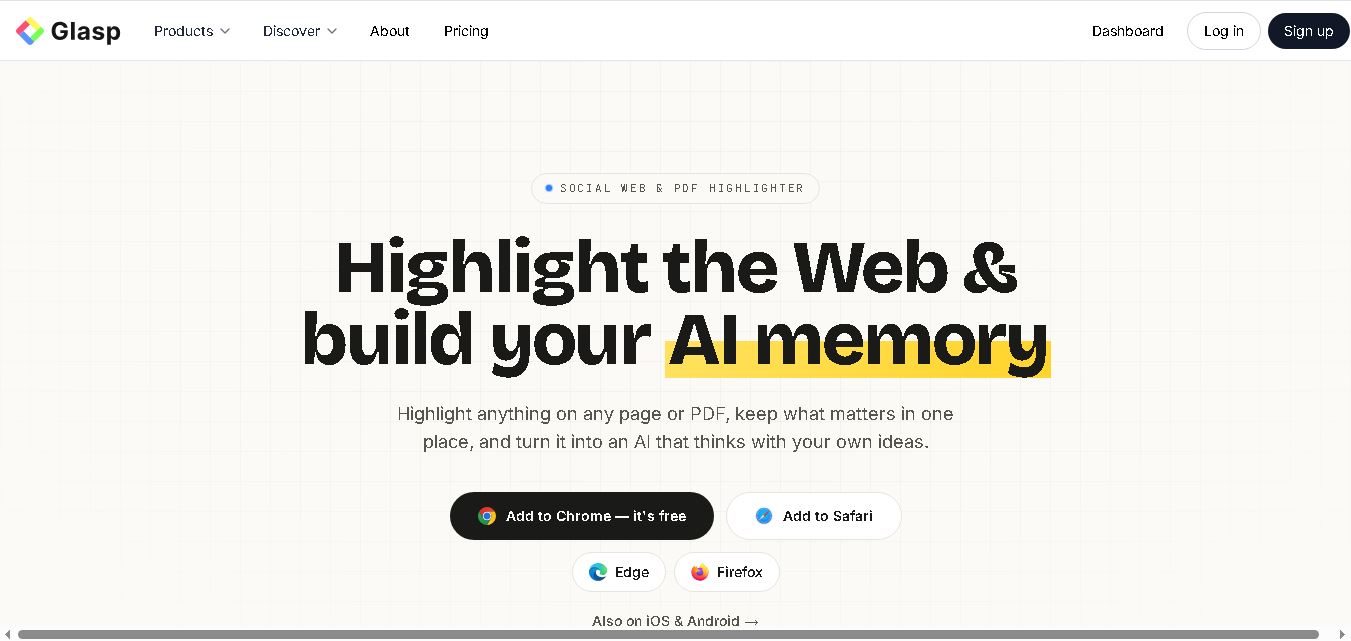
Glasp helps you save meaningful ideas from webpages, PDFs, YouTube videos, and Kindle books in one searchable library. Highlight passages, add notes, organize research, and use AI to summarize or revisit what you have learned. It also supports sharing and exporting insights to popular productivity and note-taking apps every day.
 4.6
UPDF
Summarizer
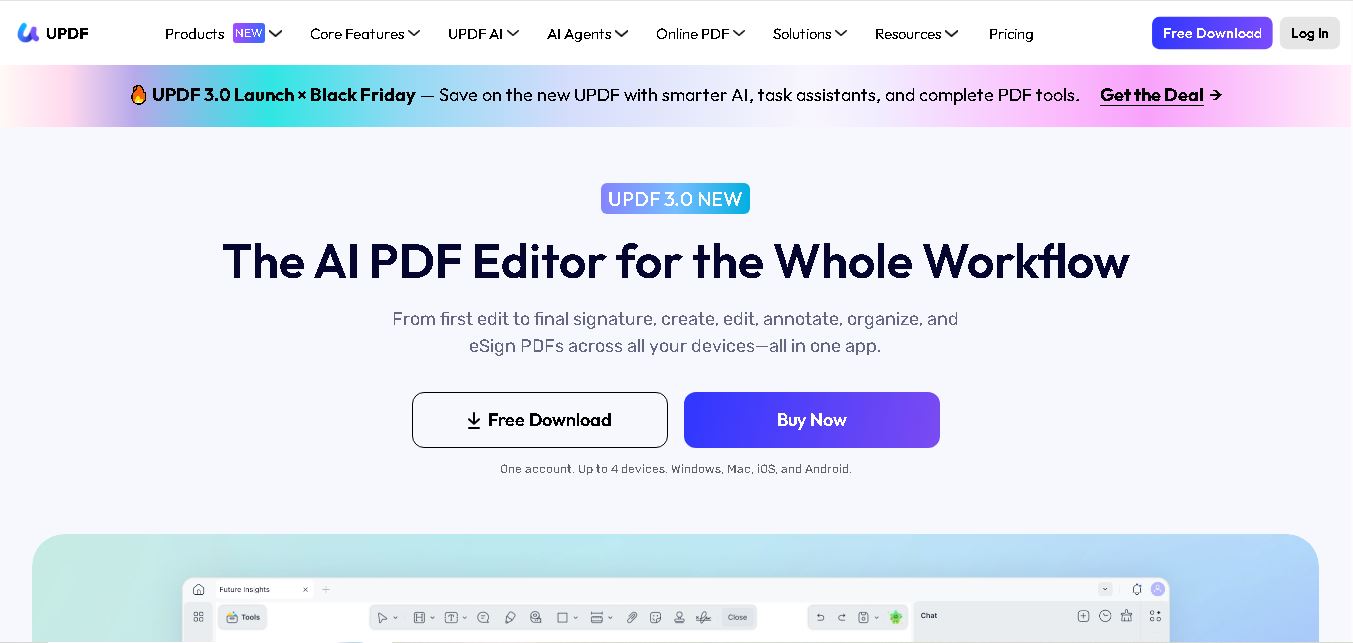
UPDF is a versatile PDF editor that combines document management with artificial intelligence. It enables users to edit, convert, annotate, organize, and sign PDF files while using AI to summarize, translate, and explain documents. Its cross-platform compatibility makes it a practical solution for students, professionals, and businesses.
 4.7
Smallpdf
Summarizer
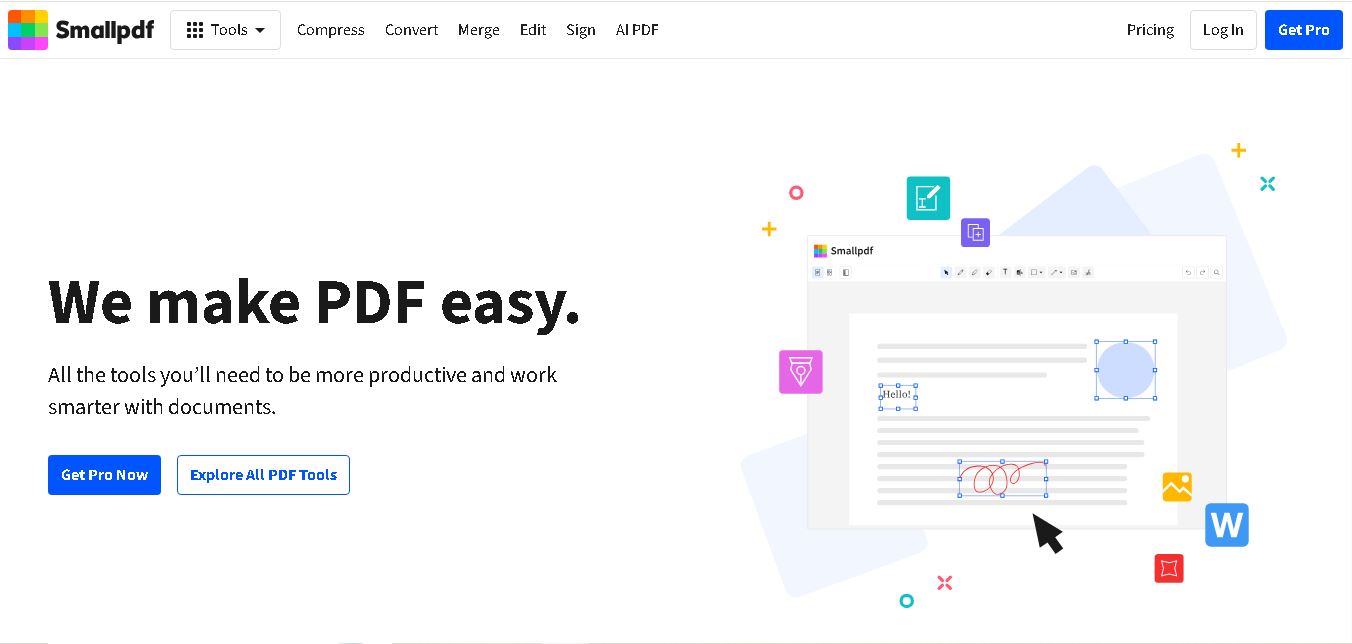
Smallpdf is an online PDF management solution that helps users compress, convert, edit, merge, split, and sign documents. It also offers AI-powered tools for summarizing, translating, and interacting with PDFs. With browser-based access and mobile applications, Smallpdf makes document management easier for students, professionals, freelancers, and businesses.
 4.6
Summarizer.org
Summarizer
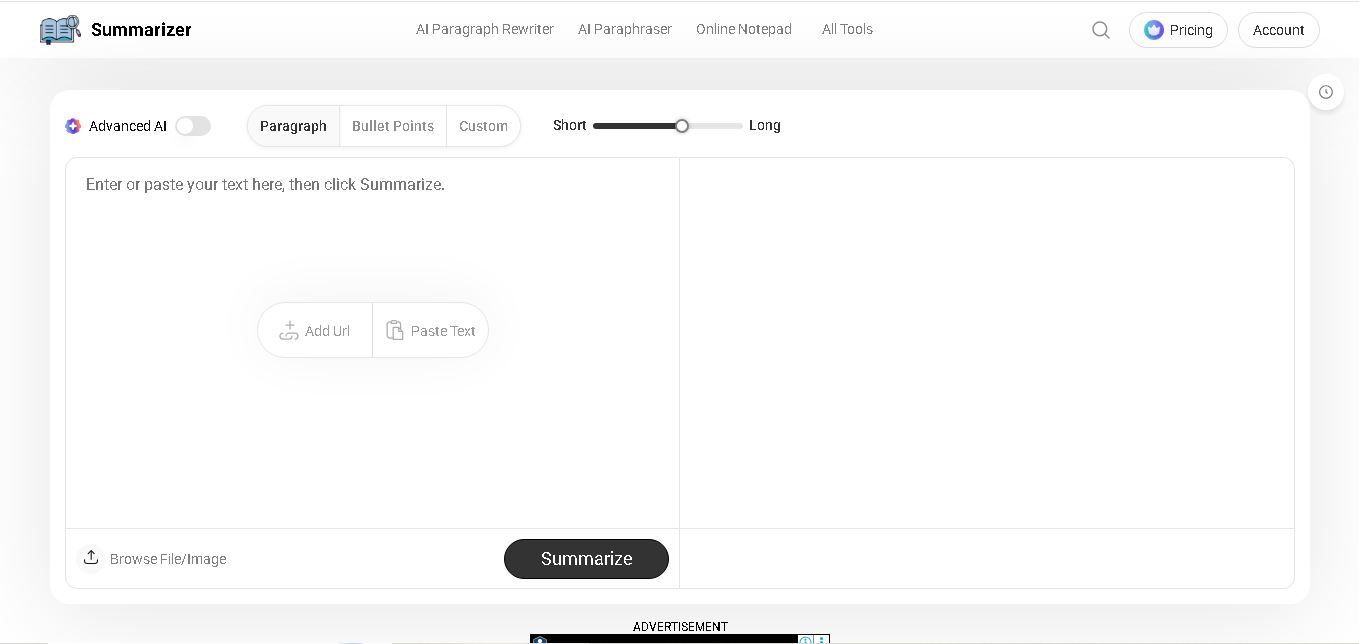
Summarizer.org is an online text summarization tool that transforms lengthy articles, essays, and documents into concise summaries. It helps students, researchers, writers, and professionals extract important information quickly. With adjustable summary lengths and multiple output formats, users can simplify reading, save time, and improve their everyday content research.
 4.9
Resoomer
Research
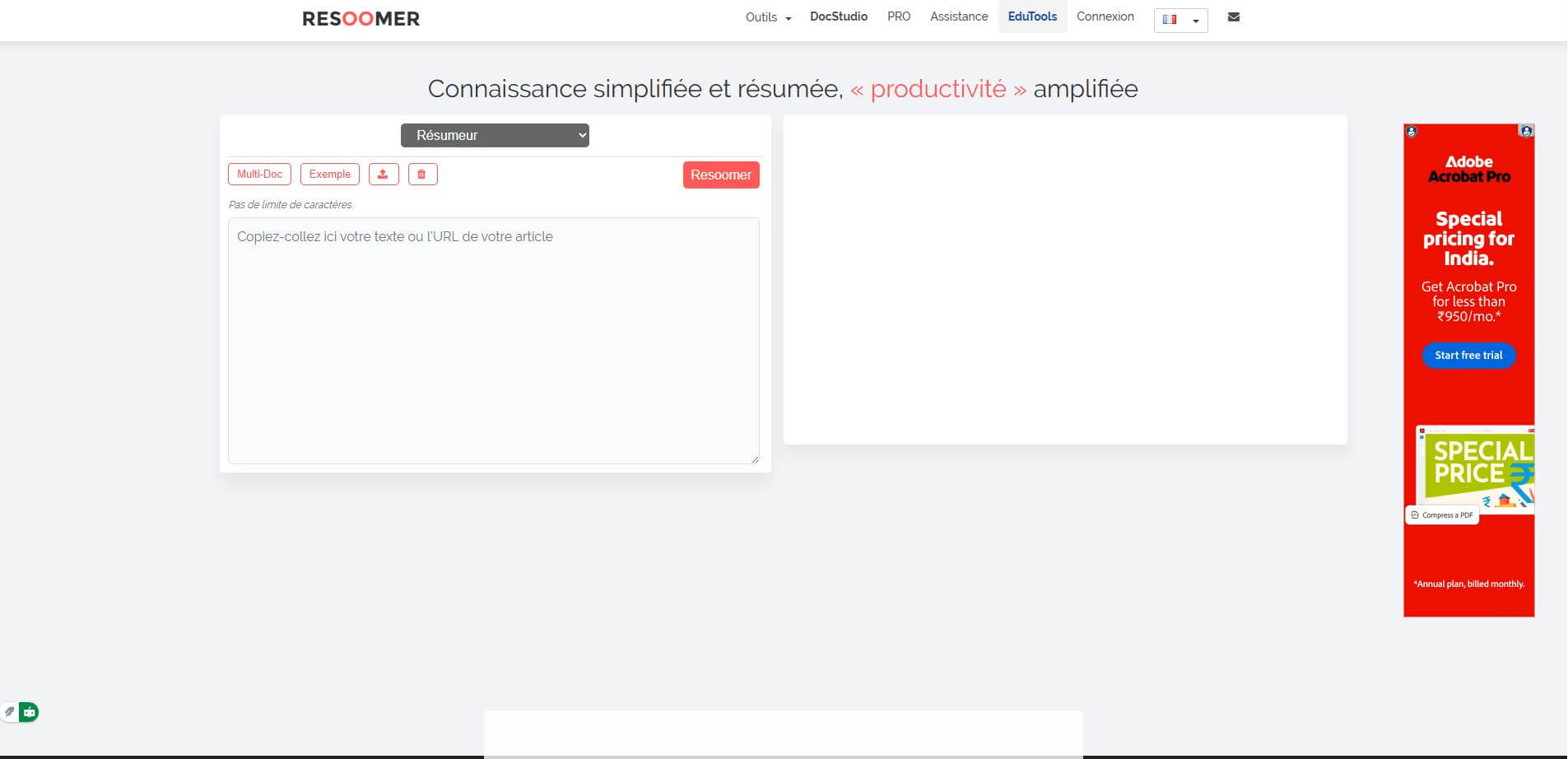
Resoomer is an AI-powered text summarization tool that helps users quickly turn long articles, research papers, and documents into concise summaries. It identifies key ideas, supports multiple formats like PDFs and URLs, and includes tools for paraphrasing, translating, and analyzing content for faster understanding.
 4.8
Smry
Summarizer
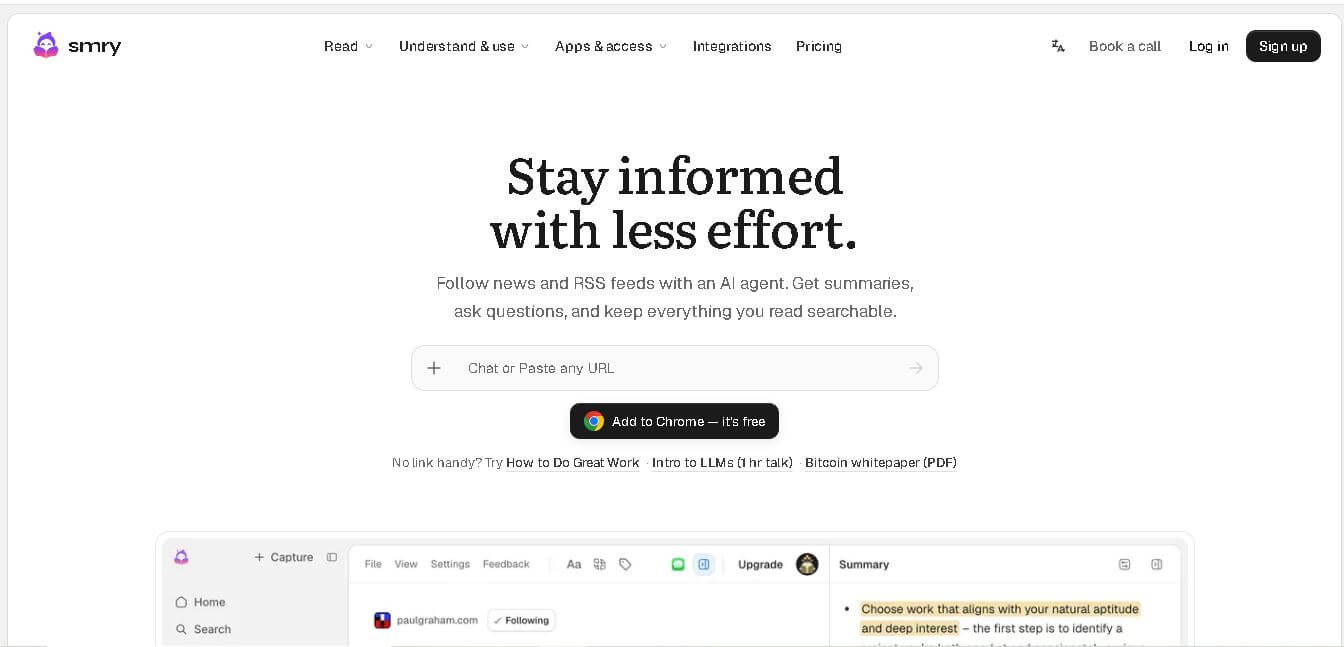
smry is an AI-powered reading and research workspace that helps users summarize articles, ask questions, listen to content, save highlights, follow feeds, and organize research. It supports webpages, YouTube videos, PDFs, EPUBs, documents, and other sources. Its clean reader removes distractions while keeping summaries and answers connected to the original source.