
iWeaver
Genei is a research and document summarization tool that helps users understand lengthy PDFs and webpages faster. It offers AI-generated summaries, keyword extraction, semantic search, question answering, and smart note-taking. With document organization and citation management features, Genei simplifies research workflows for students, academics, professionals, and content creators.
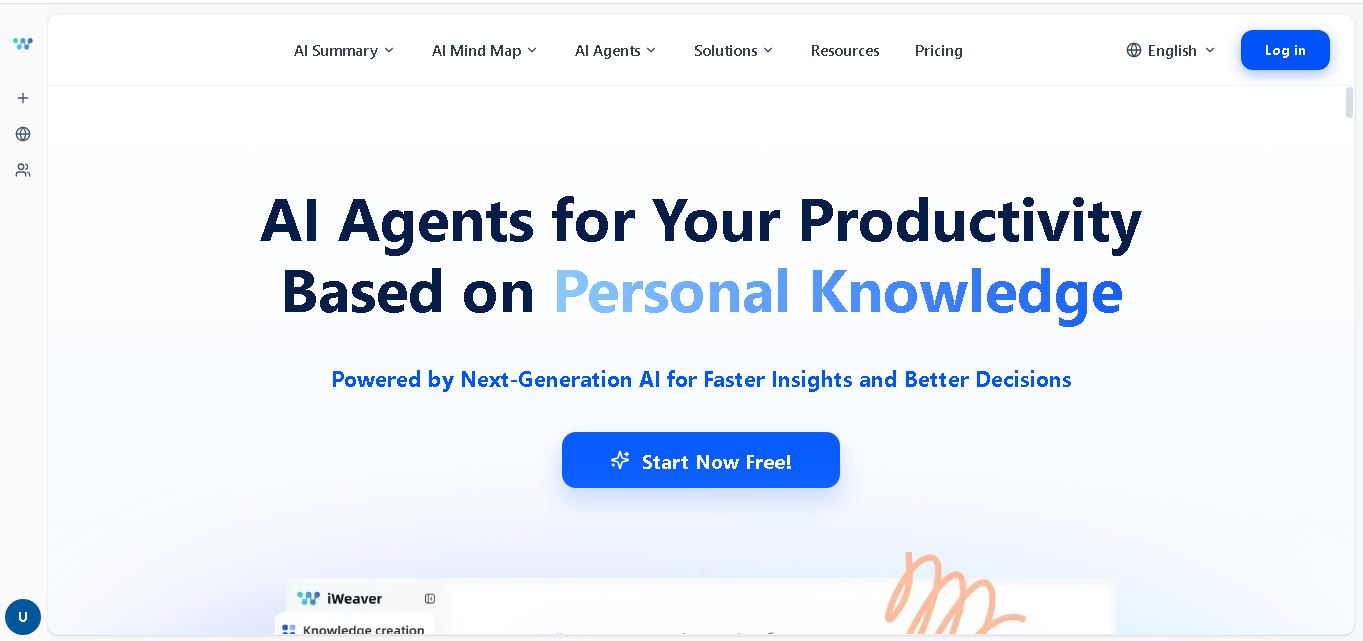
What is iWeaver?
Genei is a research and summarization tool designed to help students, academics, researchers, and content creators process large amounts of information efficiently. It analyzes PDFs and webpages, extracts important keywords, generates summaries, and helps users find relevant information through intelligent search. Genei also provides note-taking, document organization, annotation, and reference management features, making it easier to collect research materials and transform complex information into structured, understandable insights.
Genei helps users save time through AI-powered document summarization, keyword extraction, and research assistance. According to its website, 98% of users report saving time, while 95% say they gain better insights from their research. The platform also highlights up to 70% faster reading through automated summarization. Founded around improving research productivity, Genei became part of Y Combinator's Summer 2021 startup cohort. It offers a 14-day free trial, document management, AI search, note-taking, and citation generation for research workflows.
- Core Focus / Category: AI Knowledge Assistant, Multi-Format Summarizer, Mind Map Generator, and Document Q&A
- Platform Architecture: Cloud-based web workspace supporting multi-format file/media ingestion, knowledge organization, and multi-model AI processing
- Key Specialization: Multi-format summarization (documents, web, audio, video, images), AI mind maps with downloadable formats, scanned PDF/image analysis, and cross-document Q&A
Use Cases:
- Summarizing research papers, reports, presentations, web articles, audio recordings, and videos into structured notes
- Generating visual mind maps of core concepts and relationships from documents, videos, or text
- Querying across multiple PDFs or extracting insights from images and scanned PDFs without separate manual steps
- Organizing and retrieving saved notes and research material inside a searchable knowledge base
Technology:
- Multi-Format & Vision/OCR Ingestion Engine handling PDFs, scanned documents, Word/PPT files, images, audio, and video
- Multi-Model AI & Synthesis Layer supporting basic, advanced, and flagship AI models for summarization, analysis, and Q&A
- Mind Map & Knowledge Retrieval Layer structuring concepts visually and enabling search and recall across saved items
Target Users:
- Students and academic researchers condensing readings, lectures, and study notes into summaries and mind maps
- Analysts, consultants, and researchers synthesizing reports, presentations, and multi-source findings
- Writers, content strategists, and creators extracting takeaways from articles, audio, and video
- Professionals using productivity tools to organize notes and retrieve information faster
Corporate Entity: Operates as iWeaver (iweaver.ai / AI Knowledge & Summarization Platform)

Key features of iWeaver
iWeaver's key features are
- Multi-Format Summarization: Summarize PDFs, Word/PowerPoint files, web pages, images, audio, and video content.
- AI Mind Maps: Visualize key ideas and relationships as mind maps and export in supported formats.
- Multi-Document & Scanned PDF Chat: Ask questions across documents and work with text extracted from images and scanned PDFs.
- Personal Knowledge Organization: Store, tag, organize, and search across processed materials and notes.
- Multi-Model AI Selection: Access basic, advanced, and flagship AI models depending on your subscription tier.
- Translation & Format Conversion Aids: Translate content and convert or process files across supported formats.
iWeaver Pricing
iWeaver offers a free tier with daily credits alongside paid subscription tiers with monthly or discounted annual billing (with annual savings up to 69%).
Free Plan:
- $0 / Free to start
- Includes 10 general credits per day and access to basic models to explore core features.
Paid Tiers (Ultra & Unlimit):
- Ultra Plan: Listed around $29.9/mo (with discounted annual options), providing higher general credits, daily advanced-model uses, and daily flagship-model allowances.
- Unlimit Plan: Listed around $79.9/mo (with discounted annual options), offering unlimited general credits, uncapped basic/advanced model usage, and higher daily flagship-model allowances.
Disclaimer: Credit allocations, supported AI models, and monthly vs. annual pricing can change over time. Check iweaver.ai/pricing for current plan terms and model availability.
Who is using iWeaver?
iWeaver is designed for learners, researchers, and knowledge workers, including
- Students & Researchers: Turning articles, PDFs, and lectures into summaries, notes, and visual mind maps
- Analysts & Consultants: Extracting insights across reports, presentations, and multiple reference files
- Writers & Content Creators: Distilling source material into structured takeaways and outlines
- Knowledge Organizers: Building a searchable library of summaries and notes for ongoing reference
Best iWeaver Alternatives
Some of the strongest iWeaver alternatives include
- Briefy (AI summarizer and knowledge assistant turning articles, videos, PDFs, podcasts, and emails into overviews, tables, mindmaps, and timelines)
- Glasp (Social web, PDF, Kindle, and YouTube highlighter with AI summaries, notes, and exports)
- genei (AI research and note-taking workspace with summaries, keywords, note linking, and figure/table extraction)
- Summarizer.org (Web and multi-format AI text, URL, PDF, and image summarizer with companion writing tools)
- UPDF (Cross-platform PDF editor, OCR tool, and AI document assistant with mind maps and Q&A)
- NotebookLM (AI research assistant and note-taking workspace for grounding answers and summaries in uploaded sources)
Pros and Cons of iWeaver
Pros
- Supports a broad mix of formats—PDFs, scanned documents, Word/PPT, web pages, images, audio, and video
- Combines text summaries with visual AI mind maps and multi-document Q&A
- Offers access to multiple AI model tiers across basic, advanced, and flagship options
- Includes a free daily credit allowance to test the workflow before subscribing
Cons
- Free daily credits are modest, and higher-tier plans get pricey for light or occasional users
- Credit and daily usage limits vary across basic, advanced, and flagship models
- Complex layouts or nuanced technical source files still benefit from manual verification
- Web-centric workflows may feel less integrated for users wanting dedicated native desktop or mobile suites
Why Choose iWeaver?
iWeaver is a practical fit when you want one workspace to summarize documents, media, and web pages, generate mind maps, and organize notes.
- Process PDFs, scanned files, documents, images, audio, and video in one place
- Turn complex material into structured summaries and visual mind maps
- Ask questions across documents and keep notes organized for recall
- Start free with daily credits and upgrade only if your volume demands it
iWeaver vs. Competitors
The primary difference between iWeaver, Briefy, Glasp, and genei lies in how they balance multi-format AI synthesis, mind mapping, and note workflows. While Briefy emphasizes structured overviews, tables, mindmaps, and timelines across reading and email briefs, Glasp focuses on web/PDF/video/Kindle highlighting with exports, and genei centers on project notes and note linking, iWeaver brings multi-format file/media ingestion, mind maps, and tiered model selection together in one workspace.
| Feature / Platform | iWeaver (iweaver.ai) | Briefy | Glasp | genei |
|---|---|---|---|---|
| Primary Focus | Multi-Format AI Notes, Mind Maps & Q&A | Visual AI Briefs & Knowledge Base | Social Highlighting & AI Notes | AI Research Summaries, Notes & Rewriting |
| Supported Sources | PDFs, Docs, PPT, Web, Images, Audio & Video | Web, YouTube, PDFs, Podcasts & Gmail | Web, PDFs, YouTube & Kindle | Articles, PDFs, web pages & project files |
| Mind Map Support | Yes (AI Mind Maps & exports) | Yes (Overview, Table, Mindmap & Timeline) | No | No |
| Cross-Document Q&A | Yes | Saved briefs & content Q&A | AI chat over highlights & PDFs | Multi-document analysis on PRO |
| Starting Price | Free tier / Paid tiers from ~$29.9/mo | Free tier / Paid from ~$7.49/mo (annual) | Free tier / Pro $12.50/mo yearly ($15/mo) | 14-day trial / Basic £7.99/mo annual (£9.99/mo) |
| Best For | Multi-Format Summaries, Mind Maps & Q&A | Mindmap/Table Briefs & Saved Knowledge | Free Highlighting + Video AI + PKM Exports | Project Notes + Summaries + Rewriting |
How do we rate iWeaver?
| Parameter | Rating (out of 5) |
|---|---|
| Multi-Format Summarization & Q&A | 4.5 |
| Mind Map & Knowledge Organization | 4.5 |
| Model Variety & Processing Capabilities | 4.4 |
| Pricing & Credit Flexibility | 4.1 |
| Overall Score | 4.40 |
iWeaver Review
iWeaver is a capable AI summarization and knowledge workspace for users who juggle documents, web links, images, audio, and video and want structured notes and mind maps in one place. Its support for scanned documents, cross-document Q&A, and tiered AI models gives researchers and students practical ways to synthesize source material. Paid tiers carry higher price points than some single-purpose summarizers, so light users may prefer starting on the free daily allowance, but iWeaver remains a helpful option for multi-format research and note organization.
Conclusion
Genei is a useful research assistant for anyone who regularly works with lengthy documents, academic papers, and online information. Its summarization, keyword extraction, semantic search, and note-taking capabilities help simplify information gathering and improve research productivity. While it cannot replace critical thinking or independent fact-checking, it can reduce repetitive reading tasks. For students, researchers, and content writers looking to organize information and develop ideas efficiently, Genei is worth exploring.
FAQ
What is Genei used for?
Genei helps students, researchers, and content writers turn lengthy PDFs and webpages into concise, searchable research material. Upload or save a document, generate summaries, identify important keywords, and ask questions about its contents. It is especially useful when reviewing several sources before preparing an assignment, report, or article.
Can Genei summarize PDF documents and webpages?
Yes. Genei can summarize PDFs and webpages, including long research papers and articles. It breaks content into sections and key points, helping you understand the main ideas without reading every line first. Always return to the original source to verify context, evidence, quotations, and details before using them carefully.
Does Genei provide AI-powered keyword extraction?
Genei extracts relevant terms from uploaded documents and helps you locate where those terms appear. You can use keyword extraction to identify recurring topics, people, organisations, and concepts. This is useful when reviewing unfamiliar research, comparing sources, or building an outline, although extracted keywords should not replace your own interpretation.
Can Genei search across multiple documents?
Yes. Genei supports search and question-answering across documents, helping you find information without opening and scanning every file separately. Its semantic search is designed to retrieve relevant passages based on meaning, not just exact wording. Check the linked source passages before relying on an answer in academic or professional work.
Does Genei offer note-taking and annotation features?
Genei offers tools for organising documents into projects, highlighting passages, adding comments, and creating linked notes. It also includes reference generation and export features. These functions can keep research materials and observations together, making it easier to return to supporting evidence while drafting essays, reports, literature reviews, or content briefs.
Does Genei offer a free trial and what are its pricing plans?
Genei provides a 14-day free trial, according to its website. Paid Basic and Pro plans are listed, with prices and included features varying across the pricing page and academic options. Check the live pricing page before subscribing, confirm billing frequency and currency, and review trial cancellation terms.
User Reviews
No reviews yet for iWeaver.
Featured Tools
Featured AI tools from TechShark

LandAtlas
LandAtlas is a land investing platform that combines parcel research, skip tracing, buyer matching, contracts, and deal management. It helps land wholesalers and acquisition teams organize property leads, evaluate opportunities, connect with potential buyers, and manage transactions from one workspace.
Paid
Klap
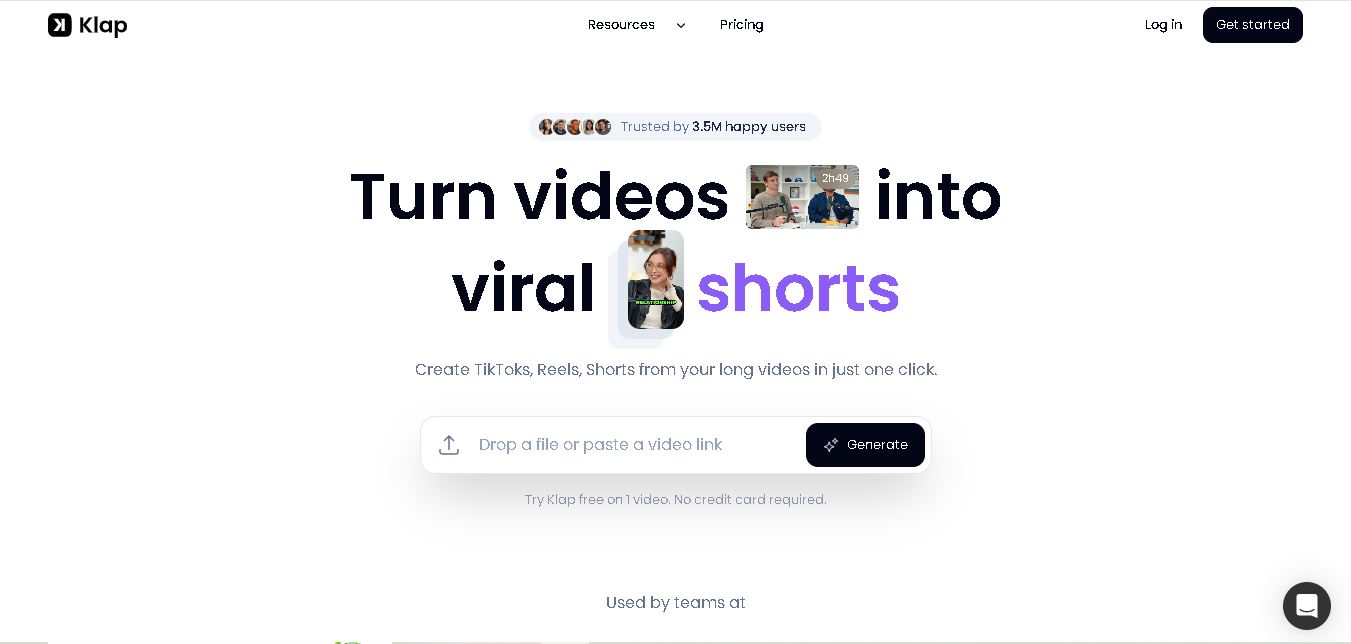
Klap is an AI video clipping platform that transforms long videos into short-form social media content. It automatically identifies highlights, creates captions, reframes speakers, and schedules clips, helping creators, podcasters, and marketing teams repurpose existing videos with less manual editing.
Free
Melody Genie
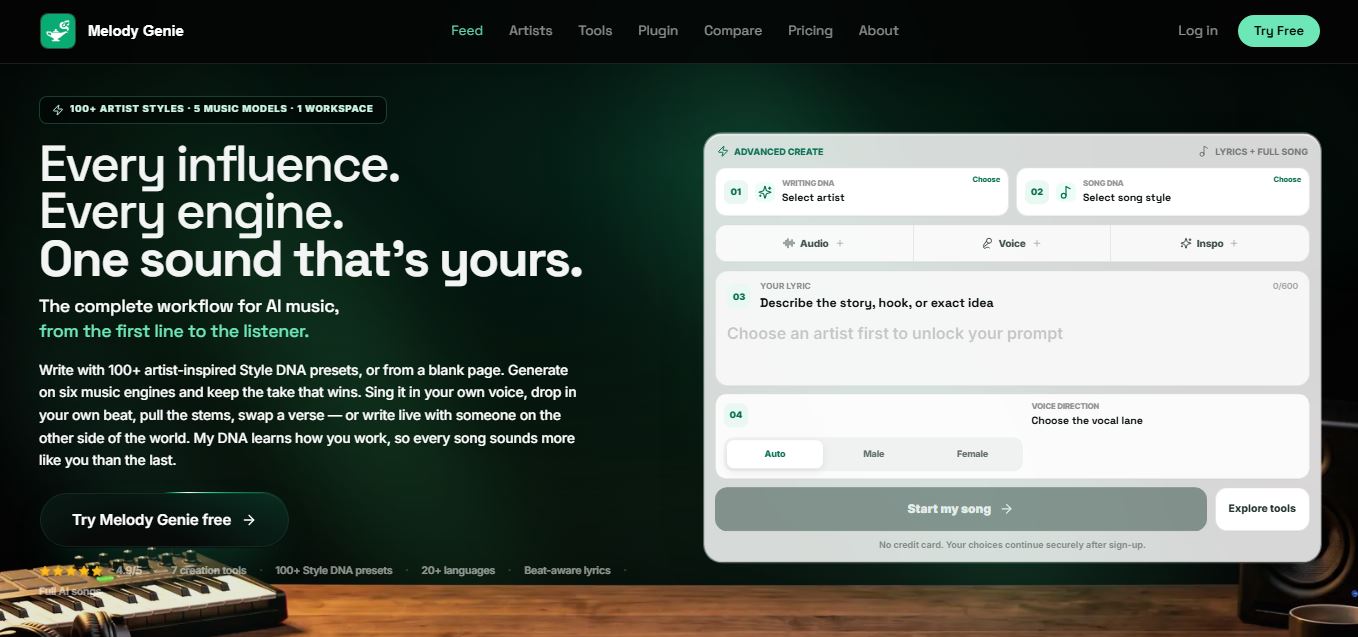
MelodyGenie is an AI-powered music generator that creates original songs from simple text prompts. Users can choose styles, moods, and genres, then instantly generate melodies and full tracks, making it easy for creators, marketers, and hobbyists to produce custom music without musical expertise.
Freemium
Fashion Diffusion AI
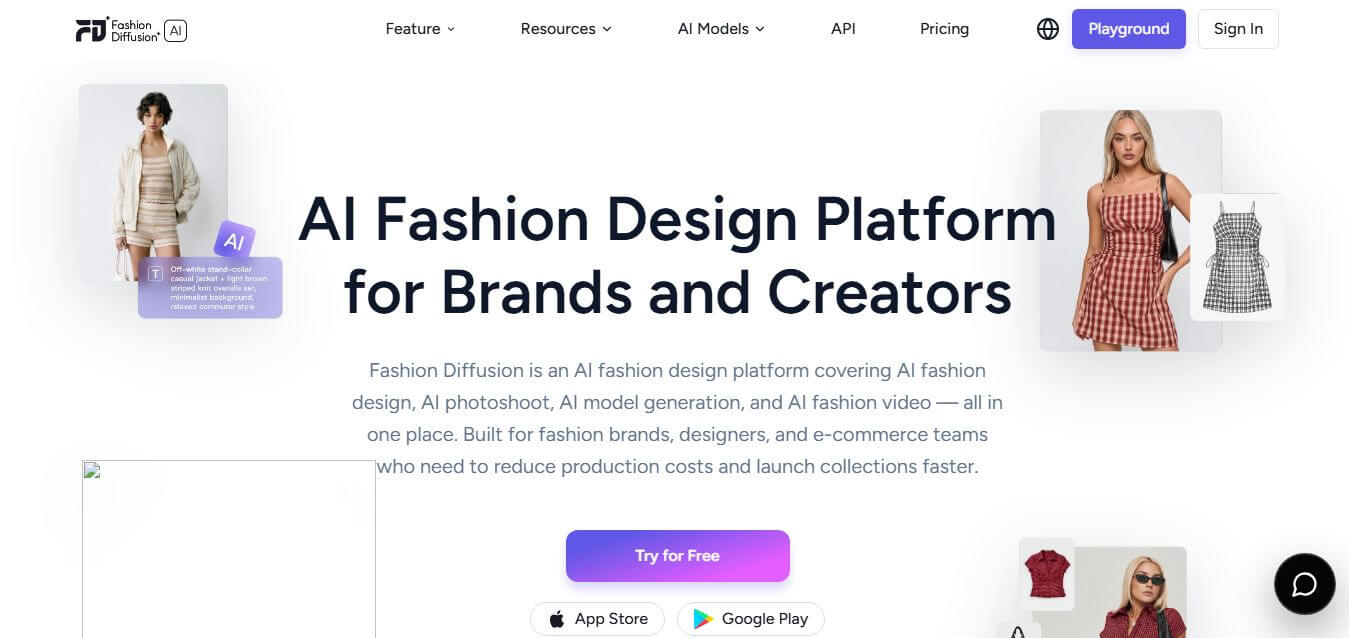
Fashion Diffusion is an AI-powered fashion design platform that helps brands and designers create clothing designs, virtual try-ons, AI models, product photos, and marketing visuals faster and cost-effectively.
Paid
Alternatives
Alternatives to iWeaver
The best iWeaver alternatives include Briefy, Glasp, genei, Summarizer.org, UPDF, and NotebookLM. These platforms provide AI summarization, document Q&A, note organization, and knowledge management workflows. While iWeaver stands out for combining multi-format file and media summarization (including scanned PDFs, documents, web pages, images, audio, and video) with AI mind maps, cross-document Q&A, and tiered AI models starting from a free tier up to ~$29.9–$79.9/month, alternatives like Briefy focus on visual mindmap/table/timeline briefs and a saved knowledge base, Glasp emphasizes social highlighting and exports, and genei centers on project note linking and figure extraction. Choosing the right platform depends on whether you prioritize multi-format mind maps and cross-document Q&A or specialized highlighting and note workflows.
 4.4
genei
Summarizer
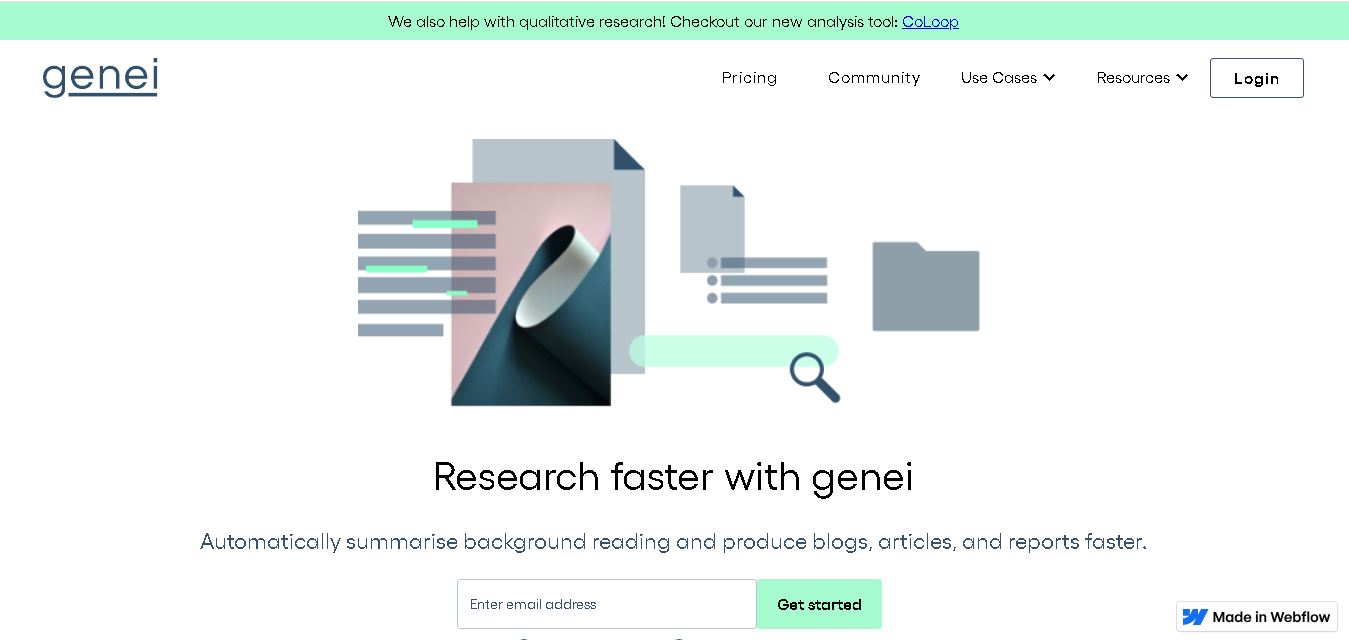
Genei is a research and document summarization tool that helps users understand lengthy PDFs and webpages faster. It offers AI-generated summaries, keyword extraction, semantic search, question answering, and smart note-taking. With document organization and citation management features, Genei simplifies research workflows for students, academics, professionals, and content creators.
 4.6
Grain
Summarizer
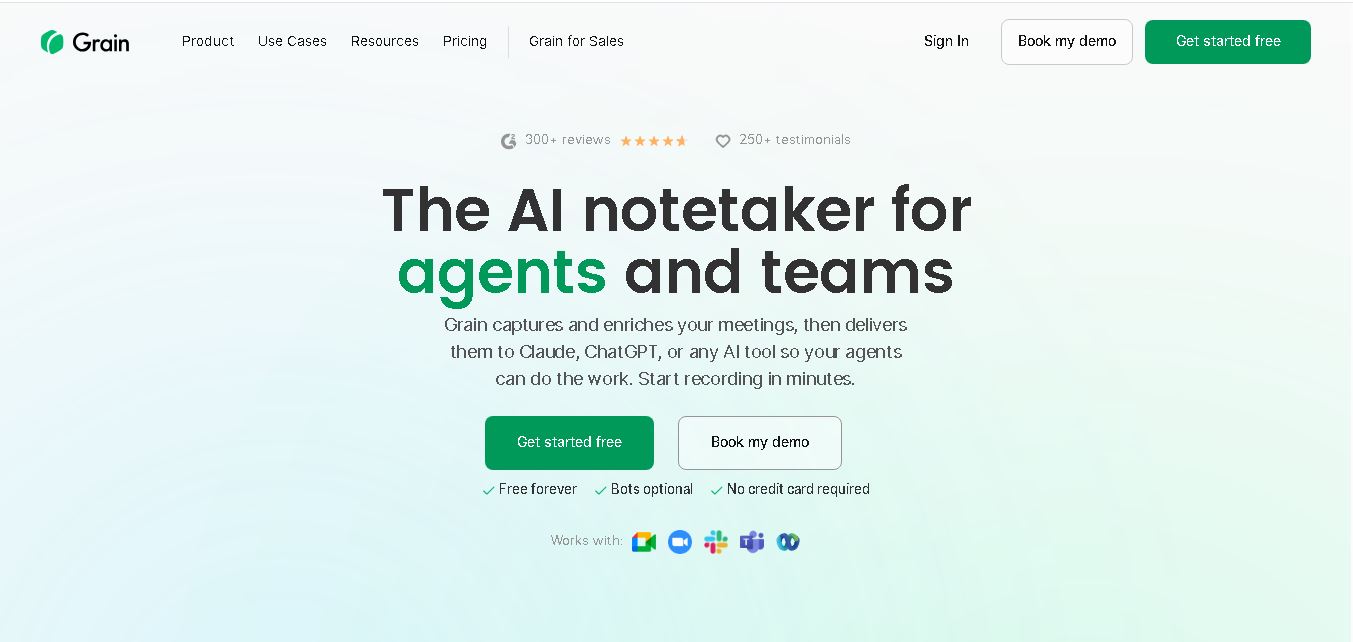
Grain helps individuals and teams record meetings, transcribe conversations, and generate AI summaries, highlights, and action items. With searchable meeting history, bot-free capture, video clips, and integrations for tools such as ChatGPT, Claude, Slack, and HubSpot, it turns everyday conversations into organized information that supports better collaboration and follow-through.
 4.5
Sembly AI
Summarizer
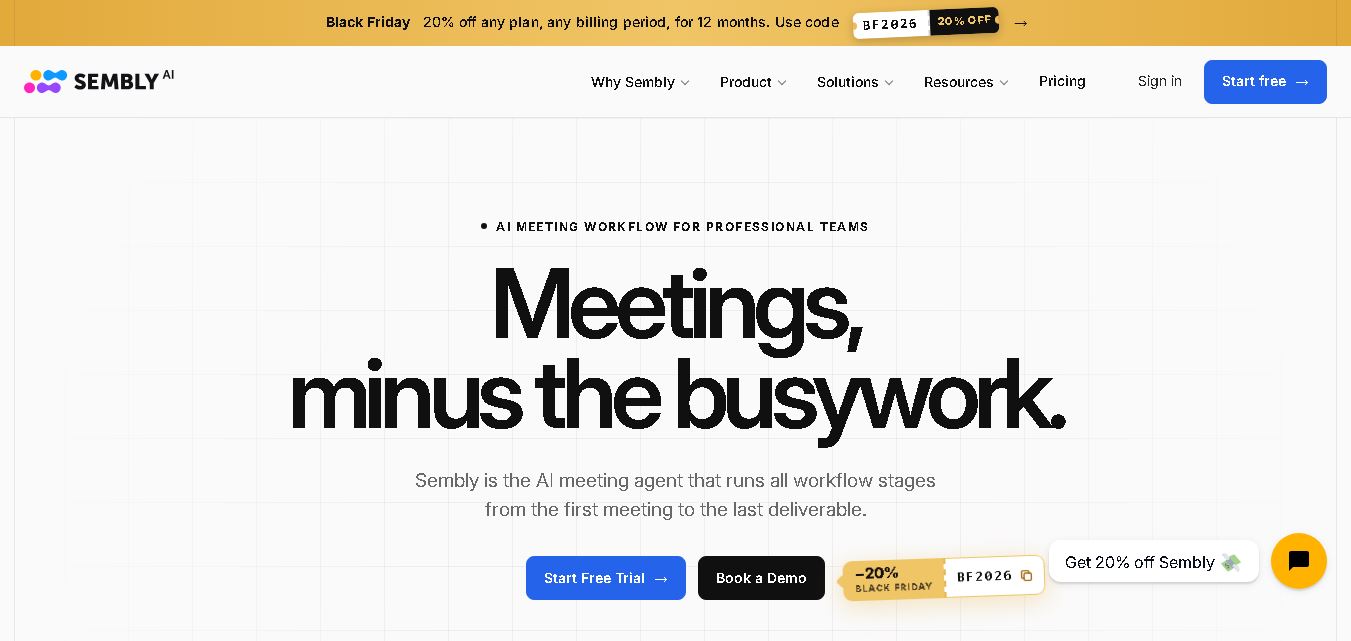
Sembly AI helps professionals record meetings, transcribe conversations, generate summaries, and organize important action items. It supports popular video conferencing platforms and multiple languages. With AI-powered insights, searchable transcripts, integrations, and automated document creation, Sembly helps businesses improve meeting productivity, simplify follow-ups, and manage client communication more effectively.
 4.7
Glasp
Summarizer
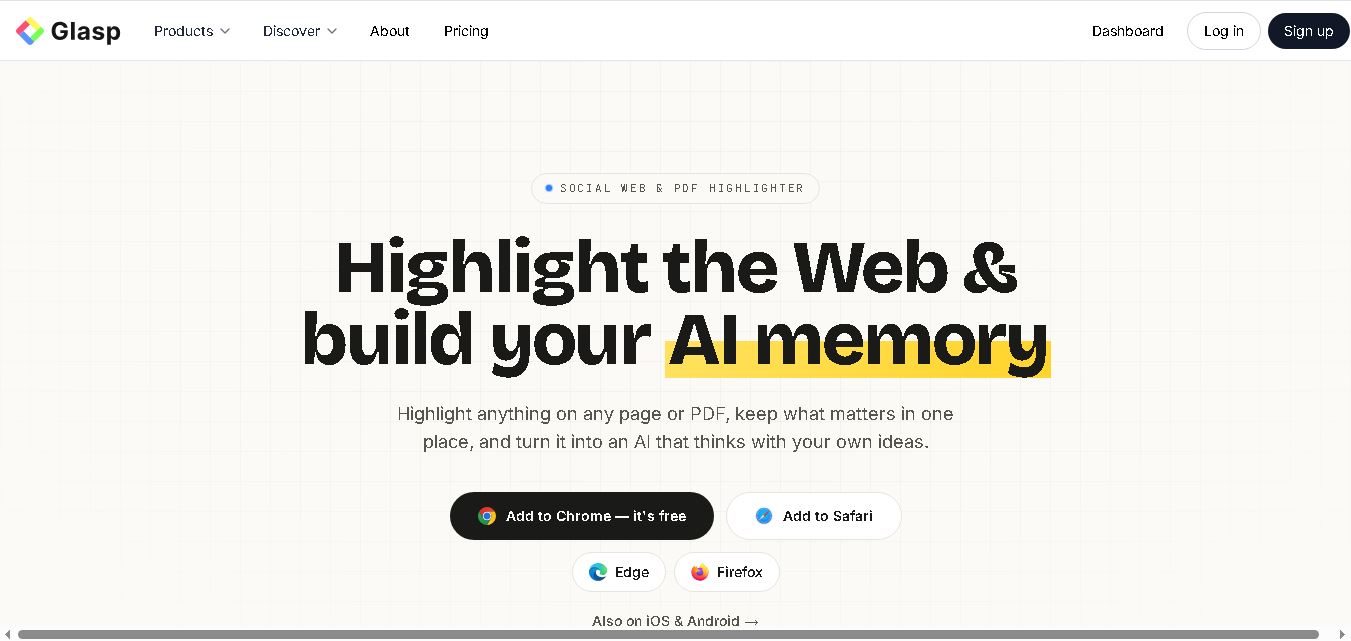
Glasp helps you save meaningful ideas from webpages, PDFs, YouTube videos, and Kindle books in one searchable library. Highlight passages, add notes, organize research, and use AI to summarize or revisit what you have learned. It also supports sharing and exporting insights to popular productivity and note-taking apps every day.
 4.6
UPDF
Summarizer
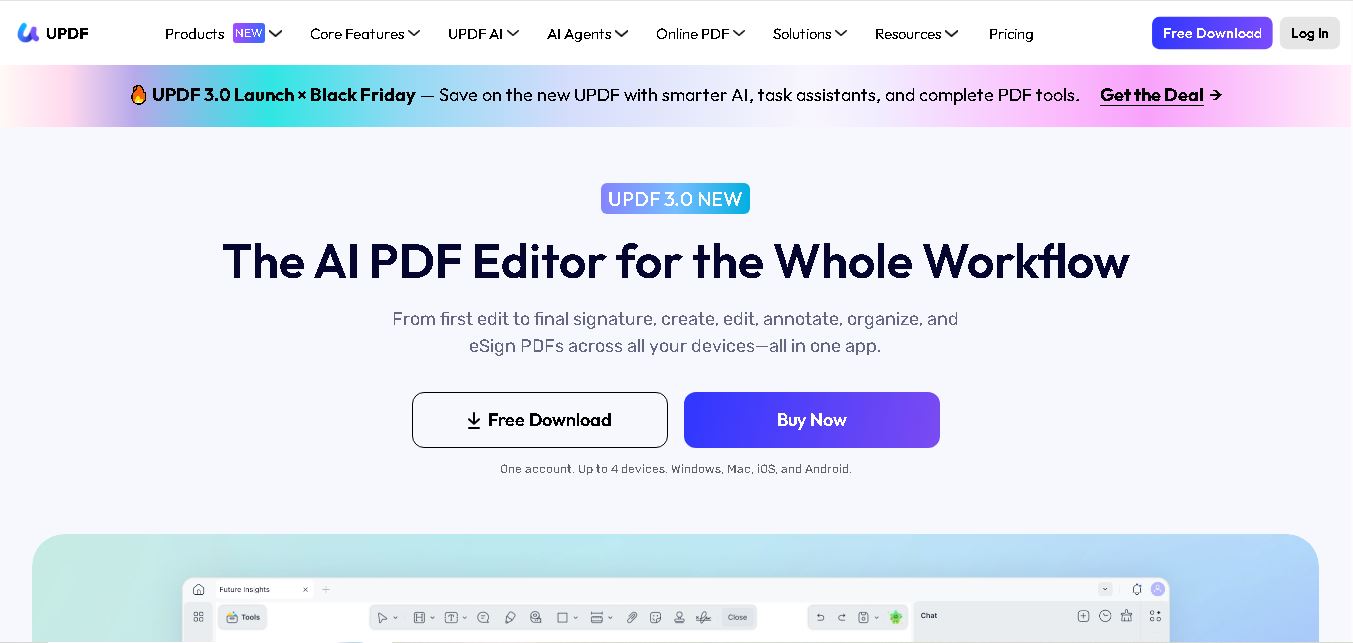
UPDF is a versatile PDF editor that combines document management with artificial intelligence. It enables users to edit, convert, annotate, organize, and sign PDF files while using AI to summarize, translate, and explain documents. Its cross-platform compatibility makes it a practical solution for students, professionals, and businesses.
 4.7
Smallpdf
Summarizer
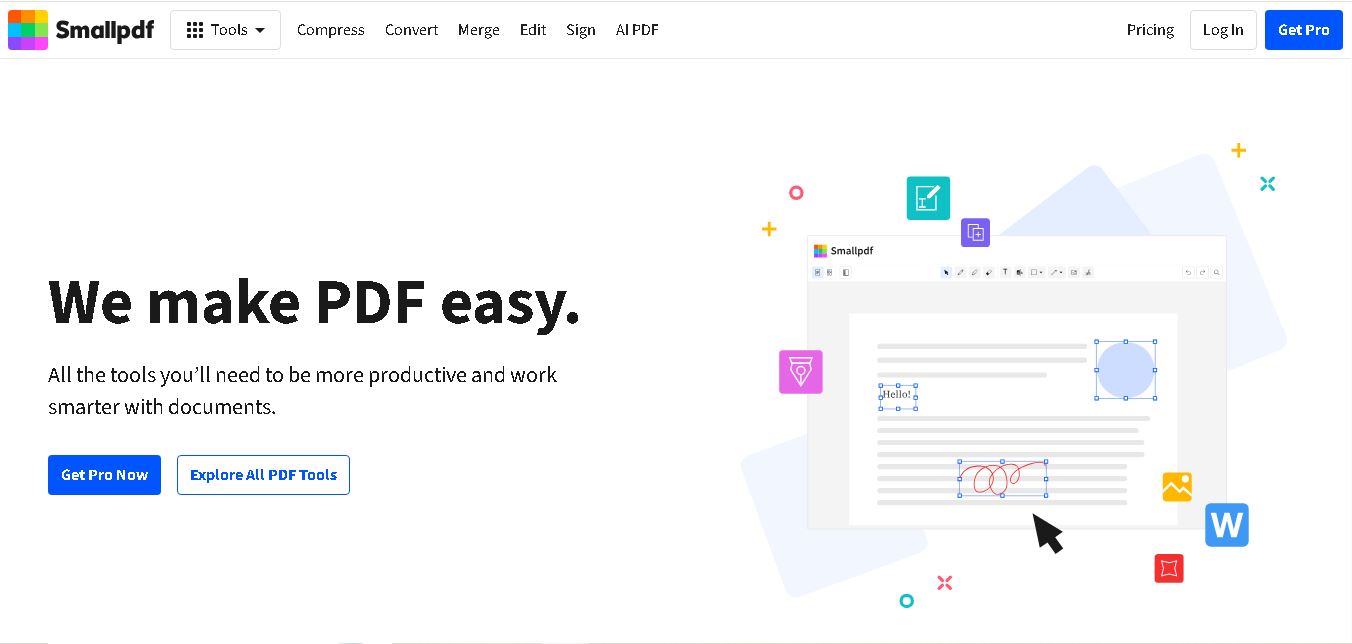
Smallpdf is an online PDF management solution that helps users compress, convert, edit, merge, split, and sign documents. It also offers AI-powered tools for summarizing, translating, and interacting with PDFs. With browser-based access and mobile applications, Smallpdf makes document management easier for students, professionals, freelancers, and businesses.
 4.6
Summarizer.org
Summarizer
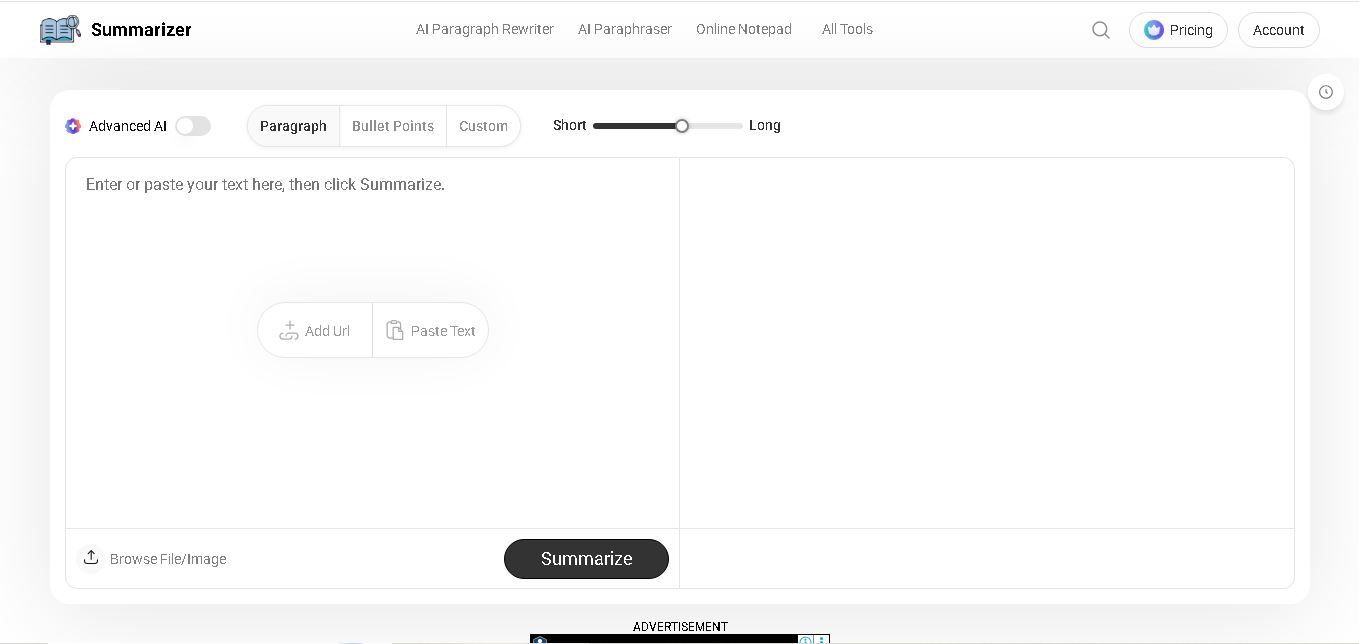
Summarizer.org is an online text summarization tool that transforms lengthy articles, essays, and documents into concise summaries. It helps students, researchers, writers, and professionals extract important information quickly. With adjustable summary lengths and multiple output formats, users can simplify reading, save time, and improve their everyday content research.
 4.9
Resoomer
Research
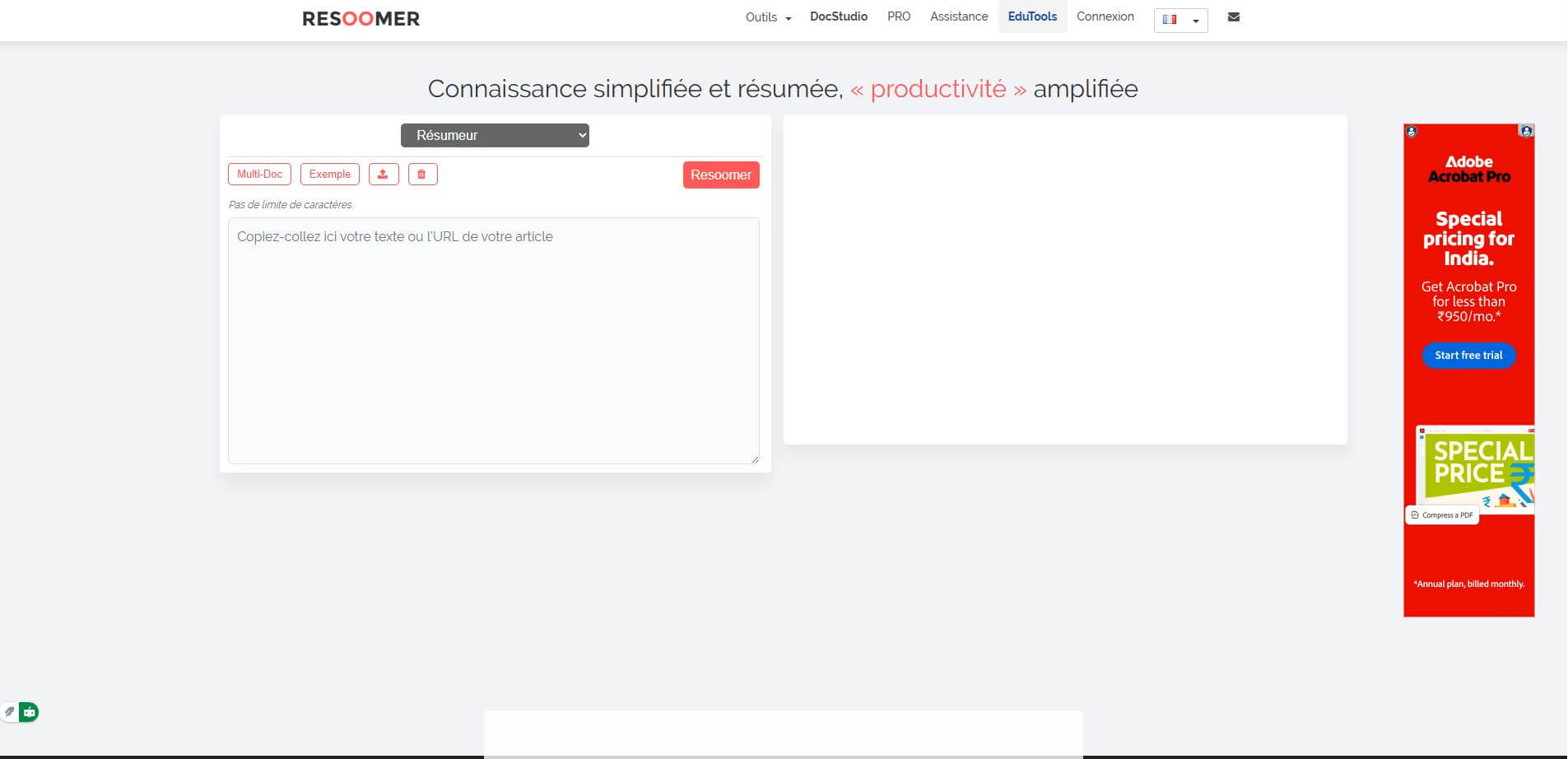
Resoomer is an AI-powered text summarization tool that helps users quickly turn long articles, research papers, and documents into concise summaries. It identifies key ideas, supports multiple formats like PDFs and URLs, and includes tools for paraphrasing, translating, and analyzing content for faster understanding.
 4.8
Smry
Summarizer
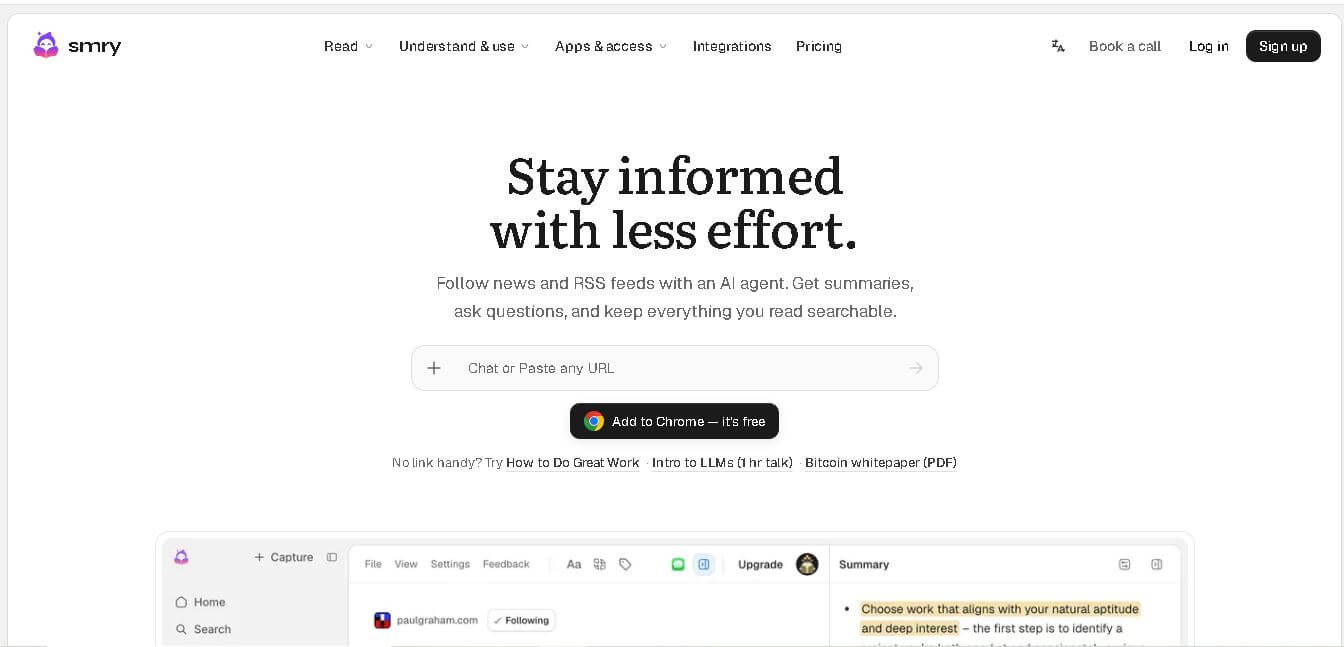
smry is an AI-powered reading and research workspace that helps users summarize articles, ask questions, listen to content, save highlights, follow feeds, and organize research. It supports webpages, YouTube videos, PDFs, EPUBs, documents, and other sources. Its clean reader removes distractions while keeping summaries and answers connected to the original source.