
Unscreen
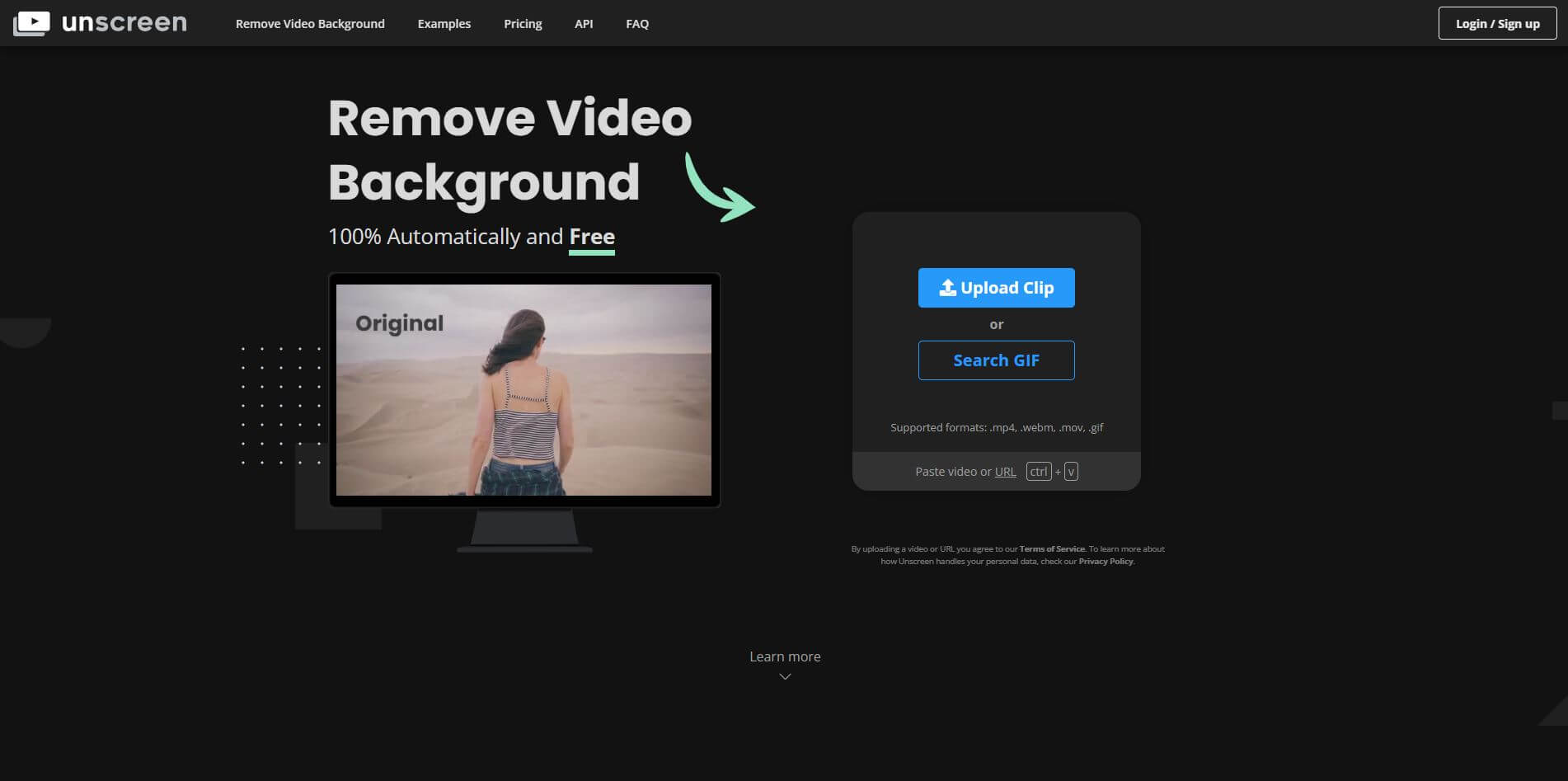
Unscreen is an AI-powered video editing tool that removes video backgrounds without green screens, enabling creators to produce professional content.
What is Unscreen?
- Founder: Benjamin Groessing
- Launch: 2019
- Use Cases: Video editing, marketing content, social media videos, e-learning, entertainment, and professional presentations.
- Technology: AI-based video background removal
Unscreen is an AI-powered background remover tool that automatically removes video backgrounds without requiring a green screen or any advanced video editing tools. Since its launch in 2019, the tool has been developed by Benjamin Groessing and has since grown in popularity, being utilized by creators, marketers, educators, and businesses that want to make quality and professional-looking videos at speed. Unscreen employs AI technology to understand every frame of a video, then erase or take out the background without impacting the subject quality. It also works with MP4, GIF, and other video formats and benefits use for social media and advertisements, explaining stuff, or presentations. With its simple user interface, ease of use, and accuracy, Unscreen saves end-users time, cuts down editing costs, and allows everyone to make video content, whether or not they are technically inclined.
Unscreen Video/Demo
People are also reading
FAQ
What is Unscreen used for?
Unscreen is used to remove video backgrounds automatically without green screens, making video editing fast and effortless.
Is Unscreen free to use?
Yes, Unscreen offers a free version with limitations. For higher quality and advanced features, premium plans are available.
Do I need editing skills to use Unscreen?
No, Unscreen is beginner-friendly and works automatically, requiring no prior editing or technical expertise.
Can I use Unscreen for professional projects?
Yes, Unscreen is widely used for professional video production, marketing campaigns, social media, and corporate content.
Which video formats does Unscreen support?
Unscreen supports common formats like MP4, GIF, and WebM, making it flexible for different types of projects.
User Reviews
No reviews yet for Unscreen.
Featured Tools
Featured AI tools from TechShark

Melody Genie
MelodyGenie is an AI-powered music generator that creates original songs from simple text prompts. Users can choose styles, moods, and genres, then instantly generate melodies and full tracks, making it easy for creators, marketers, and hobbyists to produce custom music without musical expertise.
Freemium

Kimi AI
Kimi AI is an advanced AI assistant developed by Moonshot AI that helps you chat, research, write, code, and automate tasks in one place. It supports web search, file analysis, and multimodal inputs, and can even run autonomous “agent” workflows to complete complex tasks end-to-end.
Freemium

Fashion Diffusion AI
Fashion Diffusion is an AI-powered fashion design platform that helps brands and designers create clothing designs, virtual try-ons, AI models, product photos, and marketing visuals faster and cost-effectively.
Paid

Veo 4
Veo 4 AI is an AI video creation platform that generates dramatic videos from text, images, audio, and video prompts using realistic motion and synchronized sound.
Paid
Alternatives
Alternatives to Unscreen
Unscreen is an AI-powered background image remover that removes backgrounds from videos, saving time and effort for creators, marketers, and businesses to create polished, professional-quality video content with ease.
 4.8
4.8Shuffll
Video Editing
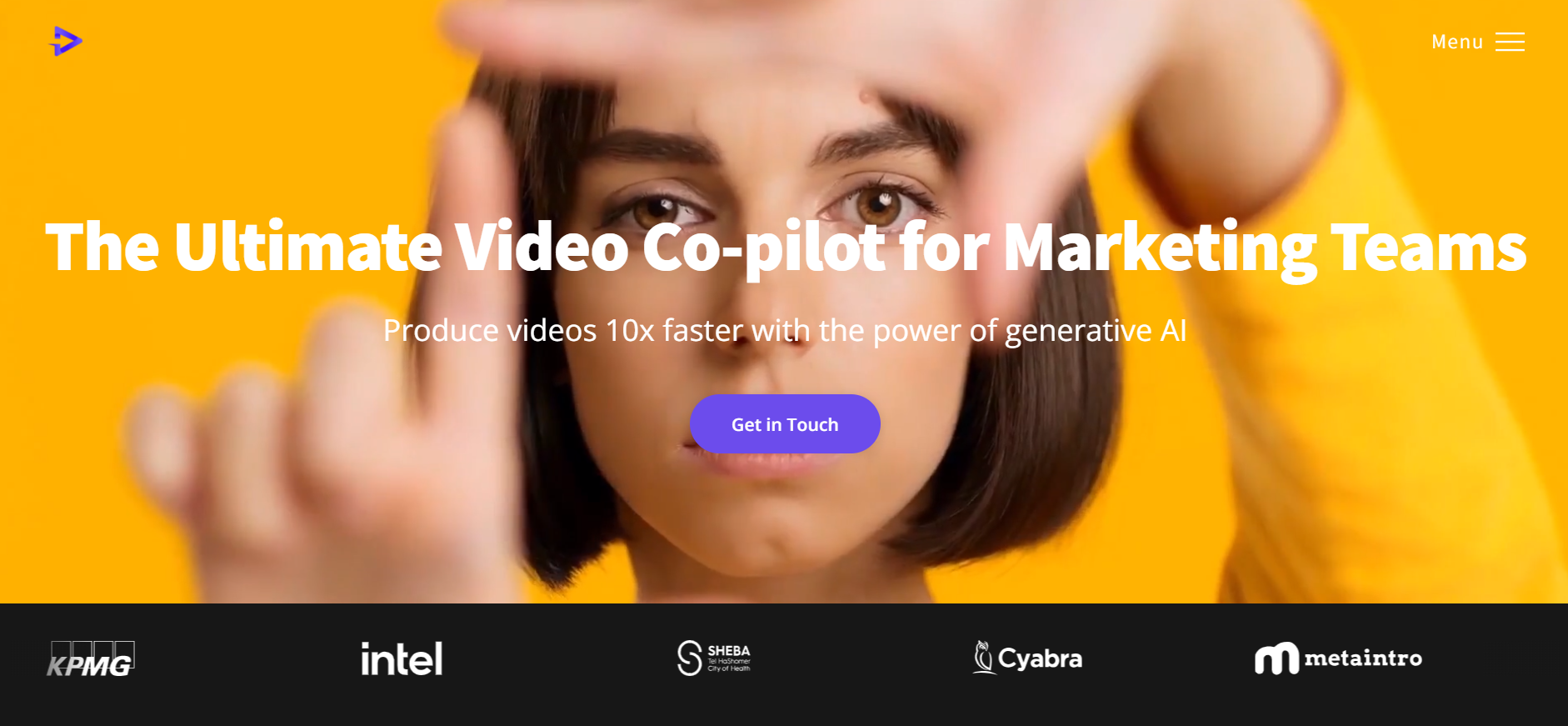
Shuffll goes beyond traditional video creation by connecting personalized video directly to enterprise data and workflows. Its API-first infrastructure, 40+ AI models, automated production, and built-in brand governance make it suitable for organizations that need video at scale. For businesses seeking higher engagement without building large production teams, Shuffll offers a practical way to turn existing data into personalized, on-brand video experiences.
 4.8
4.8Opus Clip (Opus Pro)
Video Editing
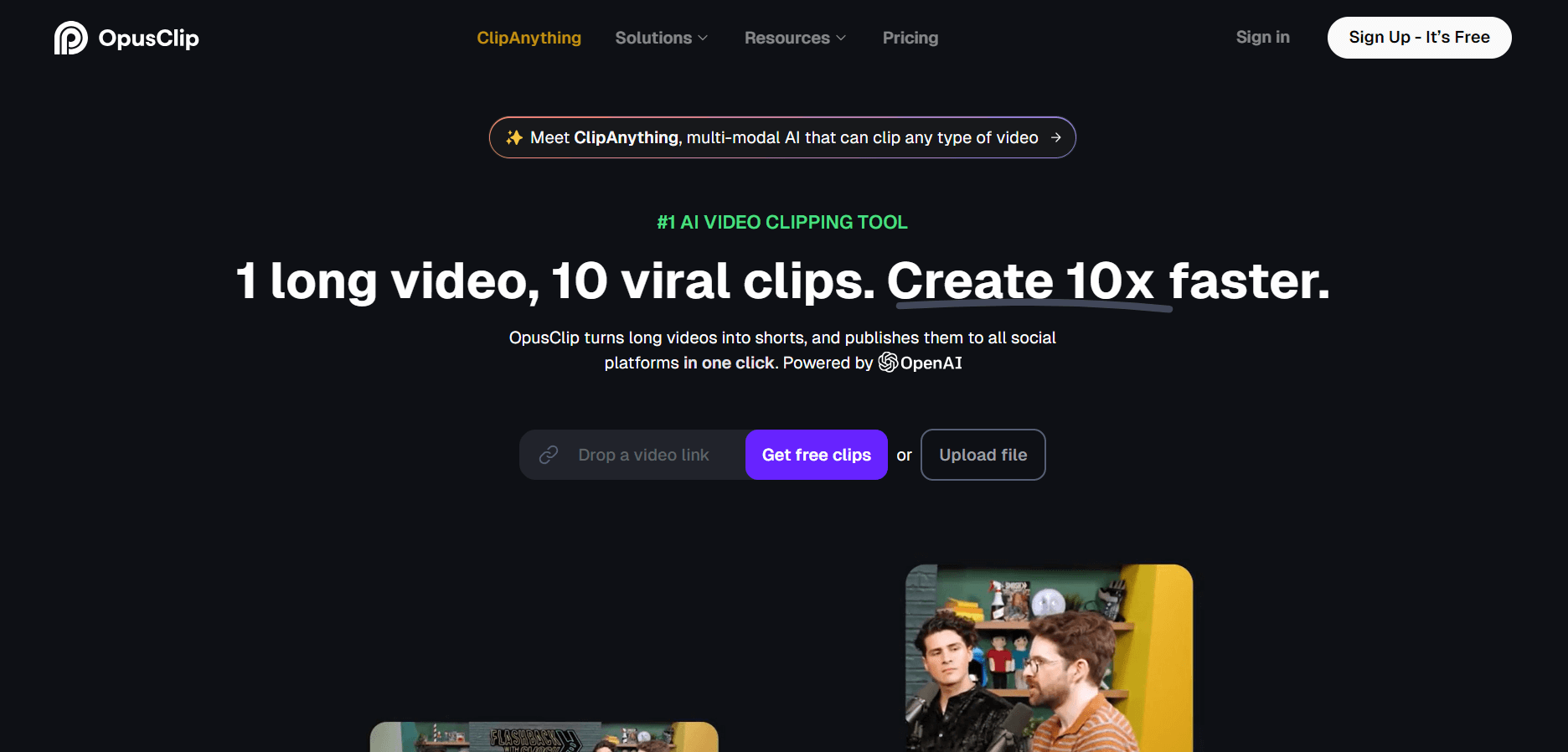
OpusClip helps creators transform long-form videos into short, social-ready clips. It can identify engaging moments, generate captions, reframe footage, add B-roll, enhance audio, and support publishing across major social platforms. It is designed for creators, marketers, podcasters, businesses, and teams that want to scale video content production.
 4.8
4.8Dubbah
Video Editing
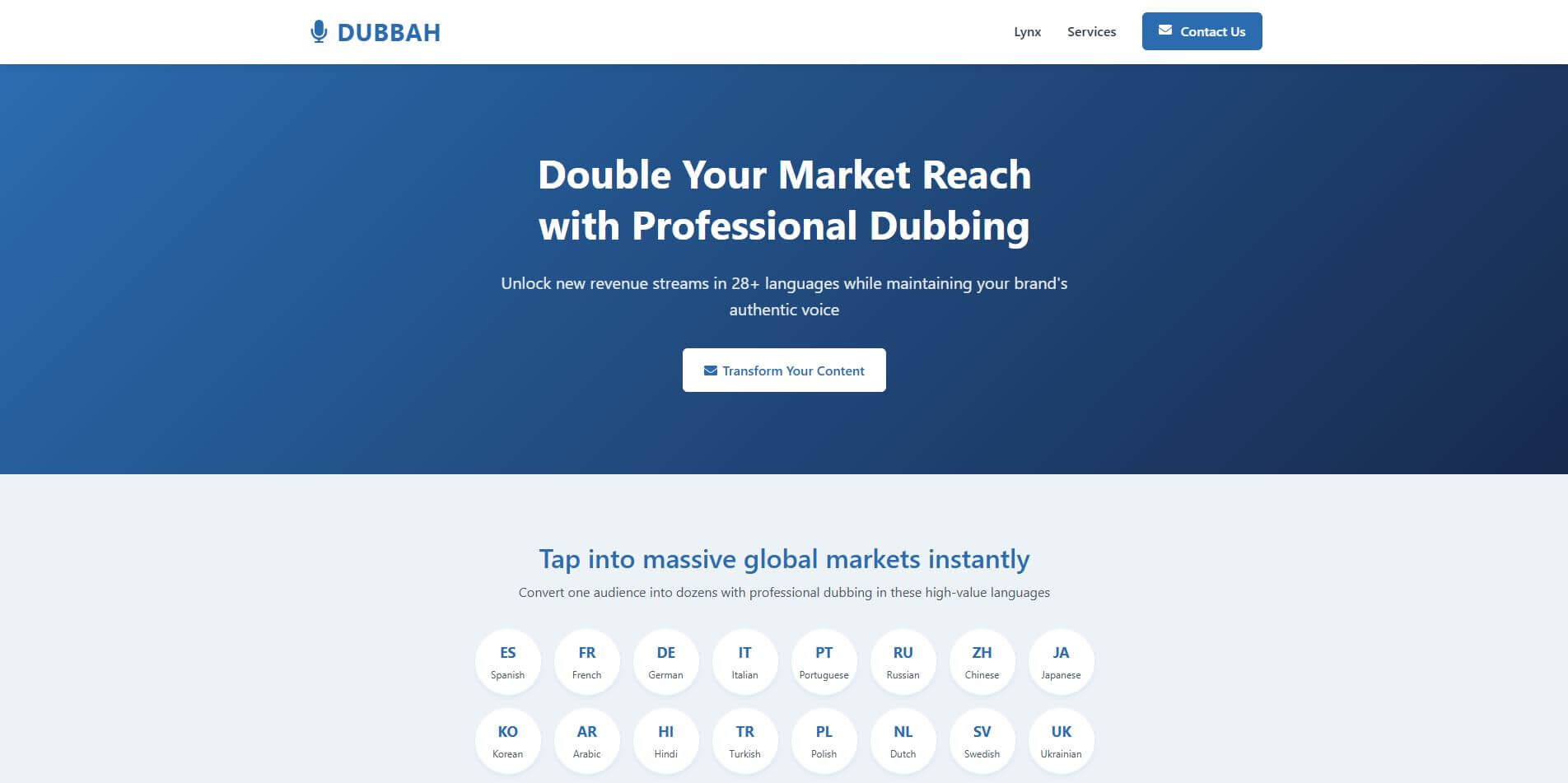
Dubbah helps Mac users translate and dub videos into 14 languages while preserving a familiar speaker voice. The app processes media locally, supports editing translated lines, and works offline after setup. With no account, subscription, or per-minute fee, it offers a simple, straightforward option for creators producing multilingual video content.
 4.9
4.9Clipchamp
Video Generator
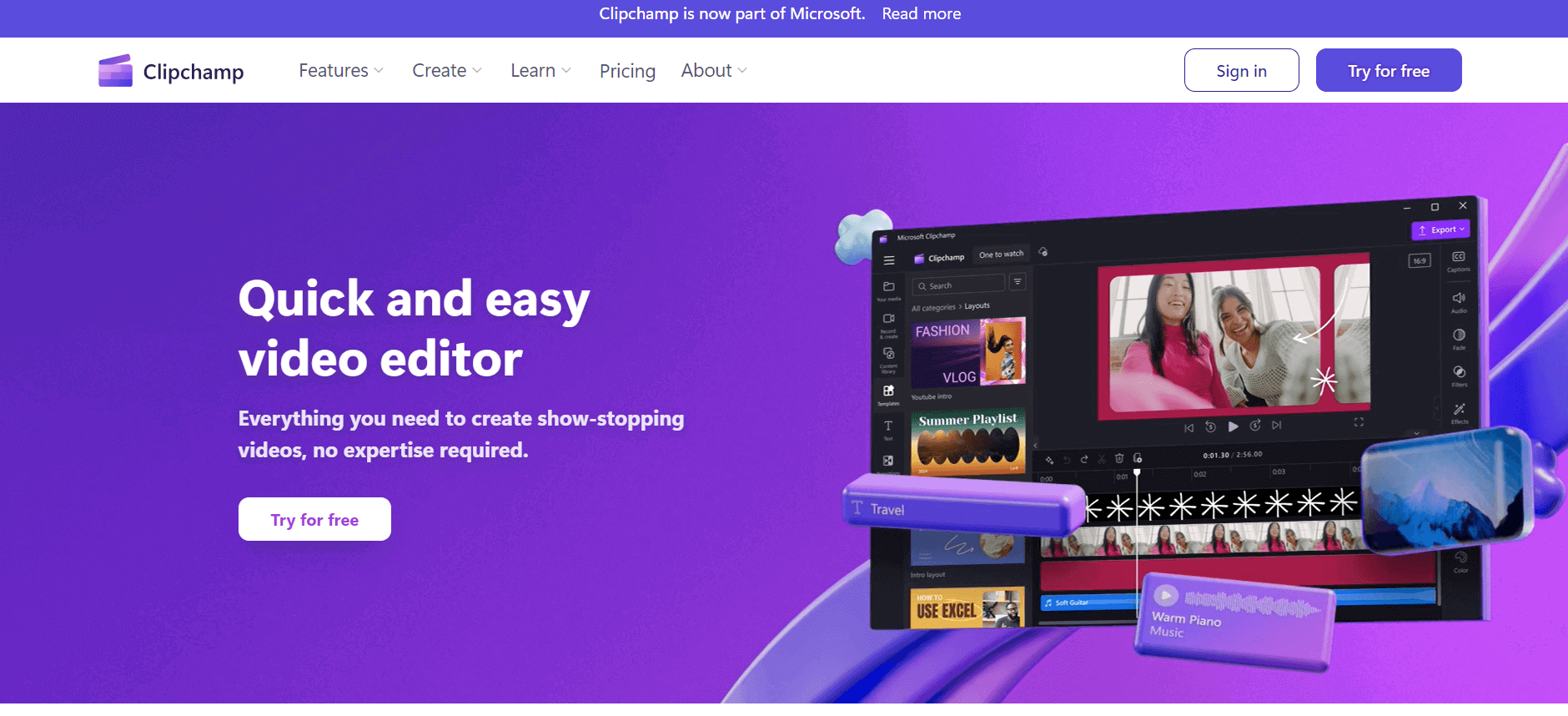
Clipchamp is an AI-powered online video editor by Microsoft that helps users record, edit, and share videos directly from the browser. It offers templates, stock media, and AI tools like subtitles, voiceovers, and noise removal, enabling fast, professional video creation without advanced editing skills.
 4.9
4.9CapCut
Video Editing
CapCut is an AI-powered video editing platform that helps creators edit, generate, and enhance videos using smart tools like auto captions, text-to-speech, templates, and one-click video creation. It supports social media content, marketing videos, and storytelling with fast, easy, and professional editing workflows.
 4.9
4.9Media.io
Video Editing
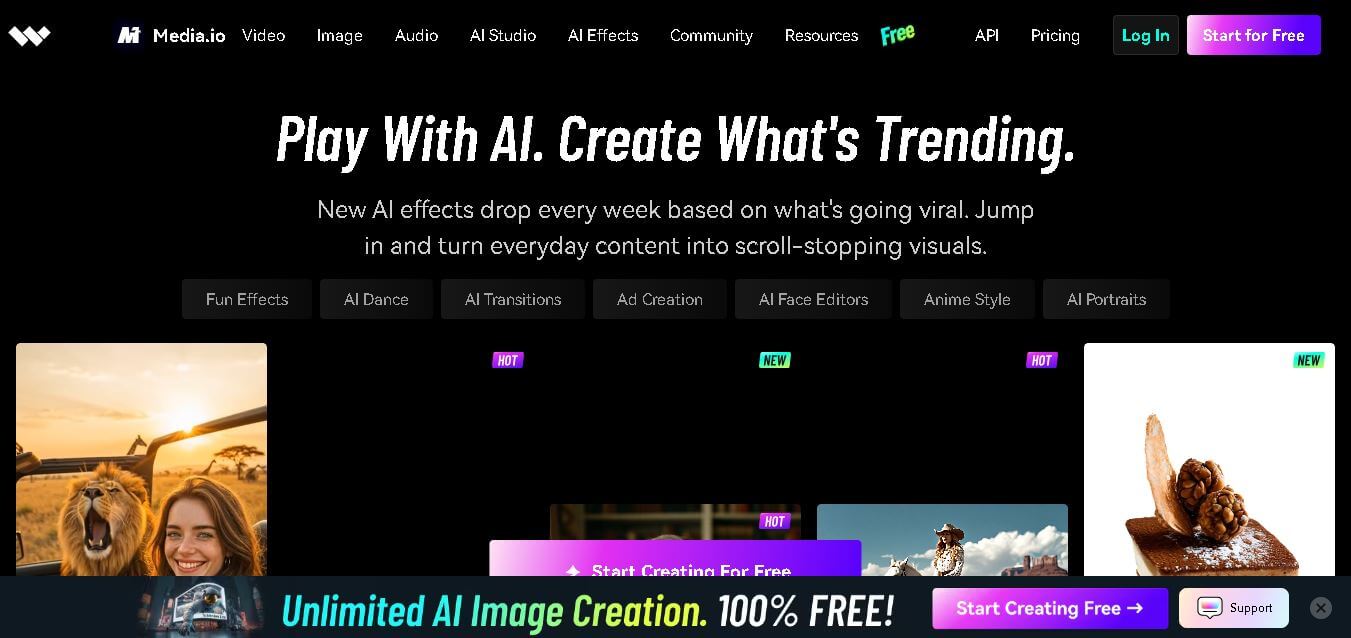
Media.io is an AI-powered creative platform that helps users generate, edit, and enhance videos, images, audio, and ads from simple prompts or assets. It combines AI generation, editing, and workflows in one place, enabling creators to turn ideas into polished content quickly without switching tools.
 4.9
4.9Video Candy
Video Editing
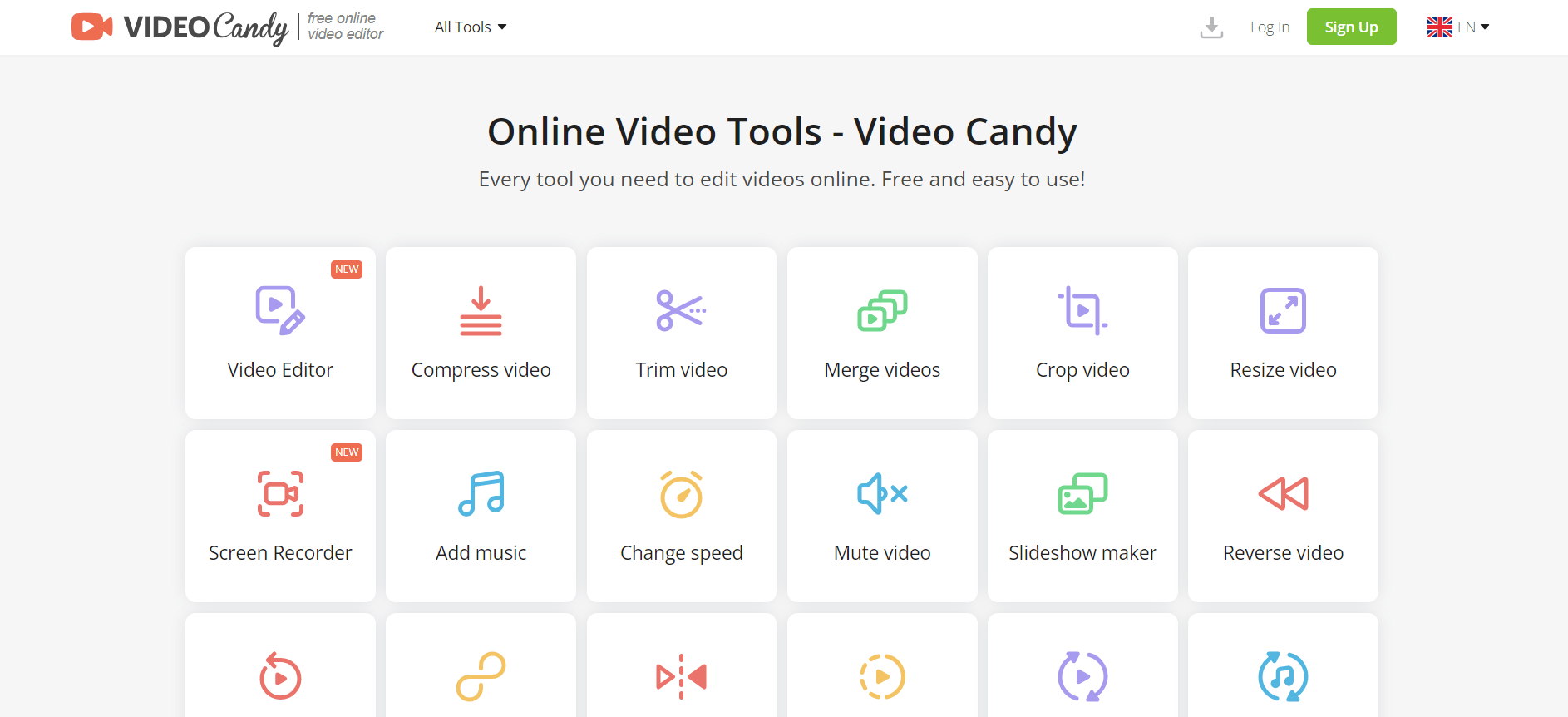
Video Candy is a free online video editing platform that helps users trim, merge, compress, convert, and enhance videos directly in the browser. It offers 70+ tools with a simple drag-and-drop interface, making video editing fast, accessible, and efficient without installing complex software.
 4.8
4.8Vheer
Image
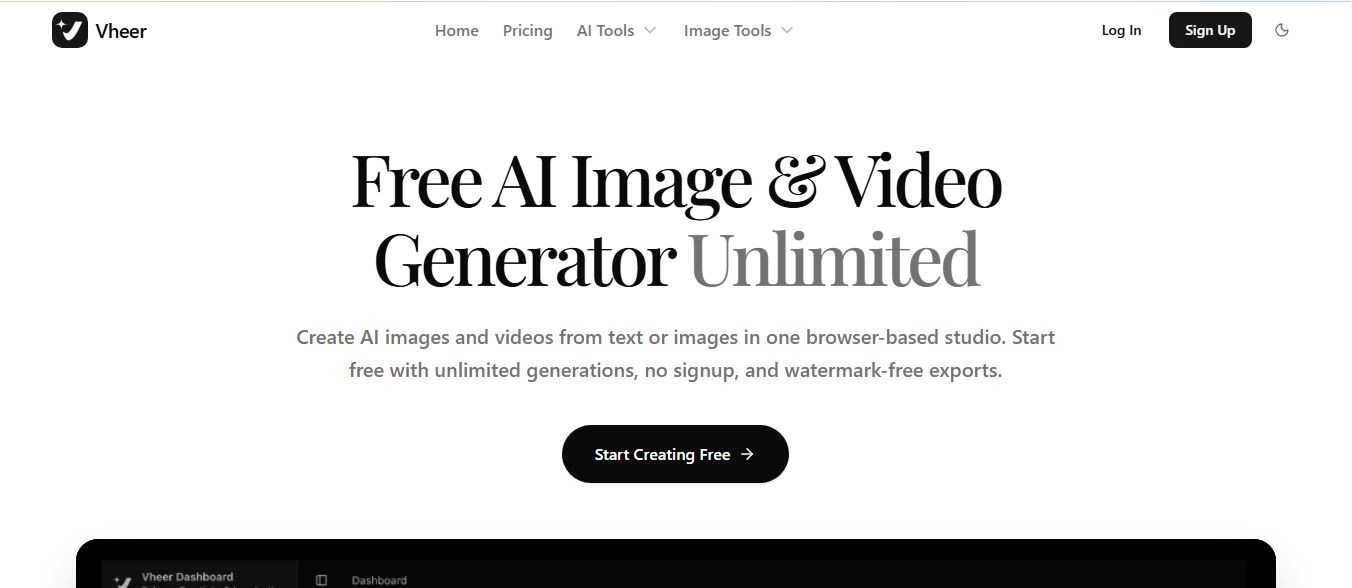
Vheer is a free AI image and video generator that helps users create visuals from text or photos instantly. It includes tools for image editing, background removal, and image-to-video conversion, offering unlimited generations without signup, making it ideal for quick, creative content production.
 4.9
4.9Artlist
Image
Artlist is a subscription-based platform that provides high-quality royalty-free music, sound effects, and video assets for creators. It helps filmmakers, YouTubers, and marketers access unlimited creative resources, making it easy to produce professional content without worrying about licensing issues.