
TwinMind
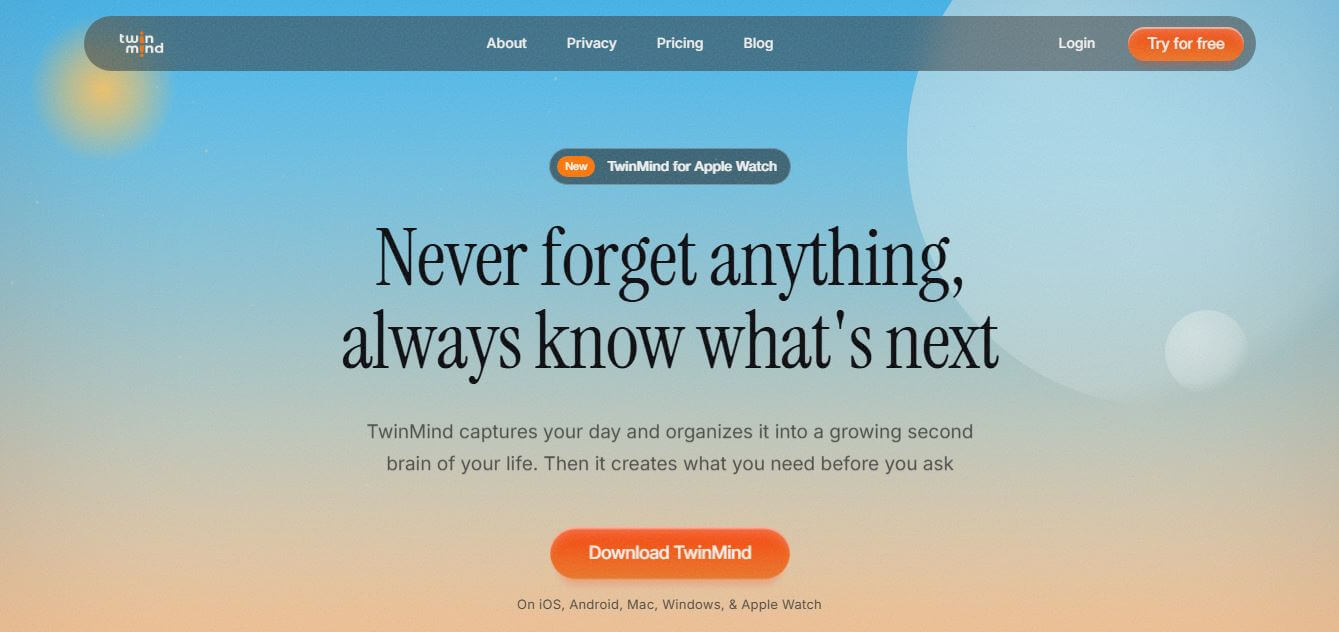
TwinMind is an AI-powered personal second brain and continuous note-taking assistant that captures meetings, in-person conversations, browser research, and phone calls, organizing daily context into actionable summaries and proactive tasks with strict on-device privacy.
What is TwinMind?
TwinMind is an AI-powered personal second brain, continuous audio transcription, and context-aware productivity assistant developed by ThirdEar AI Inc. It captures meetings, phone calls, in-person conversations, and web research, turning daily activity into searchable summaries, proactive task lists, and draft communications. Featuring privacy-by-design on-device processing, 140+ language support, proprietary low-error transcription models, and cross-platform sync, TwinMind acts as a proactive digital sidekick for your daily life.
TwinMind serves over 500,000 users worldwide across founders, investors, students, and executives. The platform's proprietary Ear-3 speech AI model supports over 140 languages with automatic detection and achieves industry-leading transcription accuracy with a reported Word Error Rate (WER) of just 5.26%. Designed with strict privacy standards, TwinMind is SOC 2 Type II and Google CASA Tier 2 certified, employing an on-device transcription pipeline that discards audio after processing by default with zero third-party data selling.
- Founder / Creator: Developed by the ThirdEar AI Inc. engineering team
- Launch Year: 2024
- Use Cases:
- Bot-free meeting transcription and automatic action item extraction for virtual and in-person calls
- Continuous daily life logging and personal memory building across mobile and desktop
- Cross-tab browser research and PDF synthesis using context-grounded AI assistants
- Automated morning to-do list generation and evening project digest creation
- Technology:
- Proprietary Ear-3 neural speech recognition model fine-tuned for high acoustic accuracy
- On-device local speech-to-text processing with zero persistent audio storage pipelines
- Context-aware Retrieval-Augmented Generation (RAG) connecting personal memory to LLMs
- Target Users:
- Startup founders, entrepreneurs, and venture capital investors
- Corporate executives, management consultants, and project leads
- University students, academic researchers, and lifelong learners
- Remote workers seeking privacy-first meeting documentation without calendar bots
- Acquisition: Operates as an independent productivity and cognitive AI technology company (ThirdEar AI Inc.)

Key features of TwinMind
TwinMind's key features are
- Bot-Free Meeting & Voice Capture: Captures audio directly from your device microphone or system audio without requiring conspicuous meeting bots to join calls.
- Privacy-First On-Device Mode: Processes voice recognition locally on your device; raw audio is deleted immediately after transcription and never stored by default.
- 140+ Language Speech Recognition: Automatically detects spoken languages in real time with high-accuracy speaker diarization and instant translation.
- Proactive Morning & Evening Digests: Wakes you up with prepared to-do lists and organizes evening recaps of projects, people, and decisions into a personal life wiki.
- Cross-Tab Browser & PDF Synthesis: Chrome extension synthesizes information across open browser tabs, active PDFs, and meeting transcripts simultaneously.
- Life-Context AI Assistant: Connect your personal context to ChatGPT, Claude, and Gemini to ask questions and draft replies based on your actual conversations.
- Phone Call Recording & Audio Uploads: Record phone conversations on mobile or upload pre-recorded audio files for rapid transcript extraction.
- Multi-Device Synchronization: Seamlessly capture and access your second brain across iPhone, iPad, Apple Watch, Android, Mac, and Windows.
TwinMind Pricing
TwinMind provides a generous free tier alongside feature-packed Pro and Max subscription tiers with monthly and annual billing options.
Free Plan:
- $0/month
- Unlimited summaries and daily digests
- Unlimited audio capture and core memory chat with standard transcription
Pro Plan:
- Starts at approximately $12.51/month (billed annually)
- Includes accurate speaker identification and advanced AI models (ChatGPT, Claude, Gemini)
- Phone call recording and direct audio file upload transcription
Max Plan:
- Starts at approximately $31.71/month (billed annually)
- 5x usage limits across all features
- Automated email drafting, auto-tagging, and priority access to flagship reasoning models
Disclaimer: For the latest feature rollouts and pricing updates, please visit the official TwinMind website at twinmind.com.
Who is using TwinMind?
TwinMind is designed for a broad range of professionals and learners, including
- Startup Founders: Capturing spontaneous investor discussions, customer feedback, and internal strategy syncs
- Venture Capitalists: Taking accurate notes during conferences, founder pitches, and due diligence calls
- University Students: Recording multi-hour lectures and summarizing complex study materials
- Remote Knowledge Workers: Managing multiple daily virtual meetings without cluttering calls with automated recording bots
- Content Creators: Using writing tools to turn brainstormed spoken ideas into structured article drafts and video outlines
- Busy Executives: Delegating daily follow-up email drafts and action item tracking to an AI sidekick
Best TwinMind Alternatives
Some of the strongest TwinMind alternatives include
- Otter.ai
- Granola
- Fathom
- AudioPen
- Rewind AI (Limitless)
- Crecendo
Pros and Cons of TwinMind
Pros
- Captures meetings naturally without awkward virtual bots joining the meeting room
- Privacy-first architecture discards raw audio after transcription and supports fully on-device processing
- Proprietary Ear-3 transcription model supports over 140 languages with low word error rates
- Cross-platform support across iOS, Android, Mac, Windows, Apple Watch, and Chrome
- Generous free tier includes unlimited summaries and daily recaps
Cons
- Advanced speaker diarization and phone call recording require the Pro subscription
- Browser cross-tab context features require installing the desktop Chrome extension
- On-device transcription mode performance depends on local device processing hardware
- Live voice-to-text accuracy can decrease in noisy multi-speaker outdoor environments
Why Choose TwinMind?
TwinMind is the ideal choice for professionals, students, and founders who want an effortless personal AI memory bank without compromising their data privacy.
- Transcribes meetings and calls without intrusive bots joining your calendar events
- Protects sensitive conversations with on-device processing and zero audio storage
- Automatically creates daily digests, action items, and email drafts before you ask
- Connects your real-world conversation context directly to Claude and ChatGPT
- Works across all your devices, from your Apple Watch to your desktop browser
TwinMind vs. Competitors
The main difference between TwinMind, Otter.ai, Granola, and Limitless (Rewind) is that TwinMind focuses on privacy-first personal life and meeting capture without bots, featuring on-device transcription across 140+ languages and browser tab synthesis, whereas Otter.ai uses traditional calendar bot recorders, Granola emphasizes manual note enhancement during Mac meetings, and Limitless captures total desktop activity. TwinMind stands out for its bot-free flexibility, on-device data privacy, and daily life context integration.
| Feature / Tool | TwinMind (twinmind.com) | Otter.ai | Granola | Limitless (Rewind) |
|---|---|---|---|---|
| Core Focus | AI Second Brain & Bot-Free Audio | Team Meeting Transcription | Human-in-the-Loop Mac Notes | Screen & Audio Life-Logger |
| Bot-Free Recording | Yes (On-Device / Mic Capture) | No (Bot Joins Call) | Yes (Mac Audio Capture) | Yes (Audio & Screen) |
| On-Device Privacy Mode | Yes (Zero Audio Storage) | No (Cloud Stored) | Cloud Processing | Local Storage / Cloud AI |
| Language Support | 140+ Languages | English / Major Languages | English Primary | English Primary |
| Cross-Tab Browser AI | Yes (Chrome Extension) | No | No | Browser Tracking |
| Best For | Privacy-First Second Brain | Team Meeting Repositories | Fast Executive Mac Notes | Total Daily Passive Capture |
How do we rate TwinMind?
| Parameter | Rating (out of 5) |
|---|---|
| Transcription Accuracy & Speed | 4.9 |
| Privacy & On-Device Security | 5.0 |
| Proactive Daily Digests & Context | 4.8 |
| Cross-Platform & Device Sync | 4.9 |
| Value for Money | 4.9 |
| Overall Score | 4.90 |
TwinMind Review
TwinMind represents a thoughtful and pragmatic evolution in the personal knowledge management space. By removing the awkwardness of meeting bots and addressing real corporate privacy concerns with local on-device transcription, it makes continuous AI assistance practical for high-stakes professional environments. The ability to synthesize spoken meetings with open browser research and daily email drafts gives it a true "second brain" feel. For founders, investors, executives, and students seeking to offload mental memory overhead while keeping their data private, TwinMind is an outstanding platform.
Conclusion
TwinMind is a highly innovative AI “second brain” that goes beyond traditional note-taking by capturing, organizing, and understanding your daily life in real time. It records meetings, conversations, and activities, then transforms them into structured notes, summaries, and actionable insights—helping users stay organized and prepared without manual effort. Its biggest strength lies in context awareness. Instead of generic responses, it uses your personal data to provide tailored suggestions, reminders, and even draft emails before you ask. Combined with strong privacy controls and on-device processing, it balances intelligence with security. TwinMind represents a major shift toward proactive AI—where technology doesn’t just assist, but actively thinks alongside you, helping you remember more, work smarter, and stay ahead in both personal and professional life.
FAQ
What is TwinMind and how can TwinMind help me?
TwinMind is an AI-powered “second brain” app that captures your conversations, meetings, and daily activities, then turns them into organized knowledge. TwinMind helps you remember everything, generate summaries, and even prepare tasks or drafts before you ask. It’s designed to boost productivity by acting like a personal assistant that understands your life context.
How does TwinMind actually work?
TwinMind works by recording and transcribing what you say or hear throughout your day. It processes that data into structured notes, action items, and insights. Over time, TwinMind builds a personalized memory system, allowing you to search past conversations or ask questions like “What did I discuss last week?” and get accurate answers instantly.
What makes TwinMind different from other AI note-taking apps?
TwinMind stands out because it focuses on contextual memory, not just notes. Instead of storing isolated documents, TwinMind organizes your information as a timeline of your life—connecting meetings, conversations, and tasks. This allows it to give more personalized and relevant answers compared to traditional note-taking tools.
What kind of tasks can TwinMind handle?
TwinMind can transcribe meetings, summarize conversations, generate to-do lists, draft emails, and provide daily insights. It can also act as a productivity assistant by preparing reports, organizing notes, and helping you recall key details from past interactions.
Does TwinMind support multiple languages?
Yes, TwinMind supports over 140+ languages and can automatically detect and translate them in real time. This makes it useful for global users, multilingual meetings, and international teams.
Can TwinMind work offline?
Yes, TwinMind offers an offline or on-device mode where transcription happens locally. This ensures higher privacy and allows you to use the app even without a stable internet connection.
Can TwinMind integrate with other tools?
Yes, TwinMind can connect with tools like email, calendars, and AI models such as ChatGPT, Claude, and Gemini. This allows it to generate drafts, reports, and insights directly from your captured data.
Is TwinMind free to use?
Yes, TwinMind offers a free plan with features like unlimited transcription, summaries, and AI chats. Paid plans unlock advanced features such as speaker identification, integrations, and higher usage limits.
User Reviews
No reviews yet for TwinMind.
Featured Tools
Featured AI tools from TechShark

Melody Genie
MelodyGenie is an AI-powered music generator that creates original songs from simple text prompts. Users can choose styles, moods, and genres, then instantly generate melodies and full tracks, making it easy for creators, marketers, and hobbyists to produce custom music without musical expertise.
Freemium

Kimi AI
Kimi AI is an advanced AI assistant developed by Moonshot AI that helps you chat, research, write, code, and automate tasks in one place. It supports web search, file analysis, and multimodal inputs, and can even run autonomous “agent” workflows to complete complex tasks end-to-end.
Freemium

Fashion Diffusion AI
Fashion Diffusion is an AI-powered fashion design platform that helps brands and designers create clothing designs, virtual try-ons, AI models, product photos, and marketing visuals faster and cost-effectively.
Paid

Veo 4
Veo 4 AI is an AI video creation platform that generates dramatic videos from text, images, audio, and video prompts using realistic motion and synchronized sound.
Paid
Alternatives
Alternatives to TwinMind
The best TwinMind alternatives include Otter.ai, Granola, Fathom, AudioPen, Limitless (Rewind AI), and Crecendo. These platforms provide AI meeting transcription, voice note-taking, and personal knowledge capture tools. While TwinMind specializes in bot-free meeting capture, 140+ language on-device transcription, and privacy-first second brain synthesis, alternatives like Otter.ai focus on team meeting archives, and Granola specializes in customizable Mac notepad meeting workflows. Choosing the right tool depends on whether you require a private personal second brain, an in-meeting Mac editor, or an enterprise team meeting recorder.
 4.9
4.9QuillBot
Writing
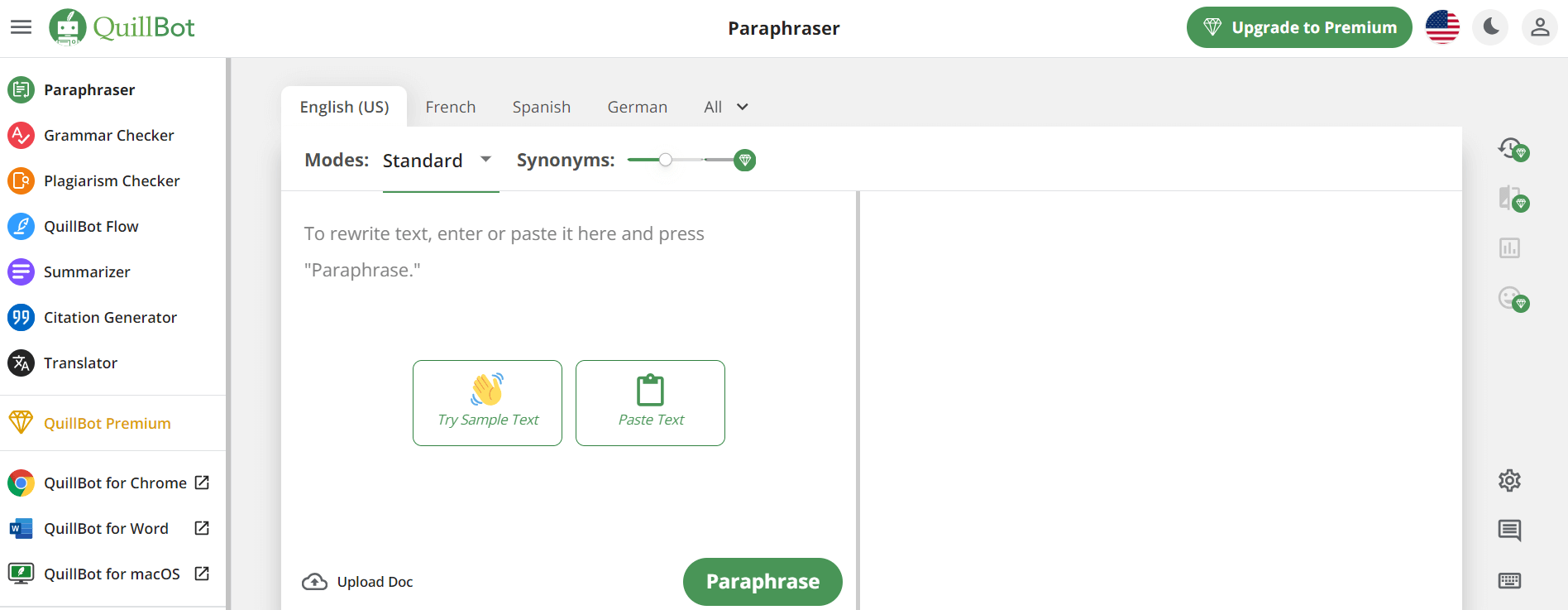
QuillBot is an AI-powered writing assistant that helps users paraphrase, check grammar, summarize content, and generate ideas in one platform. It combines tools like paraphraser, AI chat, plagiarism checker, and translator to improve writing clarity, accuracy, and productivity across academic, professional, and everyday tasks.
 4.9
4.9Google Cloud Vision API
AI-Detection
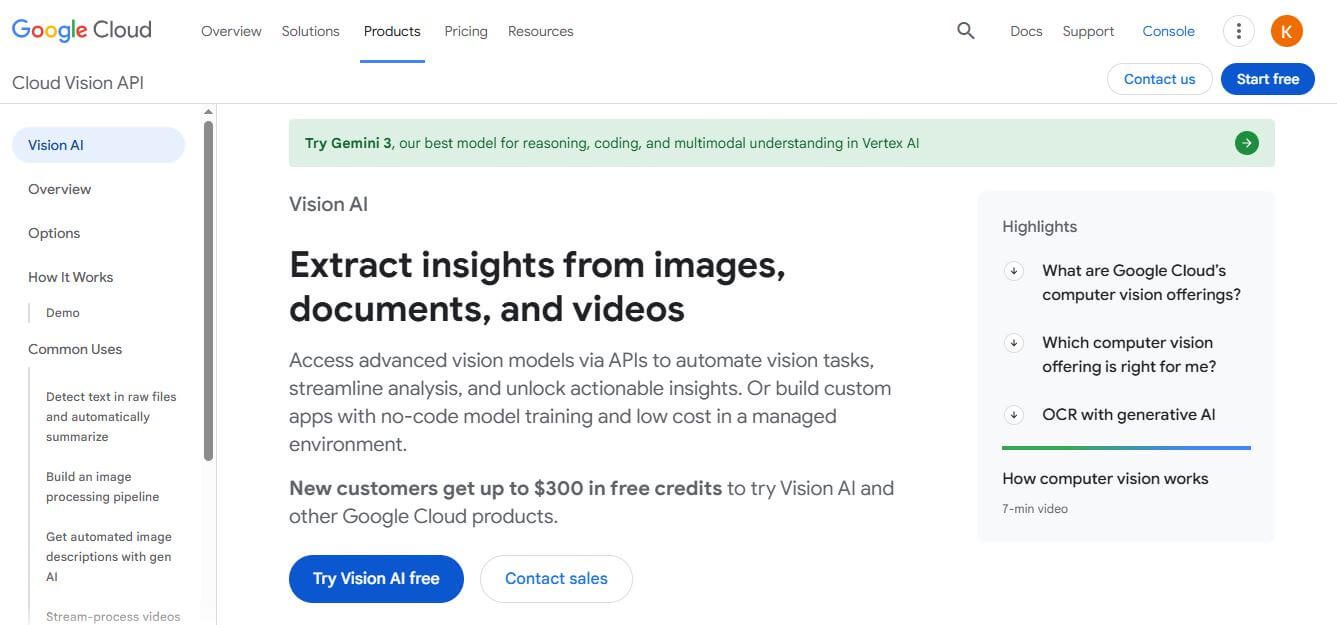
Google Cloud Vision API is a developer-focused computer vision service that offers pre-trained machine learning models for optical character recognition (OCR), image labeling, face detection, explicit content moderation (SafeSearch), and custom AutoML Vision training.
 4.7
4.7GPTKit
AI-Detection
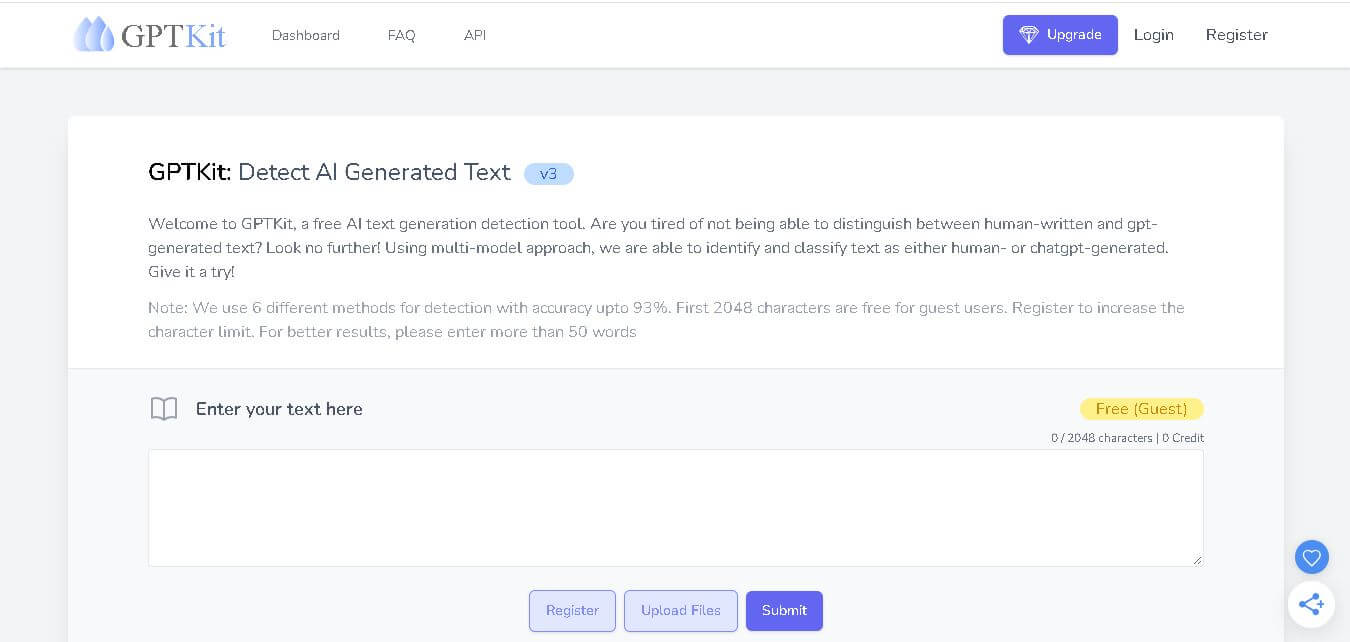
GPTKit is an AI text detection tool that analyzes writing to identify whether it may have been generated by ChatGPT or another AI system. It uses six detection methods, supports file uploads, offers free access for the first 2,048 characters per request, and currently supports English content.
 4.3
4.3GPTinf
AI-Detection
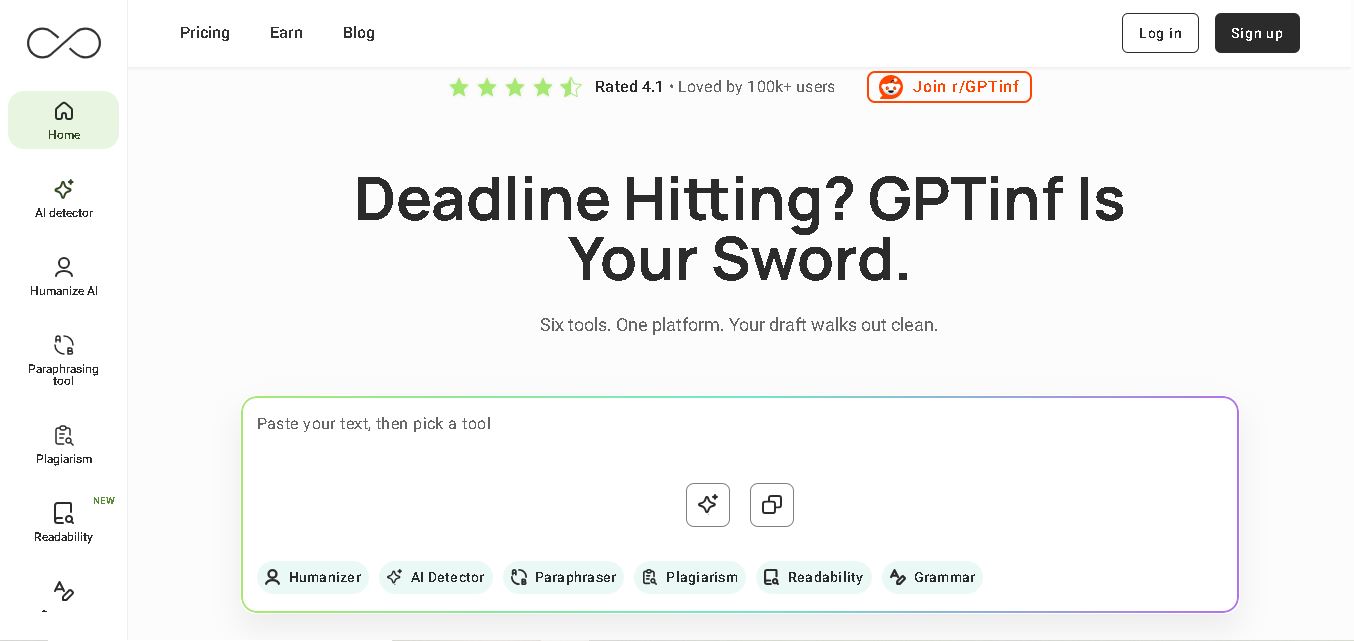
GPTinf is an all-in-one writing toolkit for checking, rewriting, paraphrasing, and improving content. You can detect AI patterns, check plagiarism, fix grammar, analyze readability, and humanize drafts using multiple writing modes. It supports students, bloggers, marketers, freelancers, educators, and professionals who want more polished, natural-sounding content.
RoFT
AI-Detection
RoFT (Real or Fake Text) is an interactive, gamified research project and web application that challenges users to test their ability to distinguish between human-written text and machine-generated content. Featuring diverse content categories like short stories, news articles, recipes, and speeches, the platform focuses on 'Boundary Detection' to help users identify the exact moment an artificial intelligence takes over writing.
 4.8
4.8TinEye
AI-Detection
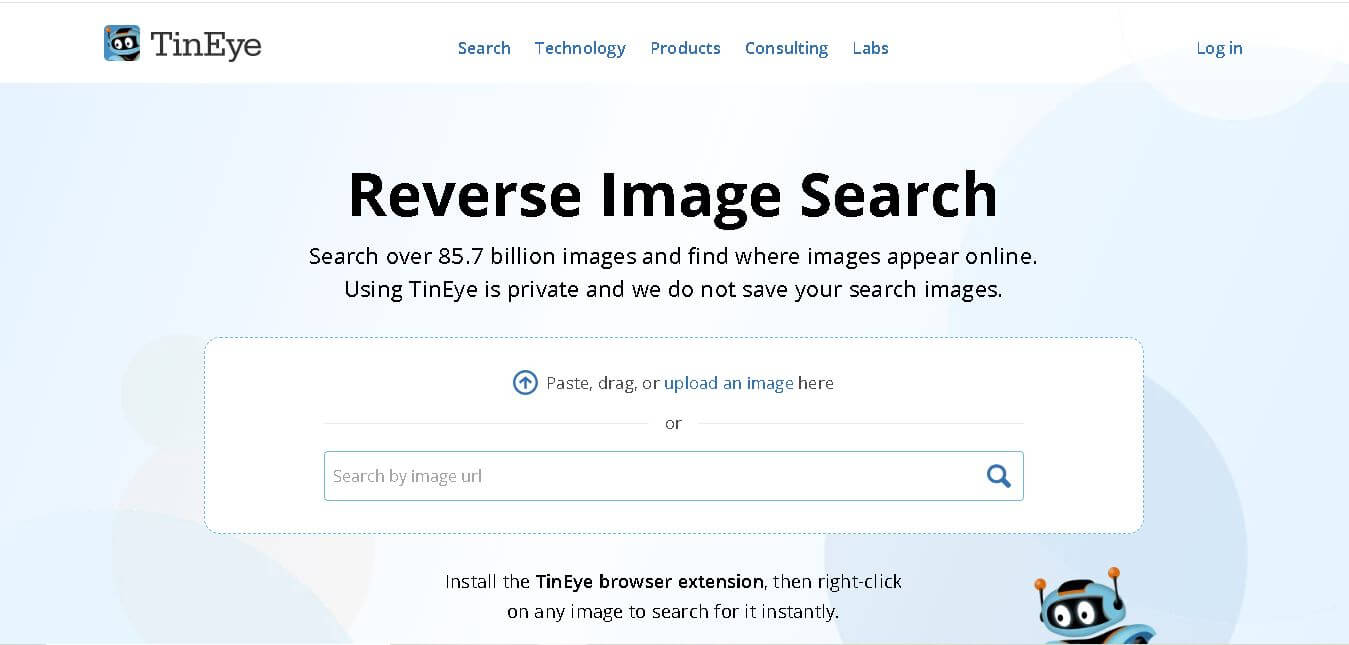
TinEye (tineye.com) is a pioneer reverse image search and computer vision platform that allows users and enterprises to track image usage, verify photo authenticity, identify copyright, and detect visual modifications across an index of tens of billions of web images.
 4.6
4.6Undetectable AI
AI-Detection
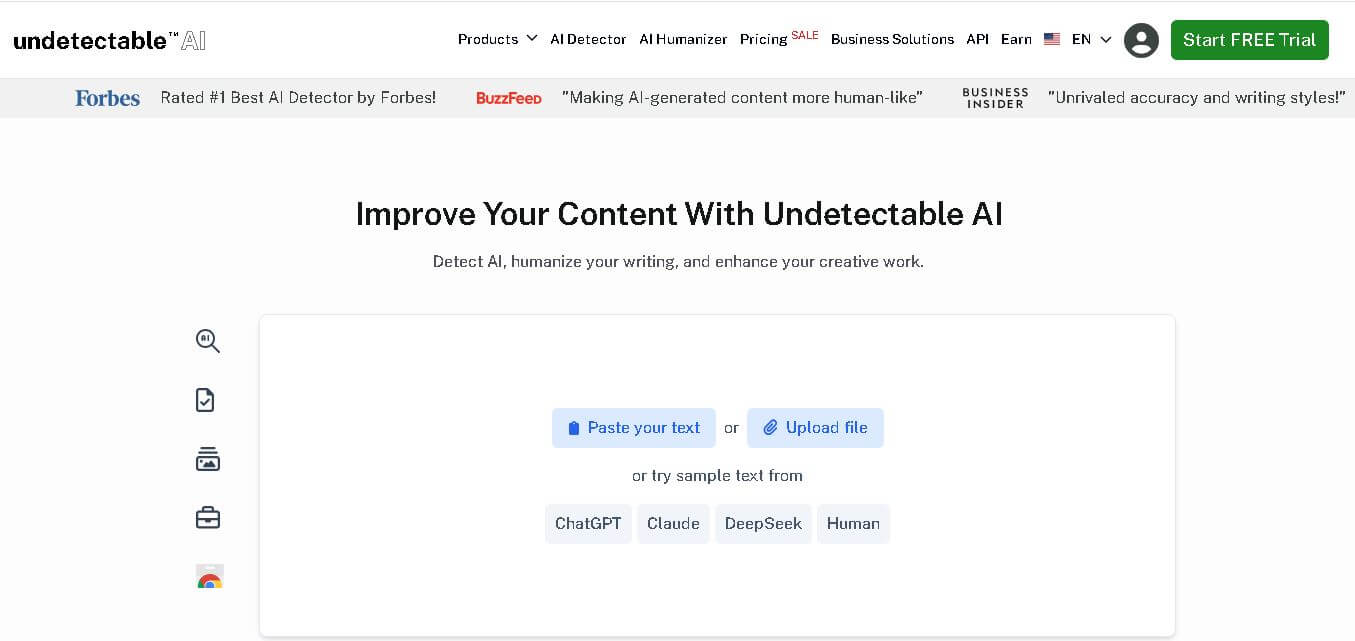
Undetectable AI helps users detect AI-generated text, humanize writing, and improve content quality. Its toolkit includes AI detection, paraphrasing, plagiarism checking, SEO writing, image detection, and browser tools. It serves students, writers, marketers, professionals, researchers, and businesses looking to review and refine AI-assisted content efficiently. Its focus is readable content improvement.
EasySpecs
AI-Detection
EasySpecs is a spec review and living documentation platform that automatically documents legacy or active codebases and converts them into verified specifications paired with executable Oracles and evaluation Rubrics before AI coding agents generate code.
 4.6
4.6FaceFinder
AI-Detection
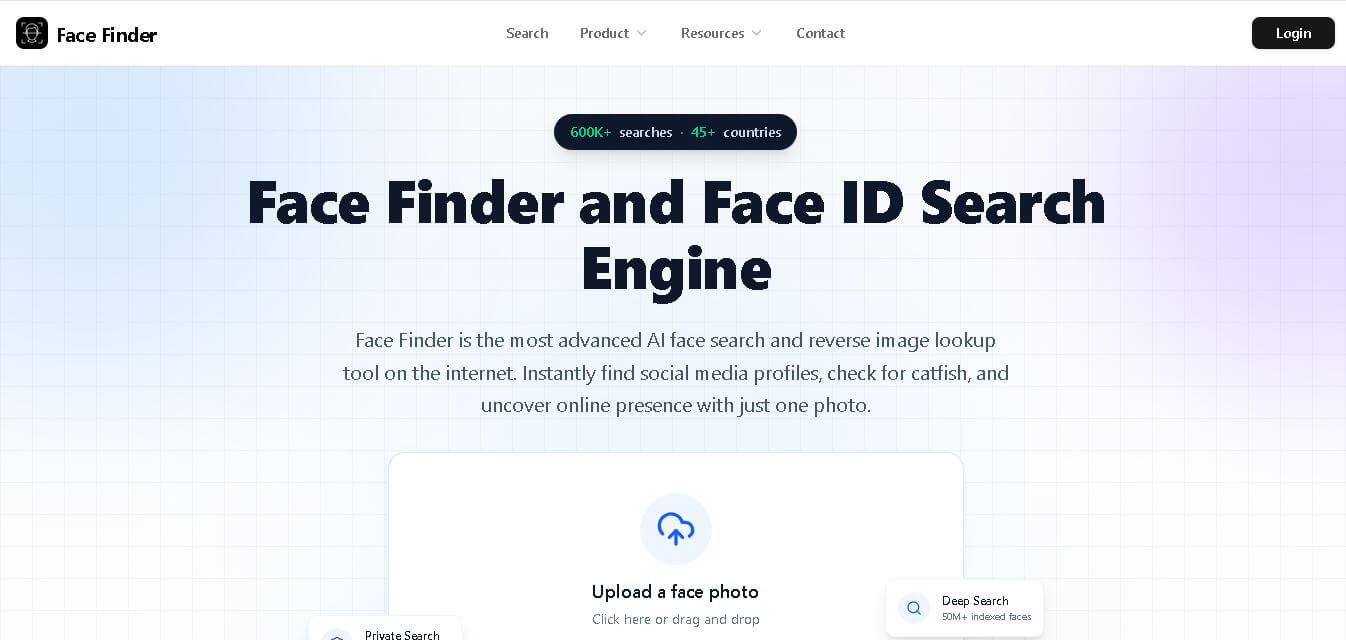
Face Finder helps you search for a person online using a face photo. It can identify potential matches across social networks, websites, dating platforms, news pages, and other publicly indexed sources. With support for JPG, PNG, and WEBP images, it provides similarity scores and source links to help you investigate online appearances.