
ThumbnailCreator
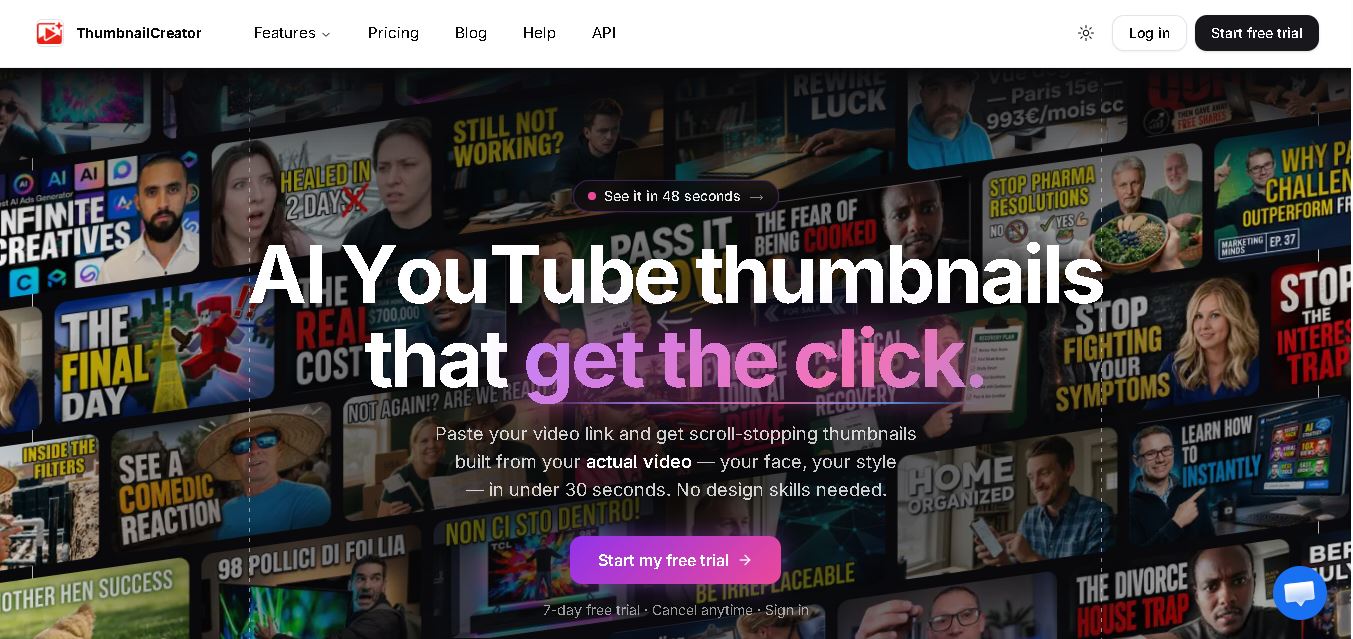
ThumbnailCreator is an AI-powered YouTube thumbnail maker that helps creators design attractive video thumbnails quickly. It offers text-to-image generation, face swapping, style cloning, background editing, and thumbnail optimization. With multiple design variations and YouTube integration, the tool helps simplify content production and maintain consistent visual branding across different videos and channels.
What is ThumbnailCreator?
ThumbnailCreator is a thumbnail design tool that helps YouTube creators generate, customize, and optimize video thumbnails using artificial intelligence. Users can describe a video idea, paste a YouTube URL, or work with an existing image to create engaging visual designs. Its features include face swapping, style cloning, AI editing, thumbnail analysis, and variation generation, making it useful for creators who want to improve their visual branding and simplify their publishing workflow.
ThumbnailCreator is designed to simplify YouTube thumbnail production through AI generation, editing, and optimization. Its official website reports more than 40,000 creators, over 10 million thumbnails generated, and a 4.9/5 creator rating on its pricing page. The platform offers a 7-day free trial with 10 credits, although payment details should be checked before registration. Its four main subscription tiers are Lite, Starter, Creator, and Teams. Features include face swapping, style cloning, thumbnail analysis, A/B testing variations, and YouTube integration.
- Core Focus: AI YouTube Thumbnail Design, Automated Background Removal, High-CTR Typography & Visual Optimization
- Platform Type: Web-Based SaaS AI Design & Video Marketing Studio
Use Cases:
- Designing high-converting YouTube video thumbnails in minutes using pre-tested viral layout templates
- Using AI background removal and facial expression enhancement to make subject cutouts pop against dark or vivid backdrops
- Testing thumbnail visual hierarchy and readability at small mobile screen resolutions before uploading to YouTube
- Producing bulk thumbnail variations for A/B testing channel branding and video click-through rates
Technology:
- AI image background removal and edge-detection segmentation models for instant creator cutouts
- Generative AI image synthesis engine creating custom background scenes from text prompts
- Smart mobile preview scaling engine simulating exact YouTube homepage display proportions across desktop and mobile screens
Target Users:
- YouTube Creators, Video Editors, and Live Streamers
- Digital Marketing Agencies, Social Media Managers, and Brand Content Teams
- E-Commerce Video Marketers and Online Course Instructors
- Content creators using writing tools to draft video titles, thumbnail copywriting hooks, and software review guides
Corporate Entity: ThumbnailCreator (Global SaaS Platform)

Key features of ThumbnailCreator
ThumbnailCreator's key features are
- AI Background Remover: Instantly isolate subjects and faces with precise hair and edge detection in a single click.
- High-CTR Template Library: Choose from hundreds of pre-designed, viral-optimized thumbnail layouts tailored for diverse niches.
- Generative AI Backgrounds: Generate custom, eye-catching scene backdrops using text-to-image AI prompts.
- Smart Text & Typography Engine: Apply bold, legible fonts with automated drop shadows, strokes, and glowing highlights for maximum mobile visibility.
- Mobile Size & Clarity Simulator: Preview how your thumbnail will appear at miniature resolutions on smartphone screens.
- Cloud Project Storage: Save, duplicate, and modify thumbnail designs across multiple video series and brand channels.
ThumbnailCreator Pricing
ThumbnailCreator offers a free trial alongside flexible monthly and annual subscription plans (annual plans save up to 25%).
Trial & Paid Plans:
- Free Trial / Starter Tier: Test core templates, background removal tools, and basic thumbnail exports
- Creator Plan (~$15/mo billed annually or $19/mo): Unlimited thumbnail exports, full template library, AI background generator, and high-res downloads
- Pro / Agency Plan (~$39/mo billed annually or $49/mo): Team collaboration seats, priority rendering, custom brand kits, and bulk thumbnail generation
Disclaimer: Subscription pricing rates and export quotas are subject to change. Visit thumbnailcreator.com for current pricing plans.
Who is using ThumbnailCreator?
ThumbnailCreator is designed for creators, video editors, and marketers, including
- YouTube Creators & Vloggers: Designing high-CTR video thumbnails to boost channel views and click-through rates
- Professional Video Editors: Speeding up client thumbnail production workflows without opening Photoshop
- Social Media Agencies: Managing branded video packaging for multiple corporate YouTube channels
- Content Creators: Using writing tools to draft thumbnail text hooks, video titles, and software reviews
Best ThumbnailCreator Alternatives
Some of the top ThumbnailCreator alternatives include
- Canva
- Adobe Express
- Snappa
- Fotor
- PicMonkey
- Photoroom
Pros and Cons of ThumbnailCreator
Pros
- Purpose-built specifically for YouTube thumbnails and high-CTR video packaging
- r
- Lightning-fast AI background removal and facial cutout tools
- r
- Affordable pricing model ($15–$39/mo) compared to complex professional editing suites
- r
- Pre-tested viral template library saves hours of manual graphic design work
Cons
- Less suited for general graphic design projects outside of video thumbnails and social banners
- r
- Advanced team collaboration features require upgrading to the Pro plan
- Relies on internet connectivity as a cloud-based web application
Why Choose ThumbnailCreator?
ThumbnailCreator is the top choice for YouTubers, video editors, and marketers seeking a dedicated, AI-powered design platform that streamlines YouTube thumbnail creation and maximizes video click-through rates.
- Features a vast library of pre-tested, high-CTR YouTube thumbnail templates
- Includes mobile readability preview simulators and bold typography styling
- Offers affordable monthly pricing with unlimited high-resolution exports
ThumbnailCreator vs. Competitors
The main difference between ThumbnailCreator, Canva, and Adobe Express is that ThumbnailCreator is hyper-focused exclusively on YouTube thumbnail optimization, AI facial cutouts, and high-CTR visual templates, whereas Canva and Adobe Express serve as general-purpose graphic design suites for all marketing assets. ThumbnailCreator stands out for its video-first design workflow.
| Feature / Tool | ThumbnailCreator (thumbnailcreator.com) | Canva | Adobe Express | Snappa |
|---|---|---|---|---|
| Core Focus | AI YouTube Thumbnails & High-CTR Packaging | General Graphic Design & Marketing Suite | Brand Design & Social Content Creation | Quick Social Media Graphic Design |
| YouTube Thumbnail Optimization | Yes (Specialized Video Templates & Mobile Simulators) | Template Search | Template Search | Standard Templates |
| AI Background & Face Cutouts | Yes (One-Click AI Subject Isolation) | Pro Feature | Yes | Basic Tools |
| Target Audience | YouTubers, Video Editors & Content Creators | Creators, Marketers & Businesses | Marketers, Creators & Enterprises | Small Businesses & Marketers |
| Starting Price | Free Trial / ~$15/mo (Creator) | Free Forever / ~$15/mo | Free Tier / ~$10/mo | Free Tier / ~$10/mo |
| Best For | Creators wanting fast, AI-powered YouTube thumbnails optimized for maximum click-through rate | Users needing a comprehensive all-in-one graphic design suite for all visual media | Professionals wanting branded social graphics backed by Adobe design assets | Marketers wanting quick, simple social media graphics without steep learning curves |
How do we rate ThumbnailCreator?
| Parameter | Rating (out of 5) |
|---|---|
| YouTube Thumbnail Templates & Design | 4.9 |
| AI Background Removal & Generation | 4.8 |
| Mobile Clarity & CTR Preview Simulators | 4.8 |
| Ease of Use & Workflow Speed | 4.9 |
| Value for Money | 4.8 |
| Overall Score | 4.84 |
ThumbnailCreator Review
ThumbnailCreator is an exceptional, highly efficient AI design platform tailored specifically for YouTube creators and video editors seeking to maximize video click-through rates. By combining instant AI background removal, generative scene backgrounds, high-impact typography templates, and mobile readability preview simulators into a streamlined web studio, ThumbnailCreator eliminates the need for complex desktop software. For YouTubers and content marketers aiming to boost video views and streamline thumbnail production in 2026, ThumbnailCreator is a fantastic tool.
Conclusion
ThumbnailCreator is a practical option for YouTubers, content creators, and digital marketing teams looking to simplify thumbnail design. Its AI generation, editing, face-swapping, and optimization features can reduce manual work and support consistent branding. The free trial provides an opportunity to explore its capabilities before choosing a subscription. However, effective thumbnails still require creativity, accuracy, and audience understanding. For the best results, combine ThumbnailCreator's suggestions with YouTube Analytics and regular performance testing.
FAQ
How does ThumbnailCreator help YouTube creators?
ThumbnailCreator helps you create professional-looking YouTube thumbnails without spending hours designing them manually. You can describe your video idea, provide a YouTube link, and generate several thumbnail options. Its editing tools let you adjust text, colors, backgrounds, and faces. This can streamline your workflow, although actual views depend on content quality and audience interest.
Is ThumbnailCreator free to use?
ThumbnailCreator offers a 7-day free trial with 10 credits, allowing you to explore its thumbnail-generation features before committing to a subscription. According to its pricing page, your payment card is saved during registration, and billing begins on day eight unless you cancel beforehand. Review the current terms carefully before starting your trial.
Can ThumbnailCreator generate thumbnails from a YouTube URL?
Yes, you can paste a YouTube video URL into ThumbnailCreator to help the AI understand your video's subject and generate relevant thumbnail concepts. Its YouTube integration can analyze available video information, including the title, description, and transcript. This approach can help you create visuals that match your video's topic more closely.
Does ThumbnailCreator support face swapping?
Yes, ThumbnailCreator includes face-swapping features that help you incorporate a person's face into a thumbnail design. Higher-tier plans offer advanced face training and additional person-swapping capabilities. This is useful if you want consistent personal branding across your videos. Always use images responsibly and obtain appropriate permission when using someone else's likeness.
Can you edit existing thumbnails with ThumbnailCreator?
Yes, you can upload an existing thumbnail or extract one from a YouTube video and refine it using the built-in editor. AI editing supports changes such as replacing backgrounds, adjusting colors, inserting objects, and modifying selected areas. Layer editing also lets you reposition individual elements, helping you improve a design without rebuilding everything from scratch.
Does ThumbnailCreator help improve YouTube click-through rates?
ThumbnailCreator offers analysis and optimization tools designed to improve thumbnail readability, contrast, composition, and visual appeal. These features can help you create designs that attract attention in YouTube feeds. However, no tool can guarantee higher click-through rates or more views. Test different thumbnail concepts and evaluate actual YouTube Analytics data to measure performance.
User Reviews
No reviews yet for ThumbnailCreator.
Featured Tools
Featured AI tools from TechShark
Melody Genie
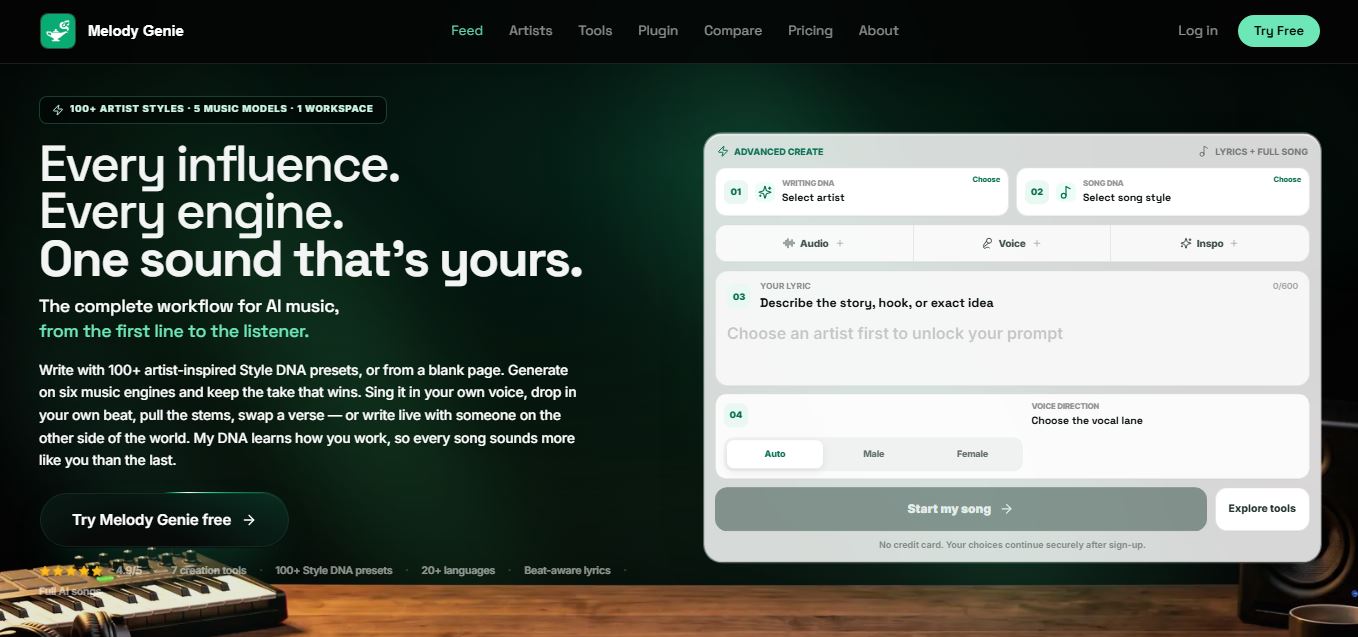
MelodyGenie is an AI-powered music generator that creates original songs from simple text prompts. Users can choose styles, moods, and genres, then instantly generate melodies and full tracks, making it easy for creators, marketers, and hobbyists to produce custom music without musical expertise.
Freemium
Kimi AI
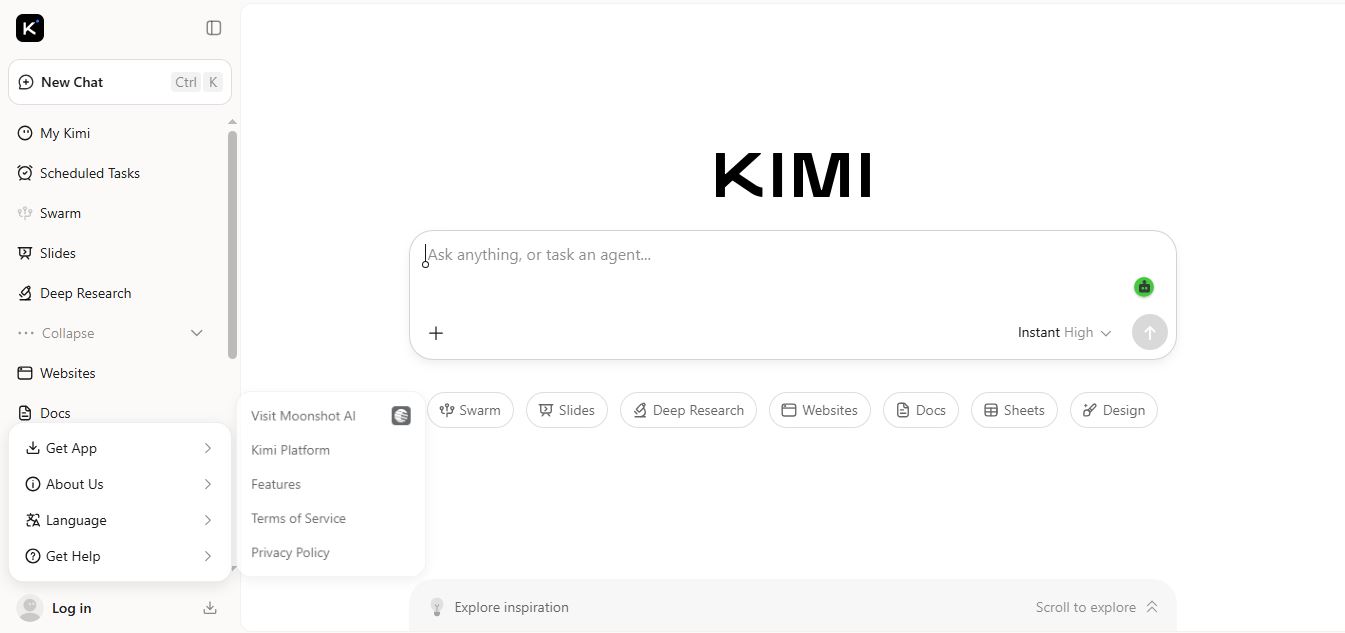
Kimi AI is an advanced AI assistant developed by Moonshot AI that helps you chat, research, write, code, and automate tasks in one place. It supports web search, file analysis, and multimodal inputs, and can even run autonomous “agent” workflows to complete complex tasks end-to-end.
Freemium

Fashion Diffusion AI
Fashion Diffusion is an AI-powered fashion design platform that helps brands and designers create clothing designs, virtual try-ons, AI models, product photos, and marketing visuals faster and cost-effectively.
Paid
Veo 4
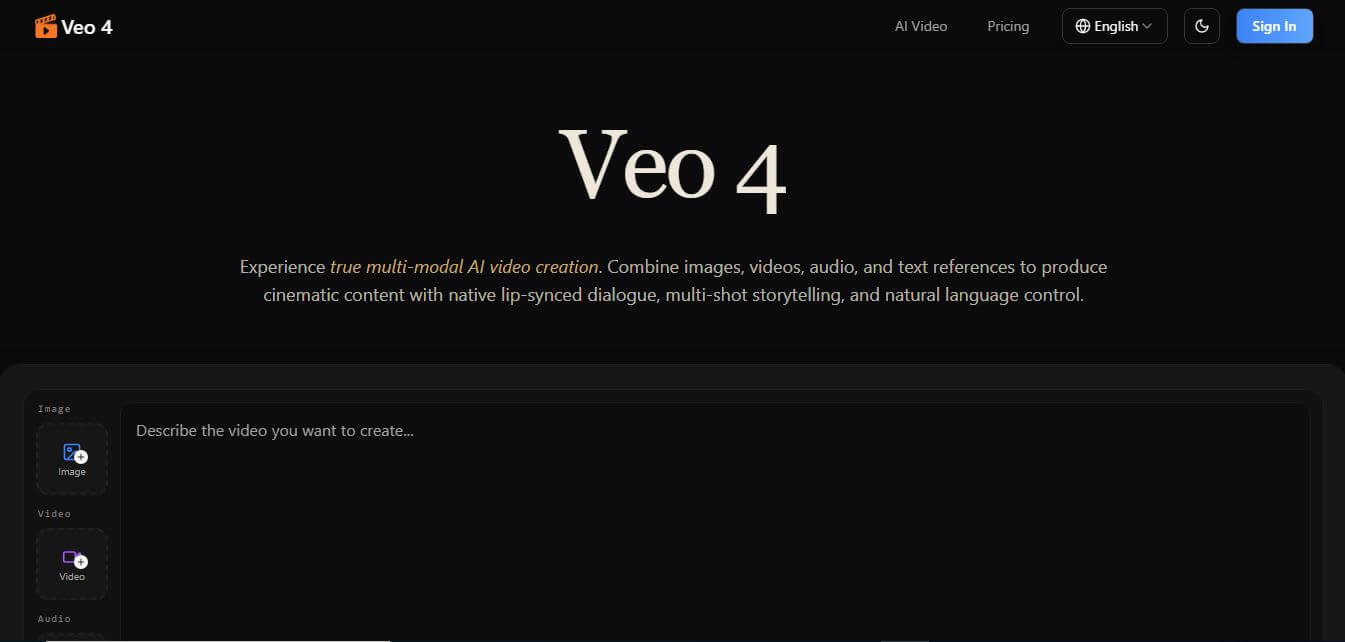
Veo 4 AI is an AI video creation platform that generates dramatic videos from text, images, audio, and video prompts using realistic motion and synchronized sound.
Paid
Alternatives
Alternatives to ThumbnailCreator
The best ThumbnailCreator alternatives include Canva, Adobe Express, Snappa, Fotor, PicMonkey, and Photoroom. These platforms offer graphic design and image editing solutions. While ThumbnailCreator uniquely specializes in YouTube thumbnail optimization, AI facial cutouts, and high-CTR viral templates, alternatives like Canva provide general-purpose design suites.
 4.7
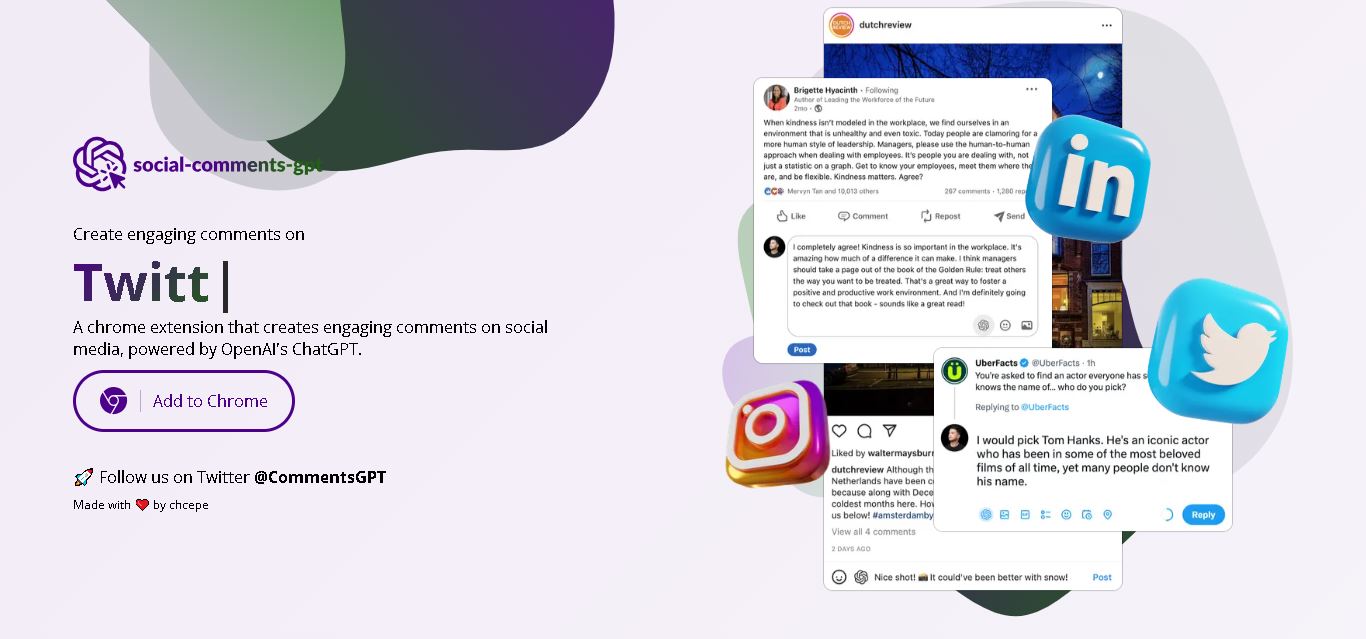
Social Comments GPT
Social Media
Social Comments GPT helps users draft engaging social media comments with ChatGPT through a Chrome extension. It is useful for professionals, influencers, creators, and marketers who want to respond to posts more efficiently. By generating comment suggestions within supported social networks, it simplifies everyday engagement while leaving users in control of their final replies.
 4.7
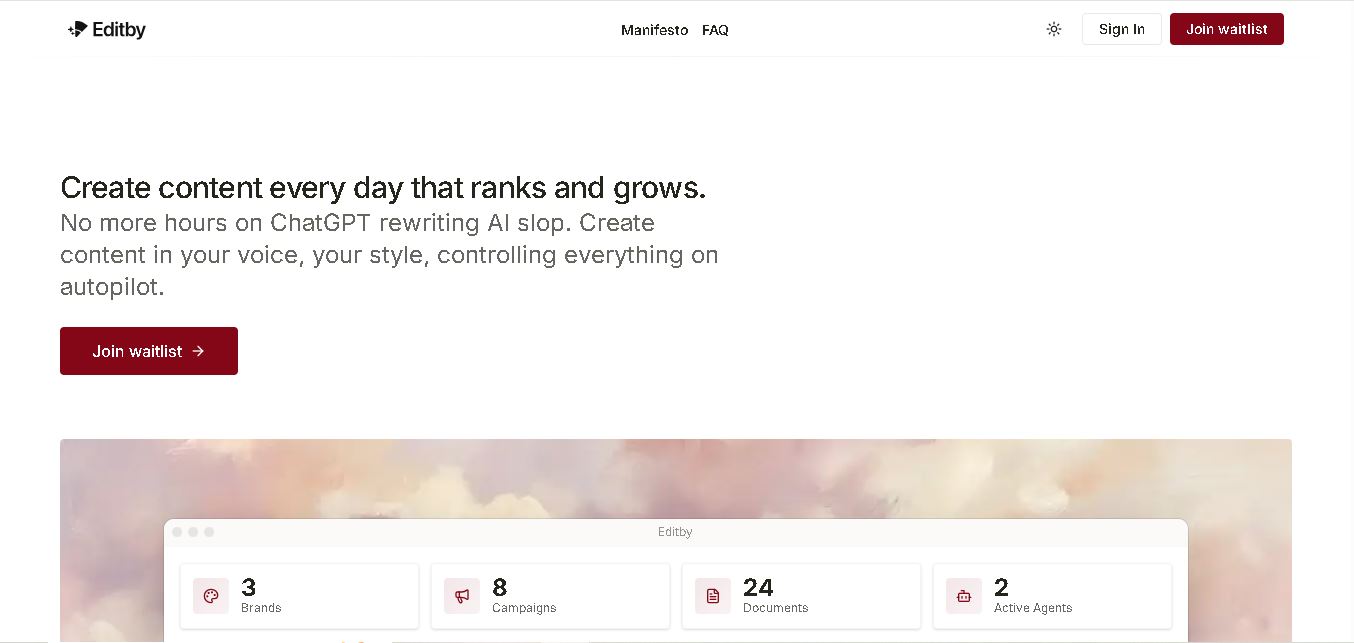
Editby
Social Media
Editby helps marketers, businesses, and creators produce brand-consistent content using AI-assisted writing, research, and automation. It supports blogs, social media posts, newsletters, and press releases while offering customizable brand voices, scheduled content generation, and team collaboration. Its organized campaign workflows help users streamline content planning and maintain a consistent publishing strategy.
 4.8
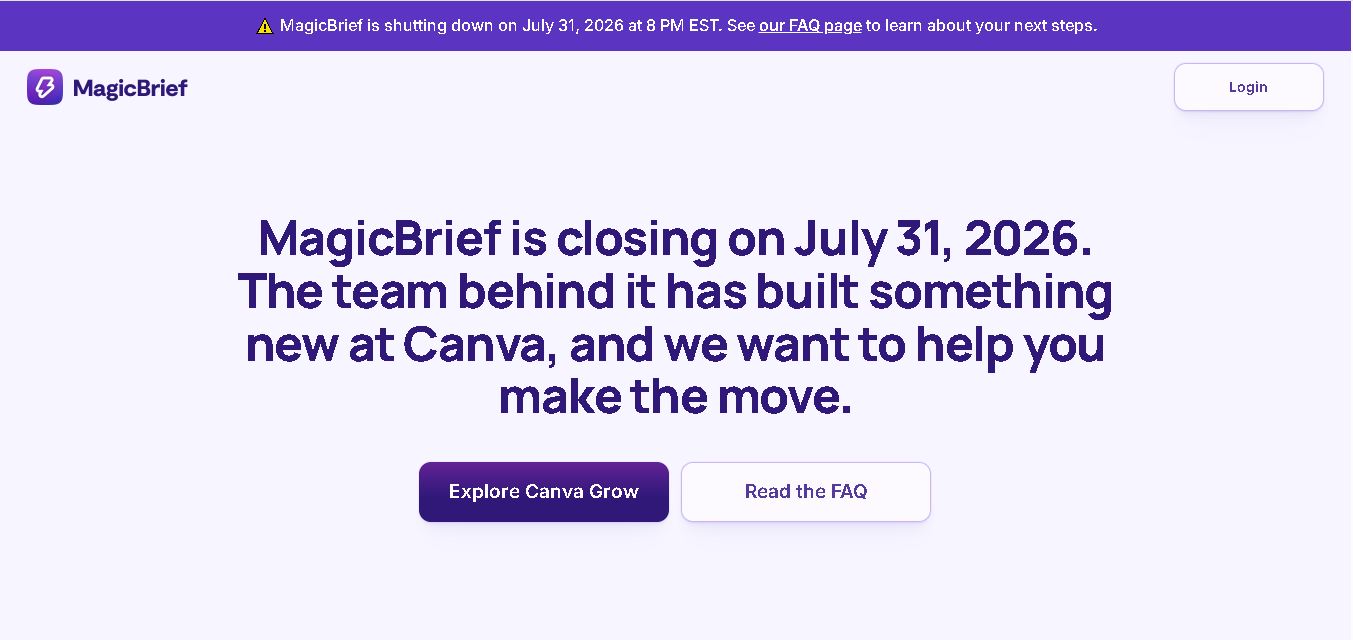
MagicBrief
Social Media
MagicBrief was an advertising creative research and collaboration tool that helped marketers discover inspiring ads, analyze competitors, build storyboards, and organize campaign briefs. It offered AI-assisted video analysis, creative performance insights, and team collaboration. Following its announced shutdown in July 2026, users seeking similar workflows can explore Canva Grow, its successor direction.
 4.7
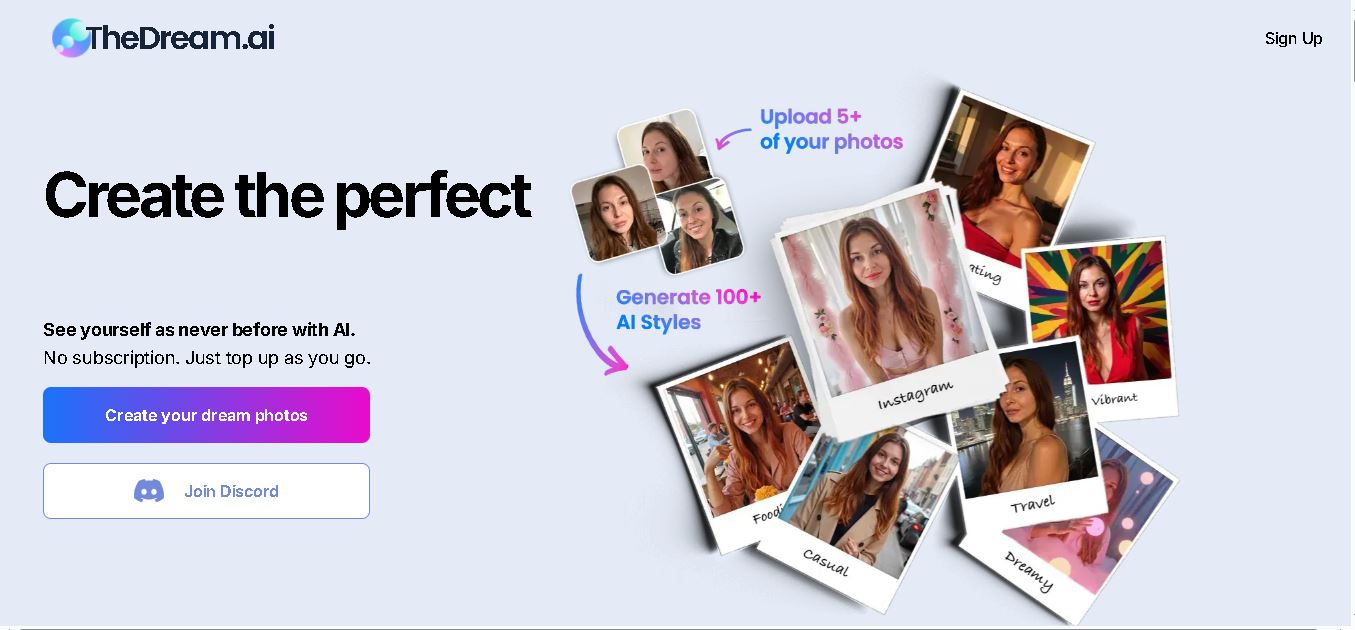
The Dream AI
Social Media
TheDream.ai helps users create personalized AI portraits, profile pictures, and photoshoot-style images from their own photographs. It offers more than 200 styles covering professional, fashion, dating, fitness, and travel themes. Its pay-as-you-go model requires no subscription, making it an option for individuals seeking distinctive digital portraits and creative profile images.
 4.7
TweetEmote
Social Media
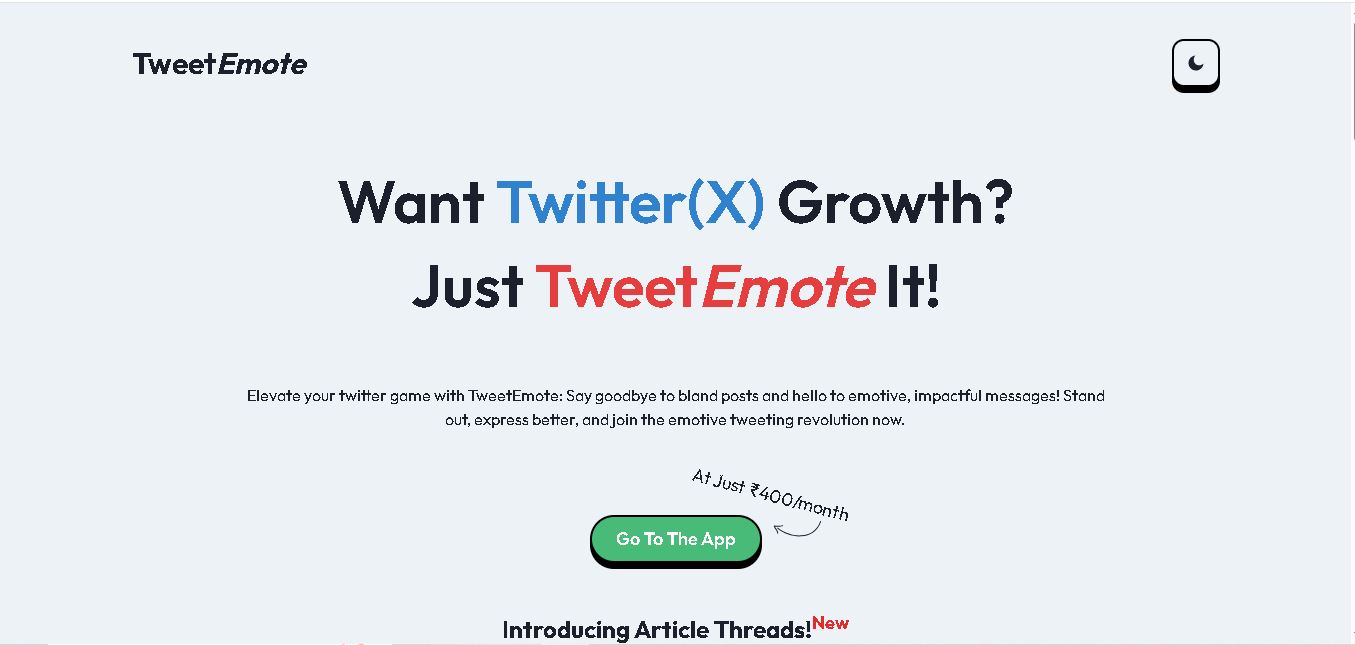
TweetEmote helps users generate engaging tweets, replies, and article threads using customizable emotions and writing styles. It is designed for influencers, marketers, content creators, and professionals who want to communicate more expressively on X. Its AI writing features simplify content creation, save time, and help users develop varied social media messages.
 4.8
Devi AI
Social Media
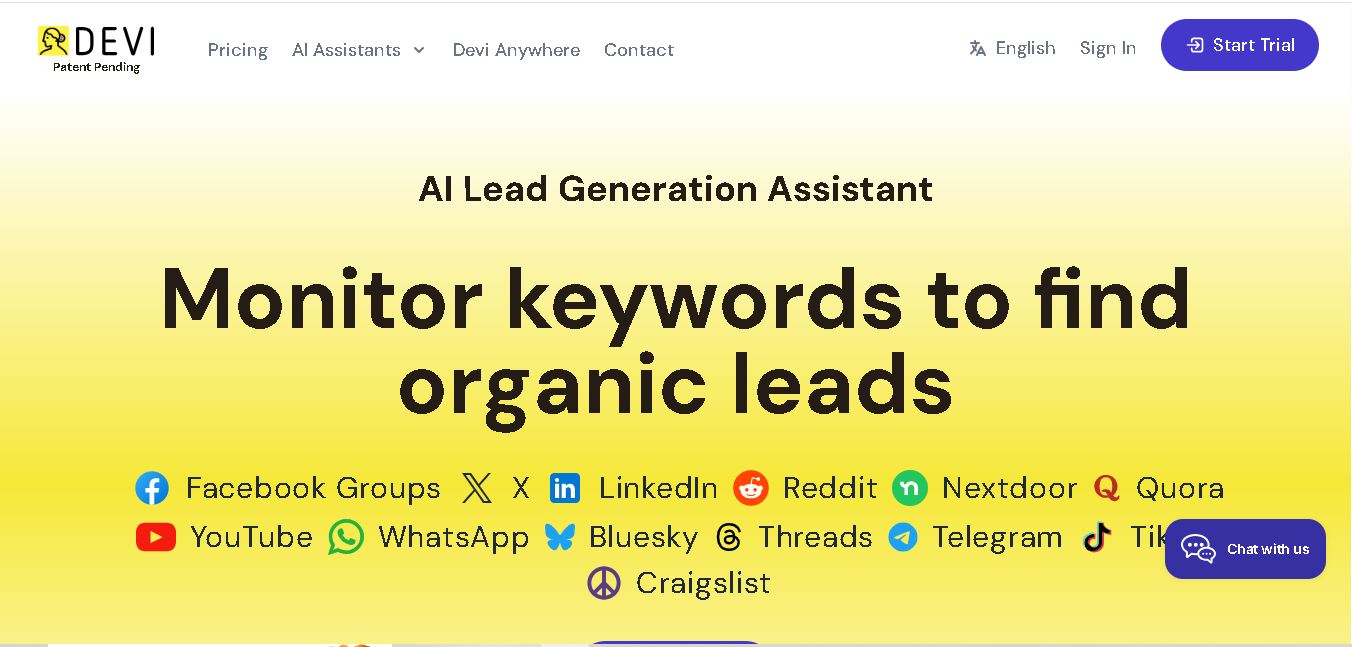
Devi AI helps businesses find potential customers through social media monitoring, keyword tracking, and AI-based buying-intent detection. It generates personalized replies, flags complaints, and supports content creation and scheduling. Designed for marketers, sales professionals, entrepreneurs, and agencies, Devi simplifies lead discovery, outreach, and social media management from a centralized workflow.
 4.7
Social Studio AI
Social Media
Social Studio AI helps creators, businesses, and marketers generate Instagram content, design posts, write captions, and discover relevant hashtags. Its built-in editor supports brand customization, while scheduling features help users organize publishing in advance. The tool simplifies content planning and reduces repetitive work for individuals and agencies managing Instagram marketing activities.
 4.7
Rizz AI
Social Media
Rizz AI is a text-writing assistant that helps users generate messages, improve replies, and communicate more naturally online. Its keyboard-focused approach makes AI writing assistance convenient during everyday conversations. Whether you are drafting a message or looking for a creative response, Rizz AI aims to make digital communication faster and more expressive.
 4.7
Creasquare
Social Media
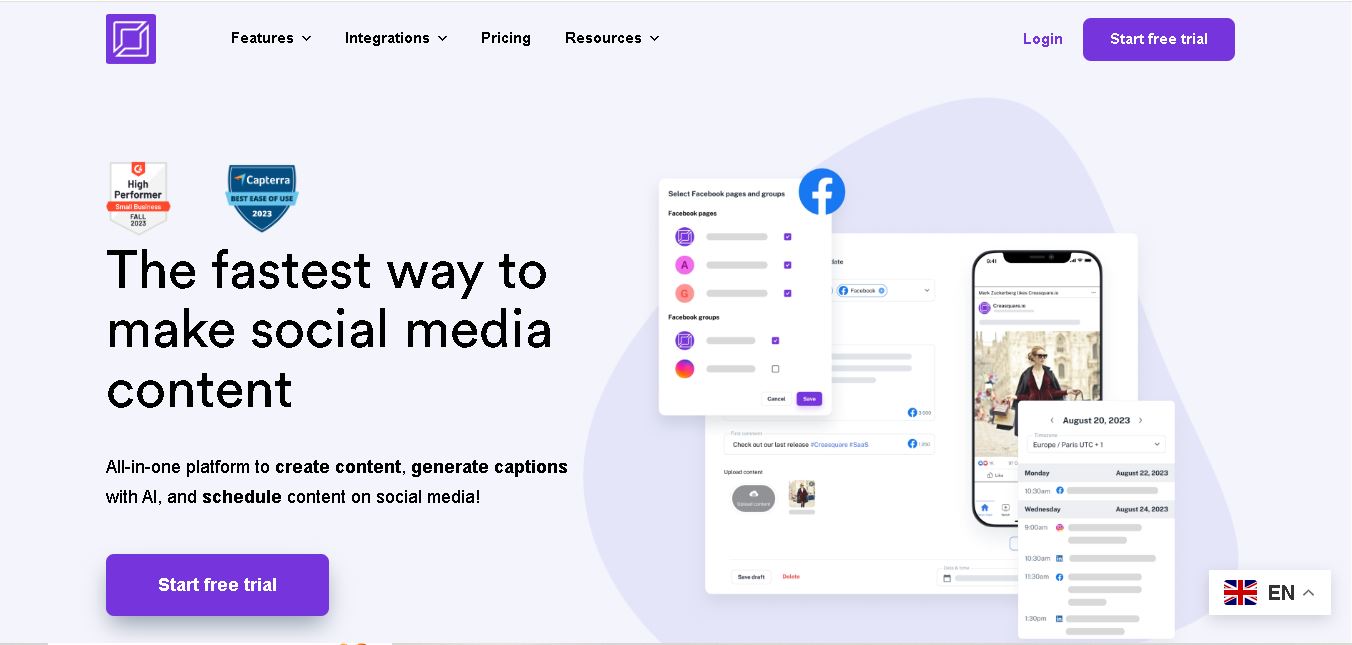
Creasquare helps creators, marketers, and businesses simplify social media management with AI-generated captions, graphic design tools, video creation, and post scheduling. Its Creative Studio, customizable templates, brand kits, and content calendar support organized publishing across multiple social networks. It is useful for maintaining brand consistency and streamlining everyday content workflows.