
Thumbmachine
Thumbmachine is useful for YouTubers, video editors, content creators, digital marketers, and small businesses that need engaging visual assets. Beginners can use it to simplify thumbnail design, while experienced creators can explore alternative compositions more quickly. It is particularly relevant for people who publish frequently and want a repeatable, customizable thumbnail creation workflow.
What is Thumbmachine?
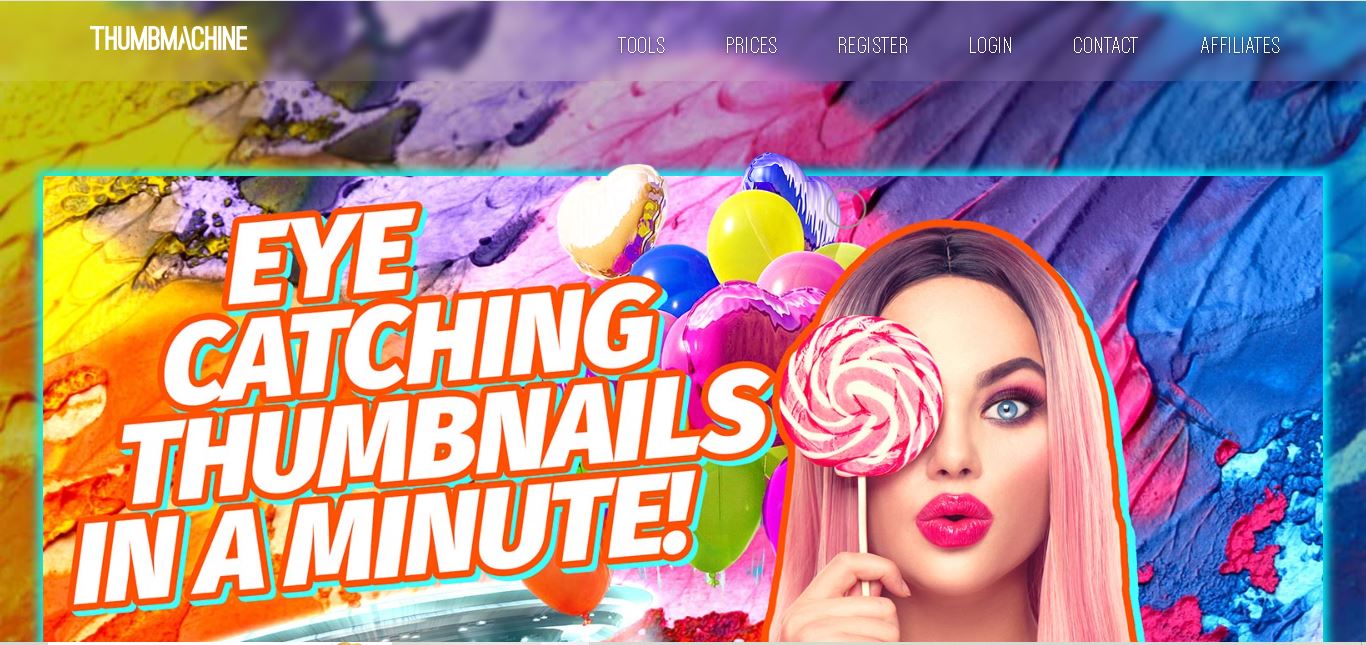
Thumbmachine is an online design tool that helps content creators produce eye-catching YouTube thumbnails and other visual assets using artificial intelligence. It allows users to generate images, select backgrounds, customize colors, add titles, and explore multiple design variations. The tool also includes background removal, image upscaling, and access to a library of more than 3 million photos, making thumbnail creation easier for creators and marketers.
Thumbmachine helps YouTubers, digital marketers, and content creators design engaging thumbnails without extensive graphic design experience. It combines AI image generation, customizable backgrounds, text placement, color adjustments, and image enhancement tools. Users can create different visual variations, maintain consistent branding, and develop attractive thumbnails for their video content and promotional campaigns.
- Platform Focus: AI YouTube thumbnail creation, background removal, image upscaling, and high-CTR visual design
- Launch Year: AI Video Packaging & Design Platform
Use Cases:
- Generating scroll-stopping YouTube thumbnails from custom text titles and subject photos
- Isolating faces and objects automatically using AI background removal to create professional cutout overlays
- Upscaling and enhancing low-resolution hero photos to high-definition 1280x720 output standards
- Creating branded thumbnail series and variations for video A/B testing and split-run campaigns
Technology:
- Customized Stability text-to-image generative AI model tailored for thumbnail composition and visual hooks
- Automated browser-based background removal engine and AI resolution upscaler
- Integrated repository with access to over 3 million stock photos and vector graphic elements
Target Users:
- YouTube creators and vloggers looking to improve video CTR without hiring expensive freelance graphic designers
- Social media managers and marketing agencies producing high volumes of video content weekly
- Online educators and course creators designing clean, consistent visual thumbnails across video series
Corporate Entity: Operates as Thumbmachine / thumbmachine.com

Key features of Thumbmachine
Thumbmachine's key features are
- AI Hero & Background Generator: Create custom hero images and thematic backgrounds using tailored text-to-image generative AI models.
- Automated AI Background Remover: Instantly isolate human subjects, faces, or products from background clutter in one click.
- 3M+ Stock Photo Library: Browse and import millions of high-resolution royalty-free stock photos directly within the workspace.
- Style Preservation & Reusability: Save successful thumbnail designs to your personal gallery to replicate identical brand styles across future uploads.
- AI Image Upscaling: Enhance lower-quality photos into crisp, YouTube-ready high-definition graphics.
- Full Commercial Ownership: Grants complete commercial rights over final rendered thumbnail assets for monetization and distribution.
Thumbmachine Pricing
Thumbmachine operates on a flexible pay-as-you-go or credit-based pricing model, providing low-cost entry options without forcing recurring commitments.
Free Account / Trial:
- $0 / Free sign-up (No credit card required)
- Allows testing design variations, searching the image library, and exploring AI background removal features
Premium / Micro-Payment Packages:
- Starting from ~$1 per final HD thumbnail render (bulk credit packages available)
- Unlocks full HD image downloads, complete commercial licensing, AI upscaling, and background removal without watermarks
Who is using Thumbmachine?
Thumbmachine is designed for video creators, digital marketers, and media teams, including
- YouTubers & Streamers: Creating high-converting thumbnails quickly to publish videos faster
- Digital Marketing Agencies: Scaling video asset production for client channels while maintaining brand consistency
- E-Learning & Course Instructors: Designing clean, professional thumbnail covers for online video modules
- Content Operations Teams: Generating thumbnail variations for YouTube A/B testing and performance optimization
Best Thumbmachine Alternatives
Some of the strongest Thumbmachine alternatives include
- Canva
- Adobe Express
- Thumbmagic
- vidIQ (AI Thumbnail Generator)
- Pikzels
- Fotor
Pros and Cons of Thumbmachine
Pros
- Generates YouTube-optimized thumbnail compositions drastically faster than traditional manual image editors
- Affordable pay-per-render pricing starting at $1 per HD thumbnail avoids forced monthly subscriptions
- Integrated background remover and upscaler streamline hero image preparation in one browser tool
- Generous stock photo library offers quick access to millions of background elements
Cons
- Desktop or tablet browser recommended for optimal layout manipulation and editing UX
- Lacks full timeline-based video editing or native channel publishing integration
- Complex custom vector graphic manipulation is limited compared to professional suites like Photoshop
Why Choose Thumbmachine?
Thumbmachine is an ideal choice for creators and marketers who need high-impact, professional video thumbnails without the steep learning curve or recurring cost of traditional graphic design software.
- Increases video click-through rates (CTR) with high-converting AI-assisted layouts
- Eliminates design bottlenecks by generating multiple thumbnail options in seconds
- Provides a low-risk pay-as-you-go pricing structure starting at $1 per final HD thumbnail
- Includes essential photo utilities like background removal and upscaling under one roof
Thumbmachine vs. Competitors
The main difference between Thumbmachine, Canva, Adobe Express, and Thumbmagic is that Thumbmachine focuses specifically on low-cost AI-assisted thumbnail generation with pay-per-render flexibility ($1 per HD download), whereas Canva and Adobe Express are broad generalist graphic design platforms requiring manual layout assembly, and Thumbmagic targets automated video script extraction. Thumbmachine stands out for its straightforward thumbnail focus and budget-friendly pay-as-you-go credit model.
| Feature / Tool | Thumbmachine (thumbmachine.com) | Canva | Adobe Express | Thumbmagic |
|---|---|---|---|---|
| Core Focus | AI YouTube Thumbnail Creation | All-in-One Graphic Design | Brand Content & Media Design | AI Thumbnail & CTR Generation |
| AI Background Removal | Yes (Built-in) | Yes (Pro Tier) | Yes | Yes |
| Generative AI Image Model | Yes (Tailored Stability AI) | Yes (Magic Media) | Yes (Adobe Firefly) | Yes |
| Pricing Structure | Pay-as-you-go (~$1/HD export) | Free tier / ~$15/month | Free tier / ~$10/month | Subscription Tiers |
| Best For | Quick, Low-Cost YouTube Thumbnails | Generalist Social & Print Assets | Cross-Platform Brand Marketing | Fast AI Thumbnail Variations |
How do we rate Thumbmachine?
| Parameter | Rating (out of 5) |
|---|---|
| Thumbnail Generation & CTR Efficiency | 4.7 |
| Background Removal & Upscaling Quality | 4.8 |
| Ease of Use & Dashboard Ergonomics | 4.6 |
| Stock Image Library & Asset Access | 4.7 |
| Value for Money | 4.9 |
| Overall Score | 4.74 |
Thumbmachine Review
Thumbmachine provides a streamlined, accessible solution for creators looking to simplify their video packaging workflow. By combining customized generative AI models with automated background isolation, image upscaling, and an extensive stock library, it drastically reduces the effort needed to produce click-worthy thumbnails. Its pay-as-you-go model makes high-quality thumbnail production affordable for solo YouTubers and growing digital channels alike.
Conclusion
Thumbmachine is a practical option for creators who want to simplify YouTube thumbnail design with AI-generated imagery and customizable visual elements. Its photo library, background removal, image upscaling, and design variations make it useful for different content creation needs. For SEO, AEO, and GEO-focused content strategies, creators can use it to develop clearer, more relevant video visuals. However, effective thumbnails still require audience understanding, accurate messaging, and testing to determine which designs perform best.
FAQ
What can you create with Thumbmachine?
With Thumbmachine, you can create YouTube thumbnails, AI-generated images, and promotional visuals for your content. You can choose a subject, select a background, customize colors, and add titles. If you publish videos regularly, these features can help you produce different thumbnail designs without starting every project from scratch.
How does Thumbmachine work?
Thumbmachine simplifies thumbnail creation through a straightforward design process. First, select or generate a main image, then choose a background, adjust the colors, and enter your title. The tool generates design variations that you can review and customize. This workflow helps creators experiment with different visual styles before choosing their final thumbnail.
Is Thumbmachine free to use?
Thumbmachine offers free signup without requiring a credit card, allowing you to get started before purchasing a package. However, access to thumbnail creation and AI-image generation is organized through paid, usage-based packages. Review the current pricing and included allowances on the official website before deciding which option fits your content creation needs.
Does Thumbmachine support AI image generation?
Yes, Thumbmachine includes AI image generation that turns text descriptions into visuals. Its website describes using a customized Stability text-to-image model for creating primary images. This feature can help you develop imaginative scenes, distinctive subjects, and creative backgrounds when suitable stock photography is unavailable or does not match your thumbnail concept.
Can beginners use Thumbmachine without design experience?
Yes, Thumbmachine is suitable for beginners who want to create attractive thumbnails without mastering professional design software. Its guided workflow lets you choose images, backgrounds, colors, and text before exploring generated variations. You can experiment with different compositions and styles, making it easier to develop a consistent visual identity for your channel.
Does Thumbmachine provide free stock photos?
Thumbmachine advertises access to a library containing more than 3 million free photos for use in visual designs. This collection gives creators a broad selection of imagery for thumbnail backgrounds and subjects. Before publishing a design commercially, review the applicable licensing terms to understand how particular images may be used.
User Reviews
No reviews yet for Thumbmachine.
Featured Tools
Featured AI tools from TechShark

Melody Genie
MelodyGenie is an AI-powered music generator that creates original songs from simple text prompts. Users can choose styles, moods, and genres, then instantly generate melodies and full tracks, making it easy for creators, marketers, and hobbyists to produce custom music without musical expertise.
Freemium

Kimi AI
Kimi AI is an advanced AI assistant developed by Moonshot AI that helps you chat, research, write, code, and automate tasks in one place. It supports web search, file analysis, and multimodal inputs, and can even run autonomous “agent” workflows to complete complex tasks end-to-end.
Freemium

Fashion Diffusion AI
Fashion Diffusion is an AI-powered fashion design platform that helps brands and designers create clothing designs, virtual try-ons, AI models, product photos, and marketing visuals faster and cost-effectively.
Paid

Veo 4
Veo 4 AI is an AI video creation platform that generates dramatic videos from text, images, audio, and video prompts using realistic motion and synchronized sound.
Paid
Alternatives
Alternatives to Thumbmachine
The best Thumbmachine alternatives include Canva, Adobe Express, Thumbmagic, vidIQ, Pikzels, and Fotor. These platforms offer thumbnail creation, image editing, and AI graphic design capabilities. While Thumbmachine specializes in dedicated AI thumbnail generation with $1 per-render pricing and integrated background removal, alternatives like Canva provide multi-purpose graphic design templates, and vidIQ combines thumbnail tools with YouTube SEO analytics.
 4.7
4.7ReplyPilot
Social Media
ReplyPilot helps users write personalized social media replies faster through AI-assisted response generation. Its Chrome extension supports contextual comments, writing-style personalization, and multilingual communication. Designed for creators, marketers, and busy professionals, ReplyPilot simplifies everyday engagement while allowing users to review and refine suggested responses before sharing them online.
 4.8
4.8Markopolo AI
Social Media
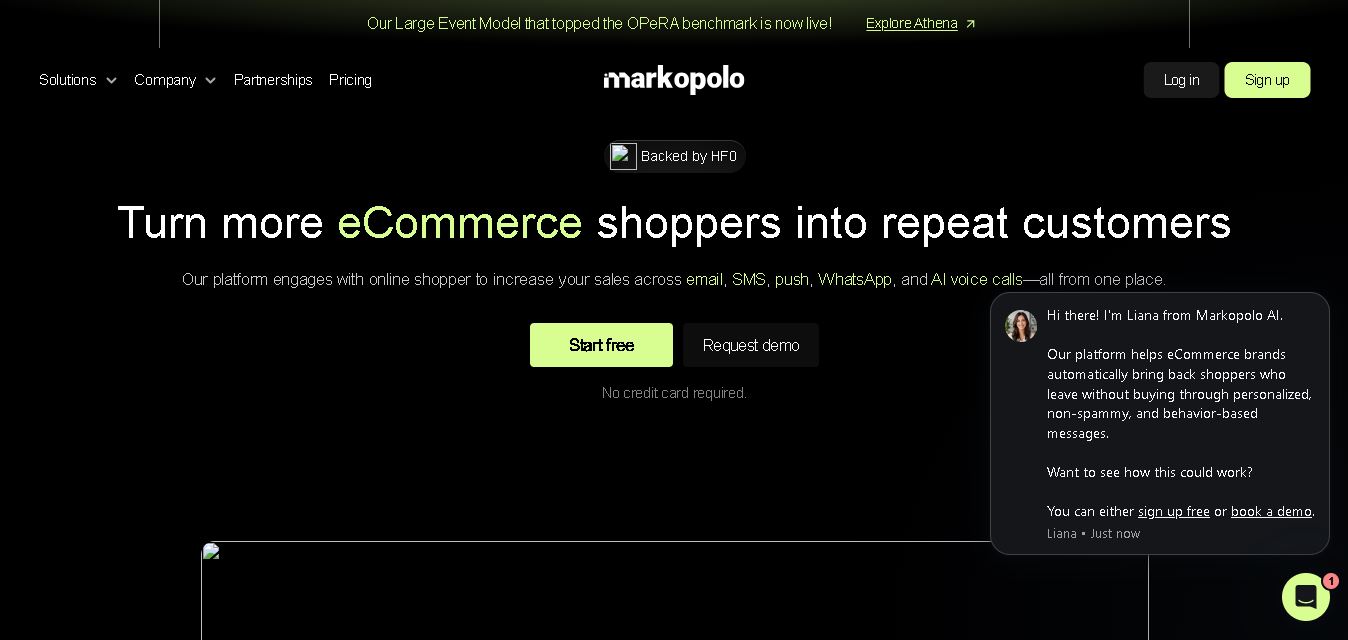
Markopolo AI is a customer engagement and marketing automation tool for eCommerce, retail, and D2C brands. It personalizes customer interactions across email, SMS, WhatsApp, push notifications, and AI voice calls. Its features include abandoned-cart recovery, behavioral tracking, product recommendations, automated campaigns, and analytics to help businesses improve conversions and customer retention.
 4.8
4.8TubeBuddy
Social Media
TubeBuddy is a YouTube growth and SEO tool that helps creators research keywords, optimize video metadata, analyze competitors, and manage channel workflows. It offers thumbnail analysis, title suggestions, A/B testing, and performance insights. With free and paid options, TubeBuddy supports creators seeking better discoverability, efficient publishing, and data-informed content strategies.
 4.8
4.8Peachly AI
Social Media
Peachly AI is an advertising tool that helps businesses create ad copy, generate creative concepts, identify target audiences, and optimize digital campaigns. Supporting workflows for Facebook, Instagram, and Google Ads, it combines AI assistance with an emphasis on expert review. It is designed for small businesses, e-commerce brands, and marketing agencies.
 4.8
4.8Iridea AI
Social Media
Iridea is an AI marketing tool that helps businesses create brand-consistent advertisements, social media graphics, and video creatives. By analyzing a website and campaign brief, it generates customizable assets for Instagram, Meta ads, and other marketing channels. Its reusable brand profiles, editing features, and flexible formats simplify campaign production for teams.
 4.8
4.8CrawlQ AI
Social Media
CrawlQ AI is a brand intelligence and content governance tool that helps businesses organize brand knowledge, research markets, and create consistent marketing content. Its features include AI-powered research, Brand Memory, repeatable content workflows, content scoring, and approval records. It is designed for marketing teams, agencies, and organizations requiring reliable brand communication.
 4.9
4.9Replai
Social Media
Replai is an AI email assistant that helps users draft personalized replies, organize inboxes, summarize meetings, and create follow-up messages. Its Reply Identity feature adapts drafts to your writing style using selected email examples. With Gmail and Outlook integration, Replai helps professionals save time while retaining control over communication.
 4.8
4.8KeyAPI AI
Social Media
KeyAPI is a unified data API that connects developers and businesses with social media, search, and e-commerce data through one integration. It supports creator research, analytics, trend monitoring, and AI automation. With structured JSON responses, real-time access, historical data, and AI-agent integrations, it simplifies multi-platform data collection for modern applications.
 4.8
4.8Dealism AI
Social Media
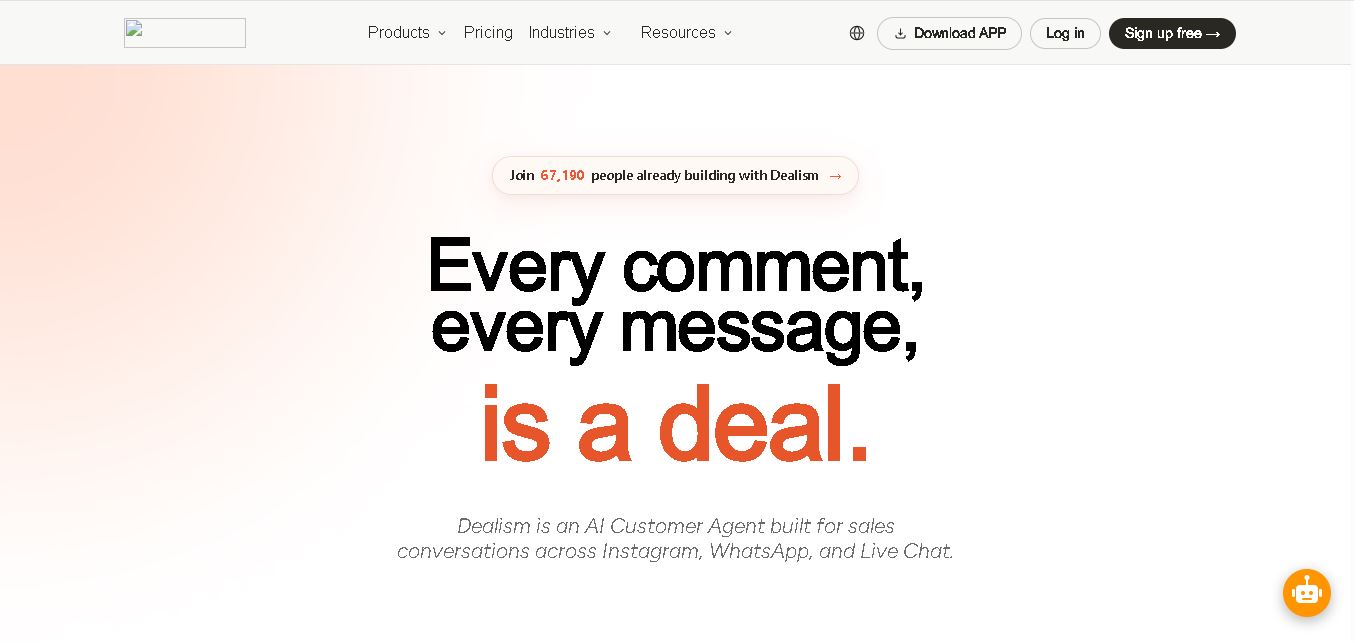
Dealism is an AI customer-conversation tool that helps businesses automate sales interactions across Instagram, WhatsApp, and website Live Chat. It combines messaging workflows, AI agents, customer management, and human handoff features. Businesses can answer inquiries, qualify leads, and recommend next steps while reducing repetitive manual communication and improving customer engagement.