
Tally
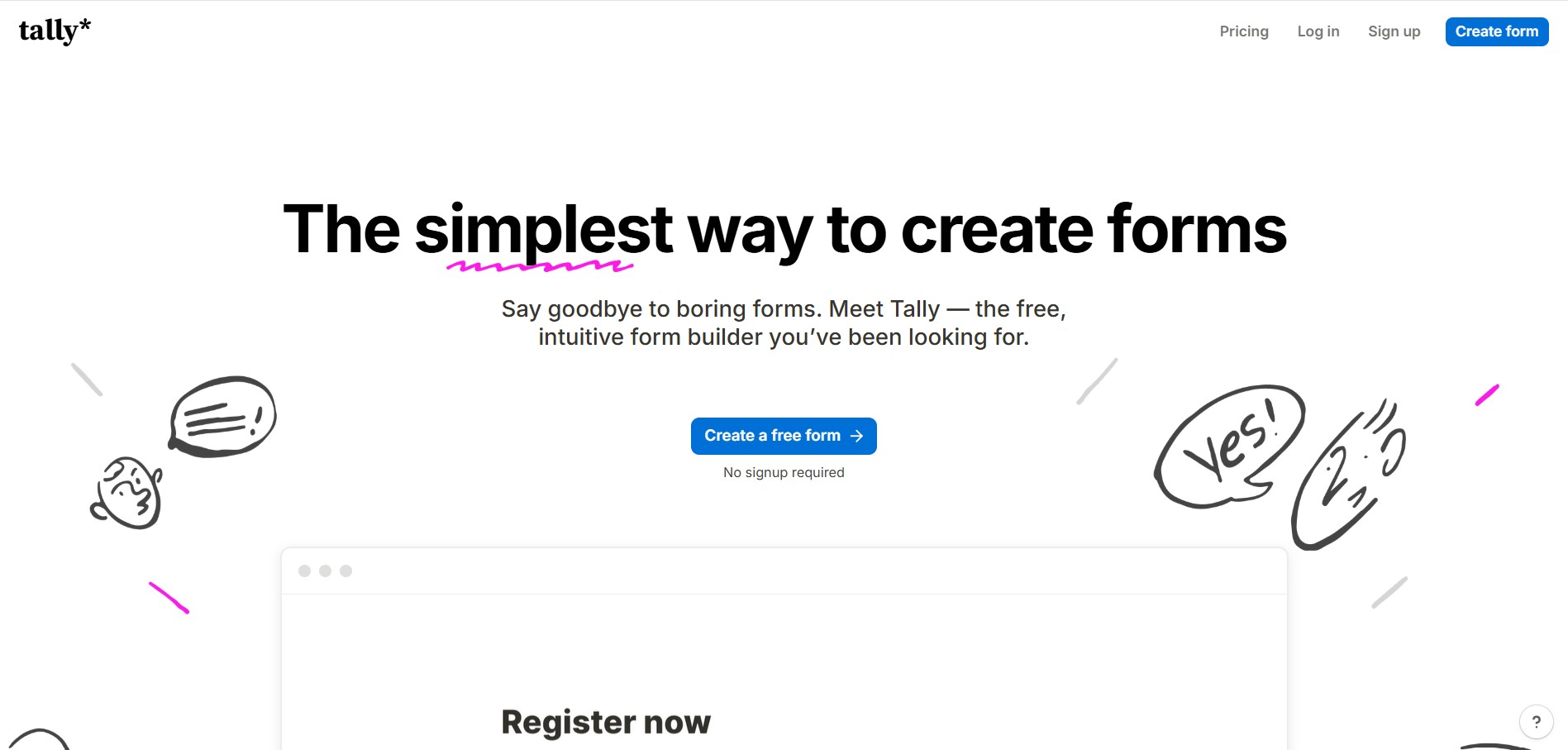
Tally is an intuitive, Notion-style form builder and data collection platform that enables creators, startups, and product teams to create forms, surveys, questionnaires, and payment checkouts by typing on a blank canvas with unlimited forms and submissions on its free tier.
What is Tally?
Tally is a simple, no-code form builder that lets you create surveys, lead forms, quizzes, or signup pages just by typing—like writing in a document. Instead of using complex drag-and-drop tools, you can build forms naturally with text and blocks while still getting powerful features like conditional logic, file uploads, payments, and integrations. It stands out because it offers unlimited forms and submissions for free and lets you embed or share forms easily anywhere, making it a fast, flexible option for collecting data without technical setup.
Built around the principle of “The simplest way to create forms, for free,” Tally allows users to assemble functional forms by simply typing on a blank screen and using straightforward slash commands (
/). Over 99% of Tally's core features are available completely free without artificial submission caps, paywalls, or form quantity restrictions. Users can implement advanced conditional branching, multi-page flows, dynamic answer piping, file uploads, calculated summary fields, and integrated Stripe payment checkouts with zero coding required. Featuring seamless integrations with Notion, Airtable, Google Sheets, Make, and Zapier, Tally offers an unlimited Free tier alongside premium plans starting from $29 per month (or $24/mo billed annually).
- Platform Role: Document-Style No-Code Form Builder, Survey Studio & Data Capture Platform
- Editing Philosophy: Notion-like blank canvas with slash command (
/) keyboard shortcuts - Ecosystem Integrations: Notion, Airtable, Google Sheets, Stripe, Coda, Slack, Webhooks, Make, and Zapier
Use Cases:
- Creating lead capture forms, client intake questionnaires, and startup early-access waitlists without subscription limits
- Running comprehensive customer feedback surveys, Net Promoter Score (NPS) tracking, and employee pulse checks
- Selling digital downloads, tickets, consulting sessions, or accepting donations directly through integrated Stripe payments
- Syncing form responses in real time directly to company databases in Notion, Airtable, and Google Sheets
- Building logic-driven interactive quizzes and cost calculators that adjust questions dynamically based on respondent answers
Technology:
- Block-based document editor enabling instant keyboard-driven formatting and inline question placement
- Client-side conditional logic engine evaluating respondent inputs in real time for branching paths and calculations
- GDPR-compliant European data hosting infrastructure ensuring zero tracking cookies and private response storage
Target Users:
- Notion users, indie hackers, and solopreneurs looking to build clean forms without subscription overhead
- Product managers, researchers, and UX designers gathering user feedback, bug reports, and survey data
- Digital agencies and marketing freelancers needing fast, flexible client onboarding questionnaires and intake flows
- Community leads and event coordinators organizing RSVPs, speaker applications, and ticket registrations
Acquisition: Operates as an independent, bootstrapped software company

What are the key features of Tally?
Tally's key platform features are
- Notion-Like Typing Interface: Assemble forms naturally by typing text, inserting blocks, and triggering question types with simple slash (
/) commands. - Unlimited Forms and Responses: Create as many forms as you need and collect unlimited submissions on the free plan without hitting monthly paywalls.
- Free Conditional Logic & Branching: Show or hide questions dynamically based on prior responses and pipe respondent answers into subsequent prompts.
- Stripe Payment Integration: Connect your Stripe account to collect payments, process subscription charges, or gather donations directly on your form.
- Calculated Fields & Variables: Build dynamic pricing calculators, quiz scoring mechanisms, and customized estimates directly inside forms.
- Direct Database Syncing: Send responses automatically to Notion databases, Airtable records, Google Sheets, or custom webhooks in real time.
- Partial Submissions (Pro): Capture answers and contact details entered by respondents even if they drop off before hitting the final submit button.
- Custom Domains & White-Labeling (Pro): Remove Tally branding, connect your custom subdomains, inject custom CSS, and apply branded fonts.
How much does Tally cost?
Tally operates on an accessible freemium pricing structure that includes 99% of all core platform capabilities on its free plan.
Free Plan:
- $0 / Free Forever: Unlimited forms, unlimited submissions, conditional logic, answer piping, file uploads (up to 10 MB/file), Stripe payments (5% commission on free tier), native integrations (Notion, Airtable, Sheets), and basic webhook dispatching
Paid Subscription Plans:
- Tally Pro: $29.00 / month (or $24.00/mo billed annually at $290/year) | Remove Tally branding, connect custom domains, unlimited file uploads, partial submission capture, 0% Stripe commission fee, workspace team collaboration, custom CSS, and email notifications to respondents
- Tally Business: $89.00 / month (or $74.00/mo billed annually) | Includes all Pro features plus automated email verification, advanced data retention controls, extended version history with restore points, and priority support
Disclaimer: Subscriptions can be canceled at any time. Core form functionality has no submission cap under fair use. For complete details and feature comparisons, visit tally.so/help/plans-and-pricing.
Who should use Tally?
Tally is designed for modern builders, operators, and teams, including
- Early-Stage Startups & Founders: Validating product ideas, collecting early-access signups, and processing initial pre-orders without subscription overhead
- Freelancers & Independent Consultants: Onboarding new clients, collecting creative briefs, and handling service deposits with Stripe
- Notion & Productivity Enthusiasts: Embedding responsive forms directly into Notion workspaces and writing responses cleanly to databases
- Community Managers & Educators: Managing workshop registrations, gathering feedback surveys, and conducting graded student quizzes
What are the best alternatives to Tally?
Some of the strongest Tally alternatives include
- Typeform
- Fillout
- FormGrid
- Paperform
- Jotform
- Google Forms
What are the pros and cons of Tally?
What are the pros of Tally?
- The most generous free plan in the form industry, offering unlimited forms, submissions, and conditional logic
- Familiar document-like editing experience makes building forms as straightforward as writing a note
- Direct native integrations with productivity staples like Notion, Airtable, and Google Sheets
- Built-in Stripe checkout allows collecting one-time payments and recurring subscriptions easily
- GDPR-compliant with privacy-respecting hosting and zero tracking cookies by default
What are the cons of Tally?
- Removing Tally branding and using custom domains requires upgrading to the $29/mo Pro plan
- Free plan applies a 5% platform commission on Stripe transactions in addition to standard Stripe processing fees
- Lacks advanced conversational one-question-at-a-time slide transitions found in specialized survey tools like Typeform
Why should you choose Tally?
Most online form builders restrict free users with tight monthly submission caps (often just 10 to 100 responses), forcing creators into expensive subscriptions before their projects even gain traction. Tally turns this model on its head by providing professional-grade capabilities without paywalls.
- Collect thousands of responses without worrying about hitting unexpected monthly submission walls
- Build interactive forms rapidly using keyboard slash commands instead of dragging boxes across complicated grids
- Keep your data flow organized by syncing responses directly into Notion, Airtable, and Google Sheets
- Capture leads even from abandoned sessions using Pro partial submission tracking
How does Tally compare to competitors?
The main difference between Tally, Typeform, Fillout, and Jotform lies in editing philosophy and pricing structure. While Typeform charges steep prices for its signature one-question-at-a-time slide format and Jotform provides an extensive template-heavy legacy builder, Tally focuses on a document-first, Notion-style text canvas with unlimited free forms and submissions, while Fillout specializes in deep two-way database connections for existing Airtable and Notion records.
| Feature / Platform | Tally | Typeform | Fillout | Jotform |
|---|---|---|---|---|
| Form Building Style | Document-Style / Slash Commands | Conversational Slide-by-Slide | Drag-and-Drop Visual Canvas | Traditional Modular Drag & Drop |
| Free Plan Submissions | Unlimited (Fair Use) | 10 responses / month | 1,000 responses / month | 100 submissions / month |
| Conditional Logic on Free | Yes (Full logic & piping) | Limited | Yes (Included) | Yes (Included) |
| Integrated Payments | Stripe (5% free / 0% Pro) | Stripe (Paid plans) | Stripe (Free included) | Multiple Gateways (Capped free) |
| Starting Paid Price | $29/mo ($24/mo annual) | $29/mo ($25/mo annual) | $19/mo ($15/mo annual) | $39/mo ($34/mo annual) |
| Best For | Document lovers wanting unlimited free forms & submissions | High-end branded conversational survey funnels | Complex two-way database apps (Airtable/Notion) | Enterprise PDF generation & traditional web forms |
How do we rate Tally?
| Parameter | Rating (out of 5) |
|---|---|
| Form Creation UX & Document Workflow | 5.0 |
| Logic, Piping & Calculation Flexibility | 4.8 |
| Third-Party Integrations (Notion, Airtable, Sheets) | 4.9 |
| Design Customization & Embed Performance | 4.7 |
| Value for Money (Unlimited Free Tier) | 5.0 |
| Overall Score | 4.88 |
What is our review and verdict on Tally?
Tally has fundamentally reshaped user expectations around what a modern form builder should offer. By adopting a minimalist, Notion-inspired document interface and pairing it with an exceptionally generous free tier that does not restrict submissions or conditional branching, it removes the financial and technical friction associated with data collection. While teams requiring intricate multi-page application portals with two-way database editing might consider tools like Fillout, and enterprise marketing teams focused on conversational slides may stick with Typeform, Tally provides the fastest, cleanest, and most budget-friendly form-building solution for the vast majority of creators, founders, and growing organizations.
Conclusion
Tally proves that creating online forms does not have to be complicated or expensive. With its intuitive Notion-style typing interface, unlimited forms and submissions on the free tier, robust conditional logic, Stripe payment support, and direct database integrations, Tally delivers a practical platform for anyone looking to collect data effortlessly.
FAQ
What is Tally and what does it actually do?
Tally is a no-code online form builder that lets you create surveys, lead forms, payment forms, and data collection workflows in minutes. It works like a document editor—just type and add blocks—making it much easier than traditional form tools while still offering advanced capabilities like logic, integrations, and automation.
Is Tally really free or are there hidden limits?
Tally is known for its generous free plan, where you can create unlimited forms and collect unlimited responses without paying anything. Most features are available for free under a fair usage policy, which makes it one of the most cost-effective form builders compared to competitors.
What kind of forms can you build with Tally?
You can build almost any type of form including contact forms, surveys, quizzes, registration forms, feedback forms, and even checkout forms with payments. It supports multiple input types like file uploads, signatures, ratings, and date selection, making it flexible for both personal and business use cases.
Does Tally support advanced features like logic and automation?
Yes, Tally includes powerful features like conditional logic, calculated fields, answer piping, hidden fields, and redirects. These allow you to create dynamic forms that change based on user input, automate workflows, and personalize the experience without needing coding skills.
Can Tally integrate with other tools and apps?
Tally integrates with popular tools like Google Sheets, Notion, Airtable, Slack, and Zapier, allowing you to automatically send form responses into your workflows. It also supports webhooks and APIs, so you can connect it with custom systems or automate processes at scale.
How does Tally pricing work for teams or advanced use?
While the free plan covers most needs, paid plans unlock additional features. Tally Pro (around $29/month) adds branding removal, custom domains, team collaboration, and advanced analytics, while Tally Business (around $89/month) includes enterprise features like data retention control and email verification.
Who should use Tally instead of other form builders?
Tally is ideal for freelancers, startups, marketers, and teams who want a simple yet powerful form builder without paying high subscription fees. It’s especially useful if you need advanced features like payments, logic, and integrations but don’t want the complexity or cost of tools like Typeform or Google Forms alternatives.
User Reviews
No reviews yet for Tally.
Featured Tools
Featured AI tools from TechShark

Melody Genie
MelodyGenie is an AI-powered music generator that creates original songs from simple text prompts. Users can choose styles, moods, and genres, then instantly generate melodies and full tracks, making it easy for creators, marketers, and hobbyists to produce custom music without musical expertise.
Freemium

Kimi AI
Kimi AI is an advanced AI assistant developed by Moonshot AI that helps you chat, research, write, code, and automate tasks in one place. It supports web search, file analysis, and multimodal inputs, and can even run autonomous “agent” workflows to complete complex tasks end-to-end.
Freemium

Fashion Diffusion AI
Fashion Diffusion is an AI-powered fashion design platform that helps brands and designers create clothing designs, virtual try-ons, AI models, product photos, and marketing visuals faster and cost-effectively.
Paid

Veo 4
Veo 4 AI is an AI video creation platform that generates dramatic videos from text, images, audio, and video prompts using realistic motion and synchronized sound.
Paid
Alternatives
Alternatives to Tally
The best Tally alternatives include Typeform, Fillout, FormGrid, Paperform, Jotform, and Google Forms. These online form builders provide lead capture, user surveys, conditional branching, and data collection workflows. While Tally specializes in an intuitive, document-style Notion-like typing canvas that offers unlimited forms, submissions, and conditional logic on its free plan without paywalls, alternatives like Typeform focus on one-question-at-a-time conversational survey experiences with strict response caps, Fillout provides deep two-way database connections for Airtable and Notion, and Jotform caters to traditional complex enterprise business forms and PDF workflows.
 4.8
4.8Noteey
AI Business Tools
Noteey is a visual knowledge and note-taking workspace built around an infinite canvas. You can combine notes, images, PDFs, videos, audio, mind maps, sketches, and web links in one place. Its offline-first approach makes it useful for research, brainstorming, second-brain building, creative writing, visual learning, presentations, and organizing complex information.
 4.6
4.6Jigso
AI Business Tools
Jigso is a proactive AI work intelligence platform that connects business apps and data to surface risks, opportunities, research, and next actions. It supports sales, customer success, operations, marketing, and leadership teams by reducing manual information gathering and helping users monitor important business signals across their existing technology stack efficiently.
 4.8
4.8AI Palette
AI Business Tools
AI Palette (aipalette.com) is an AI-powered consumer intelligence and product innovation platform for CPG, food, beverage, and beauty brands, helping companies identify emerging consumer trends, forecast flavor and ingredient demands, and accelerate time-to-market.
 4.9
4.9Explee (AutoGTM)
AI Business Tools
Explee helps businesses automate prospecting and outbound sales through AI agents. It researches target markets, identifies relevant prospects, creates personalized email campaigns, and supports meeting booking. Users can also search extensive company and people databases, apply AI-based criteria, enrich prospect information, and manage lead-generation workflows without building a traditional outbound infrastructure.
 4.8
4.8Upmetrics
AI Business Tools
Upmetrics is business planning software for creating professional business plans, financial forecasts, pitch decks, and strategic plans. It combines AI assistance, industry research, financial modeling, collaboration, and accounting integrations to help entrepreneurs move from an initial idea to funding, launch, and ongoing business growth.
 4.6
4.6Wati.io
AI Business Tools
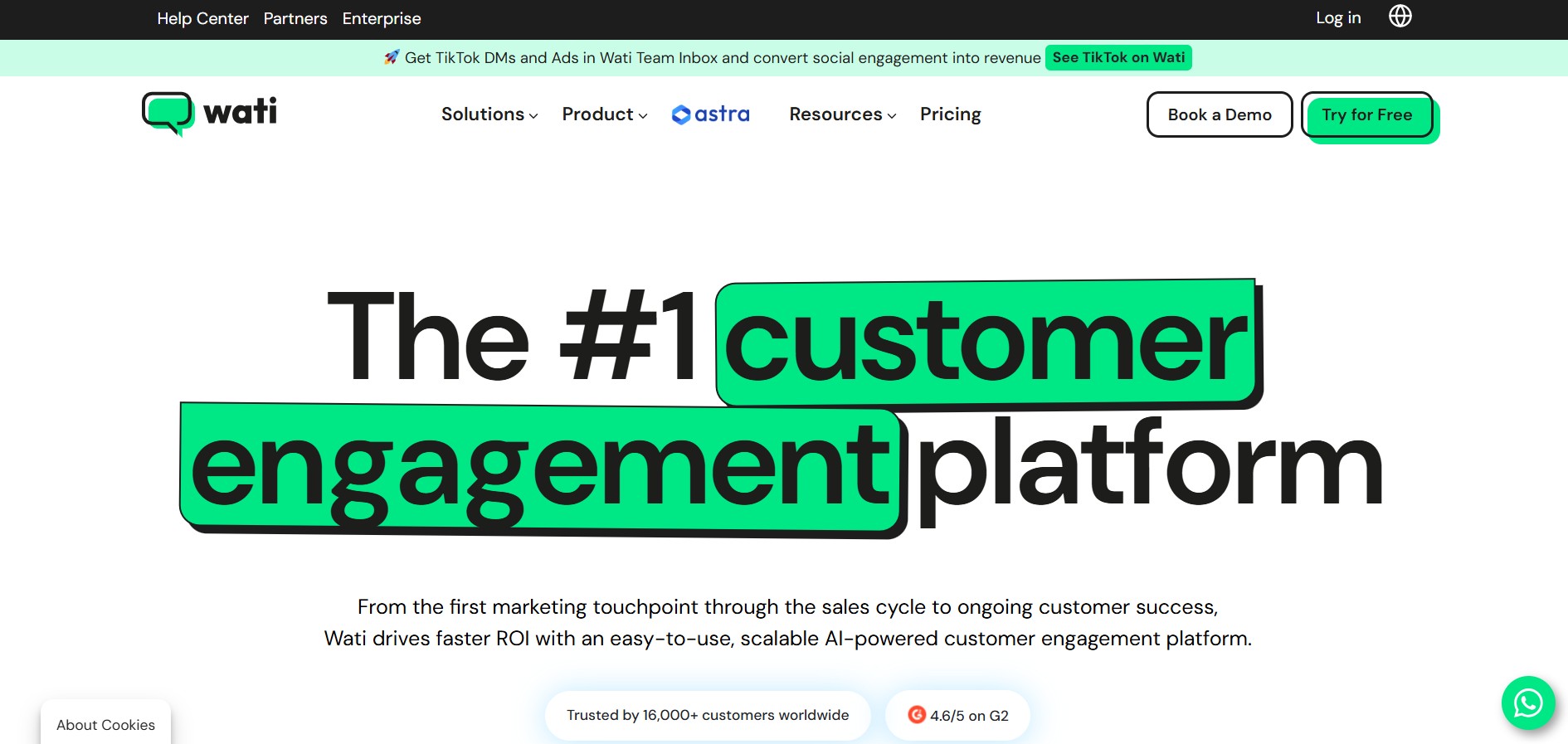
WATI is a customer engagement and WhatsApp communication platform for businesses. It helps teams manage WhatsApp conversations, marketing campaigns, lead generation, sales, customer support, chatbots, automation, and AI agents. WATI also supports channels such as Instagram, Facebook, website chat, SMS, and calling through a centralized communication experience.
 4.8
4.8Namify
AI Business Tools
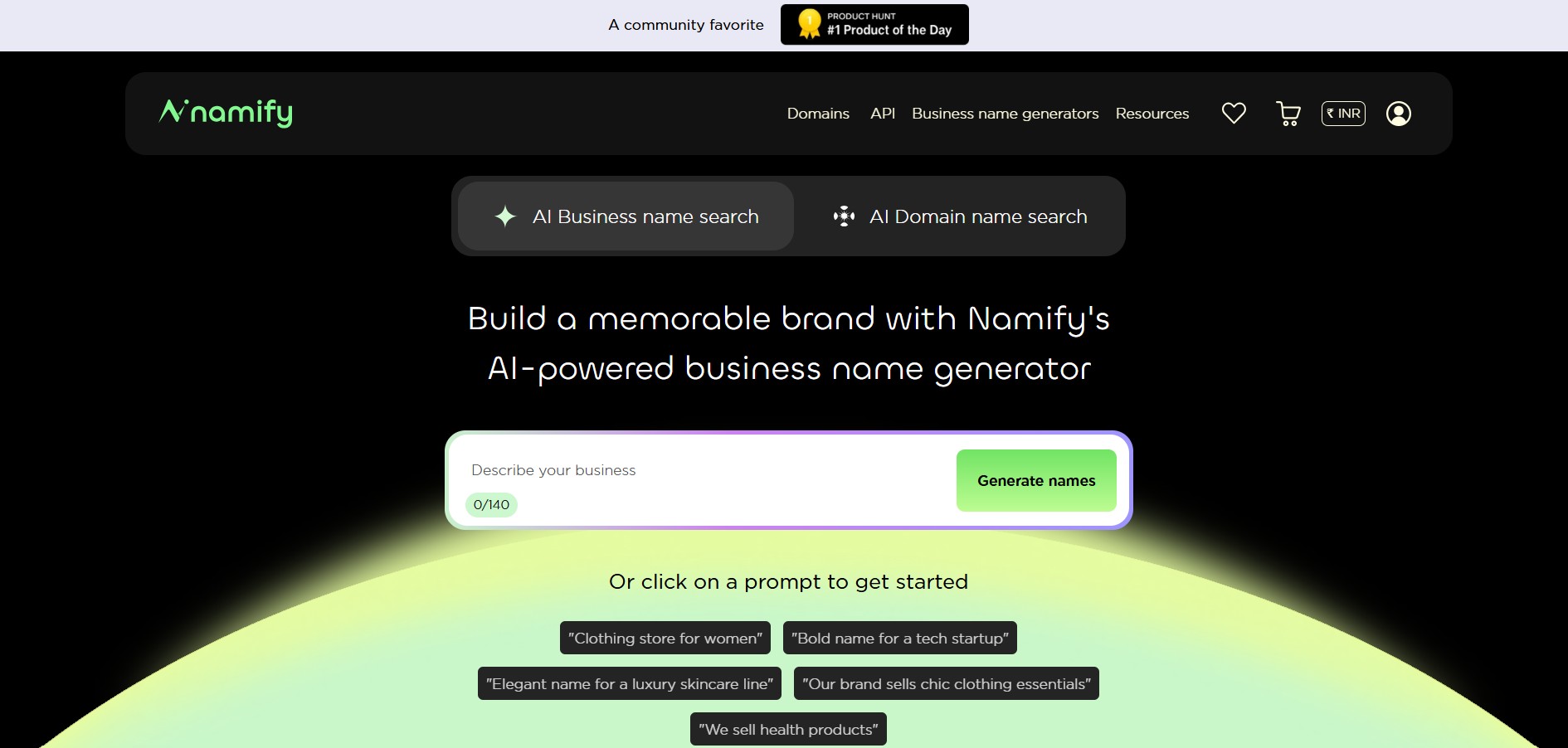
Namify helps you create memorable brand names without spending hours brainstorming. Describe your business, explore generated suggestions, check matching domains and usernames, and build your brand identity with a logo. It is useful for startups, entrepreneurs, agencies, creators, and businesses looking for a practical starting point for naming.
 4.7
4.7Pressmaster AI
AI Business Tools
Pressmaster AI (pressmaster.ai) is an AI-powered content engine and PR automation platform designed to turn raw voice inputs, interviews, and brand ideas into authority-building articles, press releases, social posts, and multi-channel marketing campaigns.
 4.7
4.7Miro
AI Business Tools
Miro is a collaborative online workspace that helps individuals and teams organize ideas, manage projects, design workflows, and brainstorm visually on an infinite canvas. It combines diagrams, templates, whiteboards, documents, AI features, and integrations into one platform, making collaboration easier for businesses, educators, designers, developers, and remote teams worldwide.