
Remail
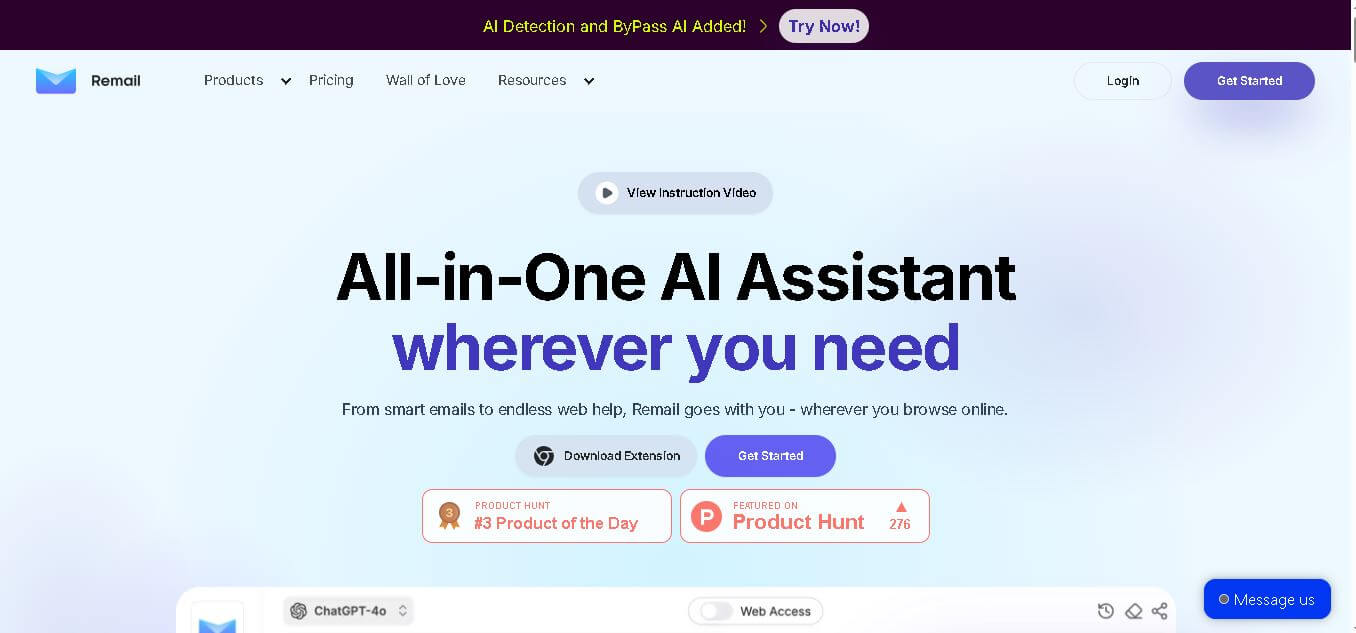
Remail is an all-in-one AI assistant for email writing, web research, content creation, translation, and productivity. Its browser-based tools help users draft replies, summarize webpages and videos, compare AI models, analyze documents, and access contextual AI assistance without constantly switching between different applications.
What is Remail?
Remail is a productivity assistant designed to help users write emails, research information, summarize webpages, improve content, and interact with multiple AI models from one place. It works across web pages through features such as an AI sidebar, smart toolbar, and email assistant. Remail can also analyze webpage content, summarize YouTube videos, work with PDFs, translate text, and support personalized workflows.
Remail reports 210,000+ users, 500+ reviews, and a 4.9/5 Chrome Store rating. Its official website says the tool supports 40 languages for email assistance and offers access to multiple AI models, including ChatGPT, Gemini Pro, Perplexity, Bing Copilot, and Mistral AI. Its Pro plan includes 6,000 queries per month, while the Unlimited plan removes that query limit.
- Platform Role: AI Email Assistant, Gmail Extension & Inbox Productivity Tool
- Developer & Organization: Remail AI
- Cross-Platform Access: Web Browser Extension (Google Chrome), Google Workspace Add-on (Gmail)
Use Cases:
- Generating fast, professional email replies based on incoming thread context and sentiment
- Sending one-click responses for quick positive or negative answers directly inside Gmail
- Drafting customer support and sales outreach emails using internal knowledge bases and FAQs
- Adjusting tone (formal, friendly, concise, and assertive) for complex professional communications
- Translating and composing email replies across 40+ global languages in real time
Technology:
- Advanced Natural Language Processing (NLP) models trained for contextual email comprehension
- Seamless Chrome extension and Google Workspace API integrations for native Gmail overlay UI
- Custom knowledge base integration engine allowing document reference for automated replies
- Privacy-conscious data processing ensuring email metadata and thread contents remain secure
Target Users:
- Busy executives and managers looking to achieve Inbox Zero faster
- Sales and business development representatives managing high volumes of prospect outreach
- Customer success and support teams responding to repetitive inquiry threads
- Freelancers, agencies, and consultants handling high daily email correspondence
Acquisition: Native SaaS service and browser extension operated by Remail AI (remail.ai)

What are the key features of Remail?
Remail's key platform features are
- One-Click Sentiment Replies: Instantly draft positive or negative response drafts with a single click.
- Contextual AI Reply Generation: Automatically reads incoming email threads to compose relevant, full-length responses.
- Knowledge Base Integration: Upload company FAQs, policy documents, and guidelines for AI-assisted support drafts.
- Tone Phrasing Controls: Easily switch between formal, casual, brief, or custom brand voice tones.
- Multi-Language Support: Automatically compose, translate, and reply to emails across 40+ global languages.
- Custom Summary Prompts: Type a few bullet points or short thoughts to generate a complete, formatted email draft.
How much does Remail cost?
Remail offers a freemium model with basic reply limits and a free trial, with paid monthly subscription tiers for high-volume email users.
Pricing Tiers:
- Free Plan / Trial ($0): Limited monthly AI reply generation, basic one-click responses, and standard Gmail extension access.
- Pro Plan (Approx. $14 - $15 / user / month): Unlimited or high-cap AI email responses, custom tone controls, knowledge base integration, and priority processing.
Disclaimer: Plan details and query limits are subject to change. Higher email volumes and advanced document upload features require a paid subscription.
Who should use Remail?
Remail is designed for professionals managing heavy email volume, including
- Email Power Users: Anyone dealing with dozens or hundreds of daily emails who wants to save hours of manual typing.
- Sales Outreach Teams: Account representatives needing to draft personalized, professional follow-ups quickly.
- Global Distributed Workers: Professionals needing fast, accurate multi-language email translation and drafting capabilities.
What are the best alternatives to Remail?
Some of the strongest Remail alternatives include
- Grammarly
- Lavender.ai
- Superhuman AI
- MailMaestro
- Shortwave AI
- Copy.ai
What are the pros and cons of Remail?
What are the pros of Remail?
- One-click sentiment buttons significantly speed up simple affirmative or negative responses
- Seamless, lightweight native integration directly inside the Gmail browser interface
- Knowledge base support allows for highly accurate, policy-aligned response drafts
- Versatile tone controls adapt responses for both corporate and casual scenarios
What are the cons of Remail?
- Primarily designed for Gmail and Google Chrome, offering limited native support for Microsoft Outlook desktop
- Free plan usage caps can be restrictive for daily heavy email senders
- Complex nuance or sensitive negotiation emails still require human review and editing
Why should you choose Remail?
Crafting thoughtful email replies throughout the workday consumes valuable focus time and causes fatigue. Remail eliminates this friction by integrating AI directly into your inbox interface. With its combination of one-click replies, customizable tones, and knowledge base reference features, Remail empowers users to clear their inbox in a fraction of the time while maintaining authentic, professional communication.
How does Remail compare to competitors?
The primary distinction between Remail, Lavender.ai, Grammarly, and Superhuman AI lies in platform scope and core function. While Lavender focuses specifically on cold sales email scoring and Superhuman provides a full standalone email client, Remail operates as a lightweight, zero-friction AI assistant built directly into your existing Gmail experience.
| Feature / Platform | Remail | Lavender.ai | Grammarly AI | Superhuman AI |
|---|---|---|---|---|
| Core Focus | Fast AI Email Replies & One-Click Options | Sales Email Coaching & Scoring | General AI Writing & Grammar Correction | Ultra-Fast Standalone Email Client |
| Integration Type | Chrome Extension & Gmail Add-on | Chrome Extension / Sales Stack | Cross-Platform Desktop & Browser App | Dedicated Desktop & Mobile Email App |
| Knowledge Base Uploads | Yes (FAQ & guidelines referencing) | Limited (Focuses on email scoring) | Brand voice guidelines on higher tiers | Snippets and AI prompt commands |
| One-Click Sentiment Replies | Yes (Positive / Negative / Custom) | No | No | Yes (Instant AI reply prompts) |
| Best For | Gmail users wanting fast, context-aware AI email drafting | Outbound SDRs and sales teams targeting high response rates | Users needing general writing improvement across all apps | Power users seeking a complete, high-speed email platform overhaul |
How do we rate Remail?
| Parameter | Rating (out of 5) |
|---|---|
| Ease of Integration & Gmail Workflow | 4.8 |
| Response Relevance & Context Understanding | 4.6 |
| Speed & One-Click Usability | 4.9 |
| Customization & Knowledge Base Integration | 4.5 |
| Value for Money | 4.5 |
| Overall Score | 4.66 |
What is our review and verdict on Remail?
Remail is a highly effective productivity booster for anyone spending significant time managing email communication. By placing one-click reply controls and contextual AI drafting natively inside Gmail, it removes the friction of starting drafts from scratch. While heavy customization requires a paid tier, its ability to save time and streamline inbox management makes it a valuable asset for knowledge workers.
Conclusion
Remail brings email assistance, AI chat, web research, writing, document interaction, and multiple AI models into one productivity-focused workspace. With 210,000+ reported users, multilingual email support, browser-based tools, and plans for individuals and teams, it can be valuable for professionals handling repetitive communication and research. Its combination of contextual assistance and flexible AI features makes Remail worth considering for users seeking a more streamlined daily workflow.
FAQ
What is Remail used for?
Remail helps you handle everyday writing and research tasks more efficiently. You can use it to draft or reply to emails, summarize webpages and YouTube videos, translate content, improve writing, analyze PDFs, compare AI responses, and access AI assistance directly from your browser. It is particularly useful when you frequently switch between email, research, and content tasks.
How does Remail help with email writing?
Remail analyzes the context of an email and generates an appropriate response based on the conversation. You can also provide a short instruction describing what you want to say, and Remail can turn that idea into a complete email. It supports different writing tones and can generate replies in multiple languages.
Can Remail write emails in different languages?
Yes. Remail supports 40 languages for its email assistance. It can automatically detect the language of an incoming email and generate a response in the same language. This makes it useful for professionals who communicate with international customers, clients, partners, or teams and need faster multilingual email responses without manually translating every message.
Does Remail work with webpages?
Yes, Remail provides an AI sidebar that can work with the webpage you are viewing. You can ask questions about page content, summarize information, use custom prompts, or capture a screenshot and ask questions about a specific section. This lets you research information without repeatedly copying content into another AI application.
Can Remail summarize YouTube videos?
Yes. Remail includes functionality for working with YouTube content. Its website highlights the ability to summarize YouTube videos and provide useful highlights and timestamps. This can help researchers, students, marketers, and professionals quickly understand longer videos without watching every minute before deciding whether deeper viewing is necessary.
Can I use Remail with PDFs?
Yes. Remail includes PDF-related AI functionality that allows users to interact with documents. The platform also positions its Learning Companion as a tool for chatting with PDFs, creating AI-generated flashcards, and writing notes. This can make lengthy documents easier to understand when you need quick answers or summaries.
User Reviews
No reviews yet for Remail.
Featured Tools
Featured AI tools from TechShark

Melody Genie
MelodyGenie is an AI-powered music generator that creates original songs from simple text prompts. Users can choose styles, moods, and genres, then instantly generate melodies and full tracks, making it easy for creators, marketers, and hobbyists to produce custom music without musical expertise.
Freemium

Kimi AI
Kimi AI is an advanced AI assistant developed by Moonshot AI that helps you chat, research, write, code, and automate tasks in one place. It supports web search, file analysis, and multimodal inputs, and can even run autonomous “agent” workflows to complete complex tasks end-to-end.
Freemium

Fashion Diffusion AI
Fashion Diffusion is an AI-powered fashion design platform that helps brands and designers create clothing designs, virtual try-ons, AI models, product photos, and marketing visuals faster and cost-effectively.
Paid

Veo 4
Veo 4 AI is an AI video creation platform that generates dramatic videos from text, images, audio, and video prompts using realistic motion and synchronized sound.
Paid
Alternatives
Alternatives to Remail
The best Remail alternatives include Lavender.ai, Grammarly, Superhuman AI, and Shortwave. While Remail specializes in one-click contextual AI replies and knowledge-base backed Gmail drafting, alternatives like Lavender focus on sales outreach scoring, and Superhuman provides a full high-speed email platform.
 4.6
4.6NetworkAI by Wonsulting
Email Assistant
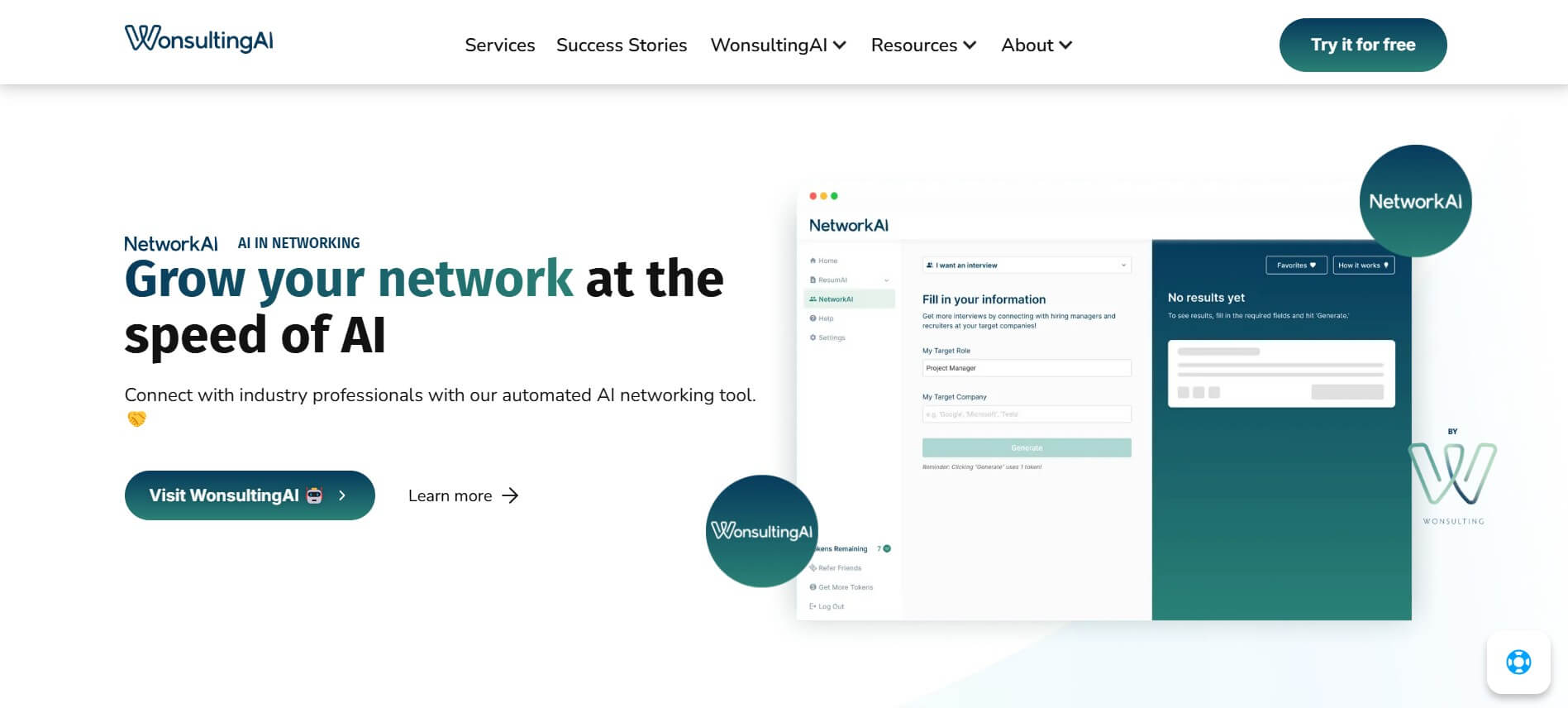
NetworkAI helps job seekers make connections without spending hours searching for contacts or writing outreach. It can identify recruiters and hiring managers, create personalized LinkedIn messages, find company email addresses, and generate resume-based cold emails. It is designed for candidates who want an organized approach to networking and job-search outreach.
 4.8
4.8addy.io
Email Assistant
Addy AI is a mortgage lending automation platform that uses specialized AI agents to streamline loan processing. It helps lenders check guidelines, review documents, resolve conditions, request missing information, and connect workflows with existing lending systems, helping mortgage teams reduce repetitive work and process loans more efficiently.
 4.8
4.8SaneBox
Email Assistant
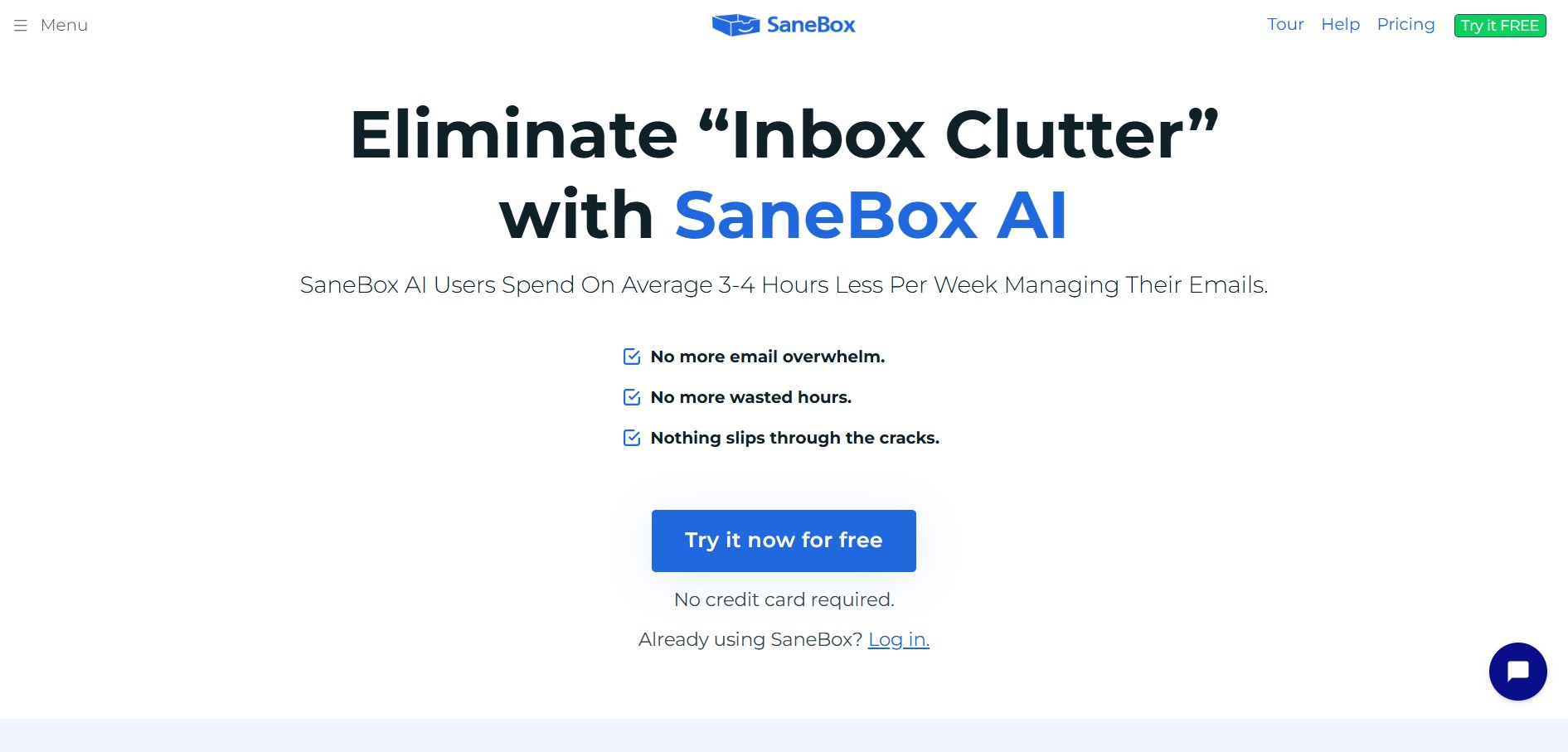
SaneBox is an AI-powered email management and inbox organization service that automatically filters unimportant emails, organizes newsletters, snoozes messages, and tracks unresponded emails across any email provider.
 4.8
4.8superReply
Email Assistant
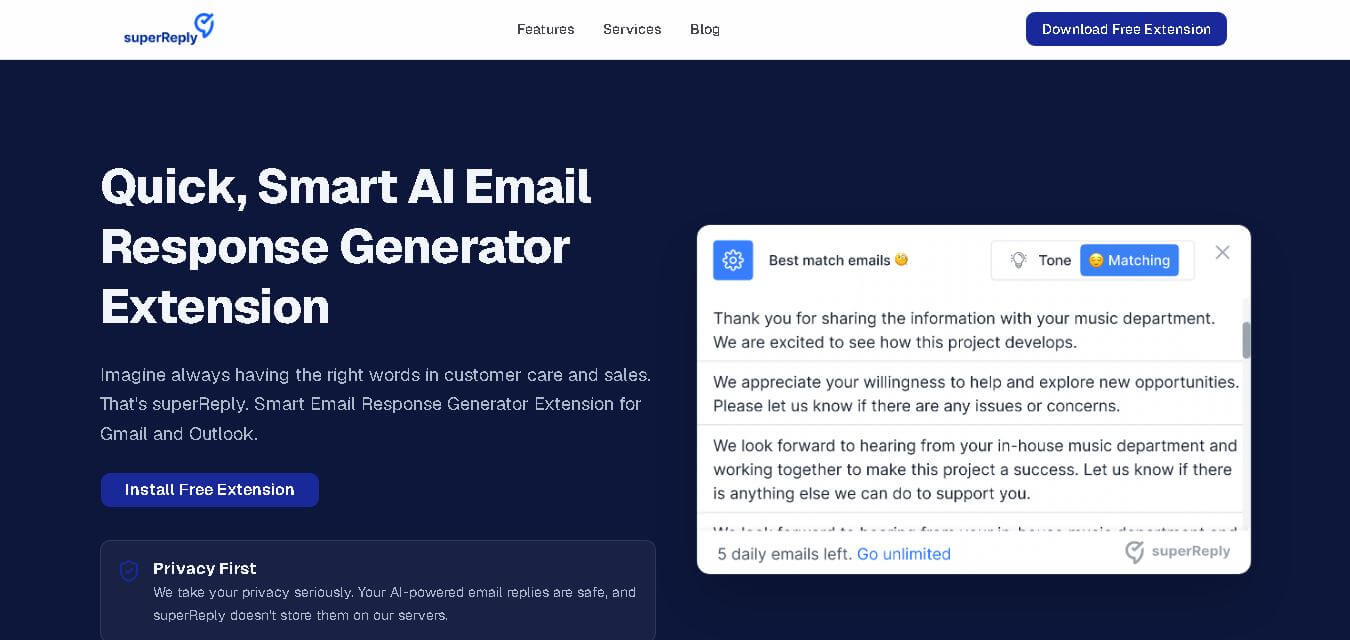
SuperReply helps you write better email responses with contextual AI suggestions, customizable tones, and one-click reply generation. Designed for Gmail and Outlook users, it can reduce writing time while keeping communication professional and personalized. Its free plan provides up to 90 replies monthly, making it useful for individuals and growing teams.
 4.7
4.7MailerLite
Email Assistant
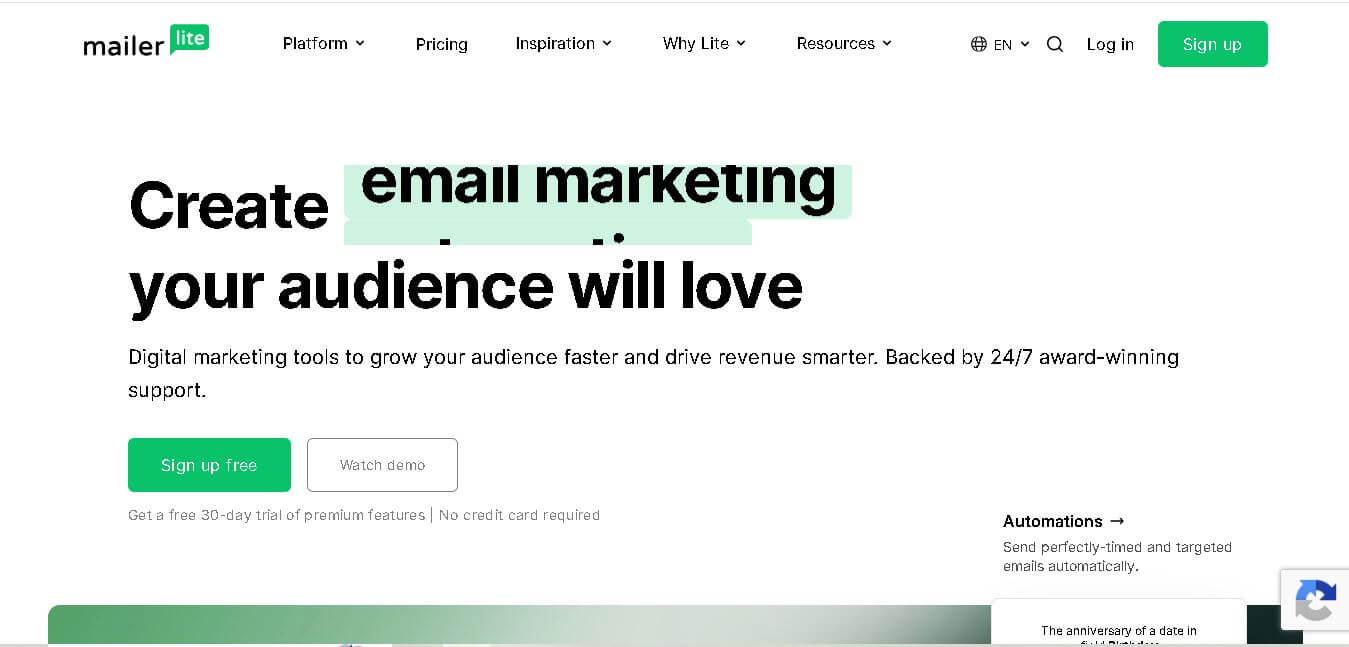
MailerLite is an email marketing solution designed to help creators, small businesses, ecommerce brands, and marketers build audiences, send newsletters, automate campaigns, and create landing pages. It also supports websites, signup forms, digital products, paid newsletters, integrations, and AI-assisted marketing features, making it useful for managing several audience-growth activities from one place.
 4.8
4.8Fellow
Personal Assistant
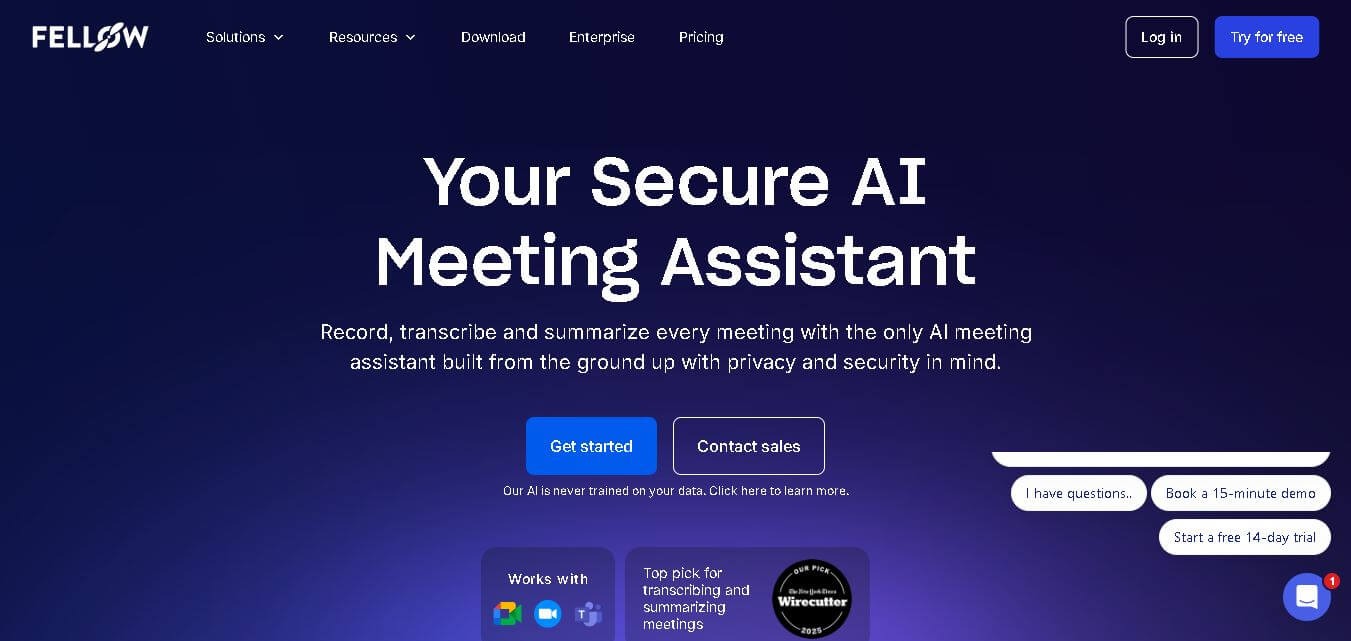
Fellow is an AI-powered meeting assistant and team management platform designed to streamline collaborative agendas, AI meeting transcriptions, summaries, action items, and 1-on-1 accountability structures.
 4.8
4.8Beehiiv
Email Assistant
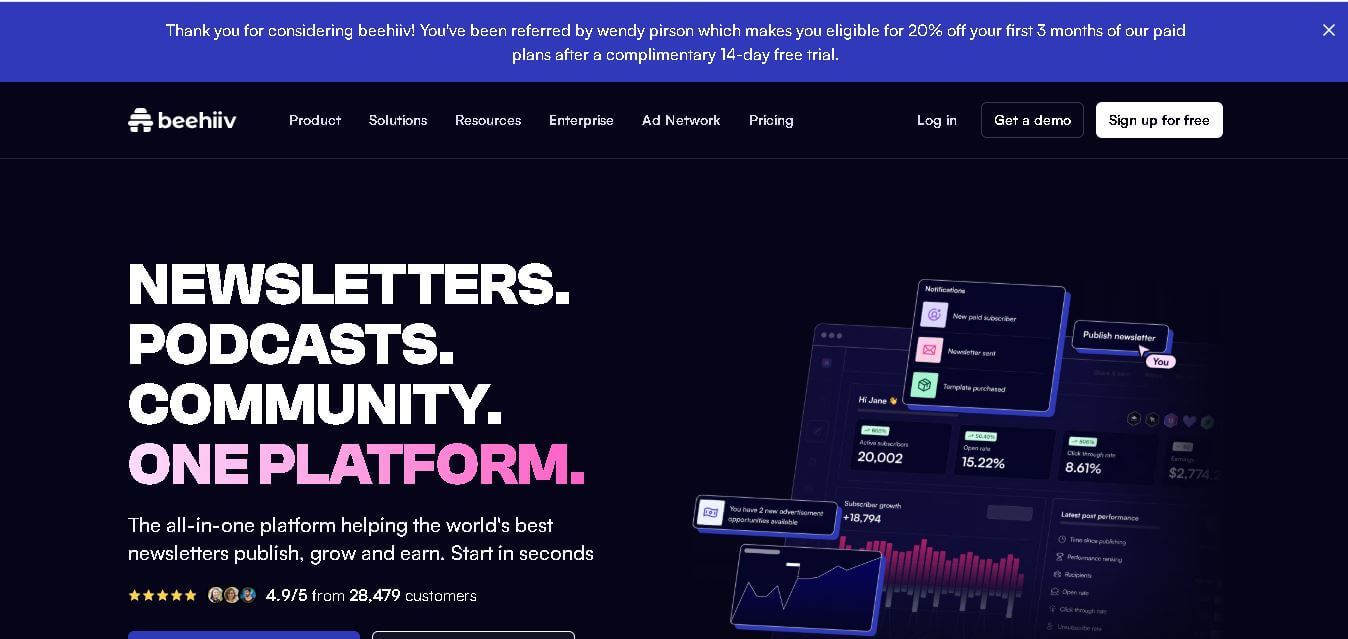
Beehiiv is a newsletter publishing platform that helps creators, businesses, and media brands build, grow, and monetize email audiences from one place. It combines email marketing, website creation, subscriber management, audience analytics, referral programs, automation, and revenue tools, making it easier to turn newsletters into sustainable digital businesses.
 4.9
4.9Angry Email Translator
Email Assistant
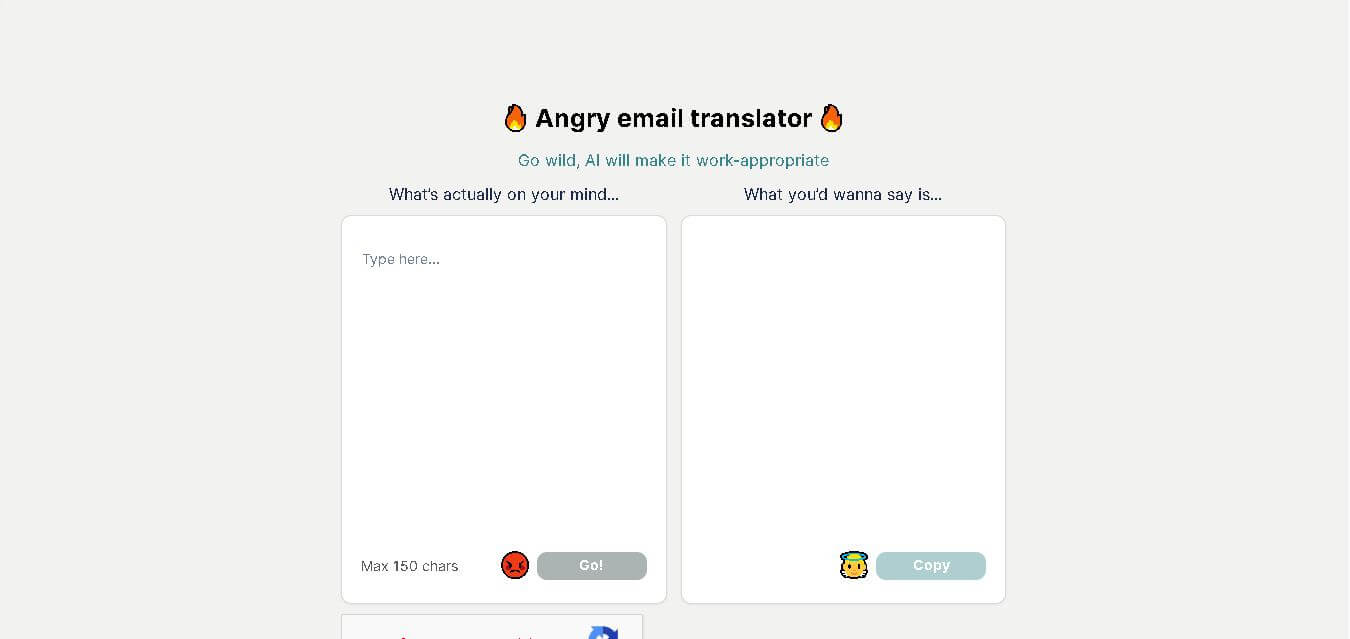
Angry Email Translator is a free AI-powered writing tool that converts angry, emotional emails into calm, professional, and respectful messages. It helps users communicate more effectively while preserving the original intent. Whether you're responding to workplace conflicts or customer complaints, the tool promotes better communication and reduces the risk of misunderstandings.
 4.4
4.4GPTChat for Slack
AI Chatbot Tools
GPTChat AI is an AI-powered chatbot platform that helps users generate content, answer questions, brainstorm ideas, and improve productivity through fast, conversational artificial intelligence.