
Angry Email Translator
Angry Email Translator is a free AI-powered writing tool that converts angry, emotional emails into calm, professional, and respectful messages. It helps users communicate more effectively while preserving the original intent. Whether you're responding to workplace conflicts or customer complaints, the tool promotes better communication and reduces the risk of misunderstandings.
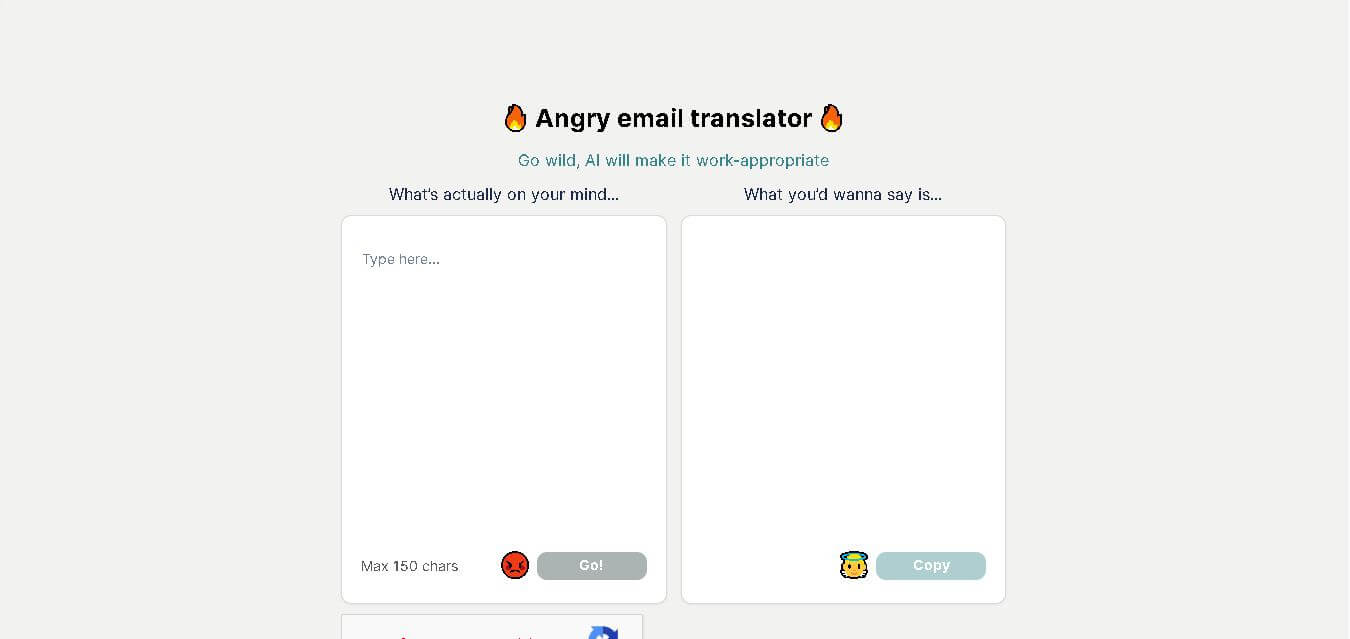
What is Angry Email Translator?
Angry Email Translator is an AI-based email rewriting tool designed to transform emotionally charged messages into polite, professional, and constructive emails. Instead of changing your main point, it softens harsh language while preserving the original meaning, making communication more effective in both personal and professional settings. Users simply paste their email into the editor, and the AI instantly generates a respectful version that is easier for recipients to receive positively. The platform is free to use and aims to improve workplace communication, customer interactions, and conflict resolution by helping people express frustration without damaging valuable relationships.
Angry Email Translator was launched in 2023 as a free AI-powered communication tool focused on improving email tone. The platform converts emotional messages into professional communication within seconds while maintaining the original meaning. 1 AI-powered rewriting engine, 100% web-based accessibility, free usage, and support for countless professional communication scenarios make it practical for everyday users. The tool has also gained visibility through major AI directories and product platforms, highlighting its usefulness for workplace communication and conflict management.
- Developer: Independent Web Developer
- License / Model: Free Web Application (Donation Supported)
Use Cases:
- Translating heated, angry reactions into calm, diplomatic email replies
- Diffusing client disputes or project friction without losing firm accountability
- Helping non-native English speakers adapt to corporate communication etiquette
- Improving written communication habits and tone management in stressful work scenarios
Technology:
- Large Language Model (LLM) fine-tuned for corporate tone transformation and intent preservation
- Real-time natural language processing (NLP) emotion and sentiment classification engine
- Minimalist single-page web architecture for instant low-latency rephrasing
Target Users:
- Corporate employees, managers, and project leaders under high-stress environments
- Customer support agents handling aggressive client complaints
- Freelancers and agency owners negotiating tough deadlines or scope creep
Ecosystem: Simple web browser application featuring single-click text copying and community-submitted real-world transformation examples.

Key features of Angry Email Translator
Angry Email Translator's key features are
- Instant Emotion Rephrasing: Converts raw, profane, or emotionally charged text into polished corporate communication in seconds.
- Intent Preservation: Retains your fundamental request or boundary while replacing aggressive phrasing with constructive language.
- One-Click Clipboard Copy: Instantly copy generated professional text to paste directly into Gmail, Outlook, or Slack.
- Zero Friction Interface: No account signup or software download required to start converting text.
- Example Hall of Fame: Displays side-by-side examples illustrating how raw anger converts into professional workplace speak.
Angry Email Translator Pricing
Angry Email Translator is completely free to use for all visitors.
Free Plan:
- $0 / month
- Includes full access to the web translation tool, instant rephrasing, and clipboard copying (supported via voluntary user donations).
Disclaimer: For the latest and most accurate pricing information, please visit the official Angry Email Translator AI website.
Is Angry Email Translator Worth It?
Angry Email Translator is definitely worth bookmarking for anyone communicating in high-pressure work environments. It saves professionals from sending regrettable emails in the heat of the moment, helping preserve careers, client contracts, and workplace harmony at zero cost.
Real-World Use Cases
- Client Scope Creep: Rephrasing "Stop asking for free extra work" into "I would be happy to discuss expanding the scope of our agreement under an updated project proposal."
- Unproductive Meetings: Turning "That meeting was a complete waste of time" into "To optimize our time moving forward, let us coordinate future updates via email".
- Bad Offers: Converting "Your offer is the stupidest offer I've ever heard" into "While I appreciate the effort, I believe this may not be the best fit for my current needs".
Who is using Angry Email Translator?
Angry Email Translator is designed for anyone needing a workplace tone check, including
- Corporate Professionals & Executives: Preventing heated exchanges across team emails and chat channels
- Customer Support & HR Teams: De-escalating tense conversations with demanding clients or internal disputes
- Freelancers & Agency Owners: Maintaining clear professional boundaries without sounding hostile
Best Angry Email Translator Alternatives
Some of the strongest Angry Email Translator alternatives include
Pros and Cons of Angry Email Translator
Pros
- 100% free to use with no account creation or subscription barrier
- Extremely fast and intuitive single-input interface
- Successfully preserves core urgency and boundaries while changing tone
- Acts as a helpful learning tool for corporate communication etiquette
Cons
- Input limit of 150 characters per translation batch on the main interface
- Lacks direct browser extension or native email client integrations
- May occasionally produce overly formal corporate boilerplate phrasing
Why Choose Angry Email Translator?
Angry Email Translator stands out for its single-minded focus and zero-friction design. Unlike heavy writing suites that require software downloads or monthly subscriptions, this tool allows users to vent their true feelings into a text box and get a safe, polished email in seconds.
How Angry Email Translator Works
- 1. Type Your Unfiltered Thoughts: Enter what is on your mind in the input box (up to 150 characters).
- 2. Click Go: Press the translation button to run the text through the AI tone-adjustment engine.
- 3. Review & Copy: Read the work-appropriate revision and click to copy it directly into your email client.
Angry Email Translator vs. Competitors
The primary difference between Angry Email Translator, Goblin.tools Formalizer, and Wordtune is simplicity and focus. While Wordtune is a full subscription-based writing editor and Goblin.tools offers multiple broad text transformations, Angry Email Translator focuses explicitly on turning workplace anger into constructive corporate prose instantly without signups.
| Feature | Angry Email Translator | Goblin.tools Formalizer | Wordtune |
|---|---|---|---|
| Primary Focus | Angry Email Transformation | General Tone Adjustment | Full AI Sentence Rewriting |
| Account Required | No | No | Yes |
| Pricing | 100% Free | 100% Free | Freemium / Paid |
How do we rate Angry Email Translator?
| Parameter | Rating (out of 5) |
|---|---|
| Ease of Use | 5.0 |
| Tone Conversion Quality | 4.7 |
| Value for Money | 5.0 |
| Speed | 4.9 |
| Overall Score | 4.9 |
Angry Email Translator Review
Angry Email Translator is a fast, fun, and extraordinarily practical AI utility. By giving frustrated workers a safe place to vent before hitting send, it acts as a digital peacekeeper in modern office environments.
Conclusion
Angry Email Translator is a practical AI communication tool for anyone who wants to express frustration without damaging professional or personal relationships. By transforming emotional emails into calm, respectful messages, it helps users communicate more effectively while keeping their original intent intact. Its free accessibility, simple interface, and instant AI-powered rewriting make it suitable for employees, business owners, students, freelancers, and customer support teams alike. Whether you're handling workplace conflicts, responding to complaints, or simply improving your writing tone, Angry Email Translator offers a quick and reliable solution that encourages healthier conversations and more positive digital communication experiences.
FAQ
What is Angry Email Translator used for?
Angry Email Translator is designed to help people rewrite heated, frustrated, or emotionally charged emails into polite and professional messages. Instead of changing your intended meaning, it adjusts the tone to sound respectful and constructive. This makes it ideal for workplace communication, customer support, business correspondence, and personal conversations where maintaining positive relationships matters.
Is Angry Email Translator free to use?
Yes. Angry Email Translator is available as a free online tool, allowing users to quickly rewrite emotional emails without paying for basic access. Since the service relies on AI processing, optional donations may help support ongoing development and maintenance, but anyone can use the core functionality without purchasing a subscription.
How does Angry Email Translator work?
Using the tool is simple. Paste your email or message into the input box, click the translate button, and the AI analyzes the language, identifies aggressive wording, and rewrites it into a calm, professional version. The rewritten email keeps your original message while removing unnecessary emotional language that could create conflict or misunderstandings.
Who should use Angry Email Translator?
The tool is useful for professionals, managers, employees, freelancers, customer support representatives, students, and anyone who writes emails during stressful situations. It helps users communicate more diplomatically, avoid unnecessary arguments, maintain professional relationships, and improve the overall quality of written communication in everyday interactions.
Does Angry Email Translator change the meaning of my email?
No. The AI is designed to preserve the original intent and key message while improving the wording and tone. Rather than rewriting your ideas completely, it removes aggressive or offensive language and replaces it with polite, respectful alternatives, ensuring your concerns remain clear without sounding confrontational.
Can I use Angry Email Translator for business communication?
Absolutely. Angry Email Translator is especially valuable for workplace communication, client emails, customer complaints, performance discussions, and internal team conversations. It helps ensure that your emails remain professional, reducing the chances of misunderstandings while promoting productive conversations and stronger business relationships.
User Reviews
No reviews yet for Angry Email Translator.
Featured Tools
Featured AI tools from TechShark

Melody Genie
MelodyGenie is an AI-powered music generator that creates original songs from simple text prompts. Users can choose styles, moods, and genres, then instantly generate melodies and full tracks, making it easy for creators, marketers, and hobbyists to produce custom music without musical expertise.
Freemium

Kimi AI
Kimi AI is an advanced AI assistant developed by Moonshot AI that helps you chat, research, write, code, and automate tasks in one place. It supports web search, file analysis, and multimodal inputs, and can even run autonomous “agent” workflows to complete complex tasks end-to-end.
Freemium

Fashion Diffusion AI
Fashion Diffusion is an AI-powered fashion design platform that helps brands and designers create clothing designs, virtual try-ons, AI models, product photos, and marketing visuals faster and cost-effectively.
Paid

Veo 4
Veo 4 AI is an AI video creation platform that generates dramatic videos from text, images, audio, and video prompts using realistic motion and synchronized sound.
Paid
Alternatives
Alternatives to Angry Email Translator
The best Angry Email Translator alternatives include Goblin.tools Formalizer, Wordtune, Lavender AI, and QuillBot. Goblin.tools offers a variety of free tone transformations, while Wordtune and Lavender provide dedicated extensions for email rewriting directly inside Gmail or Outlook.
 4.6
4.6NetworkAI by Wonsulting
Email Assistant
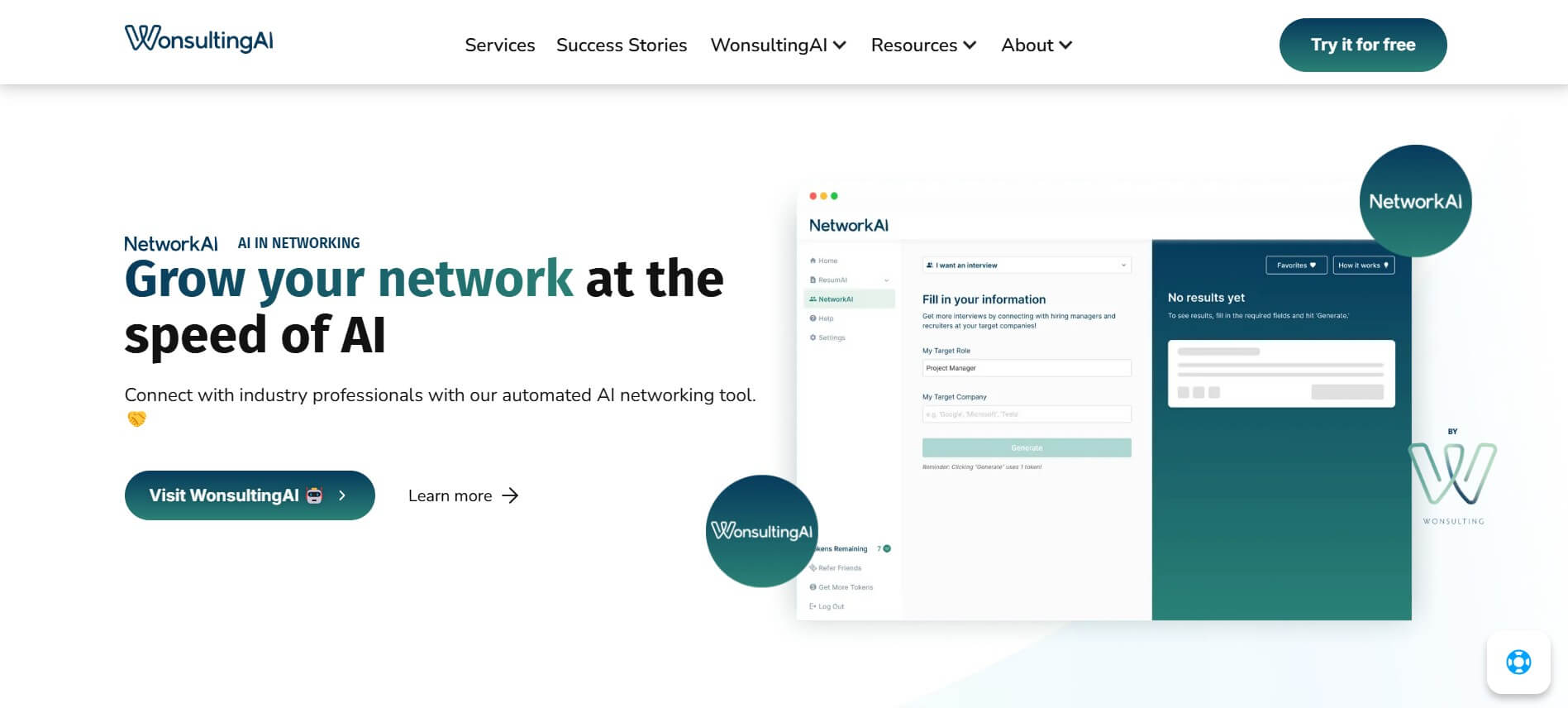
NetworkAI helps job seekers make connections without spending hours searching for contacts or writing outreach. It can identify recruiters and hiring managers, create personalized LinkedIn messages, find company email addresses, and generate resume-based cold emails. It is designed for candidates who want an organized approach to networking and job-search outreach.
 4.8
4.8addy.io
Email Assistant
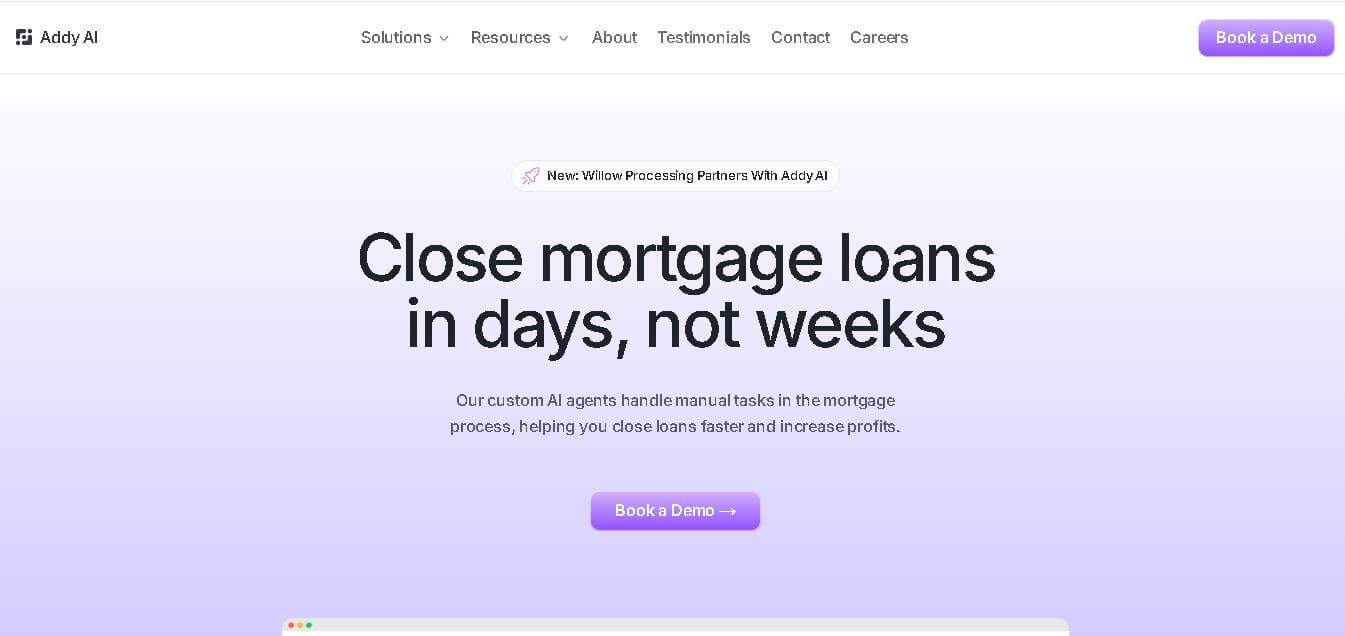
Addy AI is a mortgage lending automation platform that uses specialized AI agents to streamline loan processing. It helps lenders check guidelines, review documents, resolve conditions, request missing information, and connect workflows with existing lending systems, helping mortgage teams reduce repetitive work and process loans more efficiently.
 4.8
4.8SaneBox
Email Assistant
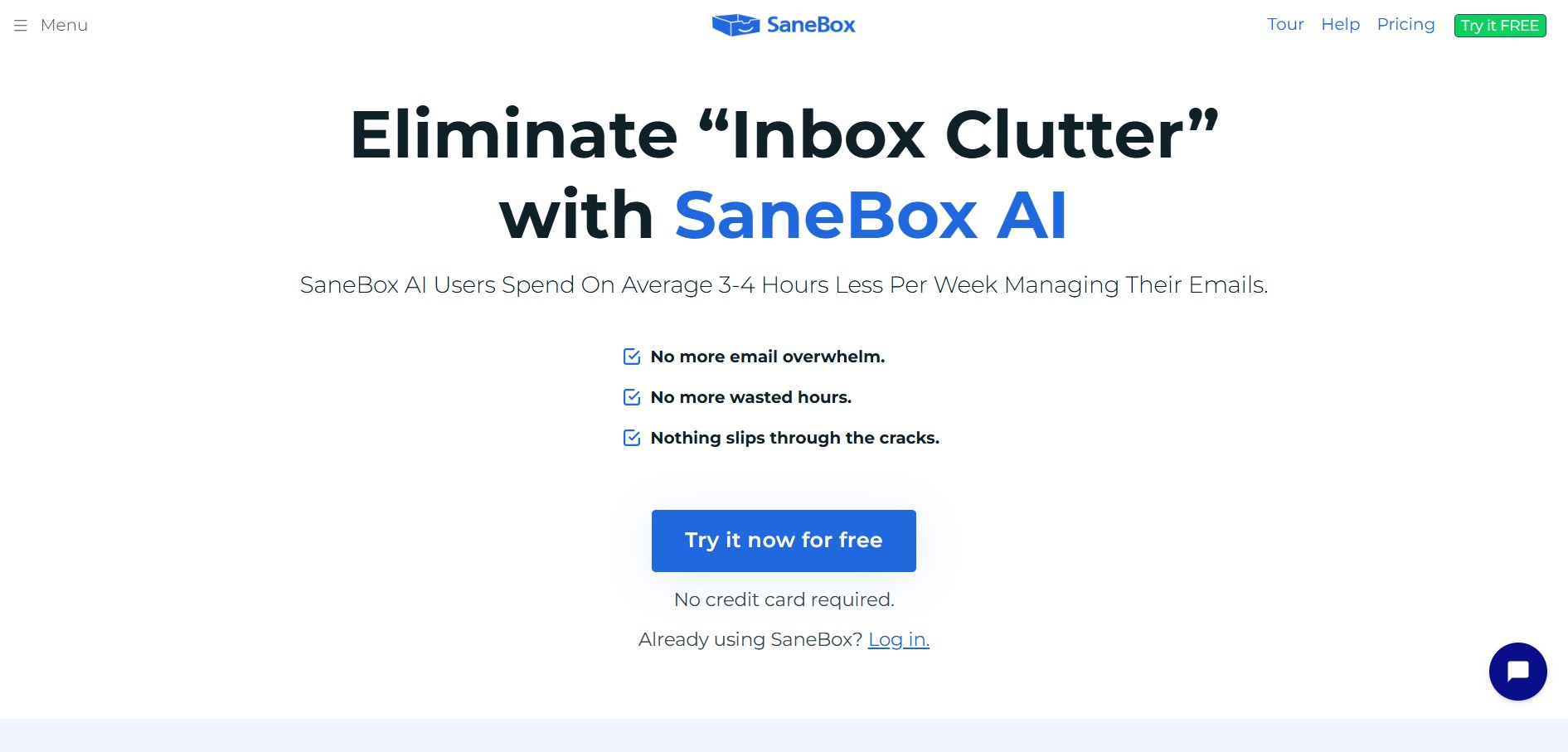
SaneBox is an AI-powered email management and inbox organization service that automatically filters unimportant emails, organizes newsletters, snoozes messages, and tracks unresponded emails across any email provider.
 4.8
4.8superReply
Email Assistant
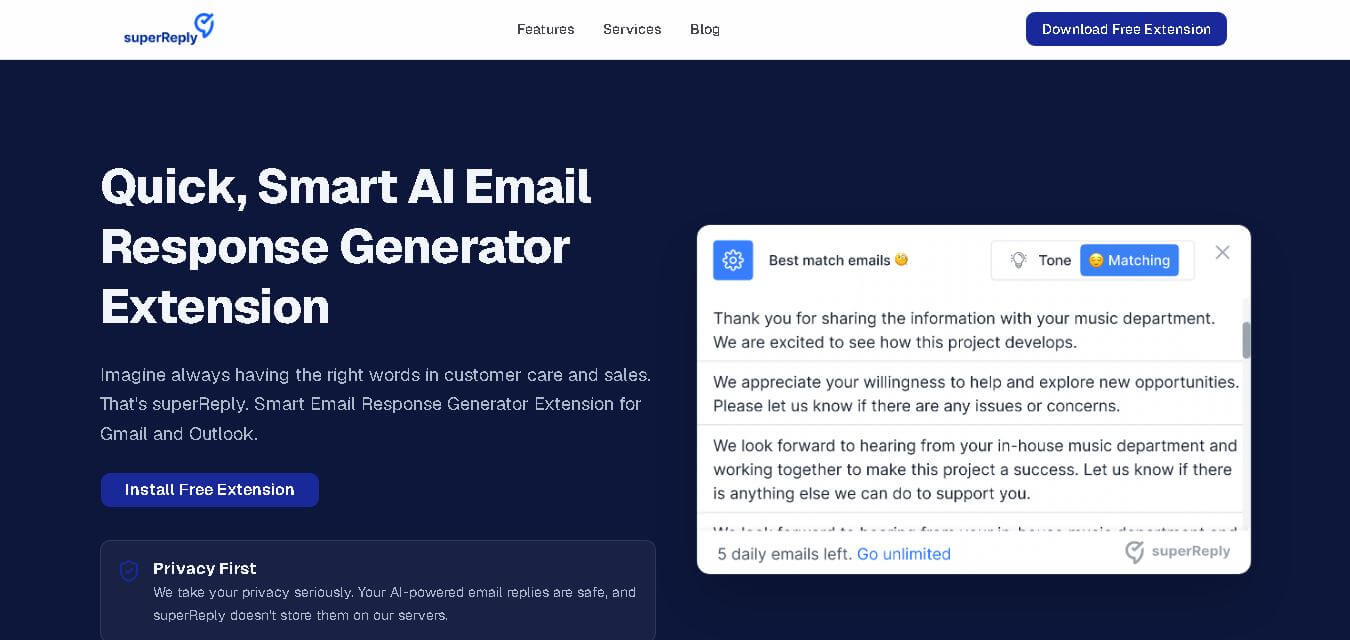
SuperReply helps you write better email responses with contextual AI suggestions, customizable tones, and one-click reply generation. Designed for Gmail and Outlook users, it can reduce writing time while keeping communication professional and personalized. Its free plan provides up to 90 replies monthly, making it useful for individuals and growing teams.
 4.7
4.7Remail
Email Assistant
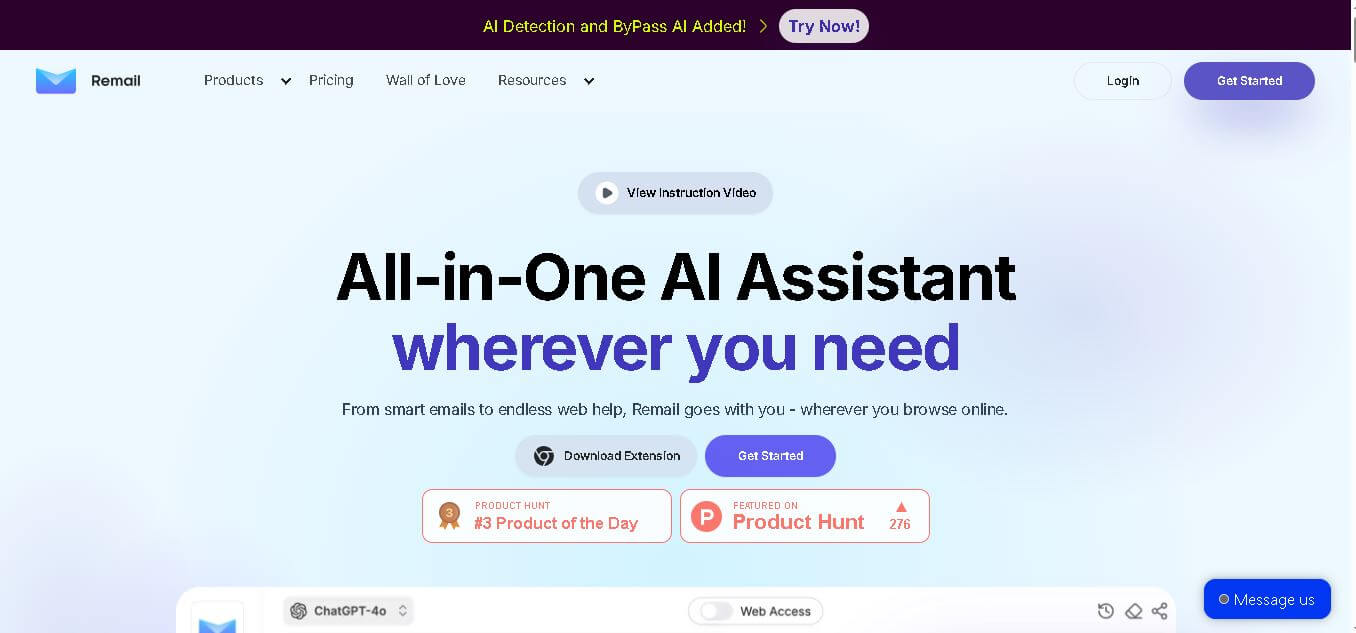
Remail is an all-in-one AI assistant for email writing, web research, content creation, translation, and productivity. Its browser-based tools help users draft replies, summarize webpages and videos, compare AI models, analyze documents, and access contextual AI assistance without constantly switching between different applications.
 4.7
4.7MailerLite
Email Assistant
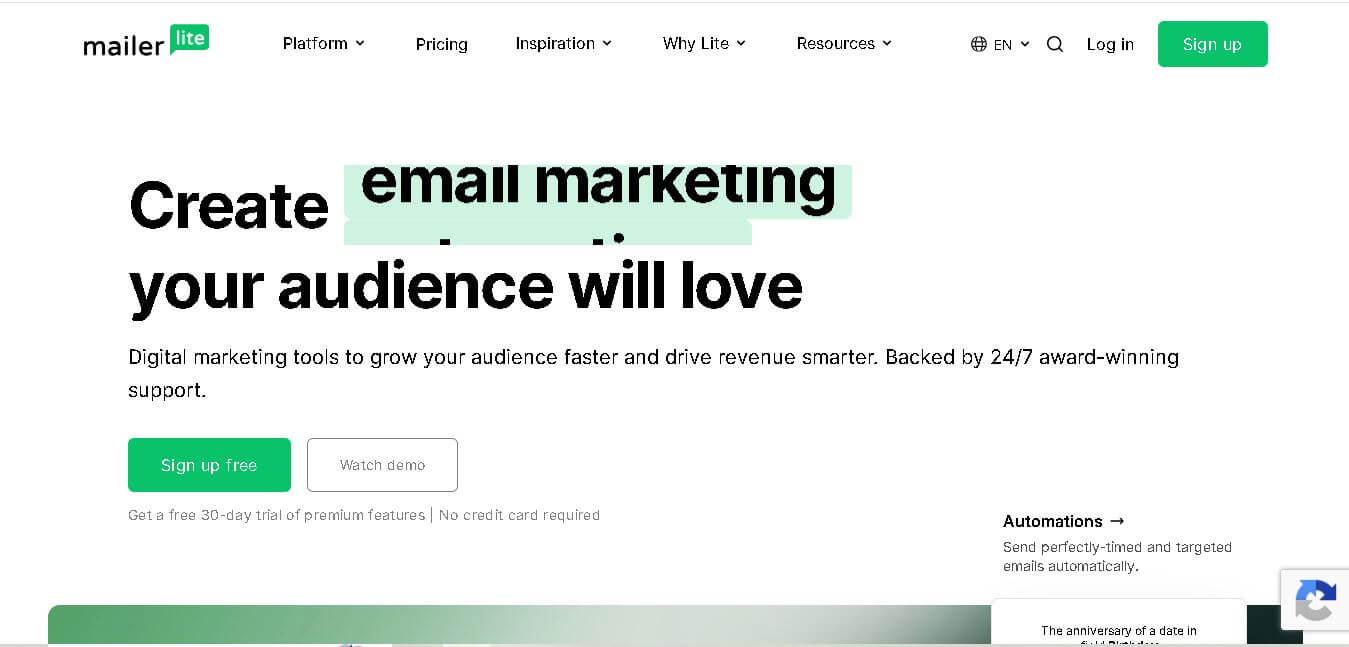
MailerLite is an email marketing solution designed to help creators, small businesses, ecommerce brands, and marketers build audiences, send newsletters, automate campaigns, and create landing pages. It also supports websites, signup forms, digital products, paid newsletters, integrations, and AI-assisted marketing features, making it useful for managing several audience-growth activities from one place.
 4.8
4.8Fellow
Personal Assistant
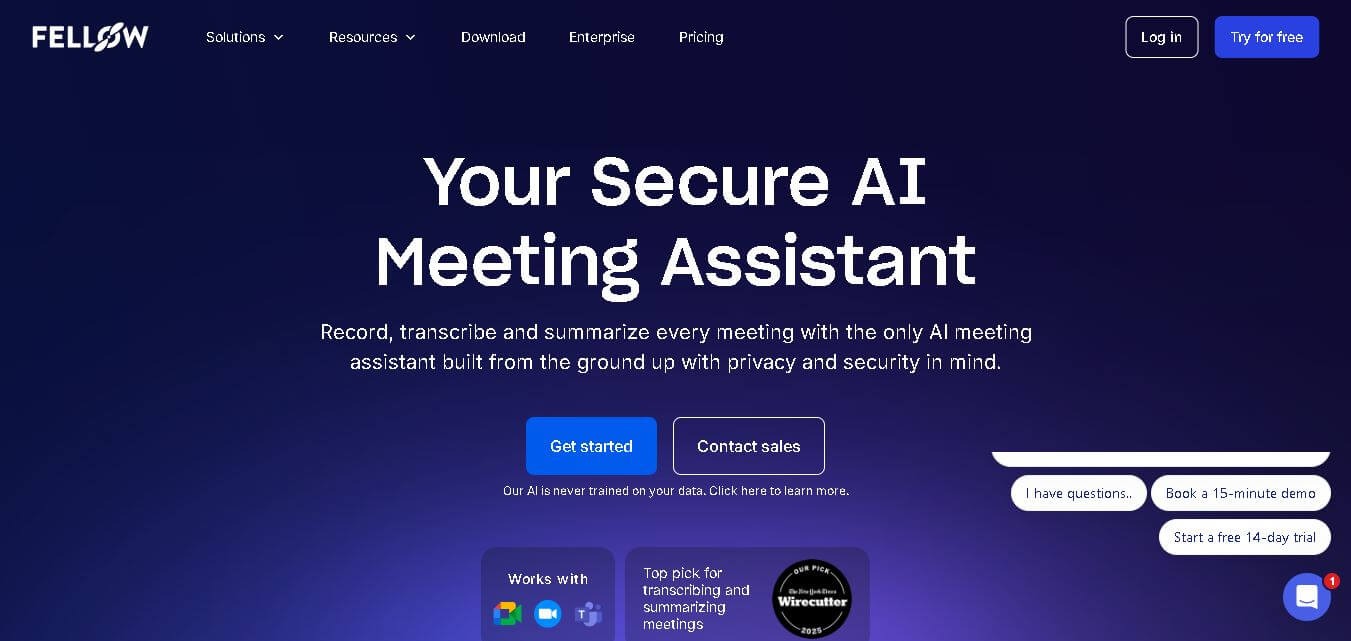
Fellow is an AI-powered meeting assistant and team management platform designed to streamline collaborative agendas, AI meeting transcriptions, summaries, action items, and 1-on-1 accountability structures.
 4.8
4.8Beehiiv
Email Assistant
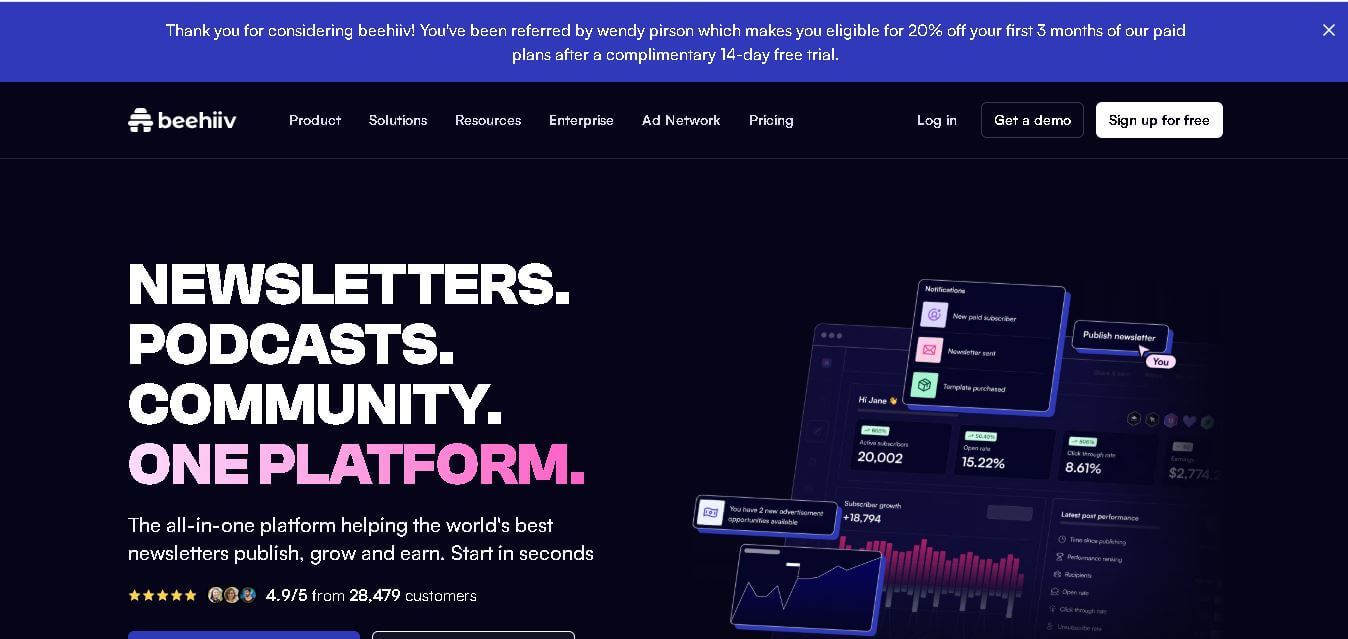
Beehiiv is a newsletter publishing platform that helps creators, businesses, and media brands build, grow, and monetize email audiences from one place. It combines email marketing, website creation, subscriber management, audience analytics, referral programs, automation, and revenue tools, making it easier to turn newsletters into sustainable digital businesses.
 4.4
4.4GPTChat for Slack
AI Chatbot Tools
GPTChat AI is an AI-powered chatbot platform that helps users generate content, answer questions, brainstorm ideas, and improve productivity through fast, conversational artificial intelligence.