
SaneBox
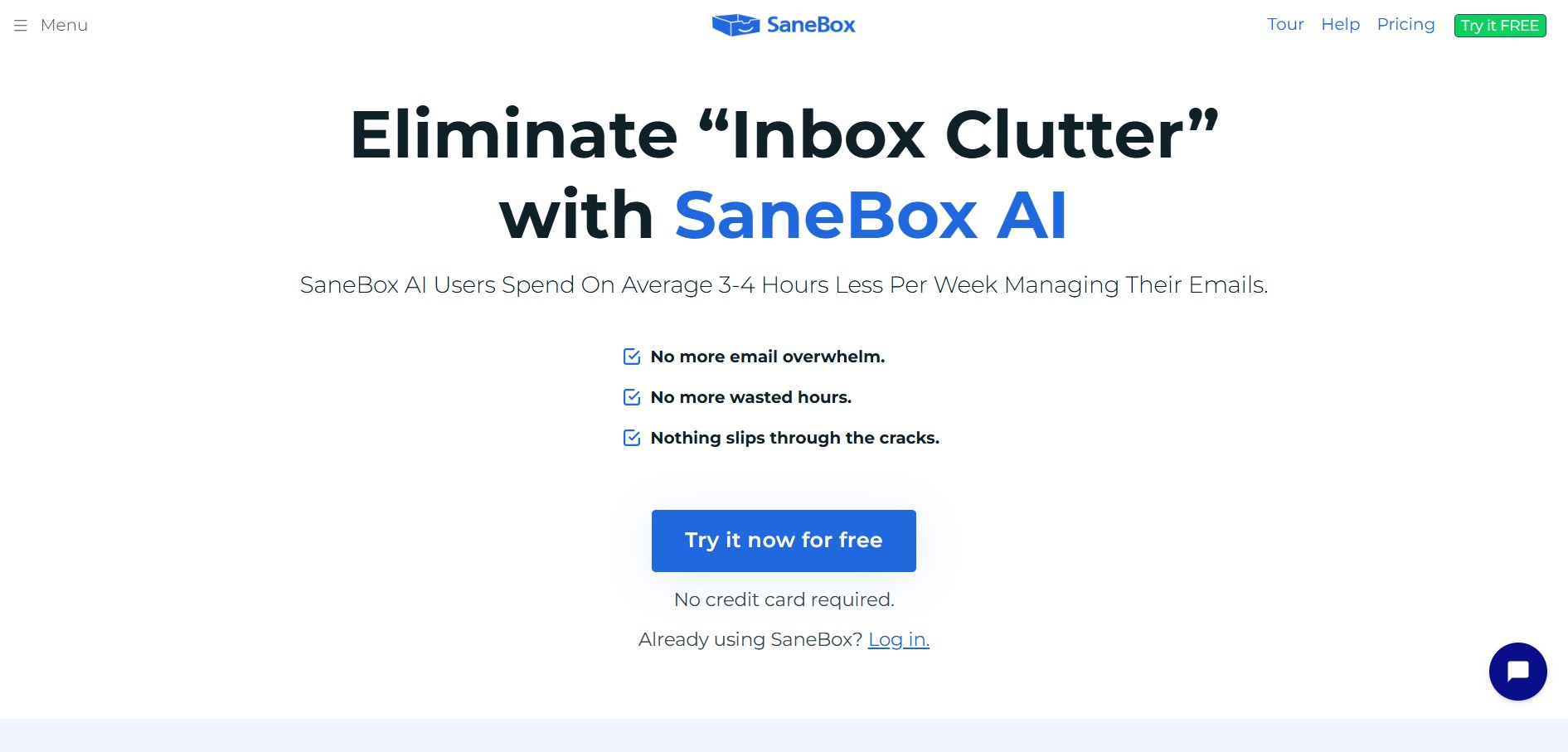
SaneBox is an AI-powered email management and inbox organization service that automatically filters unimportant emails, organizes newsletters, snoozes messages, and tracks unresponded emails across any email provider.
What is SaneBox?
SaneBox is an intelligent, cloud-based email management service designed to solve inbox overload. Operating directly on top of existing email providers like Gmail, Microsoft Outlook, iCloud, and Yahoo Mail, SaneBox analyzes email headers and sender habits to automatically route non-urgent emails out of the primary inbox into designated custom folders.
By learning your email communication patterns without reading email body contents, SaneBox ensures your primary inbox remains reserved exclusively for urgent, high-priority messages.
- Platform Role: AI Email Management, Inbox Organizer & Email Productivity Assistant
- Core Architecture: IMAP Header Analysis Engine, Multi-Folder Automated Routing, Snooze & Reminder System, and Distraction Countermeasures
- Deployment: Works seamlessly across any email client or device (web, desktop, iOS, Android) via standard IMAP/EWS protocols
Use Cases:
- Automatically separating unimportant newsletters and marketing blasts from critical client or team communications
- Snoozing non-urgent emails to reappear in the inbox at a designated future date or time
- Tracking sent emails that haven't received a response after a set duration (SaneNoReplies)
- One-click unsubscribing and permanently blocking annoying senders by moving emails to SaneBlackHole
- Saving attachment files automatically to cloud storage platforms like Dropbox, Google Drive, or OneDrive
Technology:
- IMAP header processing algorithms that analyze email metadata (senders, timestamps, domain relationships) without reading message bodies
- Adaptive machine learning models that continuously refine email filtering based on simple drag-and-drop actions
- Enterprise-grade security architecture with OAuth authentication, bank-level encryption, and SOC2 compliance
- Universal mail server compatibility covering Google Workspace, Office 365, Exchange, Apple Mail, Fastmail, and IMAP servers
Target Users:
- Busy executives, founders, and managers overwhelmed by high daily email volumes
- Sales professionals, consultants, and account managers needing rigorous follow-up tracking
- Knowledge workers wanting to reduce email distractions and achieve Inbox Zero without changing email clients
Acquisition: Web SaaS subscription platform
What are the key features of SaneBox?
SaneBox's key platform features are
- SaneLater: Automatically redirects low-priority, non-urgent emails into a separate folder for end-of-day review.
- SaneBlackHole: Permanently banish unwanted newsletters and spam with a single move, automatically processing future emails from that sender to trash.
- SaneNews: Collects newsletters, digests, and subscription updates into a single folder to keep reading materials structured.
- SaneReminders & Snooze: Set follow-up reminders on sent emails or snooze incoming messages until a specific day or time.
- SaneNoReplies: Tracks all outbound emails that haven't received a reply, ensuring critical follow-ups never slip through the cracks.
- SaneAttachments: Automatically extracts email attachments and saves them directly to your preferred cloud storage provider.
- Do Not Disturb: Pause incoming inbox notifications during focus time or non-working hours to prevent workday burnout.
How much does SaneBox cost?
SaneBox offers tiered subscription plans based on the number of email accounts and features enabled.
Pricing Overview:
- Free Trial: 14-day full-featured free trial with no credit card required.
- Snack Plan (~$7/month billed monthly or ~$3.49/month billed bi-yearly): Includes 1 email account and choice of 1 core Sane feature.
- Lunch Plan (~$12/month billed monthly or ~$5.99/month billed bi-yearly): Includes 2 email accounts and choice of 6 core Sane features plus priority support.
- Dinner Plan (~$36/month billed monthly or ~$19.99/month billed bi-yearly): Includes 4 email accounts, all Sane features, and phone support.
Disclaimer: Subscription pricing and billing options are subject to change. Visit sanebox.com/pricing for current rates.
Who should use SaneBox?
SaneBox is tailored specifically for individuals and teams looking to regain control of their inbox, including
- Executives & Founders: Who process hundreds of emails daily and need to focus strictly on actionable priorities.
- Sales & Business Development Pros: Needing automated reminder notifications and response tracking on outbound deals.
- Remote Workers & Consultants: Seeking clean boundaries and quiet focus time free from low-priority email interruptions.
What are the best alternatives to SaneBox?
Some of the strongest SaneBox alternatives include
- Superhuman
- Clean Email
- Mailman
- Shortwave
- Unroll.me
- Inbox Zero
What are the pros and cons of SaneBox?
What are the pros of SaneBox?
- Works seamlessly on top of any existing email provider and mail client app without installing extra software
- Strong privacy protections: processes email metadata/headers without reading body content
- Extremely simple training mechanism—just drag misplaced emails between folders to update AI rules
- Powerful follow-up tracking (SaneNoReplies) ensures no critical deal or request goes ignored
- SaneBlackHole makes unsubscribing from junk lists instantaneous and permanent
What are the cons of SaneBox?
- Requires a monthly or annual subscription fee per account
- Initial setup requires a few days of training and tuning to match personal email sorting preferences
Why should you choose SaneBox?
SaneBox saves the average user 2 to 4 hours per week by handling email sorting automatically. Instead of forcing you to switch to a whole new email client, SaneBox works quietly in the background on your current server, turning email into a calm, organized workflow.
- Keep your primary inbox reserved exclusively for important, actionable emails
- Eliminate subscription clutter without unsubscribing manually using SaneBlackHole
- Never lose track of sent messages requiring a follow-up response
How does SaneBox compare to competitors?
While tools like Superhuman and Shortwave require switching to proprietary client interfaces or Google-only ecosystems, SaneBox operates server-side on any IMAP email service. This allows users to retain their favorite email apps (Apple Mail, Outlook, Gmail) while enjoying intelligent AI filtering behind the scenes.
| Feature / Platform | SaneBox | Superhuman | Clean Email | Shortwave |
|---|---|---|---|---|
| Integration Level | Server-side IMAP (Any provider/app) | Proprietary desktop/mobile app | Web app & folder automation | Web & native apps for Gmail |
| Privacy Architecture | Header/Metadata only (No body reading) | Full mail body access | Header & metadata processing | Full AI context processing |
| AI Smart Filtering | Folder routing & learning algorithms | Auto-summaries & split inbox | Bulk clean rules & auto-clean | AI thread summaries & search |
| Supported Email Services | Gmail, Outlook, iCloud, Yahoo, IMAP | Gmail, Google Workspace, Outlook | Gmail, Outlook, Yahoo, IMAP | Gmail & Google Workspace |
| Pricing Entry Point | From ~$3.49/mo (Snack) | $30/month per user | From ~$9.99/mo | Free tier / $7+ monthly Pro |
How do we rate SaneBox?
| Parameter | Rating (out of 5) |
|---|---|
| Filtering Accuracy & Smart Sorting | 4.9 |
| Ease of Use & Integration | 4.8 |
| Privacy & Data Security | 4.9 |
| Feature Set (BlackHole, Reminders) | 4.8 |
| Value for Money | 4.7 |
| Overall Score | 4.82 |
What is our review and verdict on SaneBox?
SaneBox is one of the most reliable and effective email management tools available. By prioritizing privacy through header-only processing and providing robust custom folders, SaneBox frees professionals from inbox overload without forcing them to abandon their existing email applications.
Conclusion
SaneBox is an essential assistant for any professional overwhelmed by email. With automatic folder routing, response tracking, instant newsletter blocking, and universal mail provider compatibility, SaneBox transforms chaotic inboxes into organized, distraction-free productivity hubs.
FAQ
What is SaneBox?
SaneBox is an AI-powered email management tool that works with your existing email account to automatically organize incoming messages. It separates less-important emails from your main inbox, helping you focus on messages that require your attention.
How does SaneBox organize emails?
SaneBox analyzes email information such as the sender, subject, and other header data to determine which messages are important. Less-important messages can be moved into folders such as @SaneLater, while a Daily Digest gives you a quick overview of emails that were filtered out.
What is SaneLater in SaneBox?
@SaneLater is a dedicated folder where SaneBox places emails that are considered lower priority. These messages are still available in your email account, but they are kept out of the main inbox so you can review them when convenient instead of being interrupted by every incoming message.
Can SaneBox remind me to follow up on emails?
Yes. SaneReminders can remind you about an email at a future time or notify you when someone has not replied within a period you specify. SaneBox also provides SaneNoReplies for helping track emails that are waiting for a response.
Does SaneBox work with Gmail and Outlook?
Yes. SaneBox is designed to work with the email service and email client you already use, including Gmail, Microsoft 365, Outlook, Apple iCloud, Yahoo Mail, Fastmail, and other supported IMAP, Exchange, or ActiveSync setups. It operates in the background rather than requiring you to replace your existing email application.
Is SaneBox safe for email privacy?
SaneBox states that it does not store full emails or attachments and primarily analyzes email header information such as the sender, subject, and date. The company also says it does not sell or share users' information and uses security measures including OAuth and external security assessments.
Is SaneBox free to use?
SaneBox is a paid email-management service with a free trial rather than a permanent free plan. Its current pricing lists Snack at $4.54/month, Lunch at $7.46/month, and Dinner at $22.04/month when paid biannually; the plans differ in the number of email accounts and SaneBox features included.
User Reviews
No reviews yet for SaneBox.
Featured Tools
Featured AI tools from TechShark

Melody Genie
MelodyGenie is an AI-powered music generator that creates original songs from simple text prompts. Users can choose styles, moods, and genres, then instantly generate melodies and full tracks, making it easy for creators, marketers, and hobbyists to produce custom music without musical expertise.
Freemium

Kimi AI
Kimi AI is an advanced AI assistant developed by Moonshot AI that helps you chat, research, write, code, and automate tasks in one place. It supports web search, file analysis, and multimodal inputs, and can even run autonomous “agent” workflows to complete complex tasks end-to-end.
Freemium

Fashion Diffusion AI
Fashion Diffusion is an AI-powered fashion design platform that helps brands and designers create clothing designs, virtual try-ons, AI models, product photos, and marketing visuals faster and cost-effectively.
Paid

Veo 4
Veo 4 AI is an AI video creation platform that generates dramatic videos from text, images, audio, and video prompts using realistic motion and synchronized sound.
Paid
Alternatives
Alternatives to SaneBox
The best SaneBox alternatives include Superhuman, Clean Email, Mailman, Shortwave, and Unroll.me. While SaneBox runs server-side on any IMAP mail client using header-only privacy filtering, alternatives like Superhuman provide dedicated fast client apps and Shortwave offers deep AI conversation summaries.
 4.6
4.6NetworkAI by Wonsulting
Email Assistant
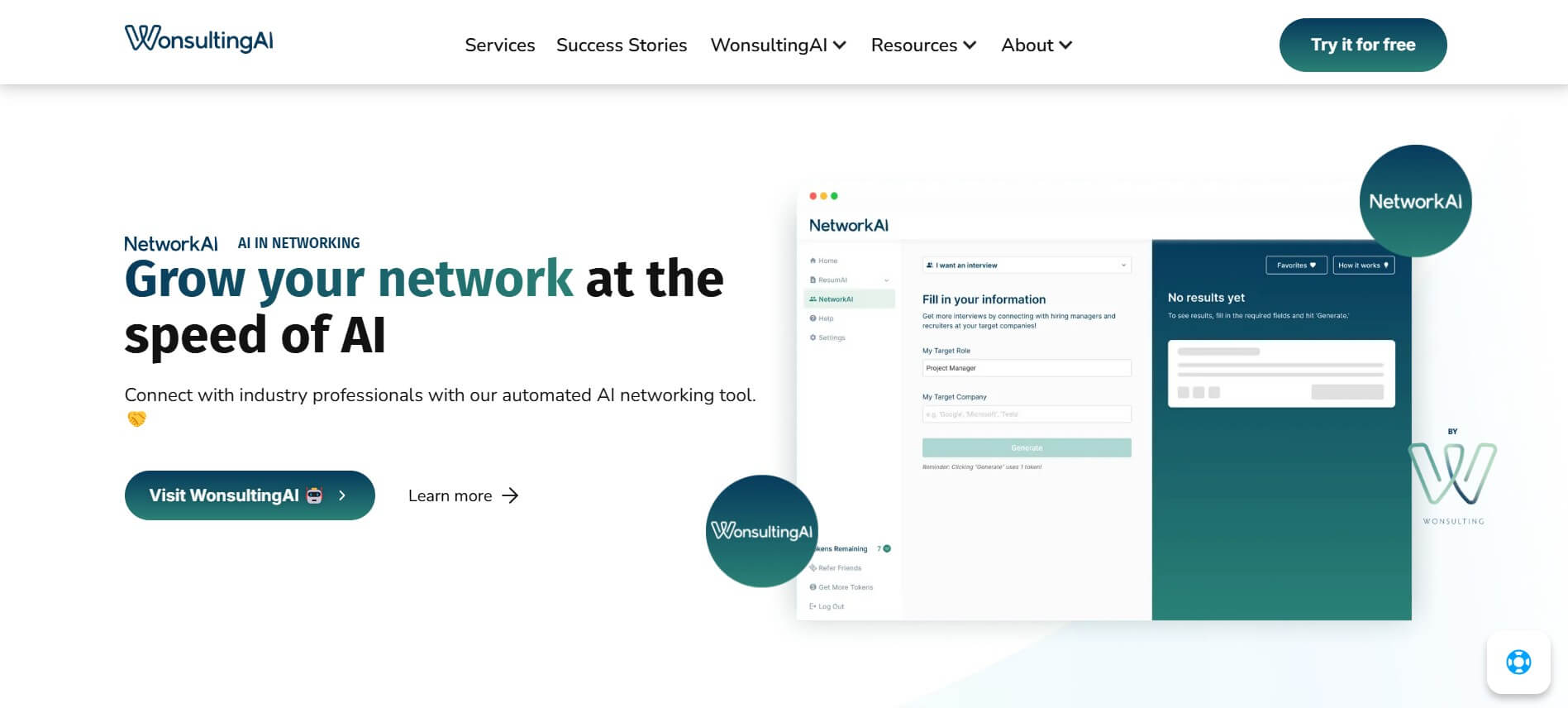
NetworkAI helps job seekers make connections without spending hours searching for contacts or writing outreach. It can identify recruiters and hiring managers, create personalized LinkedIn messages, find company email addresses, and generate resume-based cold emails. It is designed for candidates who want an organized approach to networking and job-search outreach.
 4.8
4.8addy.io
Email Assistant
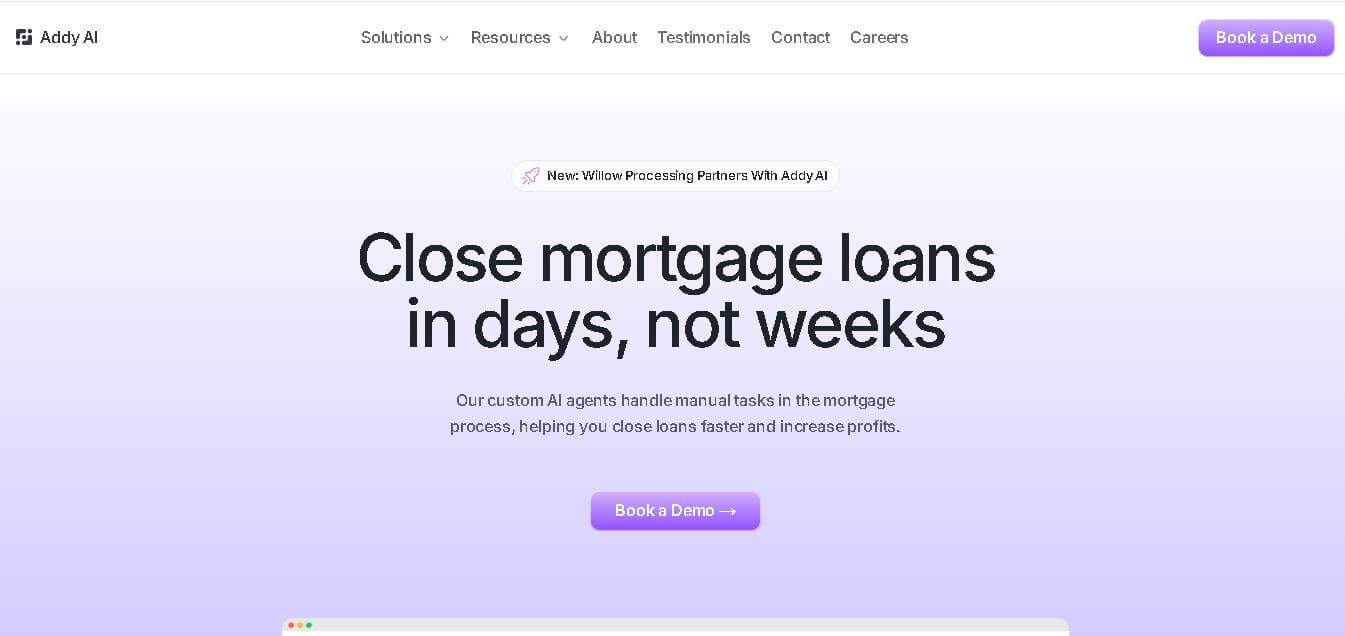
Addy AI is a mortgage lending automation platform that uses specialized AI agents to streamline loan processing. It helps lenders check guidelines, review documents, resolve conditions, request missing information, and connect workflows with existing lending systems, helping mortgage teams reduce repetitive work and process loans more efficiently.
 4.8
4.8superReply
Email Assistant
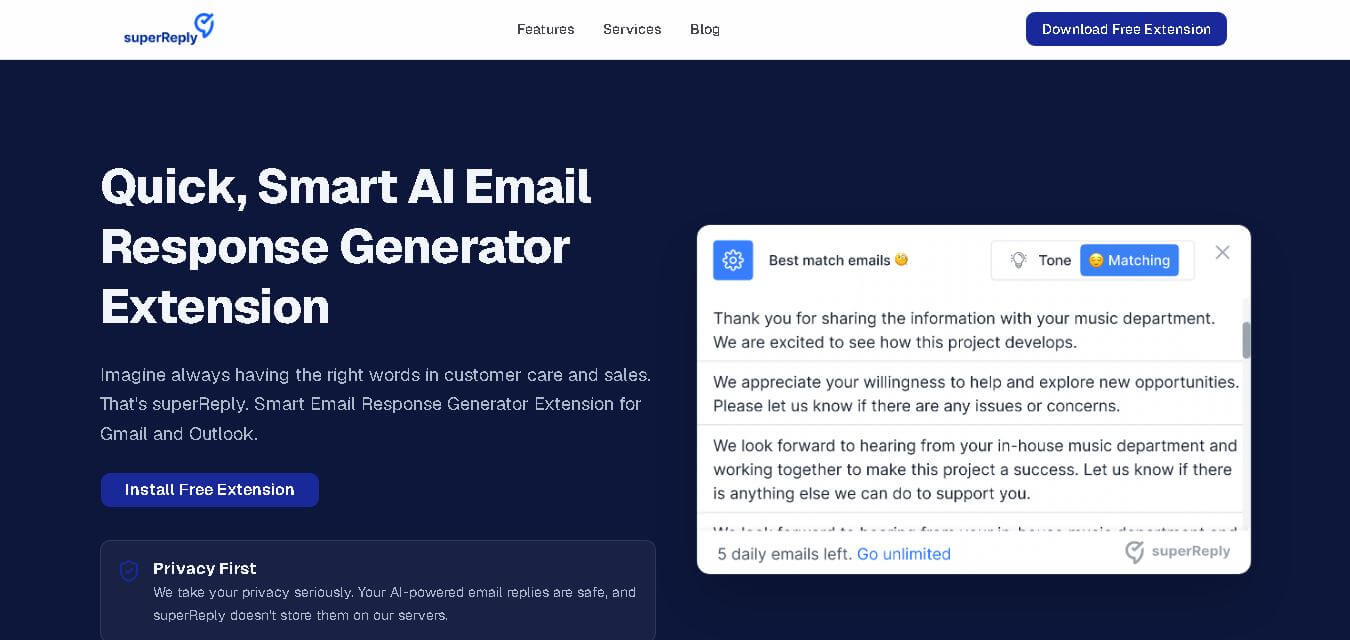
SuperReply helps you write better email responses with contextual AI suggestions, customizable tones, and one-click reply generation. Designed for Gmail and Outlook users, it can reduce writing time while keeping communication professional and personalized. Its free plan provides up to 90 replies monthly, making it useful for individuals and growing teams.
 4.7
4.7Remail
Email Assistant
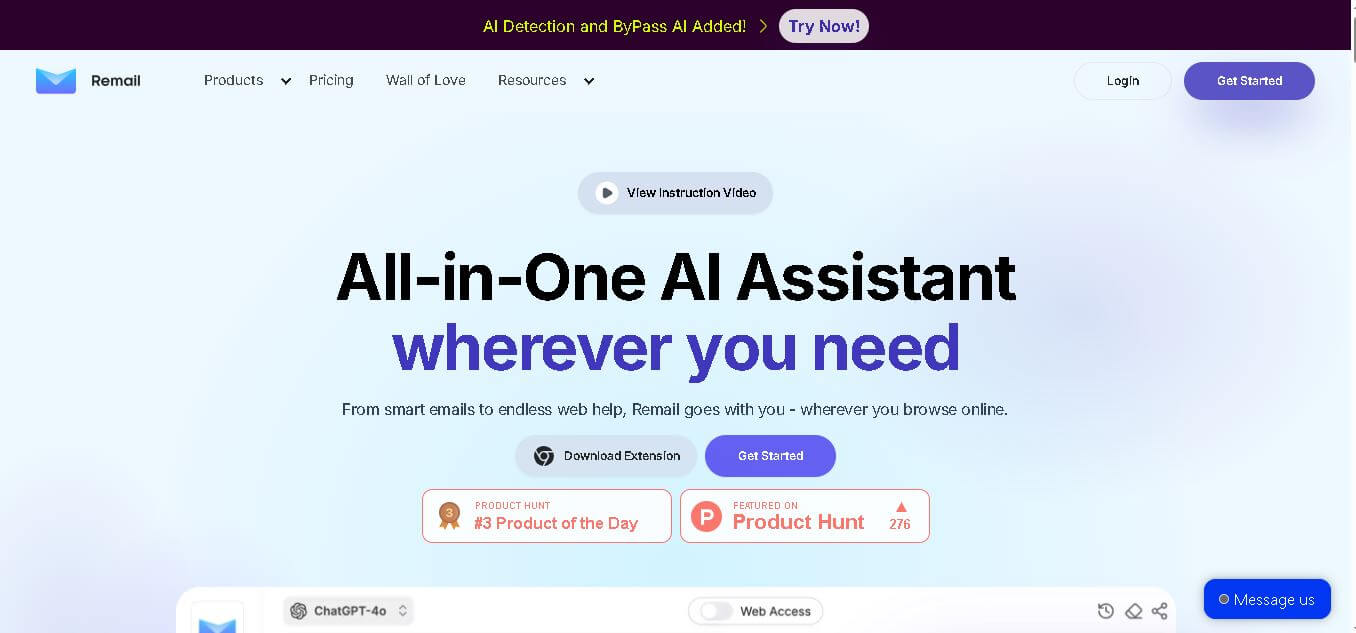
Remail is an all-in-one AI assistant for email writing, web research, content creation, translation, and productivity. Its browser-based tools help users draft replies, summarize webpages and videos, compare AI models, analyze documents, and access contextual AI assistance without constantly switching between different applications.
 4.7
4.7MailerLite
Email Assistant
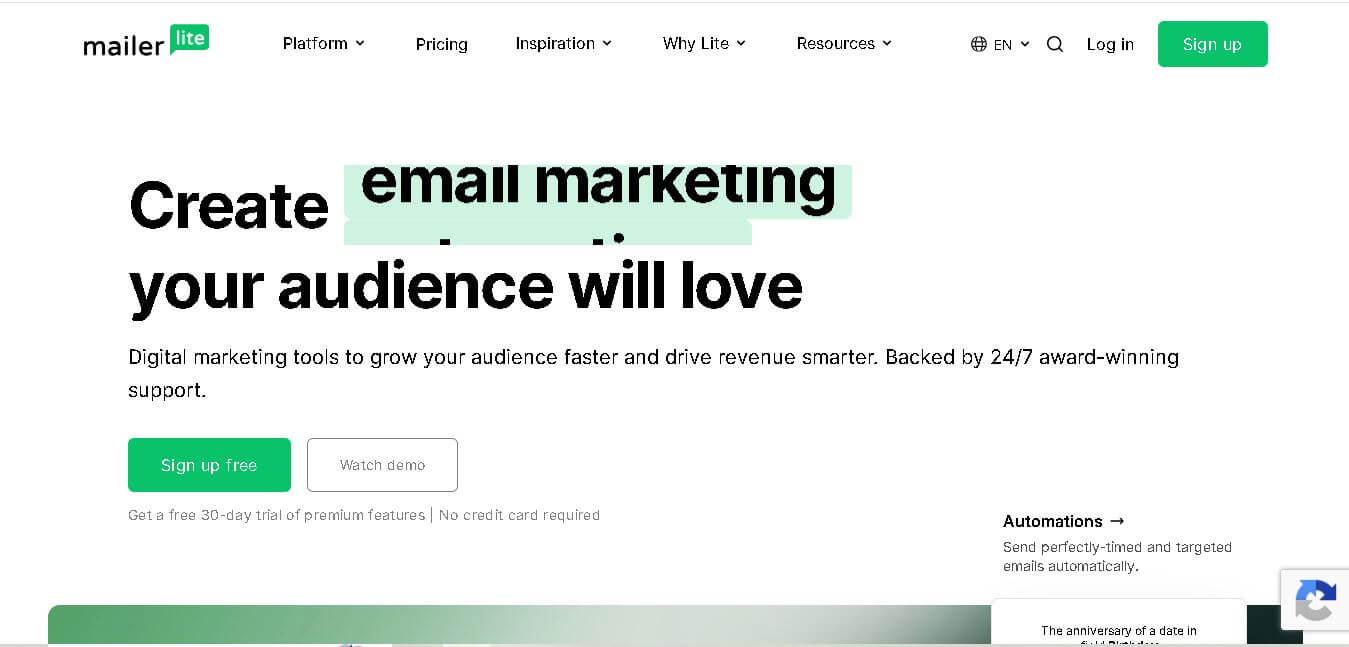
MailerLite is an email marketing solution designed to help creators, small businesses, ecommerce brands, and marketers build audiences, send newsletters, automate campaigns, and create landing pages. It also supports websites, signup forms, digital products, paid newsletters, integrations, and AI-assisted marketing features, making it useful for managing several audience-growth activities from one place.
 4.8
4.8Fellow
Personal Assistant
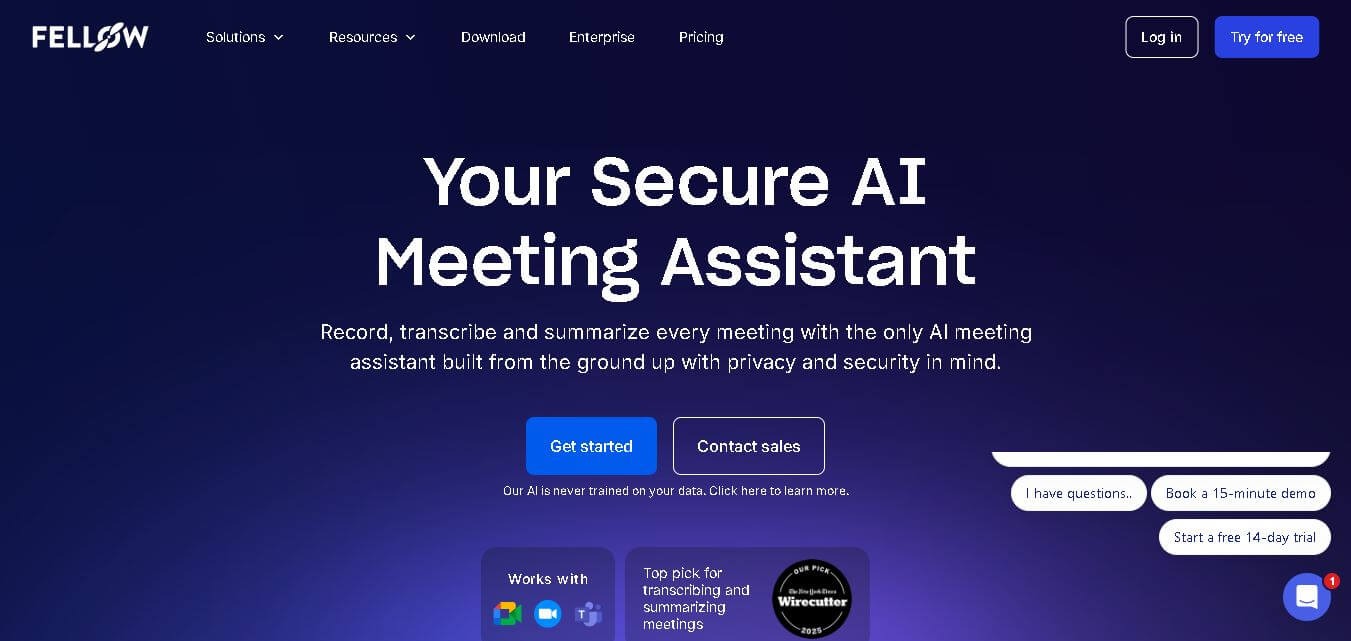
Fellow is an AI-powered meeting assistant and team management platform designed to streamline collaborative agendas, AI meeting transcriptions, summaries, action items, and 1-on-1 accountability structures.
 4.8
4.8Beehiiv
Email Assistant
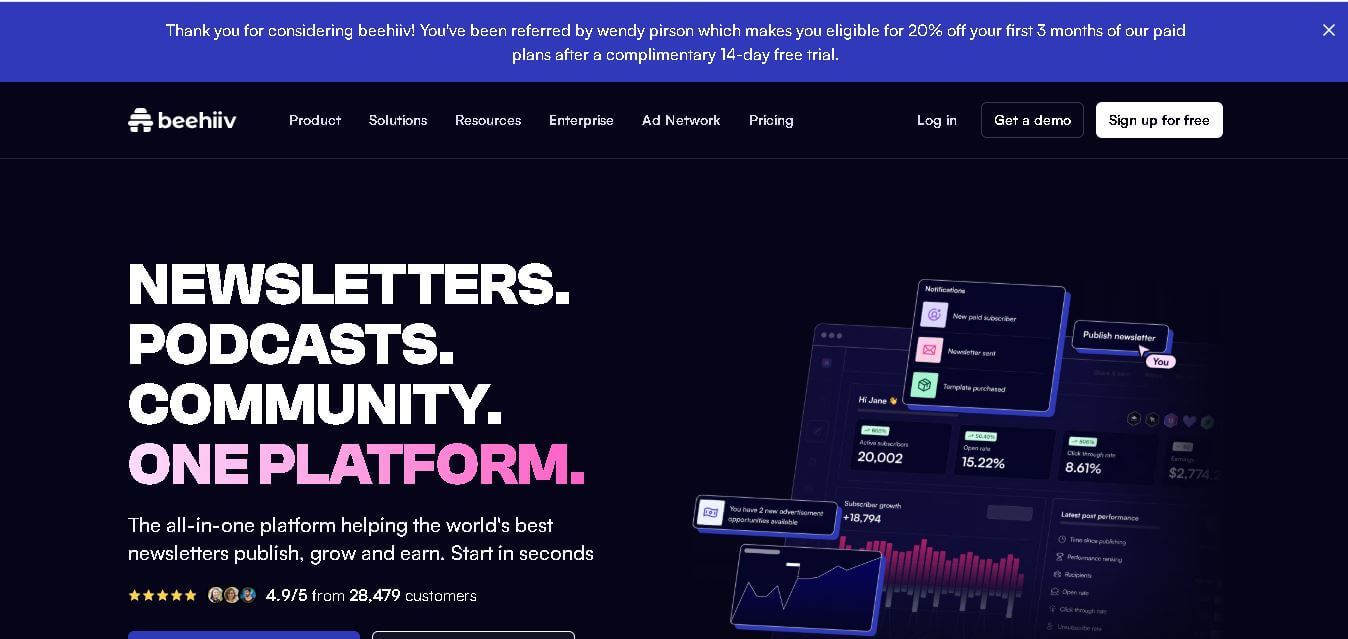
Beehiiv is a newsletter publishing platform that helps creators, businesses, and media brands build, grow, and monetize email audiences from one place. It combines email marketing, website creation, subscriber management, audience analytics, referral programs, automation, and revenue tools, making it easier to turn newsletters into sustainable digital businesses.
 4.9
4.9Angry Email Translator
Email Assistant
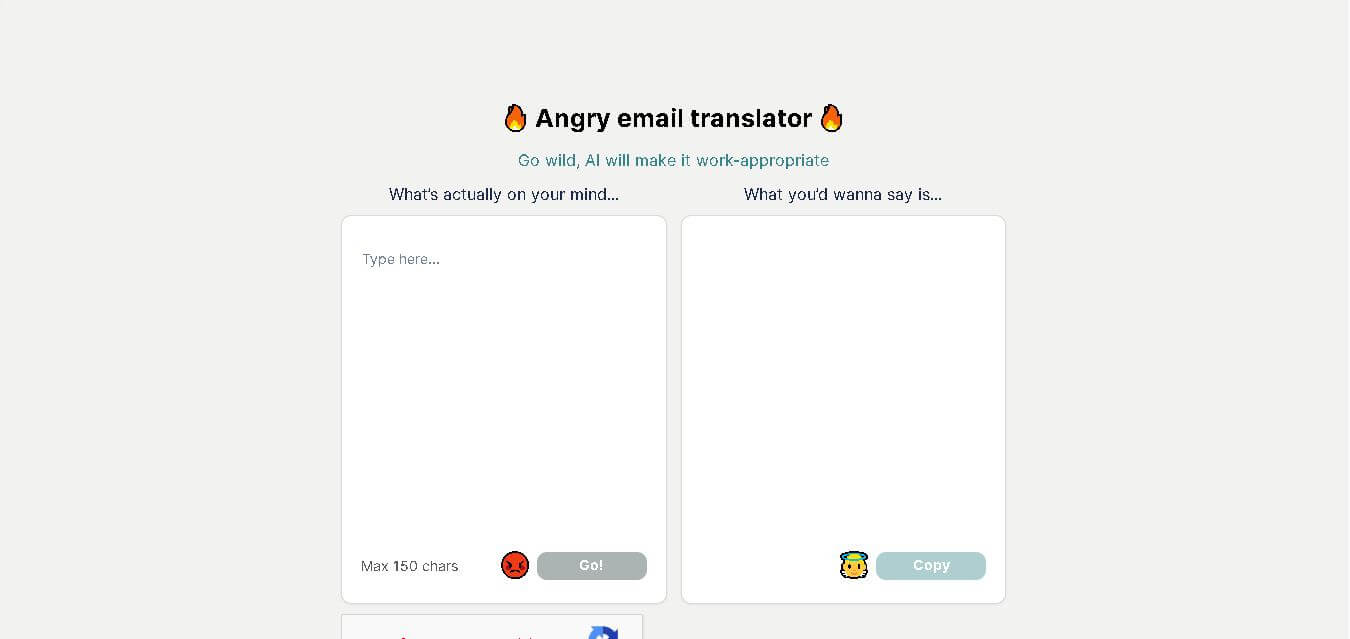
Angry Email Translator is a free AI-powered writing tool that converts angry, emotional emails into calm, professional, and respectful messages. It helps users communicate more effectively while preserving the original intent. Whether you're responding to workplace conflicts or customer complaints, the tool promotes better communication and reduces the risk of misunderstandings.
 4.4
4.4GPTChat for Slack
AI Chatbot Tools
GPTChat AI is an AI-powered chatbot platform that helps users generate content, answer questions, brainstorm ideas, and improve productivity through fast, conversational artificial intelligence.