
Steve AI
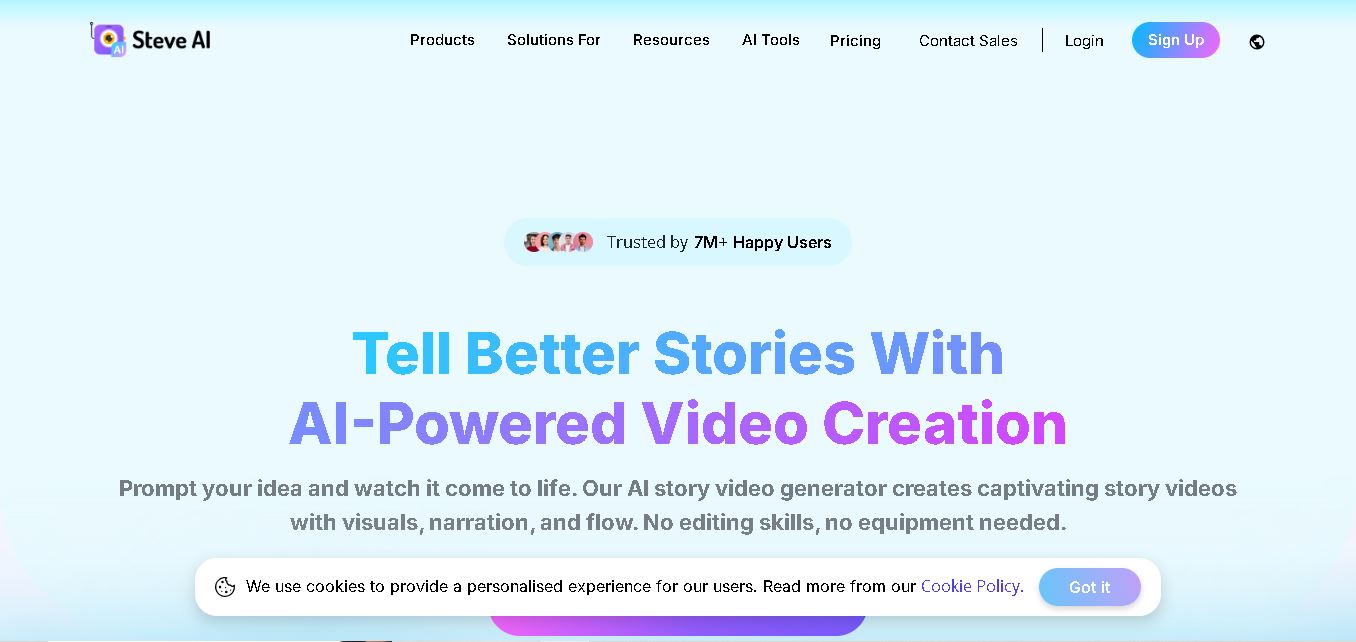
Steve AI is an online video creation tool that converts text, scripts, blog posts, images, and audio into engaging videos. It offers animation, AI-generated visuals, voiceovers, customizable scenes, and ready-made templates. The platform helps creators, educators, marketers, and businesses produce video content efficiently without requiring advanced editing skills.
What is Steve AI?
Steve AI is a video creation tool developed by Animaker that transforms text prompts, scripts, blog posts, images, and audio files into engaging videos. It supports animated videos, live-action visuals, AI-generated scenes, voiceovers, and social media content. Users can customize scenes, select visual styles, and add branding elements without advanced editing skills, making it suitable for marketers, educators, YouTubers, and businesses that want to produce video content more efficiently.
Steve AI provides tools for creating videos from text, prompts, blogs, images, and audio. Its official website advertises 15+ AI-powered creation tools, 300+ animated characters, and support for 10+ languages for voiceovers and captions. The platform also reports 3 million+ videos generated in 2024 and 500,000+ non-English videos produced. Its free plan lists 200 AI and stock-media credits and 1,200 seconds of AI video creation. Paid plans add higher-resolution exports, additional credits, premium assets, and expanded video production capabilities.
- Core Focus: AI Text-to-Video Generation, Automated 2D Animation, E-Learning Video Creation & Script-to-Scene Sequencing
- Platform Type: Web-Based SaaS AI Video Generation & Animated Content Studio
Use Cases:
- Converting educational scripts, classroom lesson plans, and textbook summaries into dynamic 2D animated explainer videos for K-12 and higher education curriculum
- Designing e-learning course modules, onboarding tutorials, and corporate compliance training videos aligned with modern digital learning standards
- Repurposing educational blogs, articles, and audio lectures into short-form video snippets and social media clips
- Creating multi-voice conversational instructional videos using natural-sounding AI voiceovers in over 8 global languages
Technology:
- Patented Script-to-Video parsing engine analyzing NLP semantics to auto-generate storyboard scenes, camera angles, and character actions
- Rich asset repository featuring over 100M+ stock photos, video clips, background audio tracks, and 300+ customizable 2D animated characters
- Multi-voice AI speech synthesis engine supporting realistic voiceovers, kinetic text motion effects, and automated closed-caption generation
Target Users:
- Educators, Academic Content Creators, and Higher Education Instructional Designers
- Corporate Learning & Development (L&D) Trainers, HR Onboarding Specialists, and SaaS Instructors
- Digital Marketers, YouTube Creators, and Social Media Managers
- Content creators using writing tools to draft video scripts, course outlines, and educational software reviews
Corporate Entity: Animaker Inc. (San Jose, CA, USA & Global SaaS)

Key features of Steve AI
Steve AI's key features are
- Patented Text-to-Video Engine: Turn text scripts, blog URLs, audio files, or prompt ideas into full video drafts in seconds.
- Dual Output Styles (Animation & Live Action): Generate vibrant 2D animated videos with customizable characters or high-quality live-action stock videos.
- Multi-Voice AI Narration: Assign multiple realistic AI voices to different script dialogue lines for conversational storytelling.
- E-Learning & Course Video Templates: Access pre-built video layouts designed for online courses, tutorial guides, and micro-learning modules.
- AI Motion Effects & Kinetic Typography: Apply dynamic camera movements, text overlays, and visual transition effects automatically.
- Custom Brand Kit & 4K Exporting: Integrate custom logos, brand colors, custom font styles, and export crisp high-resolution 1080p or 4K video renders.
Steve AI Pricing
Steve AI provides a free trial/plan alongside flexible monthly and annual subscription plans tailored for individual educators, pro creators, and teams (annual billing offers up to 25% savings).
Trial & Paid Plans:
- Free Plan ($0/mo): Test video creation tools with AI credits, watermarked exports, and standard asset access
- Basic Plan (~$15–$20/mo): 720p video resolution, 5 video downloads/month, core stock media access, and watermark removal
- Starter Plan (~$45–$60/mo): 1080p video resolution, 15 video downloads/month, expanded AI credits, and 300+ animated characters
- Pro Plan (~$60–$80/mo): 2K video resolution exports, 40 video downloads/month, premium voiceovers, custom character building, and team collaboration
- Enterprise Custom Tier: Unlimited 4K video downloads, dedicated servers, custom voice cloning, dedicated account manager, and SSO integration
Disclaimer: Subscription pricing, download quotas, and credit allowances are updated periodically. Visit steve.ai/pricing for current subscription rates.
Who is using Steve AI?
Steve AI is designed for educators, instructional designers, and content teams, including
- Teachers & Educators: Creating visually rich animated lesson videos and classroom presentations aligned with modern curricula
- E-Learning Course Creators: Packaging online course content, micro-learning tutorials, and skills training modules
- Corporate L&D Teams: Developing employee onboarding videos, compliance training animations, and product walkthroughs
- Content Creators: Using writing tools to draft script hooks, course outlines, and educational software review guides
Best Steve AI Alternatives
Some of the top Steve AI alternatives include
Pros and Cons of Steve AI
Pros
- Supports both 2D vector animation styles and live-action stock video generation in one platform
- Extremely fast text-to-video processing converts raw script text into complete scenes automatically
- Multi-voice AI storytelling enables natural dialogue between animated characters
- Affordable entry pricing compared to traditional animation software like Adobe Animate or Vyond
Cons
- Monthly video export limits on lower plans require upgrading for high-volume content creators
- Automated scene layouts may occasionally require manual fine-tuning for exact visual alignment
- Advanced custom character creation and 4K exports are restricted to higher tier plans
Why Choose Steve AI?
Steve AI is the premier choice for educators, course creators, and L&D specialists seeking a versatile AI video generator that effortlessly bridges the gap between text script drafts and professional 2D animated learning videos.
- Features over 300+ animated characters and 100M+ stock media assets
- Includes multi-voice AI audio narration and multi-lingual voiceover support
- Offers specialized e-learning and course creation video templates
Steve AI vs. Competitors
The main difference between Steve AI, Vyond, and Synthesia is that Steve AI specializes in automated script-to-scene generation across both 2D animation and live-action stock formats at a budget-friendly price point, whereas Vyond focuses on complex keyframe 2D enterprise animation editing, and Synthesia centers on photorealistic hyper-real human AI avatars. Steve AI stands out for its speed, ease of use, and multi-format versatility.
| Feature / Tool | Steve AI (steve.ai) | Vyond | Synthesia | InVideo |
|---|---|---|---|---|
| Core Focus | Script-to-Video & 2D Animated E-Learning Creation | Professional 2D Enterprise Animation Studio | AI Photorealistic Avatar Video Generation | AI Video Editor & Stock Video Assembly |
| 2D Animation & Live Action | Yes (Dual Animation & Live Action Modes) | Animation Focused | Avatar Live Action | Stock Live Action |
| Multi-Voice Storytelling | Yes (Multi-Character Dialogue Support) | Yes | Yes | Single Narration |
| Target Audience | Educators, Course Creators & L&D Trainers | Enterprise Instructional Designers | Corporate Trainers & Sales Teams | Marketers, SMBs & Creators |
| Starting Price | Free Plan / ~$15–$20/mo | ~$49–$58/mo | ~$22–$29/mo | Free Tier / ~$20/mo |
| Best For | Educators and trainers wanting fast AI script-to-video conversion in animated and live formats | Instructional designers needing custom, complex 2D character animation control | Teams wanting realistic human AI presenter avatars reading training scripts | Marketers wanting fast prompt-to-video social clips using stock footage |
How do we rate Steve AI?
| Parameter | Rating (out of 5) |
|---|---|
| Text-to-Video Parsing & Automation | 4.9 |
| 2D Animation & Asset Quality | 4.8 |
| Multi-Voice AI Narration & Speech | 4.8 |
| E-Learning & Course Video Usability | 4.9 |
| Value for Money | 4.8 |
| Overall Score | 4.84 |
Steve AI Review
Steve AI is an exceptional AI video generator that simplifies educational content production and instructional design. Developed by Animaker Inc., its patented script-to-video engine turns written lesson plans, educational articles, and training materials into captivating 2D animations and live-action video modules effortlessly. With multi-voice AI storytelling, rich stock asset libraries, and flexible export formats, Steve AI enables educators and e-learning developers to save dozens of editing hours. For educators, online course creators, and L&D teams seeking a powerful AI video partner in 2026, Steve AI comes highly recommended.
Conclusion
Steve AI is a practical choice for creators and businesses that want to simplify video production using AI-assisted workflows. Its text-to-video conversion, animation, voiceovers, and blog repurposing features support multiple content needs. The free plan provides an opportunity to explore the platform before upgrading. However, users should review generated content carefully, verify factual accuracy, and compare subscription limits before committing. For stronger results, combine automated video creation with original storytelling, audience research, and consistent publishing.
FAQ
How can Steve AI help you create videos?
Steve AI helps you turn scripts, ideas, blog posts, and audio recordings into videos without building every scene manually. You can choose a visual style, customize scenes, add voiceovers, and adjust the final presentation. It is particularly useful when you need to publish educational, promotional, or social media videos regularly.
Is Steve AI free to use?
Yes, Steve AI offers a free plan that lets you explore its video creation tools and generate previews. The plan includes limited AI credits and video creation capacity, while certain downloads and premium assets may require payment. Review the current plan details before creating content for an important project.
Can Steve AI convert text into videos?
Yes, Steve AI can transform written prompts, scripts, and blog content into videos. You provide your topic or text, and the tool helps generate scenes, visuals, and narration. You can then refine the storyboard and customize the output. This is useful for explainers, tutorials, marketing campaigns, and educational content.
Can you create animated videos using Steve AI?
Yes, Steve AI supports animated video creation, including cartoon-style content and videos featuring animated characters. You can choose suitable visual themes, customize scenes, and add narration to communicate your message. This makes the tool useful for educational explainers, storytelling, product demonstrations, and engaging social media content without traditional animation production workflows.
Can Steve AI turn blog posts into videos?
Yes, Steve AI can convert blog posts and website URLs into video content. This helps you repurpose existing articles into visual summaries for YouTube, social media, and promotional campaigns. You can review the generated scenes and refine the message before publishing, making it easier to extend your content's reach across different formats.
Does Steve AI support AI voiceovers?
Yes, Steve AI provides AI voiceover capabilities that let you add spoken narration without recording everything yourself. Depending on the selected plan and available options, you can choose voices and languages suited to your audience. Voiceovers are useful for tutorials, explainers, training materials, and marketing videos that need clear narration.
User Reviews
No reviews yet for Steve AI.
Featured Tools
Featured AI tools from TechShark
Melody Genie
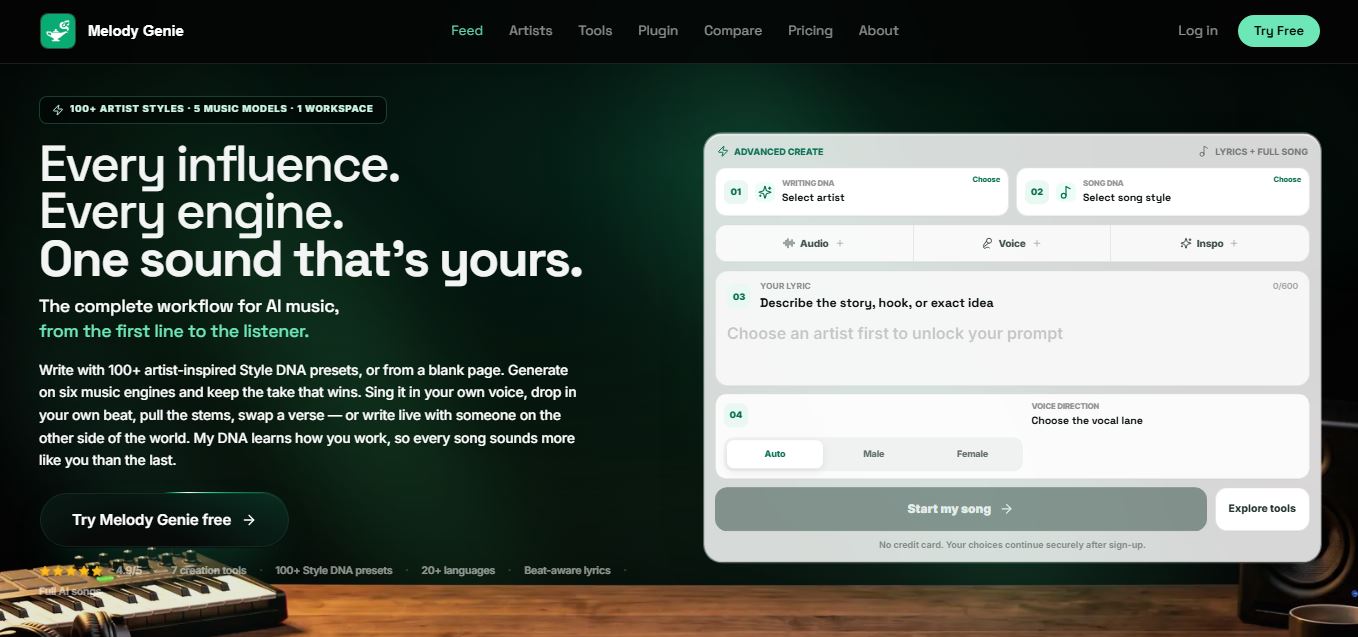
MelodyGenie is an AI-powered music generator that creates original songs from simple text prompts. Users can choose styles, moods, and genres, then instantly generate melodies and full tracks, making it easy for creators, marketers, and hobbyists to produce custom music without musical expertise.
Freemium
Kimi AI
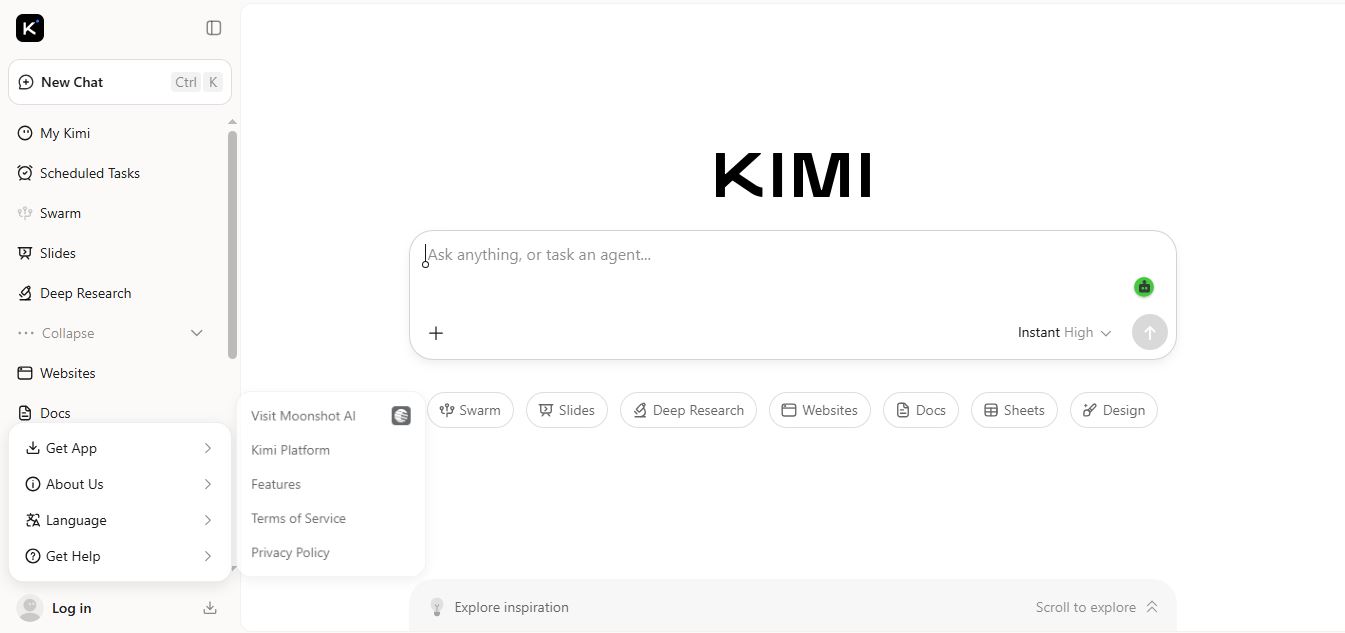
Kimi AI is an advanced AI assistant developed by Moonshot AI that helps you chat, research, write, code, and automate tasks in one place. It supports web search, file analysis, and multimodal inputs, and can even run autonomous “agent” workflows to complete complex tasks end-to-end.
Freemium
Fashion Diffusion AI
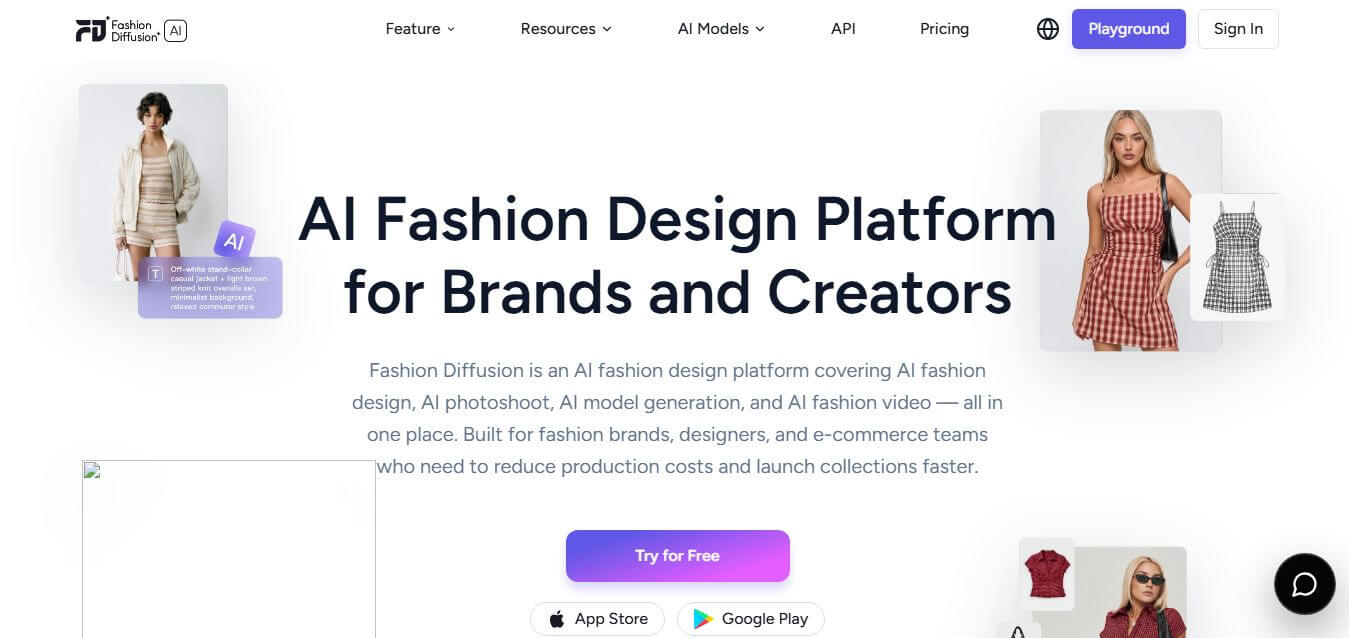
Fashion Diffusion is an AI-powered fashion design platform that helps brands and designers create clothing designs, virtual try-ons, AI models, product photos, and marketing visuals faster and cost-effectively.
Paid
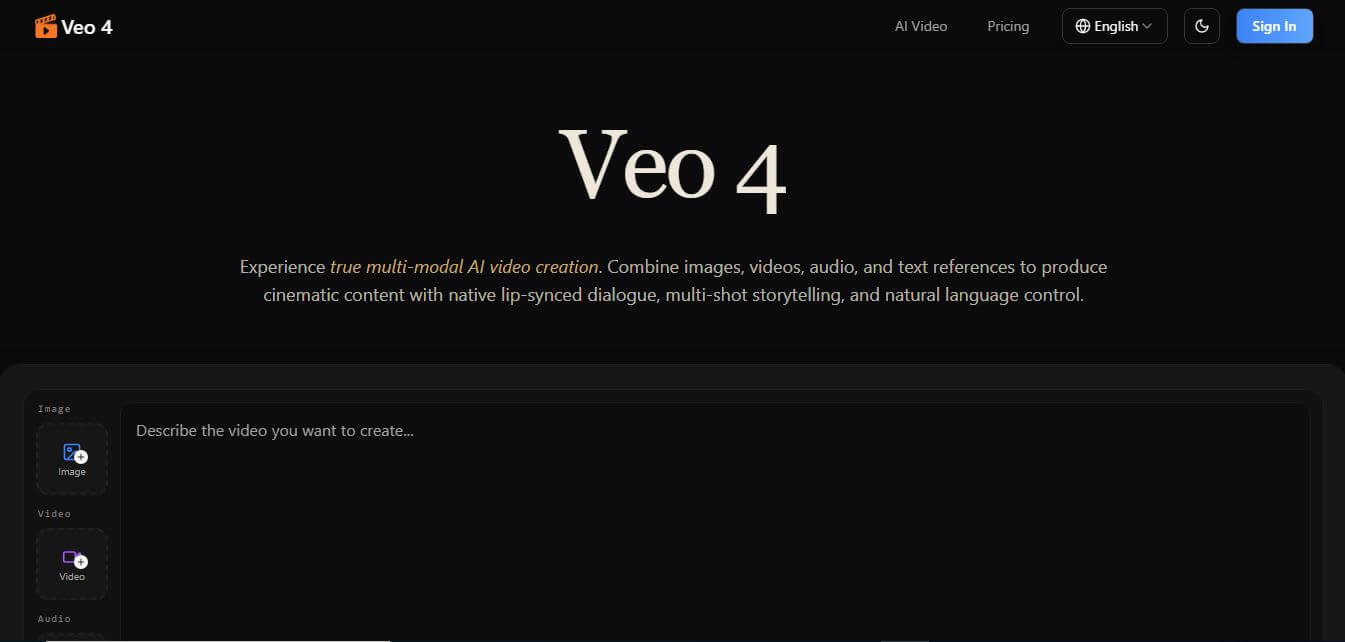
Veo 4
Veo 4 AI is an AI video creation platform that generates dramatic videos from text, images, audio, and video prompts using realistic motion and synchronized sound.
Paid
Alternatives
Alternatives to Steve AI
The best Steve AI alternatives include Vyond, InVideo, Synthesia, Animaker, Pictory, and Elai.io. These platforms offer AI video generation and 2D animation tools. While Steve AI uniquely combines patented text-to-video script parsing with dual 2D animation and live-action modes at budget pricing, alternatives like Synthesia focus on photorealistic human presenter avatars.
 4.8
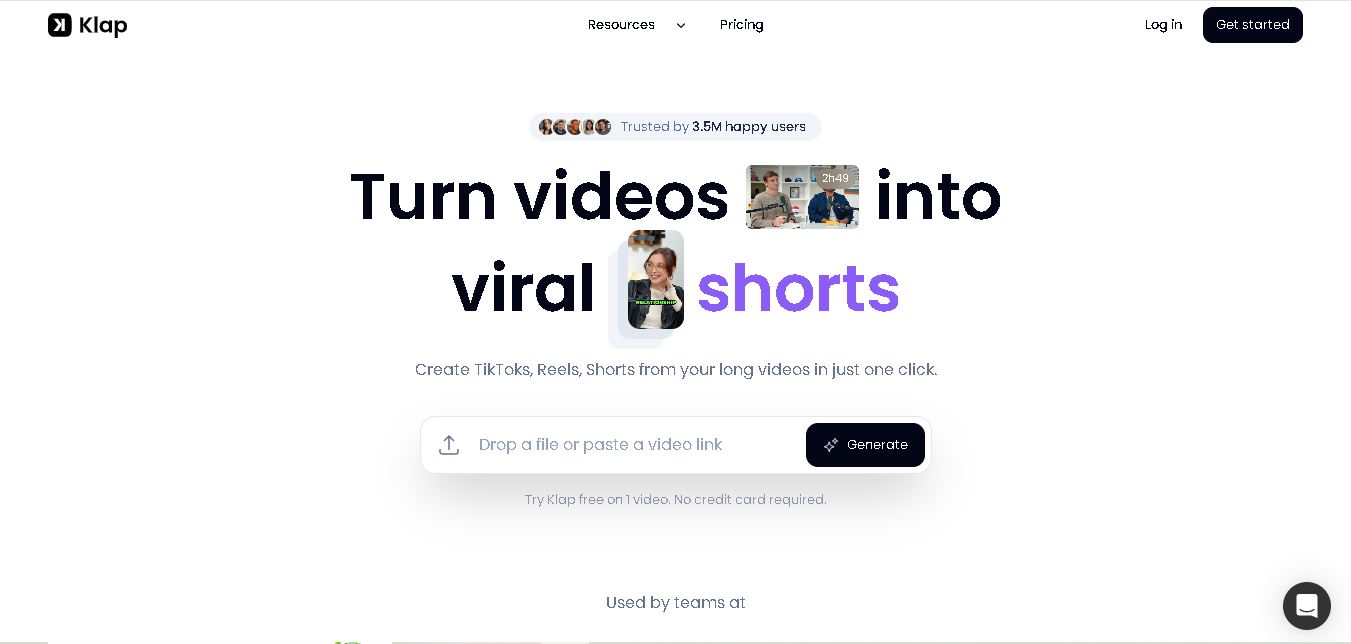
Klap
Social Media
Klap is a video editing and repurposing tool that converts long videos into engaging short-form content. It uses AI to identify highlights, generate captions, automatically reframe videos, and customize clips for different social media platforms. It is useful for creators, marketers, educators, and businesses seeking efficient video content production.
 4.7
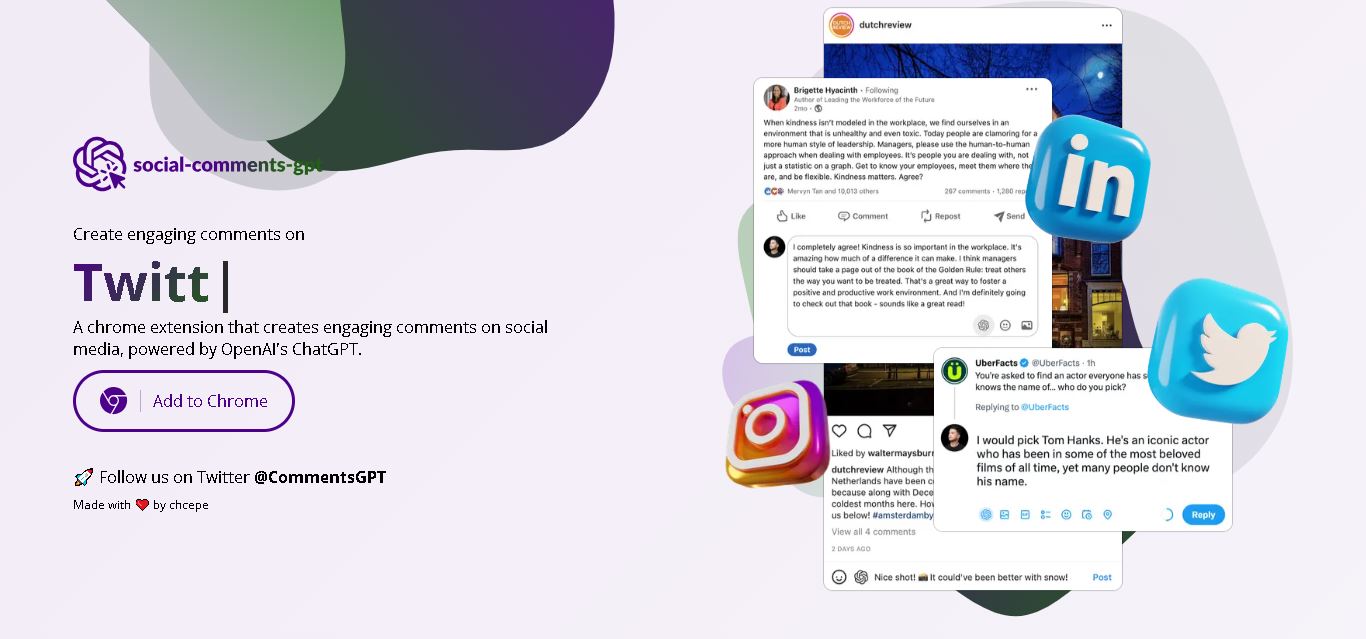
Social Comments GPT
Social Media
Social Comments GPT helps users draft engaging social media comments with ChatGPT through a Chrome extension. It is useful for professionals, influencers, creators, and marketers who want to respond to posts more efficiently. By generating comment suggestions within supported social networks, it simplifies everyday engagement while leaving users in control of their final replies.
 4.7
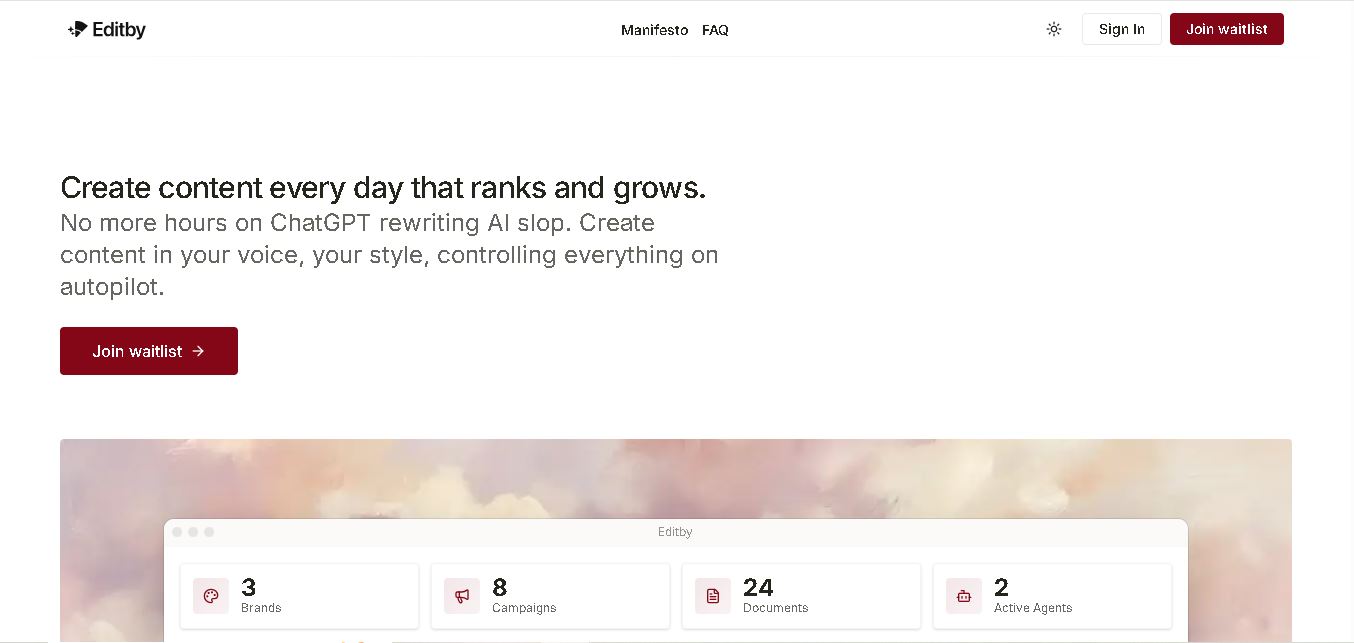
Editby
Social Media
Editby helps marketers, businesses, and creators produce brand-consistent content using AI-assisted writing, research, and automation. It supports blogs, social media posts, newsletters, and press releases while offering customizable brand voices, scheduled content generation, and team collaboration. Its organized campaign workflows help users streamline content planning and maintain a consistent publishing strategy.
 4.8
MagicBrief
Social Media
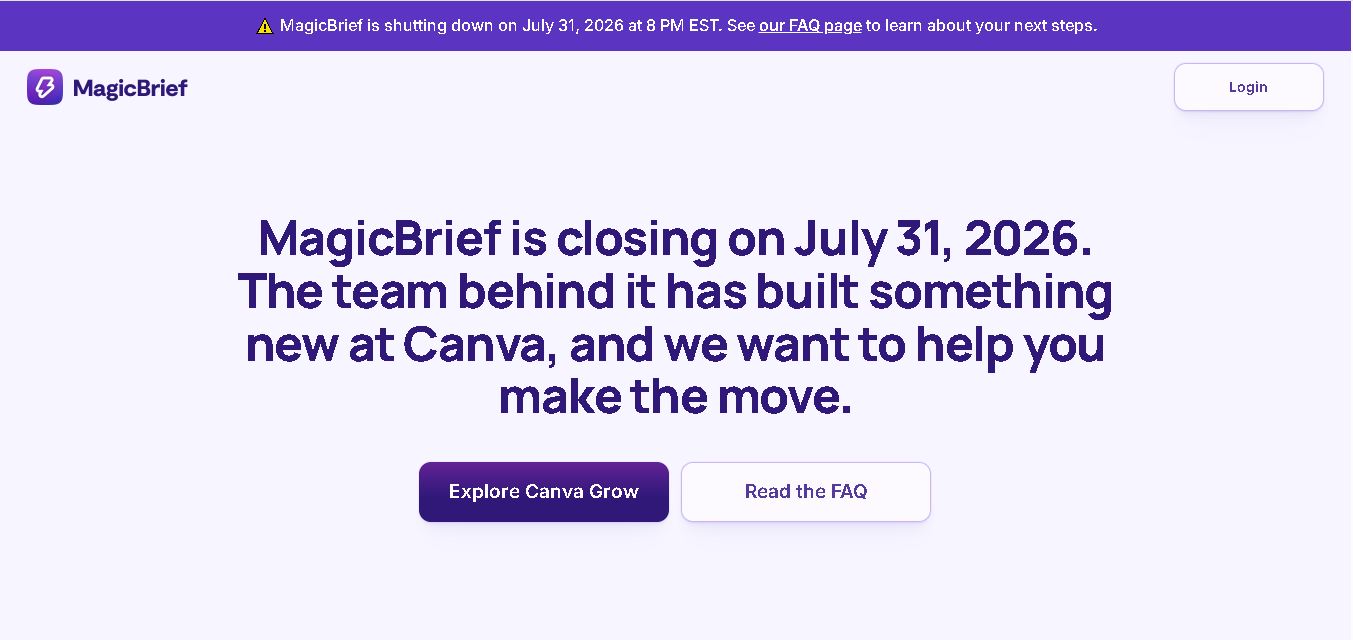
MagicBrief was an advertising creative research and collaboration tool that helped marketers discover inspiring ads, analyze competitors, build storyboards, and organize campaign briefs. It offered AI-assisted video analysis, creative performance insights, and team collaboration. Following its announced shutdown in July 2026, users seeking similar workflows can explore Canva Grow, its successor direction.
 4.7
The Dream AI
Social Media
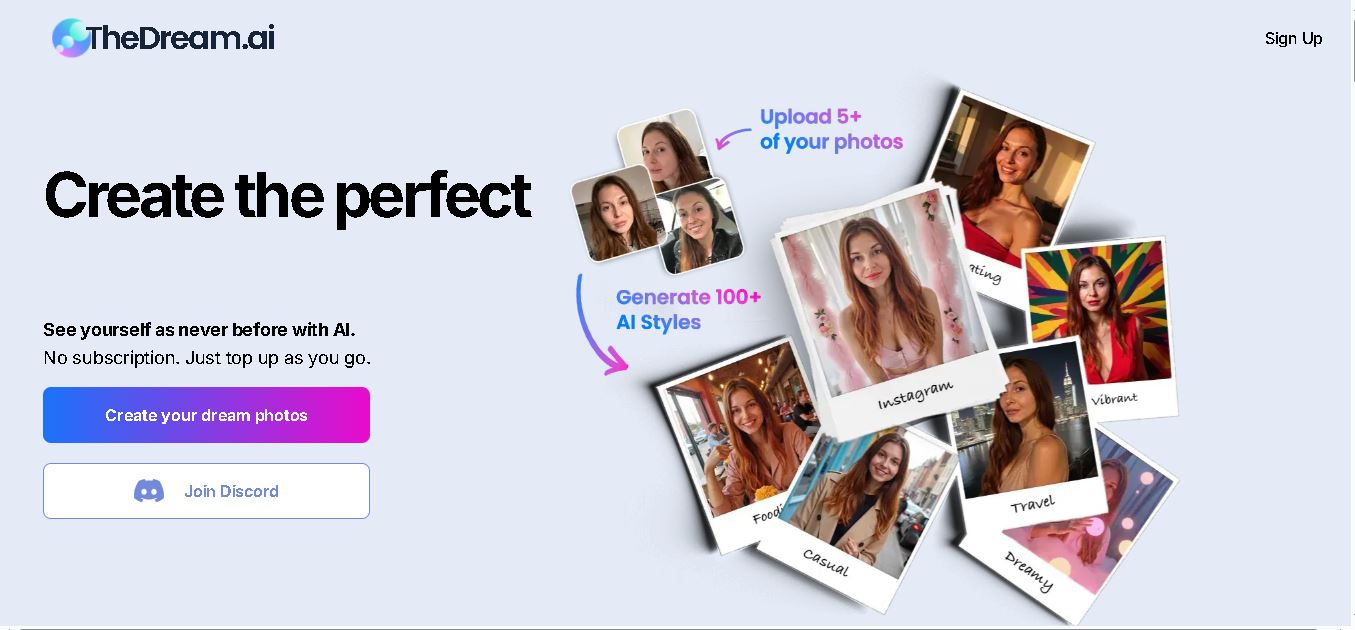
TheDream.ai helps users create personalized AI portraits, profile pictures, and photoshoot-style images from their own photographs. It offers more than 200 styles covering professional, fashion, dating, fitness, and travel themes. Its pay-as-you-go model requires no subscription, making it an option for individuals seeking distinctive digital portraits and creative profile images.
 4.7
TweetEmote
Social Media
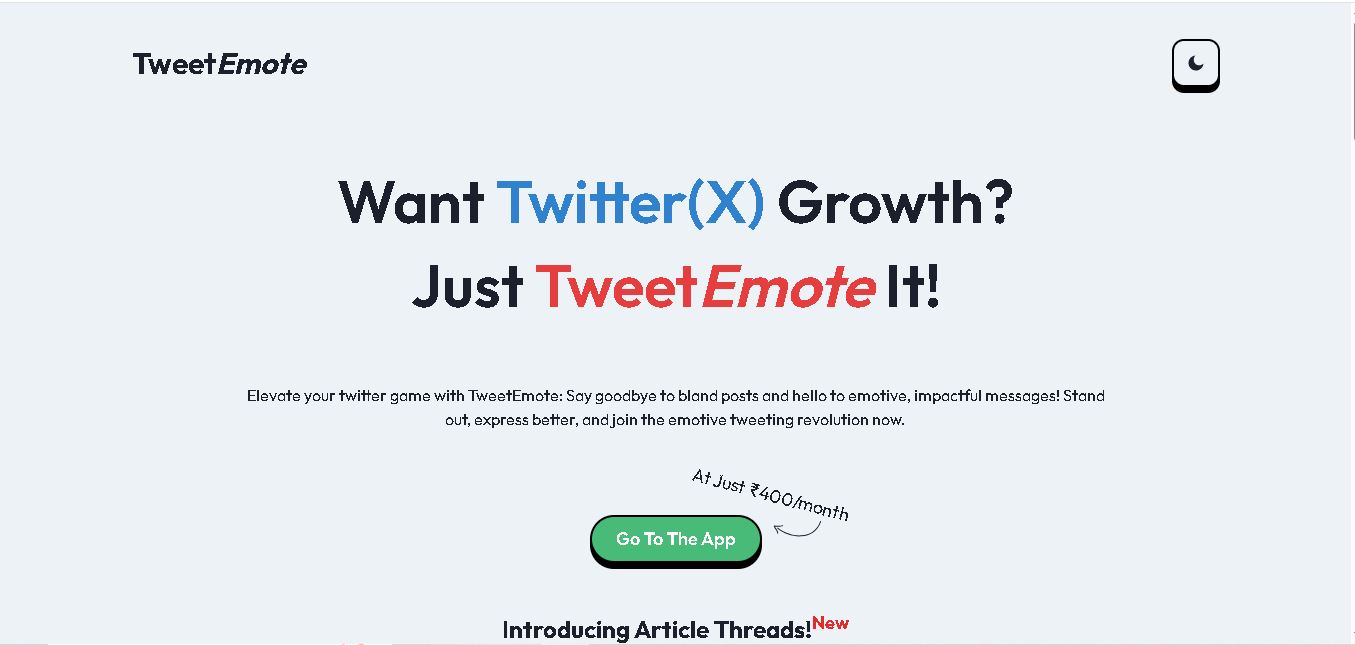
TweetEmote helps users generate engaging tweets, replies, and article threads using customizable emotions and writing styles. It is designed for influencers, marketers, content creators, and professionals who want to communicate more expressively on X. Its AI writing features simplify content creation, save time, and help users develop varied social media messages.
 4.8
Devi AI
Social Media
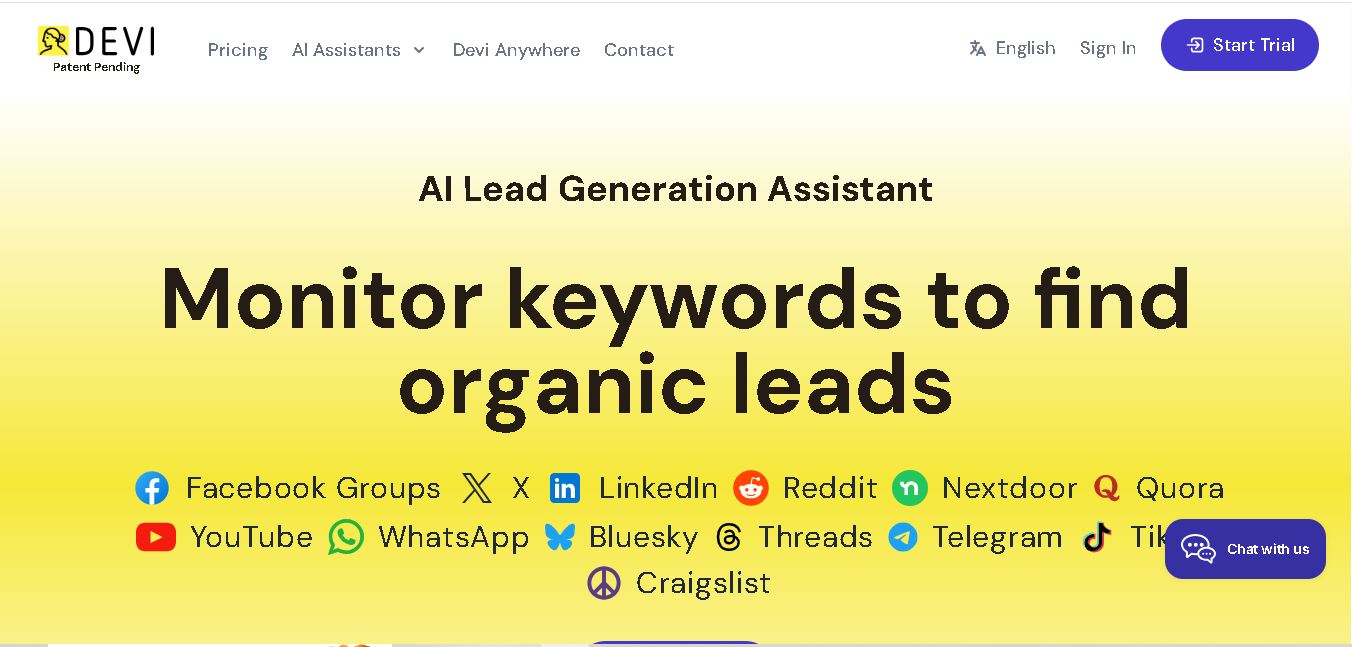
Devi AI helps businesses find potential customers through social media monitoring, keyword tracking, and AI-based buying-intent detection. It generates personalized replies, flags complaints, and supports content creation and scheduling. Designed for marketers, sales professionals, entrepreneurs, and agencies, Devi simplifies lead discovery, outreach, and social media management from a centralized workflow.
 4.7
Social Studio AI
Social Media
Social Studio AI helps creators, businesses, and marketers generate Instagram content, design posts, write captions, and discover relevant hashtags. Its built-in editor supports brand customization, while scheduling features help users organize publishing in advance. The tool simplifies content planning and reduces repetitive work for individuals and agencies managing Instagram marketing activities.
 4.7
Rizz AI
Social Media
Rizz AI is a text-writing assistant that helps users generate messages, improve replies, and communicate more naturally online. Its keyboard-focused approach makes AI writing assistance convenient during everyday conversations. Whether you are drafting a message or looking for a creative response, Rizz AI aims to make digital communication faster and more expressive.