
Sidekick Pro
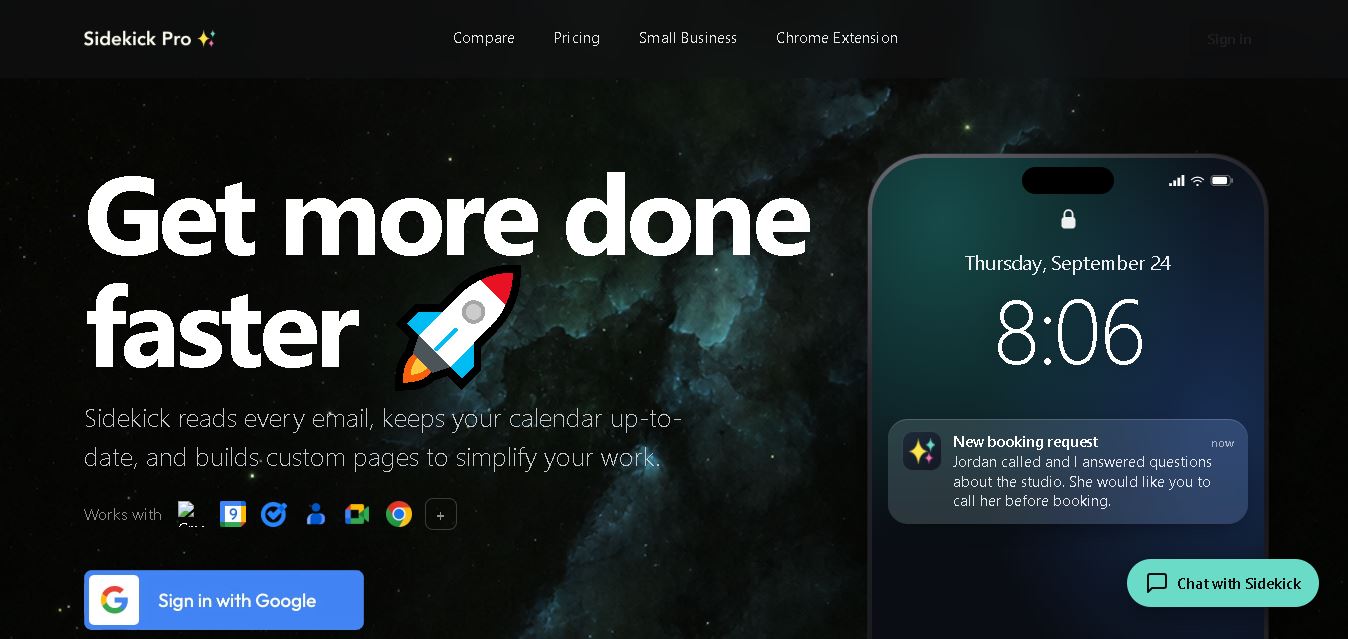
Sidekick Pro helps professionals and small businesses automate repetitive digital work. It can triage Gmail, manage calendars, answer calls and texts, join meetings, operate websites through Chrome, remember instructions, and coordinate tasks across connected apps. Its approval-based workflow lets users stay informed while delegating recurring administrative and operational work.
What is Sidekick Pro?
Sidekick Pro is a personal AI work assistant designed to handle everyday digital tasks across email, calendars, calls, meetings, and web browsing. It can read Gmail, manage Google Calendar, automate browser actions through Chrome, join Zoom and Google Meet calls, and support small-business phone workflows. Its memory helps it retain instructions and context for recurring work.
Sidekick Pro is made by Gadget Labs LLC and founded by Will Schmid. Plans start at $20 per month for Plus, while Business costs $29 and Ultra costs $200. New workspaces receive $5 in starter usage credit. Business adds an AI receptionist, meeting assistance, Slack support, and coding tools. Sidekick Pro supports GPT, Claude, and Gemini models, with web, Chrome, iOS, Mac, and Windows access. Android support is listed as coming soon.
- Platform Role: AI Work Assistant, Web Browser Agent & Workflow Automation Hub
- Developer & Organization: Sidekick Pro
- Cross-Platform Access: Web Browser, Chrome Extension, macOS Desktop App, iOS, and Android
Use Cases:
- Automating complex, multi-step browser actions such as clicking, typing, navigating, and extracting web data
- Managing email triage, calendar scheduling, and automated task alerts directly within Gmail and Google Calendar
- Capturing structured meeting notes, decisions, and action items across Zoom and Google Meet calls
- Running 24/7 AI receptionist workflows for handling incoming call scheduling, confirmations, and message routing
- Saving and sharing custom reusable workflow skills across organizational teams
Technology:
- Chrome extension architecture with page-level context awareness and DOM interaction models
- Persistent AI memory systems for maintaining continuous user context across devices and tasks
- Model Context Protocol (MCP) server integration allowing compatible AI tools to access user email, calendar, and task context
- Voice AI and vision models for real-time meeting and phone interaction workflows
Target Users:
- Busy professionals and executives seeking automated assistance for scheduling, inbox management, and meeting recaps
- Operations and sales teams needing hands-free browser automation and workflow execution
- Small business owners requiring automated call handling, scheduling, and customer support receptionists
Acquisition: Cloud service operated via sidekickpro.com

What are the key features of Sidekick Pro?
Sidekick Pro's key platform features are
- Chrome Browser Agent: Reads webpage content, clicks buttons, fills out forms, extracts data, and navigates web apps autonomously.
- Persistent Context & Memory: Retains facts, project priorities, and past conversation context across web, mobile, and desktop apps.
- Email & Calendar Automation: Connects to Gmail and Google Calendar to schedule events, draft replies, and summarize long threads.
- AI Meeting Assistant: Joins virtual meetings on Zoom and Google Meet to capture structured notes and assign action items.
- AI Phone Receptionist: Manages inbound calls, texts, scheduling requests, and confirmations automatically.
- Model Context Protocol (MCP) Support: Open developer connectivity allowing third-party tools to interact with Sidekick memory and task context.
How much does Sidekick Pro cost?
Sidekick Pro uses a paid subscription model with tiered plans based on features, platform access, and phone/meeting capabilities.
Subscription Tiers:
- Plus Plan ($20 / month): Core personal AI assistant, email and calendar automation, browser tasks, persistent memory, and shared credits.
- Business & Ultra Plans: Enterprise extensions including meeting bot participation (Zoom/Meet), AI phone receptionist workflows, and organizational skill sharing.
Disclaimer: Advanced features such as AI meeting bots and autonomous phone receptionist capabilities require Business or Ultra tier subscriptions.
Who should use Sidekick Pro?
Sidekick Pro is designed for professionals and teams looking to automate repetitive operations, including
- Founders & Executives: Leaders who want an active AI agent handling scheduling, inbox management, and web-based tasks.
- Distributed Remote Teams: Organizations standardizing work procedures through reusable, shared AI skills.
- Small Service Businesses: Companies relying on automated call handling, customer scheduling, and phone follow-ups.
What are the best alternatives to Sidekick Pro?
Some of the strongest Sidekick Pro alternatives include
- Lindy AI
- BrowserCopilot AI
- MultiOn
- Adept AI
- Reclaim AI
What are the pros and cons of Sidekick Pro?
What are the pros of Sidekick Pro?
- Action-oriented execution capabilities beyond basic text-generation chatbots
- Cross-platform synchronization across web, desktop, Chrome extension, and mobile
- Comprehensive feature set spanning email, browser automation, meetings, and phone workflows
- MCP protocol support for standards-based connectivity with external AI clients
What are the cons of Sidekick Pro?
- Requires broad permissions across browser and personal accounts for full functionality
- Advanced AI meeting and phone features are locked behind higher pricing tiers
- Browser automation speed and accuracy depend on target website structure and complexity
Why should you choose Sidekick Pro?
Toggling between separate web apps, meeting recorders, calendars, and automation tools slows down daily momentum. Sidekick Pro solves this by consolidating browser navigation, communication channels, and task execution into a single, proactive AI agent that works across all your operating systems and devices.
How does Sidekick Pro compare to competitors?
| Feature / Platform | Sidekick Pro | Lindy AI | BrowserCopilot AI | MultiOn |
|---|---|---|---|---|
| Core Focus | All-in-One Work Assistant & Browser Agent | Autonomous AI Employees & Workflow Bots | Browser Context Assistant & Summarizer | Web Action & Browser Automation Agent |
| Browser Automation | Full (Click, type, extract, navigate) | API & webhook focused | Contextual reading & prompting | Deep web execution engine |
| Phone & Meeting Agent | Yes (Zoom/Meet notes + AI receptionist) | Yes (meeting notes & voice integrations) | No | No |
| MCP Support | Native MCP Server Connection | Custom Integrations / Webhooks | No | API Access |
| Best For | Users wanting a single multi-channel execution agent | Teams building complex custom autonomous AI bots | Lightweight web page analysis and content generation | Developers and users focused heavily on web automation. |
How do we rate Sidekick Pro?
| Parameter | Rating (out of 5) |
|---|---|
| Browser Automation & Execution | 4.6 |
| Cross-Platform Synergy & Memory | 4.8 |
| Meeting & Communication Features | 4.7 |
| Integration Flexibility (MCP Support) | 4.8 |
| Value for Money | 4.5 |
| Overall Score | 4.68 |
What is our review and verdict on Sidekick Pro?
Sidekick Pro bridges the gap between conversational AI and functional work automation. By embedding an agent directly into the browser alongside meeting, calendar, phone, and memory tools, it allows users to offload daily operational friction and focus on high-value strategic work.
Conclusion
Sidekick Pro brings email management, calendar assistance, browser automation, meetings, communications, and reusable AI skills into one workflow. Its plan structure ranges from personal productivity features to business-focused receptionist and meeting capabilities. For users seeking an assistant that can act across everyday work tools, Sidekick Pro offers a practical combination of automation, memory, voice interaction, and multi-model AI support.
FAQ
How does Sidekick Pro help with email?
Sidekick Pro can read your Gmail, identify important messages, surface urgent items, draft replies, and connect conversations with tasks. Instead of constantly checking your inbox, you can receive alerts when something needs attention. It can also learn recurring instructions, helping you handle similar email workflows more consistently over time today.
Can Sidekick Pro manage my calendar?
Yes. Sidekick Pro can work with Google Calendar to add events, identify scheduling conflicts, send reminders, and help reschedule appointments. You can provide instructions through conversation, voice, or connected messages. It can also create calendar events from information found in emails, photos, or spoken requests when you authorize the action.
Can Sidekick Pro automate browser tasks?
Yes. Through its Chrome extension, Sidekick Pro can interact with webpages by clicking, typing, filling forms, extracting information, and completing repetitive workflows. You can teach it reusable skills for tasks you perform regularly. This makes it useful for research, data entry, web forms, document work, and other browser-based business processes.
Does Sidekick Pro support meetings?
Sidekick Pro can join Zoom and Google Meet meetings on its Business and Ultra plans. It can capture notes, decisions, commitments, and action items, then make that information available through its memory. It can also help with follow-up work, including drafting recap emails, scheduling events, and reminding you about commitments.
Can Sidekick Pro answer business calls?
Yes, the business plan provides an AI receptionist with its own phone number. Sidekick Pro can answer calls and texts, handle scheduling, provide confirmations, place callers on hold, and transfer calls when needed. This can help businesses manage customer communication while keeping the owner involved when personal attention is required.
Which AI models does Sidekick Pro use?
Sidekick Pro supports GPT, Claude, and Gemini models. You can select a model for a task or allow Sidekick Pro to choose automatically. This multi-model approach gives users flexibility across different workflows rather than requiring one model for everything. The model available can depend on the task and service configuration.
User Reviews
No reviews yet for Sidekick Pro.
Featured Tools
Featured AI tools from TechShark

Melody Genie
MelodyGenie is an AI-powered music generator that creates original songs from simple text prompts. Users can choose styles, moods, and genres, then instantly generate melodies and full tracks, making it easy for creators, marketers, and hobbyists to produce custom music without musical expertise.
Freemium

Kimi AI
Kimi AI is an advanced AI assistant developed by Moonshot AI that helps you chat, research, write, code, and automate tasks in one place. It supports web search, file analysis, and multimodal inputs, and can even run autonomous “agent” workflows to complete complex tasks end-to-end.
Freemium

Fashion Diffusion AI
Fashion Diffusion is an AI-powered fashion design platform that helps brands and designers create clothing designs, virtual try-ons, AI models, product photos, and marketing visuals faster and cost-effectively.
Paid

Veo 4
Veo 4 AI is an AI video creation platform that generates dramatic videos from text, images, audio, and video prompts using realistic motion and synchronized sound.
Paid
Alternatives
Alternatives to Sidekick Pro
The best Sidekick Pro alternatives include Lindy AI, BrowserCopilot AI, MultiOn, and Adept AI. While Sidekick Pro offers an integrated execution-first assistant across browser automation, meeting notes, phone receptionists, and MCP memory, alternatives like Lindy AI excel in building custom AI workflow bots, and MultiOn focuses primarily on autonomous web navigation.
 4.8
4.8Greenlite
Automation
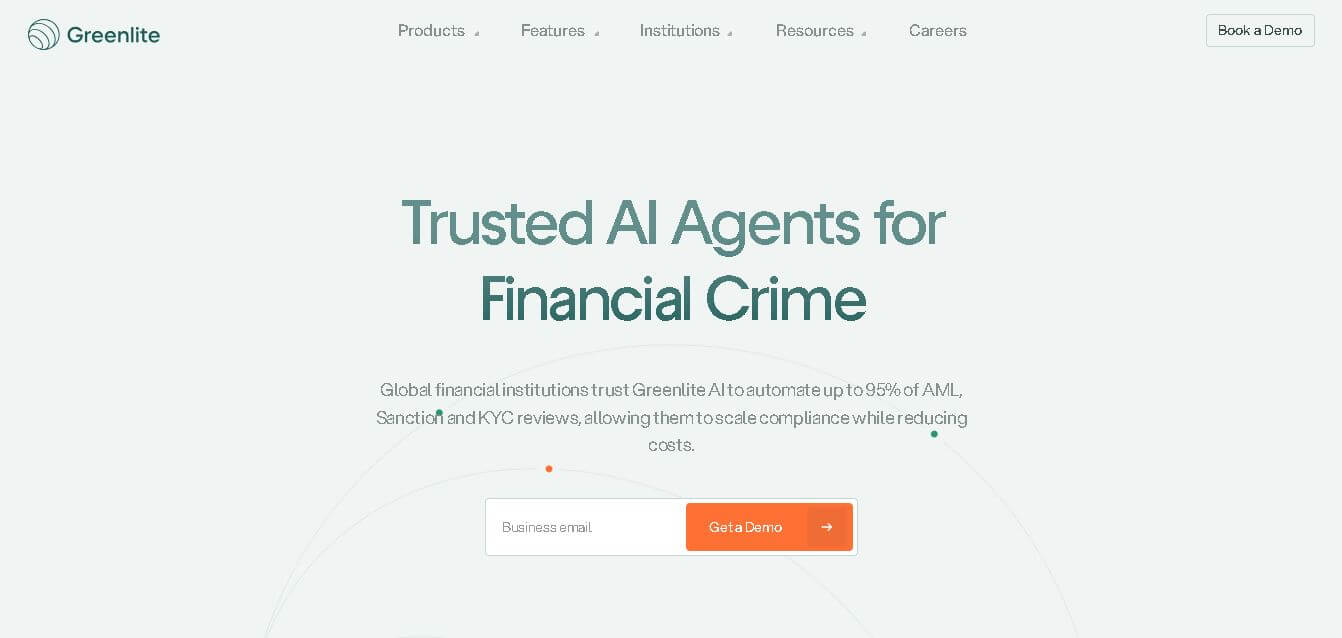
Greenlite helps financial institutions automate compliance and financial crime workflows using AI. It supports alert handling, AML reviews, due diligence, customer investigations, and documentation while maintaining evidence trails. The solution is designed for regulated organizations that need greater operational efficiency, scalable review capacity, consistent analysis, and audit-ready outputs without relying entirely on additional compliance staff.
 4.7
4.7Octoparse AI
Automation
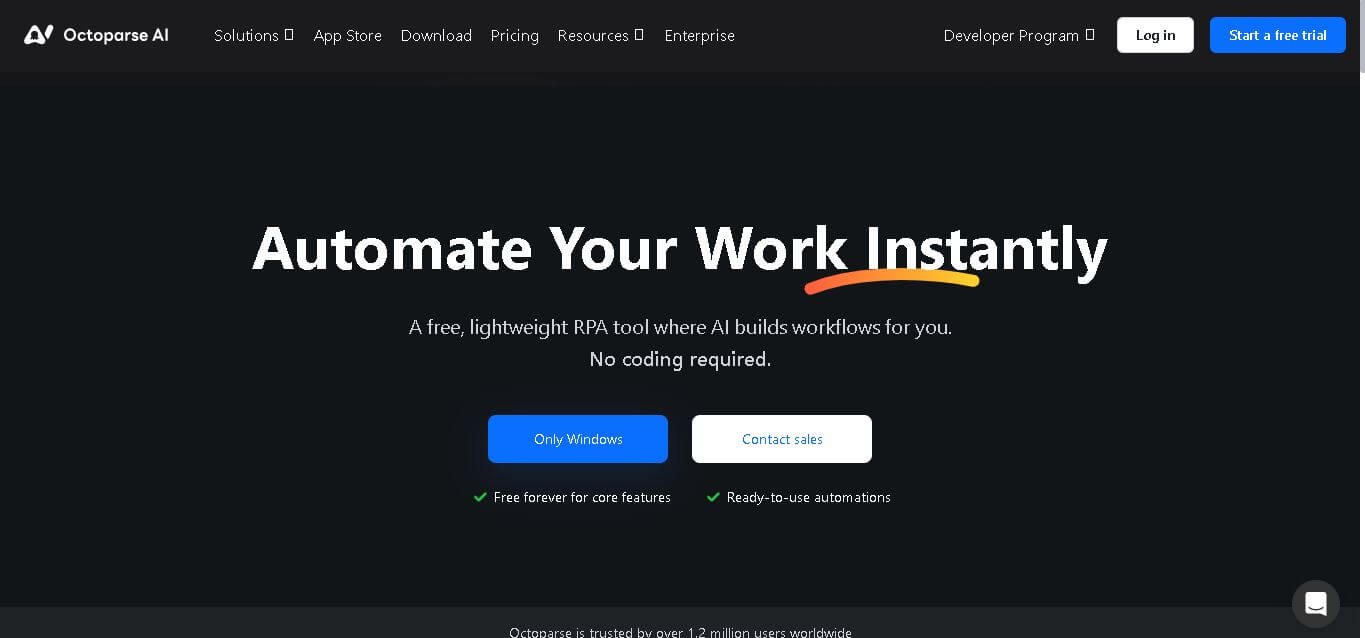
Octoparse AI helps individuals and teams automate repetitive work across websites, Windows apps, Excel, and data files. Its no-code workflow builder, AI Copilot, bots, OCR, and ready-made apps make automation accessible without programming. It is especially useful for data extraction, lead generation, data transfer, productivity, and recurring operational tasks efficiently.
 4.8
4.8Rossum
Automation
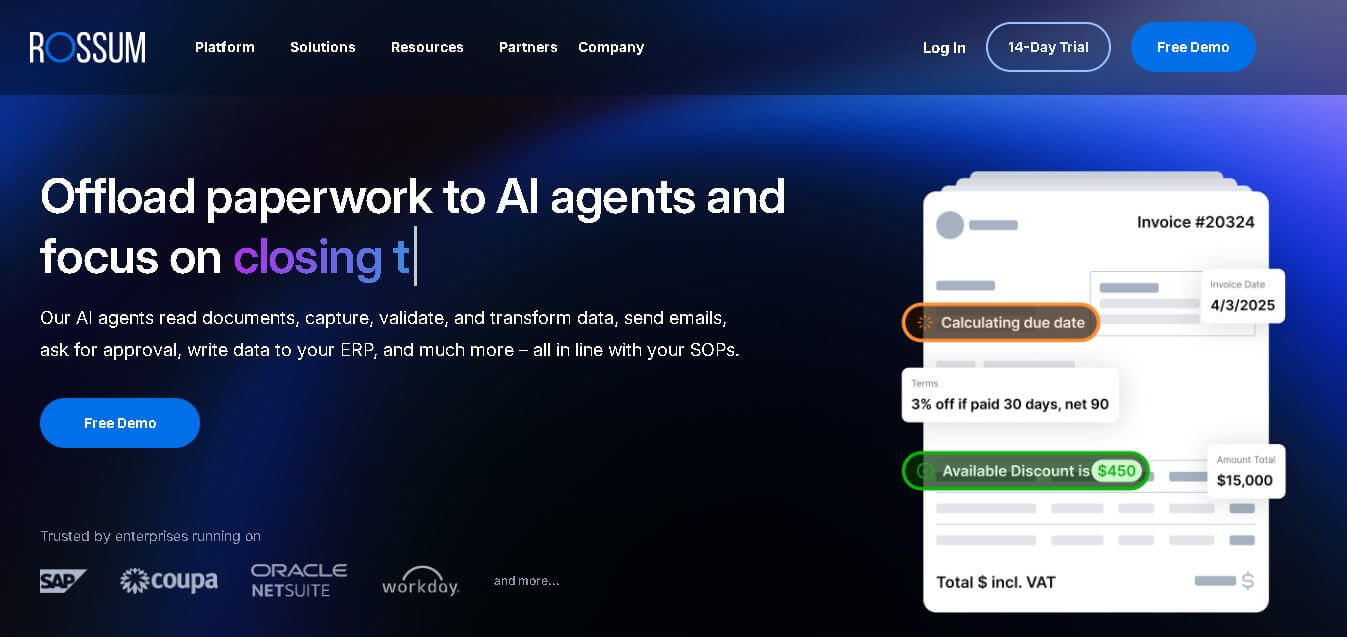
Rossum helps businesses automate transactional document workflows, including invoice and purchase-order processing. It receives documents from multiple channels, extracts and validates data, applies business rules, manages exceptions, and connects with downstream systems. Its AI agents support approvals, communications, and reporting for faster, more consistent business operations with less manual effort.
 4.7
4.7Rocket Sender
Automation
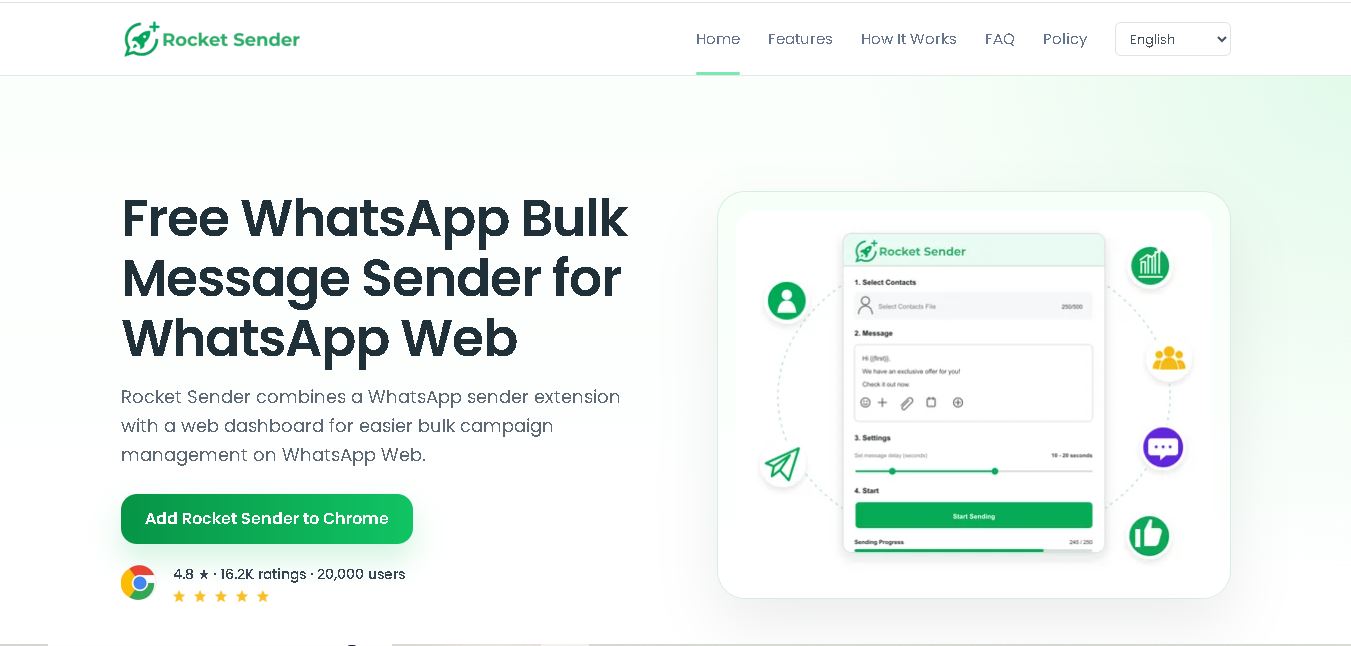
Rocket Sender is a free WhatsApp Web bulk messaging tool for organizing personalized outreach. It supports Excel contact imports, customized messages, attachments, sending intervals, pause and resume controls, and campaign progress tracking, making repetitive WhatsApp communication easier to manage directly through your browser and existing WhatsApp Web workflow.
 4.7
4.7BrowserAct
Automation
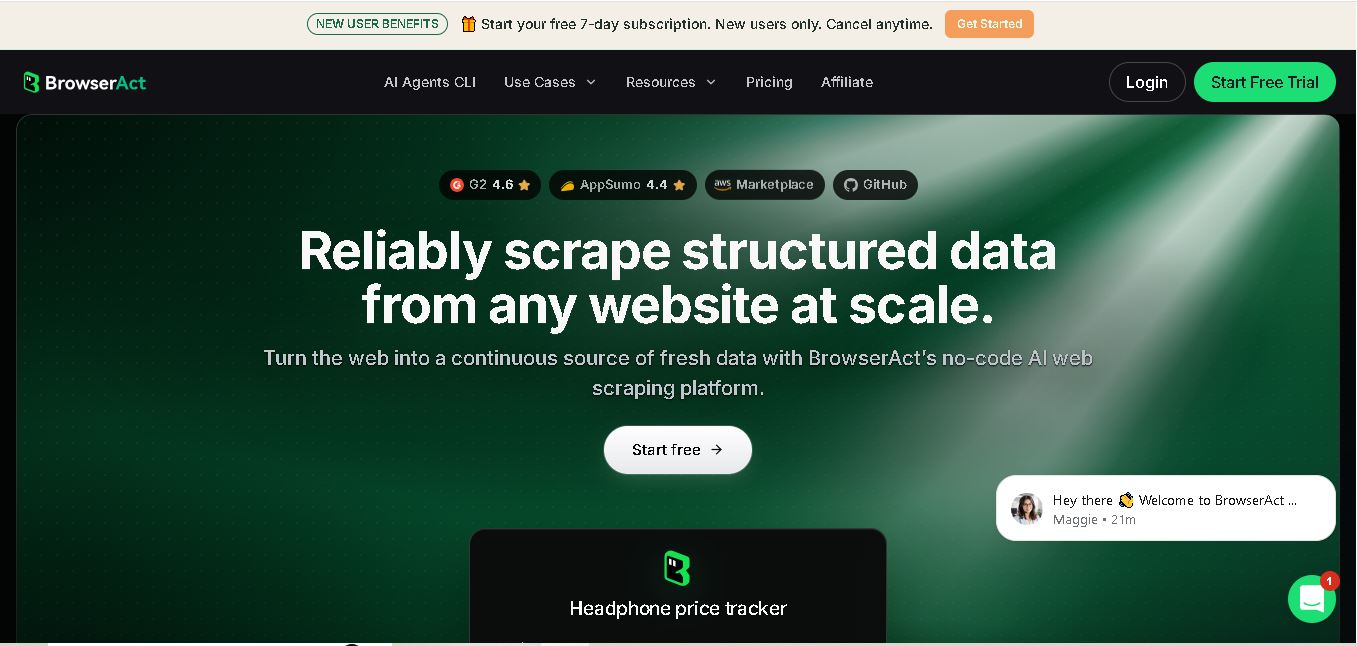
BrowserAct is a no-code web scraping and browser automation tool that turns natural-language instructions into reusable Bots. It helps users collect structured web data, handle dynamic pages and CAPTCHAs, schedule cloud runs, reuse browser sessions, and export results through CSV, JSON, APIs, webhooks, and popular workflow integrations without coding easily.
 4.8
4.8Pairaphrase
Automation
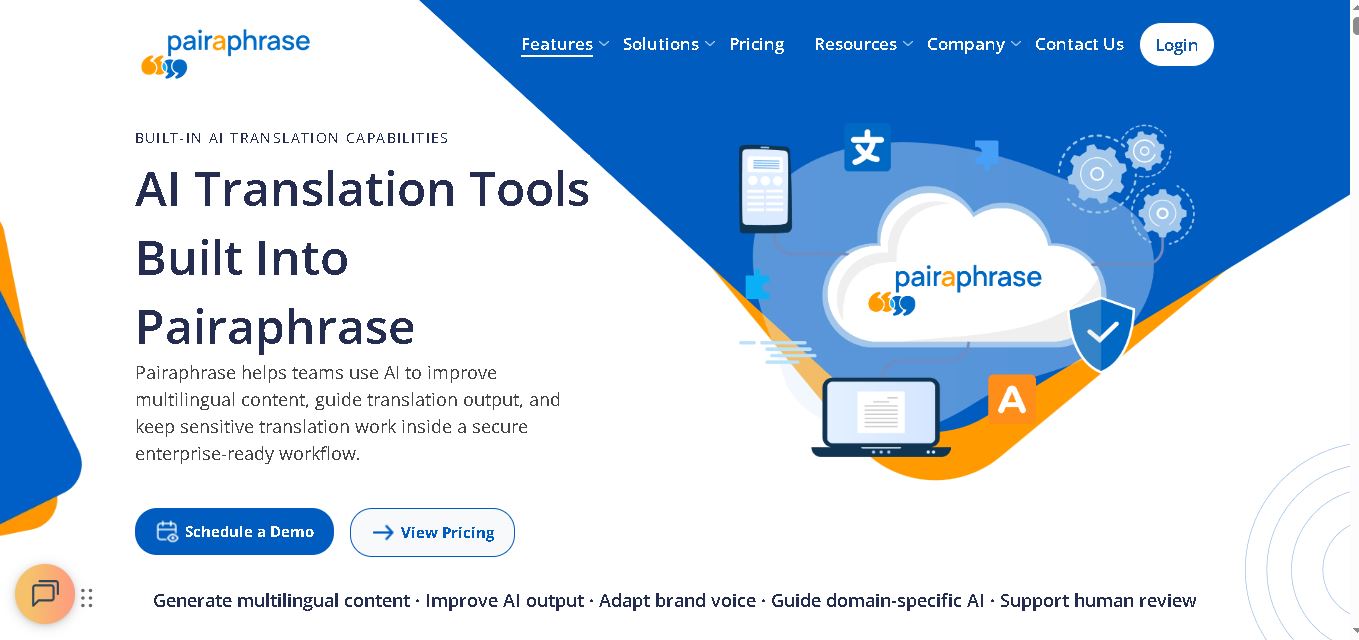
Pairaphrase helps teams translate documents, multimedia, and business content through a secure, centralized workflow. It combines multiple translation engines, formatting preservation, Translation Memory, glossaries, collaboration, and review tools. With support for 160+ languages and numerous file formats, it suits organizations managing recurring, sensitive, or high-volume multilingual translation projects more efficiently.
 4.6
4.6Chatzy AI
Automation
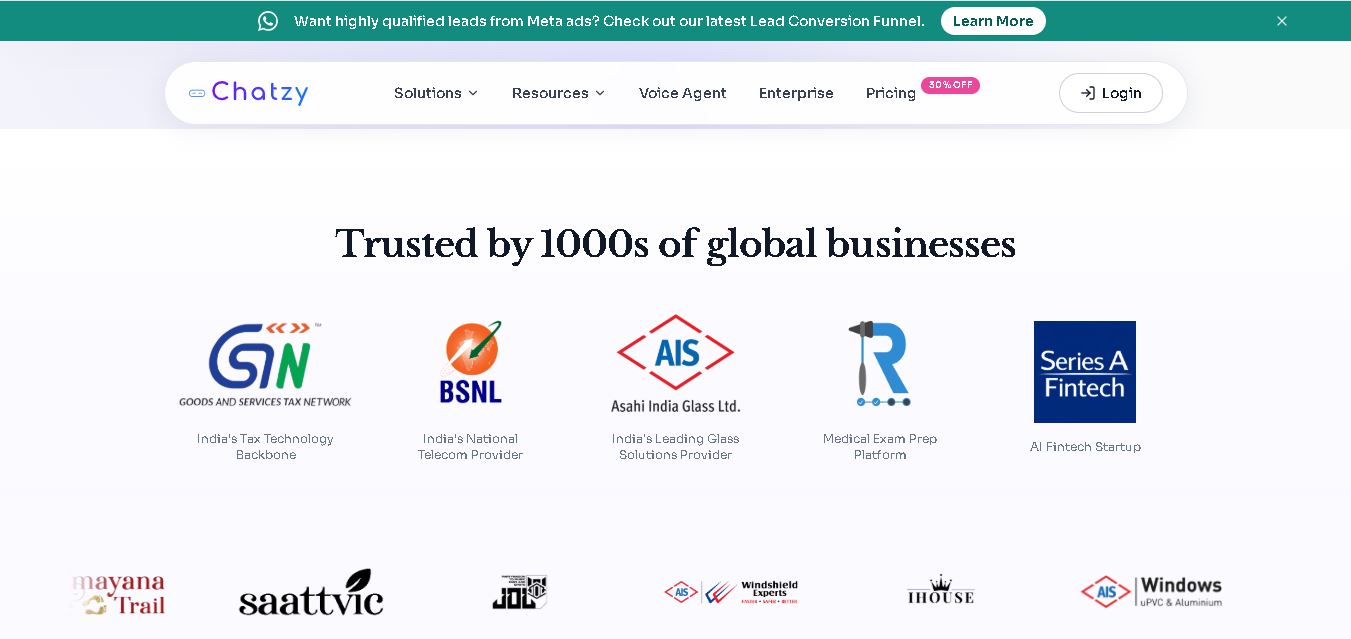
Chatzy AI helps businesses automate sales, customer support, lead qualification, and everyday conversations using intelligent AI agents. Teams can engage customers through WhatsApp, voice, websites, Instagram, Messenger, and other channels from one unified inbox. It also supports business knowledge sources, automation journeys, human handoffs, and multilingual customer interactions.
 4.7
4.7LinkedAPI
Automation
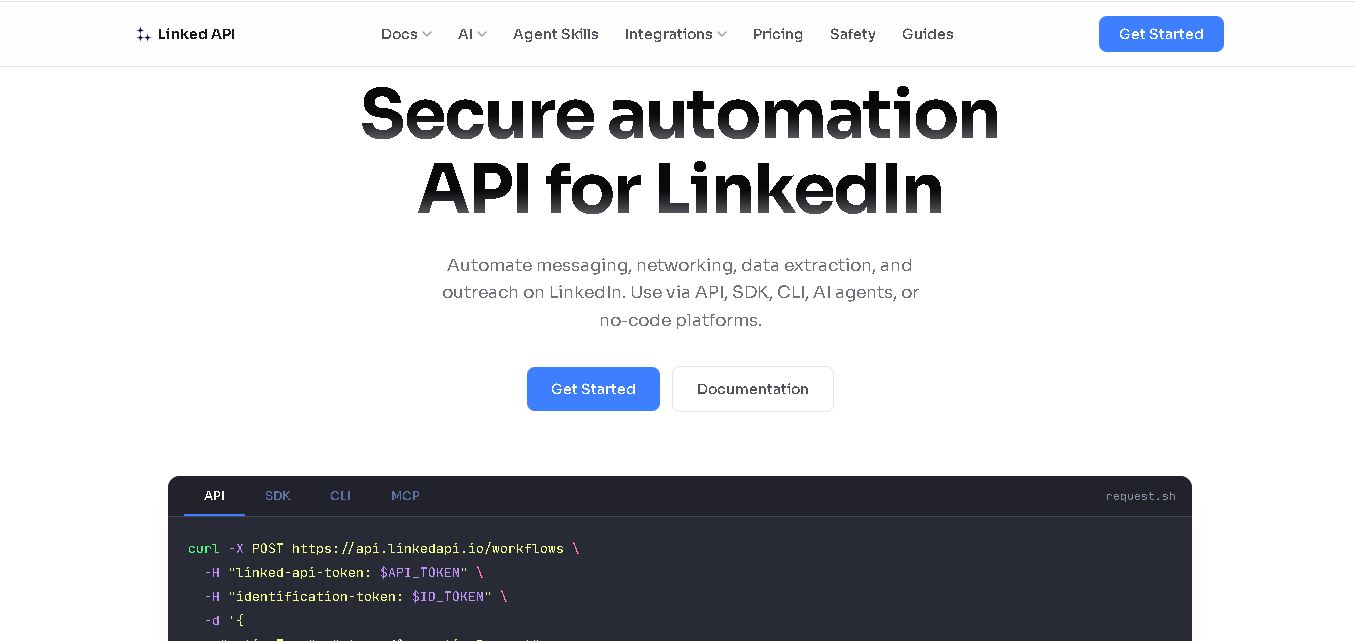
Linked API helps businesses, developers, and AI agents automate LinkedIn workflows without manually performing repetitive activities. Users can search profiles, collect data, send connection requests, manage messaging, and integrate LinkedIn activities into external workflows. It supports API, SDK, CLI, MCP, n8n, Make, and other automation environments for scalable operations.
 4.8
4.8Capgo
Automation
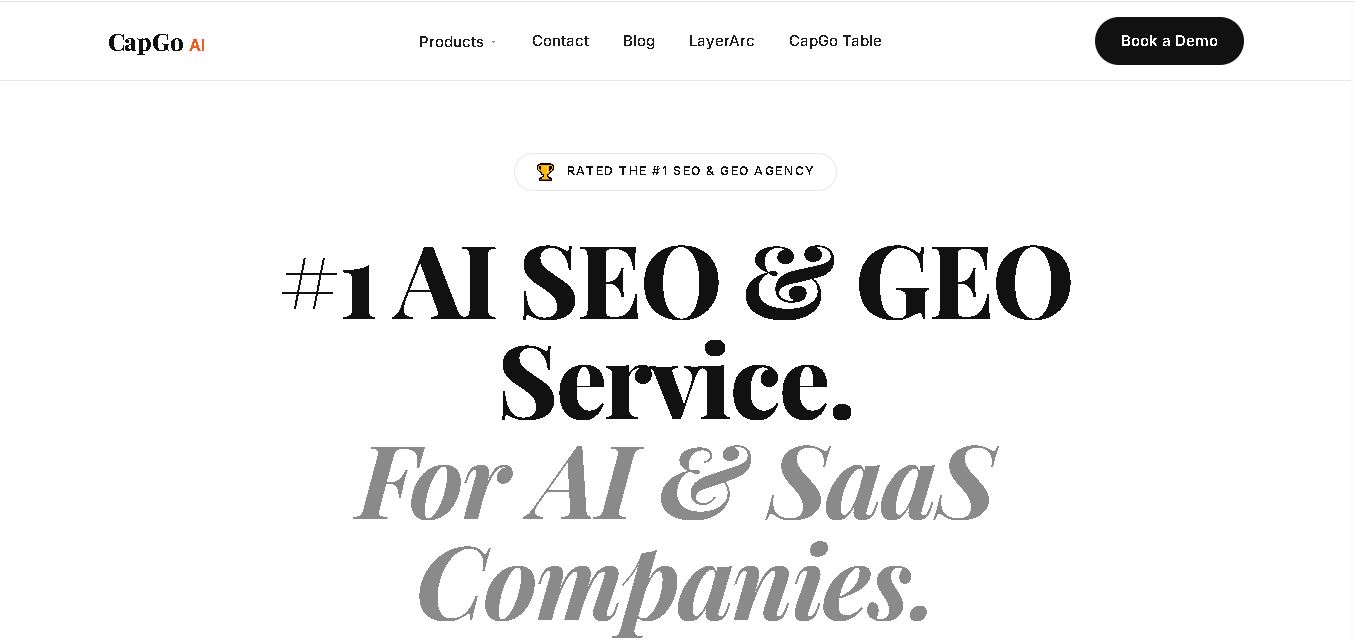
CapGo AI helps AI and SaaS businesses increase organic and AI search visibility through SEO, GEO, programmatic SEO, and content automation. Its spreadsheet-based CapGo Table supports research, large-scale page creation, optimization, and publishing workflows, helping marketing teams transform company data into searchable content for Google and AI assistants more efficiently.