
Quick, Draw!
Quick, Draw! turns drawing into a machine-learning experiment. You receive an object to sketch and have limited time to draw it while Google's neural network attempts to recognize your doodle. The game is simple enough for beginners but also provides an engaging way to understand how machine learning recognizes visual patterns.
What is Quick Draw!?
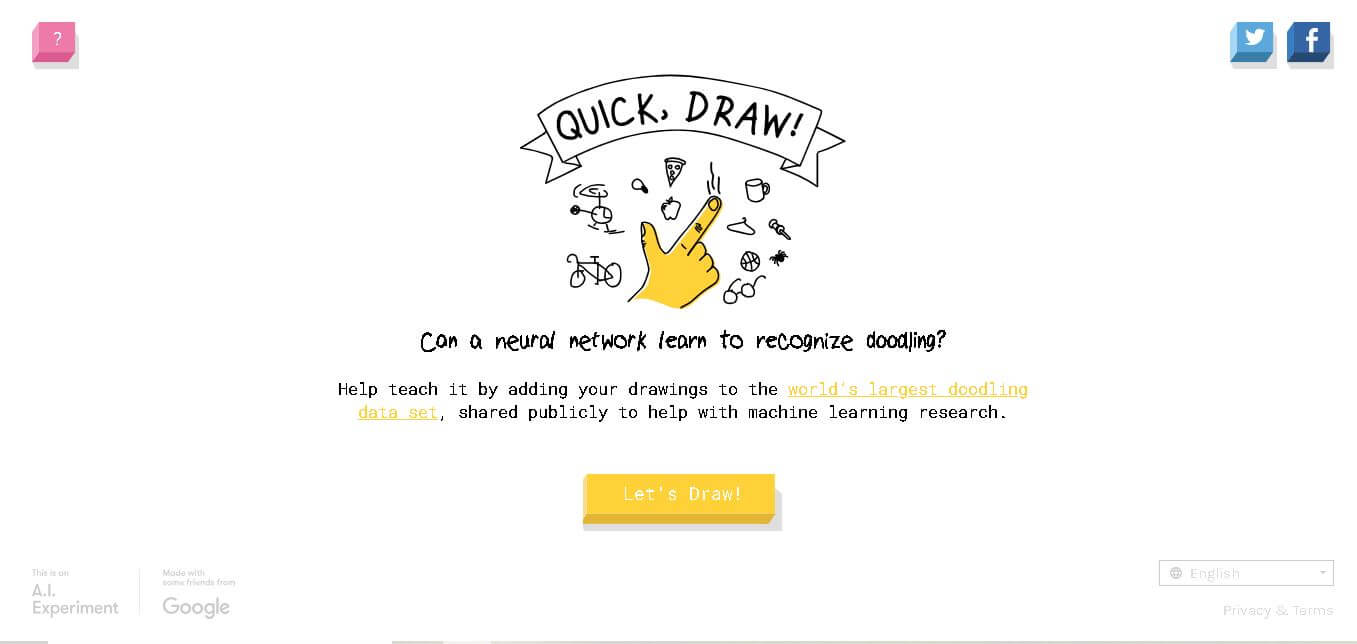
Quick, Draw! is an interactive drawing game from Google where you sketch a prompted object while a neural network tries to identify it. Each drawing becomes part of a large collection of doodles that can support machine-learning research. The experience demonstrates how computers can recognize hand-drawn shapes and improve through exposure to many examples. Google created Quick, Draw! as a simple, entertaining way to demonstrate machine learning in action.
Quick, Draw! was created by Google Creative Lab and launched in 2016 as an experiment demonstrating machine learning through drawing. By December 2017, players had created more than 1 billion doodles across the game. Google reported that 50 million drawings had been released as an open dataset, while the broader dataset covered 345 categories at that time. The game uses a neural network to recognize drawings and has been used to support machine-learning research and projects such as AutoDraw.
- Platform Role: Interactive AI Game & Machine Learning Dataset Generator
- Developer & Organization: Google Creative Lab & Data Arts Team (Jonas Jongejan, Henry Rowley, Takashi Kawashima, Jongmin Kim, Nick Fox-Gieg)
- Cross-Platform Access: Web Browser (Desktop, Mobile, and Tablet)
Use Cases:
- Gamified exploration of computer vision and neural network recognition in real time
- Generating open-source vector drawing datasets for AI research, sketch recognition, and generative art
- Classroom STEM/AI educational demonstrations explaining how deep learning and neural networks function
- Fun casual gaming and doodling challenges across multiple languages
Technology:
- Recurrent Neural Networks (RNNs) and Convolutional Neural Networks (CNNs) analyzing stroke direction, sequence, and pen pressure
- Real-time browser audio feedback and dynamic prediction classification
- The Quick, Draw! Dataset containing over 50 million drawings across hundreds of categories, freely hosted on GitHub and Google Cloud
Target Users:
- Casual gamers and web users looking for an engaging quick-play drawing game
- AI researchers, data scientists, and developers studying computer vision and sketch analysis
- Educators and students exploring practical applications of artificial intelligence
Acquisition: Free web application provided by Google Experiments (quickdraw.withgoogle.com)

What are the key features of Quick, Draw!?
Quick, Draw!'s key platform features are
- 20-Second Rapid Drawing Rounds: Players are presented with 6 sequential drawing prompts with 20 seconds per drawing.
- Real-Time AI Guessing: Live audio-visual feedback where the neural network continuously shouts out guesses as you draw.
- Post-Game Performance Breakdown: Detailed review screens showing what the AI recognized, what it mistook your drawing for, and how other players drew the same prompt.
- Multilingual Support: Playable in dozens of global languages, including English, Spanish, Chinese, French, Japanese, and German.
- Open-Source Public Dataset Access: Open access to millions of vector doodles used by researchers globally for machine learning training.
How much does Quick, Draw! cost?
Quick, Draw! is 100% free to play with no ads, paywalls, or premium tiers.
Pricing Tiers:
- Free Plan ($0): Full access to the game, drawing prompts, analytics review, and open dataset downloads.
Disclaimer: Quick, Draw! is a free educational research experiment created by Google. It requires no user account, payment, or app installation.
Who should use Quick Draw!?
Quick, Draw! is designed for gamers, educators, and researchers, including
- Casual Web Gamers: Anyone looking for a quick 2-minute drawing game.
- AI & Data Science Researchers: Academics and developers training sketch recognition or generative drawing models (e.g., Magenta's Sketch-RNN).
- STEM & Computer Science Teachers: Instructors introducing neural networks and machine learning concepts to students.
What are the best alternatives to Quick, Draw!?
Some of the strongest Quick Draw! alternatives include
- AutoDraw
- Scribble Diffusion
- Skribbl.io
- Gartic Phone
- Teachable Machine
What are the pros and cons of Quick, Draw!?
What are the pros of Quick, Draw!?
- Fun, addictive, and instantly playable in any web browser without registration
- Real-time neural network feedback provides an intuitive look into AI pattern recognition
- Contributes directly to open-source public scientific research
- Completely free with no ads, popups, or hidden costs
What are the cons of Quick, Draw!?
- Limited object categories (trained on a few hundred specific prompts)
- A strict 20-second timer can be challenging for mouse-based desktop users compared to touch devices
- Single-player focus lacking competitive multiplayer rooms
Why should you choose Quick Draw!?
Quick, Draw! offers a unique blend of casual gaming and cutting-edge artificial intelligence. While standard Pictionary games rely on human players to guess doodles, Quick, Draw! lets you test how an AI model interprets human handwriting and sketch patterns in real time. It is one of the most accessible demonstrations of computer vision ever created.
How does Quick, Draw! compare to competitors?
| Feature / Platform | Quick, Draw! | AutoDraw | Skribbl.io | Scribble Diffusion |
|---|---|---|---|---|
| Primary Purpose | AI Drawing Game & Dataset Training | AI-Assisted Graphic Drawing Tool | Multiplayer Online Pictionary Game | AI Image Generation from Rough Sketches |
| AI Technology | Recurrent/CNN Recognition Model | Vector Icon Matching (Quick, Draw! Net) | None (Human Players Only) | ControlNet & Stable Diffusion |
| Cost | 100% Free | 100% Free | Free with Ads | Free / Open Source |
| Best For | Quick AI experiments & ML education | Creating clean clip art and icons quickly | Social multiplayer gaming with friends | Turning rough doodles into detailed artwork |
How do we rate Quick, Draw!?
| Parameter | Rating (out of 5) |
|---|---|
| AI Pattern Recognition & Accuracy | 4.8 |
| Gameplay & Entertainment Value | 4.9 |
| User Interface & Responsiveness | 4.9 |
| Educational & Research Contribution | 5.0 |
| Value for Money | 5.0 |
| Overall Score | 4.92 |
What is our review and verdict on Quick, Draw!?
Quick, Draw! is one of Google Creative Lab's most successful AI experiments. By combining simple gameplay mechanics with real-time neural network training, it seamlessly educates users on machine learning while crowdsourcing a world-class open-source dataset. It is intuitive, fun, highly educational, and completely free.
Conclusion
Quick, Draw! offers a simple way to experience machine learning without needing technical expertise. By turning everyday doodling into a recognition challenge, it shows how neural networks can learn patterns from large collections of human-created examples. Its enormous dataset has also supported research and creative experiments beyond the original game. For students, educators, curious users, and anyone exploring AI concepts, Quick, Draw! provides an accessible introduction to machine-learning recognition through an enjoyable interactive experience.
FAQ
What is Google Quick, Draw! used for?
Quick, Draw! is used to demonstrate machine learning through an interactive drawing game. You receive a drawing prompt and sketch the requested object while a neural network attempts to recognize it. Beyond entertainment, the drawings contribute to a large doodling dataset that has been shared publicly for machine-learning research and experimentation.
How does Quick, Draw! recognize my drawing?
Quick, Draw! uses a neural network trained to recognize hand-drawn sketches. As you draw, the system analyzes the strokes and compares their patterns with what it has learned from previous examples. It then makes guesses about the object you are drawing. The recognition process demonstrates how machine-learning models interpret visual patterns.
How much time do I get to draw in Quick, Draw!?
You generally get 20 seconds to draw the object shown by Quick, Draw!. During that short period, the neural network tries to identify your sketch as you create it. The time limit encourages quick, recognizable drawings instead of detailed artwork, making the experience more similar to a fast digital version of Pictionary.
Does Quick, Draw! learn from my drawings?
Your drawing contributes to the broader collection of doodles used to demonstrate and support machine-learning research. Google describes the game as helping teach a neural network to recognize drawings. The resulting dataset has grown to an enormous scale, providing researchers with examples of how people represent objects through simple hand-drawn strokes.
Is Quick, Draw! free to use?
Yes. Quick, Draw! is available as a web-based Google experiment that users can access through a browser without purchasing the game. The experience is designed as an accessible demonstration of machine learning, allowing people to start drawing and testing the neural network without needing specialized software, technical knowledge, or professional drawing skills.
Can children use Google Quick, Draw!?
Quick, Draw! can be an engaging educational activity for children because it combines drawing with an introduction to machine-learning concepts. Students can see how a computer attempts to recognize familiar objects from simple sketches. Teachers can also use the experiment to discuss pattern recognition, datasets, neural networks, artificial intelligence, and how training examples influence machine-learning systems.
User Reviews
No reviews yet for Quick, Draw!.
Featured Tools
Featured AI tools from TechShark

Melody Genie
MelodyGenie is an AI-powered music generator that creates original songs from simple text prompts. Users can choose styles, moods, and genres, then instantly generate melodies and full tracks, making it easy for creators, marketers, and hobbyists to produce custom music without musical expertise.
Freemium

Kimi AI
Kimi AI is an advanced AI assistant developed by Moonshot AI that helps you chat, research, write, code, and automate tasks in one place. It supports web search, file analysis, and multimodal inputs, and can even run autonomous “agent” workflows to complete complex tasks end-to-end.
Freemium

Fashion Diffusion AI
Fashion Diffusion is an AI-powered fashion design platform that helps brands and designers create clothing designs, virtual try-ons, AI models, product photos, and marketing visuals faster and cost-effectively.
Paid

Veo 4
Veo 4 AI is an AI video creation platform that generates dramatic videos from text, images, audio, and video prompts using realistic motion and synchronized sound.
Paid
Alternatives
Alternatives to Quick, Draw!
The best alternatives to Quick, Draw! include AutoDraw (also by Google), Skribbl.io, and Scribble Diffusion. While Quick, Draw! focuses on real-time neural network sketch recognition and dataset crowdsourcing, AutoDraw helps users transform rough doodles into polished vector icons, and Skribbl.io offers multiplayer guessing games.
 4.9
4.9Edubrain AI
Education
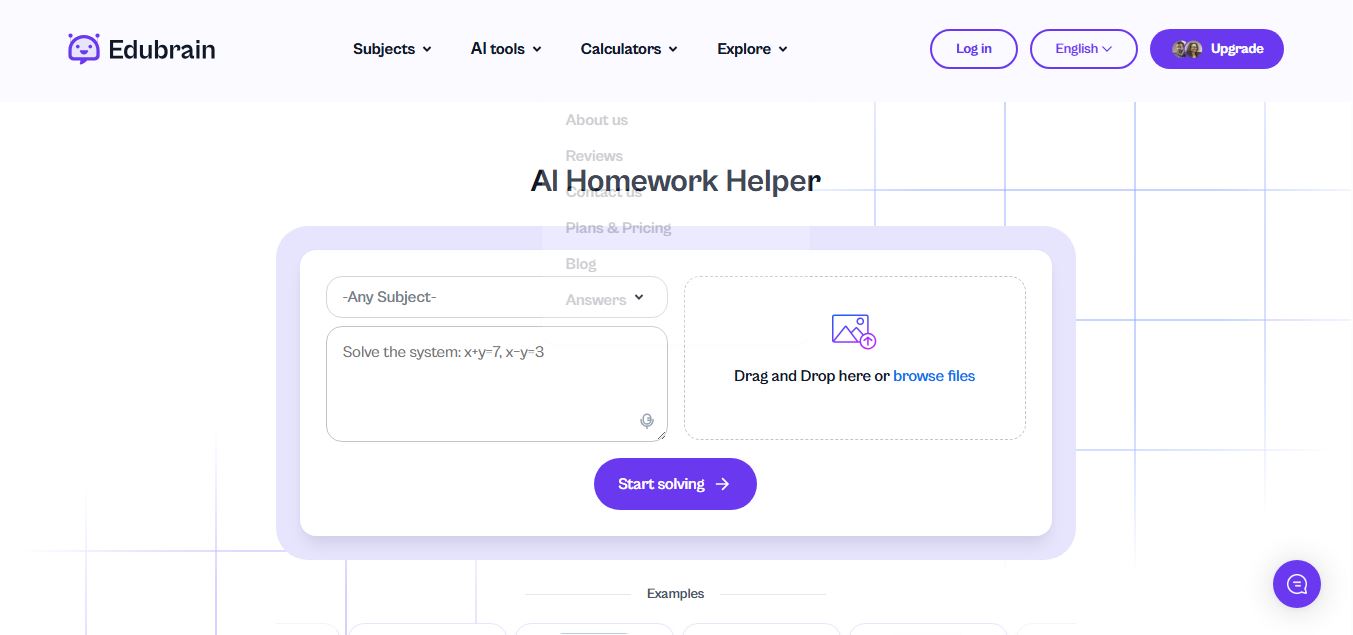
Edubrain is an AI-powered homework assistant that helps students solve questions across 90+ subjects using text, images, PDFs, or audio. It provides step-by-step explanations, adapts to learning styles, and works without sign-up, enabling faster understanding, exam prep, and personalized study support.
 4.8
4.8Math AI
Education
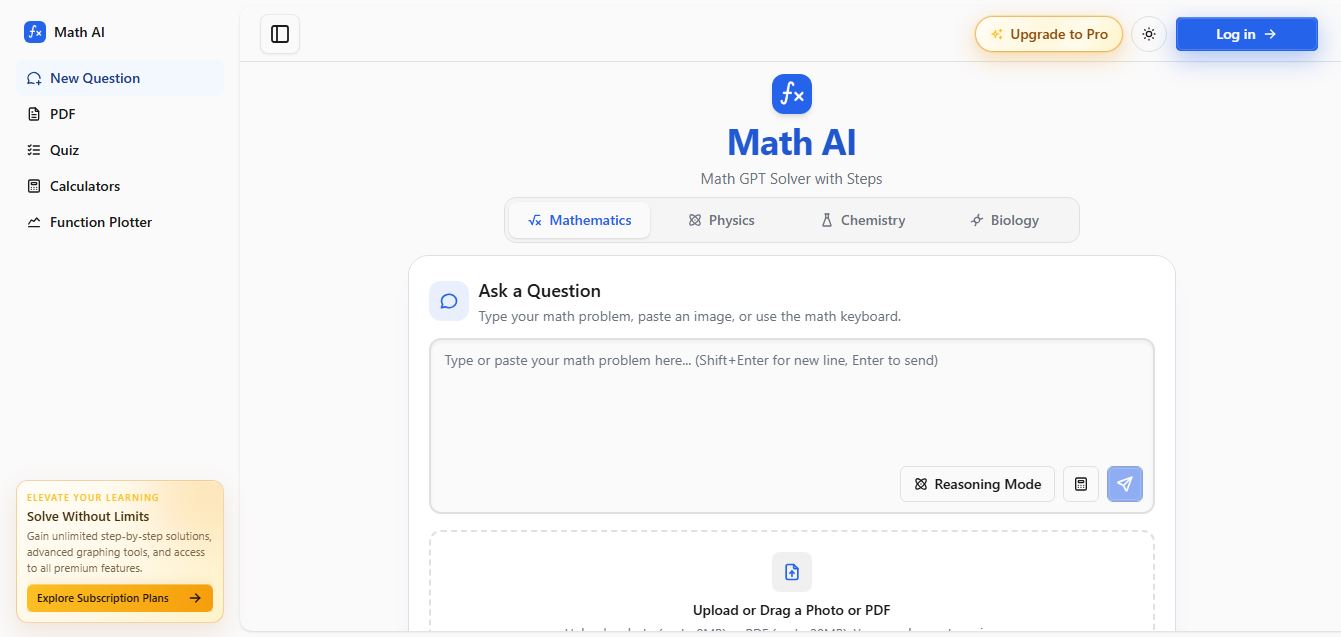
Math AI is an AI-powered math learning platform that helps users solve problems using text or images with step-by-step explanations. It supports algebra, calculus, and more, offering quizzes, graphs, and personalized tutoring to improve understanding and make studying, homework, and exam preparation easier.
 4.9
4.9ThetaWise
Education
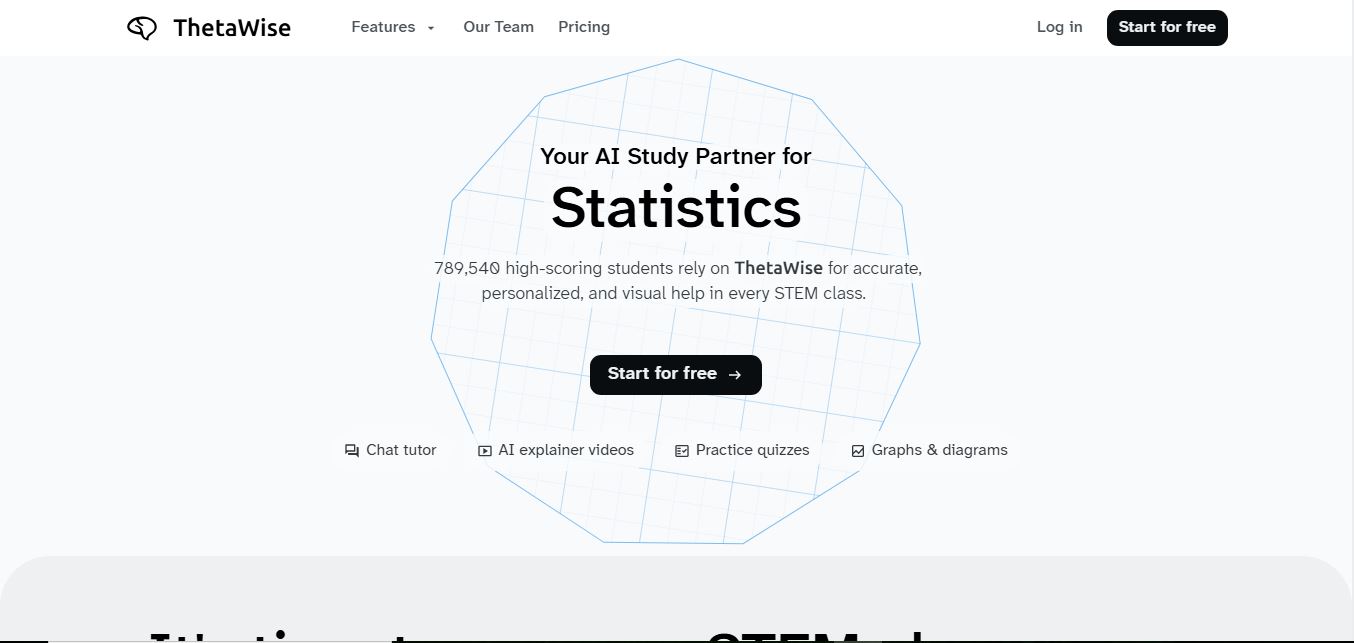
ThetaWise is an AI-powered STEM learning platform that helps students solve math and science problems with step-by-step explanations, video lessons, and practice quizzes. It acts like a 24/7 tutor, adapting to learning styles and improving understanding, test performance, and concept mastery.
 4.9
4.9Mathos AI
Education
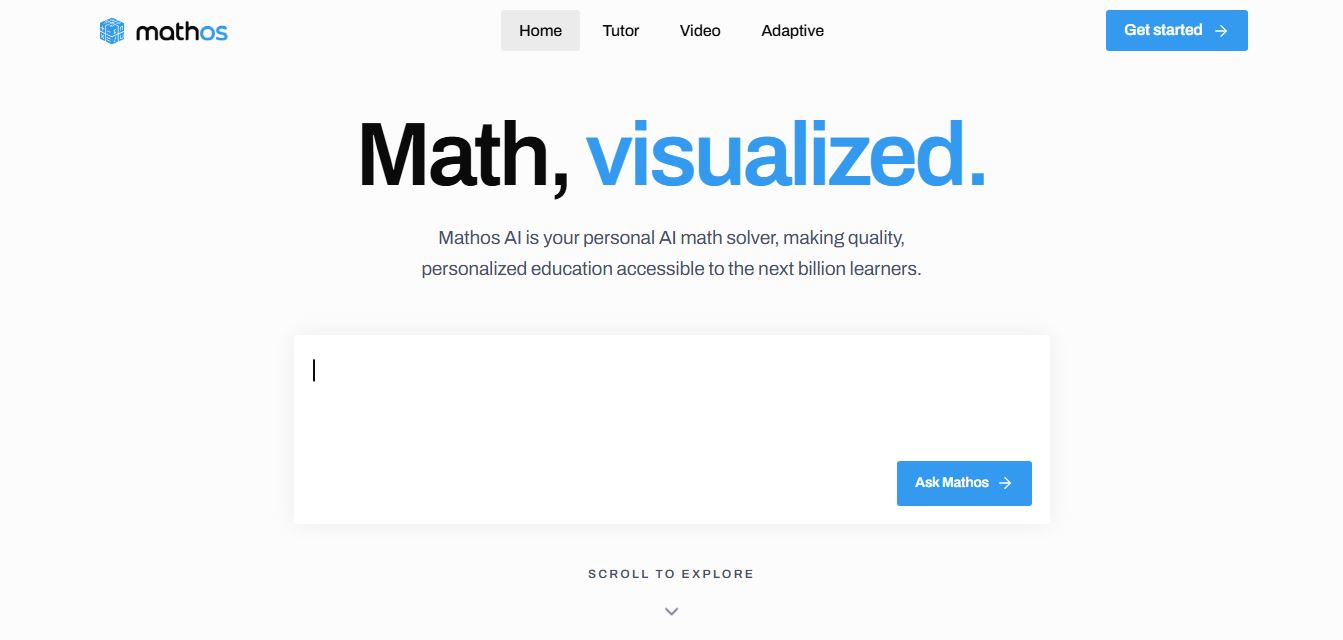
Mathos AI is an AI-powered math solver and tutor that helps students solve problems with step-by-step explanations and personalized guidance. It turns questions into lessons, generates quizzes, flashcards, and videos, and adapts to mistakes, enabling deeper understanding instead of just providing answers.
 4.8
4.8Brainly
Education
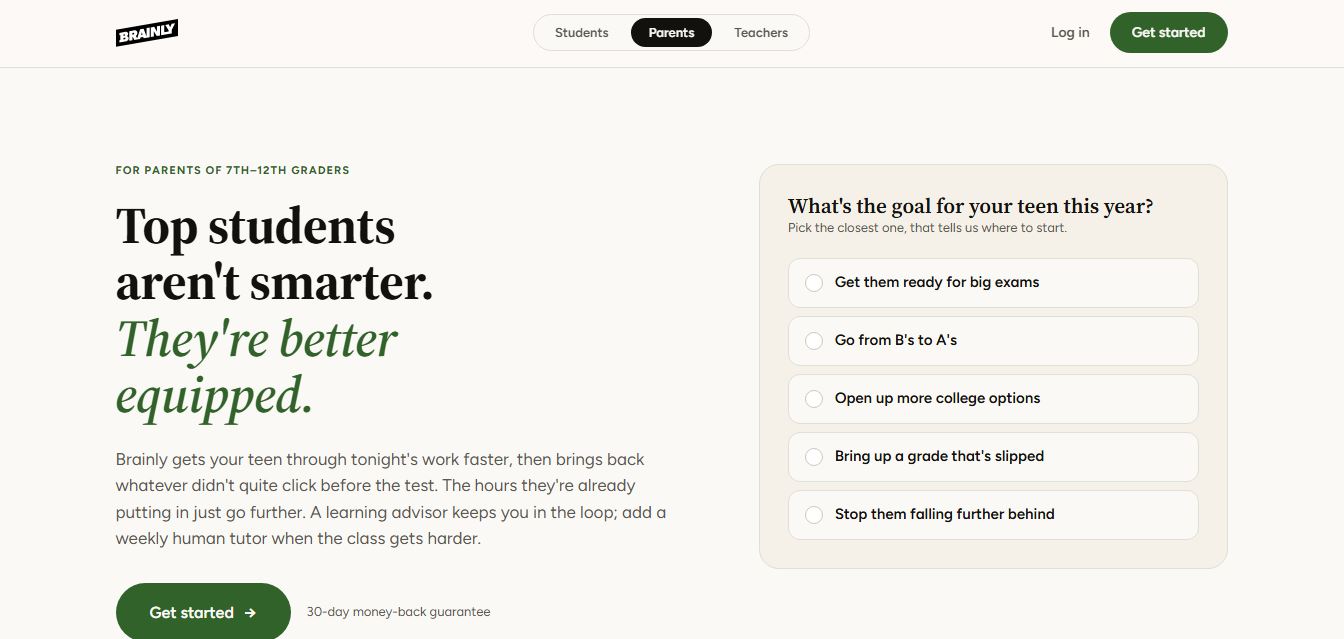
Brainly is an AI-powered learning platform that helps students solve homework, study concepts, and prepare for exams with step-by-step explanations. It combines AI guidance with a global community of experts, turning questions into personalized learning and helping students understand—not just complete—their schoolwork.
 4.8
4.8Gauth
Education
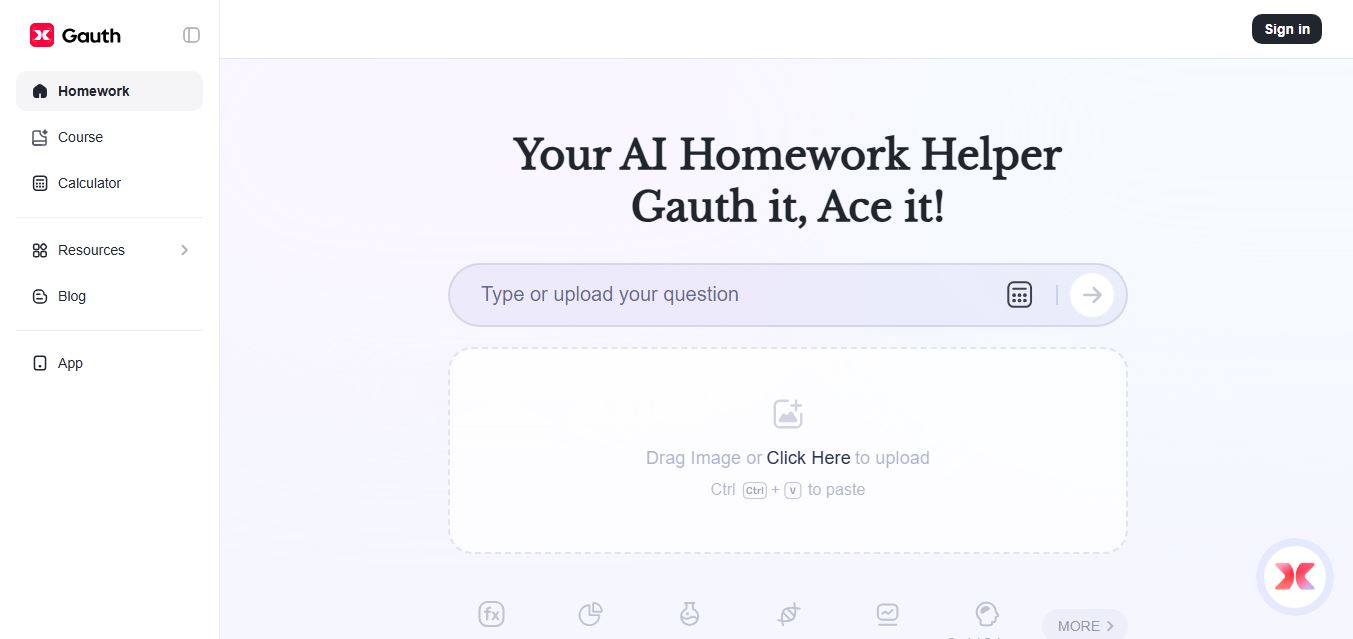
Gauth (formerly Gauthmath) is an AI-powered homework helper that lets students solve problems by typing or snapping a photo. It delivers step-by-step explanations across math and other subjects, combines AI with live tutor support, and helps users understand concepts, complete homework, and prepare for exams.
 4.7
4.7AI Math Solver
Education
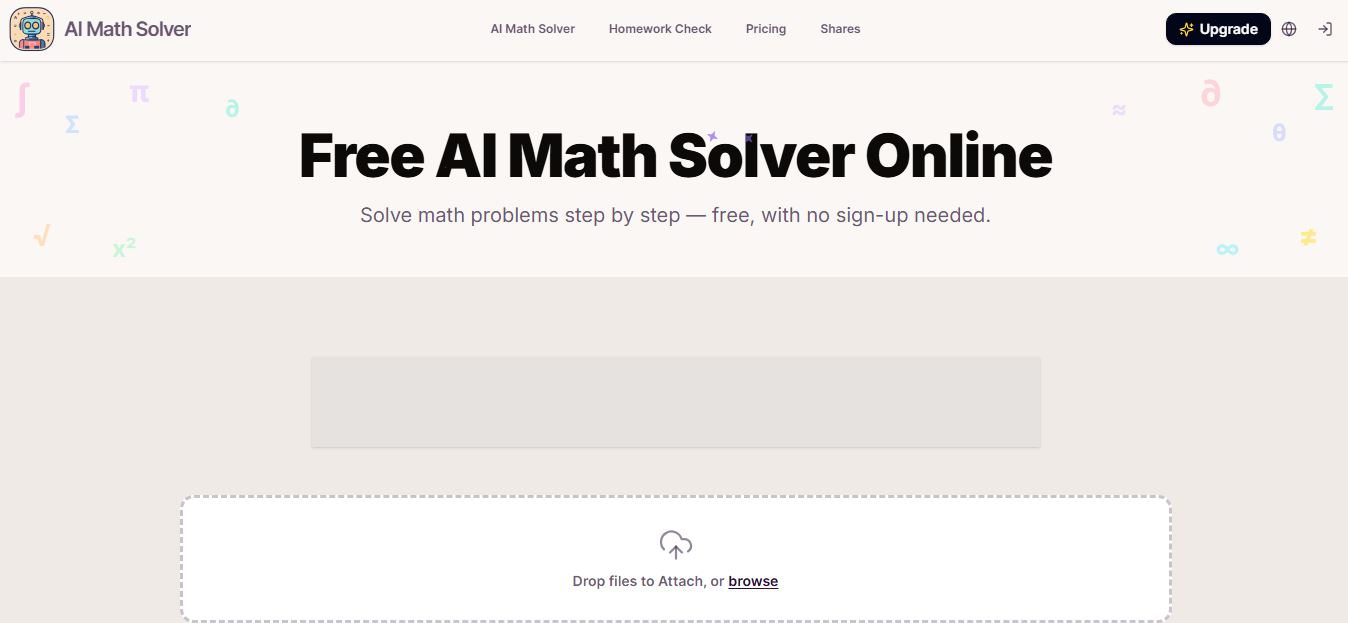
AIMathSolve is an AI-powered math solver that helps users solve problems across algebra, calculus, geometry, and more using text or image input. It generates step-by-step explanations, recognizes handwritten equations, and improves understanding, making it useful for homework, learning, and exam preparation.
 4.9
4.9Brilliant
Education
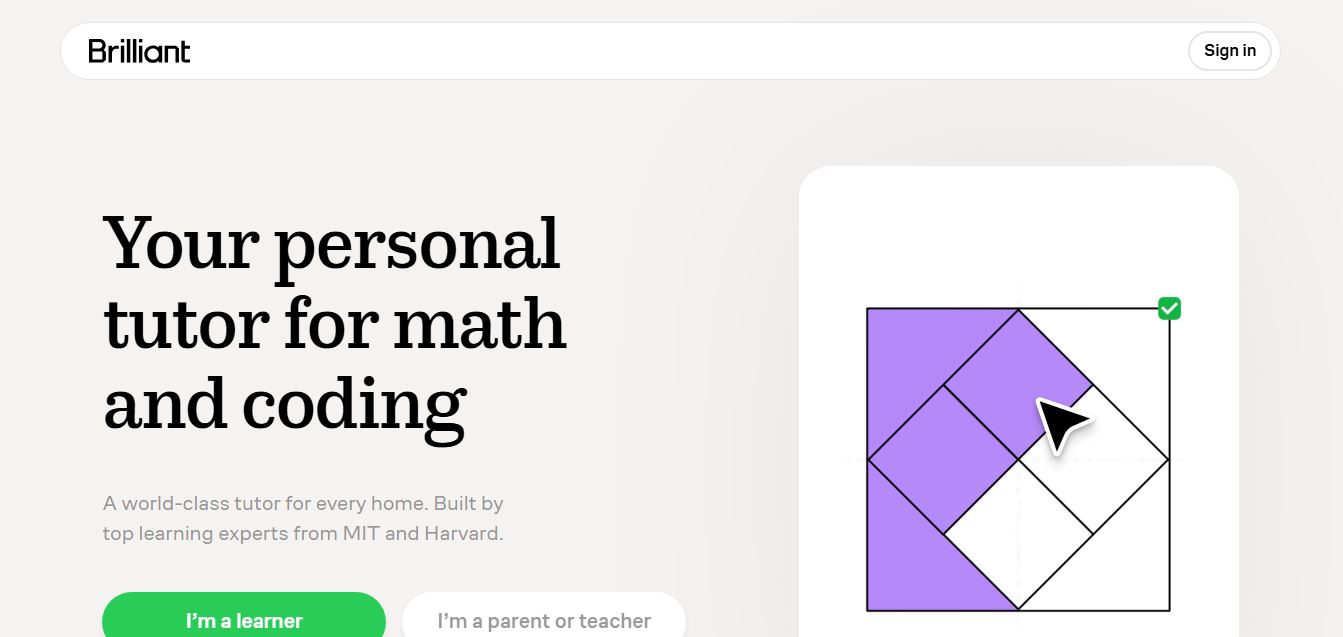
Brilliant is an interactive online learning platform that helps users build math, coding, and problem-solving skills through hands-on lessons. It uses visual explanations, real-time feedback, and a personal AI tutor to guide learning, enabling deeper understanding compared to passive video-based courses.
 5.0
5.0Desmos
Education
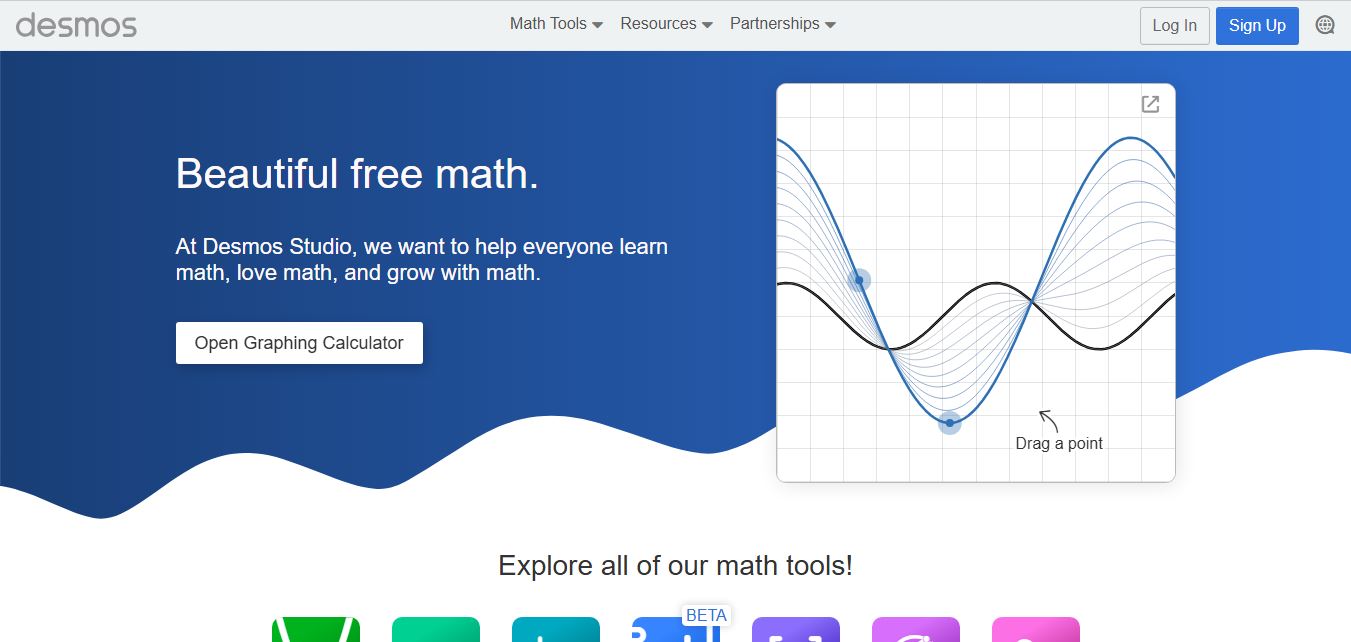
Desmos is an interactive math platform that helps students and teachers visualize concepts through graphing calculators, activities, and classroom tools. It enables real-time exploration of equations, functions, and data, making math more intuitive, engaging, and accessible across algebra, geometry, and advanced topics.