
Polycam
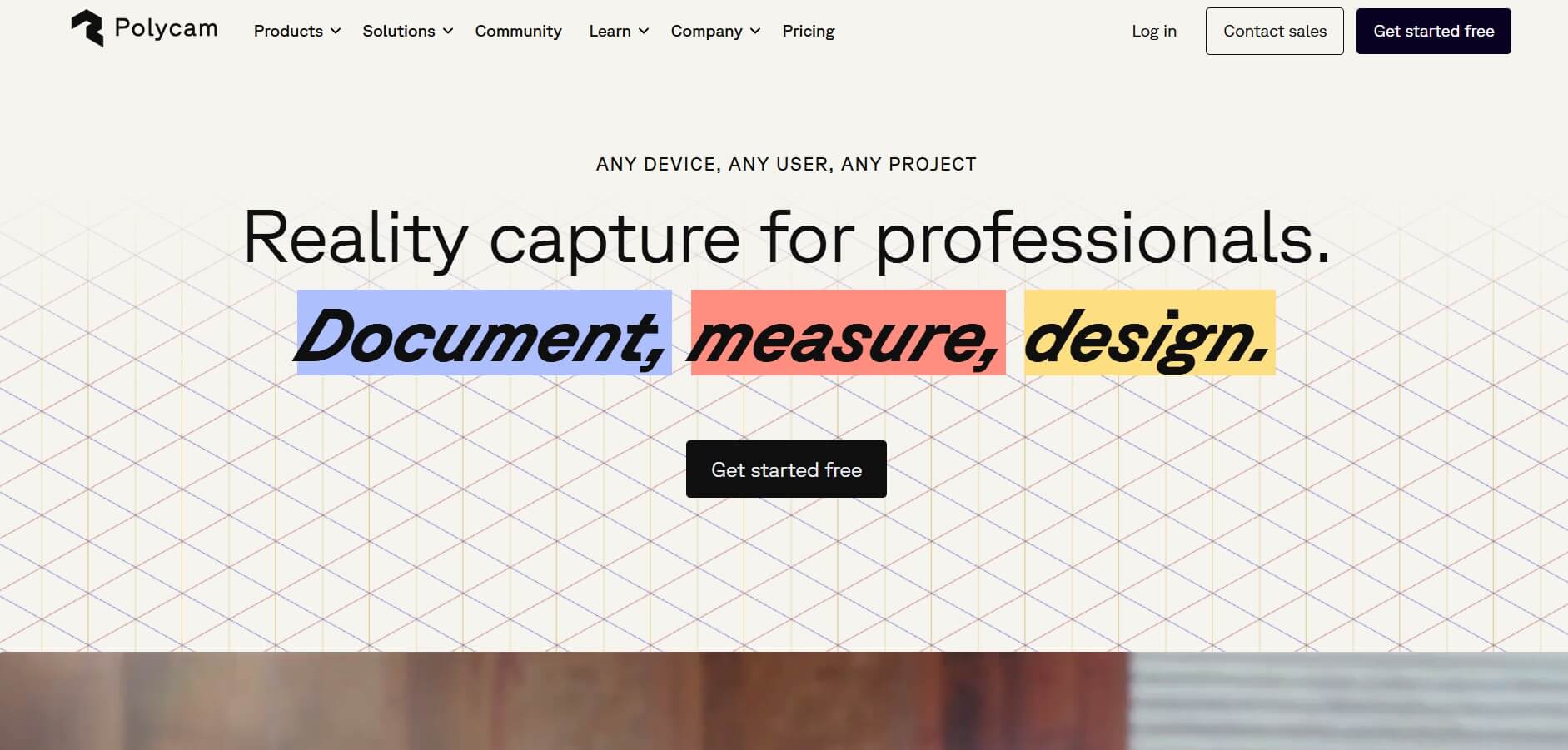
Polycam is an AI-powered 3D scanning app that uses LiDAR or photos to create detailed 3D models from mobile devices.
What is Polycam?
- Founders: Chris Heinrich and Elliott Spelman
- Launch: 2021
- Platforms: iOS (LiDAR on iPhone 12 Pro+), Android (Photo Mode), Web captures via browser upload
- Capture Modes: LiDAR Mode for real-time space scans; Photo (photogrammetry) Mode via cloud for high-res object scans; and Android users
- Room Mode: Automatically generates floor plans and 3D layout data using ARKit-based RoomPlan
Polycam is a powerful 3D scanning platform that transforms smartphones, particularly iPhones and iPads with LiDAR, into portable scanners for objects, rooms, and places. Polycam, founded in early 2021 by Chris Heinrich and Elliott Spelman and funded in 2024 by investors including Adobe Ventures and YouTube co-founder Chad Hurley, quickly grew into a platform for designers, real estate brokers, developers, educators, and innovators. Its double capture modes—real-time LiDAR and cloud-based photogrammetry—provide flexibility and high-quality results. Polycam makes 3D capture accessible and collaborative by integrating features such as room mapping via Apple's RoomPlan, exact blueprint export, and scalable export formats. Whether you're visualizing an interior, developing VFX assets, or documenting surroundings, Polycam offers mobile-first ease with professional results.
Polycam Video
Key Features
Polycam's key features are
- LiDAR Scanning: Polycam offers instant spatial capture on compatible Apple devices; it's fast but has limited resolution.
- Photogrammetry / Photo Mode: Polycam allows uploading up to 2,000 images per model for fine detail using cloud processing.
- Export Formats: Offers OBJ, GLTF, FBX, STL, USDZ for meshes; DXF, PLY, LAS, XYZ for point cloud and CAD
- 2D Floor Plans & Measurements: Polycam offers floor plan exports with scale data and blueprints for Pro and above.
- Collaboration & Explore Tab: Offers shared community-gallery scans and team-shared libraries
Pricing
Polycam offers both free and paid plans
Free Plan:
- Offers 20 objects captured
- Offers capture objects with 100 images per capture
- Allows 3D capture exports in GLTF
- Allows web link sharing
Pro Plan:
- The plan starts at $17 per month
- Offers unlimited object mode captures
- Allows private sharing
- Offers capture objects with 100 images per capture
- Allows 3D capture exports in GLTF
- Allows web link sharing
Business Plan:
- The plan starts at $400 per month
- Allows the creation of a team with 15 members
- Offers unlimited object mode captures
- Allows private sharing
- Offers capture objects with 100 images per capture
- Allows 3D capture export
- Offers a team library
- Offers centralized billing & admin tools
Disclaimer: Please visit the official Polycam website for the latest and most accurate pricing information
Who is Using Polycam?
A diverse range of users and organizations utilize Polycam
- Architects
- Interior Designers
- Real Estate Professionals
- VFX Artists
- Game Developers
- Educators
Polycam Alternatives
Some Polycam alternatives are
- Scaniverse
- Qlone
- Luma AI
- Luxolis 3d Scanner
- Scaniverse—3D Scanner
- Heges 3D Scanner
Conclusion
Polycam is a versatile and user-friendly 3D scanning tool that allows for professional-level reality capture on mobile devices and the web. It empowers users in a range of industries, including architecture, real estate, gaming, and visual effects, with features such as LiDAR scanning, photogrammetry, and 360° capture. Its support for several output formats, real-time editing, and working together improves workflow efficiency. Whether you're a professional or a hobbyist, Polycam offers a powerful, user-friendly solution for transforming physical places into digital assets.
Also Check:
FAQ
How does Polycam work?
It uses photogrammetry and LiDAR technology to create high-quality 3D models from photos or video scans.
Do I need LiDAR to use Polycam?
No, Polycam works with both LiDAR-enabled devices and standard cameras through photogrammetry.
Is Polycam free to use?
Polycam offers a free plan with basic features and paid plans with advanced export and editing options.
Can I share my scans online?
Yes, Polycam lets you share 3D models via links, embeds, or direct exports to platforms like Sketchfab.
User Reviews
No reviews yet for Polycam.
Featured Tools
Featured AI tools from TechShark

Melody Genie
MelodyGenie is an AI-powered music generator that creates original songs from simple text prompts. Users can choose styles, moods, and genres, then instantly generate melodies and full tracks, making it easy for creators, marketers, and hobbyists to produce custom music without musical expertise.
Freemium

Kimi AI
Kimi AI is an advanced AI assistant developed by Moonshot AI that helps you chat, research, write, code, and automate tasks in one place. It supports web search, file analysis, and multimodal inputs, and can even run autonomous “agent” workflows to complete complex tasks end-to-end.
Freemium

Fashion Diffusion AI
Fashion Diffusion is an AI-powered fashion design platform that helps brands and designers create clothing designs, virtual try-ons, AI models, product photos, and marketing visuals faster and cost-effectively.
Paid

Veo 4
Veo 4 AI is an AI video creation platform that generates dramatic videos from text, images, audio, and video prompts using realistic motion and synchronized sound.
Paid
Alternatives
Alternatives to Polycam
Polycam is a mobile-first 3D scanning platform enabling LiDAR and photogrammetry captures, floor plans, and exports, perfect for architects, designers, real estate, and creators.
 4.9
4.9Alpha3D
3D
Alpha3D is an AI-powered 3D content creation platform that turns text prompts, images, or multi-view inputs into production-ready 3D models. It handles the full pipeline—generation, retopology, UV unwrapping, texturing, rigging, and export—enabling creators to build game-ready assets quickly without advanced 3D skills.
 4.8
4.8sizeless
3D
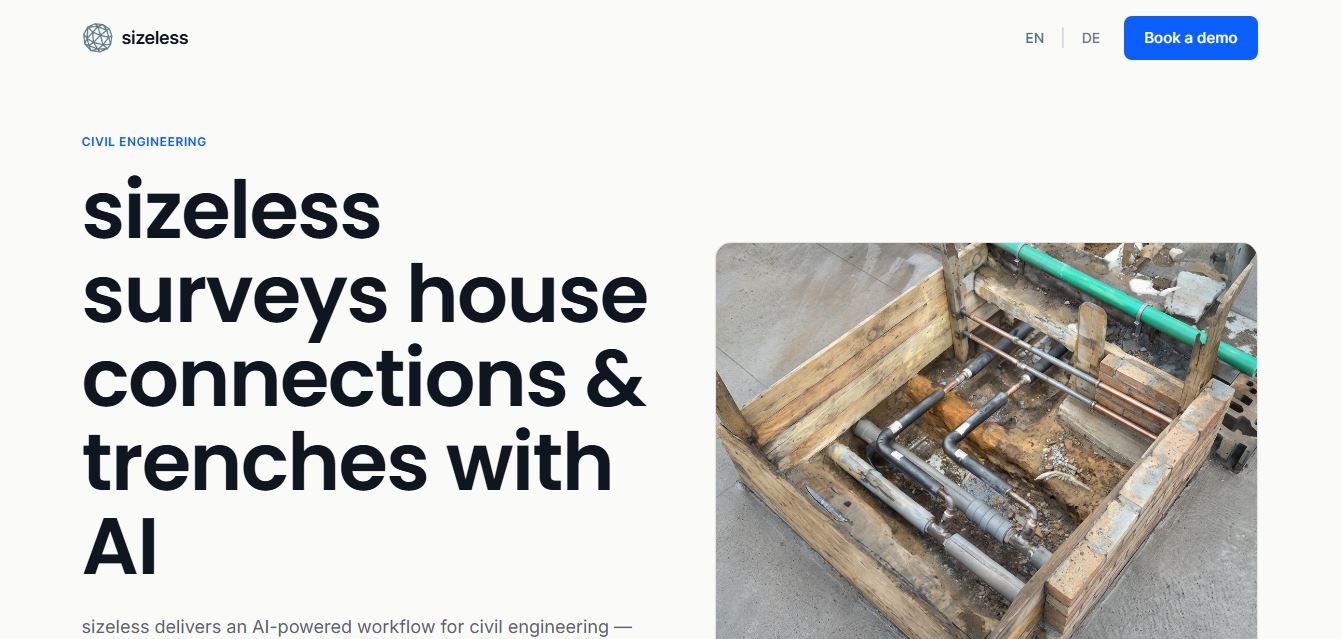
sizeless is an AI-powered 3D digital twin, surveying, and reality capture platform for civil engineering, district heating, and AEC infrastructure that transforms smartphone video of open trenches and house connections into centimetre-accurate 3D point clouds, BIM models, and CAD as-built plans (DWG/DXF).
Spline AI 3D Generation
3D
Spline AI 3D Generation is a cloud-based generative 3D creation studio that transforms natural language text prompts and 2D reference images into textured, production-ready 3D meshes with real PBR materials, multi-format exports, and real-time web interactivity.
 4.8
4.8Scenario
3D
Scenario is an AI-powered creative infrastructure and game asset generation platform that enables game developers, digital artists, and creative studios to train custom style-consistent AI models and produce 2D graphics, 3D meshes, textures, and video assets via web studio and production REST APIs.
 4.8
4.8Meshy AI
3D
Meshy AI is a generative 3D AI modeling platform that turns text prompts and 2D concept images into textured, production-ready, and 3D-printable models with automated PBR texturing, rigging, animation, and multi-format exports.
 4.7
4.7Fiddl.art
3D
Fiddl.art is a browser-based AI art studio and social platform that enables digital artists, creators, and hobbyists to generate AI images and videos, train custom models, remix prompts, and monetize digital assets through a creator-driven economy.
 4.7
4.7PixMaker AI
3D
PixMaker AI is an AI-driven image editing and product photography platform designed to generate professional-grade graphics, high-converting e-commerce product photos, marketing banners, and visual content with automated AI design tools.
 4.8
4.8Dreamina AI
3D
Dreamina AI is an advanced multi-modal AI art and video generation platform developed by ByteDance (CapCut) that enables creators to transform text prompts and reference images into high-resolution visual artwork, motion graphics, and video clips.
 4.8
4.8QuickMagic
3D
QuickMagic AI is an AI-powered motion capture tool that converts video footage and text prompts into editable 3D character animations. It helps animators, game developers, and content creators capture body, hand, and facial movements without specialized suits, markers, or expensive multi-camera studio setups.