
Polimake
Polimake is an AI-powered creative asset management platform that helps teams organize, search, and share photos, videos, and project files. It automatically tags media, transcribes video and audio, and connects creative libraries with AI assistants like ChatGPT and Claude, making content discovery and collaboration faster.
What is Polimake?
Polimake is an AI-powered creative asset management platform that helps businesses organize, search, and share photos, videos, audio recordings, and other creative files. Instead of relying on manually named folders, teams can use AI-generated descriptions, tags, transcripts, and natural-language search to find relevant content faster. One of Polimake's main strengths is its ability to search inside videos rather than just searching filenames. For example, a marketing team can look for a particular scene, spoken phrase, product, or visual element across its media library without watching every video from beginning to end.
Polimake also connects creative libraries with AI assistants such as ChatGPT and Claude, helping teams retrieve relevant assets through supported integrations. Its collaboration features allow users to organize projects, share selected files, manage permissions, and control access to creative material. It helps creative teams turn scattered photos, videos, and project files into an organized, searchable library that people and connected AI assistants can use.
Built around the philosophy that “Your creative library should think with your team,” Polimake consolidates editorial calendars, asset production, approval routing, and multimodal semantic search into a single source of truth. Utilizing computer vision and audio transcription models, Polimake indexes visual scenes, human actions, spoken dialogue, brand logos, color palettes, and emotions—allowing users to search for exact video frames (such as “the moment someone smiles while holding the product”) rather than just static file titles. Featuring a native Model Context Protocol (MCP) connector for ChatGPT and Claude, Polimake offers a free starter tier alongside professional plans for scaling creative teams.
- Platform Model: AI Creative Operations (CreativeOps), Intelligent DAM & Visual Memory Graph
- Core Architecture: Multimodal Frame-by-Frame Indexing, Spoken Audio Transcription & Automated Metadata Tagging
- Agentic Interoperability: Native Model Context Protocol (MCP) server for ChatGPT and Claude
Use Cases:
- Searching massive video archives using natural language to locate specific spoken phrases, brand appearances, or emotional expressions
- Letting AI assistants (ChatGPT, Claude) query creative libraries, surface approved campaign assets, and draft social posts via MCP
- Managing end-to-end creative workflows—from initial creative briefs and production calendars to client approval sign-offs
- Connecting historical campaigns, briefs, and brand guidelines so new uploads inherit organizational context automatically
- Eliminating manual file naming and tagging by letting multimodal vision models generate direct and contextual keywords on upload
Technology:
- Multimodal vision and audio analysis pipeline processing frame-level objects, faces, logos, dominant color palettes, and spoken dialogue
- Hybrid search engine harmonizing exact keyword matching, semantic conceptual associations, and visual similarity in one unified query
- Model Context Protocol (MCP) server exposing team media assets, approval statuses, and metadata directly to LLMs
Target Users:
- Marketing and creative agencies managing high volumes of client video, photography, and social ad deliverables
- In-house brand and content teams seeking to centralize production calendars and stop losing evergreen creative assets
- Video editors, motion designers, and creative directors needing instant access to b-roll clips without scrubbing hours of footage
- Social media managers and marketing leads coordinating multi-stakeholder review and approval cycles
Acquisition: Operates as an independent private creative operations software platform (Polimake / polimake.com)

Key features of Polimake
Polimake's key platform features are
- Multimodal Frame-by-Frame Video Search: Scans the actual visual and audio content of uploaded footage, allowing users to find the exact frame where a logo, person, or product appears.
- Automated Ingestion Tagging: Multimodal models instantly identify objects, scenes, aesthetic qualities, and context upon file upload—eliminating manual tagging completely.
- Spoken Dialogue Transcription & Summaries: Automatically generates time-coded transcripts for podcasts, reels, and video sessions, making all spoken audio searchable.
- Native MCP Connector (ChatGPT & Claude): Ask your AI chat assistant, “Show me the latest approved summer campaign video clips” and retrieve exact assets directly inside chat.
- Unified Creative Operations Hub: Combines an editorial planning calendar, collaborative asset feedback, revision tracking, and client approval workflows in one tool.
- Living Creative Memory: Cross-references new uploads against historical briefs, approved brand guidelines, and past performance so assets exist in context.
- Tri-Mode Hybrid Search: Simultaneously executes exact filename queries, visual similarity lookups, and abstract conceptual associations without requiring mode toggling.
- Brand & Rights Detection: Automatically flags brand appearances and assists teams in tracking usage permissions across shared client libraries.
How to use Polimake
- Create an account: Visit Polimake and choose the available account or plan option.
- Create a library: Organize assets by brand, client, project, or campaign.
- Upload your files: Add supported photos, videos, audio recordings, and other creative material.
- Let AI analyze the content: Polimake can generate descriptions, tags, transcripts, and metadata for supported files.
- Search for assets: Use natural-language queries or search within video transcripts to locate relevant content.
- Share with your team: Invite collaborators and assign permissions based on their roles.
- Connect your AI assistant: Configure the supported ChatGPT or Claude integration if you want to retrieve assets through an AI-assisted workflow.
Polimake Pricing: How Much Does It Cost?
Polimake's English-language pricing page lists three paid plans: Creator, Studio, and Agency. The plans are designed for different team sizes and library requirements.
|
Plan |
Price per month |
Included storage |
|---|---|---|
|
Creator |
€19 |
100 GB |
|
Studio |
€89 |
500 GB |
|
Agency |
€159 |
1 TB |
What does each Polimake plan include?
- Creator — €19/month: Designed for individuals running an agency or managing a creative library. It includes one managed brand with invited collaborators, searches inside videos, a ChatGPT and Claude connector, and 100 GB of storage.
- Studio — €89/month: Designed for small studios and teams working across several brands. It includes up to five managed brands, 500 GB of storage, and access to advanced MCP capabilities and the desktop application.
- Agency — €159/month: Designed for organizations with larger media libraries and more complex operations. It includes unlimited projects, 1 TB of storage, and access to advanced MCP capabilities and the desktop application. Custom requirements may involve additional pricing.
Does Polimake offer a free plan?
Polimake allows invited collaborators to participate in projects without paying for their own subscription. These collaborators can upload, review, and download assets within the projects they have permission to access.
This is different from a free owner subscription with the same storage and management capabilities as the paid plans. Check the current pricing page for the latest account options and limits.
Disclaimer: Pricing packages may adjust based on active video rendering minutes and storage consumption. For current pricing tiers and agency configurations, visit polimake.com.
Who should use Polimake?
Polimake is most relevant to businesses that create, store, and reuse large amounts of visual or audio content.
- Marketing agencies: Find campaign images, video clips, and brand assets across client libraries.
- Video production teams: Locate specific scenes and spoken phrases without reviewing every recording manually.
- Social media managers: Reuse existing content for new posts, short-form videos, and campaigns.
- Creative studios: Organize shared projects and manage access for employees, freelancers, and clients.
- E-commerce teams: Retrieve product images, demonstrations, and other visual assets.
- Brand managers: Maintain organized libraries of approved creative material.
- AI-powered creative teams: Connect media libraries with supported AI assistants to simplify asset discovery.
Polimake may be less useful for individuals who manage only a handful of files or teams that primarily need advanced video editing rather than asset organization and retrieval.
Best Polimake Alternatives
Some of the strongest Polimake alternatives include
- Air.inc
- Brandfolder
- Bynder
- Frame.io
- Causal
- Playbook.com
Pros and Cons of Polimake
Pros
- Makes photos, videos, and other creative assets easier to find.
- Automatically generates descriptions, tags, and metadata for supported files.
- Makes spoken content and moments inside videos searchable.
- Supports AI-assisted asset discovery through ChatGPT and Claude integrations.
- Provides project organization, collaboration, and permission controls.
- Offers storage tiers for individuals, studios, and larger agencies.
- Provides local transcription options through its desktop workflow.
Cons
- Larger storage requirements may require a more expensive plan.
- Teams need to organize and migrate their existing assets into a usable library.
- AI-generated tags, descriptions, and transcripts may need human review.
- Advanced MCP and desktop capabilities are associated with higher-tier plans.
- The platform focuses on asset management and discovery rather than replacing a full professional editing suite.
- Businesses should evaluate integration compatibility and data-processing requirements before connecting sensitive files.
Why Choose Polimake?
Traditional cloud storage folders (Dropbox, Google Drive) treat video and image files as opaque black boxes, forcing teams to rely on chaotic filenames and manual spreadsheet logs. Polimake turns media libraries into living, searchable knowledge bases.
- Finds the exact visual second you need across thousands of hours of video in plain conversational language
- Allows your AI assistants to retrieve approved assets directly inside your daily chat workflows via MCP
- Stops creative assets from being lost or duplicated across multiple disconnected project folders
- Eliminates tool sprawl by replacing separate calendar, DAM, and approval tools with one unified hub
Polimake vs. Alternatives
The main difference between Polimake, Air.inc, Brandfolder, and Frame.io lies in AI indexing depth and agent connectivity. While Frame.io excels at time-coded video review and Brandfolder operates as a traditional enterprise asset repository, Polimake combines deep multimodal frame search (detecting objects, faces, and spoken words across footage) with end-to-end creative operations and an official MCP server for ChatGPT and Claude.
| Feature / Tool | Polimake (polimake.com) | Air.inc | Frame.io | Brandfolder |
|---|---|---|---|---|
| Core Focus | CreativeOps & Multimodal Video DAM | Visual Creative Asset Management | Video Review & Client Approvals | Enterprise Brand & Digital Asset DAM |
| Frame-Level Video Search | Yes (Visual, spoken dialogue & logos) | Basic visual AI search | Timecode markers only | Image/document metadata focus |
| MCP AI Agent Server | Yes (Connects with ChatGPT & Claude) | No | No | No |
| Integrated Operations | Calendar, Production & Approvals | Boards, sharing & feedback | Review, commenting & NLE sync | Brand guidelines & asset portals |
| Starting Price | Free Account Available | Free tier / From $10/user/mo | Free tier / From $15/user/mo | Custom enterprise pricing (~$10k+/yr) |
| Best For | Agencies wanting smart frame search & MCP agents | Marketing teams needing simple visual boards | Post-production teams reviewing rough cuts | Global enterprises governing brand assets |
How Do We Rate Polimake?
The following is a provisional editorial assessment based on the product's documented capabilities and published pricing, not an independently benchmarked hands-on test.
|
Evaluation parameter |
Provisional rating |
|---|---|
|
AI-powered media search |
4.6/5 |
|
Automatic tagging and transcription |
4.5/5 |
|
Team collaboration |
4.3/5 |
|
AI assistant integrations |
4.4/5 |
|
Pricing flexibility |
4.0/5 |
|
Ease of adoption |
4.2/5 |
|
Overall editorial score |
4.3/5 |
Polimake Review: Is It Worth It?
Polimake addresses a common problem for creative teams: finding the right asset in a growing collection of photos, videos, recordings, and campaign files. Its main advantage is that it makes media searchable based on content, not just filenames. AI-generated metadata, video transcripts, and natural-language search can help teams find material they might otherwise overlook. Integrations with ChatGPT and Claude also create opportunities to retrieve relevant assets through familiar AI-assisted workflows.
The platform's collaboration and permission features are useful for agencies and teams working across brands and clients. Its pricing structure provides distinct options for smaller creative operations and organizations managing larger libraries. However, businesses should consider the cost of storage, the work involved in migrating existing files, and the accuracy of automatically generated metadata. Polimake is also not a direct substitute for a full video editor or every enterprise digital asset management system.
Verdict: Polimake is worth evaluating if your team regularly searches large media libraries and wants AI to make existing creative assets easier to discover and reuse. Its value is strongest when better search and organization can save meaningful time across recurring creative workflows.
Conclusion
Polimake is an AI-powered creative asset management platform that helps teams turn scattered media into searchable, reusable content. Its automatic tagging, video transcription, natural-language search, and AI assistant integrations make it a useful option for agencies, creative studios, and marketing teams. The platform is most compelling for organizations that already have a large collection of photos, videos, and recordings but struggle to find the right material quickly. Before choosing a plan, evaluate storage needs, integration requirements, and the quality of AI-generated metadata against your actual workflow.
FAQ
What is Polimake and how does it work?
Polimake is a creative operations platform that helps teams manage, organize, and find media assets using AI. It analyzes uploaded files, generates keywords, and enables natural-language search to locate images, videos, or specific moments instantly.
Who should use Polimake?
Polimake is ideal for creative agencies, in-house marketing teams, and content creators managing large asset libraries. It’s especially useful for teams handling campaigns, brand assets, and approvals who need faster search, organization, and collaboration workflows.
What features does Polimake offer?
Polimake offers AI-powered asset search, automatic tagging, frame-level video search, campaign management, version control, and collaboration tools. It also integrates with AI assistants like ChatGPT and Claude, allowing teams to access assets and approvals conversationally.
Can Polimake search inside videos and images?
Yes, Polimake can analyze and search inside both images and videos. It identifies objects, scenes, and even specific frames, allowing users to find exact moments or visually similar assets using natural-language queries.
How is Polimake different from traditional DAM tools?
Unlike traditional digital asset management tools, Polimake uses AI to automatically tag, understand, and connect files. It removes manual organization, enabling users to search by concept, context, or visual similarity instead of relying on file names or folders.
Is Polimake free or paid?
Polimake follows a freemium model with paid plans starting around €19 per month. Pricing increases based on storage, number of brands, and collaboration features, making it suitable for individuals, studios, and larger agencies.
Does Polimake integrate with ChatGPT?
Yes. Polimake lists a connector for ChatGPT on its Creator plan. The available functionality depends on the integration configuration and account permissions.
Does Polimake work with Claude?
Yes. Polimake lists a Claude connector as part of its offering, allowing supported AI-assisted workflows to retrieve relevant material from connected creative libraries.
What are the best Polimake alternatives?
Alternatives include Bynder, Brandfolder, Canto, Frame.io, and Air. Bynder and Brandfolder emphasize digital asset and brand management, while Frame.io focuses more on video review and collaboration.
User Reviews
No reviews yet for Polimake.
Featured Tools
Featured AI tools from TechShark

Melody Genie
MelodyGenie is an AI-powered music generator that creates original songs from simple text prompts. Users can choose styles, moods, and genres, then instantly generate melodies and full tracks, making it easy for creators, marketers, and hobbyists to produce custom music without musical expertise.
Freemium

Kimi AI
Kimi AI is an advanced AI assistant developed by Moonshot AI that helps you chat, research, write, code, and automate tasks in one place. It supports web search, file analysis, and multimodal inputs, and can even run autonomous “agent” workflows to complete complex tasks end-to-end.
Freemium

Fashion Diffusion AI
Fashion Diffusion is an AI-powered fashion design platform that helps brands and designers create clothing designs, virtual try-ons, AI models, product photos, and marketing visuals faster and cost-effectively.
Paid

Veo 4
Veo 4 AI is an AI video creation platform that generates dramatic videos from text, images, audio, and video prompts using realistic motion and synchronized sound.
Paid
Alternatives
Alternatives to Polimake
The best Polimake alternatives include Air.inc, Brandfolder, Bynder, Frame.io, Causal (causal.so), and Playbook.com. These tools provide digital asset management, creative collaboration, and video review. While Polimake specializes in an AI-powered creative operations platform that indexes video frame-by-frame, transcribes spoken dialogue, and provides a native Model Context Protocol (MCP) server for ChatGPT and Claude, alternatives like Frame.io focus primarily on video feedback and editing integration, and Air.inc operates as a visual board for marketing assets.
 4.7
4.7Kaiber
Video Generator
Kaiber is an AI-powered creative suite for generating videos, images, and audio. It helps musicians, content creators, and marketers turn text prompts, images, and music into engaging visuals. Its tools support image animation, beat-synced video creation, lip-sync, visual restyling, and timeline editing for social media and music videos.
 4.8
4.8VideoDubber
Video Enhancer
VideoDubber is an AI-powered video translation and dubbing platform that helps creators, businesses, and educators reach global audiences. It translates videos into 150+ languages, clones voices, synchronizes lip movements, generates subtitles, and preserves background audio. Users can edit translations and export localized videos for multiple platforms.
 4.9
4.9Clipchamp
Video Generator
Clipchamp is an AI-powered online video editor by Microsoft that helps users record, edit, and share videos directly from the browser. It offers templates, stock media, and AI tools like subtitles, voiceovers, and noise removal, enabling fast, professional video creation without advanced editing skills.
 4.9
4.9CapCut
Video Editing
CapCut is a popular video editing tool that helps creators produce engaging videos with effects, transitions, filters, templates, subtitles, and AI-powered features. Available on multiple platforms, CapCut makes it easy to edit videos for TikTok, Instagram Reels, YouTube Shorts, and other social media channels.
 4.9
4.9Pika
Video Generator
Pika is an AI video generation and creative effects platform that transforms text prompts, still images, and video clips into cinematic video sequences, meme animations, and viral visual effects using its proprietary generative video models.
 4.7
4.7Hotshot AI
Video Generator
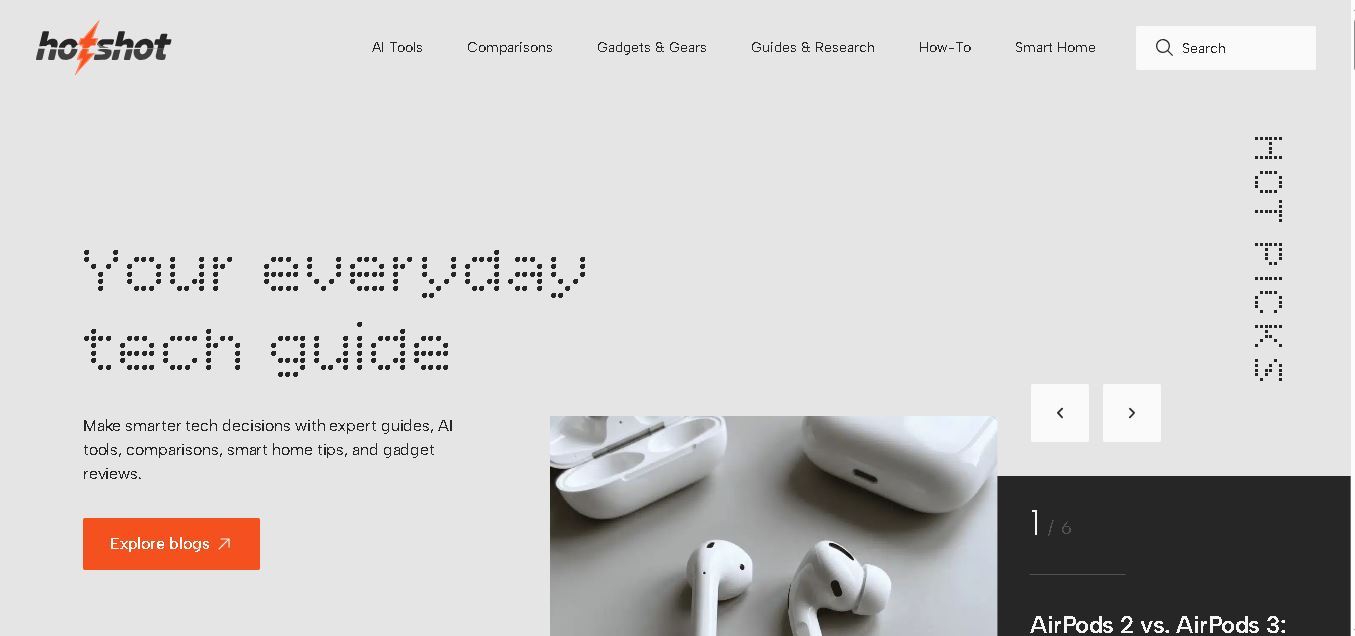
Hotshot is an everyday technology publication covering AI tools, gadgets, smart home technology, comparisons, research, and practical how-to guides. It helps readers understand products, evaluate software, compare options, and solve common technology problems through accessible articles created for people who want clearer information before making technology-related decisions online with confidence.
 4.7
4.7VideoPlus AI
Video Generator
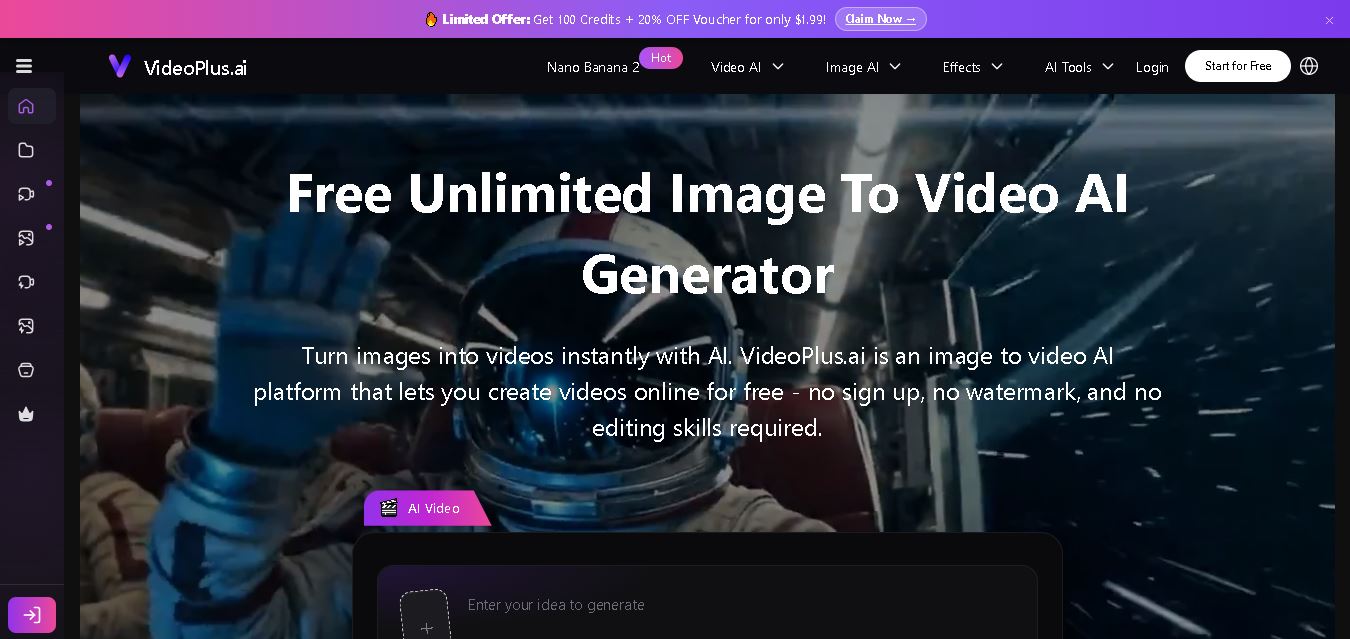
VideoPlus.ai is a versatile AI creation platform for generating and transforming videos and images. It supports text-to-video, image-to-video, reference-to-video, video-to-video, animation, image generation, enhancement, lip syncing, and creative effects. Multiple AI video models are available, making it useful for creators, marketers, designers, and businesses.
 4.7
4.7VideoTube
Video Generator
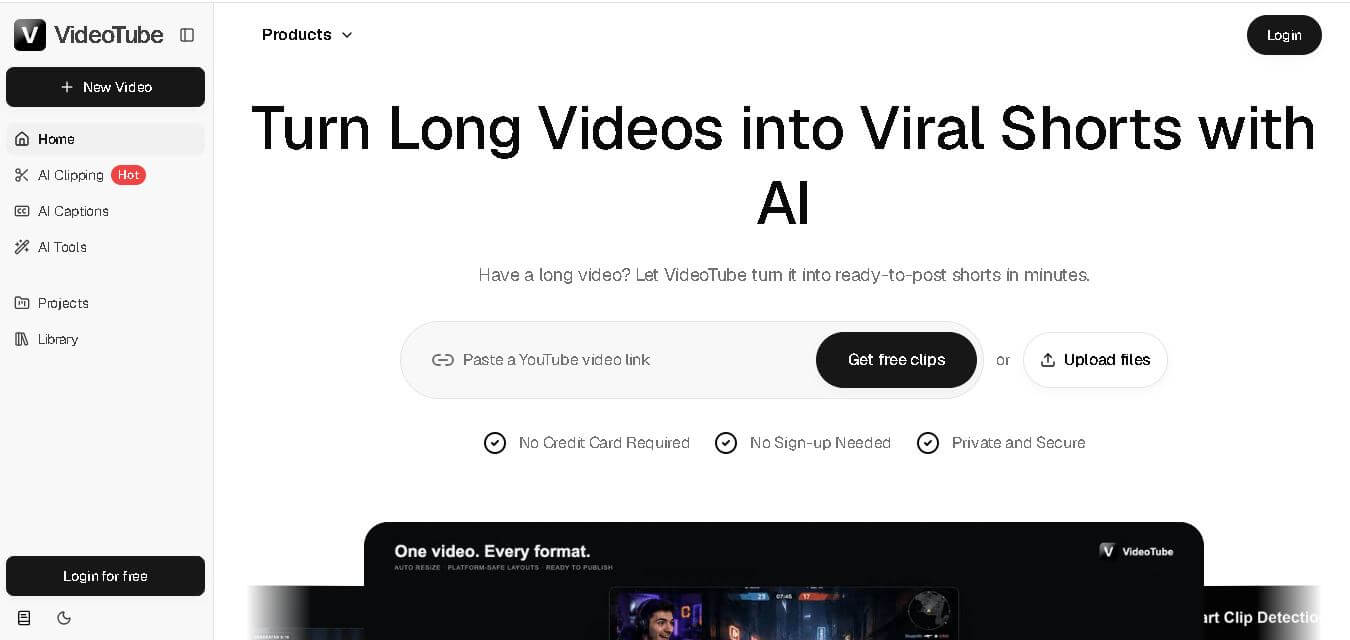
VideoTube helps creators transform long videos into short, social-ready content with AI. It can detect engaging moments, generate captions, remove filler, add B-roll, and automatically reframe videos for vertical platforms. Podcasters, YouTubers, educators, marketers, and agencies can repurpose existing content faster without relying on complicated video editing workflows.
 4.7
4.7TYPPO
Video Generator
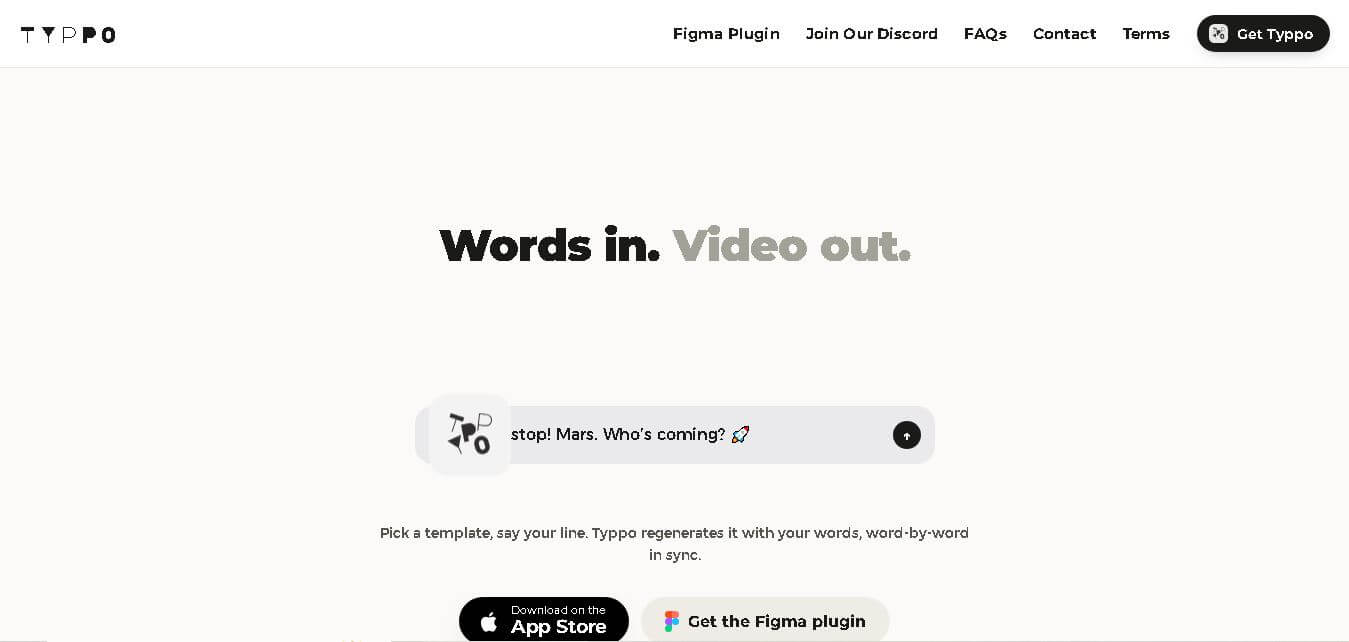
Typpo turns spoken words into animated videos without requiring design skills. Record a message, let the app transform your voice into motion graphics, and share the result on mobile-focused social channels. It supports multiple languages and offers a simple workflow for creators, marketers, communicators, and anyone wanting faster visual content creation.