Pixnova AI
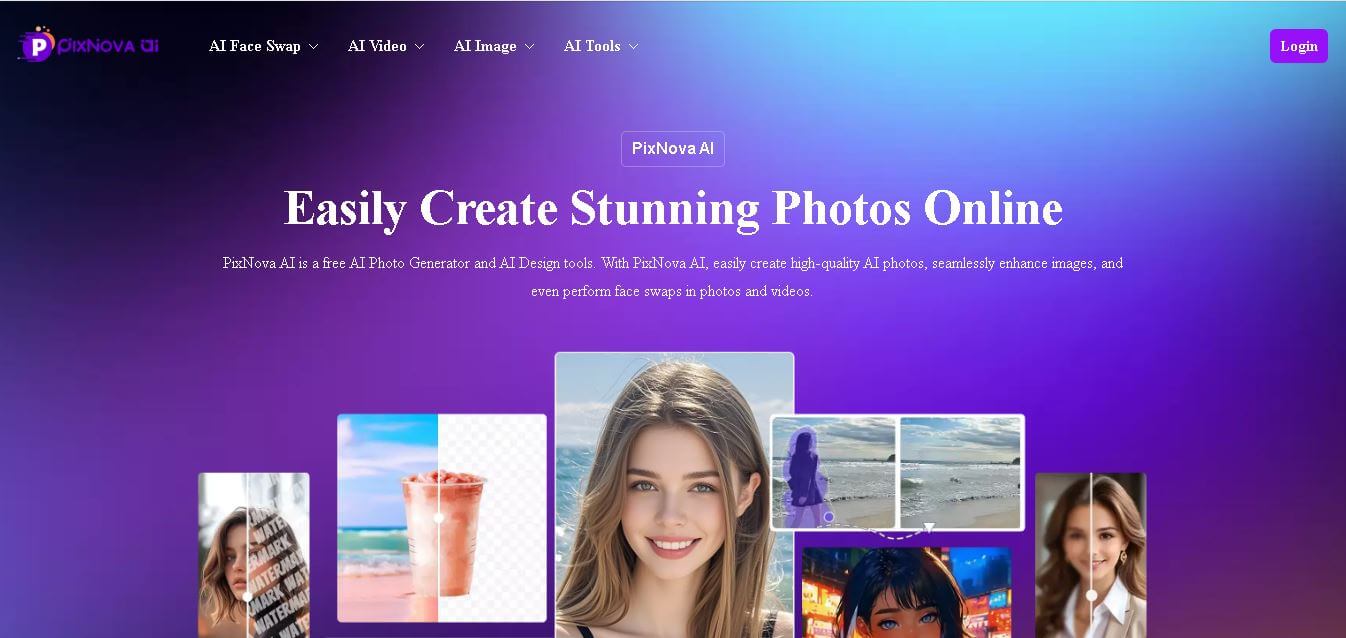
Pixnova ai is an all-in-one AI image and video generation platform offering fast, browser-based tools for photo enhancement, face swaps, upscaling, and creative edits with flexible pricing.
What is PixNova?
- Founders: Jack Xiong
- Launch Date: Officially launched in 2025 as a comprehensive image generation and editing suite
- Use Cases:
- AI image generation from text prompts
- Photo enhancement & upscaling
- Face swap on photos & videos
- Background removal & object erasing
- Avatar, anime, sketch & headshot creation
- Creative styling (hair, clothes, expressions)
- Technology: Powered by advanced machine learning & deep learning models trained on diverse image datasets. Cloud-based processing ensures fast output and scalability, with no personal data stored long term.
Pixnova ai functions as a complete AI system which enables users to create images and videos through its platform to generate professional visual content within moments. The past of complex design software has ended because PixNova enables users to create images through basic instructions and they can improve old photos and perform video face substitutions and try different hair and clothing looks without needing any technical knowledge. PixNova AI operates through web access which enables users to work with its AI tools through any browser interface. The platform offers users a simple experience which enables them to generate creative content through its advanced AI functionality. The platform offers rapid delivery of professional visual content at reasonable prices which serves both social media content creators and product visual content producers and users who want to create entertaining video edits.
Key Features
PixNova AI’s toolset is packed with intuitive and powerful features that cater to a wide audience:
- AI Photo Generator: Generate unique images from text prompts or style presets. No design background required.
- AI Image Upscaler: Enhance image resolution up to 4× while preserving detail and reducing noise.
- AI Photo Enhancer: Automatically fixes lighting, sharpness, color balance, and clarity for dull or blurry images.
- Face Swap Tools (Photo & Video): Seamlessly replace faces in images and videos. Useful for creative edits, entertainment, and marketing visuals.
- Background & Object Removal: Remove unwanted objects or backgrounds with smart AI inpaint tools.
- Stylization Tools: Convert photos into anime art, sketches, or add creative effects like outfits, hairstyles, and expressions.
- User-Friendly Interface: No downloads, plugins, or steep learning curves. Works directly in the browser.
- Privacy & Security: No login required for basic use and content is processed securely with privacy protections.
Pricing
PixNova AI pricing uses a flexible credit-based model with both one-time and subscription options (no forced recurring fees unless chosen). Credits are used mainly for video generation and advanced tasks.
One-Time Purchase Plans:
- 1600 Credits – $7.99 (one-time): Good for light users and short face swap videos.
- 9000 Credits – $23.99 (one-time): Popular choice for regular content creators.
- 16000 Credits – $34.99 (one-time): Best value for longer projects.
- 33000 Credits – $69.99 (one-time): Heavy use & extensive video generation.
- 100000 Credits – $194.35 (one-time): Ideal for professionals and studios.
Subscription Plans:
- Plus – Monthly: 10,000 credits with priority processing and no watermark.
- Plus – Yearly: Lower annual rate with the same perks.
All credits never expire and free tools remain available without payment.
Who is Using PixNova AI?
PixNova AI serves a broad range of users, including:
- Content Creators: YouTubers, Instagram influencers, TikTok creators use PixNova to generate thumbnails, creative edits, or trend-ready visuals.
- Small Business Owners: E-commerce sellers enhance product photos and remove backgrounds to improve conversions.
- Photographers & Enthusiasts: Upscale old images, create stylized portraits, or experiment with creative effects.
- Students & Hobbyists: Explore AI art, comic styling, anime avatars, and personal creative projects.
- Marketers: Produce promotional graphics, banners, and campaign visuals quickly without design teams.
PixNova’s accessible tools make it a versatile choice for both professional use and fun experimentation.
Alternatives to PixNova AI
If you want to compare PixNova to other AI tools, here are some strong alternatives:
- Midjourney: AI image generator focused on artistic and high-detail visuals (Discord-based).
- DALL-E 3 (OpenAI): Advanced text-to-image generation with higher creative control.
- Canva AI: User-friendly design tool with integrated AI image features and templates.
- Adobe Firefly: Professional grade tools backed by Adobe, ideal for commercial use.
- Stable Diffusion / Runway: Open-source and flexible platforms for custom AI generation.
Conclusion
Pixnova ai provides an advanced yet simple AI system for generating images and videos, which enables fast creation of professional visual content without needing any technical background. PixNova offers content creators, marketers, and hobbyists an attractive solution because it provides numerous editing and creative tools together with adaptable pricing options and strong protection of user data and straightforward operational design. PixNova provides users with a smooth creative process, which enables them to create professional headshots and fun anime avatars and improved product photography. The software provides users with credit-based pricing and free tools, which deliver better value and adaptability than standard software packages or AI suites that require subscriptions.
People are also reading
FAQ
Is PixNova AI free to use?
Yes — many core tools are free with no login required, and paid credits are only needed for advanced tasks like extensive video generation.
Do credits expire?
No — purchased credits do not expire and remain available until used.
Can I use PixNova for commercial projects?
Yes, many creators and businesses use it commercially, but ensure you have rights to any source images.
Do I need to install software?
No. PixNova AI is fully web-based and works in browsers on desktop and mobile.
Is my uploaded content safe?
Processing is secure and images are deleted after processing, with no long-term storage for personal content.
User Reviews
No reviews yet for Pixnova AI.
Featured Tools
Featured AI tools from TechShark

Melody Genie
MelodyGenie is an AI-powered music generator that creates original songs from simple text prompts. Users can choose styles, moods, and genres, then instantly generate melodies and full tracks, making it easy for creators, marketers, and hobbyists to produce custom music without musical expertise.
Freemium

Kimi AI
Kimi AI is an advanced AI assistant developed by Moonshot AI that helps you chat, research, write, code, and automate tasks in one place. It supports web search, file analysis, and multimodal inputs, and can even run autonomous “agent” workflows to complete complex tasks end-to-end.
Freemium

Fashion Diffusion AI
Fashion Diffusion is an AI-powered fashion design platform that helps brands and designers create clothing designs, virtual try-ons, AI models, product photos, and marketing visuals faster and cost-effectively.
Paid

Veo 4
Veo 4 AI is an AI video creation platform that generates dramatic videos from text, images, audio, and video prompts using realistic motion and synchronized sound.
Paid
Alternatives
Alternatives to Pixnova AI
Pixnova ai is a comprehensive AI tool for effortless image and video creation. It features photo generation, enhancements, face swaps, and stylization tools with flexible one-time purchase or subscription plans for creators and businesses.
 4.7
4.7Kaiber
Video Generator
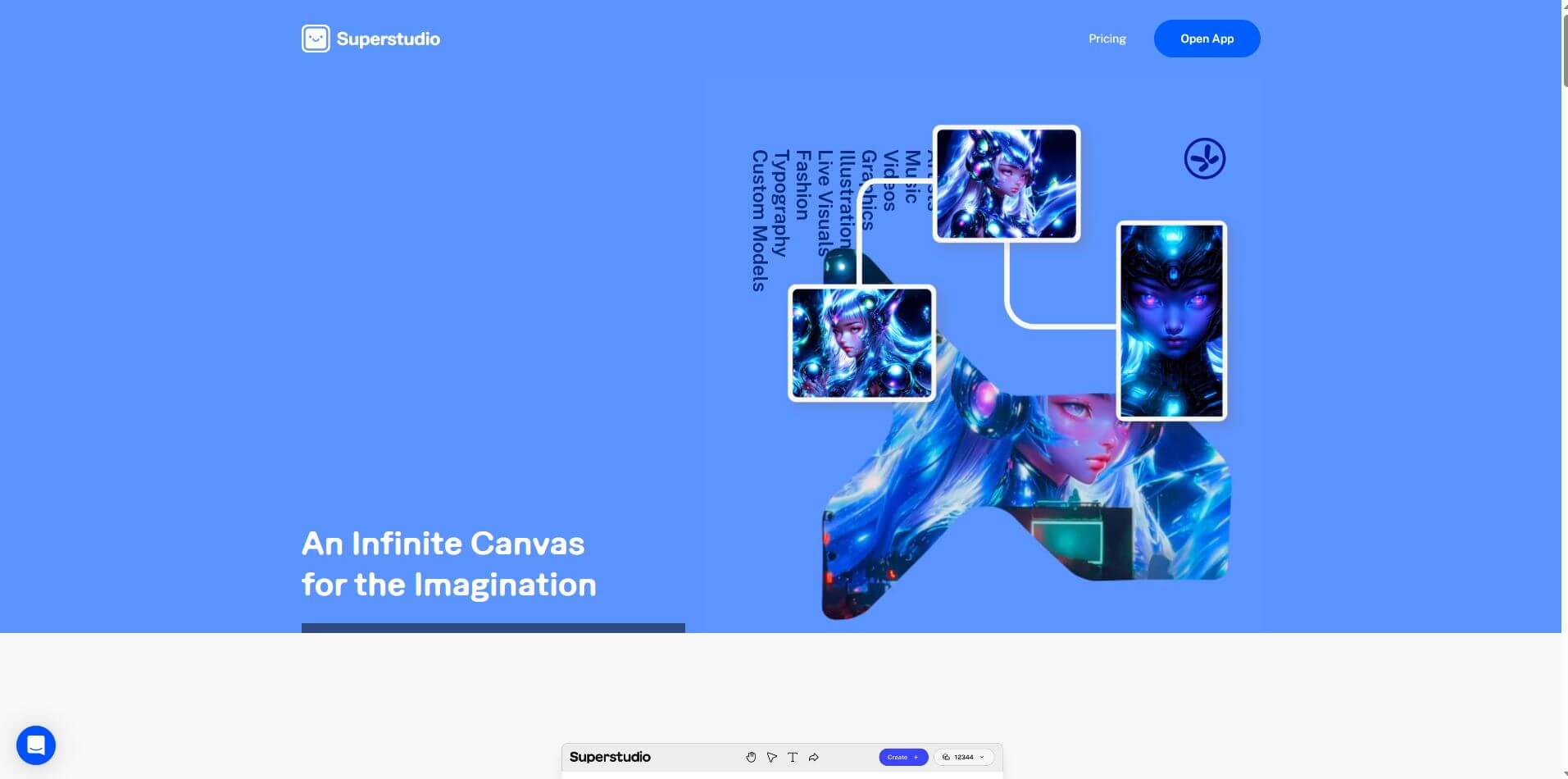
Kaiber is an AI-powered creative suite for generating videos, images, and audio. It helps musicians, content creators, and marketers turn text prompts, images, and music into engaging visuals. Its tools support image animation, beat-synced video creation, lip-sync, visual restyling, and timeline editing for social media and music videos.
 4.8
4.8VideoDubber
Video Enhancer
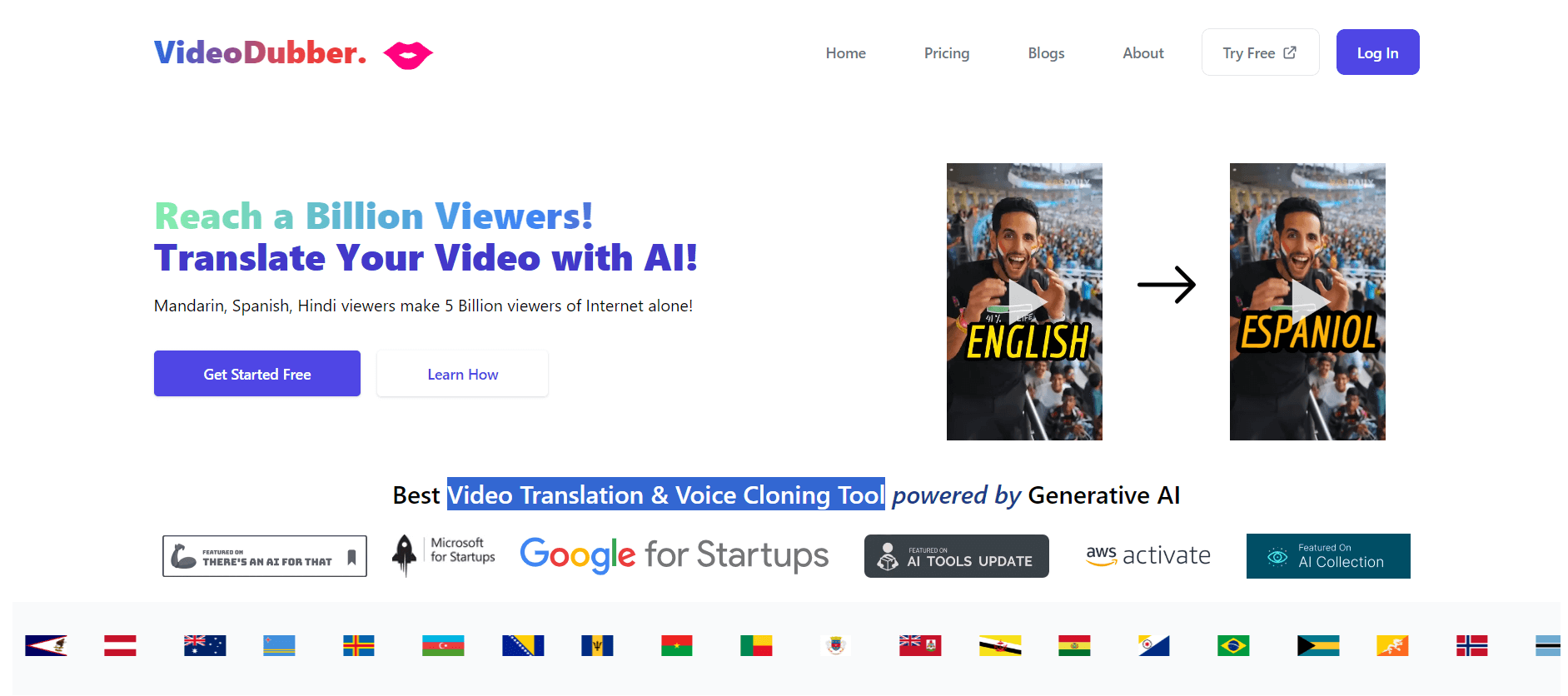
VideoDubber is an AI-powered video translation and dubbing platform that helps creators, businesses, and educators reach global audiences. It translates videos into 150+ languages, clones voices, synchronizes lip movements, generates subtitles, and preserves background audio. Users can edit translations and export localized videos for multiple platforms.
 4.9
4.9Clipchamp
Video Generator
Clipchamp is an AI-powered online video editor by Microsoft that helps users record, edit, and share videos directly from the browser. It offers templates, stock media, and AI tools like subtitles, voiceovers, and noise removal, enabling fast, professional video creation without advanced editing skills.
 4.9
4.9CapCut
Video Editing
CapCut is a popular video editing tool that helps creators produce engaging videos with effects, transitions, filters, templates, subtitles, and AI-powered features. Available on multiple platforms, CapCut makes it easy to edit videos for TikTok, Instagram Reels, YouTube Shorts, and other social media channels.
 4.9
4.9Pika
Video Generator
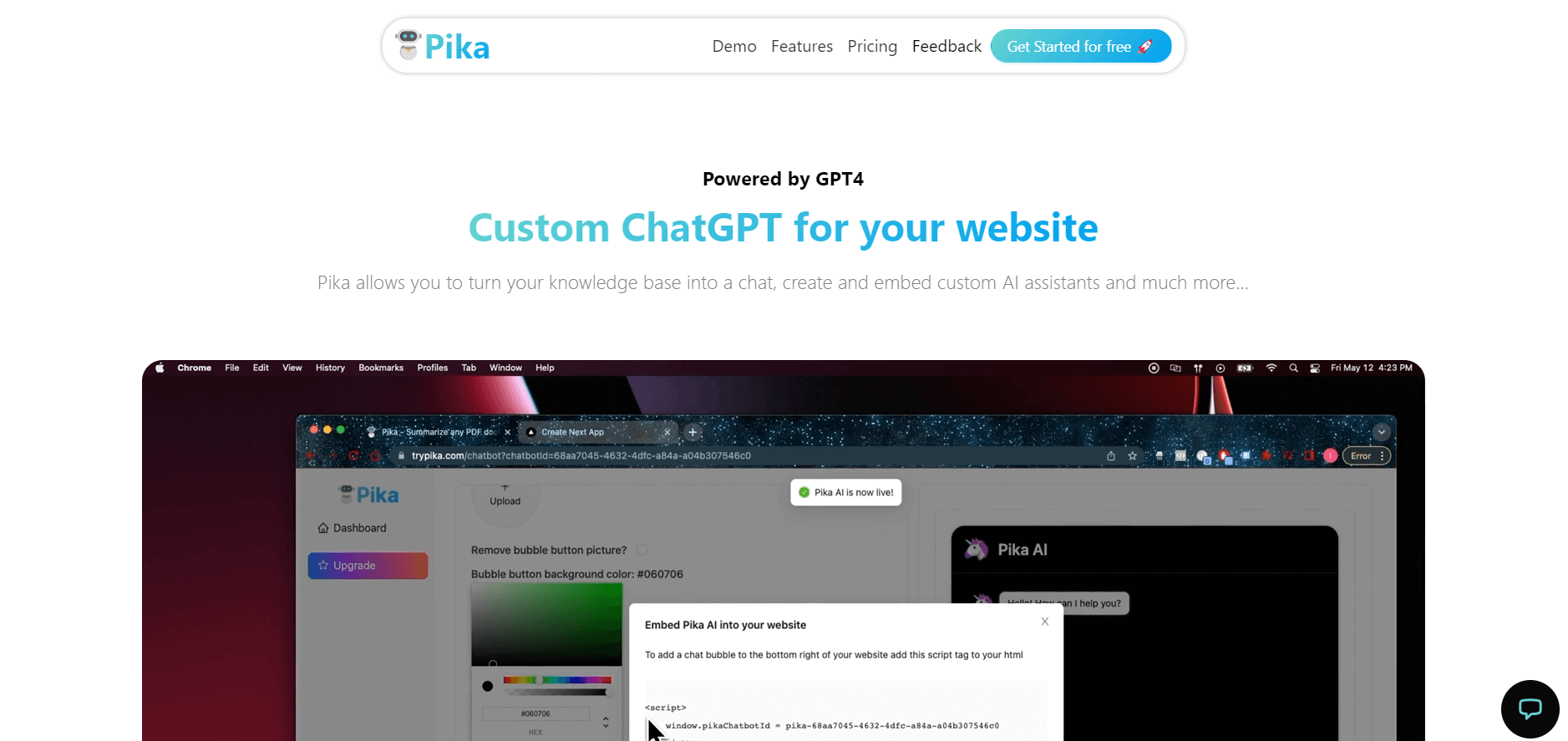
Pika is an AI video generation and creative effects platform that transforms text prompts, still images, and video clips into cinematic video sequences, meme animations, and viral visual effects using its proprietary generative video models.
 4.7
4.7Hotshot AI
Video Generator
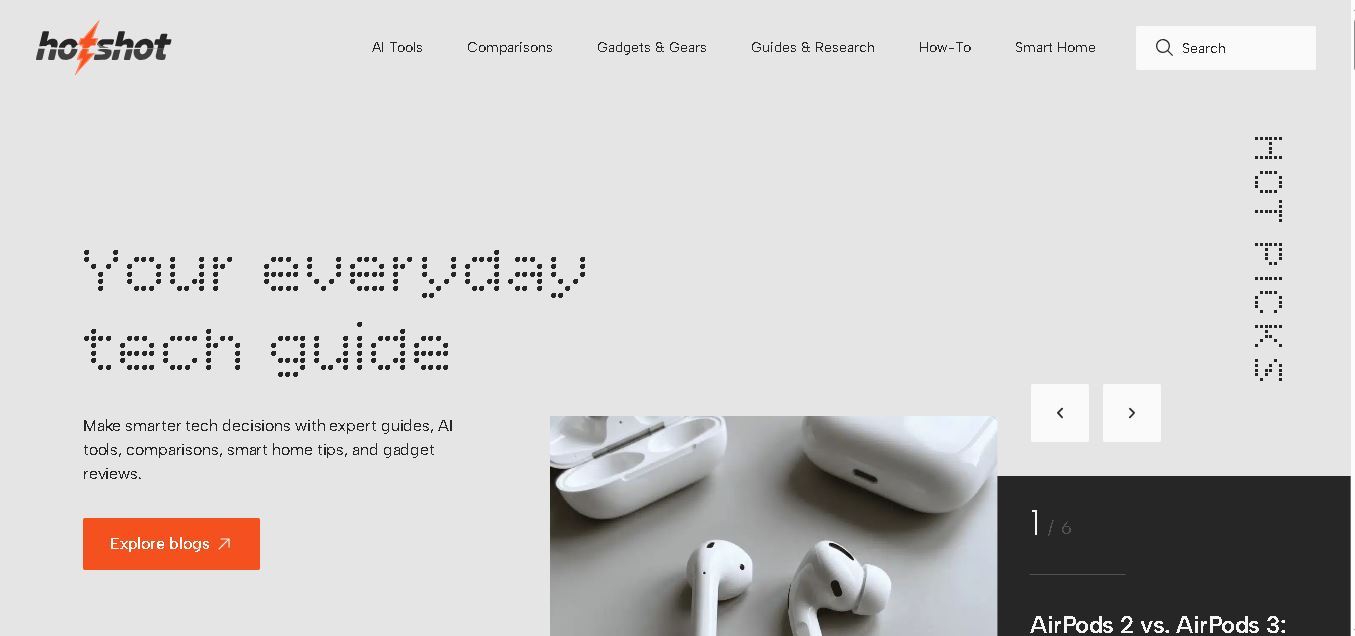
Hotshot is an everyday technology publication covering AI tools, gadgets, smart home technology, comparisons, research, and practical how-to guides. It helps readers understand products, evaluate software, compare options, and solve common technology problems through accessible articles created for people who want clearer information before making technology-related decisions online with confidence.
 4.7
4.7VideoPlus AI
Video Generator
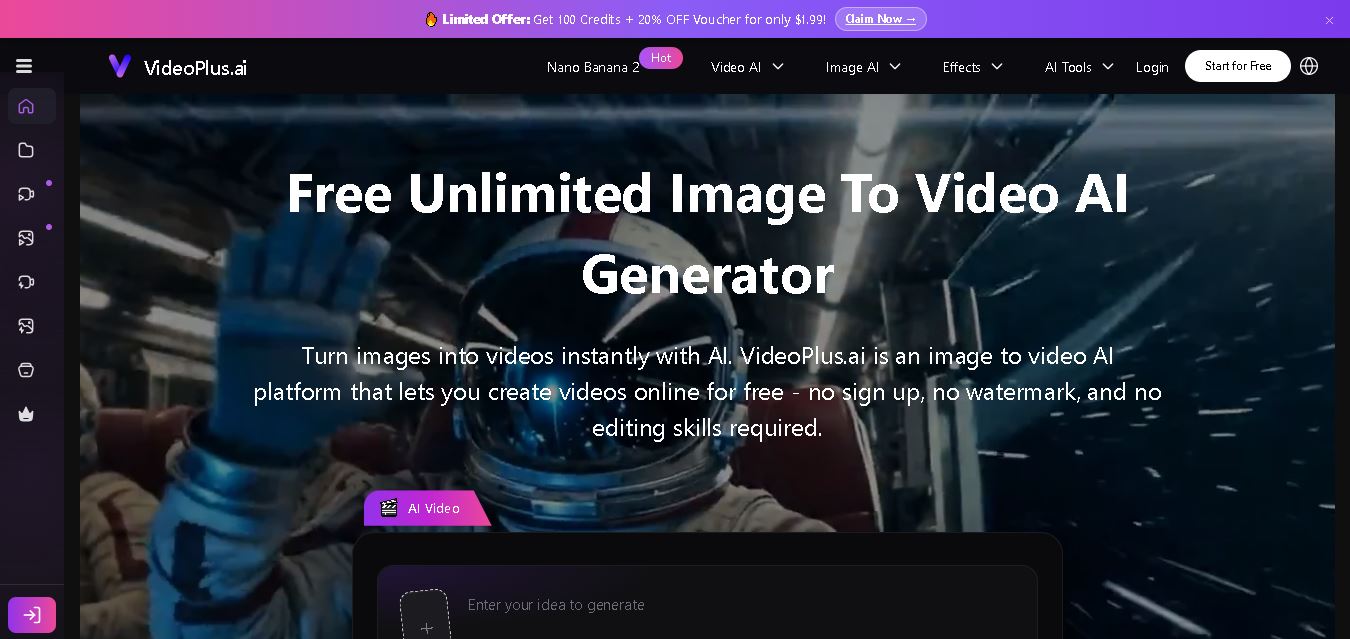
VideoPlus.ai is a versatile AI creation platform for generating and transforming videos and images. It supports text-to-video, image-to-video, reference-to-video, video-to-video, animation, image generation, enhancement, lip syncing, and creative effects. Multiple AI video models are available, making it useful for creators, marketers, designers, and businesses.
 4.7
4.7VideoTube
Video Generator
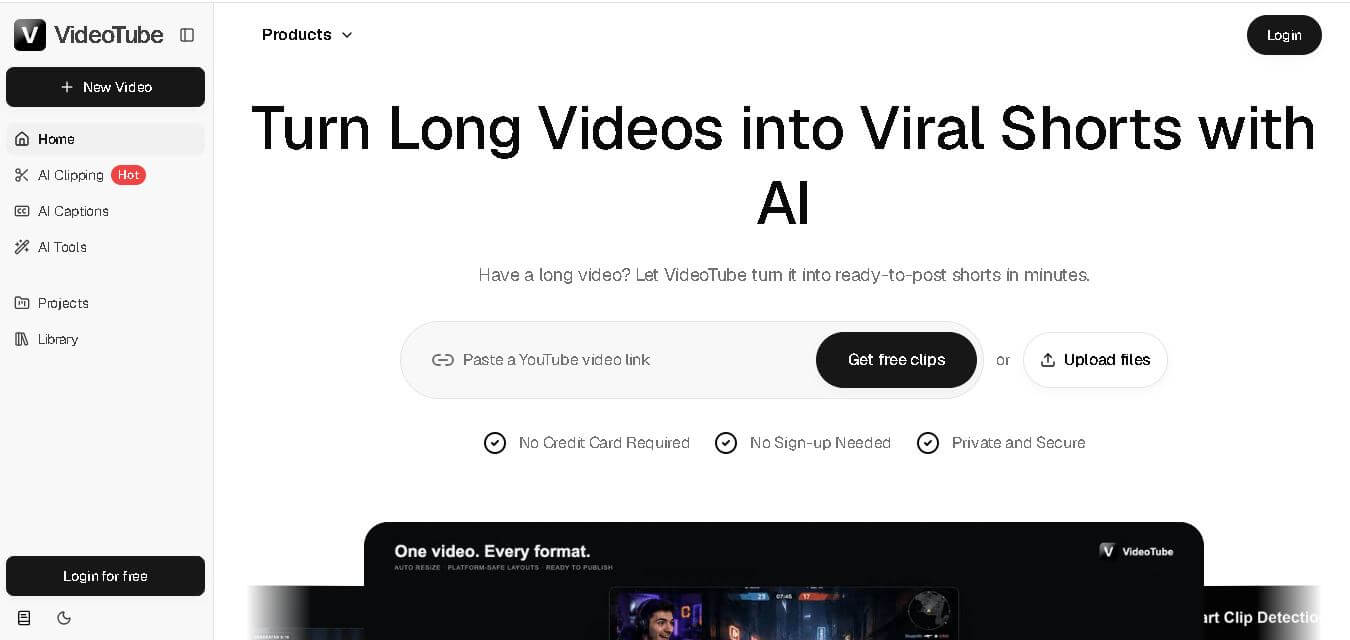
VideoTube helps creators transform long videos into short, social-ready content with AI. It can detect engaging moments, generate captions, remove filler, add B-roll, and automatically reframe videos for vertical platforms. Podcasters, YouTubers, educators, marketers, and agencies can repurpose existing content faster without relying on complicated video editing workflows.
 4.7
4.7TYPPO
Video Generator
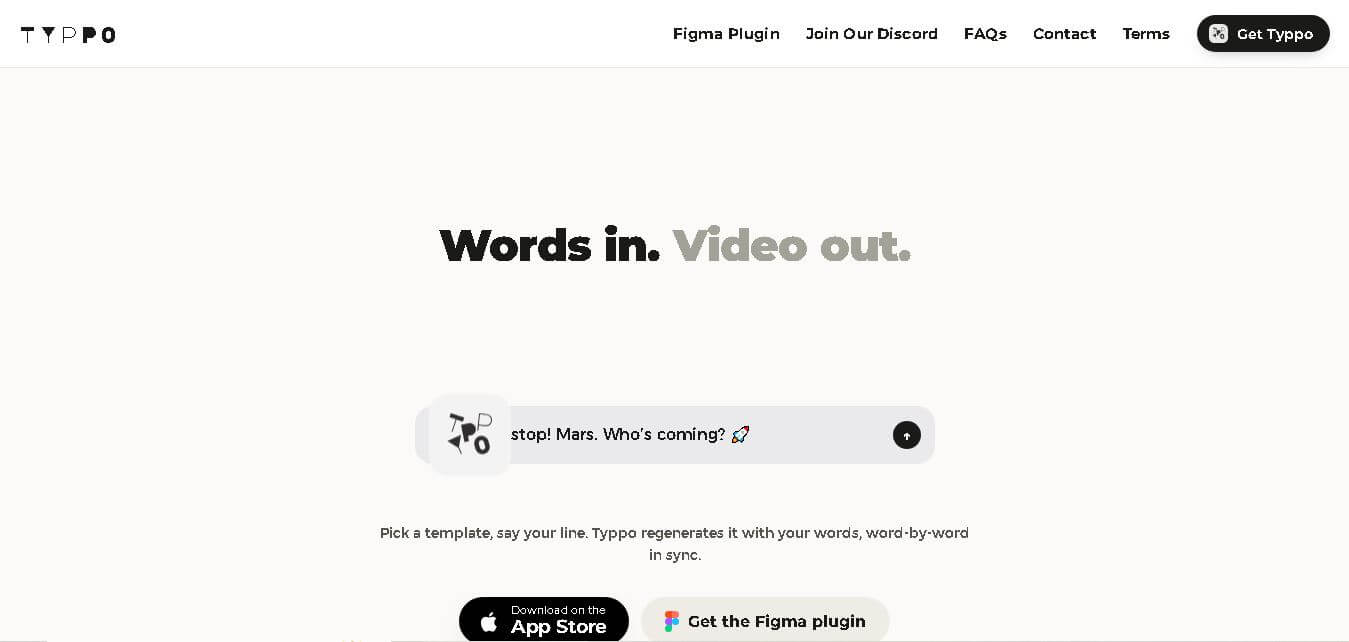
Typpo turns spoken words into animated videos without requiring design skills. Record a message, let the app transform your voice into motion graphics, and share the result on mobile-focused social channels. It supports multiple languages and offers a simple workflow for creators, marketers, communicators, and anyone wanting faster visual content creation.