
Pixelhunter
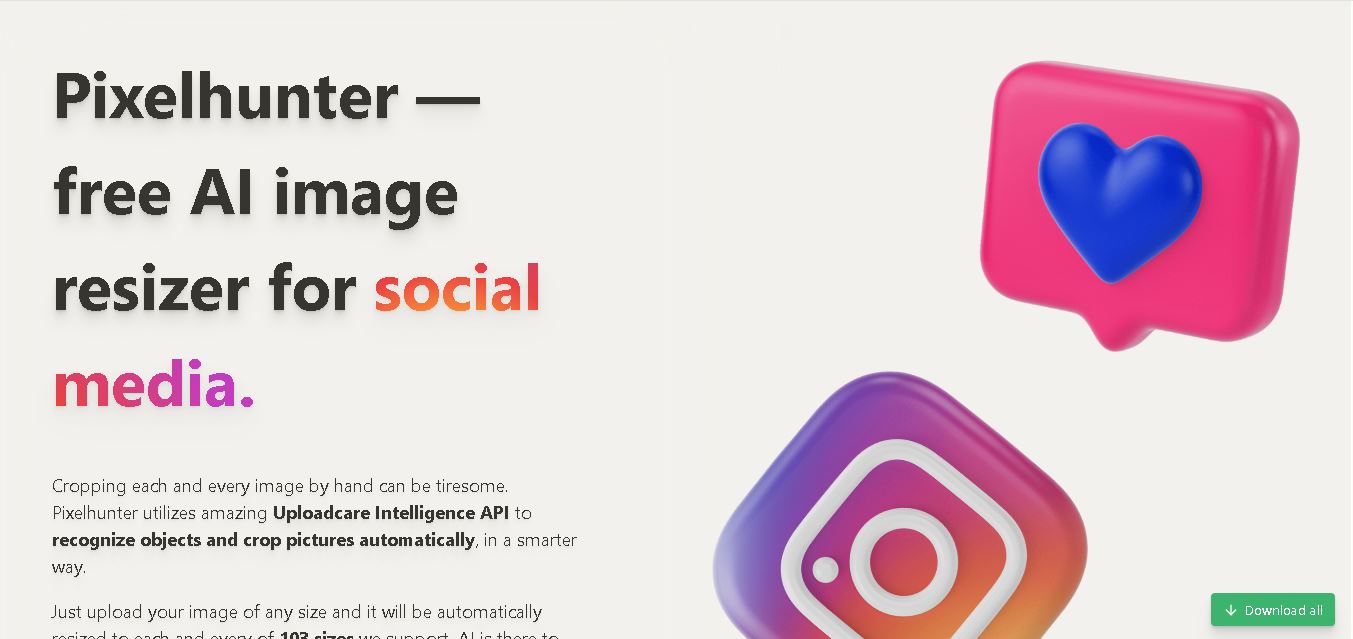
Pixelhunter is a free AI-powered image resizer that automatically adapts images to different social media dimensions. It supports 103 image sizes for platforms including Instagram, Facebook, YouTube, TikTok, and LinkedIn. With intelligent object recognition and automatic cropping, Pixelhunter helps creators and marketers prepare platform-ready visuals quickly without repetitive manual resizing tasks.
What is Pixelhunter?
Pixelhunter is an online image-resizing tool that automatically adapts pictures to different social media formats. It uses Uploadcare Intelligence API technology to recognize important objects and crop images intelligently, helping preserve the main subject during resizing. Pixelhunter supports content formats for platforms such as Instagram, Facebook, YouTube, TikTok, LinkedIn, Pinterest, and Google Ads, making it useful for marketers, creators, and businesses that need platform-ready visuals without repeated manual editing.
Pixelhunter is a free online image resizer designed to simplify social media content preparation. Its website lists support for 103 image sizes across multiple platforms and advertising formats. The tool uses Uploadcare Intelligence API technology to detect important objects and automatically crop images for different dimensions. Supported destinations include Facebook, Instagram, YouTube, TikTok, LinkedIn, Pinterest, Snapchat, Twitter, Google Banner Ads, email, and Open Graph previews. Common formats include profile pictures, cover photos, stories, thumbnails, and promotional images. Pixelhunter also provides practical tips for creating platform-appropriate visuals.
- Core Focus: AI Social Media Image Resizing, Automated Object-Aware Cropping & Cross-Platform Visual Scaling
- Platform Type: Web-Based Free AI Utility & Social Media Image Resizer Studio
Use Cases:
- Repurposing a single high-resolution campaign image into 100+ visual assets for Instagram, Facebook, X (Twitter), YouTube, TikTok, LinkedIn, and Pinterest
- Automatically detecting faces and primary visual subjects to ensure critical image elements stay centered in square, vertical, and landscape crops
- Generating Google Display Network banner ads, Open Graph link preview images, and email marketing header images in seconds
- Accessing platform-specific social media design tips and safety overlay guidance directly within the resizing dashboard
Technology:
- Uploadcare Intelligence API leveraging AI computer vision and facial detection algorithms for object-aware smart cropping
- Real-time browser canvas rendering engine outputting high-quality compressed JPG files
- Multi-channel aspect ratio engine indexing over 100+ current visual dimension specifications across major digital platforms
Target Users:
- Social Media Managers, Community Managers, and Digital Content Strategists
- Performance Marketers, Media Buyers, and Digital Advertising Agencies
- Small Business Owners, E-Commerce Merchants, and Freelance Graphic Designers
- Content creators using writing tools to draft social media playbooks, marketing briefs, and software reviews
Corporate Entity: Pixelhunter (Powered by Uploadcare / Global SaaS Tool)

Key features of Pixelhunter
Pixelhunter's key features are
- 100+ Automated Format Dimensions: Convert one image into 100+ exact pixel sizes for Instagram, YouTube, TikTok, Facebook, LinkedIn, and ad banners.
- AI Object-Aware Smart Cropping: Computer vision automatically detects faces and main objects to keep key subjects centered in every crop.
- Integrated Social Media Pro-Tips: Learn platform-specific design advice and safe-zone guidelines directly on the output screen.
- Open Graph & Email Header Support: Generate standard web link preview cards and email newsletter banners instantly.
- One-Click Batch Downloads: Download individual resized JPG visual assets or full platform packages effortlessly.
- Zero Account Signup Required: Drag and drop images directly into the web browser interface without registration paywalls.
Pixelhunter Pricing
Pixelhunter is offered as a completely free web utility for marketers, designers, and social media creators.
Plan Structure:
- Free Tier ($0/mo): 100% free unlimited access to AI image resizing, object-aware cropping, 100+ preset format exports, and social pro-tips
Disclaimer: Pixelhunter is free to use as part of the Uploadcare developer ecosystem. Visit pixelhunter.io for direct tool access.
Who is using Pixelhunter?
Pixelhunter is designed for social media managers, marketers, and creators, including
- Social Media Managers: Rapidly resizing campaign visuals for multi-platform publishing across Instagram, X, TikTok, and LinkedIn
- Digital Marketing Agencies: Processing client visual assets into all standard display ad and social media formats simultaneously
- E-Commerce Merchants & SMBs: Creating social media posts, channel headers, and promotional graphics without hiring graphic designers
- Content Creators: Using writing tools to draft social captions, content marketing plans, and software reviews
Best Pixelhunter Alternatives
Some of the top Pixelhunter alternatives include
- Canva (Magic Resize)
- Adobe Express
- Birme
- Iloveimg
- Photoroom
- Croppola
Pros and Cons of Pixelhunter
Pros
- 100% free to use with zero account creation, subscription requirements, or download limits
- AI-powered object detection keeps faces and central subjects properly framed across all dimensions
- Supports over 100+ standard social media, display advertising, web, and email dimensions
- Includes helpful platform design pro-tips directly within the resizing dashboard
Cons
- Outputs exported graphics exclusively as JPG format files
- Lacks advanced manual graphic editing layers, text overlays, or vector design tools
- Does not support automated direct-to-social post scheduling
Why Choose Pixelhunter?
Pixelhunter is the top choice for social media managers, performance marketers, and creators seeking a fast, zero-cost AI tool that turns a single master image into 100+ perfectly cropped social media and ad graphics.
- Features Uploadcare AI object recognition to keep key subjects centered in every crop
- Requires no paid subscriptions or registration credentials
- Includes platform-specific design tips for optimal social media presentation
Pixelhunter vs. Competitors
The main difference between Pixelhunter, Canva, and Birme is that Pixelhunter is a dedicated, free AI utility that uses computer vision to automatically crop a single upload into 100+ platform-specific sizes without requiring account logins, whereas Canva offers auto-resizing as a paid premium subscription feature, and Birme provides basic batch resizing without intelligent object recognition. Pixelhunter stands out for its zero-cost automation and cross-platform speed.
| Feature / Tool | Pixelhunter (pixelhunter.io) | Canva (Magic Resize) | Adobe Express | Birme |
|---|---|---|---|---|
| Core Focus | AI Social Image Resizing & Smart Cropping | General Graphic Design & Content Suite | Brand Design & Social Asset Creation | Simple Bulk Image Cropping Utility |
| AI Smart Cropping | Yes (Uploadcare AI Object Recognition) | Basic Focal Points | Basic AI Cropping | Manual Focal Alignment |
| Cost | 100% Free | Paid Feature (Canva Pro) | Free Tier / Paid Subscriptions | Free Tool |
| Target Audience | Social Marketers, Agencies & Creators | Creators, Marketers & Businesses | Marketers & Content Teams | Casual Users & Web Developers |
| Starting Price | Free Forever ($0) | ~$15/mo (Pro) | ~$10/mo | Free ($0) |
| Best For | Marketers wanting fast, free AI-powered image resizing into 100+ social formats from one upload | Designers needing a full graphic editing suite with template resizing | Professionals wanting branded social graphics backed by Adobe assets | Users wanting simple bulk image resizing to fixed pixel dimensions |
How do we rate Pixelhunter?
| Parameter | Rating (out of 5) |
|---|---|
| AI Smart Cropping & Object Detection | 4.8 |
| Format Variety (100+ Presets) | 5.0 |
| Ease of Use & Workflow Speed | 5.0 |
| Integrated Social Pro-Tips | 4.8 |
| Value for Money | 5.0 |
| Overall Score | 4.92 |
Pixelhunter Review
Pixelhunter is an outstanding, highly practical AI utility tool that simplifies multi-channel visual content production. By leveraging the Uploadcare Intelligence API to automatically recognize subjects and resize master images into over 100+ standard social media, ad banner, and web dimensions completely for free, Pixelhunter eliminates hours of repetitive graphic editing. With zero signup friction and helpful social design guidance built into the web app, Pixelhunter is a must-have utility for social media managers and marketers in 2026.
Conclusion
Pixelhunter is a practical tool for social media managers, content creators, and businesses that regularly publish images across multiple platforms. Its intelligent cropping technology and 103 supported image sizes simplify visual content preparation and reduce repetitive editing work. Although it is not a replacement for advanced graphic design software, it works well for everyday resizing tasks. If your goal is to save time while preparing consistent, platform-ready images, Pixelhunter is worth considering for your content marketing workflow.
FAQ
What can you use Pixelhunter for?
You can use Pixelhunter to resize one image into multiple formats for your social media accounts, advertising campaigns, and website previews. Instead of manually adjusting dimensions for every platform, you can generate appropriately sized versions automatically. It is especially useful when managing several channels and maintaining consistent visuals across different digital marketing campaigns.
Is Pixelhunter free to use?
Yes, Pixelhunter is presented as a free image-resizing tool on its official website. You can upload an image and create versions for supported social media placements without needing a traditional paid design subscription. If you plan to use it regularly, check the website for any current usage limitations or changes to its service availability.
How does Pixelhunter use artificial intelligence?
Pixelhunter uses Uploadcare Intelligence API technology to recognize important objects within an image and crop pictures automatically. This helps keep the main subject visible when adapting an image to different aspect ratios. Rather than simply stretching or shrinking every picture, its intelligent cropping aims to produce more suitable compositions for different social media placements.
Which social media platforms does Pixelhunter support?
Pixelhunter supports image formats for Facebook, Instagram, YouTube, TikTok, LinkedIn, Pinterest, Snapchat, and Twitter. It also provides formats for Google Banner Ads, email images, and Open Graph previews. This range is helpful if you manage multiple marketing channels and want to prepare suitable visuals without searching for each platform's dimensions manually.
How many image sizes does Pixelhunter support?
Pixelhunter lists 103 supported image sizes on its official website. These presets cover different placements, including profile pictures, cover photos, social media posts, stories, video thumbnails, and advertising banners. Having multiple dimensions available makes it easier to repurpose one source image for several channels while reducing repetitive resizing work during content production.
Can Pixelhunter resize images for Instagram?
Yes, Pixelhunter supports Instagram image formats, including square posts, portrait posts, stories, reels, profile pictures, and advertising placements. You can use it to adapt an existing visual to different Instagram dimensions while allowing its intelligent cropping technology to preserve important subjects. Always review the final image to ensure text and key details remain visible.
User Reviews
No reviews yet for Pixelhunter.
Featured Tools
Featured AI tools from TechShark
Melody Genie
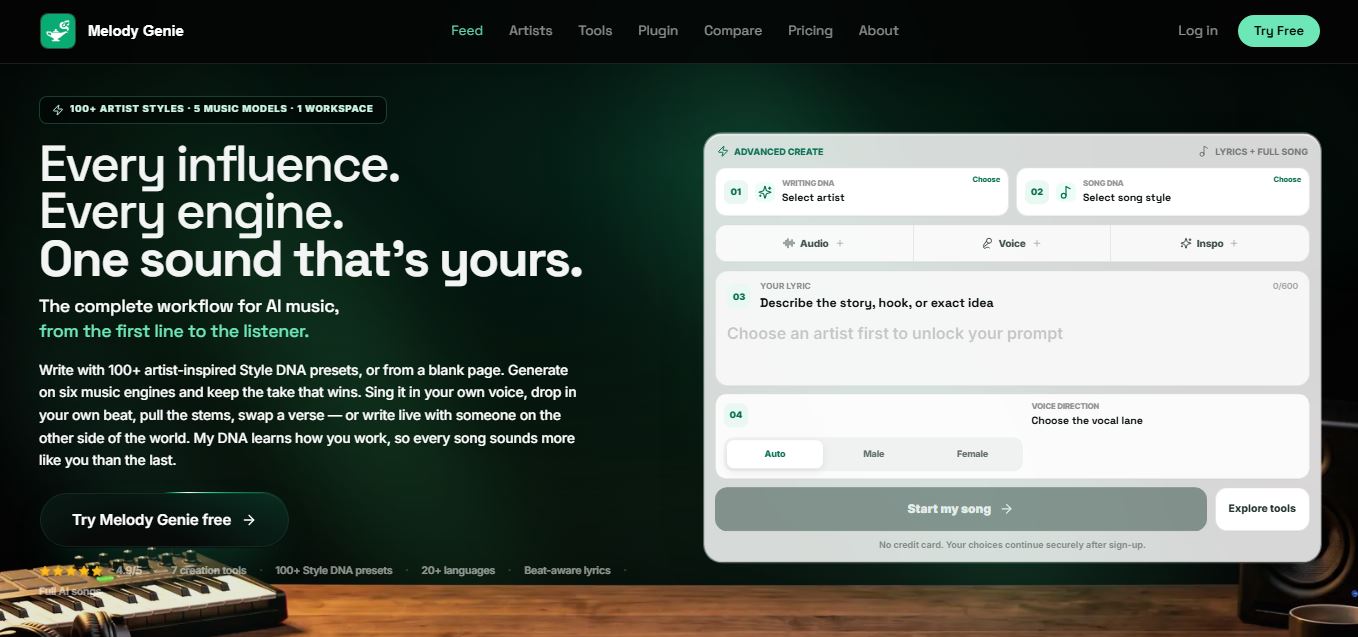
MelodyGenie is an AI-powered music generator that creates original songs from simple text prompts. Users can choose styles, moods, and genres, then instantly generate melodies and full tracks, making it easy for creators, marketers, and hobbyists to produce custom music without musical expertise.
Freemium
Kimi AI
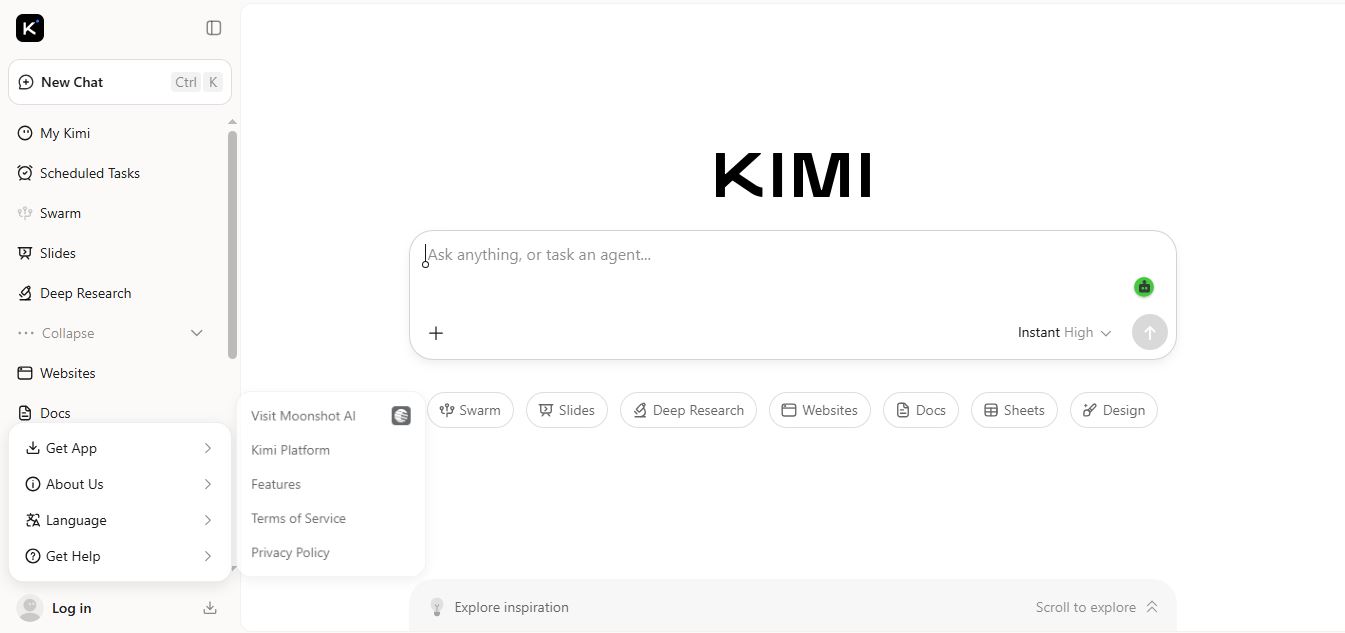
Kimi AI is an advanced AI assistant developed by Moonshot AI that helps you chat, research, write, code, and automate tasks in one place. It supports web search, file analysis, and multimodal inputs, and can even run autonomous “agent” workflows to complete complex tasks end-to-end.
Freemium
Fashion Diffusion AI
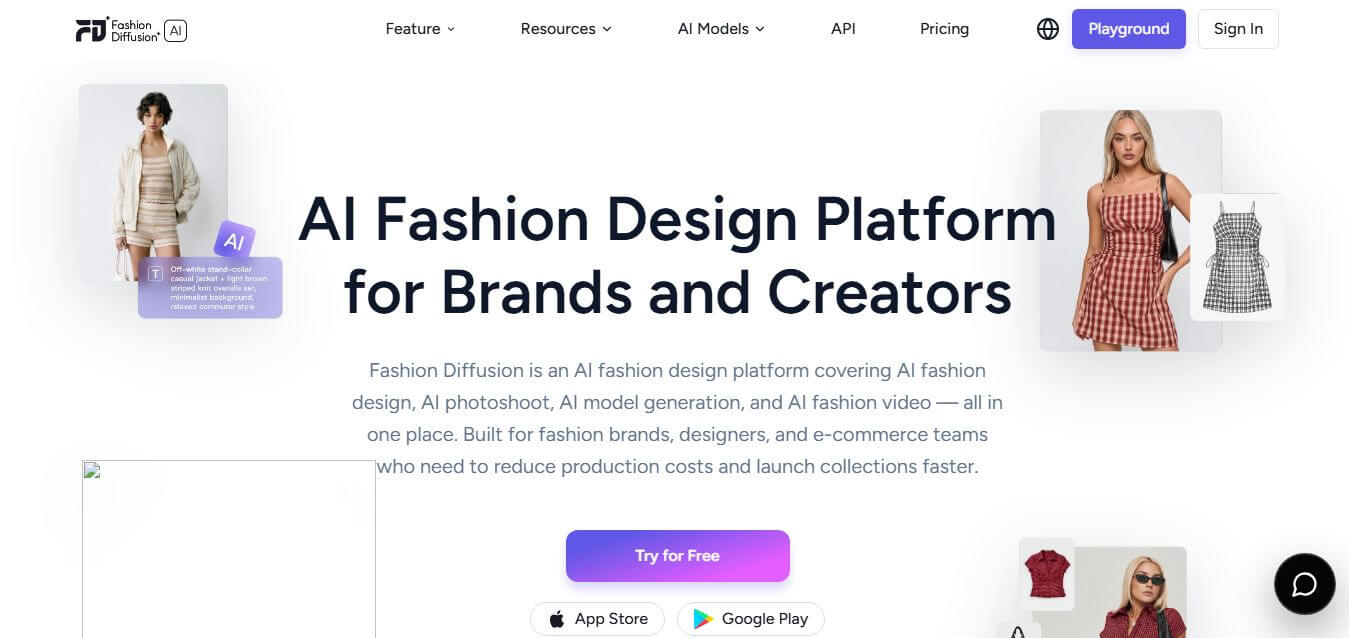
Fashion Diffusion is an AI-powered fashion design platform that helps brands and designers create clothing designs, virtual try-ons, AI models, product photos, and marketing visuals faster and cost-effectively.
Paid
Veo 4
Veo 4 AI is an AI video creation platform that generates dramatic videos from text, images, audio, and video prompts using realistic motion and synchronized sound.
Paid
Alternatives
Alternatives to Pixelhunter
The best Pixelhunter alternatives include Canva (Magic Resize), Adobe Express, Birme, Iloveimg, Photoroom, and Croppola. These platforms offer image resizing and graphic editing tools. While Pixelhunter uniquely provides a 100% free AI utility with object recognition cropping across 100+ formats without registration, alternatives like Canva offer full graphic design suites.
 4.7
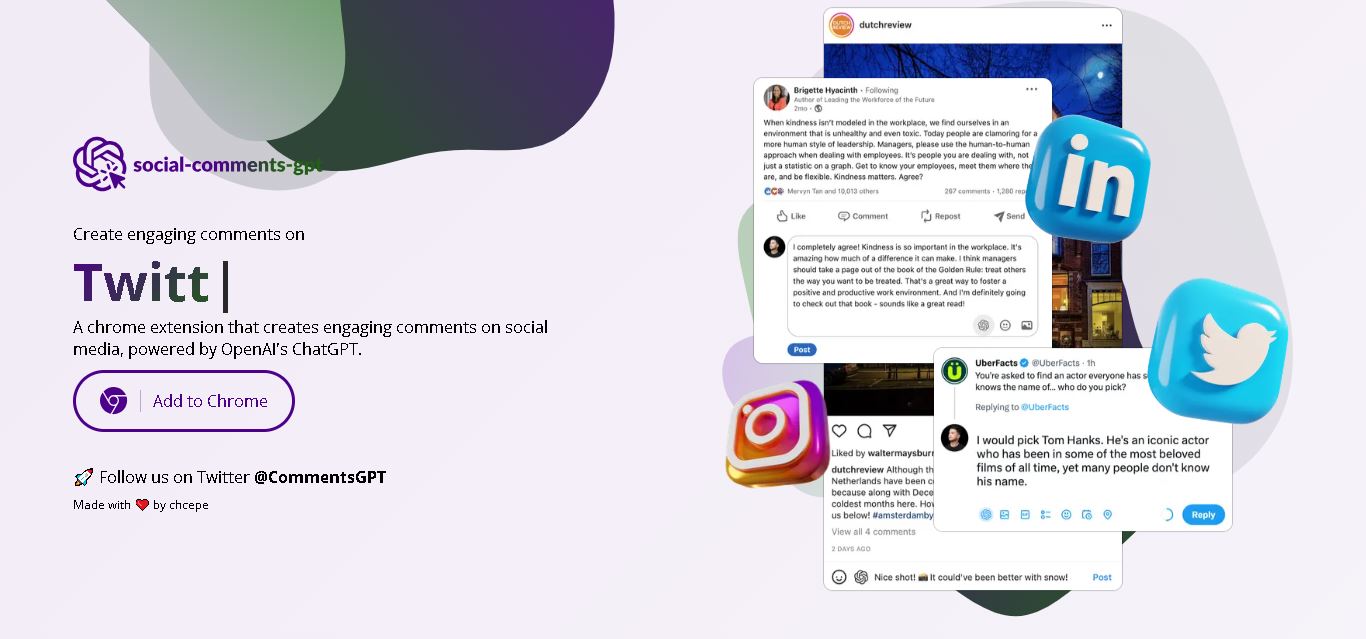
Social Comments GPT
Social Media
Social Comments GPT helps users draft engaging social media comments with ChatGPT through a Chrome extension. It is useful for professionals, influencers, creators, and marketers who want to respond to posts more efficiently. By generating comment suggestions within supported social networks, it simplifies everyday engagement while leaving users in control of their final replies.
 4.7
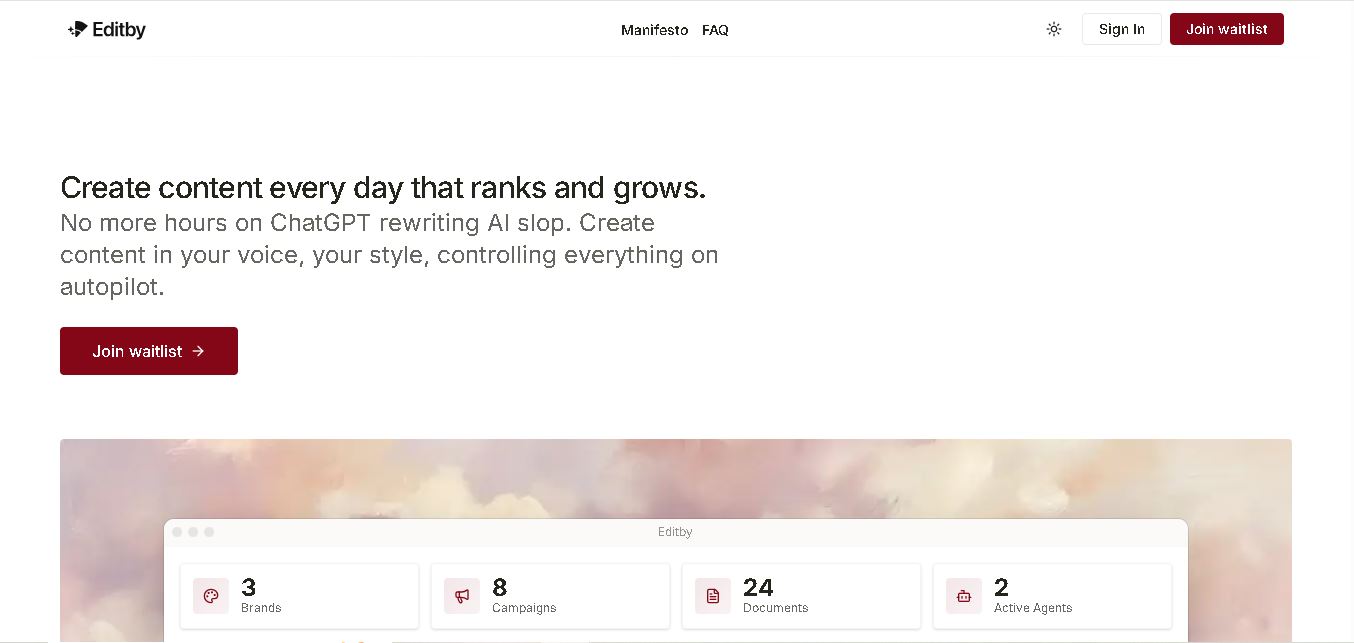
Editby
Social Media
Editby helps marketers, businesses, and creators produce brand-consistent content using AI-assisted writing, research, and automation. It supports blogs, social media posts, newsletters, and press releases while offering customizable brand voices, scheduled content generation, and team collaboration. Its organized campaign workflows help users streamline content planning and maintain a consistent publishing strategy.
 4.8
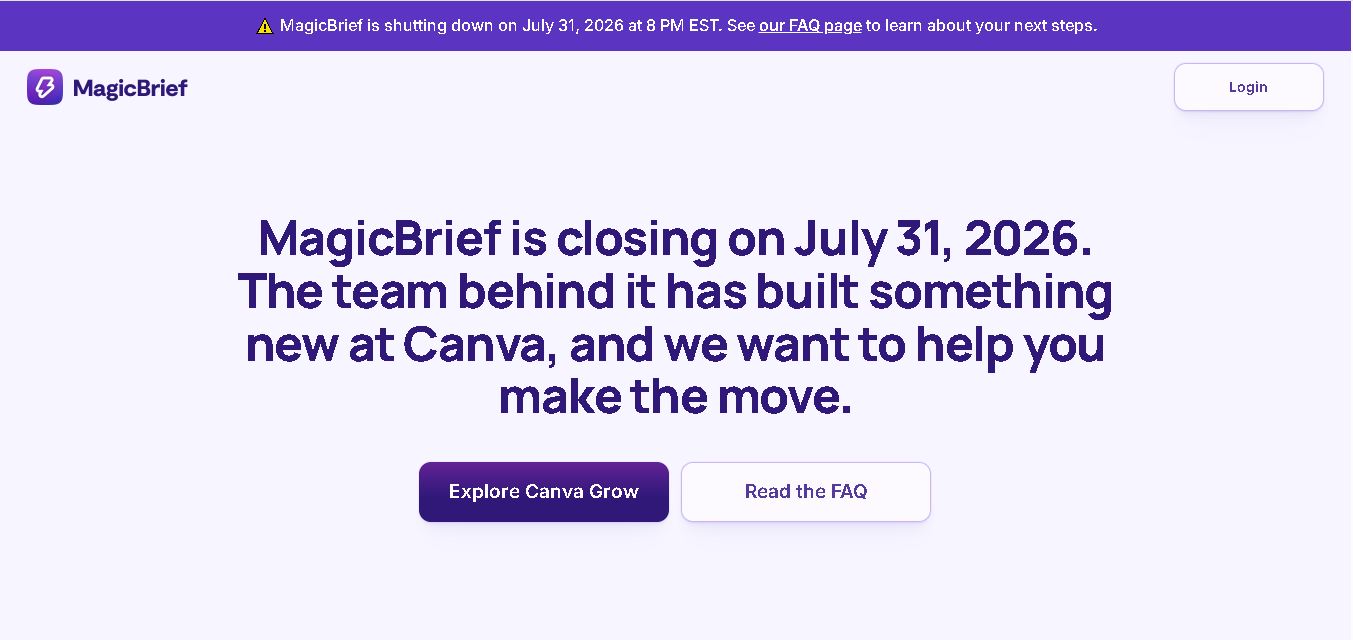
MagicBrief
Social Media
MagicBrief was an advertising creative research and collaboration tool that helped marketers discover inspiring ads, analyze competitors, build storyboards, and organize campaign briefs. It offered AI-assisted video analysis, creative performance insights, and team collaboration. Following its announced shutdown in July 2026, users seeking similar workflows can explore Canva Grow, its successor direction.
 4.7
The Dream AI
Social Media
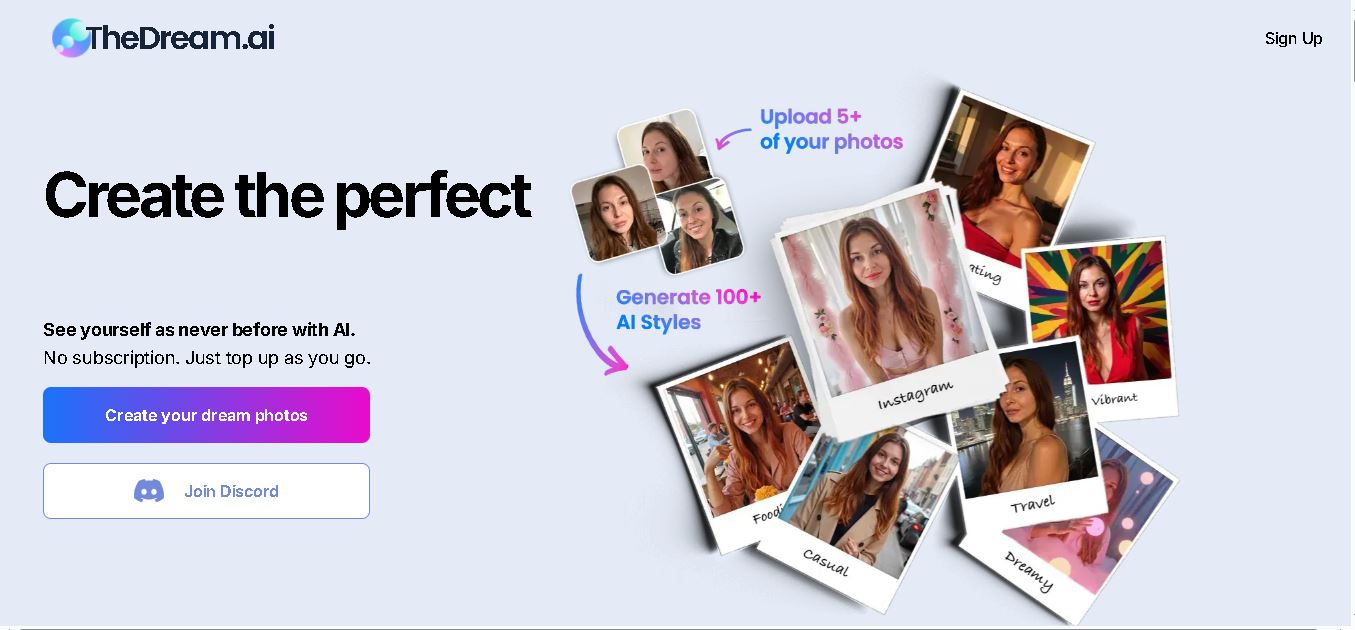
TheDream.ai helps users create personalized AI portraits, profile pictures, and photoshoot-style images from their own photographs. It offers more than 200 styles covering professional, fashion, dating, fitness, and travel themes. Its pay-as-you-go model requires no subscription, making it an option for individuals seeking distinctive digital portraits and creative profile images.
 4.7
TweetEmote
Social Media
TweetEmote helps users generate engaging tweets, replies, and article threads using customizable emotions and writing styles. It is designed for influencers, marketers, content creators, and professionals who want to communicate more expressively on X. Its AI writing features simplify content creation, save time, and help users develop varied social media messages.
 4.8
Devi AI
Social Media
Devi AI helps businesses find potential customers through social media monitoring, keyword tracking, and AI-based buying-intent detection. It generates personalized replies, flags complaints, and supports content creation and scheduling. Designed for marketers, sales professionals, entrepreneurs, and agencies, Devi simplifies lead discovery, outreach, and social media management from a centralized workflow.
 4.7
Social Studio AI
Social Media
Social Studio AI helps creators, businesses, and marketers generate Instagram content, design posts, write captions, and discover relevant hashtags. Its built-in editor supports brand customization, while scheduling features help users organize publishing in advance. The tool simplifies content planning and reduces repetitive work for individuals and agencies managing Instagram marketing activities.
 4.7
Rizz AI
Social Media
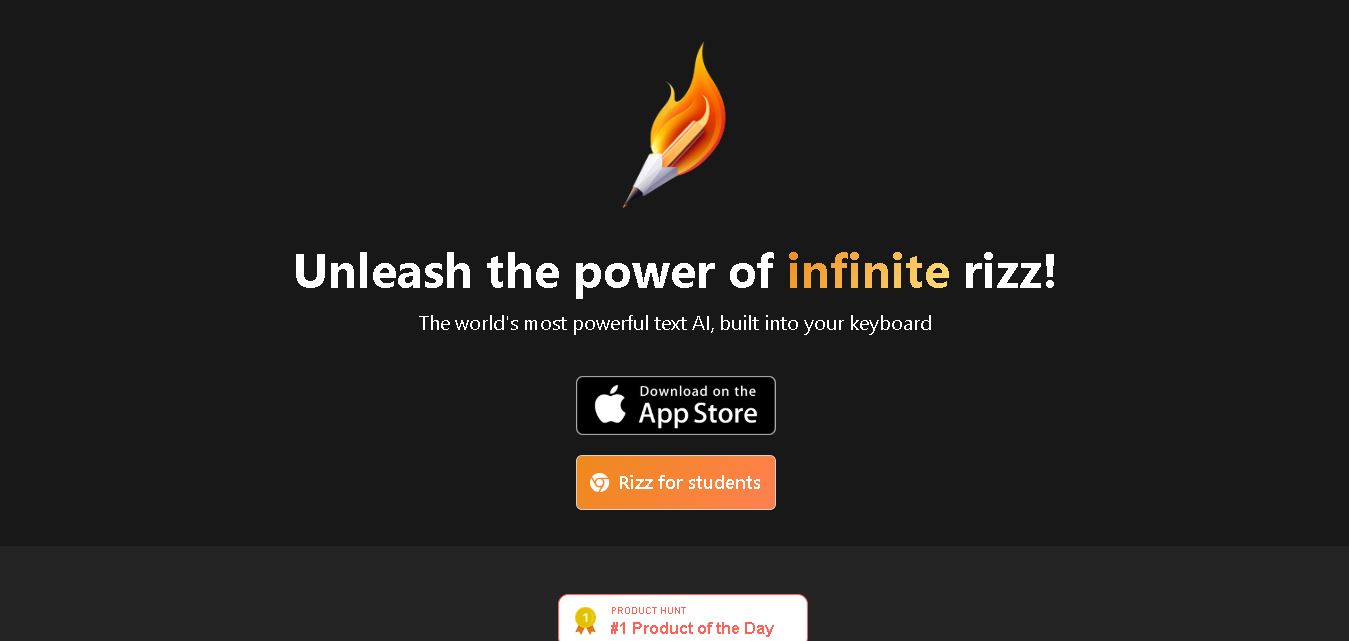
Rizz AI is a text-writing assistant that helps users generate messages, improve replies, and communicate more naturally online. Its keyboard-focused approach makes AI writing assistance convenient during everyday conversations. Whether you are drafting a message or looking for a creative response, Rizz AI aims to make digital communication faster and more expressive.
 4.7
Creasquare
Social Media
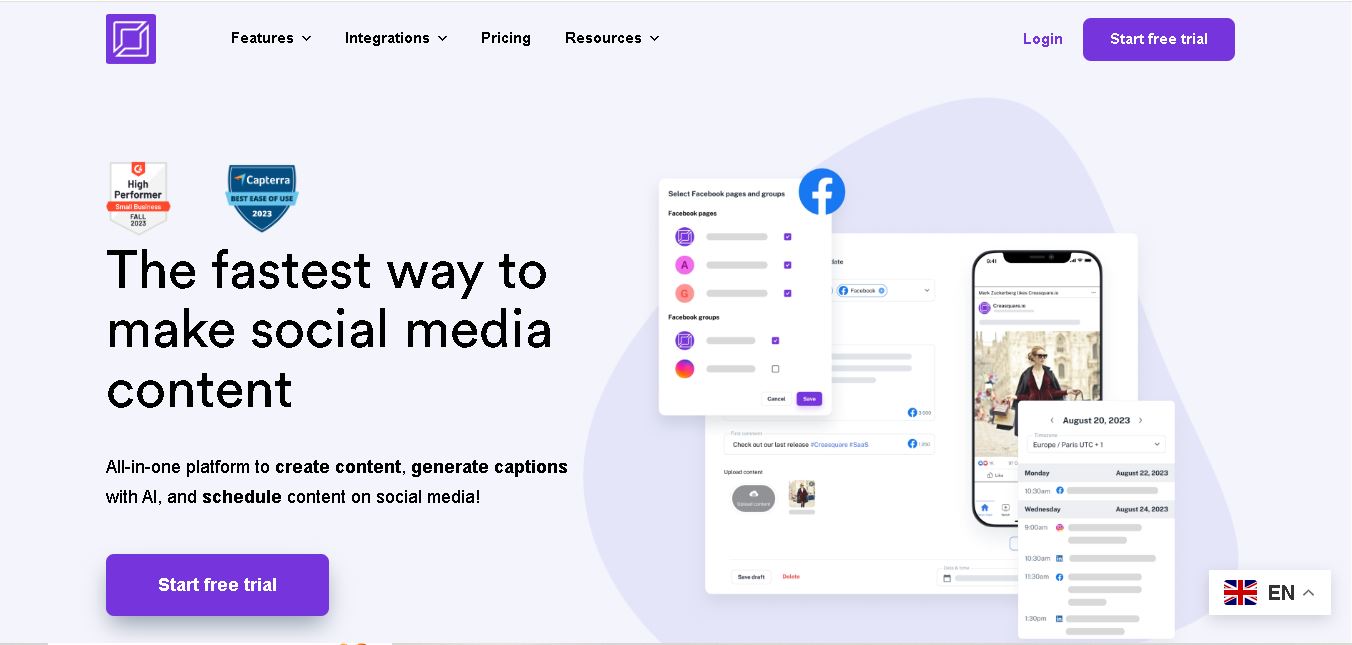
Creasquare helps creators, marketers, and businesses simplify social media management with AI-generated captions, graphic design tools, video creation, and post scheduling. Its Creative Studio, customizable templates, brand kits, and content calendar support organized publishing across multiple social networks. It is useful for maintaining brand consistency and streamlining everyday content workflows.