N8N Chat UI
N8N Chat UI is a no-code platform designed to help users build, style, and embed customizable chat widgets for n8n workflows and AI chatbots directly onto any website.
What is N8N Chat UI?
N8N Chat UI is a no-code utility built to streamline the process of designing and deploying chat widgets for n8n automation workflows. Without writing any HTML, CSS, or JavaScript code, users can style widgets to match their exact brand guidelines, configure display settings, and embed the chat interface onto any website using a simple copy-and-paste snippet.
Designed around the mission of making custom chat integration effortless, N8N Chat UI bridges the gap between powerful n8n backend workflows and clean, production-ready frontend widgets. It features mobile-friendly layouts, real-time message streaming, file uploads, voice messaging, and natural language configuration via integrations like Claude MCP.
- Platform Role: No-Code Chat Widget Builder & Frontend Interface for n8n Workflows
- Display Modes: Popup widget or inline embedded chat views
- Integration Requirements: Zero coding or CSS knowledge required
Use Cases:
- Embedding custom AI chatbots and RAG interfaces built in n8n directly onto business websites
- Matching widget color schemes, fonts, and layouts to specific corporate brand identities
- Enabling user interactions that require file uploads and voice messages within n8n automated flows
- Deploying responsive, mobile-friendly chat experiences instantly with a single code snippet
Technology:
- Lightweight embeddable snippet architecture compatible with any website builder or CMS
- Real-time response streaming and media handling (file attachments and voice notes)
- Model Context Protocol (MCP) server integration supporting configuration via tools like Claude
Target Users:
- n8n automation builders and developers looking to ship client-facing chat interfaces rapidly
- Marketers and business owners wanting to add branded AI chatbots to their sites without hiring frontend engineers
Acquisition: No-code SaaS tool for n8n workflows

What are the key features of N8N Chat UI?
N8N Chat UI's key platform features are
- No-Code Customization: Complete visual control over widget aesthetics, styling, and branding without writing CSS or code.
- Flexible Display Options: Choose between a floating popup chat bubble or an inline embedded chat interface.
- 1-Snippet Deployment: Copy and paste a single line of code to make the chat widget live on any website instantly.
- Rich Media Support: Built-in handling for file uploads and voice messages during conversations.
- Real-Time Streaming: Supports live response streaming for smooth conversational AI interactions.
- Mobile-Friendly Design: Fully responsive layouts optimized natively for smartphones and tablets.
- MCP Server Integration: Configure and customize widget options naturally using Claude or other supported AI tools via MCP.
How much does N8N Chat UI cost?
N8N Chat UI offers free starting options alongside paid tier structures for advanced customization and higher usage limits.
Pricing Plans:
- Free Tier: Basic widget creation and design tools to launch standard chat widgets at no cost.
- Paid Tiers: Unlock advanced widget features, expanded customization options, and higher interaction capacities.
Disclaimer: Free sign-up options are available to build initial widgets. Check n8nchatui.com for active pricing tiers and feature limits.
Who should use N8N Chat UI?
N8N Chat UI is designed for automation creators and web administrators, including
- n8n Workflow Builders: Creators who have built backend logic or RAG chatbots in n8n and need a professional frontend widget.
- Freelancers & Agencies: Professionals delivering custom AI chat solutions to clients quickly without custom frontend development.
- Non-Technical Founders: Entrepreneurs looking to add customer support or lead-generation bots to their websites independently.
What are the best alternatives to N8N Chat UI?
Some of the strongest N8N Chat UI alternatives include
- Typebot
- Voiceflow
- Chatbase
- Dify
- Custom HTML/JS chat embeds
What are the pros and cons of N8N Chat UI?
What are the pros of N8N Chat UI?
- Zero coding or CSS required to build and launch production-ready chat interfaces
- Seamless integration directly with n8n backend webhook workflows
- Supports modern chat features like file attachments, voice notes, and real-time streaming
- Quick 1-snippet installation process works on virtually any website platform
- Mobile-friendly out of the box
What are the cons of N8N Chat UI?
- Dependent on an active n8n workflow webhook to process conversation logic
- Advanced custom logic relies heavily on proper n8n scenario configuration
Why should you choose N8N Chat UI?
Connecting an n8n automation or AI chatbot to a website usually requires building a custom frontend interface, managing CSS styles, and handling WebSocket streaming connections manually. N8N Chat UI removes this friction by providing a specialized no-code canvas tailored explicitly for n8n webhooks. By handling branding, responsive layouts, file uploads, and snippet embedding out of the box, it lets you bring n8n chatbots live in minutes.
- Design custom chat widgets tailored to your exact brand identity
- Deploy instantly on any website with a simple copy-paste snippet
- Enable rich messaging features like voice notes and file uploads
- Connect effortlessly to any n8n workflow webhook
How does N8N Chat UI compare to competitors?
The primary distinction between N8N Chat UI, Typebot, and Chatbase lies in workflow ownership. While platforms like Chatbase lock you into their proprietary hosting and storage ecosystem, N8N Chat UI acts as a dedicated frontend layer designed specifically to plug into your own self-hosted or cloud n8n workflows, giving you absolute control over data processing and automation logic.
| Feature / Platform | N8N Chat UI | Typebot | Chatbase |
|---|---|---|---|
| Core Focus | Custom frontend chat widgets built specifically for n8n | Visual conversational form and bot builder | All-in-one AI chatbot builder and trainer |
| Backend Logic | Powered entirely by n8n workflows | Internal visual builder logic | Managed RAG and LLM backend |
| Setup Complexity | Very low (No-code UI + n8n webhook) | Moderate (Visual flow configuration) | Low (Document upload and embed) |
| Best For | Users wanting a polished UI for n8n chatbots | Interactive lead-generation and survey bots | Quick customer support bots trained on documents |
How do we rate N8N Chat UI?
| Parameter | Rating (out of 5) |
|---|---|
| Ease of Setup & No-Code UX | 4.9 |
| Widget Customization & Branding | 4.8 |
| n8n Integration Flexibility | 4.9 |
| Media & Streaming Support | 4.8 |
| Value for Money | 4.8 |
| Overall Score | 4.84 |
What is our review and verdict on N8N Chat UI?
N8N Chat UI solves a common bottleneck for automation engineers: turning powerful n8n backend workflows into clean, client-ready web chat widgets without writing custom frontend code. With its robust customization options, real-time streaming, support for voice and file uploads, and effortless snippet deployment, it provides an indispensable UI layer for anyone building chat automation on n8n.
Conclusion
n8n Chat UI makes it easier to turn automation workflows into interactive, user-friendly chat experiences. Instead of building a frontend from scratch, it provides a ready-made interface that connects directly with n8n, saving time and effort. This is especially useful for teams creating AI agents or internal tools. Overall, it bridges the gap between backend automation and user interaction, helping deliver smoother, more accessible conversational workflows.
FAQ
What is n8n Chat UI and what does it actually do?
n8n Chat UI is a no-code/low-code tool that lets you build and embed fully customizable chat widgets for your n8n workflows. Instead of using a basic chatbot interface, it allows you to design branded chat experiences and connect them directly to your automation backend.
How is n8n Chat UI different from the default @n8n/chat widget?
The default @n8n/chat widget is functional but limited in styling, analytics, and security. n8n Chat UI adds a visual editor, advanced customization, analytics, and secure proxy routing, making it more suitable for production use cases where branding and control matter.
Can you build a chatbot UI without coding?
Yes, n8n Chat UI is designed for non-developers and builders. You can customize colors, layouts, chat bubbles, avatars, and messages visually, preview changes in real time, and embed the widget using a simple copy-paste script—no coding required.
What features does n8n Chat UI offer?
It includes full UI customization, real-time streaming responses, file uploads, voice input, session management, custom metadata, RTL language support, and custom CSS for advanced styling. It also supports embedding media and maintaining conversation continuity across sessions.
How does n8n Chat UI connect to your workflow?
The widget connects to your n8n automation via a Chat Trigger webhook URL. Every message sent from the widget is passed to your workflow, which processes it (e.g., via AI or logic) and returns a response back to the chat interface.
Is n8n Chat UI secure for production use?
Yes, especially with “managed widgets,” which use a secure proxy layer that hides your webhook URL, adds rate limiting, domain restrictions, and authentication. It also does not store chat message content—messages are forwarded in real time without logging.
Is n8n Chat UI free or paid?
n8n Chat UI offers a freemium model with free credits to get started. Paid plans are credit-based (per message) and unlock features like analytics, advanced customization, and enhanced security for production deployments.
User Reviews
No reviews yet for N8N Chat UI.
Featured Tools
Featured AI tools from TechShark

Melody Genie
MelodyGenie is an AI-powered music generator that creates original songs from simple text prompts. Users can choose styles, moods, and genres, then instantly generate melodies and full tracks, making it easy for creators, marketers, and hobbyists to produce custom music without musical expertise.
Freemium

Kimi AI
Kimi AI is an advanced AI assistant developed by Moonshot AI that helps you chat, research, write, code, and automate tasks in one place. It supports web search, file analysis, and multimodal inputs, and can even run autonomous “agent” workflows to complete complex tasks end-to-end.
Freemium

Fashion Diffusion AI
Fashion Diffusion is an AI-powered fashion design platform that helps brands and designers create clothing designs, virtual try-ons, AI models, product photos, and marketing visuals faster and cost-effectively.
Paid

Veo 4
Veo 4 AI is an AI video creation platform that generates dramatic videos from text, images, audio, and video prompts using realistic motion and synchronized sound.
Paid
Alternatives
Alternatives to N8N Chat UI
The best N8N Chat UI alternatives include Typebot, Voiceflow, Chatbase, and Dify. While N8N Chat UI focuses exclusively on providing a lightweight, customizable frontend chat widget for n8n backend workflows, alternatives like Typebot and Chatbase provide their own internal visual builders and managed chatbot storage ecosystems.
 4.8
4.8Chatnode
AI Chatbot Tools
ChatNode is a customer-support AI agent platform for businesses that want to automate conversations using their own websites, documents, and knowledge bases. It supports no-code deployment, AI Actions, integrations, lead capture, analytics, and human escalation, helping teams deliver 24/7 assistance while automating repetitive support and customer-service workflows.
 4.9
4.9ChatGOT
AI Chatbot Tools
ChatGOT is an AI chatbot platform that combines multiple models like GPT, Claude, and Gemini into one interface. It helps users chat, write, code, summarize PDFs, and generate images, while allowing them to compare answers or tag specific AI models for different perspectives.
 4.8
4.8Sensay
AI Chatbot Tools
Sensay helps businesses capture valuable knowledge and turn it into accessible AI agents. Users can train agents with documents, websites, audio, video, and other information, then deploy them across websites and supported channels. Its features include multilingual conversations, analytics, customization, knowledge bases, API access, and secure data handling for teams.
 4.8
4.8Microsoft Copilot
Productivity
Microsoft Copilot is an AI-powered assistant that helps users write, research, analyze data, and automate tasks across apps like Word, Excel, Outlook, and Teams. It combines large language models with real-time data to generate content, answer questions, and improve productivity across personal and professional workflows.
 5.0
5.0Perplexity AI
AI Chatbot Tools
Perplexity is an AI-powered answer engine that searches the web in real time and delivers clear, cited responses instead of just links. It combines conversational AI with live data, helping users research topics, compare information, and get reliable insights quickly with verifiable sources.
 5.0
5.0DeepSeek
AI Chatbot Tools
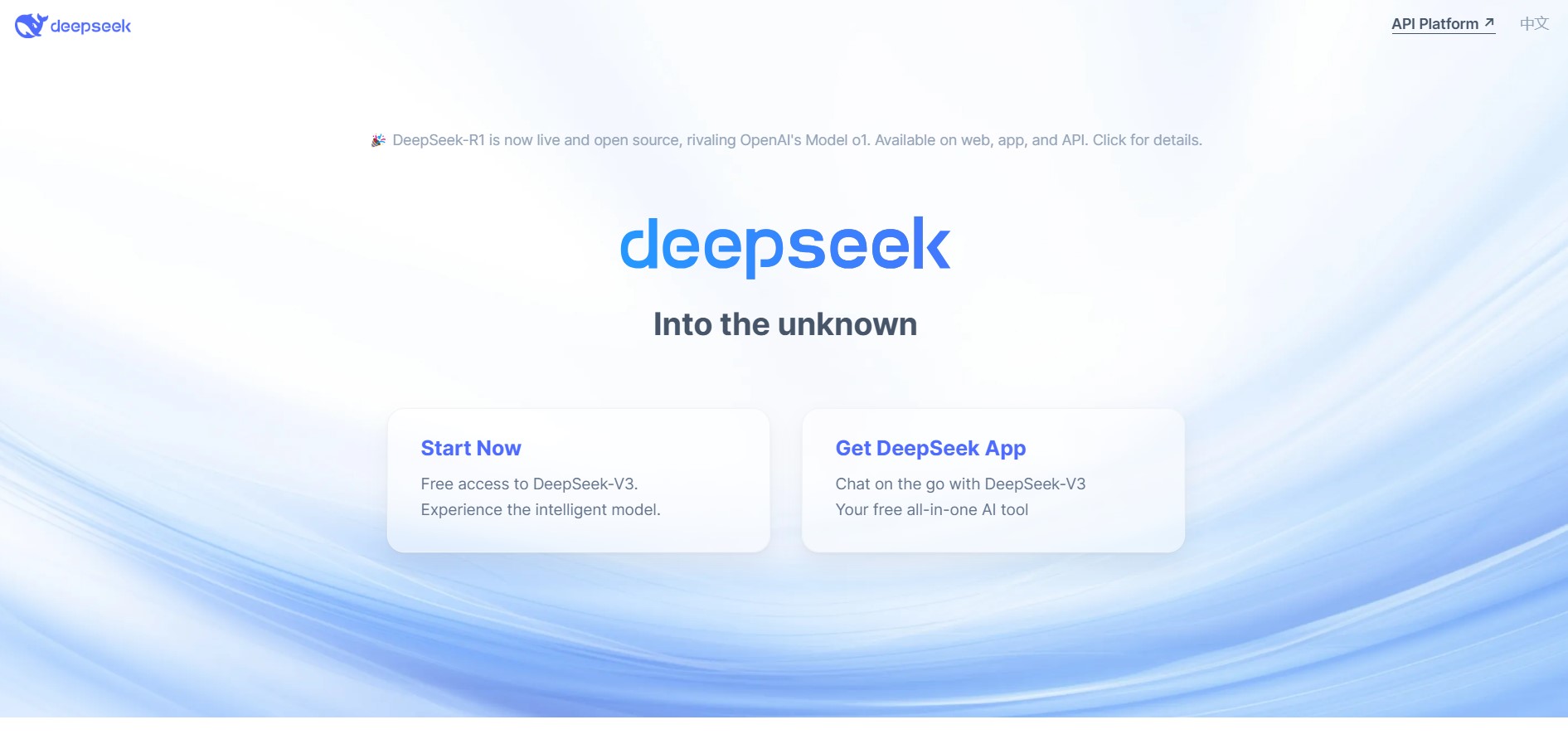
DeepSeek is an AI platform that helps users generate text, code, and insights using advanced large language models. It offers chat, API access, and open-weight models for developers, enabling fast, cost-efficient AI applications for writing, coding, research, and automation tasks.
 4.9
4.9Grok
AI Chatbot Tools
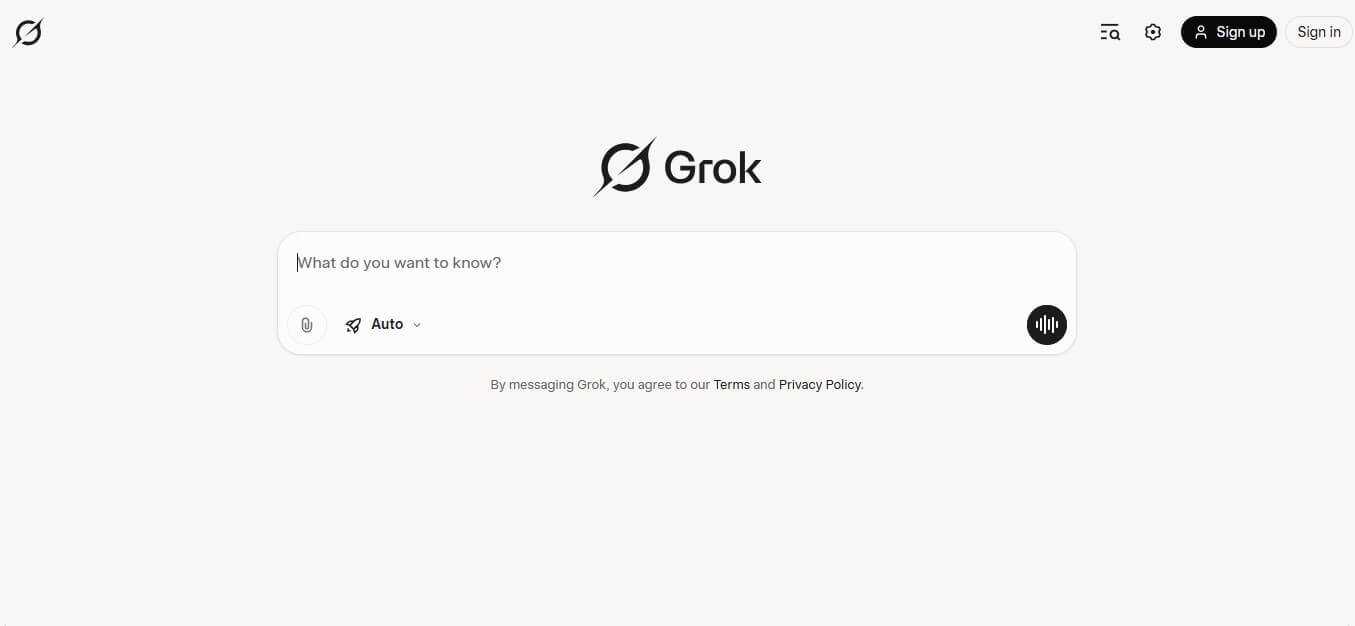
Grok is an AI-powered assistant by xAI that helps users search, write, analyze data, and generate images, code, and content in real time. It connects to live web and X (Twitter) data, enabling up-to-date insights, problem-solving, and conversational AI across multiple tasks.
 4.8
4.8AIChatbot.support
AI Chatbot Tools
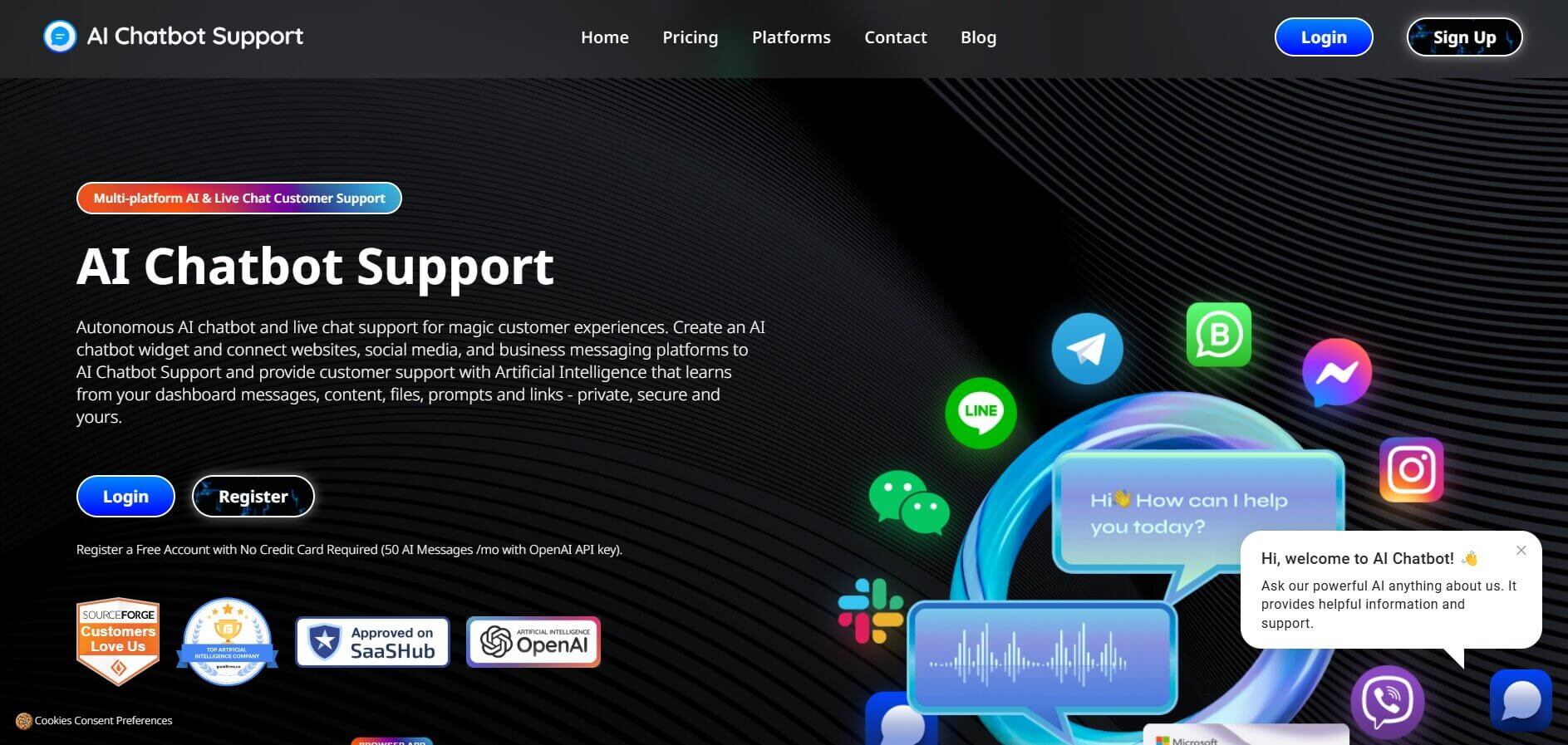
AIChatbot.support (aichatbot.support) is an intelligent customer support platform that allows businesses to build, train, and deploy AI customer service agents trained on website content, help docs, and internal knowledge bases for 24/7 automated support.
 4.8
4.8ZenMux
AI Chatbot Tools
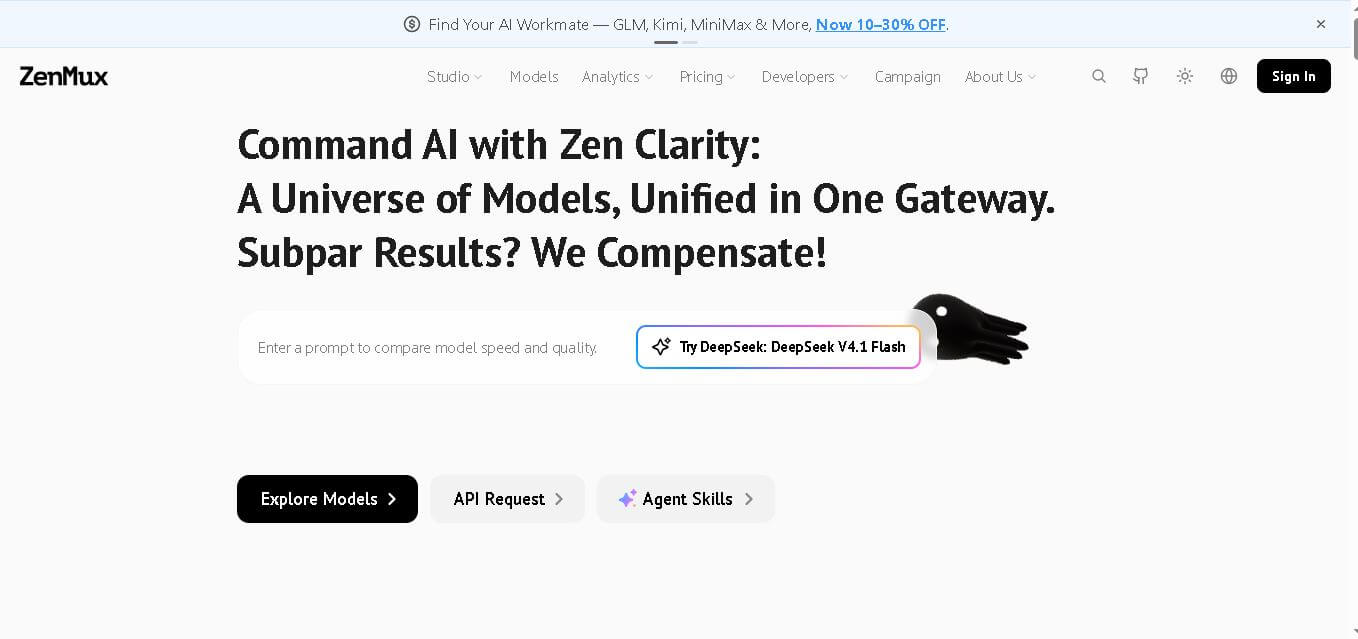
ZenMux brings multiple leading AI models into one gateway for developers. It combines API access, model selection, automatic routing, provider failover, usage analytics, and flexible billing. The platform supports coding, chat, image, and video workflows, helping users experiment with models without managing accounts, keys, and integrations. It supports multi-model development.