
Venice AI
Venice AI is a private generative AI platform that lets you chat, write, code, create images, generate videos, produce audio, and build AI agents. It combines models from leading providers with privacy controls, including Private, TEE, and E2EE modes. A free plan is available, with paid options for advanced capabilities.

What is Venice AI?
Venice AI is a privacy-focused generative AI platform for chatting, research, coding, image creation, video generation, audio production, and agent development. It brings models from multiple providers into one interface while offering Anonymous, Private, Trusted Execution Environment (TEE), and end-to-end encrypted (E2EE) options. Users can choose models according to capability, context, and privacy needs for different creative and professional workflows.
Venice AI combines text, image, video, audio, code, search, and agent capabilities in one service. The free plan provides 10 text prompts and 15 image prompts daily, while Pro costs $18 monthly and includes unlimited text prompts plus up to 1,000 images daily. Pro Plus costs $68 monthly, and Max costs $200 monthly. Venice offers four privacy modes: Anonymous, Private, TEE, and E2EE. There is no single best model because performance and privacy vary by task for different user needs.
- Platform Role: Private Multi-Model AI Hub, Uncensored Chat & Media Studio
- Developer & Organization: Venice AI Inc.
- Cross-Platform Access: Web Browser Application (venice.ai), OpenAI-Compatible Developer API, and Web Apps
Use Cases:
- Conducting sensitive research, creative brainstorming, and document analysis without risk of prompt logging or data mining
- Generating uncensored creative writing, character roleplay, and unrestricted image or video media
- Accessing multiple open-weight LLMs, vision models, and image generators through a single browser interface or unified API key
- Developing privacy-preserving autonomous AI agents and applications requiring zero-data-retention backend inference
- Removing backgrounds, upscaling high-resolution images, and parsing complex PDFs securely on local storage
Technology:
- Zero Data Retention (ZDR) architecture ensuring chat histories stay exclusively in browser/client local storage
- Hardware-Verified Privacy via Trusted Execution Environments (TEEs) and End-to-End Encryption (E2EE) on specialized GPU nodes
- Unified OpenAI-compatible API endpoint enabling seamless drop-in integration for software developers
- Multi-engine media pipeline supporting state-of-the-art image, video, text-to-speech, and web-search models
Target Users:
- Privacy advocates, journalists, and researchers working with confidential datasets or sensitive topics
- Digital artists, fiction authors, and content creators looking for unrestricted, uncensored generation capabilities
- Software engineers and app builders needing a privacy-first, multi-model API provider
- Everyday consumers who want access to top-tier AI without creating tracks on central corporate servers
Acquisition: Direct self-serve registration on venice.ai with flexible credit options, card payments, and cryptocurrency payment support (BTC, ETH, USDC).

What are the key features of Venice AI?
Venice AI's key platform features are
- Four Tiered Privacy Modes: Flexible privacy settings spanning Anonymous, Private (Default ZDR), TEE (Hardware Enclave), and E2EE (End-to-End Encrypted) GPU execution.
- 230+ Multi-Model Catalog: Instant access to top-tier text, vision, code, image, video, and audio models within a single interface.
- Uncensored Output Options: Model configurations stripped of restrictive safety filters, enabling open creative freedom.
- Local Browser History: Chat records and prompt histories remain stored purely on the user's local device, never on Venice servers.
- Advanced Media Superpowers: Native high-resolution upscaling, generative background removal, image variant generation, and video synthesis.
- OpenAI-Compatible API: Universal developer access with pay-as-you-go rates, zero markup fees, and monthly credit allocations.
How much does Venice AI cost?
Venice AI operates on a freemium model with tiered monthly or annual subscriptions and an integrated credit allocation system for high-volume API, image, and video generation.
Free Tier:
- $0 / Free Plan: Basic AI model access, up to 10 text prompts per day, and 15 image prompts per day with zero data storage.
Paid Pro Tiers:
- Venice Pro ($18 / month or ~$15/mo billed annually): Unlimited text prompts, 1,000 image prompts per day, access to Pro and uncensored models, TEE/E2EE encryption modes, and 100 monthly credits.
- Venice Pro Plus ($68 / month): Includes all Pro features, elevated image limits, 7,500 monthly credits for video/API usage, and 2-month credit banking (unused credits roll forward).
- Venice Max ($200 / month): Designed for heavy creators and autonomous agents, offering highest image throughput, 22,500 monthly credits, and 3-month credit banking.
Disclaimer: Subscription pricing, credit allocations, and API rates are subject to change. Check venice.ai/pricing for live updates.
Who should use Venice AI?
Venice AI is designed for privacy-conscious users, including
- Privacy Advocates & Researchers: Individuals handling confidential data, legal files, or proprietary research who require zero server logging.
- Creative Writers & Artists: Creators who want uncensored text generation and unrestricted media tools without aggressive content blocks.
- Developers & Agent Builders: Software teams wanting an OpenAI-compatible API that supports multiple models under a strict zero-retention guarantee.
What are the best alternatives to Venice AI?
Some of the strongest Venice AI alternatives include
- Poe
- OpenRouter
- LM Studio
- Ollama / Open WebUI
- Mistral Le Chat
What are the pros and cons of Venice AI?
What are the pros of Venice AI?
- Zero data retention policy with local-only browser storage and verifiable TEE/E2EE encryption options
- Access to 230+ models spanning text, vision, code, image, video, and audio generation in one place
- Uncensored open-weight model configurations without arbitrary guardrail blocks
- Flexible payment choices, including credit cards and direct cryptocurrency options
What are the cons of Venice AI?
- Unlimited text generation and hardware-verified enclaves require a paid Pro tier
- E2EE mode has reduced model selection and higher latency due to cryptographic overhead
- Managing model selection and privacy settings presents a slight learning curve for total AI beginners
Why should you choose Venice AI?
Most commercial AI platforms require users to surrender data privacy in exchange for powerful generation tools. Venice AI flips this model by providing frontier cloud GPU performance alongside ironclad, verifiable privacy. By storing conversation histories locally on your device and routing requests through zero-data-retention proxies, Venice lets you explore, write, code, and design without leaving a permanent digital footprint.
How does Venice AI compare to competitors?
While aggregators like Poe and OpenRouter focus primarily on model routing, Venice AI prioritizes hardware-isolated privacy, uncensored generation, and local client storage. On the other hand, while running models locally using LM Studio guarantees complete privacy, Venice eliminates the need for expensive high-end local GPUs by providing secure, encrypted cloud inference.
| Feature / Platform | Venice AI | Poe | OpenRouter | LM Studio |
|---|---|---|---|---|
| Primary Focus | Private, Uncensored Multi-Model AI Hub | Consumer Bot Playground & Aggregator | Developer API Aggregator & Router | Local Offline Desktop GUI |
| Data Storage Default | Client local-only storage / ZDR | Standard consumer cloud logging | Metadata logging / no text retention | 100% Offline Local Storage |
| Hardware Encryption (TEE/E2EE) | Yes (Pro TEE & E2EE options) | No | No | N/A (Runs locally) |
| Hardware Requirement | None (Cloud GPU processing) | None (Cloud processing) | None (Cloud processing) | Requires powerful local GPU/RAM |
| Best For | Users who want cloud AI power with strict privacy guarantees | Casual users exploring community AI bots | Developers routing API calls across suppliers | Tech-savvy users running models offline |
How do we rate Venice AI?
| Parameter | Rating (out of 5) |
|---|---|
| Privacy & Encryption Architecture | 4.9 |
| Model Selection & Versatility | 4.8 |
| Uncensored Output Quality | 4.7 |
| Developer API Integration | 4.8 |
| Value for Money | 4.6 |
| Overall Score | 4.76 |
What is our review and verdict on Venice AI?
Venice AI is a standout platform in the generative AI space, addressing growing consumer and enterprise concerns around data harvesting, prompt logging, and censorship. By providing access to hundreds of open-weight models through a clean, local-first web interface and an OpenAI-compatible API, Venice provides complete creative freedom without forcing users to invest in expensive local hardware.
What is the final conclusion on Venice AI?
Venice AI stands out for combining broad generative AI capabilities with a strong privacy focus. You can switch between models, create text and media, use web search, and access an OpenAI-compatible API while selecting different privacy modes. The free tier suits experimentation, while Pro and higher plans are better for creators, developers, and frequent users needing broader access without unnecessary complexity.
FAQ
What is Venice AI?
Venice AI is designed for users who want broad generative AI capabilities without giving up privacy choices. You can use it for writing, research, coding, image generation, video creation, audio workflows, and agent development. Its model selection also lets you balance capability, context, speed, and privacy for each task.
Is Venice AI free to use?
Yes, Venice AI has a free plan. It includes base AI models, 10 text prompts per day, 15 image prompts per day, API access through credits, and private, uncensored usage. If you need unlimited text prompts, higher image limits, advanced models, or additional media generation, you can upgrade when necessary.
How private is Venice AI?
Venice AI offers four privacy modes: Anonymous, Private, TEE, and E2EE. Anonymous mode hides identifying information from model providers, while Private mode uses zero-data-retention infrastructure. TEE adds hardware-isolated processing, and E2EE encrypts prompts on your device before processing. Your choice depends on privacy requirements and features for every conversation consistently.
Can Venice AI generate images?
Venice AI can create images and supports controls such as negative prompts, aspect ratios, seeds, high-resolution output, adherence, and watermark options. Paid users can access additional image capabilities, including upscaling, background removal, and variations. This makes Venice useful for marketers, designers, creators, and anyone producing visual assets from text prompts.
Does Venice AI support video generation?
Yes, Venice AI supports video generation through its creative suite. Paid plans provide credits that can be used for video and other premium media features. Venice gives users access to multiple leading video models, allowing creators to experiment with different generation capabilities from one interface instead of managing several separate tools.
Does Venice AI have an API?
Venice AI offers an OpenAI-compatible API for developers who want to integrate AI into applications or agent workflows. Its API supports text, images, video, music, speech, embeddings, web tools, function calling, and multimodal generation. This makes Venice suitable for developers building assistants, automated workflows, creative applications, and AI products directly.
User Reviews
No reviews yet for Venice AI.
Featured Tools
Featured AI tools from TechShark

Melody Genie
MelodyGenie is an AI-powered music generator that creates original songs from simple text prompts. Users can choose styles, moods, and genres, then instantly generate melodies and full tracks, making it easy for creators, marketers, and hobbyists to produce custom music without musical expertise.
Freemium

Kimi AI
Kimi AI is an advanced AI assistant developed by Moonshot AI that helps you chat, research, write, code, and automate tasks in one place. It supports web search, file analysis, and multimodal inputs, and can even run autonomous “agent” workflows to complete complex tasks end-to-end.
Freemium

Fashion Diffusion AI
Fashion Diffusion is an AI-powered fashion design platform that helps brands and designers create clothing designs, virtual try-ons, AI models, product photos, and marketing visuals faster and cost-effectively.
Paid

Veo 4
Veo 4 AI is an AI video creation platform that generates dramatic videos from text, images, audio, and video prompts using realistic motion and synchronized sound.
Paid
Alternatives
Alternatives to Venice AI
The best Venice AI alternatives include Poe, OpenRouter, LM Studio, and Ollama. While Venice AI offers private, uncensored multi-model generation with zero data retention and hardware enclaves, alternatives like LM Studio run completely offline on local GPUs, and OpenRouter serves as a developer API routing layer.
 4.9
4.9Manupatra AI
Legal
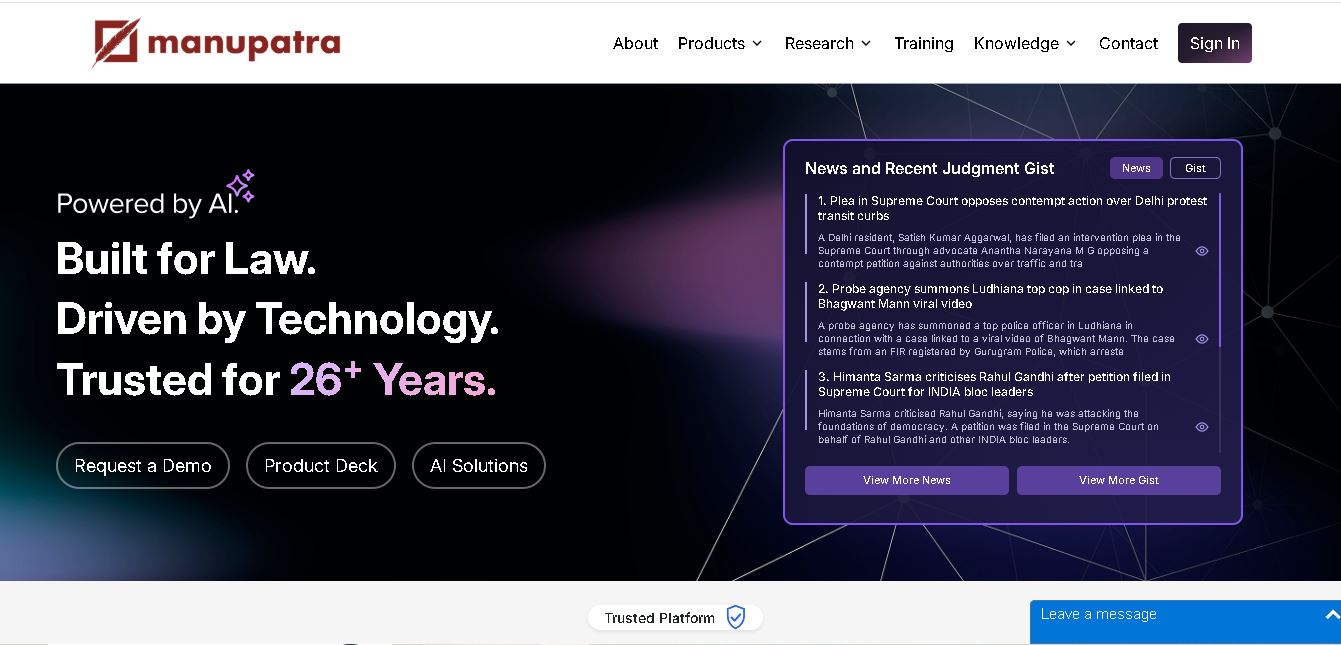
Manupatra AI is a legal technology solution that helps lawyers, law firms, students, and researchers conduct legal research and analyze documents. It offers AI-assisted search, judgment summaries, document comparison, OCR, translation, and drafting tools. Its broader ecosystem also supports case management, compliance, and contract workflows for legal professionals and businesses.
 4.9
4.9LegitQuest
Legal
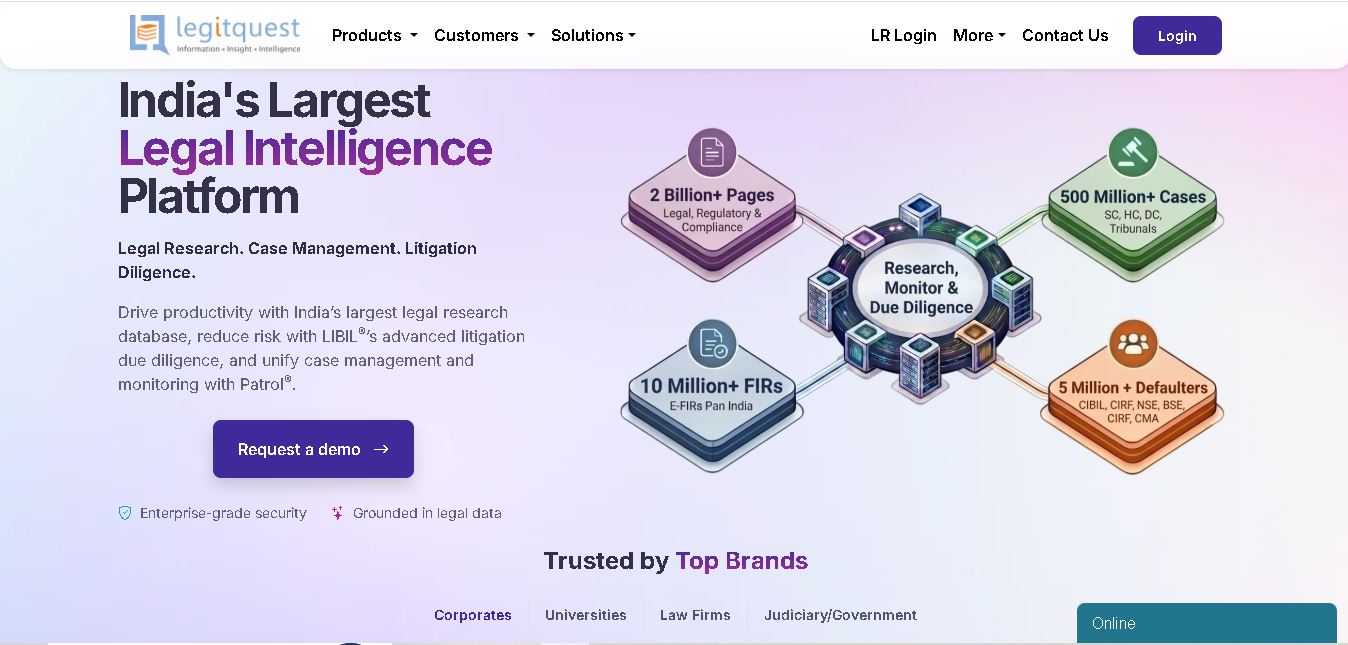
LegitQuest is an Indian legal technology platform offering AI-assisted legal research, litigation management, and due diligence solutions. Its tools help lawyers, researchers, and businesses explore judgments, analyse case decisions, track legal matters, and investigate litigation risks. The platform combines legal information and workflow capabilities to support informed professional decision-making.
 4.8
4.8Jhana AI
Legal
Jhana AI is a legal intelligence tool for lawyers and legal teams. It supports legal research, document analysis, contract review, due diligence, and professional drafting. With source-linked workflows and document verification, it helps users organize complex matters and review legal information more efficiently, while keeping qualified professionals responsible for decisions.
 4.9
4.9Lysa
Legal
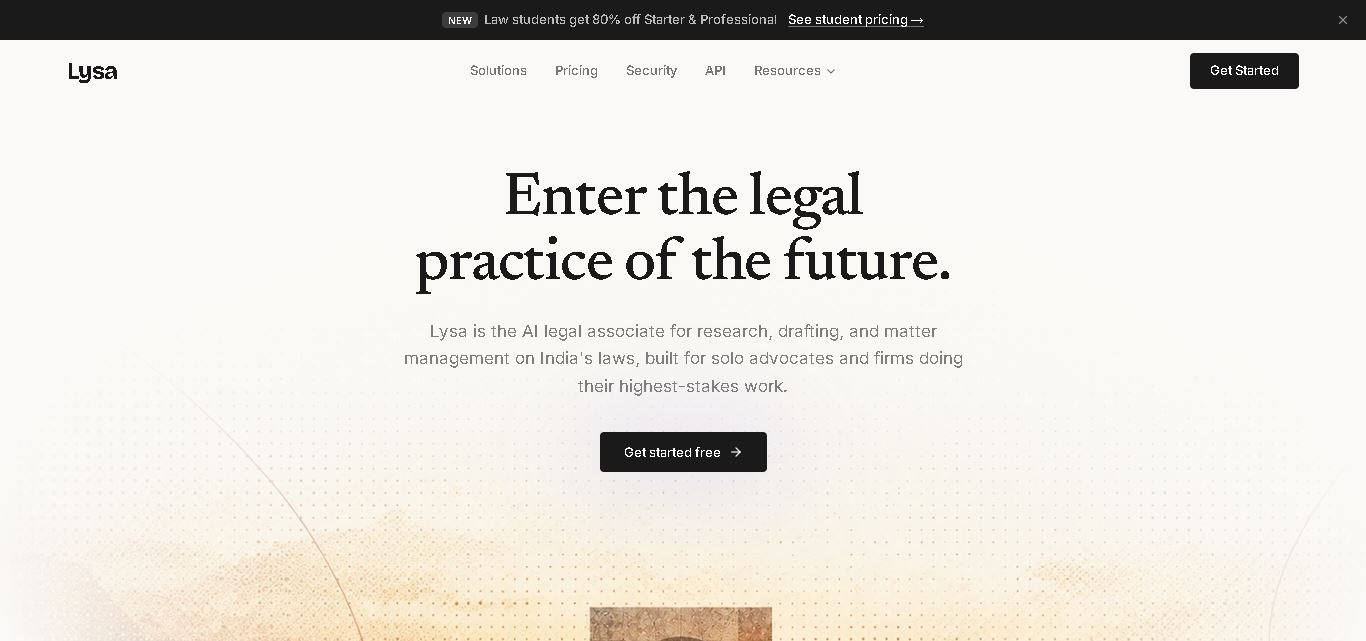
Lysa Legal is an AI-assisted legal research and practice management tool for Indian advocates, law firms, and legal teams. It helps users find cited legal information, draft documents, review contracts, monitor regulatory updates, and organize client matters. Its goal is to reduce routine administrative work and support more efficient legal workflows.
 4.9
4.9LegalInk AI
Legal
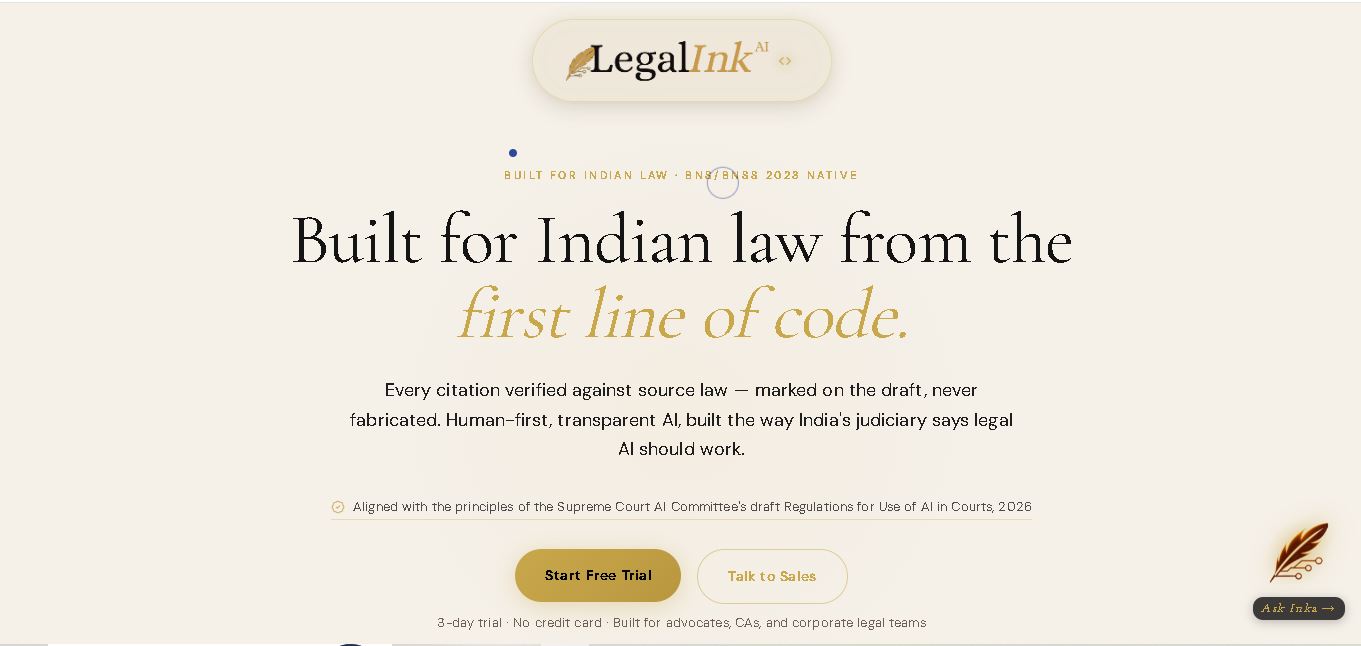
LegalInk AI helps Indian legal professionals and individuals draft documents, review contracts, research judgments, and prepare legal notice replies. With BNS/BNSS templates, Hindi and English support, and case analysis tools, it streamlines routine legal work. Users can export drafts and use research assistance, while qualified professionals should verify important outputs.
 4.8
4.8Josef
Legal
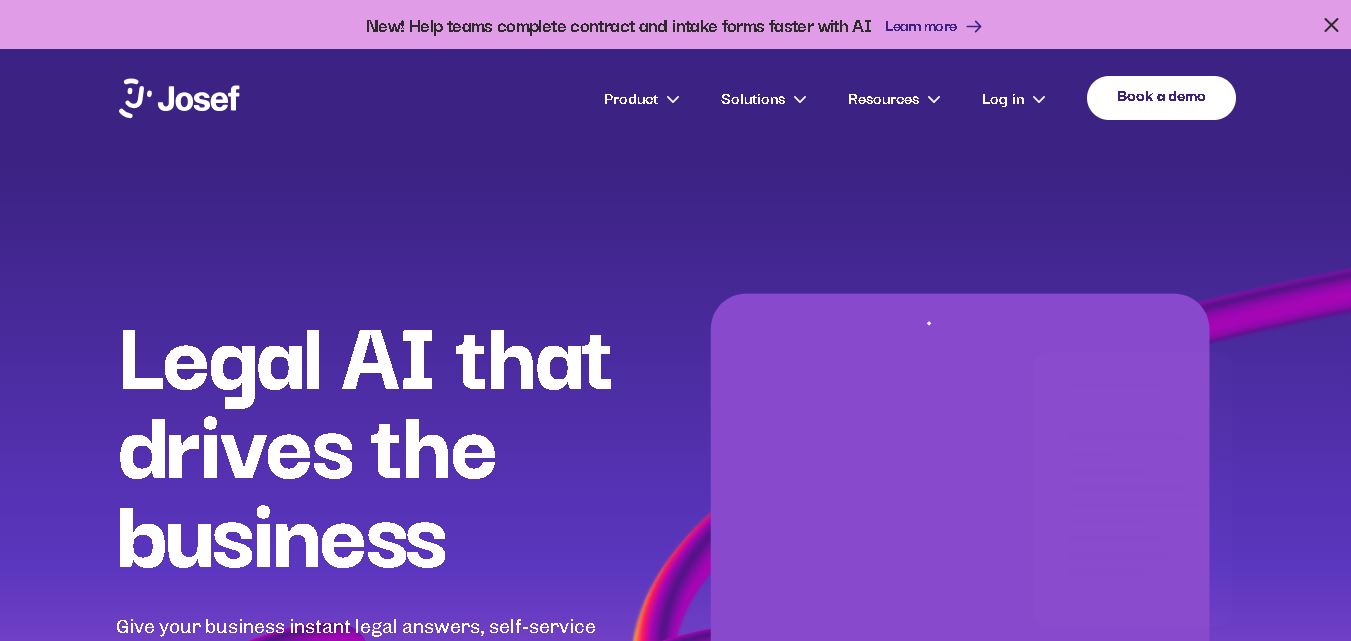
Josef is a legal automation platform that helps law firms and legal teams streamline everyday tasks. It offers AI-powered question answering, contract generation, document automation, and workflow management. With its no-code approach, organizations can create self-service legal tools, improve operational efficiency, and make legal information easier for employees and clients to access.
 4.9
4.9Ontra
Legal
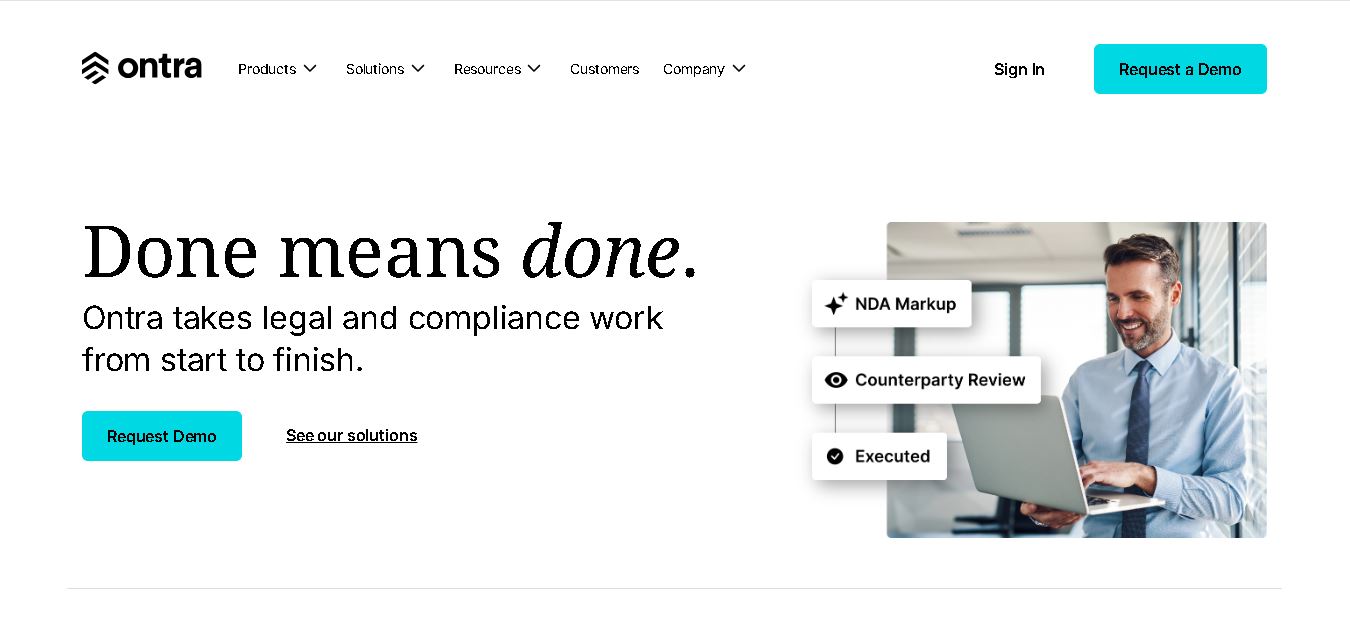
Ontra helps private equity firms, investment managers, and other private market organizations streamline legal and compliance operations. Its solutions support contract automation, fund obligation management, entity governance, due diligence questionnaires, and reverse KYC. By combining AI technology with legal expertise, Ontra helps teams improve efficiency, maintain consistency, and manage complex documentation.
 4.9
4.9Smokeball
Legal
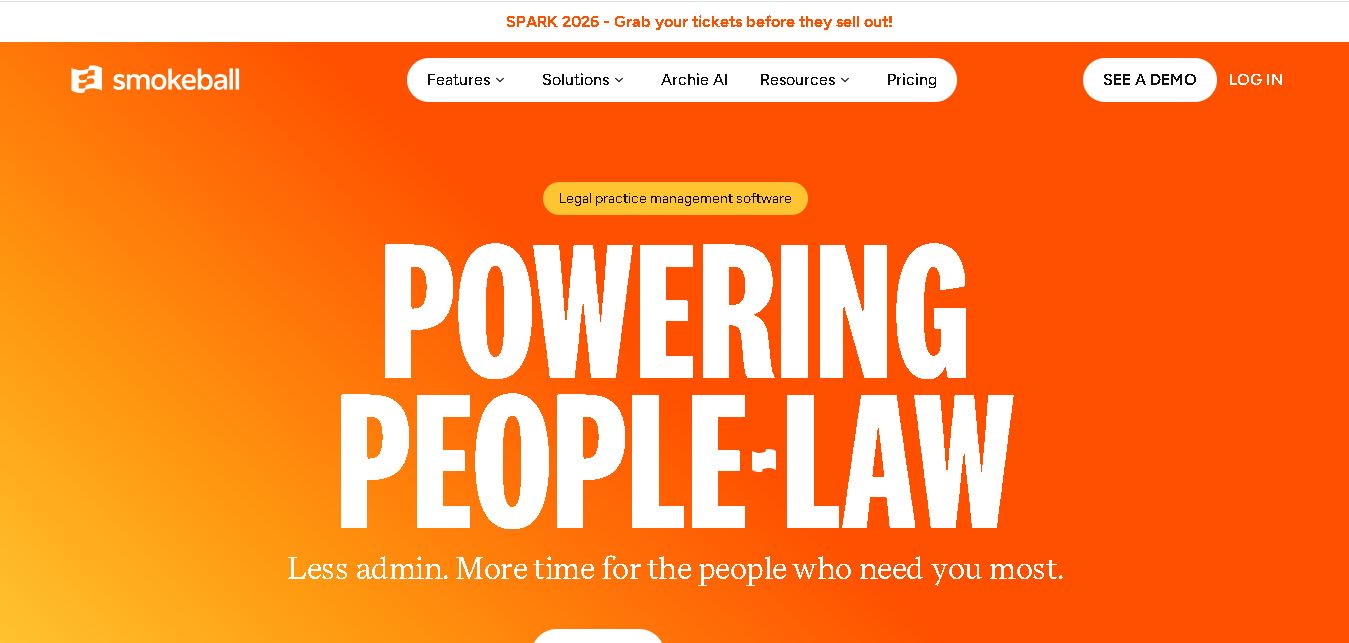
Smokeball is legal practice management software that helps law firms manage cases, automate documents, track billable hours, organize client communications, and simplify invoicing. With Microsoft integrations, customizable workflows, reporting tools, and Archie AI assistance, it helps legal professionals reduce administrative workloads, improve organization, and focus more time on delivering quality client service.
 4.9
4.9MyCase
Legal
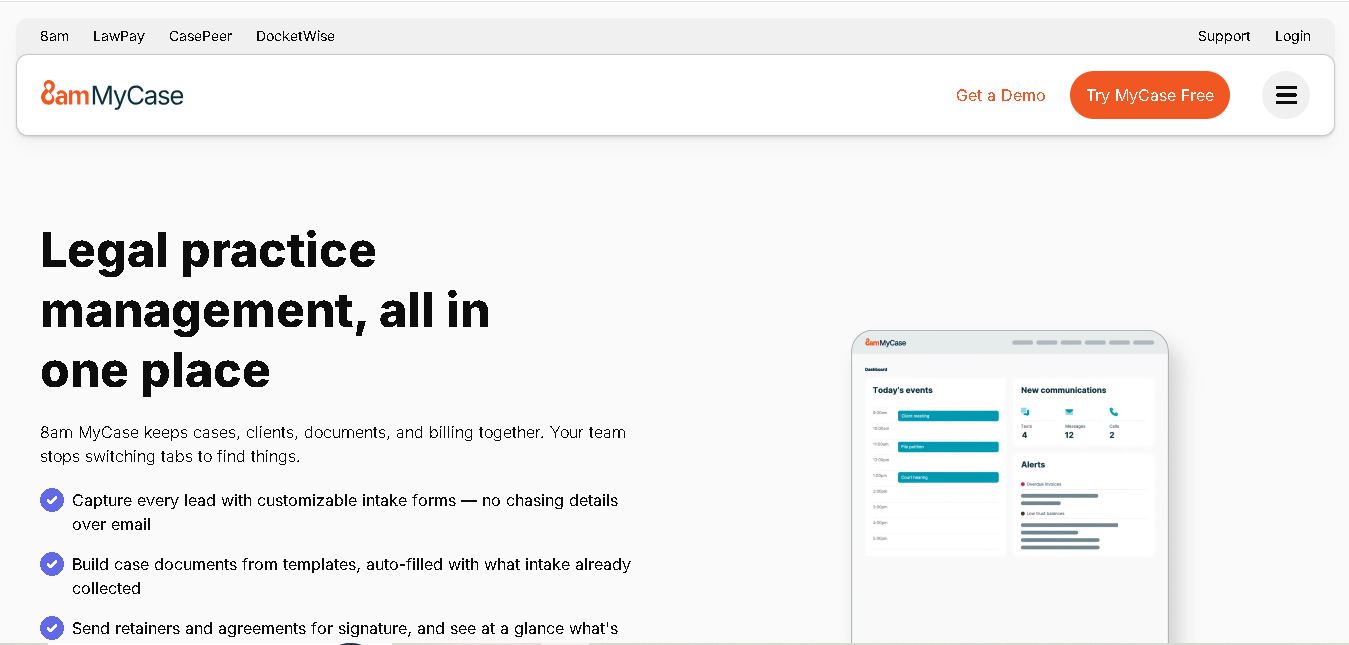
MyCase is legal practice management software that helps law firms manage cases, organize documents, communicate with clients, track billable time, and process payments. With client portals, electronic signatures, workflow automation, reporting, and AI-assisted case management, it supports more organized legal operations while helping attorneys reduce repetitive administrative work and improve client service.