Best AI-Powered Browsers for Research, Productivity & Automation (2026)
Discover the best AI browsers for faster research, summaries, and automation. Compare AI-powered browsers with built-in assistants to boost productivity and browsing efficiency.
 4.9
Brave
Browser
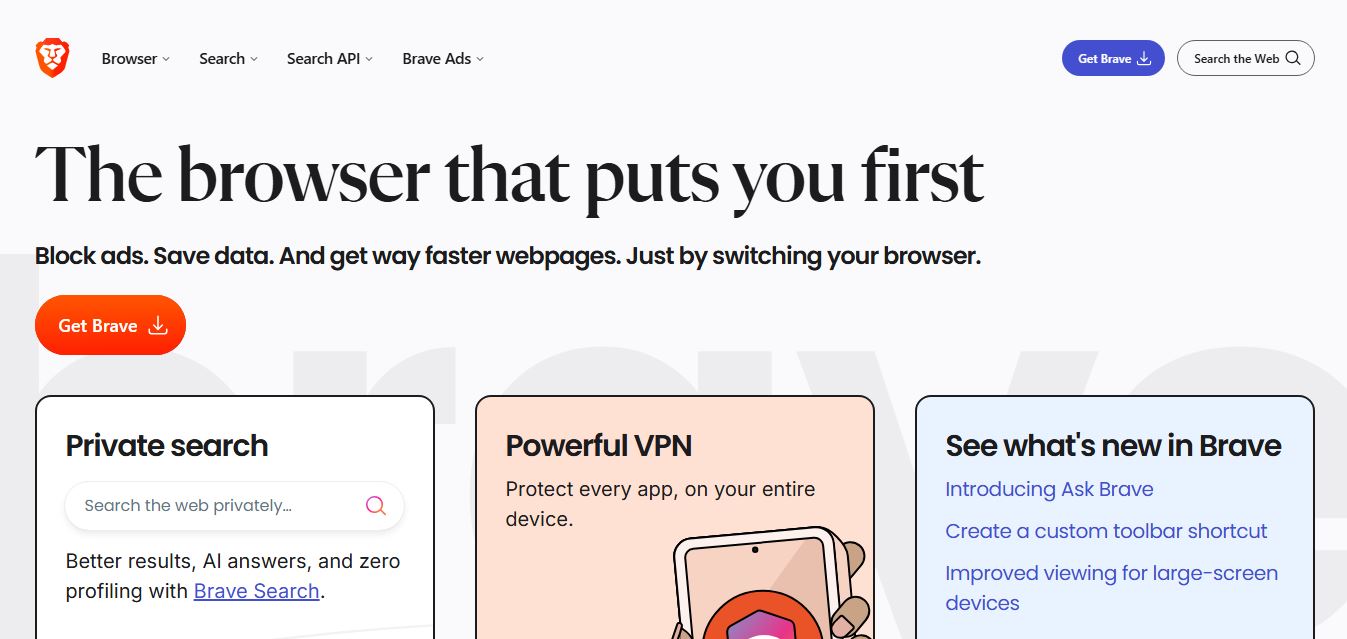
Brave is a privacy-first web browser and search ecosystem that blocks ads and cross-site trackers by default, integrates the Leo AI assistant, features an independent 35+ billion page search index, and provides built-in Web3 wallet, VPN, and developer Search API capabilities.
FreeView tool
 4.9
Mozilla Firefox
Browser
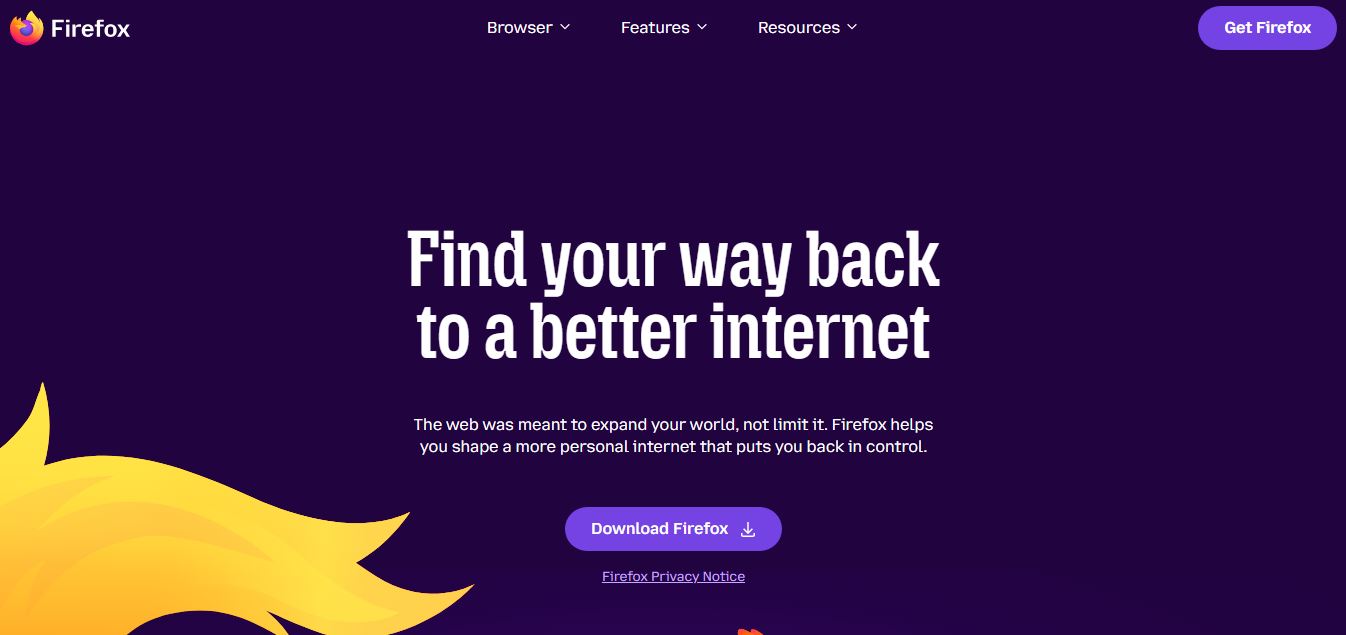
Mozilla Firefox is a free, open-source web browser backed by the non-profit Mozilla Foundation, powered by the independent Gecko engine and featuring Total Cookie Protection, container tabs, and user-governed AI tools like Smart Window.
FreeView tool
 4.8
Opera AI
Browser
Opera AI (formerly Aria) is a built-in, native browser AI assistant integrated directly into the Opera and Opera GX browsers, offering real-time web access, page context summarization, multimedia and file analysis, image generation, and workflow automation without mandatory account lock-in.
FreeView tool
 4.8
Perplexity Comet
Browser
Perplexity Comet is an agentic, AI-first Chromium web browser developed by Perplexity AI, featuring a built-in reasoning assistant that performs multi-tab synthesis, automated web actions, deep research with citations, and proactive workflow execution.
FreemiumView tool
 4.9
Microsoft Edge
Browser
Microsoft Edge is a fast, secure web browser by Microsoft that integrates AI features, productivity tools, and built-in privacy controls. It helps users browse efficiently, manage tabs, use Copilot, and stay protected across devices easily.
FreeView tool
 4.8
Fellou AI
Browser
Fellou AI is an agentic AI web browser engineered for autonomous web actions, end-to-end task automation, multi-source deep research, system-level file handling, and transparent human-in-the-loop workflow execution.
FreemiumView tool
 4.9
Google Chrome
Browser
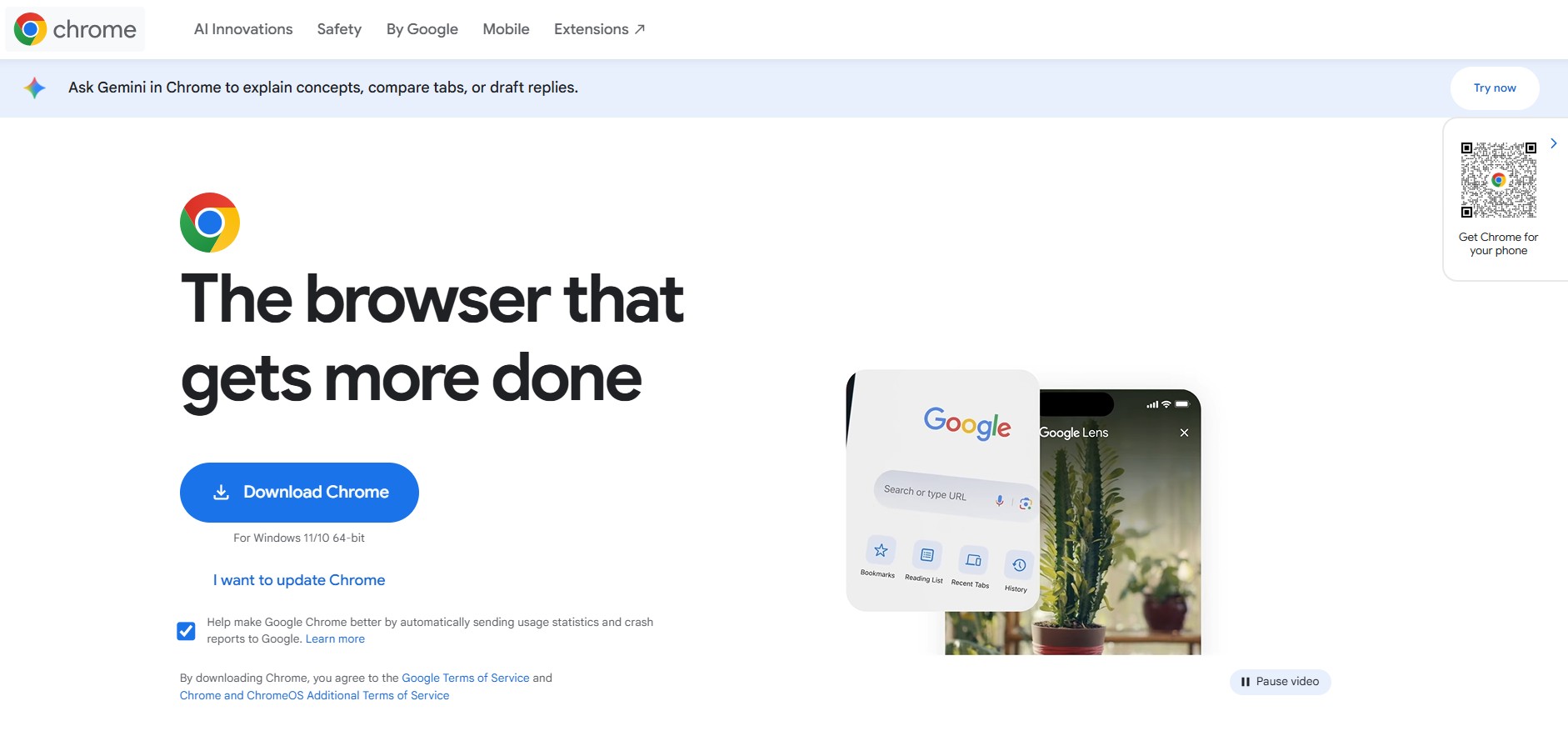
Google Chrome is the world's leading open-source-based web browser developed by Google, featuring high-speed Blink rendering, deep Google Account synchronization, native Gemini AI assistance, advanced DevTools, and the vast Chrome Web Store ecosystem.
FreeView tool
What Are AI Browsers?
AI browsers are web browsers enhanced with artificial intelligence to improve how users search, read, and interact with content online. Unlike traditional browsers, AI browsers include built-in assistants that can summarize pages, answer questions, automate tasks, and help users navigate information faster.
On TechShark, AI browsers are categorized based on real-world use cases such as research, productivity, content consumption, and workflow automation. These browsers go beyond simple web navigation by integrating AI features directly into the browsing experience.
For example, instead of manually reading a long article, an AI browser can summarize it instantly. Similarly, users can ask questions about a webpage and get direct answers without switching tabs.
Benefits of AI Browsers
AI browsers are designed to make browsing faster, smarter, and more productive.
Key advantages include:
- Instant summaries: Quickly understand long articles and documents
- AI-powered search: Get direct answers instead of browsing multiple links
- Task automation: Automate repetitive browsing tasks
- Improved productivity: Reduce time spent switching between tools
- Context-aware assistance: Ask questions about any webpage
- Integrated workflows: Combine browsing with writing, research, and analysis
These benefits make AI browsers ideal for professionals, students, and everyday users.
What Can You Do With AI Browsers?
AI browsers support a wide range of tasks beyond traditional web browsing.
You can use them to:
- Summarize articles, blogs, and documents
- Conduct research and gather insights quickly
- Ask questions about webpage content in real time
- Automate form filling and repetitive tasks
- Generate content while browsing
- Compare information across multiple sources
- Manage tabs and organize information efficiently
- Enhance learning and productivity workflows
On TechShark, each browser is categorized based on its primary features and capabilities.
How to Choose the Best AI Browser
Not all AI browsers offer the same features. Choosing the right one depends on your needs.
When comparing tools on TechShark, consider:
- AI capabilities: Summarization, Q&A, automation, and writing assistance
- Search experience: Traditional vs AI-powered search results
- Integration: Compatibility with extensions, tools, and workflows
- Privacy & security: Data handling and browsing protection
- Performance: Speed, memory usage, and stability
- Ease of use: User interface and accessibility
- Customization: Ability to tailor features and workflows
TechShark simplifies this process with filters and structured listings.
Who Should Use AI Browsers?
AI browsers are useful for a wide range of users:
- Students: For research, summarization, and learning
- Professionals: For productivity and information management
- Content Creators: For research and content generation
- Marketers: For competitive analysis and insights
- Developers: For documentation and coding assistance
- Researchers: For analyzing large amounts of information
If you spend significant time browsing and researching online, AI browsers can significantly improve efficiency.
Free vs Paid AI Browsers
AI browsers come with different pricing models depending on features and usage.
- Free browsers: Basic AI features with limited usage
- Freemium browsers: Limited AI capabilities with upgrade options
- Paid browsers: Advanced AI features, automation, and integrations
On TechShark, tools are clearly labeled so you can compare pricing and choose accordingly.
Popular Types of AI Browsers
To simplify discovery, TechShark organizes AI browsers into key categories:
- AI Search Browsers: Focus on AI-powered search results
- Productivity Browsers: Enhance workflows and task management
- Research Browsers: Designed for deep research and analysis
- Automation Browsers: Automate browsing tasks and workflows
- Privacy-Focused AI Browsers: Combine AI with enhanced security
This structure helps you quickly find tools based on your specific needs.
How TechShark Curates AI Browsers
TechShark focuses on use-case-driven discovery, helping users find tools based on how they browse and work online.
Each tool listed includes:
- A clear overview of features and capabilities
- Supported workflows and use cases
- Pricing details (free, freemium, paid)
- Category tags for better filtering
The directory is regularly updated with new tools, ensuring you always discover the latest AI browsing solutions.
The Future of AI Browsing
AI browsers are evolving rapidly with advancements in generative AI and real-time data processing. Future browsers are expected to provide deeper personalization, smarter automation, and seamless integration with daily workflows.
We are also seeing the shift from traditional search engines to AI-driven browsing experiences, where users get direct answers instead of navigating multiple pages.
As AI continues to improve, browsing will become more conversational, efficient, and personalized.
Explore the Best AI Browsers on TechShark
Browse the tools above to compare features, pricing, and use cases. Whether you're researching, creating content, or improving productivity, TechShark helps you find the right AI browser tools faster.
FAQs About AI Browsers
Q: What is an AI browser?
An AI browser is a web browser that uses artificial intelligence to enhance browsing, offering features like summarization, question answering, and automation to improve how users interact with online content.
Q: How do AI browsers work?
AI browsers integrate machine learning models to analyze web content, generate summaries, answer questions, and automate tasks, providing a smarter and more efficient browsing experience.
Q: What are the best AI browsers?
The best AI browsers depend on your needs, such as research, productivity, or automation. TechShark helps compare browsers based on features, performance, and pricing.
Q: Are AI browsers free to use?
Many AI browsers offer free versions with basic features, while premium plans provide advanced AI capabilities, automation tools, and enhanced productivity features.
Q: Can AI browsers replace search engines?
AI browsers are changing search behavior by providing direct answers, but they complement rather than completely replace traditional search engines.
Q: Are AI browsers safe to use?
Most AI browsers prioritize security and privacy, but users should review data policies and permissions before using them for sensitive information.
Q: Can AI browsers summarize webpages?
Yes, AI browsers can automatically summarize long articles and webpages, helping users quickly understand key points without reading the entire content.
Q: Do AI browsers support extensions?
Many AI browsers support extensions similar to traditional browsers, allowing users to customize their experience and integrate additional tools.
Q: Who should use AI browsers?
Students, professionals, researchers, and content creators can benefit from AI browsers for faster research, productivity, and improved information management.