
Loopa AI
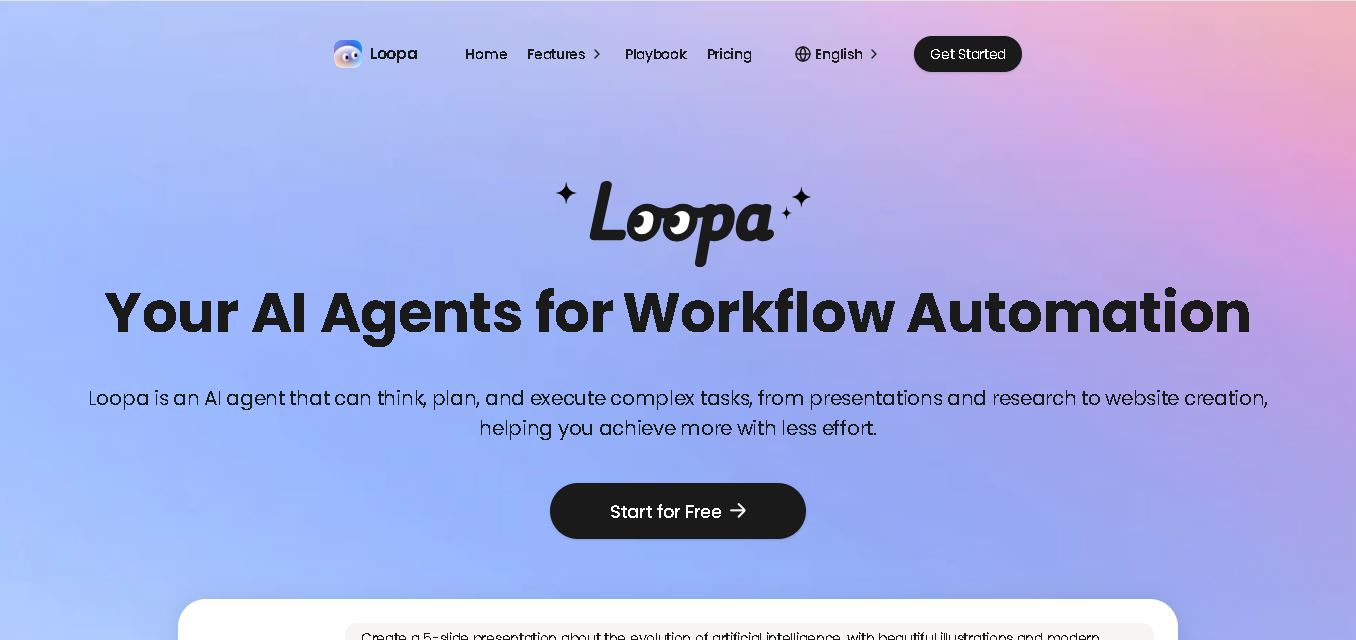
Loopa is an AI agent workspace for automating research, content creation, document analysis, data tasks, and everyday workflows. Users can generate presentations, videos, images, websites, reports, and other deliverables while connecting tools such as email, Telegram, and Discord. It also supports custom skills, scheduled tasks, and multiple agents for complex workflows.
What is Loopa AI?
Loopa is an AI agent workspace designed to research, create, analyze, and automate complex tasks from a single environment. It can turn documents into insights, automate email and calendar workflows, and generate presentations, images, videos, websites, and research reports. Loopa also supports multiple AI agents working in parallel, helping users handle repetitive or multi-step projects with less manual effort.
Loopa brings research, automation, content creation, document analysis, and AI-agent workflows into one workspace. Its free plan provides 600 daily credits, while Pro includes 20,000 monthly credits and Ultra provides 40,000 monthly credits. Pro and Ultra include 25GB storage, with up to 5 custom agents on Pro and 10 custom agents on Ultra. Loopa also offers 30 scheduled tasks on both paid plans and a 5-generation GPT Image 2 bonus.
- Platform Role: Autonomous AI Agent Workspace, Content & Slide Generator, & Cross-App Workflow Automation Tool
- Developer & Organization: Loopa
- Cross-Platform Access: Web App Console, Browser, and Messaging Integrations (Email, Telegram, Discord)
Use Cases:
- Synthesizing dense PDF documents and financial reports into structured executive briefings and key takeaways
- Auto-generating presentations, slide decks, and visual pitch assets from raw text or research summaries
- Running parallel AI agent teams to concurrently conduct web research, draft copy, review content, and schedule outputs
- Automating contextual email replies and multi-channel messaging via connected platforms like Gmail, Telegram, and Discord
- Creating interactive learning assets such as automated quizzes, practice exams, and brand assets
Technology:
- Multi-agent orchestration runtime capable of executing concurrent sub-tasks in parallel
- Modular Skill system for integrating document extraction, image/video generation, and scheduling capabilities
- Secure sandbox execution environment designed to keep user files and outputs private and unexposed to AI training sets
- Cross-platform app integration layer supporting direct web triggers and communication channels
Target Users:
- Productivity enthusiasts and solo founders looking to offload micro-tasks and research workflows
- Marketing and growth agencies requiring rapid presentation design, branding, and content production
- Financial analysts and researchers seeking automated web scraping, market monitoring, and PDF summarization
- Operations teams looking for cross-tool messaging and email auto-responder workflows
Acquisition: Direct sign-up available on Loopa. im

What are the key features of Loopa AI?
Loopa AI's key platform features are
- Parallel Agent Execution: Spin up multiple AI sub-agents at once to handle research, writing, image generation, and review simultaneously.
- Deep Research & Financial Reporting: Define a topic or upload data to synthesize web insights, track market metrics, and output structured reports.
- Slide Deck & Presentation Generator: Transforms raw research or notes directly into formatted slides and visual presentation materials.
- PDF & File Insights: Ingests complex PDFs and spreadsheets to extract critical takeaways, charts, and actionable highlights.
- Cross-Tool Messaging Automation: Connect email, Telegram, Discord, and calendar tools to execute automated replies and scheduled tasks.
- Customizable Agent Skills: Modularly expand agent capabilities as your operational needs evolve over time.
How much does Loopa AI cost?
Loopa AI offers a free tier for initial exploration, alongside premium subscription plans for power users needing higher credit limits and agent parallelism.
Pricing Tiers:
- Free Plan ($0 / month): Basic access to public features, standard AI model selection, and capped document uploads/searches.
- Pro Plan (Subscription): Higher monthly credit allocations, access to advanced AI models, faster parallel execution, and expanded app integrations.
Disclaimer: Plan details, credit limits, and subscription pricing may adjust over time. Check loopa.im for real-time tier allocations.
Who should use Loopa AI?
Loopa AI is designed for modern knowledge workers, including
- Agile Content Teams & Marketers: Creators needing rapid slide generation, research reports, and media assets in one console.
- Startup Founders: Entrepreneurs looking to automate administrative email responses, market monitoring, and branding tasks.
- Researchers & Analysts: Professionals needing fast summarization and trend extraction from multi-page PDFs and reports.
What are the best alternatives to Loopa AI?
Some of the top alternatives to Loopa AI include
- MindStudio
- Taskade AI
- Gamma App
- AutoGPT / AgentGPT
- ChatPDF / Claude Projects
What are the pros and cons of Loopa AI?
What are the pros of Loopa AI?
- Unified workspace combining research, file analysis, slide generation, and messaging in one tool
- Parallel multi-agent execution saves time on complex end-to-end projects
- A private sandbox environment protects files and training data privacy
- Seamless integration with messaging apps like Telegram, Discord, and Gmail
What are the cons of Loopa AI?
- Free tier caps usage for heavy data analysis or large PDF imports
- Custom agent skill configuration requires an initial learning curve for optimal output
Why should you choose Loopa AI?
Instead of jumping between separate tools for research, document summarization, presentation design, and email drafting, Loopa AI brings these capabilities under a single conversational agent workspace. Its multi-agent parallel execution allows users to delegate whole multi-step workflows rather than prompting single outputs step-by-step.
How does Loopa AI compare to competitors?
While single-purpose tools like Gamma focus only on slide design or ChatPDF focus strictly on document queries, Loopa AI offers a hybrid multi-agent engine capable of handling research, asset creation, and cross-channel messaging automation within one platform.
| Feature / Platform | Loopa AI | Taskade AI | Gamma App |
|---|---|---|---|
| Core Focus | Multi-Agent Task Workspace & Automation | AI Project Management & Team Workspaces | AI Presentation & Document Design |
| Parallel Agent Execution | Yes (run multiple tasks simultaneously) | Yes (agent teams in projects) | No (single document builder) |
| PDF & File Insights | Yes (automated extraction & reports) | Yes. | Basic text import |
| Cross-App Automation | Gmail, Telegram, Discord, Calendar | Zapier / Native integrations | Export / Embed only |
How do we rate Loopa AI?
| Parameter | Rating (out of 5) |
|---|---|
| Autonomous Agent & Workflow Capabilities | 4.8 |
| Content & Presentation Generation | 4.7 |
| Document & PDF Analysis Depth | 4.8 |
| Cross-Platform Integration Ease | 4.6 |
| Value for Money | 4.7 |
| Overall Score | 4.72 |
What is our review and verdict on Loopa AI?
Loopa AI provides a versatile and capable workspace for automating daily knowledge work. By combining document intelligence, deck generation, and cross-channel messaging with parallel AI execution, Loopa delivers high productivity value for teams and individuals alike.
Conclusion
Loopa brings AI agents, research, document analysis, automation, and creative generation together in one workspace. Its ability to handle multi-step tasks, connect everyday tools, create content, and run multiple agents makes it suitable for varied personal and professional workflows. With a free tier, scheduled tasks, custom agents, and multiple pricing levels, Loopa provides a flexible way to experiment with AI-driven automation while scaling usage as requirements grow.
FAQ
What can I use Loopa for?
You can use Loopa for research, document analysis, presentations, data analysis, content creation, image and video generation, website building, and workflow automation. It can also connect with email, Telegram, and Discord for automated tasks. This makes it useful when your project involves several steps rather than a single question or simple content-generation request.
How does Loopa automate tasks?
Loopa works by allowing you to assign a task to an AI agent, which can plan the required steps and execute them. For example, it can research a topic, organize findings, create a report, or process documents. You can also create scheduled workflows and connect everyday tools for recurring automation.
Can Loopa analyze PDF and other documents?
Yes. Loopa can analyze uploaded files and extract important information, summaries, insights, and actionable points. Its website specifically highlights PDF analysis and document-to-insight workflows. You can use this capability for research papers, reports, business documents, and other information-heavy files where manually reviewing every page would take significant time.
Can Loopa create presentations automatically?
Yes. Loopa can create presentations from instructions and source material. Its website demonstrates a workflow that creates a five-slide presentation covering a topic with structured content, illustrations, and modern design. It can also turn documents and ideas into presentation-ready outputs, making it useful for business, education, research, and marketing projects.
Can Loopa generate images and videos?
Yes. Loopa supports image and video generation as part of its creative workflows. Users can describe what they need and generate visual content for marketing campaigns, presentations, social media, and other projects. Its video tools also support text, images, files, prompt optimization, scene planning, and conversational editing.
Does Loopa support multiple AI agents?
Yes. Loopa can run multiple AI agents in parallel for tasks such as research, writing, reviewing, and execution. Paid plans also provide custom-agent allowances: the Pro plan includes 5 custom agents, while Ultra includes 10 custom agents. This setup can help divide larger projects into separate automated workflows.
User Reviews
No reviews yet for Loopa AI.
Featured Tools
Featured AI tools from TechShark

Melody Genie
MelodyGenie is an AI-powered music generator that creates original songs from simple text prompts. Users can choose styles, moods, and genres, then instantly generate melodies and full tracks, making it easy for creators, marketers, and hobbyists to produce custom music without musical expertise.
Freemium

Kimi AI
Kimi AI is an advanced AI assistant developed by Moonshot AI that helps you chat, research, write, code, and automate tasks in one place. It supports web search, file analysis, and multimodal inputs, and can even run autonomous “agent” workflows to complete complex tasks end-to-end.
Freemium

Fashion Diffusion AI
Fashion Diffusion is an AI-powered fashion design platform that helps brands and designers create clothing designs, virtual try-ons, AI models, product photos, and marketing visuals faster and cost-effectively.
Paid

Veo 4
Veo 4 AI is an AI video creation platform that generates dramatic videos from text, images, audio, and video prompts using realistic motion and synchronized sound.
Paid
Alternatives
Alternatives to Loopa AI
Top alternatives to Loopa AI include Taskade AI, MindStudio, and Gamma App. While Loopa AI excels at multi-agent parallel execution across research, slides, and messaging integrations, alternatives offer dedicated project management or document-specific design.
TheInterviews.ai
AI Agent
TheInterviews.ai (theinterviews.ai) is an AI-powered mock interview and career credentialing platform that conducts real-time, voice-based AI interviews, grades performance against published rubrics, and issues a verified recruiter-ready Profile Card.
Equip
AI Agent
Equip (equip.co) is a pay-per-use pre-employment skills assessment and AI-native Applicant Tracking System (ATS) platform offering multi-skill quizzes, proctored coding challenges, CEFR communication tests, psychometric profiling, and one-way or conversational AI video interviews.
 4.7
4.7Spark Hire
AI Agent
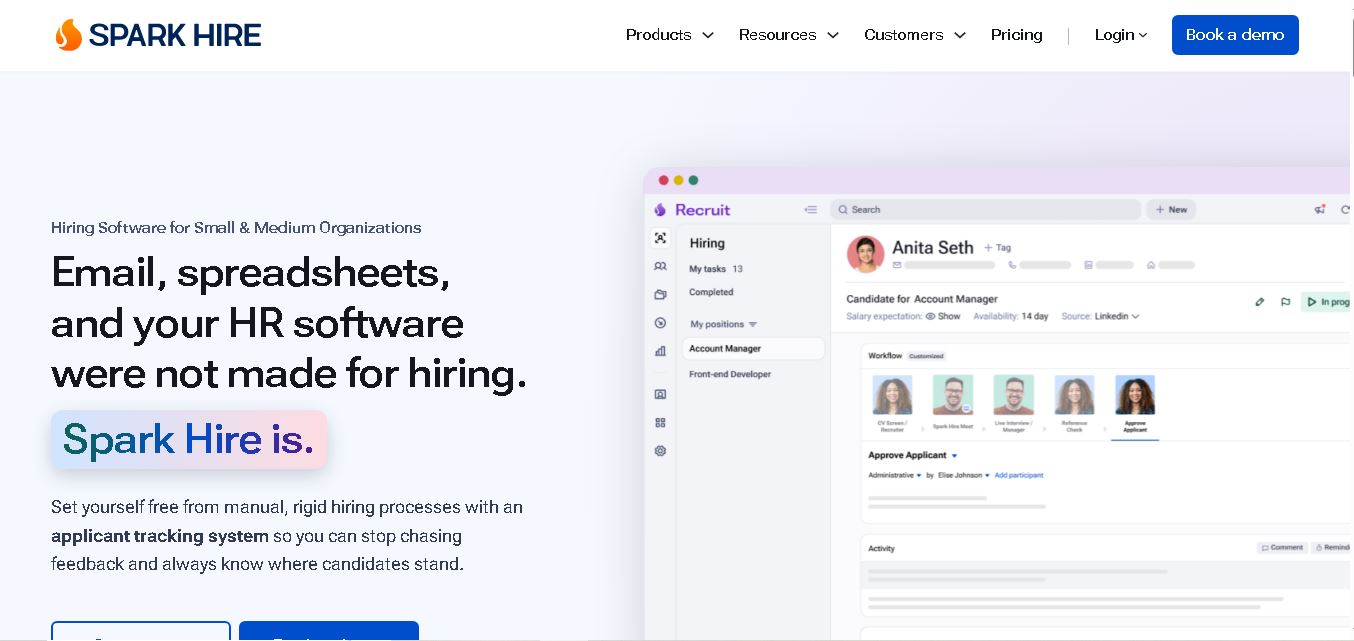
Spark Hire helps recruitment teams simplify hiring through one-way video interviews, live interviews, applicant tracking, and candidate evaluations. It enables employers to screen applicants remotely, collaborate with hiring managers, and organize recruitment workflows. Its AI-assisted features support interview transcription, summaries, and candidate review while maintaining human involvement in hiring decisions.
 4.9
4.9Materiom
AI Agent
Materiom helps researchers, designers, and businesses discover and develop sustainable materials using renewable ingredients. Its resources include biomaterial recipes, material datasets, ingredient information, and AI-assisted research. By supporting experimentation and knowledge sharing, Materiom encourages innovation in bio-based packaging, textiles, and other products while helping users explore alternatives to conventional plastic materials.
 4.9
4.9Talkwalker
AI Agent
Talkwalker is a consumer intelligence and social listening solution that helps brands track online mentions, analyze audience sentiment, monitor competitors, and discover emerging trends. It combines social media analytics, media monitoring, customer feedback, and AI-powered insights to support marketing, public relations, reputation management, and data-driven business decisions across global markets.
 5.0
5.0AI4K12
AI Agent
AI4K12 is an educational initiative focused on bringing artificial intelligence into K–12 classrooms. It provides grade-level learning guidelines, curated teaching resources, and the Five Big Ideas framework. Designed for educators and curriculum developers, AI4K12 supports age-appropriate AI instruction and helps students understand how intelligent technologies work and affect society.
Kommunicate
AI Agent
Kommunicate (kommunicate.io) is an AI-powered customer service automation and live chat platform that unites no-code generative AI agents, Kompose chatbot builder, seamless human escalation, voice AI, and omnichannel messaging across WhatsApp, web, and mobile apps.
Text
AI Agent
Text is an AI-powered customer service platform that combines live chat, help desk ticketing, AI agents, and workflow automation. It helps businesses manage customer conversations, automate repetitive support tasks, answer questions, engage website visitors, and turn customer interactions into sales opportunities through a unified communication workspace.
DocsBot AI
AI Agent
DocsBot AI is an AI chatbot and agent platform that turns websites, documents, knowledge bases, and support tickets into conversational assistants. Businesses can use it to automate customer support, answer questions, share internal knowledge, connect workflows, and provide information through website widgets and supported integrations.