DocsBot AI
DocsBot AI is an AI chatbot and agent platform that turns websites, documents, knowledge bases, and support tickets into conversational assistants. Businesses can use it to automate customer support, answer questions, share internal knowledge, connect workflows, and provide information through website widgets and supported integrations.
What Is DocsBot AI?
DocsBot AI is an AI-powered platform that allows businesses to create chatbots and AI agents trained on their own information. It can process websites, documentation, PDFs, support tickets, cloud content, and other supported sources to generate answers grounded in business knowledge. The platform supports website chat widgets, dedicated chatbot pages, APIs, integrations, and workflow actions. Businesses can use DocsBot AI to automate frequently asked questions, assist employees with internal knowledge, help customers find documentation, and connect AI conversations to selected business processes.
Unlike a basic chatbot that primarily responds to general prompts, DocsBot AI is designed to retrieve information from connected sources and use it to answer specific questions. Its action and workflow capabilities can also help agents perform selected tasks, depending on configuration and plan.
Key Facts About DocsBot AI
| Category | Details |
|---|---|
| Tool Name | DocsBot AI |
| Category | AI Chatbot, AI Agents, Customer Support |
| Main Purpose | Knowledge-based chatbot and business automation |
| Content Sources | Websites, documents, support tickets, cloud sources, and more |
| Knowledge Sources | 38+ content sources advertised on the official website |
| Deployment | Website widgets, dedicated chat pages, APIs, and supported integrations |
| Integrations | Zapier, Make, Slack, messaging platforms, and other supported services |
| Free Plan | Yes |
| Paid Plans | Personal, Standard, Business, and Enterprise |
| Best For | Customer support, internal knowledge, and workflow automation |
| Official Website | https://docsbot.ai/ |
Key Features of DocsBot AI
- AI Chatbot Trained on Business Content: DocsBot AI allows businesses to train chatbots using websites, documentation, knowledge bases, and other supported content sources. This helps the chatbot answer questions using business-specific information rather than relying entirely on general AI knowledge.
- Website and Document Training: Users can import information from websites, individual URLs, sitemaps, PDFs, Word documents, Markdown files, spreadsheets, and other supported sources. This helps organizations turn existing information into a searchable conversational knowledge base.
- Automatic Knowledge Updates: DocsBot AI supports scheduled updates for compatible content sources. Businesses can refresh their knowledge base to keep chatbot answers aligned with changes to documentation, website pages, and supported connected systems.
- AI Chatbot Embedding: Businesses can embed DocsBot AI on their websites, documentation pages, or help centers. They can also share a dedicated chatbot interface or use supported integrations to make information accessible across different channels.
- AI Agents and Workflow Actions: DocsBot AI supports configured actions that allow an agent to interact with selected tools and workflows. Depending on setup, these capabilities can support tasks such as searching information, scheduling appointments, handling selected billing actions, and connecting with other business processes.
- Integrations with Business Tools: DocsBot AI connects with supported services and automation platforms, including Zapier, Make, Slack, and messaging channels. These integrations can help businesses incorporate AI assistance into their existing workflows.
- Customer Support Automation: Businesses can use DocsBot AI to answer repetitive questions, provide product information, guide users through documentation, and assist with common support inquiries. This can help support teams spend more time on complex issues.
- Human Escalation: DocsBot AI offers escalation capabilities on eligible plans, including escalation ticket creation. This helps businesses direct conversations that need human attention to an appropriate support process.
- Analytics and Reporting: The platform provides usage and conversation analytics, with more advanced reporting available on higher-tier plans. Teams can use these insights to identify recurring questions, investigate knowledge gaps, and improve chatbot responses.
- Security and Privacy Features: DocsBot AI advertises security controls, including SOC 2 Type II audited controls, access restrictions, and data-protection measures. Businesses should review its official security documentation, data-processing terms, and plan-specific capabilities before handling sensitive information.
DocsBot AI Pricing
DocsBot AI offers a free plan and several paid subscriptions. Pricing is based on factors such as the number of bots, source pages, AI credits, team members, and available features.
| Plan | Monthly Price | Key Features | Best For |
|---|---|---|---|
| Free | $0 | 1 bot, 50 source pages, 100 monthly AI credits, 1 team user | Testing basic features |
| Personal | $49/month | 1 bot, 5,000 source pages, 5,000 monthly AI credits, 3 actions per bot | Individuals and small businesses |
| Standard | $149/month | 3 bots, 15,000 source pages, 15,000 monthly AI credits, 5 team users, advanced actions and analytics | Growing teams |
| Business | $499/month | 10 bots, 100,000 source pages, 60,000 monthly AI credits, 10 team users, advanced reporting | Larger organizations |
| Enterprise | Custom pricing | Custom deployment, security, support, and contractual options | Enterprise requirements |
Important: DocsBot AI uses an AI credit system. A standard message may use one credit, while larger models, actions, and more complex tasks can consume additional credits. Review the official DocsBot AI pricing page to confirm current limits, billing terms, and feature availability before subscribing.
How to Use DocsBot AI
- Create an account: Visit DocsBot AI and register for the free plan or choose a suitable subscription.
- Create a chatbot: Set up a new DocsBot and define its intended purpose, such as customer support or internal knowledge sharing.
- Add knowledge sources: Connect your website, upload supported documents, import relevant support tickets, or add other available content sources.
- Configure instructions: Define how the chatbot should respond, what information it should prioritize, and how it should handle questions it cannot answer.
- Test responses: Ask common customer questions and verify the accuracy, relevance, and completeness of the generated answers.
- Configure actions and integrations: If needed, connect supported tools and configure workflows appropriate to your plan.
- Deploy the chatbot: Embed it on your website, publish a dedicated chat interface, or connect it to supported channels.
- Monitor and improve: Review conversations and analytics, correct knowledge gaps, and refresh source content as your business information changes.
Who Should Use DocsBot AI?
- SaaS Companies: Answer questions about product features, documentation, onboarding, troubleshooting, and subscriptions.
- E-commerce Businesses: Help customers find product information, policies, and frequently asked questions.
- Customer Support Teams: Automate repetitive inquiries and help support agents find relevant answers faster.
- Marketing Teams: Provide product information and guide website visitors toward relevant resources.
- Agencies: Create AI assistants for clients that need automated website support or knowledge access.
- Internal Business Teams: Help employees search company documentation, policies, and internal resources.
-
Education and Documentation Websites: Turn extensive published information into a conversational help resource.
DocsBot AI may be less suitable for businesses that only need a very simple chatbot or teams requiring extensive custom development without evaluating the platform's available integrations, actions, and deployment options first.
Pros and Cons of DocsBot AI
Pros
- Offers a free plan for testing core functionality.
- Supports a wide range of knowledge sources.
- Can turn documentation and website content into conversational answers.
- Supports website embedding and multiple deployment options.
- Provides configurable actions and workflow integrations.
- Includes analytics to help improve chatbot performance.
- Supports automated refreshes for compatible content sources.
- Offers options for scaling to larger teams and enterprise requirements.
Cons
- AI credits can be consumed faster when using larger models or complex actions.
- Advanced reporting and some workflow features require higher-tier plans.
- The free plan has limited source pages and monthly AI credits.
- Initial setup may require effort to organize content and configure actions.
- Chatbot accuracy depends on source quality and configuration.
- Businesses with advanced requirements may need technical setup and ongoing monitoring.
Best DocsBot AI Alternatives
- Chatbase: Chatbase is an alternative for businesses that want to build AI chatbots using their own knowledge sources. It is worth comparing for website support, document-based answers, and chatbot deployment. Review its current usage limits, integrations, and pricing to determine whether it fits your requirements better than DocsBot AI.
- SiteGPT: SiteGPT focuses on website-trained chatbots for customer support and visitor engagement. It can be a good option for businesses that primarily want an AI assistant trained on their website content rather than a broader platform with extensive workflow features.
- Tidio: Tidio combines live chat, customer communication, and AI-assisted support. It may be suitable for small businesses and e-commerce teams that want human conversations and automated responses in the same customer-service environment.
- Intercom Fin: Intercom Fin is designed for customer service automation within Intercom's broader support platform. It is worth considering for teams that need AI assistance alongside an established customer-service inbox, conversation routing, and human support workflows.
- Zendesk AI: Zendesk AI is an option for businesses already using Zendesk for customer service and ticket management. It can help organizations incorporate AI into existing support operations rather than adding a separate chatbot platform.
- Botpress: Botpress is a conversational AI platform for building more customized chatbot experiences and workflows. It may be better suited to teams that want greater control over conversation design, integrations, and agent behavior, particularly when technical resources are available.
- CustomGPT: CustomGPT is worth evaluating for businesses that need AI assistants grounded in their own documents and knowledge sources. Compare its content ingestion, source management, retrieval quality, and deployment capabilities with DocsBot AI.
DocsBot AI Alternatives: Comparison Table
| Tool | Best For | Main Advantage | Consider If |
|---|---|---|---|
| DocsBot AI | Knowledge-based business agents | Multiple source types and configurable actions | You need chatbots and workflow automation |
| Chatbase | Website and knowledge chatbots | Focused chatbot creation | You want an alternative knowledge-based chatbot builder |
| SiteGPT | Website customer support | Website-focused chatbot setup | You mainly need a chatbot trained on website content |
| Tidio | Live chat and AI support | Combines human and automated conversations | You run a small business or online store |
| Intercom Fin | Customer service teams | AI within a broader support platform | You need integrated customer-service workflows |
| Zendesk AI | Help-desk operations | AI within Zendesk support workflows | Your business already uses Zendesk |
| Botpress | Custom conversational AI | Flexible chatbot and workflow design | You need more control over agent behavior |
| CustomGPT | Document-based assistants | Knowledge-focused AI assistants | Your use case centers on business documents |
DocsBot AI vs. Chatbase: Which Is Better?
DocsBot AI and Chatbase both help businesses create AI assistants based on their own information. DocsBot AI is worth considering when you need multiple knowledge sources, configurable actions, integrations, and analytics in a broader business automation workflow. Chatbase is an alternative to evaluate when your main priority is creating and deploying a knowledge-based chatbot. The better choice depends on the sources you need to connect, expected AI usage, workflow requirements, integration compatibility, and budget. For an accurate comparison, test both platforms using the same sample documents and customer questions. Compare answer quality, source references, response consistency, setup effort, and total cost at your expected usage level.
DocsBot AI Review: Is It Worth Using?
DocsBot AI is worth considering for businesses that want to make their documentation and knowledge resources accessible through conversational AI. Its combination of multiple content sources, website deployment, analytics, integrations, and configurable actions makes it more than a basic FAQ chatbot. The platform can be useful for automating routine customer questions, helping employees find internal information, and connecting selected AI workflows to business tools. However, businesses should pay attention to AI credit usage, plan limits, and the quality of the content used for training. Before deploying it at scale, test the chatbot with realistic questions, check its handling of unknown answers, and confirm that sensitive workflows have appropriate safeguards.
Overall, DocsBot AI is a strong option for businesses that want knowledge-based AI chatbots with additional workflow automation capabilities. Teams that need only a simple website chatbot may prefer a more focused alternative, while larger organizations should evaluate its enterprise options against their security, integration, and deployment requirements.
DocsBot AI Ratings and Scores
The following are suggested TechShark editorial ratings, not official DocsBot AI scores or independently verified customer-review averages.
| Rating Category | Suggested Score |
|---|---|
| AI Chatbot Performance | 4.4/5 |
| Knowledge Base Training | 4.6/5 |
| Customer Support Automation | 4.5/5 |
| Integrations and Workflows | 4.5/5 |
| Chatbot Customization | 4.3/5 |
| Ease of Use | 4.3/5 |
| Analytics and Reporting | 4.4/5 |
| Pricing Flexibility | 4.1/5 |
| Overall Editorial Rating | 4.4/5 |
Conclusion
DocsBot AI is a knowledge-based chatbot and AI agent platform for organizations that want to transform existing business content into useful conversational experiences. Its source integrations, website embedding, analytics, and configurable actions make it relevant for customer support, internal knowledge sharing, and workflow automation. Its main considerations are AI credit limits, subscription costs, setup requirements, and response accuracy. Businesses should test it with real questions and verify integrations before adopting it as part of a critical workflow.
TechShark verdict: DocsBot AI is worth evaluating if your business needs an AI assistant that can answer questions from its own content and perform selected tasks through connected workflows.
FAQ
How much does DocsBot AI cost?
The official pricing page lists Personal at $49 per month, Standard at $149 per month, and Business at $499 per month, alongside a free plan and custom Enterprise pricing. Prices and limits can change.
Can DocsBot AI train on PDFs and website content?
Yes. DocsBot AI supports website content and documents, including PDFs and other supported file types. It can use these sources to create a knowledge base for answering user questions.
Does DocsBot AI support integrations?
Yes. DocsBot AI supports integrations and automation options that include services such as Zapier, Make, Slack, and supported messaging channels. Available integrations depend on the platform's current capabilities and configuration.
Can I embed DocsBot AI on my website?
Yes. DocsBot AI supports website chatbot embedding, allowing visitors to ask questions through a chat interface. You can also use supported deployment options such as dedicated chat pages and APIs.
Does DocsBot AI support multiple languages?
DocsBot AI states that it can understand and respond in more than 100 languages. Businesses should test response quality in the languages their customers use most frequently.
What are the best alternatives to DocsBot AI?
Chatbase, SiteGPT, Tidio, Intercom Fin, Zendesk AI, Botpress, and CustomGPT are alternatives worth comparing. The best choice depends on whether you need a simple website chatbot, live chat, enterprise support workflows, or customizable AI agents.
User Reviews
No reviews yet for DocsBot AI.
Featured Tools
Featured AI tools from TechShark

Melody Genie
MelodyGenie is an AI-powered music generator that creates original songs from simple text prompts. Users can choose styles, moods, and genres, then instantly generate melodies and full tracks, making it easy for creators, marketers, and hobbyists to produce custom music without musical expertise.
Freemium

Kimi AI
Kimi AI is an advanced AI assistant developed by Moonshot AI that helps you chat, research, write, code, and automate tasks in one place. It supports web search, file analysis, and multimodal inputs, and can even run autonomous “agent” workflows to complete complex tasks end-to-end.
Freemium

Fashion Diffusion AI
Fashion Diffusion is an AI-powered fashion design platform that helps brands and designers create clothing designs, virtual try-ons, AI models, product photos, and marketing visuals faster and cost-effectively.
Paid

Veo 4
Veo 4 AI is an AI video creation platform that generates dramatic videos from text, images, audio, and video prompts using realistic motion and synchronized sound.
Paid
Alternatives
Alternatives to DocsBot AI
The best alternative to DocsBot is Chatbase for businesses that want a knowledge-based AI chatbot with a straightforward setup. SiteGPT suits website-focused customer support, while Tidio combines AI assistance with live chat. Intercom Fin is designed for established customer service teams, and Zendesk AI fits businesses using Zendesk. CustomGPT is useful for document-focused assistants, whereas Botpress offers greater flexibility for teams building customized chatbot workflows and advanced conversational experiences and solutions.
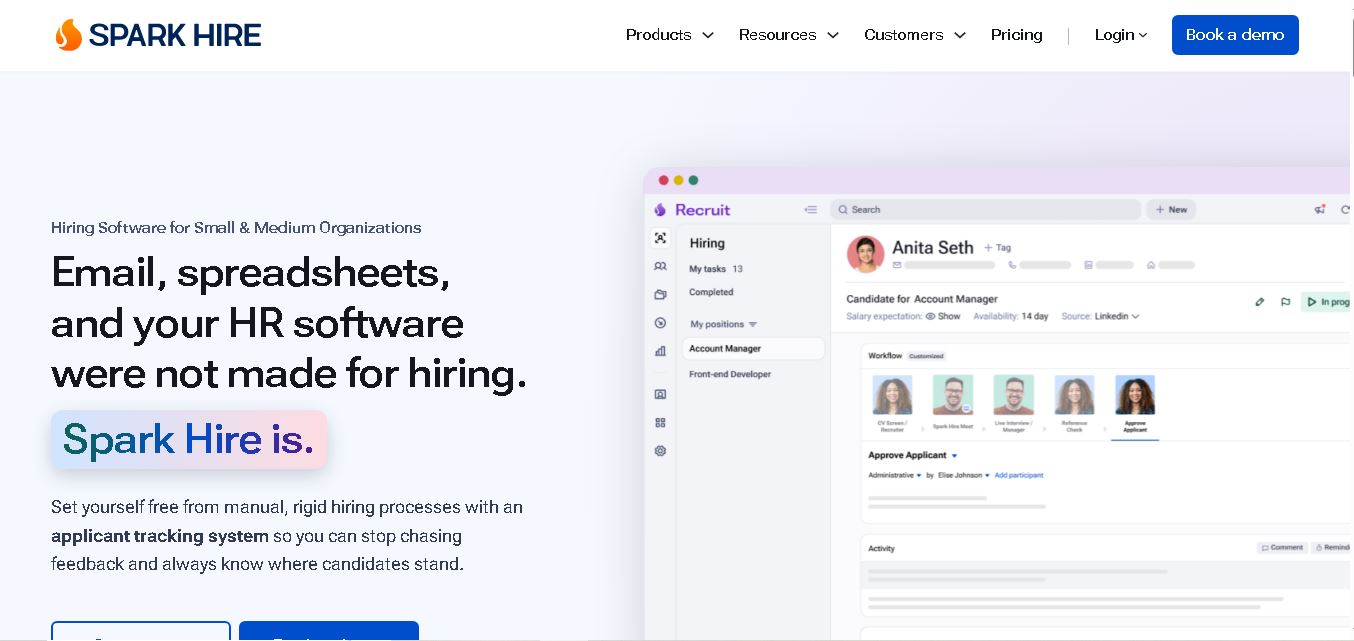 4.7
4.7Spark Hire
AI Agent
Spark Hire helps recruitment teams simplify hiring through one-way video interviews, live interviews, applicant tracking, and candidate evaluations. It enables employers to screen applicants remotely, collaborate with hiring managers, and organize recruitment workflows. Its AI-assisted features support interview transcription, summaries, and candidate review while maintaining human involvement in hiring decisions.
 4.9
4.9Materiom
AI Agent
Materiom helps researchers, designers, and businesses discover and develop sustainable materials using renewable ingredients. Its resources include biomaterial recipes, material datasets, ingredient information, and AI-assisted research. By supporting experimentation and knowledge sharing, Materiom encourages innovation in bio-based packaging, textiles, and other products while helping users explore alternatives to conventional plastic materials.
 4.9
4.9Talkwalker
AI Agent
Talkwalker is a consumer intelligence and social listening solution that helps brands track online mentions, analyze audience sentiment, monitor competitors, and discover emerging trends. It combines social media analytics, media monitoring, customer feedback, and AI-powered insights to support marketing, public relations, reputation management, and data-driven business decisions across global markets.
 5.0
5.0AI4K12
AI Agent
AI4K12 is an educational initiative focused on bringing artificial intelligence into K–12 classrooms. It provides grade-level learning guidelines, curated teaching resources, and the Five Big Ideas framework. Designed for educators and curriculum developers, AI4K12 supports age-appropriate AI instruction and helps students understand how intelligent technologies work and affect society.
Kommunicate
AI Agent
Kommunicate (kommunicate.io) is an AI-powered customer service automation and live chat platform that unites no-code generative AI agents, Kompose chatbot builder, seamless human escalation, voice AI, and omnichannel messaging across WhatsApp, web, and mobile apps.
Text
AI Agent
Text is an AI-powered customer service platform that combines live chat, help desk ticketing, AI agents, and workflow automation. It helps businesses manage customer conversations, automate repetitive support tasks, answer questions, engage website visitors, and turn customer interactions into sales opportunities through a unified communication workspace.
SiteGPT AI
AI Agent
SiteGPT is an AI chatbot platform that helps businesses automate customer support using their website content, documents, and knowledge sources. It answers visitor questions, supports lead generation, and integrates into websites, allowing teams to handle repetitive inquiries, improve customer experiences, and provide assistance around the clock.
 4.7
4.7Halcyon
AI Agent
Halcyon is an AI energy intelligence platform that helps professionals search regulatory filings, analyze energy-market information, monitor developments, and access structured datasets. It combines document search, natural-language queries, AI-powered alerts, and specialized data subscriptions to turn fragmented energy information into actionable intelligence for research, monitoring, planning, and faster decision-making.
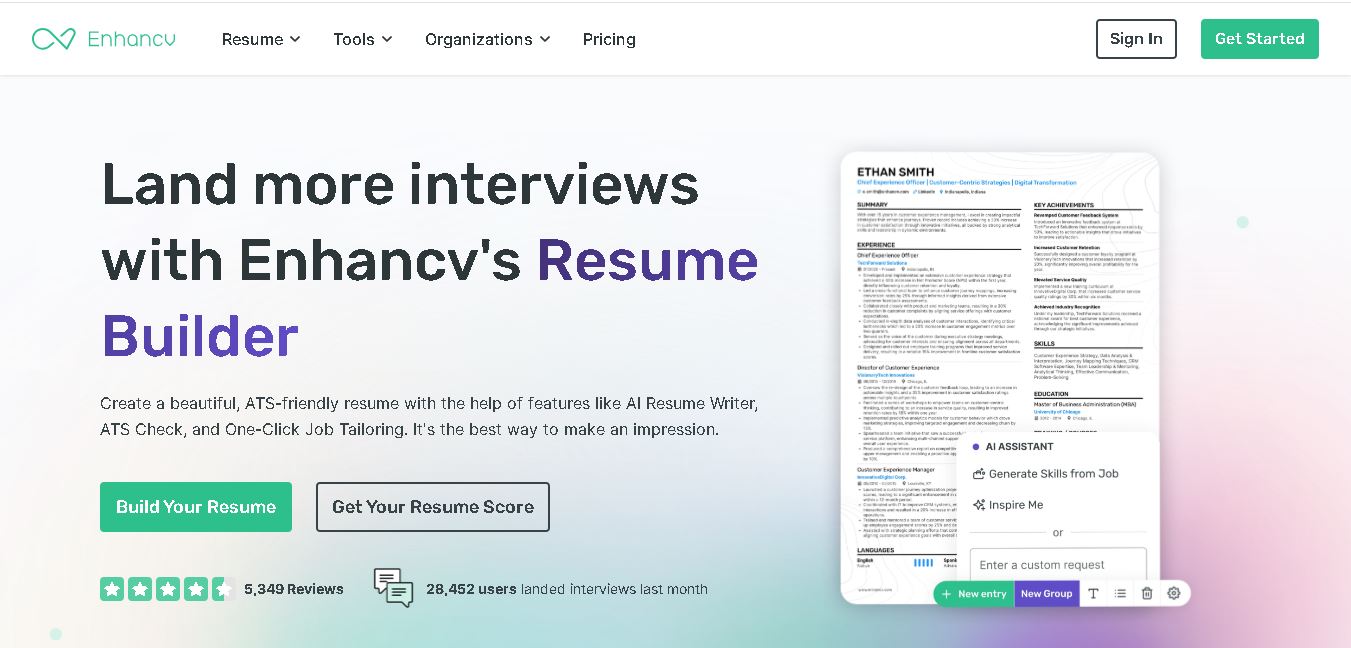 4.5
4.5Enhancv
AI Agent
Enhancv helps job seekers build ATS-friendly resumes using customizable templates, AI writing assistance, resume checking, and job-specific tailoring. It also supports cover letters, application tracking, interview preparation, and resume translation. The platform is designed for candidates who want a polished application while keeping control over their experience, wording, and presentation.