
Kumoo
Kumoo AI is an AI-powered workspace that lets you run multiple AI models together to compare outputs, collaborate, and choose the best result in real time. It’s built for writing, research, and coding, helping teams improve quality and speed without switching between tools.

What is Kumoo?
Kumoo is an AI-powered image editing and portrait retouching platform designed for photographers, studios, and creators who need to process large volumes of images quickly without compromising quality. It focuses on batch editing, allowing users to enhance hundreds or even thousands of photos at once with features like skin retouching, color correction, background removal, and clothing refinement—all powered by advanced AI trained on commercial photography data. The platform supports professional workflows such as RAW file processing, preset-based editing, and synchronized adjustments across images, helping maintain consistency across entire photo sets. Designed for use cases like portraits, weddings, and e-commerce, Kumoo streamlines the entire editing pipeline—from import to export—making high-quality, studio-grade results faster and more efficient.
Developed by Meitu (the imaging and computer vision technology giant behind Meitu App, BeautyCam, and Meitu Yunxiu), Kumoo bridges consumer facial beauty AI with studio-grade non-destructive workflows. Capable of batch retouching up to 1,000 images in one hour, Kumoo features full RAW file support, tethered shooting, natural skin texture preservation, clothing de-wrinkling (ironing effect), and automated e-commerce white background generation. Available as a native desktop application for Windows and macOS alongside cloud web tools, Kumoo offers a free starter evaluation tier with subscription plans starting from $3.99 per month and annual image credit packages starting at $18 per year.
- Developer / Parent Company: Meitu (Xiamen Meitu Network Technology Co., Ltd.)
- Platform Availability: Windows Desktop (Microsoft Store), macOS Desktop & Cloud Web Tools
- Throughput Capacity: Up to 1,000 retouched photos per hour with non-destructive RAW export
Use Cases:
- Batch retouching thousands of wedding, school, and event photos with uniform skin tones and consistent facial clarity
- Preserving authentic skin pores and textures while automatically eliminating acne, blemishes, eye bags, and stray hairs
- Shooting tethered directly into Kumoo in a live photo studio to apply aesthetic grading and facial corrections in real time
- Cleaning studio backdrops, eliminating glass glare, and smoothing wrinkles on clothing fabrics without manual cloning
- Isolating products and creating batch pure-white backgrounds with matched lighting for Amazon and Shopify catalog feeds
Technology:
- Aesthetic vision neural networks trained on commercial photography portfolios to avoid artificial "plastic-skin" smoothing
- GPU-accelerated non-destructive RAW processing pipeline supporting high-resolution exports across Sony, Canon, and Nikon profiles
- Multi-subject facial recognition engine capable of detecting individual age, gender, and facial contours in crowded group shots
Target Users:
- Wedding and event photographers handling thousands of client gallery deliverables each week
- Commercial portrait and corporate headshot photographers seeking fast turnarounds without sacrificing quality
- High-volume photo studios and lab retouchers requiring tethered capture and synchronized batch preset application
- E-commerce catalog managers and product photographers automating background cutouts and clothing color variations
Acquisition: Global professional photography software line owned and operated by Meitu (Meitu, Inc.)

Key features of Kumoo
Kumoo's key platform features are
- Authentic Texture-Preserved Skin Smoothing: Cleans up blemishes, under-eye circles, and acne while strictly preserving realistic skin pores, highlights, and facial contours.
- High-Speed Batch Retouching: Retouch and color-grade up to 1,000 photos per hour by syncing slider adjustments and custom presets across entire image collections in one click.
- Native RAW File & Tethered Shooting: Ingest uncompressed RAW files directly from modern DSLR and mirrorless cameras, with live tethered capture support for commercial studio setups.
- Clothing De-Wrinkling & Color Swapping: Built-in fabric ironing effect flattens wrinkles while preserving fabric drape, with one-click garment recoloring to prevent costly reshoots.
- Facial Feature & Makeup Refinement: Micro-adjustments for teeth whitening, eye brightening, glare reduction on eyeglasses, jawline contouring, and subtle makeup styling.
- Intelligent Background Cleanup: Automatically identifies and removes remover creases, studio clutter, unwanted photo-bombers, and floor reflections.
- E-Commerce AI White Background: Batch removes backgrounds and places products onto pure white e-commerce backdrops with naturally matched contact shadows.
- Photo Restoration & Enhancer: Upscales low-resolution images, repairs historical damage and scratches, and reduces digital noise while recovering facial features.
Kumoo Pricing
Kumoo operates on a hybrid credit and subscription pricing model, offering low-cost monthly plans alongside discounted annual packages where credits remain valid throughout the subscription term.
Free Evaluation Tier:
- $0 / Free Trial: Free starter credits upon installing the desktop application (or via web) to test portrait retouching, presets, and export quality
Monthly Subscription:
- $3.99 / month: 30 image credits per month (~$0.13 per image) plus 10 bonus coins
- Full access to portrait retouching, AI toning, background cleanup, and RAW desktop export
Annual Plans (Best Value):
- Plan A ($18 / year – ~$1.50/mo): 300 image credits (~$0.058/image) + 30 bonus coins
- Plan B ($33 / year – ~$2.75/mo – Most Popular): 750 image credits (~$0.044/image) + 60 bonus coins
- Plan C ($138 / year – ~$11.50/mo): 3,600 image credits (~$0.038/image) + 90 bonus coins
- Plan D ($262 / year – ~$21.83/mo): 7,500 image credits (~$0.035/image) + 120 bonus coins
- Plan E ($596 / year – ~$49.67/mo): 18,000 image credits (~$0.030/image) + 200 bonus coins for commercial photo studios
Disclaimer: All image credits remain valid during your active subscription period. Additional pay-as-you-go coin packages are available for on-demand top-ups. For current promotional studio licensing, visit kumoo.ai and meituyunxiu.com/pricing.
Who is using Kumoo?
Kumoo is used by professional photographers and digital content teams, including
- Wedding & Event Photographers: Processing 2,000+ photo collections in a single afternoon to deliver client proof galleries ahead of deadlines
- Corporate Headshot & Portrait Studios: Applying standardized, flattering facial retouching with natural skin texture across corporate team rosters
- School & Graduation Photographers: Batch harmonizing uniform skin tones, adjusting flyaway hairs, and removing background studio wrinkles
- E-Commerce Fashion Brands: Smoothing garment wrinkles and generating white-background catalog shots without scheduling studio re-shoots
Best Kumoo Alternatives
Some of the strongest Kumoo alternatives include
- Evoto AI
- Retouch4me
- Imagen AI
- Luminar Neo (Skylum)
- Topaz Photo AI
- Adobe Lightroom (with Generative Remove)
Pros and Cons of Kumoo
Pros
- Maintains authentic skin texture and natural pore detail, avoiding the fake plastic appearance of early beauty filters
- Exceptional batch processing speed capable of retouching up to 1,000 images per hour
- Includes specialized tools like clothing wrinkle ironing, glass glare removal, and flyaway hair cleanup
- Extremely competitive pricing starting at just $1.50 to $2.75/month on annual entry plans ($0.03–$0.05/image)
- Supports RAW camera formats and tethered capture workflows inside a dedicated desktop application
Cons
- Desktop application requires a reasonably modern GPU (GTX 1660 / RTX series recommended) for optimal batch processing speeds
- Consumes credits on export, meaning heavy studio users need to calculate their monthly volume requirements
- Does not replace full pixel-level compositing or advanced graphic design capabilities found in Adobe Photoshop
Why Choose Kumoo?
Manual portrait retouching remains the single biggest operational bottleneck for professional photography studios. Kumoo delivers studio-grade results in seconds rather than hours.
- Cuts portrait retouching turnaround times by up to 90% without sacrificing client quality
- Backed by Meitu's proven computer vision algorithms calibrated specifically for human facial aesthetics
- Solves tedious studio issues like wrinkled clothing, eyeglasses glare, and backdrop imperfections automatically
- Provides a significantly more affordable cost-per-image rate than legacy retouching plugins like Retouch4me or Evoto
Kumoo vs. Competitors
The main difference between Kumoo, Evoto AI, Imagen AI, and Retouch4me lies in workflow integration and cost efficiency. While Imagen AI specializes primarily in color and exposure culling/editing, and Retouch4me operates as individual paid Photoshop plugins, Kumoo provides an all-in-one standalone desktop workspace combining facial retouching, body contouring, clothing ironing, and background removal at an accessible price point starting under $0.05 per image.
| Feature / Tool | Kumoo (kumoo.ai) | Evoto AI | Imagen AI | Retouch4me |
|---|---|---|---|---|
| Core Focus | AI Portrait Retouching & Batch Editing | AI Portrait Retouching Suite | Automated Color & Exposure Grading | Modular Retouching Plugins |
| Form Factor | Desktop App (Win/Mac) & Web | Desktop Application | Lightroom Plugin & App | Photoshop/Lightroom Plugins |
| Clothing Wrinkle Ironing | Yes (Built-in fabric de-wrinkle) | Yes (Clothing wrinkle remover) | No (Color only) | Separate plugin purchase |
| Tethered Shooting Support | Yes (Studio live capture) | Yes | No | No |
| Pricing Structure | From $3.99/mo or $18/yr (~$0.03–$0.05/img) | From ~$0.07–$0.10 / credit | From ~$0.05 / photo + profile | ~$120–$150 per perpetual plugin |
| Best For | Cost-conscious wedding & portrait studios | High-end commercial fashion retouchers | Photographers needing style-matched color culling | Photoshop power users wanting dedicated panels |
How do we rate Kumoo?
| Parameter | Rating (out of 5) |
|---|---|
| Skin Texture Preservation & Natural Finish | 4.9 |
| Batch Throughput & RAW Ingestion Speed | 4.9 |
| Studio Toolset (Clothing Ironing, Glare, Cleanups) | 4.8 |
| Desktop Usability & Tethered Shooting | 4.8 |
| Value for Money | 5.0 |
| Overall Score | 4.88 |
Kumoo Review
Kumoo solves one of the most labor-intensive tasks in commercial photography by combining high-speed batch automation with natural skin texture preservation. Backed by Meitu's decades of computer vision expertise, the software avoids the aggressive over-smoothing that plagues generic beauty editors, delivering authentic results that satisfy professional portrait standards. With practical studio utilities like clothing wrinkle removal, glass glare correction, and tethered shooting—offered at a fraction of the cost of legacy plugins—Kumoo is an indispensable tool for event, wedding, and studio photographers.
Conclusion
Kumoo AI is a powerful, professional-grade photo editing platform built specifically for high-volume portrait retouching and commercial workflows, helping photographers and creators turn raw images into polished, studio-quality results in minutes. It stands out with its AI-driven batch processing, allowing users to edit hundreds or even thousands of images simultaneously while maintaining consistent quality across entire sets. Its biggest strength lies in combining automation with control—features like skin retouching, background removal, color grading, and clothing refinement can be applied instantly using presets, then fine-tuned for precision when needed. With support for RAW files, high-resolution outputs, and an end-to-end workflow from import to export, it significantly reduces manual effort and speeds up delivery for use cases like weddings, portraits, and e-commerce. While professionals may still refine outputs for creative perfection, the efficiency gains are substantial.
FAQ
What is Kumoo AI and how does it work?
Kumoo AI is an advanced AI-powered photo editing and portrait retouching software designed for photographers, studios, and creators. It uses intelligent automation to enhance images, remove imperfections, adjust colors, and process large batches of photos quickly. The platform simplifies complex editing workflows into one-click or preset-based actions, making professional-quality editing accessible even without advanced skills.
Who should use Kumoo AI?
Kumoo AI is built primarily for professional photographers, studios, and content creators who handle large batches of images and need fast turnaround times. It is also suitable for e-commerce businesses, marketers, and individuals who want polished, studio-quality photos without spending hours editing manually. Because of its automation and simplicity, even beginners can use it effectively while professionals benefit from its speed and consistency.
What makes Kumoo different from other photo editors?
Unlike traditional tools like Photoshop, Kumoo focuses on automation + batch workflows, allowing you to edit up to thousands of photos quickly while maintaining consistent quality.
Does Kumoo support RAW files?
Yes, it supports RAW formats from 1,000+ camera models and includes 16-bit color processing for high-quality results.
What features does Kumoo AI offer?
Kumoo AI provides a wide range of advanced features including AI portrait retouching, skin smoothing, blemish removal, hair editing, body reshaping, background removal, and color enhancement. It also supports RAW image processing and 16-bit color editing for high-quality results, along with AI-based color grading and filters. These features work together to automate complex editing tasks while maintaining natural-looking results.
Can Kumoo AI edit photos in bulk?
Yes, one of Kumoo AI’s biggest advantages is its ability to batch edit photos at scale. Users can process hundreds or even thousands of images at once using presets and AI automation, ensuring consistent edits across all files. This significantly reduces editing time and makes it ideal for projects like weddings, studio shoots, and large product catalogs.
How does Kumoo AI improve photo editing workflow?
Kumoo AI streamlines the entire editing process by combining features like batch import, automated retouching, preset syncing, and fast export into one workflow. It also supports tethered shooting, allowing photos to be imported instantly during a shoot for real-time editing. This end-to-end automation reduces manual work, speeds up delivery times, and helps maintain consistent quality across projects.
User Reviews
No reviews yet for Kumoo.
Featured Tools
Featured AI tools from TechShark

Melody Genie
MelodyGenie is an AI-powered music generator that creates original songs from simple text prompts. Users can choose styles, moods, and genres, then instantly generate melodies and full tracks, making it easy for creators, marketers, and hobbyists to produce custom music without musical expertise.
Freemium

Kimi AI
Kimi AI is an advanced AI assistant developed by Moonshot AI that helps you chat, research, write, code, and automate tasks in one place. It supports web search, file analysis, and multimodal inputs, and can even run autonomous “agent” workflows to complete complex tasks end-to-end.
Freemium

Fashion Diffusion AI
Fashion Diffusion is an AI-powered fashion design platform that helps brands and designers create clothing designs, virtual try-ons, AI models, product photos, and marketing visuals faster and cost-effectively.
Paid

Veo 4
Veo 4 AI is an AI video creation platform that generates dramatic videos from text, images, audio, and video prompts using realistic motion and synchronized sound.
Paid
Alternatives
Alternatives to Kumoo
The best Kumoo alternatives include Evoto AI, Retouch4me, Imagen AI, Luminar Neo (Skylum), Topaz Photo AI, and Adobe Lightroom. These platforms provide automated image enhancement, portrait retouching, and batch post-production tools. While Kumoo specializes in studio-grade portrait retouching with natural skin texture preservation, clothing wrinkle removal, tethered capture, and high-speed batch processing (up to 1,000 photos/hour) from just $3.99/mo or $18/year, alternatives like Evoto AI carry higher per-credit pricing, and Imagen AI focuses primarily on color and exposure grading rather than facial pixel retouching.
 4.8
4.8Airbrush AI
Image
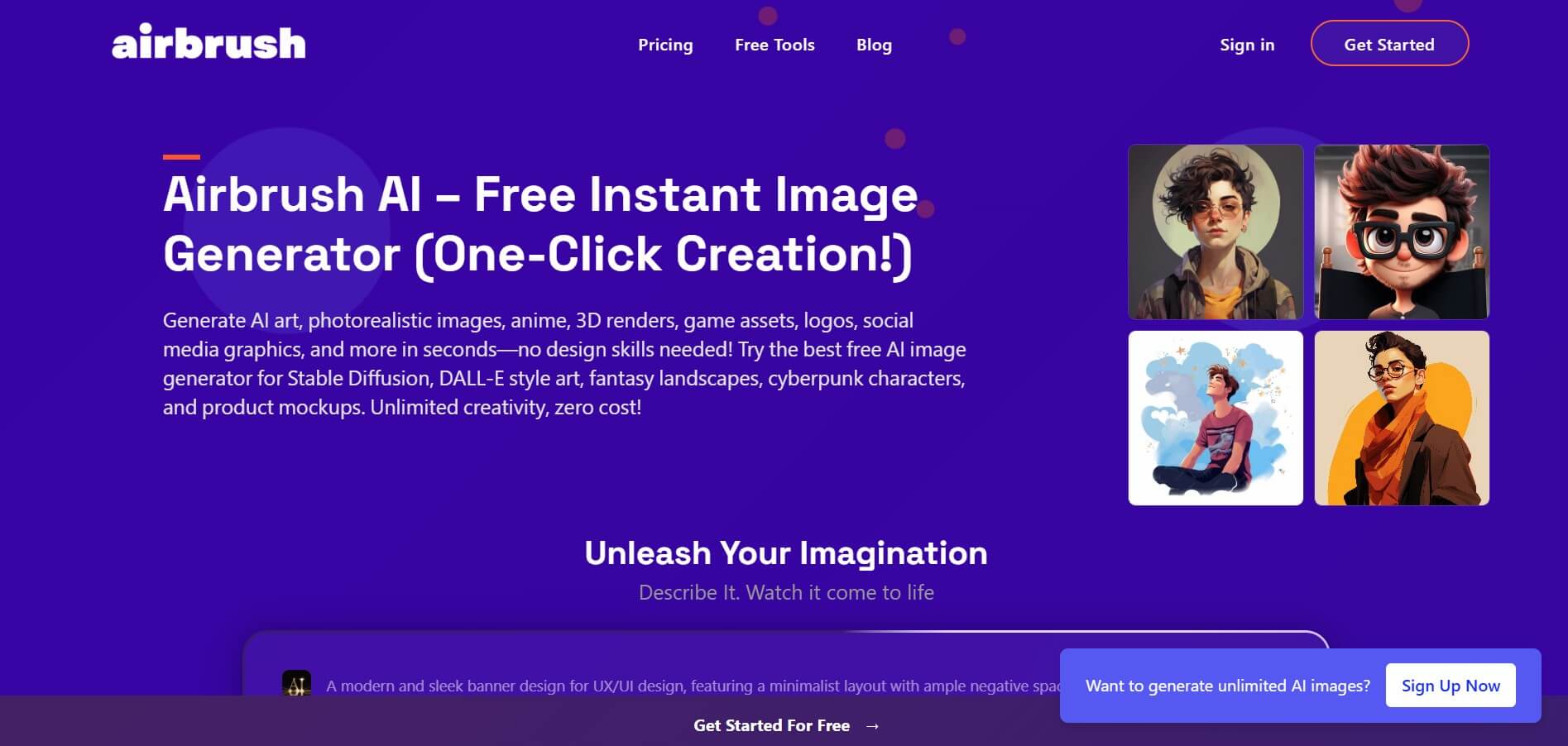
Airbrush is an AI-powered image generation and editing platform that helps users create, enhance, and customize visuals from simple text prompts. It supports multiple AI models and styles, enabling creators to generate artwork, marketing assets, and realistic images quickly without advanced design skills.
 4.8
4.8AliveAI
Image
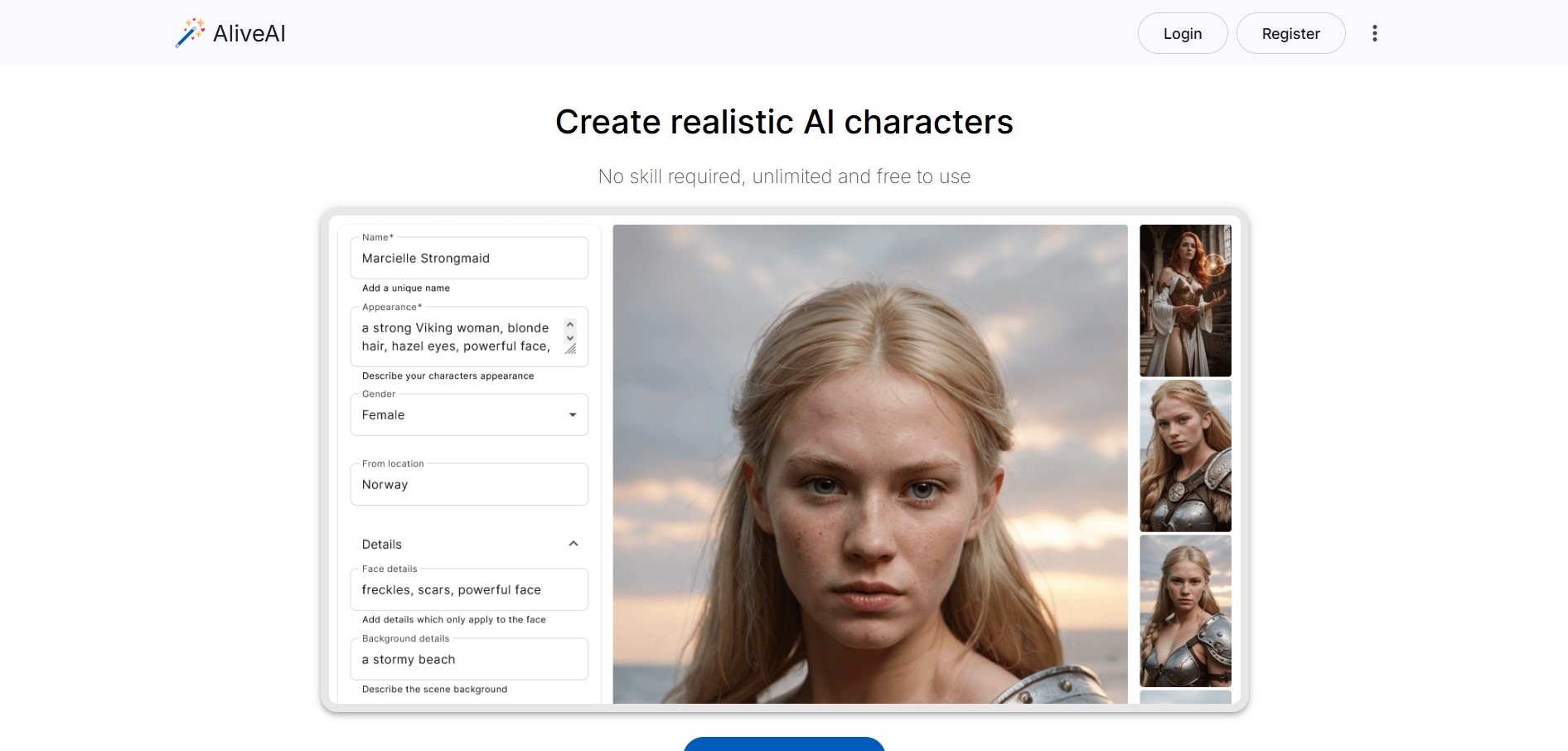
Alive AI is an AI content generation platform that lets users create realistic images, videos, and characters from simple text prompts. It supports multiple styles like realistic and anime, offers editing tools, and even enables interactive character chat, making it useful for creators and apps.
 4.9
4.9iPic Ai
Image
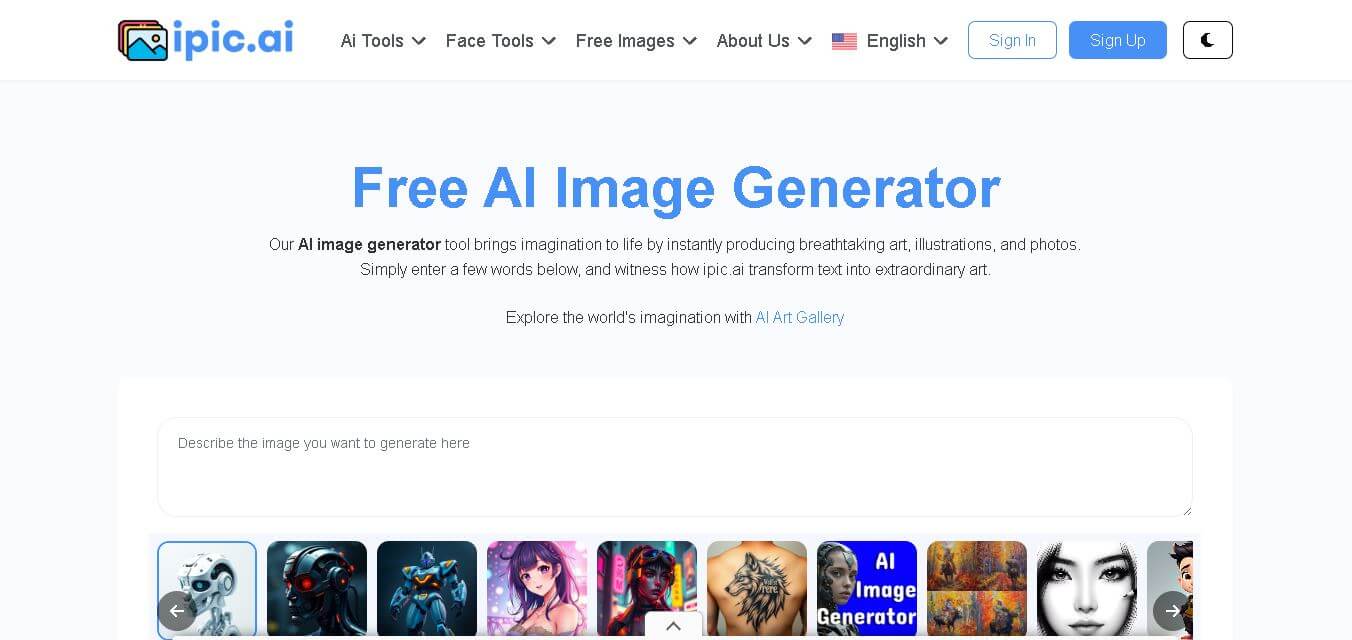
iPic is an AI-powered image generation and editing platform that lets users create visuals from text prompts and enhance photos with tools like background removal, upscaling, and style filters. It’s designed for quick, creative image creation for marketing, social media, and design needs.
Photoleap
Image
Photoleap is an AI-powered photo editing app that helps users create and enhance images with tools like background removal, AI image generation, effects, and retouching. It’s designed for both beginners and creators to easily transform photos into professional-looking visuals and creative designs.
 4.8
4.8Facewow
Image
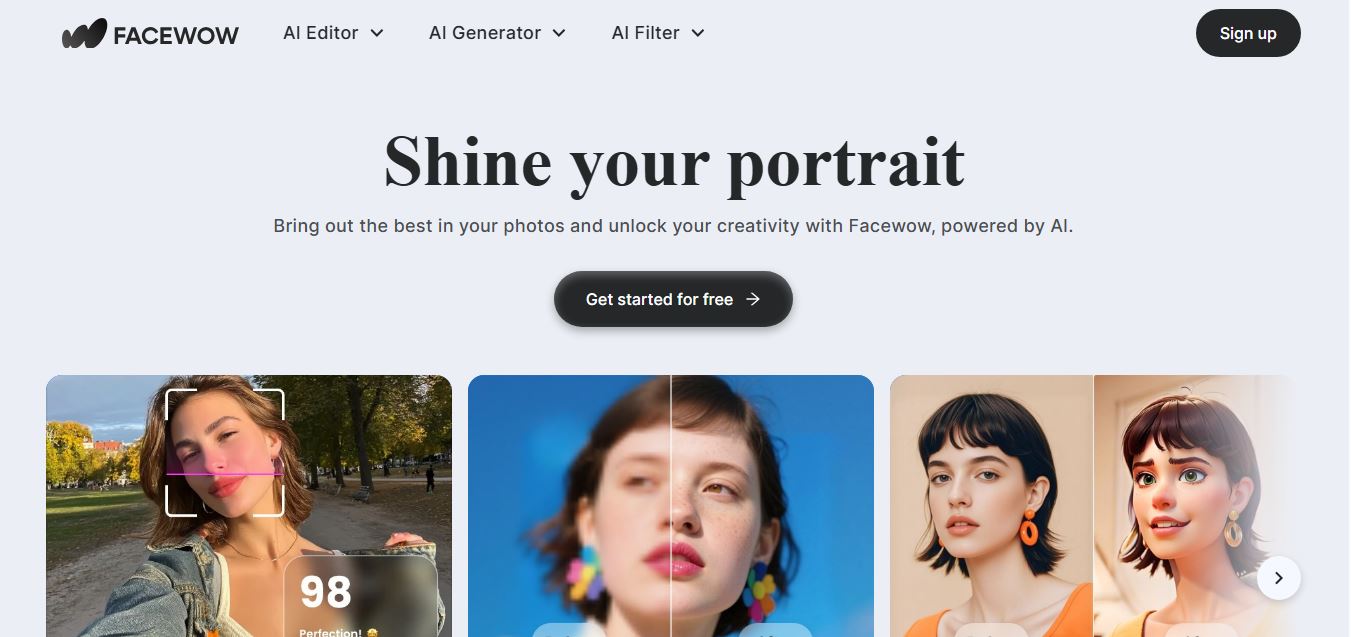
Facewow is an AI-powered photo enhancement tool that helps users improve portraits with features like face retouching, background editing, and image upscaling. It automatically enhances facial details and overall quality, making photos look clearer, more polished, and ready for social media or professional use.
 4.8
4.8Getimg AI
Image
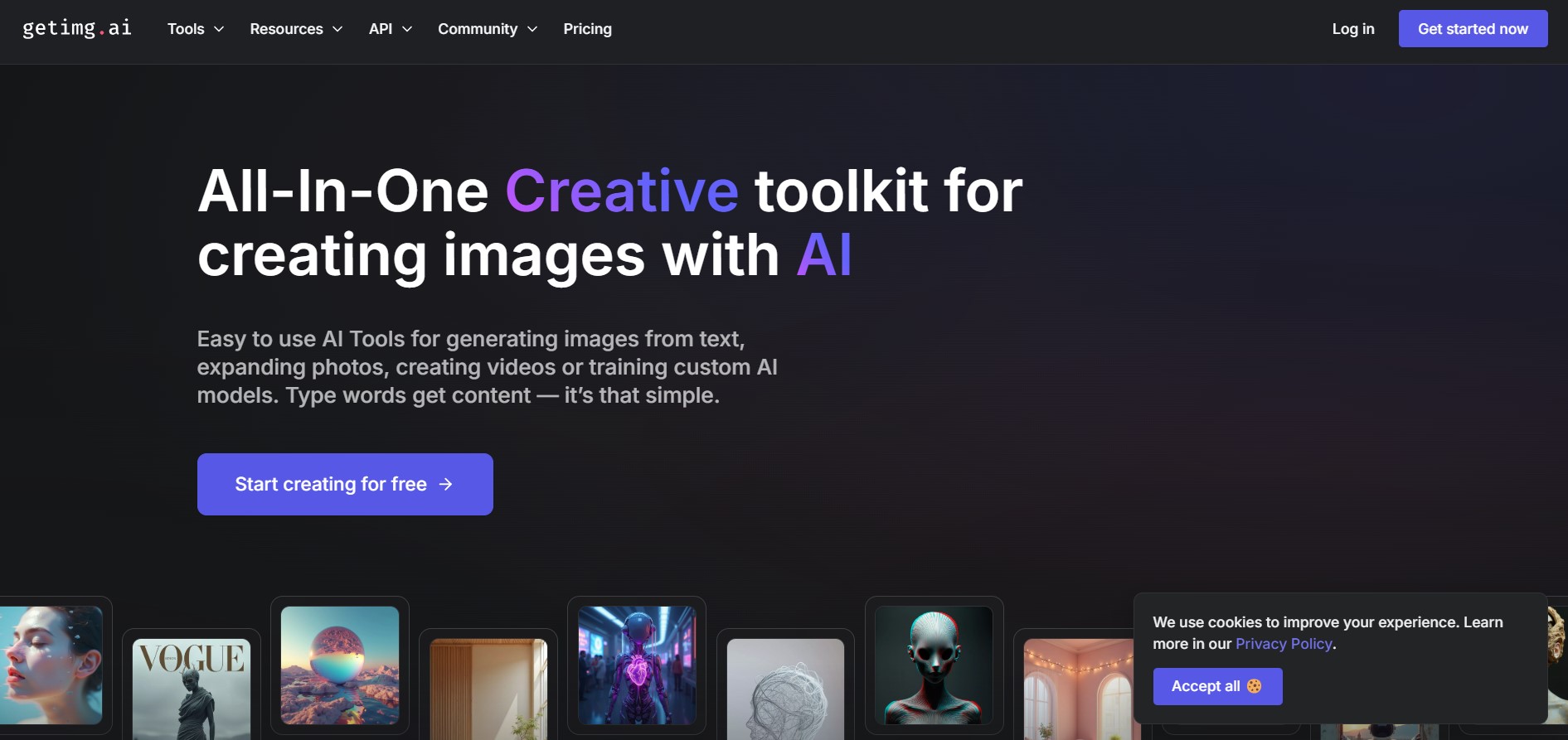
Getimg AI is an all-in-one AI creative studio and API platform that consolidates 20+ foundation models (including FLUX, Google Veo, Kling, Sora, Seedream, and Wan) across text-to-image, video generation, audio synthesis, and canvas editing under a unified credit balance.
 4.9
4.9Civitai
Image
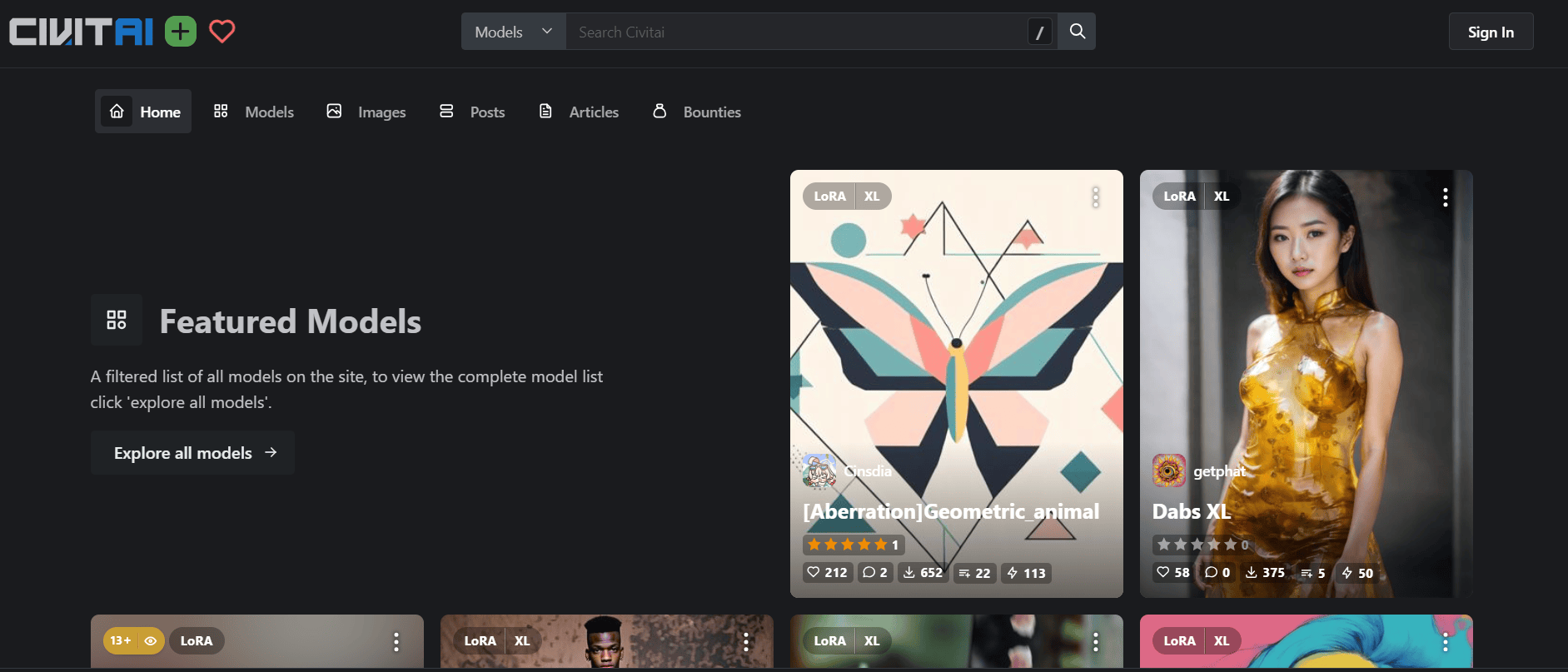
Civitai is the world's largest open-source generative AI model repository and creative community platform, hosting hundreds of thousands of checkpoints, LoRAs, and embeddings across SD 1.5, SDXL, Pony, Illustrious, and FLUX.1 with integrated cloud generation, LoRA training, and creator monetization.
 4.9
4.9OpenAI Sora
Text-to-Image
OpenAI Sora is a flagship diffusion-transformer text-to-video and image-to-video generation model developed by OpenAI, capable of simulating complex real-world physical dynamics, camera movement, synchronized audio, and multi-shot cinematic video sequences up to 1080p resolution.
 4.9
4.9Leonardo AI
Design
Leonardo is an advanced generative AI platform for image and video creation, featuring custom model fine-tuning (LoRA training), Real-Time Canvas, Real-Time Generation, and multi-model support across proprietary Phoenix, Lucid, and FLUX architectures.