
iFoto
iFoto is an all-in-one AI ecommerce photo studio that automates virtual photoshoots, generates diverse on-model fashion imagery, removes backgrounds, and recolors product variants without costly studio shoots.

What is iFoto?
iFoto AI is an AI-powered photo editing and product photography platform built mainly for e-commerce brands and creators who want high-quality visuals without expensive studio setups. It lets users upload simple images and instantly transform them using tools like background removal, image enhancement, AI-generated fashion models, and clothing changes. The platform acts like a virtual photo studio, automating everything from product image cleanup to generating realistic lifestyle shots, helping businesses create professional visuals in minutes instead of hours.
With features like batch editing, background generation, and AI styling, iFoto is especially useful for online stores, marketers, and designers who need fast, consistent, and scalable content.
Founded in 2023 under CEO Lewis Owen, iFoto was launched to level the visual playing field for independent merchants and small online retailers. Powered by generative computer vision and neural rendering models, the platform handles end-to-end product staging—from automated mannequin-to-model transformations to virtual color changes—with a free starter tier and Pro plans starting from $9.99 per month.
- Founder / Leadership: Lewis Owen (CEO)
- Launch Year: 2023
- Use Cases:
- Generating photorealistic AI fashion models wearing apparel from flat-lay or ghost mannequin photos
- Creating studio-grade, contextual product backgrounds for Amazon, Shopify, Etsy, and eBay listings
- Automating batch background removal, transparent cutouts, and pure white e-commerce backdrops
- Recoloring clothing items and accessories to generate multiple product colorway variants from one image
- Enhancing image resolution, sharpening fine details, and cleaning up unwanted objects from product shots
- Technology:
- Deep generative diffusion architecture tailored for fashion apparel draping, realistic lighting, and skin textures
- Semantic edge detection and matting algorithms for transparent cutouts and hair-level edge isolation
- High-throughput batch image processing pipeline and developer API infrastructure
- Target Users:
- Shopify, Amazon, and Etsy sellers looking to increase listing conversions with studio photography
- Fashion boutique owners and apparel brands generating seasonal catalog lookbooks
- Digital marketing agencies managing high-volume product visual production for multiple clients
- Graphic designers and e-commerce managers automating repetitive photo editing workflows
- Acquisition: Operates as an independent visual AI and ecommerce photography platform

Key features of iFoto
iFoto's key features are
- AI Fashion Model Generator: Places apparel on diverse, lifelike AI-generated models across various ethnicities, poses, and styles—free of commercial model licensing restrictions.
- AI Product Background Studio: Generates realistic indoor, outdoor, seasonal, and studio environments with natural lighting and realistic shadow casting.
- One-Click Background Remover: Automatically removes backgrounds from complex images, supporting pure white, transparent, or custom solid color outputs.
- AI Clothing & Product Recolor: Changes garment and product colors with accurate texture and shadow preservation, saving costs on multiple photoshoots for color variants.
- AI Photo Enhancer & Upscaler: Restores blurry shots, sharpens low-resolution images, and enhances lighting to produce 4K-ready catalog photos.
- Magic Object Cleanup & Eraser: Erases unwanted props, glare, text, and photo imperfections seamlessly using generative inpainting.
- Batch Photo Processing: Upload and edit dozens of product images simultaneously to standardize entire catalog collections quickly.
- Image Recopyright & IP Protection: Reimagines existing visual compositions to help merchants ensure copyright compliance and avoid IP conflicts.
iFoto Pricing
iFoto operates on a freemium model with free credits for initial testing alongside flexible monthly and annual Pro subscription plans.
Free Plan:
- $0/month: Access to basic AI tools including background removal, photo enhancer, and free trial generations
- Standard generation queue and web-based workspace
iFoto Pro (Monthly & Annual):
- Pro Subscription: Starts from approximately $9.99/month (or discounted annual passes)
- Unlimited high-resolution downloads, watermark removal, priority processing speeds
- Full access to AI Fashion Models, AI Backgrounds for Products & Models, Clothing Recolor, and batch editing tools
Disclaimer: For the latest feature rollouts, API rates, and promotional subscription discounts, please visit the official iFoto website at ifoto.ai.
Who is using iFoto?
iFoto is used by online retailers and e-commerce entrepreneurs worldwide, including
- Apparel & Fashion Merchants: Turning flat-lay and ghost-mannequin product shots into professional on-model catalog imagery
- Amazon & Marketplace Sellers: Creating Amazon-compliant pure white backgrounds and high-converting lifestyle hero images
- Dropshippers & Solo Founders: Elevating supplier photos into premium brand visuals without physical inventory in hand
- E-Commerce Design Agencies: Slashing photo retouching turnaround times and cutting client content production costs
Best iFoto Alternatives
Some of the strongest iFoto alternatives include
- Photoroom
- Flair AI
- Mokker AI
- Botika
- Vmodel AI
- Cutout.pro
Pros and Cons of iFoto
Pros
- Comprehensive fashion-focused AI suite that combines virtual models, background generation, and recoloring
- Drastically cuts product photography expenses compared to hiring studios, models, and photographers
- Generates accurate contact shadows and lighting reflections for realistic product integration
- Fast batch processing capabilities for high-volume store catalog uploads
- Simple web interface requiring zero professional photo editing or graphic design experience
Cons
- Clothing with intricate translucent fabrics or complex loose patterns may occasionally require fine-tuning
- High-volume commercial outputs and uncompressed 4K downloads require an active Pro subscription
- Face customizability on virtual models is currently bounded by curated platform model presets
Why Choose iFoto?
For modern ecommerce businesses, compelling visuals directly dictate conversion rates. iFoto removes the complexity and high costs of traditional commercial photoshoots.
- Turns simple product shots into professional lifestyle and on-model catalog imagery in seconds
- Eliminates model hiring fees and studio rental logistics entirely
- Allows instant generation of multi-colorway product listings without physical inventory samples
- Gives boutique and solo sellers the visual firepower of multi-million-dollar retail brands
iFoto vs. Competitors
The main difference between iFoto, Photoroom, Flair AI, and Botika is visual scope and apparel specialization. While Photoroom is an all-purpose mobile photo editor and Flair AI focuses heavily on 3D product tabletop compositions, iFoto specializes in both apparel on-model generation and multi-category product studio staging, providing a complete all-in-one solution for fashion and marketplace retail.
| Feature / Tool | iFoto (ifoto.ai) | Photoroom | Flair AI | Botika |
|---|---|---|---|---|
| Core Focus | AI E-Commerce & Fashion Studio | Mobile Product Photo Studio | AI Product Staging & Tabletop | AI Fashion Model Generation |
| AI Fashion On-Model Generation | Yes (Apparel on diverse models) | Limited (Virtual studio focus) | No (Product focused) | Yes (Dedicated fashion focus) |
| AI Product Recolor | Yes (One-click color swapping) | No | No | No |
| Batch Catalog Processing | Yes (High-volume workflows) | Yes (Pro tier) | Limited | Yes |
| Best For | Fashion brands & multi-channel sellers | Mobile marketplace sellers (eBay/Poshmark) | Packaged goods & CPG product staging | High-end apparel fashion catalogs |
How do we rate iFoto?
| Parameter | Rating (out of 5) |
|---|---|
| AI Fashion Model & Staging Quality | 4.8 |
| Background Removal & Recolor Tools | 4.9 |
| Batch Processing & Workflow Speed | 4.8 |
| Ease of Use & Interface | 4.8 |
| Value for Money | 4.9 |
| Overall Score | 4.84 |
iFoto Review
iFoto delivers an essential, high-utility platform for the modern e-commerce landscape. By providing realistic AI fashion models, automated background generation, and instant product recoloring in a single web suite, it solves the major logistical and financial headaches of commercial product photography. For online merchants, apparel brands, and dropshippers seeking studio-grade visual assets without traditional studio budgets, iFoto is an outstanding creative asset.
Conclusion
iFoto AI is a powerful and practical platform built specifically for e-commerce businesses that need high-quality product visuals without the cost and complexity of traditional photography. By using AI to generate product images, remove backgrounds, create virtual models, and edit photos at scale, it helps brands produce professional visuals in minutes. Its biggest strength lies in speed and automation—users can upload a product image and instantly transform it into polished, marketplace-ready content, making it ideal for online stores and small businesses. However, some user feedback highlights concerns around billing transparency and subscriptions, so it’s important to review pricing carefully before use.
FAQ
What is iFoto AI?
iFoto is an AI-powered photo editing platform designed mainly for eCommerce and creative use. It helps users edit images, generate product photos, and enhance visuals automatically without needing professional design skills.
How does iFoto AI work?
iFoto works by using AI models to analyze your images and apply edits like background removal, enhancement, or styling. You simply upload a photo, choose a tool, and the AI processes everything automatically within seconds.
What can you do with iFoto AI?
With iFoto, you can remove backgrounds, enhance image quality, generate AI fashion models, recolor products, remove unwanted objects, and even create product photos for online stores. It offers 20+ AI tools in one platform.
Is iFoto AI free to use?
Yes, iFoto offers free tools such as background removal and basic editing. However, advanced features, higher limits, and premium outputs may require a paid plan or subscription.
Who should use iFoto AI?
iFoto is ideal for eCommerce sellers, marketers, designers, and content creators who need fast and professional-looking images. It’s especially useful for product photography and online store visuals.
What makes iFoto different from other photo editors?
Unlike traditional editors, iFoto focuses heavily on AI automation and eCommerce use cases. Features like AI fashion models, clothing recolor, and instant product photography make it more practical for online businesses
User Reviews
No reviews yet for iFoto.
Featured Tools
Featured AI tools from TechShark

Kimi AI
Kimi AI is an advanced AI assistant developed by Moonshot AI that helps you chat, research, write, code, and automate tasks in one place. It supports web search, file analysis, and multimodal inputs, and can even run autonomous “agent” workflows to complete complex tasks end-to-end.
Freemium

Fashion Diffusion AI
Fashion Diffusion is an AI-powered fashion design platform that helps brands and designers create clothing designs, virtual try-ons, AI models, product photos, and marketing visuals faster and cost-effectively.
Paid

Veo 4
Veo 4 AI is an AI video creation platform that generates dramatic videos from text, images, audio, and video prompts using realistic motion and synchronized sound.
Paid
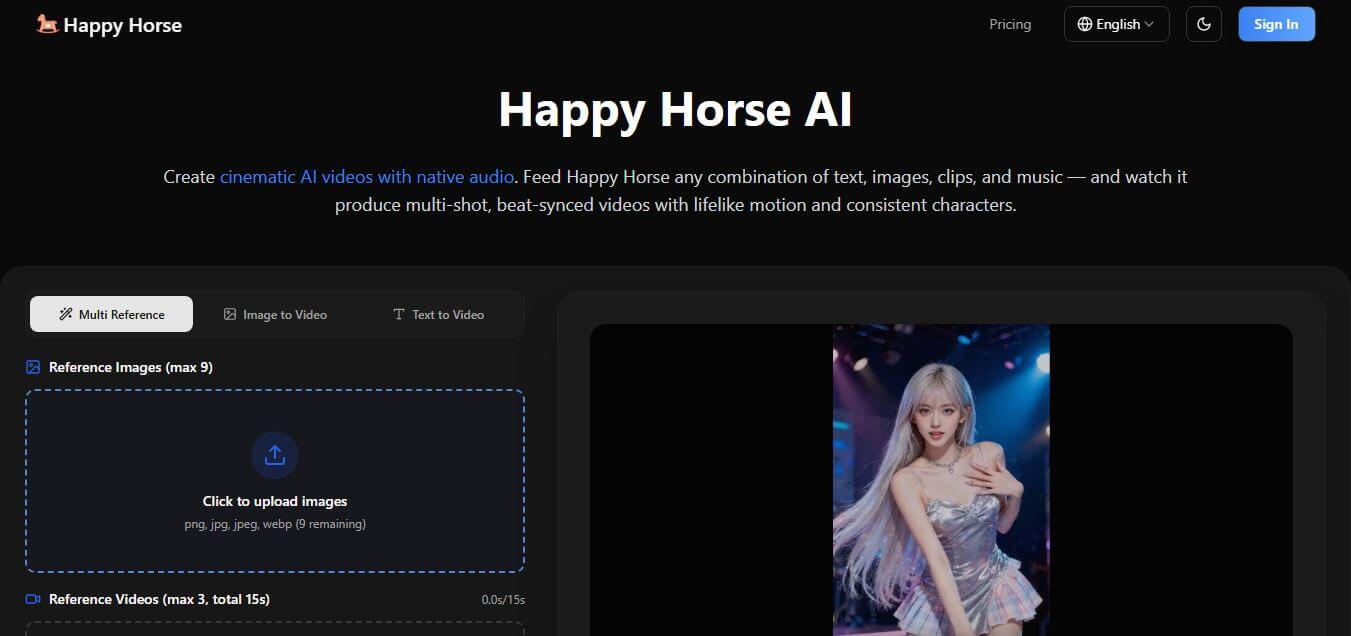
Happy Horse
HappyHorse AI is an AI-powered video generator that creates cinematic videos with synchronized audio from text, images, and prompts instantly.
Paid
Alternatives
Alternatives to iFoto
The best iFoto alternatives include Photoroom, Flair AI, Mokker AI, Botika, Vmodel AI, and Cutout.pro. These platforms provide AI product photography, background elimination, and visual editing tools. While iFoto specializes in fashion on-model generation, clothing recoloring, and automated e-commerce background staging for online retailers, alternatives like Photoroom focus on mobile-first product editing, and Flair AI concentrates on 3D tabletop product staging.
 4.7
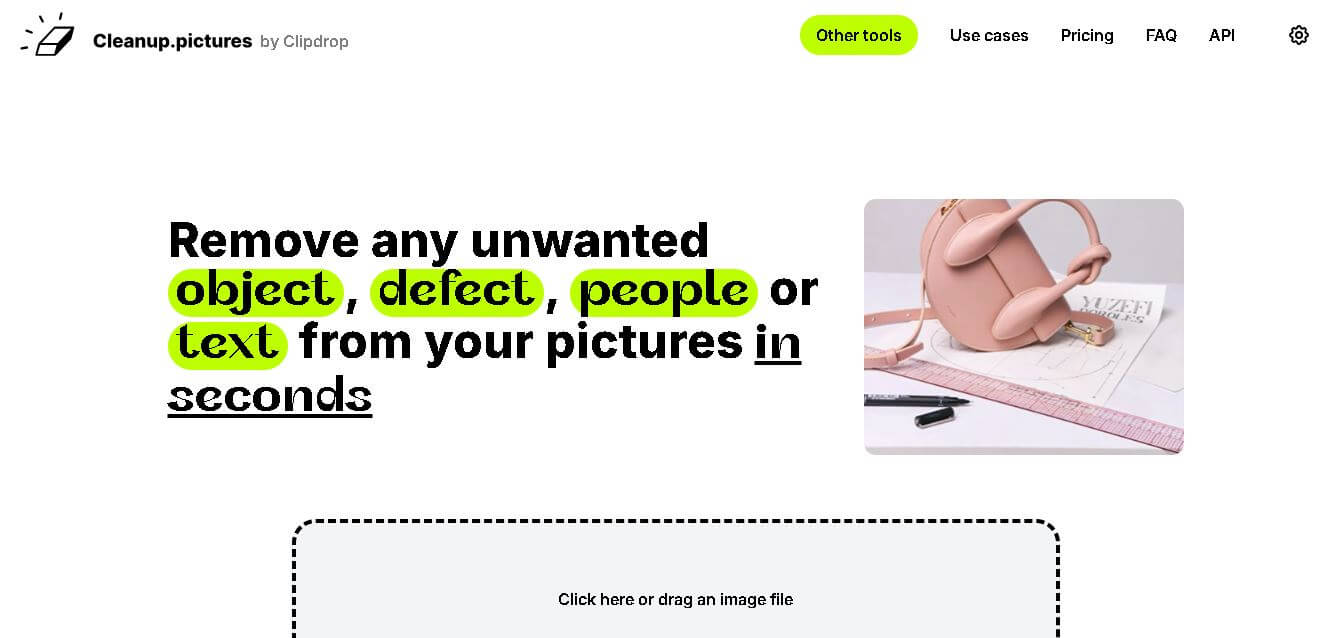
4.7Cleanup.pictures
Image
Cleanup.pictures makes photo cleanup simple by letting you brush over unwanted people, objects, text, logos, watermarks, blemishes, and other distractions. Its inpainting technology reconstructs selected areas automatically, helping users create cleaner visuals quickly. A free plan supports unlimited images, while Pro adds unlimited-resolution exports and higher-quality processing for demanding workflows.
 4.8
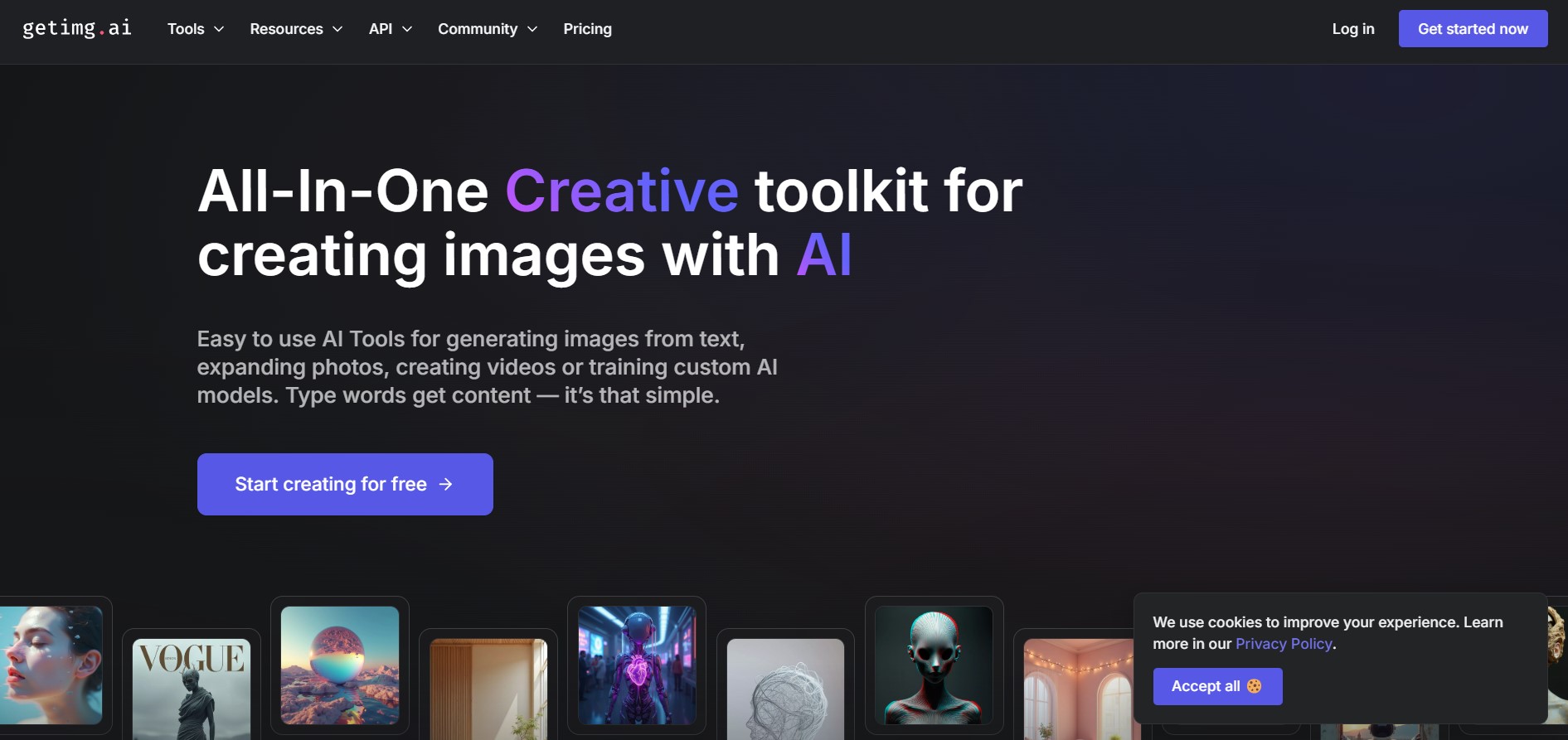
4.8Getimg AI
Image
Getimg AI is an all-in-one AI creative studio and API platform that consolidates 20+ foundation models (including FLUX, Google Veo, Kling, Sora, Seedream, and Wan) across text-to-image, video generation, audio synthesis, and canvas editing under a unified credit balance.
 4.8
4.8ImgUpscaler
Image
ImgUpscaler helps users enlarge and enhance low-resolution images with AI-based super-resolution. It can improve sharpness, textures, edges, and visible details across portraits, products, anime artwork, screenshots, and old photos. With browser-based processing, multiple image formats, 2x and 4x enlargement, and paid batch processing, it suits both casual and professional workflows.
BgSub
Image
BgSub (bgsub.com) is a privacy-first, browser-based AI tool that automatically removes and replaces image backgrounds in seconds, performing all processing directly on the user's device without uploading images to cloud servers.
 4.6
4.6Aitubo AI
Image
Aitubo Creator helps users generate and edit creative content with AI, including images, videos, music, avatars, headshots, face swaps, and enhanced visuals. Its broad model selection and creative tools make it useful for social media content, marketing assets, concept art, storytelling, product visuals, and creative experimentation for varied skill levels.
 4.8
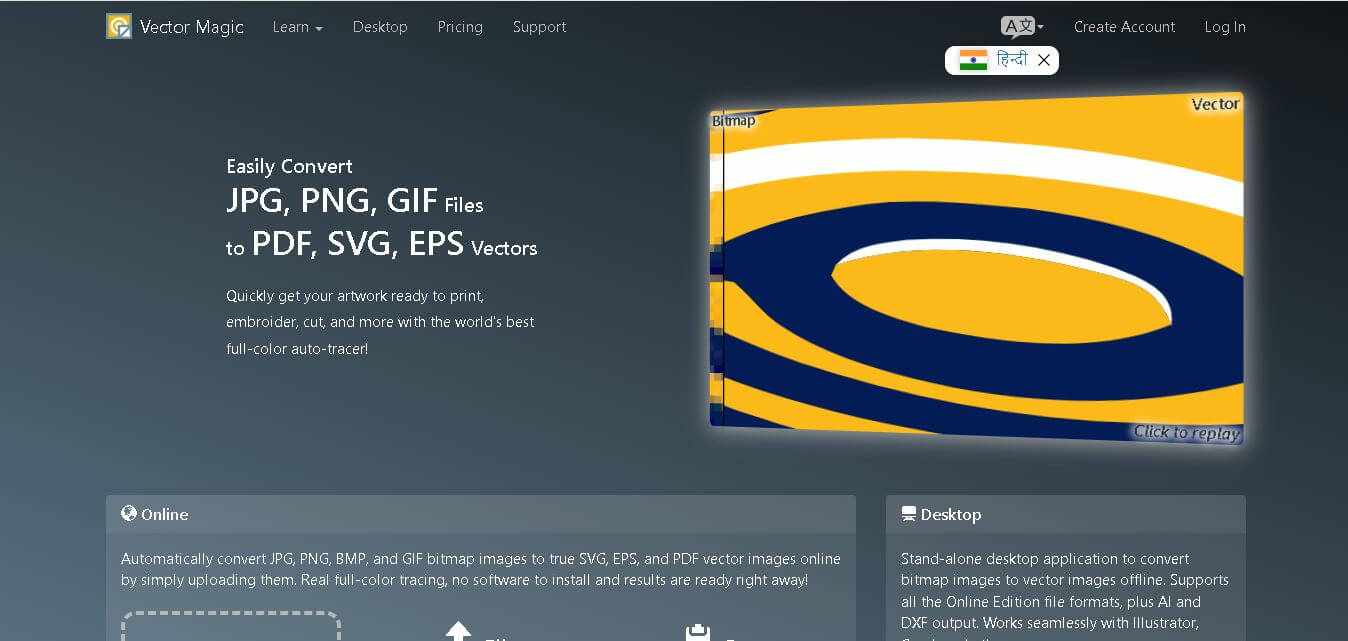
4.8Vector Magic
Image
Vector Magic is an image conversion tool that transforms raster images like JPG, PNG, BMP, and GIF into high-quality vector formats such as SVG, EPS, PDF, AI, and DXF. It automatically detects image details, smooths edges, and creates scalable graphics suitable for printing, graphic design, laser cutting, branding, and professional creative workflows.
 4.6
4.6AI Photo Enhancer Pro
Image
AI Photo Enhancer helps users improve low-quality, blurry, noisy, or low-resolution images online. Its tools can sharpen details, reduce noise, enhance colors, restore pixels, and upscale photos toward 4K quality. With browser-based processing, supported image formats, and free trial credits, it suits creators, marketers, photographers, and everyday users.
 4.8
4.8Scenario
3D
Scenario is an AI-powered creative infrastructure and game asset generation platform that enables game developers, digital artists, and creative studios to train custom style-consistent AI models and produce 2D graphics, 3D meshes, textures, and video assets via web studio and production REST APIs.
AIEnhancem IO
Image
AIEnhance is an online AI photo enhancer and image restoration suite that uses specialized computer vision models (such as CodeFormer, AuraSR, and SDXL) to upscale, unblur, denoise, color-correct, and retouch photos in full resolution without watermarks.