Google Lens
Google Lens is Google's multimodal visual search and computer vision tool that identifies real-world objects, translates text in real time, solves homework equations, finds products to shop, and copies physical text to digital devices using camera frames and image uploads.
What is Google Lens?
Google Lens is an AI-powered visual search tool by Google that lets you search using images instead of words. You can point your camera, upload a photo, or use a screenshot, and it instantly identifies objects, translates text, finds similar products, and shows relevant information from the web. It also helps with tasks like copying text, solving homework, or exploring landmarks, making it easier to understand and interact with the world around you without typing anything.
Engineered around multimodal visual search and Google Knowledge Graph integration, Google Lens bridges optical character recognition (OCR), neural computer vision, and real-time search indexing. Instead of struggling to describe an unfamiliar plant, landmark, or clothing item in text, users simply point their camera or tap an image to surface instant answers, relevant web links, and interactive action buttons.
- Platform Role: Visual Search Engine, Multimodal Computer Vision Tool & Real-Time OCR Assistant
- Developer & Maintainer: Google LLC (Alphabet Inc.)
- Platform Ecosystem: Integrated across Android camera apps, Google Photos, Google Search app, Chrome desktop/mobile browsers, and standalone mobile apps
Use Cases:
- Translating menus, street signs, and printed documents across 100+ languages in real time using augmented reality camera overlays
- Copying handwritten notes, printed text, Wi-Fi passwords, and URLs directly from paper to clipboard or a connected computer
- Identifying plant species, dog breeds, insects, works of art, and historic monuments while traveling or outdoors
- Scanning consumer products, clothing, and home decor items to find matching online stores, pricing, and purchase links
- Solving step-by-step math problems and science homework questions by photographing equations and textbook prompts
Technology:
- Multimodal machine learning models combining computer vision feature extractors with deep natural language processing
- Optical Character Recognition (OCR) pipeline capable of detecting typography and handwriting across diverse angles and lighting
- Google Knowledge Graph and Shopping Graph indexing billions of products, entities, landmarks, and web resources
- Multisearch capability allowing users to combine image inputs with follow-up text queries to refine visual search results
Target Users:
- Travelers and international explorers needing instant offline and online text translations for signage and menus
- Students and lifelong learners seeking step-by-step homework explanations and quick plant/animal identification
- Shoppers and fashion enthusiasts looking to identify garments, furniture, and gadgets spotted in the real world or on social feeds
- Productivity workers scanning business cards, receipts, and whiteboard diagrams directly into digital text
Acquisition: Native visual search utility and mobile application
What are the key features of Google Lens?
Google Lens's key platform features are
- Visual Search & Landmark Recognition: Point your camera at buildings, art pieces, or monuments to get historical context, ratings, and visiting hours.
- Real-Time Live Translation: Overlays translated text directly onto physical menus, signs, and books in over 100 languages.
- Smart Text Extraction & Copy to Computer: Select physical text, listen to it read aloud, translate it, or transfer it straight to your desktop browser clipboard.
- Multisearch (Image + Text): Add follow-up text questions to your visual searches (e.g., photograph a dress and type "in green" or take a photo of a bike part and type "how to fix").
- Homework & Equation Solver: Snaps math equations and science concepts to provide step-by-step guides, formulas, and educational video explainers.
- Shopping & Barcode Scanner: Scan barcodes, QR codes, or products to view retailer prices, stock availability, and verified user reviews.
- Flora & Fauna Identification: Instantly identifies plants, trees, flower species, and animal breeds with taxonomic descriptions.
How much does Google Lens cost?
Google Lens is a completely free consumer service provided by Google with no subscription fees or in-app purchase requirements.
Pricing Plans:
- Free ($0 / month): 100% free with unlimited visual searches, OCR text selections, real-time translations, homework solving, and shopping lookups.
- Commercial API Access: Developers can integrate visual recognition capabilities into enterprise software via Google Cloud Vision API on a pay-per-use basis.
Disclaimer: Google Lens is free to use on mobile and desktop platforms. Usage adheres to Google standard terms and privacy policies. Review lens.google for platform downloads and updates.
Who should use Google Lens?
Google Lens is designed for everyday smartphone users and productivity seekers, including
- Travelers & Tourists: Overcoming language barriers abroad by translating signs and menus with live camera overlays.
- Bargain Shoppers: Comparing physical in-store prices against online retailers by scanning barcodes or taking quick photos.
- Students & Parents: Breaking down complex math problems and reviewing science questions with guided learning paths.
- Nature Lovers & Gardeners: Identifying unfamiliar plant species, flowers, insects, and wildlife encountered during outdoor hikes.
What are the best alternatives to Google Lens?
Some of the strongest Google Lens alternatives include
- Apple Visual Look Up
- Bing Visual Search (Microsoft Copilot)
- Pinterest Lens
- CamScanner
- PictureThis (Plant identifier)
- TinEye
What are the pros and cons of Google Lens?
What are the pros of Google Lens?
- 100% free with unlimited daily visual searches and zero ad interruptions
- Backed by Google's massive web index, Knowledge Graph, and Shopping Graph
- Multisearch lets users combine an image with text modifiers for granular results
- Fast real-time camera translation directly overlays translated words in matching fonts
- Deeply integrated across Android, iOS, Chrome browser, and Google Photos
What are the cons of Google Lens?
- Requires an active internet connection for comprehensive search and shopping results
- Can produce inaccurate identifications on rare plant species or generic unbranded clothing
- Focuses on general object and text search rather than dedicated biometric reverse face identification
Why should you choose Google Lens?
Typing text descriptions for things you see in the real world is often frustrating and imprecise. Google Lens removes the friction of textual guesswork. By combining advanced optical recognition, live translation, and Google's comprehensive search index into a single tap of your camera or screenshot, Google Lens turns the physical world into a searchable digital workspace.
- Search what you see without typing complex descriptive keywords
- Translate printed languages in real time directly inside your camera view
- Copy text from physical documents straight to your computer clipboard
- Refine visual queries by combining pictures and text prompts using Multisearch
How does Google Lens compare to competitors?
While Apple Visual Look Up is restricted exclusively to Apple hardware, and Pinterest Lens centers strictly on lifestyle and fashion boards, Google Lens provides an all-in-one search ecosystem spanning translation, homework, shopping, and entity recognition across every platform.
| Feature / Platform | Google Lens | Apple Visual Look Up | Bing Visual Search | Pinterest Lens |
|---|---|---|---|---|
| Supported Ecosystems | Android, iOS, Chrome, Web | iOS, iPadOS, macOS only | Edge, Windows, iOS, Android | iOS, Android, Web |
| Multisearch (Image + Text) | Yes (Combined query prompts) | No | Yes (Copilot visual prompt) | No |
| Real-Time AR Translation | Yes (100+ languages) | Live Text translation | Text translation | No |
| Homework Equation Solver | Yes (Step-by-step guides) | Math Notes in Calculator | Math Solver integration | No |
| Pricing Structure | 100% Free | 100% Free (Built-in) | 100% Free | 100% Free |
| Best For | Universal visual search & OCR translation | Seamless on-device Apple photos lookup | Bing ecosystem & Copilot web queries | Fashion, home decor & recipe discovery |
How do we rate Google Lens?
| Parameter | Rating (out of 5) |
|---|---|
| Visual Recognition & Search Accuracy | 4.9 |
| Live Translation & OCR Precision | 4.9 |
| Shopping & Product Discovery | 4.8 |
| Cross-Platform Accessibility | 5.0 |
| Value for Money (Free) | 5.0 |
| Overall Score | 4.92 |
What is our review and verdict on Google Lens?
Google Lens is the benchmark for consumer visual search tools. By combining Google's unmatched web index with real-time computer vision, OCR text copying, AR translation, and Multisearch, it turns smartphone cameras into versatile digital assistants. Completely free to use and integrated deeply across mobile operating systems and browsers, Google Lens is an indispensable everyday utility for travel, study, shopping, and information retrieval.
Conclusion
Google Lens makes everyday search more intuitive by turning your camera into a powerful discovery tool. Instead of typing queries, users can point, scan, and instantly get information about objects, text, or places. From translating signs to identifying products or solving problems, it simplifies how people interact with the world around them. Overall, Google Lens bridges the gap between the physical and digital world, helping users find answers faster and more naturally.
FAQ
What is Google Lens and what does it do?
Google Lens is an AI-powered visual search tool by Google that lets you search using images instead of text. You can point your camera, upload a photo, or use a screenshot, and it will identify objects, extract text, and show relevant results from the web. In simple terms, it helps you “search what you see” instead of typing queries.
How does Google Lens work?
Google Lens uses computer vision and AI to analyze images and understand what’s inside them. It compares objects, text, and patterns in your image with billions of indexed visuals and web data, then returns the most relevant matches and information. It can also use context like location or text in the image to improve accuracy.
What can you actually do with Google Lens?
You can use Google Lens for multiple tasks like identifying plants and animals, translating text in real time, copying text from images, solving homework problems, and even shopping for products you see. It also helps you explore landmarks, menus, and objects by providing instant information and links.
Can Google Lens help with shopping?
Yes, one of its most powerful use cases is visual shopping. You can take a picture of a product (like shoes or furniture), and Lens will show similar items, prices, reviews, and where to buy them. This makes it easier to find products even if you don’t know their name.
Does Google Lens translate text from images?
Yes, Google Lens can translate text from images in 100+ languages in real time. You can point your camera at menus, signs, or documents, and it will overlay the translated text directly on your screen. It also allows you to copy text from images and paste it elsewhere.
Is Google Lens free to use?
Yes, Google Lens is completely free and available inside apps like Google Search, Chrome, Google Photos, and on many Android camera apps. You don’t need a separate subscription—just access it through supported apps or devices.
Who should use Google Lens?
Google Lens is useful for students, travelers, shoppers, researchers, and everyday users who want quick information without typing. Whether you’re identifying something, translating text, or comparing products, it’s designed to make searching faster and more intuitive.
User Reviews
No reviews yet for Google Lens.
Featured Tools
Featured AI tools from TechShark

Melody Genie
MelodyGenie is an AI-powered music generator that creates original songs from simple text prompts. Users can choose styles, moods, and genres, then instantly generate melodies and full tracks, making it easy for creators, marketers, and hobbyists to produce custom music without musical expertise.
Freemium

Kimi AI
Kimi AI is an advanced AI assistant developed by Moonshot AI that helps you chat, research, write, code, and automate tasks in one place. It supports web search, file analysis, and multimodal inputs, and can even run autonomous “agent” workflows to complete complex tasks end-to-end.
Freemium

Fashion Diffusion AI
Fashion Diffusion is an AI-powered fashion design platform that helps brands and designers create clothing designs, virtual try-ons, AI models, product photos, and marketing visuals faster and cost-effectively.
Paid

Veo 4
Veo 4 AI is an AI video creation platform that generates dramatic videos from text, images, audio, and video prompts using realistic motion and synchronized sound.
Paid
Alternatives
Alternatives to Google Lens
The best Google Lens alternatives include Apple Visual Look Up, Bing Visual Search, and Pinterest Lens. While Google Lens provides a free cross-platform visual search engine that combines OCR text copying, live AR translation in 100+ languages, homework solving, and Multisearch across Android, iOS, and Chrome, alternatives like Apple Visual Look Up are restricted to Apple devices and Pinterest Lens is tailored specifically to lifestyle shopping boards.
 4.8
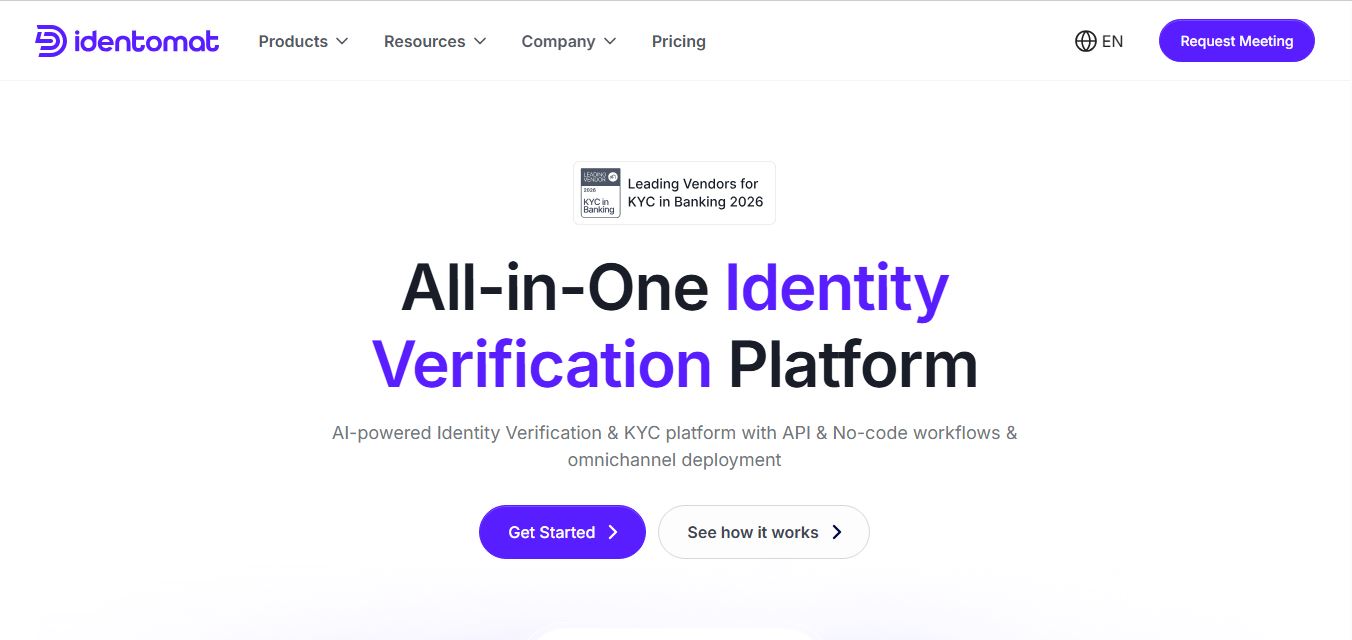
4.8Identomat
Compliance
Identomat is an AI-powered digital identity verification, biometric liveness detection, and KYC/AML compliance platform that automates customer onboarding across 165+ countries with no-code workflow builders, iBeta Level 2 anti-spoofing, and flexible cloud or on-premises deployment.
 4.7
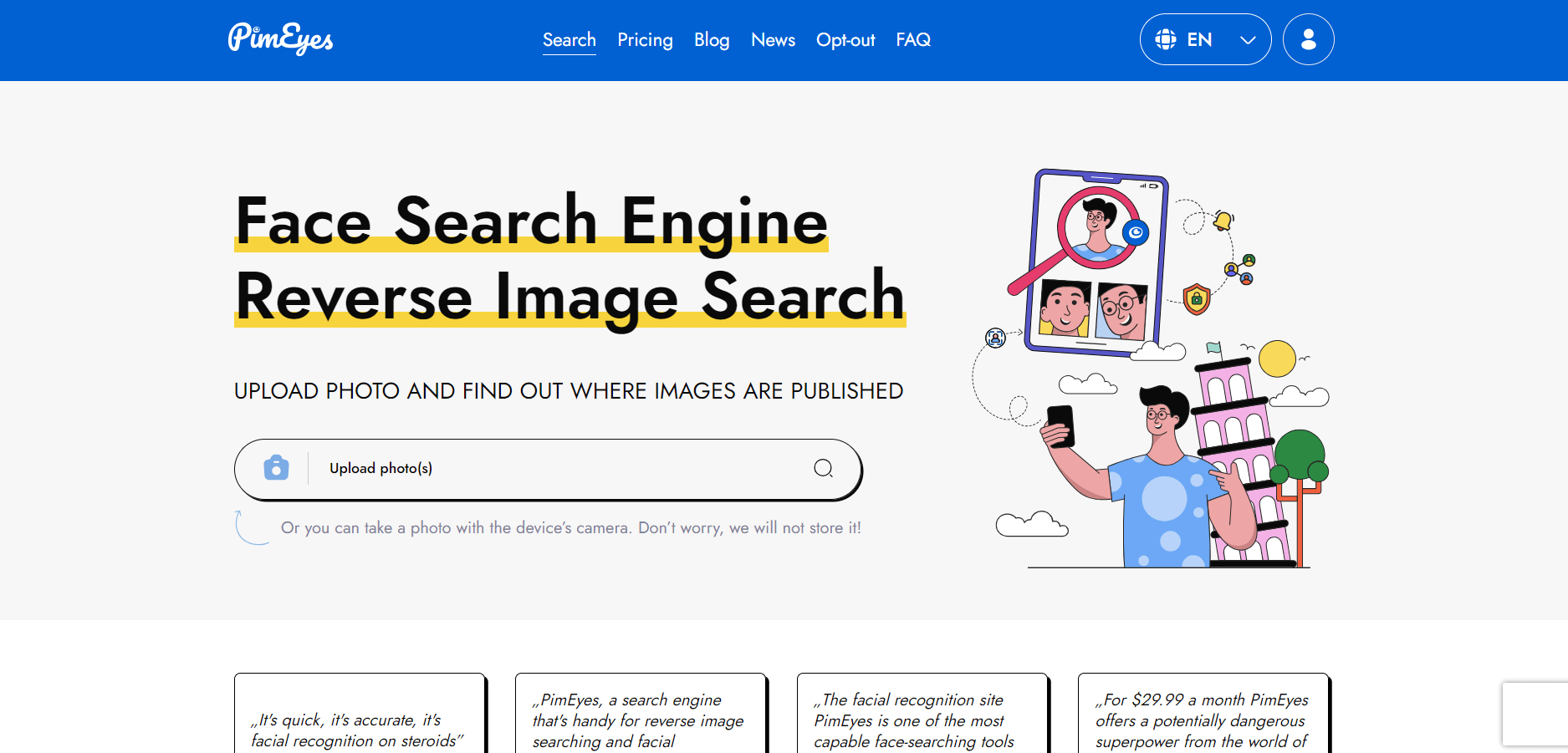
4.7PimEyes
Identity Check
PimEyes is an AI facial recognition reverse search engine and digital risk protection platform that scans billions of publicly accessible web images to identify where a face appears online, monitor digital footprints, and help users submit DMCA and GDPR takedown notices.
TinFace AI
Identity Check
TinFace AI is an AI-powered facial recognition search engine and reverse image matching platform that helps users find matching photos, discover look-alikes across the web, audit their digital footprint, and verify where their pictures are hosted online.
FaceAge AI
Identity Check
FaceAge AI is an AI-powered facial age estimator, beauty metric calculator, and facial harmony analysis platform that determines your perceived facial age in seconds from a single selfie while offering deep facial symmetry, jaw angle, and aesthetic measurement reports.
 4.9
4.9Oak
Identity Check
Oak is an AI-powered identity and compliance platform that helps businesses verify users, manage KYC/AML processes, and prevent fraud through automated checks and risk monitoring. It combines document verification, biometrics, and real-time screening into one system.
 4.9
4.9Veriff
Identity Check
Veriff is an AI-powered identity verification platform that helps businesses confirm users are real, prevent fraud, and stay compliant with regulations like KYC and AML. It uses document checks, facial recognition, and behavioral signals to verify identities in seconds with high accuracy.
 4.9
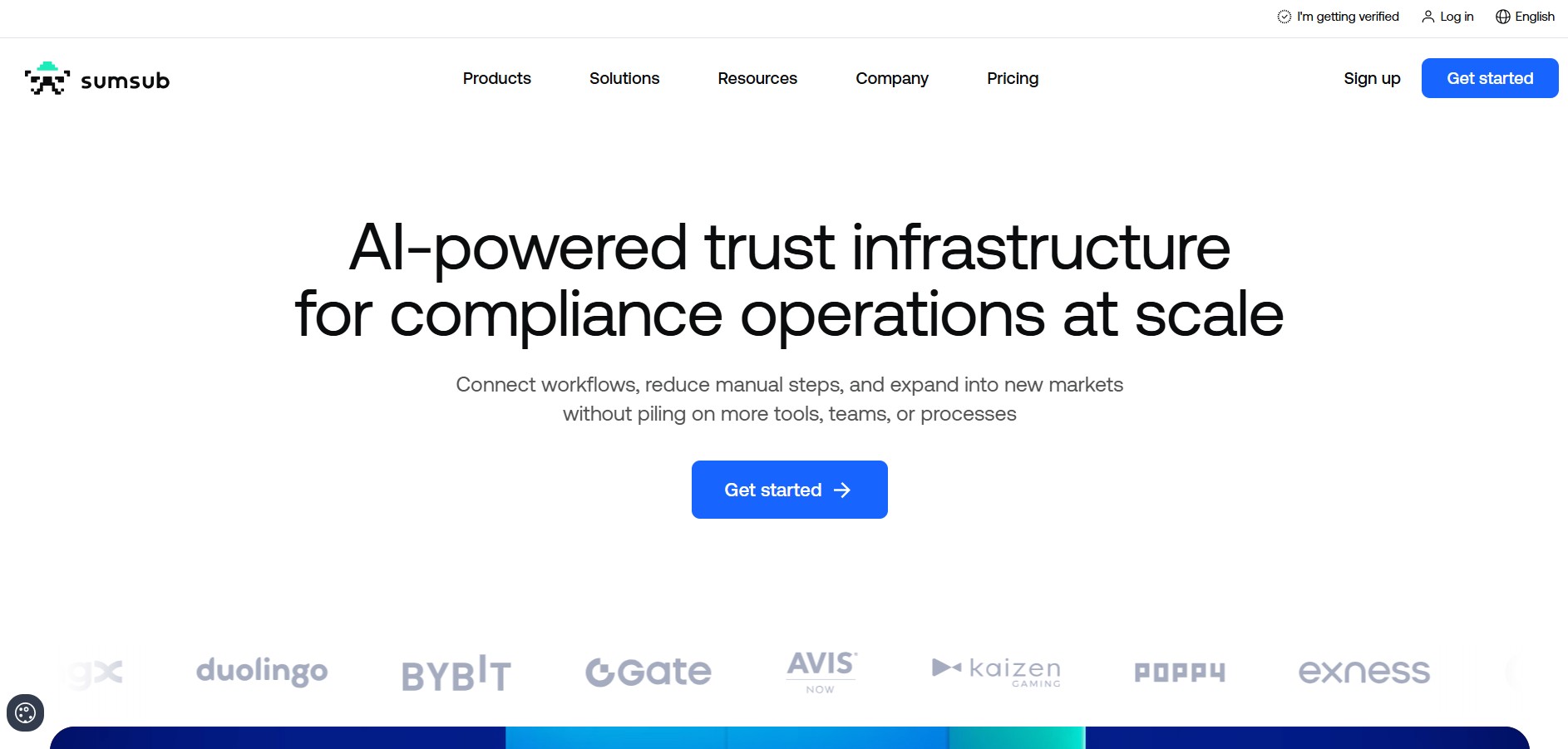
4.9Sumsub
Identity Check
Sumsub is an identity verification and compliance platform that helps businesses verify customers, screen companies, monitor transactions, and detect fraud. Its tools support KYC, KYB, AML screening, biometric verification, liveness detection, and customizable onboarding workflows for fintech companies, crypto platforms, marketplaces, and regulated businesses worldwide.
 4.9
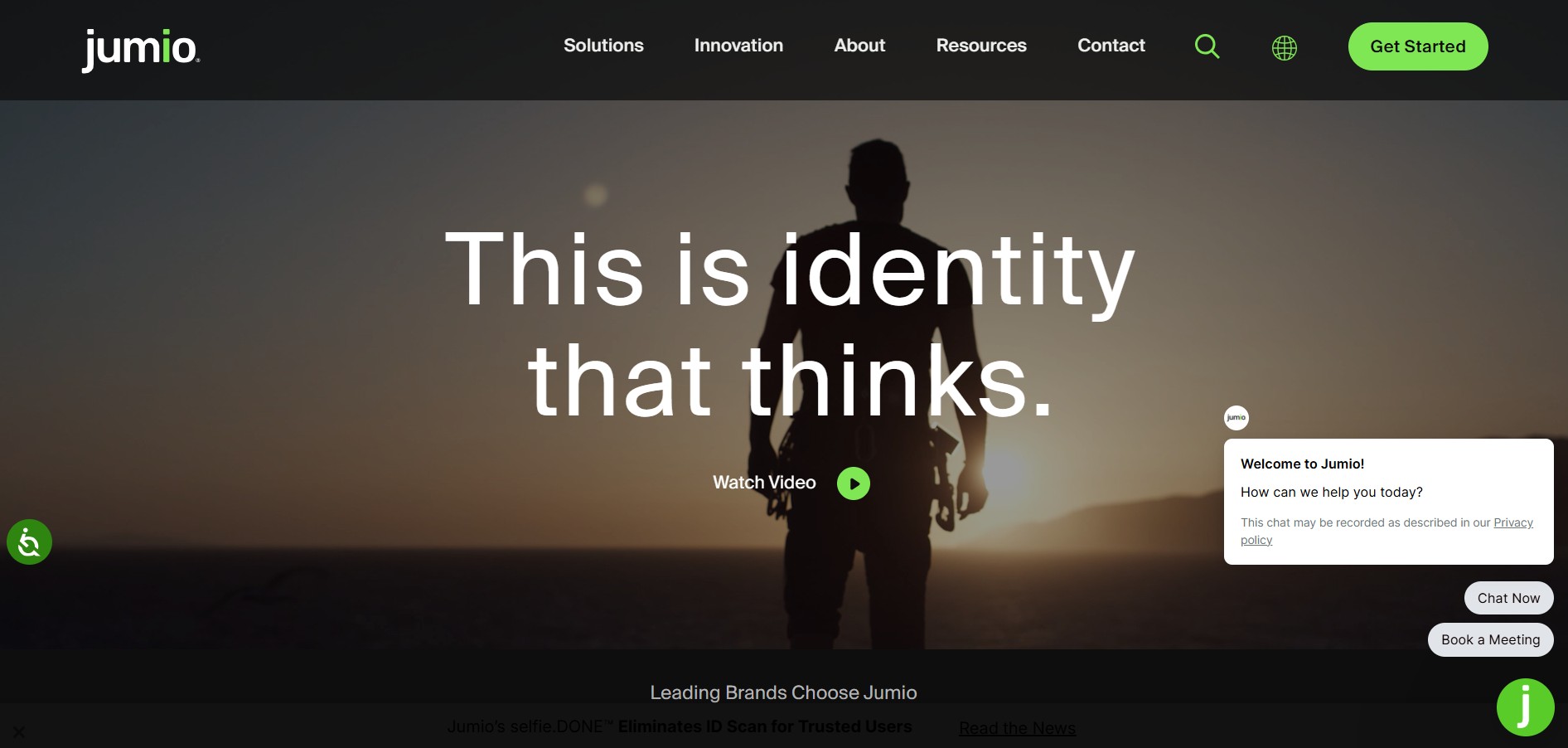
4.9Jumio
Identity Check
Jumio is an AI-powered identity verification and compliance platform that helps businesses verify users using ID documents, facial recognition, and liveness detection. It prevents fraud, supports KYC/AML compliance, and delivers real-time risk insights across the entire customer lifecycle.
 4.6
4.6FaceCheck.ID
Identity Check
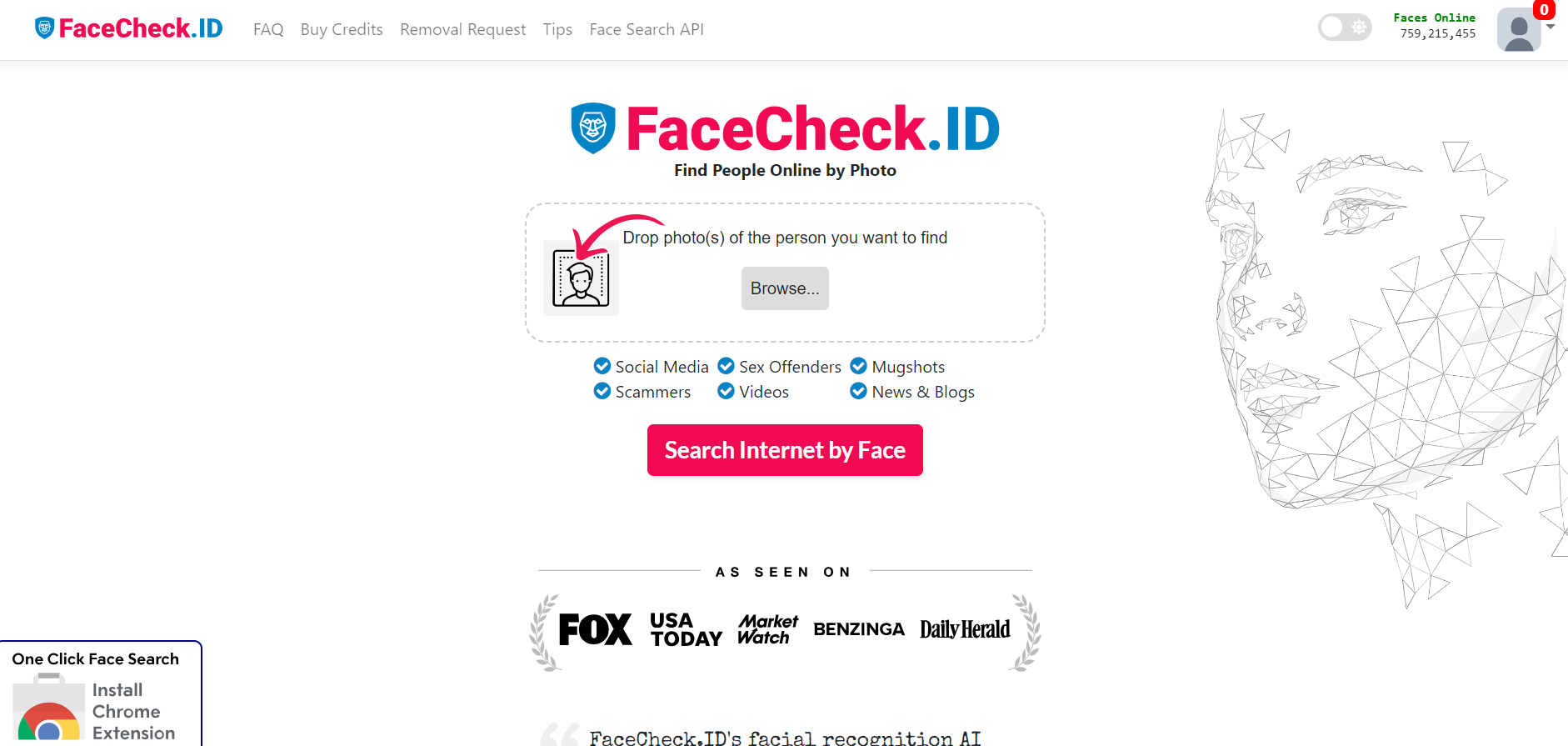
FaceCheck.ID is an AI-powered facial recognition and reverse image search engine that analyzes face photographs against millions of publicly accessible web pages, news articles, sex offender registries, and social profiles to verify identity and uncover online romance scams.