
GitFluence
GitFluence is an AI-powered Git command generator that helps developers turn plain-English instructions into exact Git commands. It eliminates the need to memorize syntax, speeds up version control workflows, and lets users quickly copy accurate commands for tasks like branching, merging, and fixing commits.

What is GitFluence?
GitFluence is an AI-powered Git command generator that helps developers quickly find the right Git commands using natural language. Users can describe what they want to do—like undo a commit, create a branch, or resolve conflicts—and the tool generates the exact command needed. It’s especially useful for beginners or developers who don’t remember complex Git syntax, as it simplifies workflows and reduces errors. By turning plain English into precise commands, GitFluence speeds up development and makes version control more accessible.
Launched in 2023, GitFluence has grown into a widely used version control companion serving hundreds of thousands of developers worldwide. Operating with an accessible, browser-first design and zero mandatory account registration or paywalls, the platform bridges the gap between conceptual developer intent and executable terminal syntax. Whether rolling back commits without losing local edits, executing interactive rebases, pruning stale remote tracking branches, or handling merge conflicts, GitFluence combines natural language command synthesis with syntax explanations, clipboard copying, and developer API endpoints to streamline software deployment pipelines.
- Platform / Developer: GitFluence (Global Developer Utility Platform)
- Launch / Evolution: Launched in 2023; expanded with interactive syntax breakdowns, comprehensive Git guides, developer API endpoints, and multi-platform terminal CLI suggestions through 2024–2026
Use Cases:
- Undoing recent local commits while keeping staged or unstaged file changes intact in the working directory
- Finding and executing complex or rarely used Git commands (like interactive bisect, cherry-picking, and reflog restorations) without syntax errors
- Pruning merged remote branches, renaming branches safely, and synchronizing forked repositories
- Helping junior software engineers and students learn version control workflows by converting descriptive goals into executable CLI commands
Technology:
- Natural language processing engine trained on Git documentation, repository structures, and CLI flags
- Contextual intent parser generating safest-path command recommendations to prevent unintended data loss or broken commit histories
- High-speed client-side responsive web architecture ensuring instantaneous search with developer REST API integration capabilities
Target Users:
- Frontend and backend software engineers navigating daily branch merges, stash pops, and pull request rebases
- Junior developers and coding bootcamp students learning version control fundamentals without fear of repository corruption
- DevOps engineers, sysadmins, and technical leads standardizing commit workflows across distributed development teams
- Content creators using writing tools to draft engineering documentation, Git onboarding guides, and terminal troubleshooting cheatsheets
Corporate Entity: Operates as GitFluence (Global Developer Software)

Key features of GitFluence
GitFluence's key features are
- Natural Language to Git Command Generation: Type conversational instructions (e.g., "undo my last commit but keep changes") to receive the exact CLI command instantly.
- Zero Friction (No Login Required): Access the command generator directly in any web browser without creating accounts, providing credit cards, or installing software.
- Command Explanation & Flag Context: Provides clear explanations of what each argument and flag does to help developers learn command mechanics.
- Safe-Path Command Recommendations: Suggests the safest standard commands for high-risk operations to protect against accidental branch or history deletion.
- One-Click Terminal Clipboard Copy: Copy suggested commands directly to the system clipboard with a single click to paste straight into macOS, Linux, or Windows terminals.
- Curated Git Guides & Documentation: Access practical guides covering common developer scenarios including merge conflicts, rebasing, and branch cleanup.
- Developer REST API Access: Connect GitFluence's command generation engine programmatically into custom IDE extensions, internal scripts, or CI/CD pipelines.
- Clean, Distraction-Free Web Interface: Lightweight and responsive design built for fast lookups that keep developers in their coding flow.
GitFluence Pricing
GitFluence operates on an accessible freemium model, offering completely free online web tool usage alongside optional developer API integrations.
Free Web Tool:
- $0 / 100% Free forever
- Includes unlimited natural language Git command lookups, command explanations, access to Git guides, and one-click clipboard copying with no login required
Developer API / Pro Access:
- Developer API access and customized usage tiers available for programmatic integrations and high-volume external workflow integrations
Disclaimer: Core web command search is completely free to use online without account registration. Check gitfluence.com for active API access terms and developer documentation.
Who is using GitFluence?
GitFluence is designed for software developers, engineers, and educators, including
- Frontend & Backend Developers: Quickly retrieving rare commands for detached HEADs, cherry-picks, and squashed commits during active sprint work
- Junior Engineers & Bootcamp Students: Learning practical version control by translating their goals into correct command syntax
- DevOps & Release Managers: Double-checking complex multi-branch merge commands before triggering production release cycles
- Technical Writers & Documentation Leads: Structuring accurate Git troubleshooting examples for internal development wikis
- Content Creators: Using writing tools to draft engineering documentation, Git onboarding guides, and terminal troubleshooting cheatsheets
- Open-Source Contributors: Managing forks, syncing upstreams, and rebasing feature branches against main branches cleanly
Best GitFluence Alternatives
Some of the strongest GitFluence alternatives include
- GitHub Copilot
- Warp Terminal (AI Command Search)
- GitKraken (GUI Client with AI)
- ExplainShell
- Fig (by AWS)
- Chat2DB
Pros and Cons of GitFluence
Pros
- 100% free with zero login, email registration, or credit card requirements for instant lookups
- Translates natural conversational language into accurate, multi-flag Git commands in seconds
- Clear explanations help developers understand what each flag does rather than blindly pasting code
- Reduces context switching and keeps developers focused during active programming sessions
- Lightweight web interface loads instantly on desktop and mobile browsers
Cons
- Operates as an external web tool rather than an integrated terminal prompt like Warp or Copilot CLI
- Does not know your specific repository state (e.g., exact local branch names or uncommitted file paths)
- Complex, multi-step disaster recovery scenarios (like repairing corrupted reflogs) still require manual inspection
- Focuses specifically on Git commands rather than general bash scripts, Docker, or Kubernetes syntax
Why Choose GitFluence?
GitFluence is the premier choice for developers and students who want a fast, zero-friction AI assistant that eliminates the anxiety of forgetting Git commands and prevents broken commit histories.
- Find the exact Git command you need in seconds using simple plain English
- Access the tool immediately with no account signup or software installation required
- Understand command flags and safety considerations with built-in explanations
- Copy commands with one click to paste directly into your terminal
- Trusted by hundreds of thousands of developers and engineering teams worldwide
GitFluence vs. Competitors
The main difference between GitFluence, GitHub Copilot CLI, Warp Terminal, and ExplainShell is that GitFluence provides a dedicated, instant-access web application for Git command synthesis without requiring tool installation, whereas GitHub Copilot CLI operates inside the terminal environment tied to a GitHub subscription, Warp Terminal is a standalone AI-native terminal emulator, and ExplainShell visualizes arguments of existing man pages without generating new commands. GitFluence stands out for its zero-friction web access, focus on Git-specific operations, and clear explanatory output.
| Feature / Tool | GitFluence (gitfluence.com) | GitHub Copilot CLI | Warp Terminal | ExplainShell |
|---|---|---|---|---|
| Core Focus | Web-Based Natural Language Git Generator | Terminal-Native AI Command Assistant | AI-Powered Terminal Emulator | CLI Man Page Flag Visualizer |
| Platform Type | Browser Web App / REST API | CLI Utility (gh extension) | Desktop Terminal Application | Browser Web App |
| No-Login Instant Use | Yes (100% Free Instant Web Access) | No (GitHub Subscription Required) | No (Account Signup Required) | Yes (Free Instant Web Access) |
| Command Explanations | Yes (Explains syntax & flags) | Yes (Command summary before running) | Yes (Warp AI integrated guidance) | Yes (Deep man-page breakdown) |
| Starting Price | 100% Free Web / Developer API | $10.00/mo (Copilot Individual) | Free tier / Team $15.00/mo | 100% Free Open Source |
| Best For | Quick Browser Lookups & Git Beginners | Terminal Power Users with Copilot | Developers Wanting an AI Terminal Suite | Deconstructing Existing Shell Scripts |
How do we rate GitFluence?
| Parameter | Rating (out of 5) |
|---|---|
| Command Accuracy & Flag Precision | 4.9 |
| Speed & Zero-Friction Usability | 5.0 |
| Explanatory Context & Learning Value | 4.8 |
| Safe-Path Guardrails | 4.8 |
| Value for Money | 5.0 |
| Overall Score | 4.90 |
GitFluence Review
GitFluence addresses a common reality in software development: while almost every developer uses Git daily, very few have memorized all of its flags and specialized commands. Pausing a coding session to search for the right arguments to unstage a single file or restore a deleted stash disrupts momentum. GitFluence solves this by serving as an instant reference. Typing an informal goal returns the correct command with concise context explaining what each argument accomplishes. By eliminating account signups, credit card walls, and complex setup, GitFluence provides a practical, straightforward productivity bookmark for developers of all skill levels.
Conclusion
GitFluence is a practical AI Git command generator and terminal assistant that takes the stress out of version control. By translating natural conversational language into accurate Git syntax with clear explanations and one-click clipboard copying in a free, no-login web app, it eliminates the need to memorize obscure terminal arguments. While power users with integrated AI terminal setups like Warp or Copilot CLI may work directly within their terminal windows, GitFluence’s speed, accessibility, and zero-setup approach make it an essential developer bookmark.
FAQ
What is GitFluence and how does it work?
GitFluence is an AI-powered Git command generator that converts plain English instructions into exact Git commands. Instead of remembering syntax, you type something like “undo last commit but keep changes”, and it instantly gives you the correct command to run. It acts as a bridge between intent and execution, helping developers move faster without breaking focus.
What problem does GitFluence solve?
GitFluence solves a very real pain point: Git syntax is hard to remember and easy to mess up. Developers often pause work to search Stack Overflow or docs. This tool removes that friction by generating commands instantly, reducing context switching and speeding up workflows.
What are the key features of GitFluence?
Core features include natural language to Git command generation, instant suggestions, multiple command options, and one-click copy functionality. It works entirely in the browser—no setup, no installation—making it extremely fast to use in daily workflows.
Can GitFluence handle advanced Git workflows?
Yes, it can generate commands for both basic and advanced workflows, including branching, merging, rebasing, undoing commits, and debugging history. However, for complex multi-step operations, you should still review commands before running them.
Is GitFluence free to use?
Yes, GitFluence is completely free and open-source, with no subscriptions, paid plans, or usage limits. You don’t even need to sign up—just open the website and start using it.
Who should use GitFluence?
It’s ideal for developers, data engineers, DevOps professionals, and beginners learning Git. Beginners benefit from learning commands visually, while experienced developers use it as a quick reference tool for rarely used commands.
How is GitFluence different from tools like ChatGPT or Copilot?
GitFluence is hyper-focused on Git commands, while tools like ChatGPT or Copilot are general-purpose AI assistants. This specialization makes GitFluence faster and more accurate for version control tasks, especially when you just need a command quickly.
User Reviews
No reviews yet for GitFluence.
Featured Tools
Featured AI tools from TechShark

Melody Genie
MelodyGenie is an AI-powered music generator that creates original songs from simple text prompts. Users can choose styles, moods, and genres, then instantly generate melodies and full tracks, making it easy for creators, marketers, and hobbyists to produce custom music without musical expertise.
Freemium

Kimi AI
Kimi AI is an advanced AI assistant developed by Moonshot AI that helps you chat, research, write, code, and automate tasks in one place. It supports web search, file analysis, and multimodal inputs, and can even run autonomous “agent” workflows to complete complex tasks end-to-end.
Freemium

Fashion Diffusion AI
Fashion Diffusion is an AI-powered fashion design platform that helps brands and designers create clothing designs, virtual try-ons, AI models, product photos, and marketing visuals faster and cost-effectively.
Paid

Veo 4
Veo 4 AI is an AI video creation platform that generates dramatic videos from text, images, audio, and video prompts using realistic motion and synchronized sound.
Paid
Alternatives
Alternatives to GitFluence
The best GitFluence alternatives include GitHub Copilot CLI, Warp Terminal, GitKraken (with AI), ExplainShell, Fig (by AWS), and Chat2DB. These platforms provide command-line assistance, version control management, and terminal optimization. While GitFluence specializes in an instant, 100% free web utility that converts natural language into accurate Git commands with zero signup required, alternatives like GitHub Copilot CLI run natively inside the command line with repository context, Warp Terminal is a dedicated AI terminal emulator, and ExplainShell visualizes existing man-page flags. Choosing the right tool depends on whether you require quick, no-login web-based Git command generation, an AI-integrated terminal emulator, or direct command-line completion.
 4.9
4.9Kiro
Vibe Coding
Kiro is an AI-powered developer platform that helps teams plan, build, and ship software using autonomous agents. It turns prompts into structured specs, writes and tests code, and automates workflows across IDE, CLI, and cloud, enabling faster, reliable development from prototype to production.
 4.8
4.8Emergent
Vibe Coding
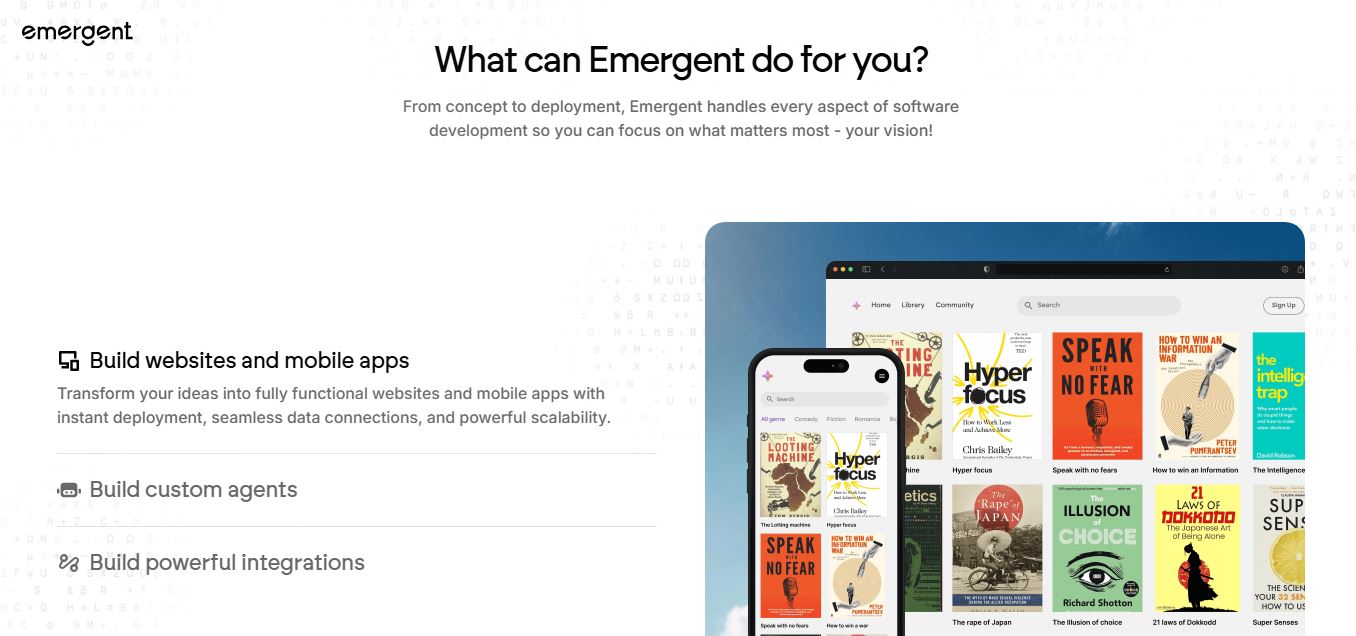
Emergent is an AI-powered app builder that lets users create full-stack web and mobile applications by simply describing their idea. It uses autonomous agents to plan, code, test, and deploy apps, handling everything from backend to hosting without requiring traditional programming skills.
 4.7
4.7Amazon Q Developer
Code Assistant
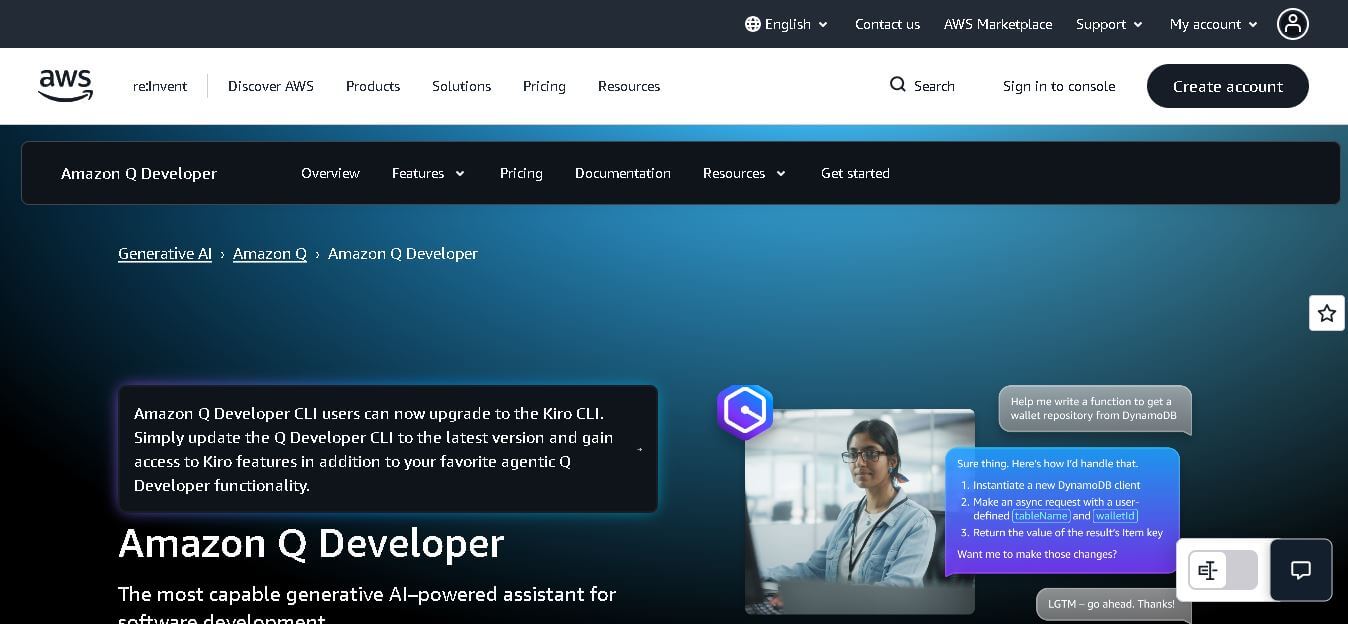
Amazon Q Developer helps developers write, explain, test, refactor, secure, and troubleshoot code while working with AWS services. It provides conversational assistance, inline suggestions, agentic coding, and cloud guidance across supported IDEs, command-line environments, and AWS interfaces. Its goal is to reduce repetitive work and help teams move from ideas to deployable software.
 4.9
4.9GitLab
Code Assistant
GitLab is a DevOps platform that provides a complete suite for planning, coding, testing, and deploying software in one place. It combines version control, CI/CD, security, and collaboration tools, helping teams streamline development workflows and deliver software faster and more efficiently.
 4.9
4.9CodeRabbit
Code Assistant
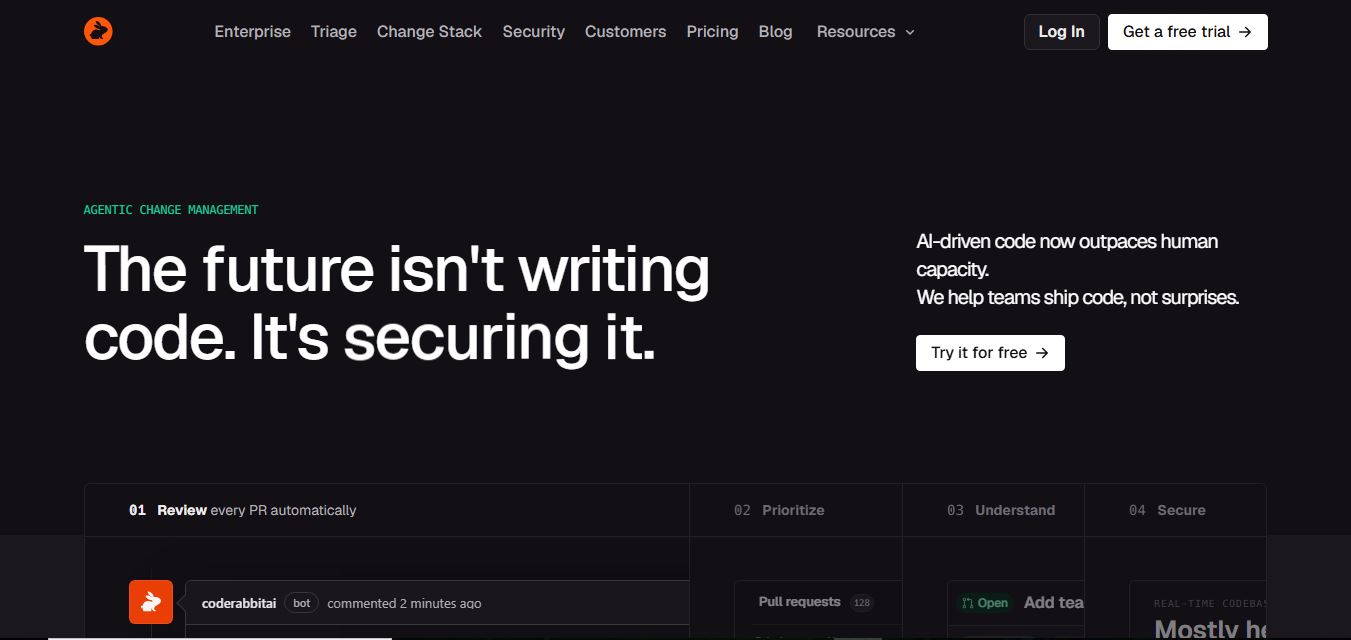
CodeRabbit is an AI-powered code review assistant that helps developers catch bugs, improve code quality, and speed up pull requests. It analyzes code changes in real time, provides actionable feedback, and integrates with Git workflows to make reviews faster and more efficient.
 4.9
4.9Sourcery
Code Assistant
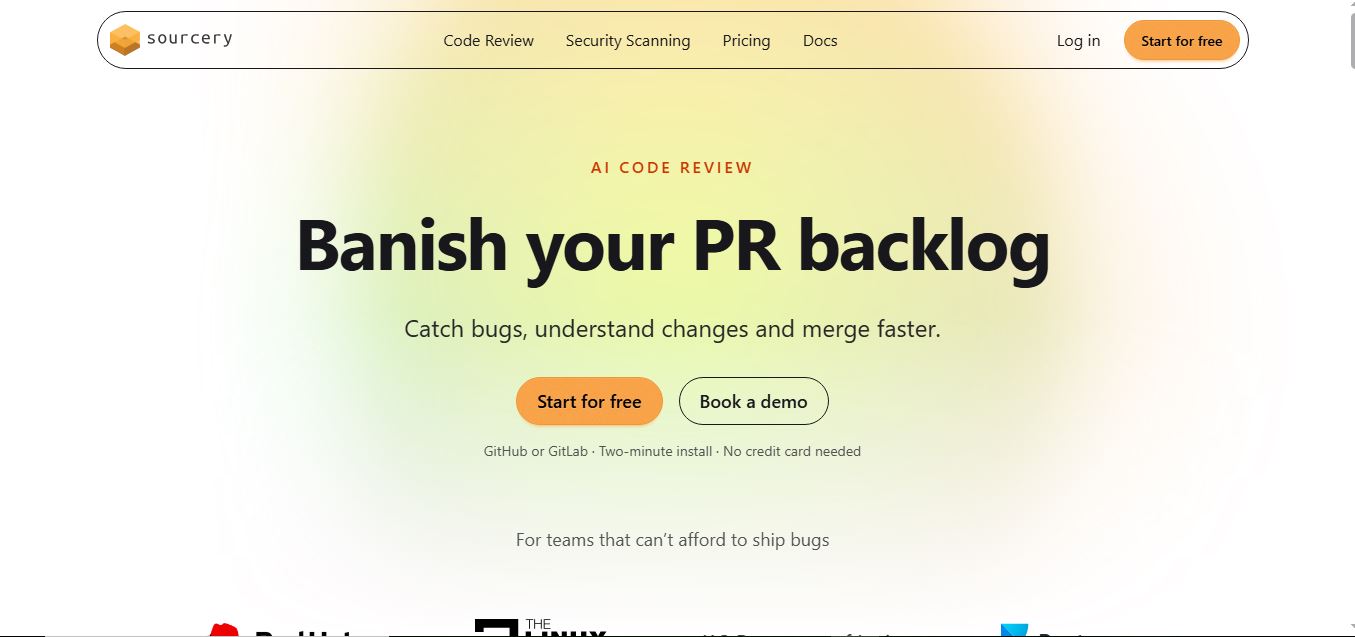
Sourcery is an AI-powered code refactoring tool that helps developers automatically improve Python code quality. It analyzes code, suggests cleaner and more efficient alternatives, and applies refactors instantly, making code more readable, maintainable, and aligned with best practices.
Tenki Cloud
Code Assistant
Tenki Cloud is a high-performance, cost-efficient cloud infrastructure platform offering disposable sandboxes for AI agents, self-hosted GitHub Actions runners, and automated AI code review.
Chessnut
Code Assistant
Chessnut is an innovative chess technology company specializing in smart electronic chessboards, AI-powered coaching tools, and seamless hybrid online/offline gameplay solutions.
 4.9
4.9Llama Coder
Code Assistant
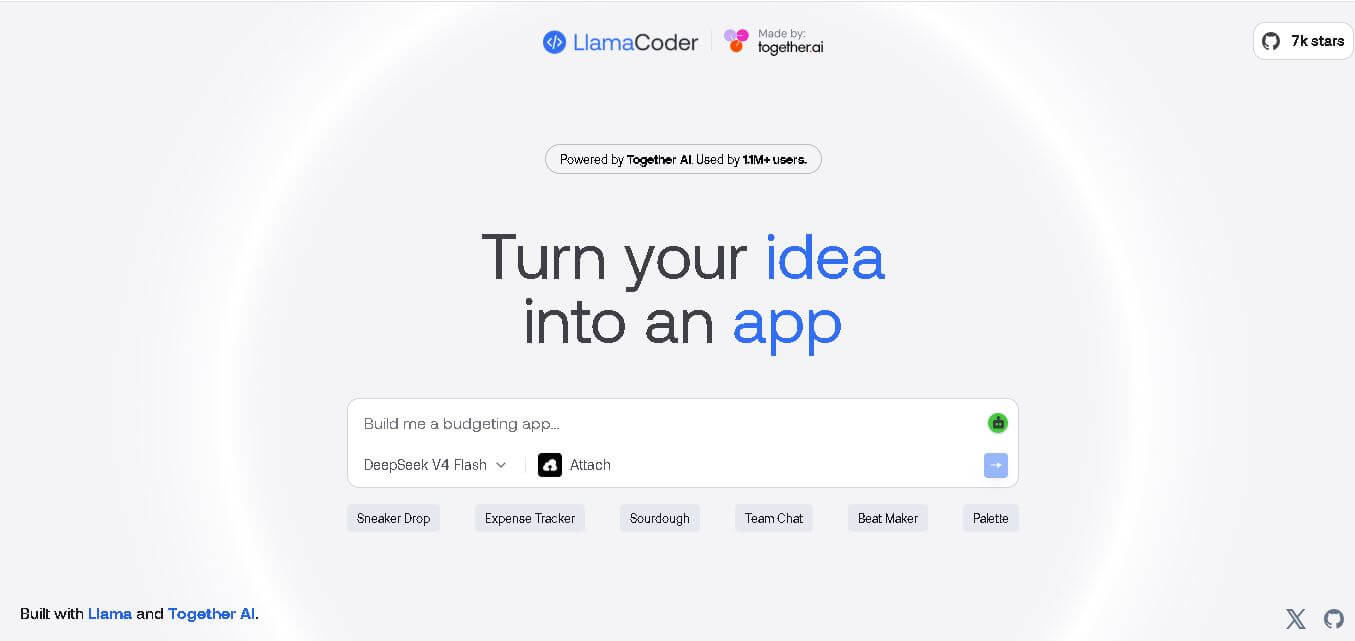
Llama Coder is a prompt-driven coding tool from Together AI that helps users turn app ideas into functional prototypes. Describe what you want to build, and it generates the application code for you. It is useful for developers, students, designers, and creators who want to experiment with web applications quickly without starting every project from scratch.