
Flow Google
Google Flow is an AI-powered filmmaking tool that helps creators generate cinematic videos, scenes, and visual stories using advanced AI models with text prompts and creative controls.

What is Google Flow AI?
Google Flow is an AI-powered video generator platform made by Google Labs that lets creators generate cinematic videos with artificial intelligence. It’s really built for filmmakers, storytellers, and also content creators, and it mixes generative AI models with some more advanced video creation abilities, so text ideas can turn into visual scenes. The whole thing leans on Google’s newest AI technologies, so people can make stuff faster while also editing and managing creative projects with more flexibility than before, you know. Google Flow aims to simplify video production by incorporating AI-driven camera controls, scene generation, and storytelling workflows. The end goal is to help professional quality filmmaking become something more creators can actually reach, without all the usual friction.
Google Flow is an AI-powered filmmaking tool launched by Google Labs in 2025 to help creators generate cinematic videos using advanced AI models. It is built on Google’s generative AI technology and integrates with Google DeepMind research. The platform focuses on text-to-video creation, AI camera controls, and storytelling workflows. Google has invested over $100 billion in AI research and infrastructure, supporting tools like Flow. It targets filmmakers, marketers, and creators seeking faster video production with AI assistance.
Founder Name
- Larry Page
- Sergey Brin
Launch Date: 2025
Use Cases
- AI filmmaking and cinematic video production
- Creating social media and marketing videos
- Developing storyboards and creative concepts
- Producing advertising and promotional content
- Testing visual ideas through AI generation
- Creating educational and training videos
Technology
- Generative AI models for video creation
- Google DeepMind AI research technology
- Text-to-video generation systems
- AI-powered camera movement controls
- Machine learning algorithms for realistic visuals
- Cloud-based AI processing infrastructure

Key Features
Google Flow AI's key features are
- AI-Powered Video Creation: Google Flow allows users to create cinematic videos by simply entering text prompts, helping transform creative ideas into visual scenes without requiring advanced filmmaking skills.
- Cinematic Camera Controls: The tool provides AI-driven camera movement options that help creators control perspectives, angles, and visual styles to produce professional-looking shots.
- Text-to-Video Generation: Users can describe scenes, characters, or actions in natural language, and Flow generates AI-powered video sequences based on those instructions.
- Story-Based Content Creation: Google Flow helps creators build connected scenes and visual stories, making it easier to develop short films, advertisements, and creative projects.
- High-Quality Visual Generation: The platform focuses on producing realistic visuals with improved motion, lighting, and scene consistency for cinematic results.
- AI-Assisted Filmmaking Workflow: Flow simplifies the filmmaking process by supporting idea development, scene creation, and visual experimentation through artificial intelligence.
- Creative Experimentation: Creators can quickly test different concepts, styles, and storytelling ideas without spending significant time or resources on traditional production methods.
- Google AI Integration: Built with Google’s advanced AI ecosystem, Flow benefits from powerful models and research to enhance video generation capabilities.
- User-Friendly Interface: The platform is designed to make AI filmmaking accessible for beginners, designers, marketers, and professional creators.
- Faster Production Process: Google Flow reduces the time needed for creating visual content by automating several stages of video production.
Google Flow AI Pricing
Without a Google AI subscription, free of charge
Included Features:
- 50 daily Google Flow credits
- Gemini Omni Flash
- Nano Banana Pro
- Veo 3.1
- Google Flow Tools (Usage only)
- Agent
- Text to Video
Google AI Plus
- $4.99/mo*
Included Features:
- 200 monthly Google Flow credits
- Everything for free users
- Google Flow Tools (Creation)
- 1080p video upscaling
- Higher image generation limits
- Higher access to agent
Google AI Pro
- $19.99/mo*
Included Features:
- 1,000 monthly Google Flow credits
- Everything in Plus
- AI credits available (top-ups)
Google AI Ultra
- $99.99/mo*
Included Features:
- 10,000 monthly Google Flow credits
- Everything in Pro
- 4K image and video upscaling
- Highest image generation limits
- Highest access to agent
Disclaimer: For the latest and most accurate pricing information, please visit the official Google Flow AI website.
Who is Using Google Flow?
A wide range of users and organizations are using Google Flow AI
- Filmmakers exploring AI-powered production
- Content creators making digital videos
- Marketing teams creating promotional content
- Advertising agencies developing campaigns
- Video production professionals testing AI workflows
- Designers and storytellers creating visual concepts
- Educators producing learning materials
Google Flow AI Alternatives
Some Google Flow AI alternatives are
- OpenAI Sora
- Runway
- Pika
- Adobe Firefly Video
- Luma AI Dream Machine
Google Flow vs Competitors
The main difference between Google Flow and competitors is its connection with Google’s advanced AI research and filmmaking-focused workflow. While tools like Runway and Pika mainly focus on AI video generation, Flow emphasizes cinematic storytelling with AI camera controls and scene creation. Google Flow benefits from Google DeepMind research, providing advanced creative capabilities. Competitors may offer broader editing features, but Flow focuses on making AI-assisted filmmaking easier, faster, and more professional for creators.
| Tool | Technology | Best For | Video Quality | Ease of Use | Pricing Model |
|---|---|---|---|---|---|
| Google Flow | Google AI video models | AI filmmaking and storytelling | High | Easy | Subscription or limited access |
| OpenAI Sora | Generative video AI | Creative video generation | High | Easy | Subscription-based |
| Runway | AI video editing and generation | Professional creators | High | Moderate | Subscription-based |
| Pika | Text-to-video AI | Social media videos | Medium to High | Easy | Freemium |
| Luma AI Dream Machine | AI video generation | Realistic motion videos | High | Easy | Freemium |
How Did We Rate Google Flow?
| Category | Rating |
|---|---|
| Creative Accuracy | 4.5/5 |
| User Experience | 4.5/5 |
| Tools & Capabilities | 4.5/5 |
| Speed & Efficiency | 4/5 |
| Creative Freedom | 4.5/5 |
| Trust & Transparency | 4/5 |
| Help & Community | 4/5 |
| Value for Money | 4/5 |
| Ecosystem Fit | 5/5 |
| Overall Score | 4.4/5 |
Conclusion
Google Flow is this AI-powered filmmaking platform that sort of brings advanced video generation together with cinematic storytelling abilities for creators. It mixes Google’s generative AI models with camera controls and creative workflows, and yeah, it helps filmmakers, marketers, and other content creators put out professional-quality videos more efficiently. In a way, the platform feels like Google’s attempt to reshape the whole traditional video production process using artificial intelligence, not just tweak it a little. Even if it’s still developing, Google Flow seems like it has real potential, mainly because it connects into Google’s wider AI ecosystem and research work. So it could turn into a really useful instrument for people who are keen to explore faster, smarter, and more accessible AI-based filmmaking without too much friction.
People are also reading
FAQ
What is Google Flow?
Google Flow is an AI-powered filmmaking tool from Google Labs that helps users create cinematic videos using AI-generated scenes and prompts.
Who developed Google Flow?
Google developed Google Flow as part of its AI and creative technology initiatives.
Is Google Flow free?
Google Flow availability and pricing depend on Google’s AI subscription plans and regional access.
What technology does Google Flow use?
Google Flow uses advanced generative AI models developed by Google’s AI research teams.
Can Google Flow create videos from text?
Yes, Google Flow allows users to generate video scenes using text-based prompts.
User Reviews
No reviews yet for Flow Google.
Featured Tools
Featured AI tools from TechShark

LandAtlas
LandAtlas is a land investing platform that combines parcel research, skip tracing, buyer matching, contracts, and deal management. It helps land wholesalers and acquisition teams organize property leads, evaluate opportunities, connect with potential buyers, and manage transactions from one workspace.
Paid
Klap
Klap is an AI video clipping platform that transforms long videos into short-form social media content. It automatically identifies highlights, creates captions, reframes speakers, and schedules clips, helping creators, podcasters, and marketing teams repurpose existing videos with less manual editing.
Free
Melody Genie
MelodyGenie is an AI-powered music generator that creates original songs from simple text prompts. Users can choose styles, moods, and genres, then instantly generate melodies and full tracks, making it easy for creators, marketers, and hobbyists to produce custom music without musical expertise.
Freemium

Fashion Diffusion AI
Fashion Diffusion is an AI-powered fashion design platform that helps brands and designers create clothing designs, virtual try-ons, AI models, product photos, and marketing visuals faster and cost-effectively.
Paid
Alternatives
Alternatives to Flow Google
Google flow AI alternatives include Verisl, Cytora, Shift Technology, Socotra, Earnix, and Guidewire. Google Flow is an AI-powered video creation platform from Google Labs that enables filmmakers and creators to produce cinematic-quality scenes using text prompts. Built with advanced generative AI technology, Flow combines video generation, camera controls, and storytelling tools to help users create professional visuals, animations, and creative projects faster.
 4.7
Kaiber
Video Generator
Kaiber is an AI-powered creative suite for generating videos, images, and audio. It helps musicians, content creators, and marketers turn text prompts, images, and music into engaging visuals. Its tools support image animation, beat-synced video creation, lip-sync, visual restyling, and timeline editing for social media and music videos.
 4.8
VideoDubber
Video Enhancer
VideoDubber is an AI-powered video translation and dubbing platform that helps creators, businesses, and educators reach global audiences. It translates videos into 150+ languages, clones voices, synchronizes lip movements, generates subtitles, and preserves background audio. Users can edit translations and export localized videos for multiple platforms.
 4.9
Clipchamp
Video Generator
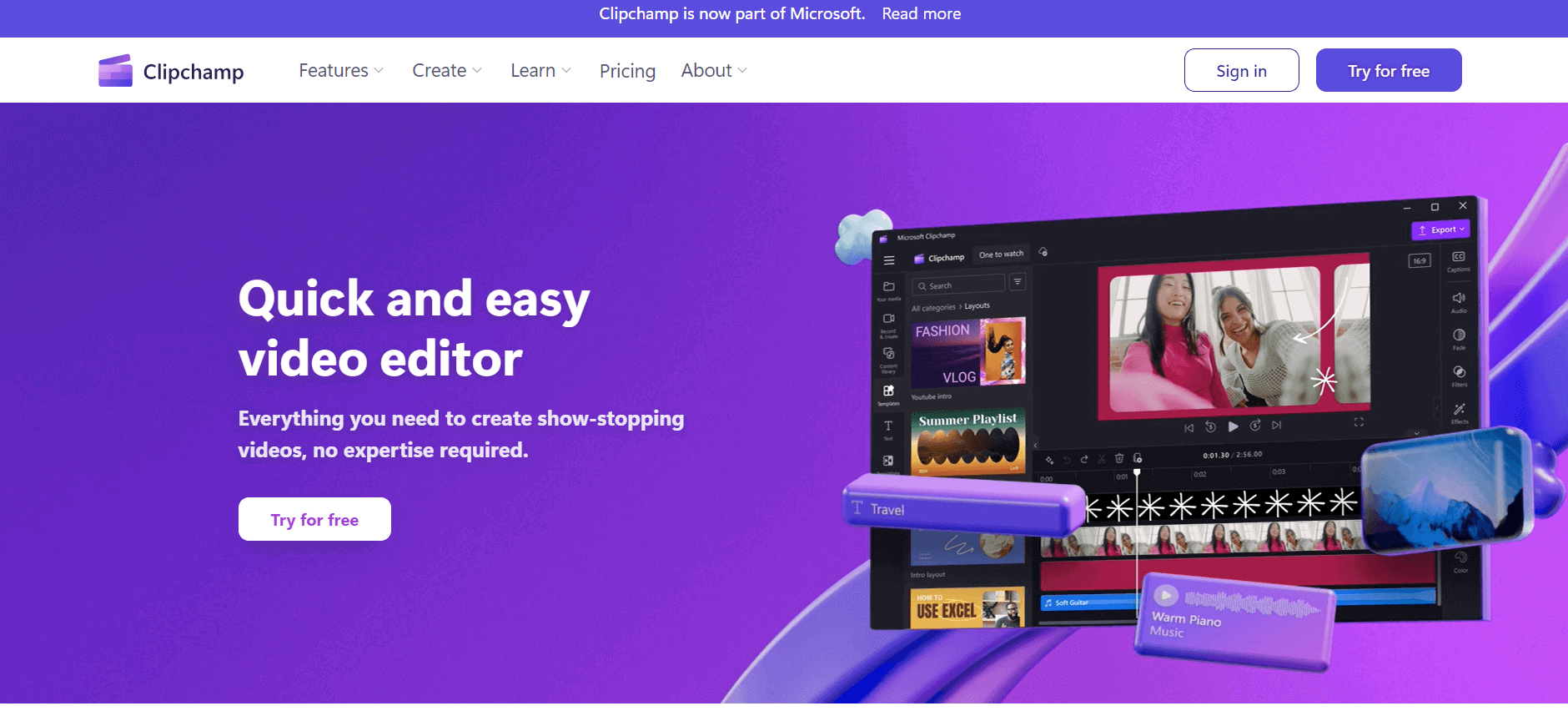
Clipchamp is an AI-powered online video editor by Microsoft that helps users record, edit, and share videos directly from the browser. It offers templates, stock media, and AI tools like subtitles, voiceovers, and noise removal, enabling fast, professional video creation without advanced editing skills.
 4.9
CapCut
Video Editing
CapCut is an AI-powered video editing platform for creating social media videos, advertisements, tutorials, and promotional content. It combines timeline editing, automatic captions, templates, AI tools, and cross-platform access to help creators produce engaging videos.
 4.9
Pika
Video Generator
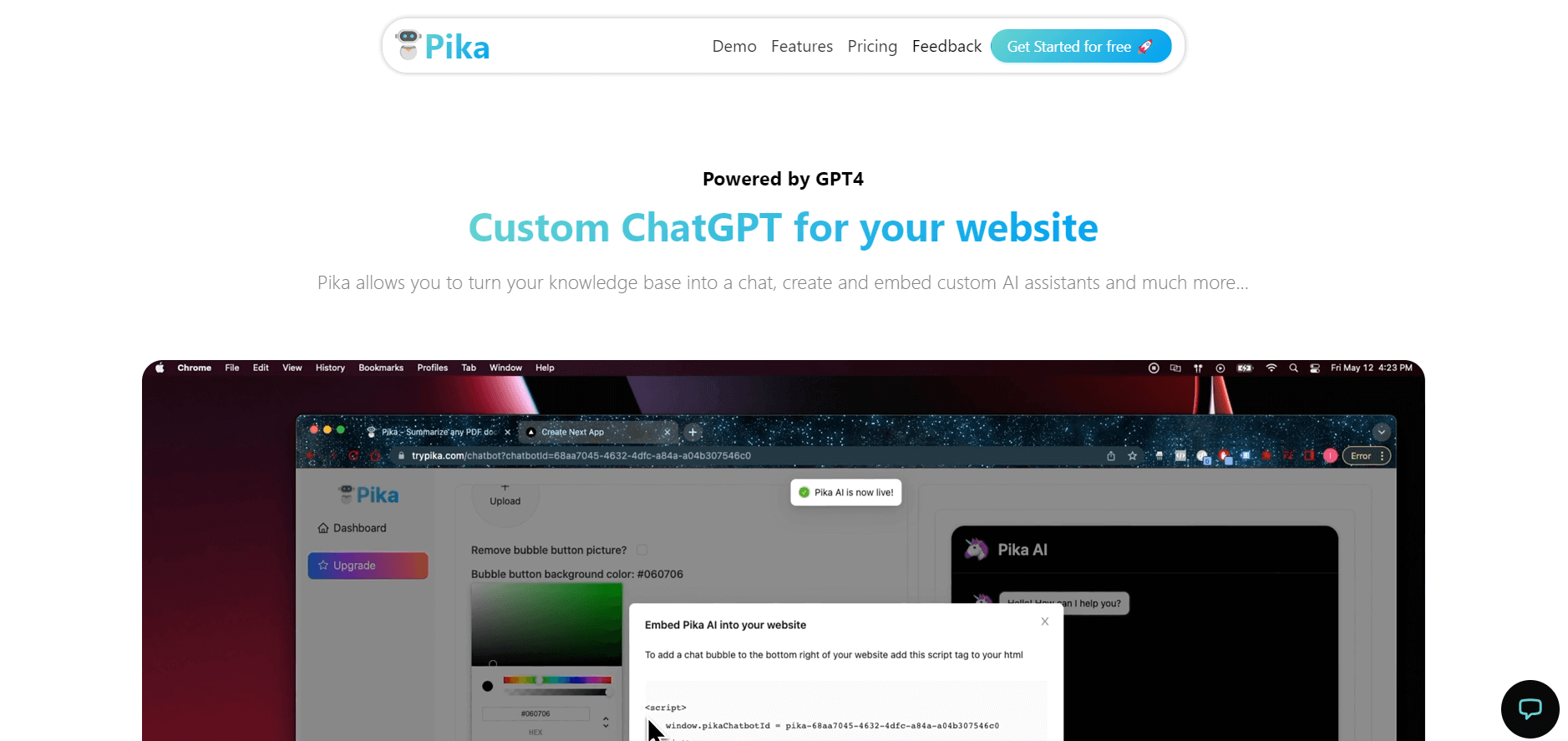
Pika is an AI video generation and creative effects platform that transforms text prompts, still images, and video clips into cinematic video sequences, meme animations, and viral visual effects using its proprietary generative video models.
 4.7
Hotshot AI
Video Generator
Hotshot is an everyday technology publication covering AI tools, gadgets, smart home technology, comparisons, research, and practical how-to guides. It helps readers understand products, evaluate software, compare options, and solve common technology problems through accessible articles created for people who want clearer information before making technology-related decisions online with confidence.
 4.7
VideoPlus AI
Video Generator
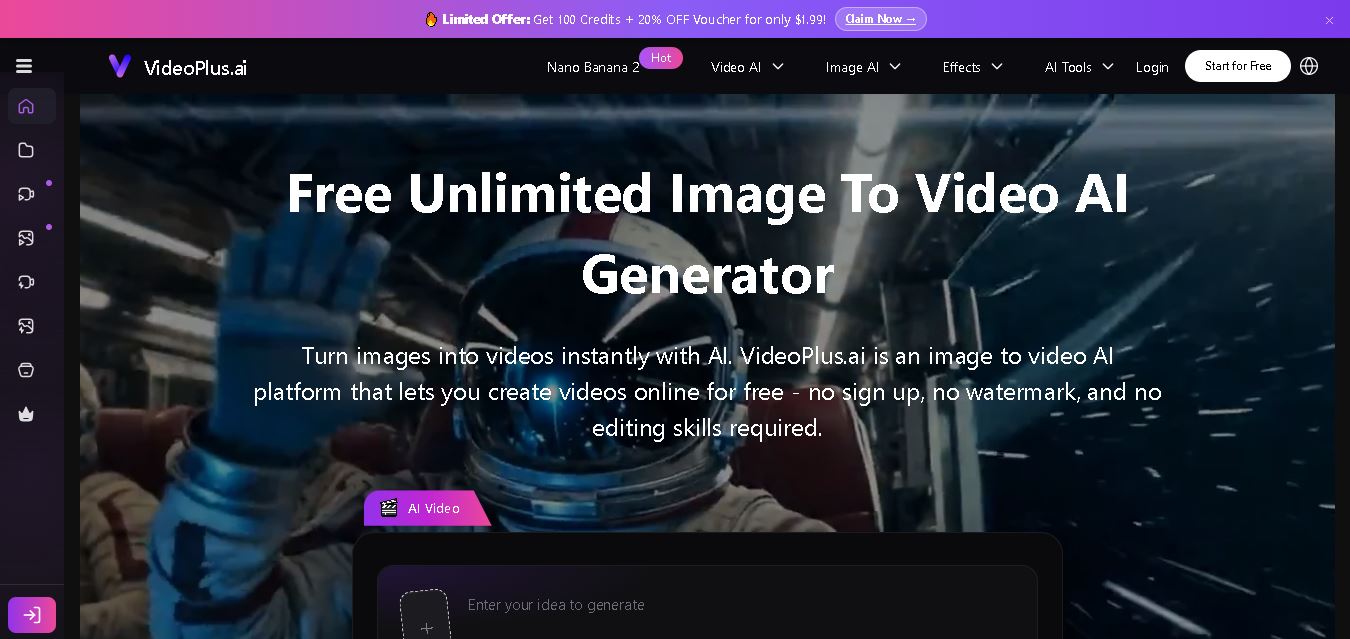
VideoPlus.ai is a versatile AI creation platform for generating and transforming videos and images. It supports text-to-video, image-to-video, reference-to-video, video-to-video, animation, image generation, enhancement, lip syncing, and creative effects. Multiple AI video models are available, making it useful for creators, marketers, designers, and businesses.
 4.7
VideoTube
Video Generator
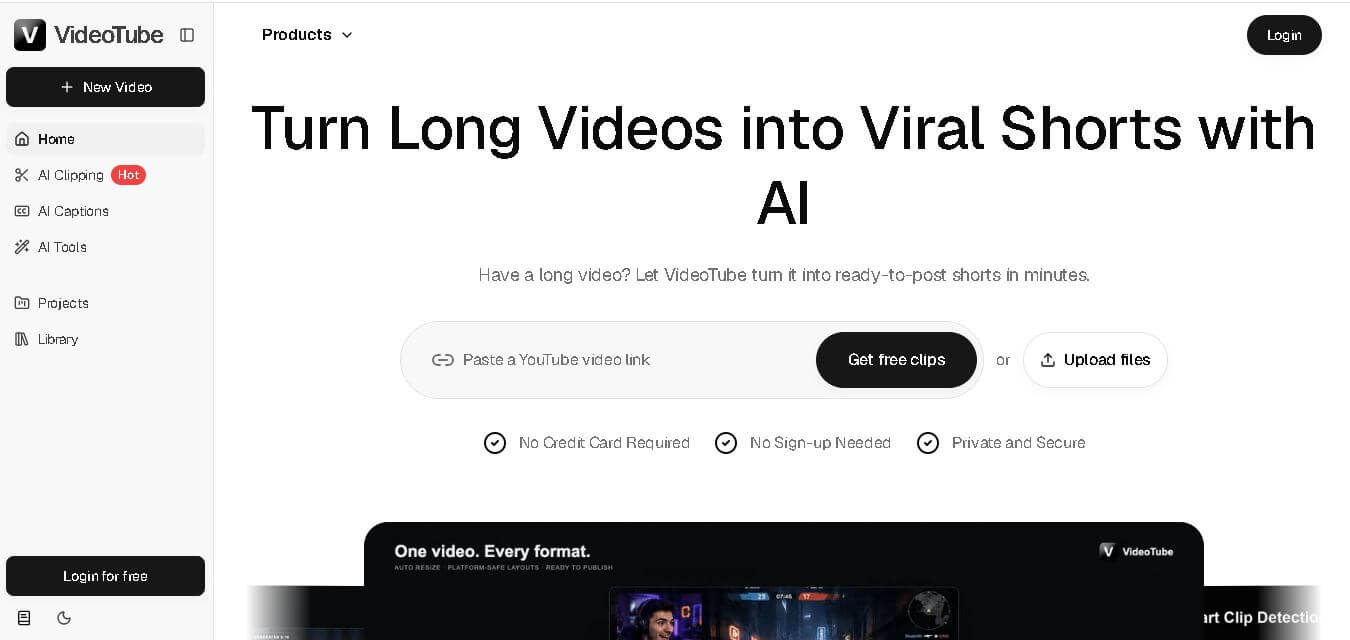
VideoTube helps creators transform long videos into short, social-ready content with AI. It can detect engaging moments, generate captions, remove filler, add B-roll, and automatically reframe videos for vertical platforms. Podcasters, YouTubers, educators, marketers, and agencies can repurpose existing content faster without relying on complicated video editing workflows.
 4.7
TYPPO
Video Generator
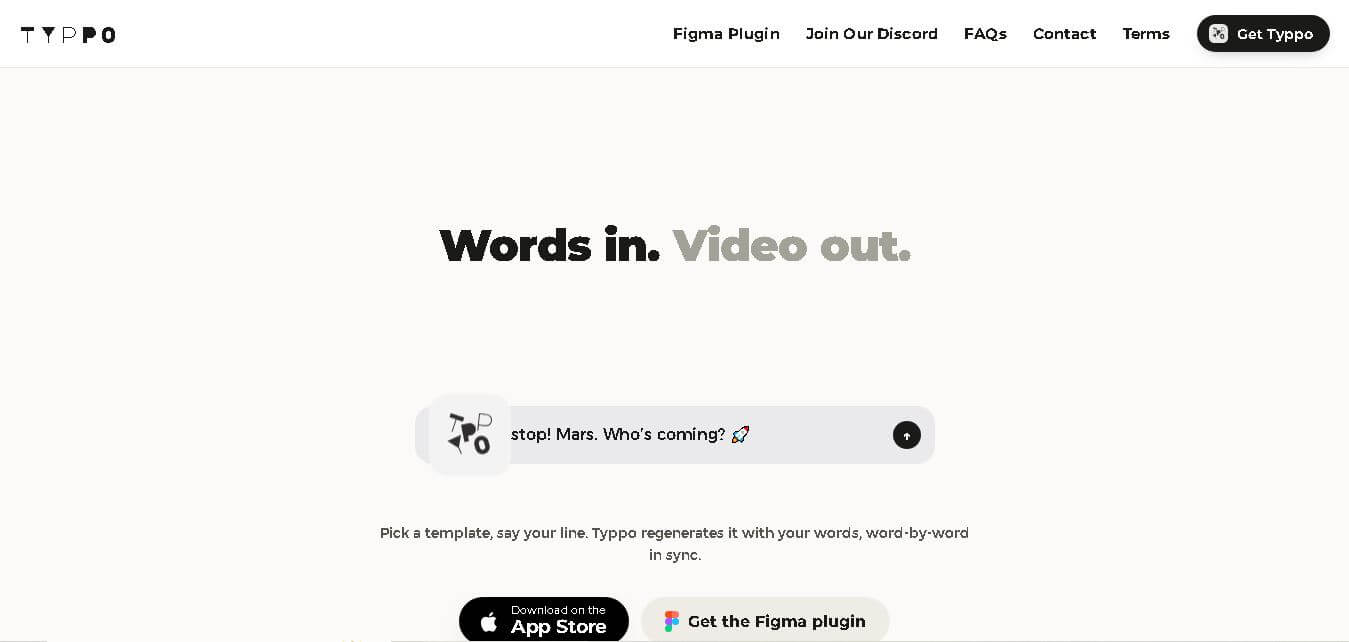
Typpo turns spoken words into animated videos without requiring design skills. Record a message, let the app transform your voice into motion graphics, and share the result on mobile-focused social channels. It supports multiple languages and offers a simple workflow for creators, marketers, communicators, and anyone wanting faster visual content creation.