Chessnut
Chessnut is an innovative chess technology company specializing in smart electronic chessboards, AI-powered coaching tools, and seamless hybrid online/offline gameplay solutions.
What is Chessnut?
Chessnut is a leading chess technology brand that bridges the gap between physical over-the-board play and digital chess platforms. By combining physical wooden and portable electronic chessboards with advanced sensor recognition and AI capabilities, Chessnut allows players to play online games on platforms like Chess.com and Lichess using real, physical pieces. Unlike traditional digital chess sets, Chessnut products offer full-piece recognition, low-latency connectivity, and robust software integration without requiring complex manual setups.
Chessnut boards deliver real-time over-the-board synchronization with ultra-low latency, allowing players to enjoy tactile, screen-free chess while competing against global online opponents or custom AI engines.
- Founder: Developed by the Chessnut Engineering & Design Team
- Launch Year: 2020
Use Cases:
- Playing online chess on Chess.com and Lichess using real physical chess pieces
- Analyzing over-the-board matches using integrated AI engines and performance tracking
- Practicing chess tactics, openings, and endgame studies screen-free
- Digitizing physical over-the-board (OTB) tournament games and casual friendly matches in real time
Technology:
- Patented full-piece sensor matrix for reliable individual piece detection
- Bluetooth and USB multi-platform connectivity (iOS, Android, Windows, macOS, Linux)
- Open API support for integration with third-party chess apps and custom AI engines
Target Users:
- Casual & Competitive Chess Players
- Chess Coaches & Educational Academies
- Content Creators & Chess Streamers
- Tech Enthusiasts & Gadget Collectors
Acquisition: Operates as an independent hardware and technology brand
Key features of Chessnut
Chessnut's key features are
- Full Piece Recognition: Accurately identifies every unique piece and position automatically without requiring manual entry or piece setup errors.
- Seamless Platform Integration: Native integration with top chess ecosystems including Chess.com, Lichess, and ChessKid.
- AI Training Engine: Built-in adaptive AI opponents that scale to user skill levels for personalized practice sessions.
- Compact & Premium Models: Offers diverse product lines ranging from portable travel boards (Chessnut Air) to full-sized luxury wooden boards (Chessnut Pro).
- Over-The-Board Game Recording: Saves games played offline directly to internal memory for later export to PGN format.
- Cross-Platform Companion App: Feature-rich app supporting real-time move feedback, puzzle solving, and game analysis across mobile and desktop devices.
Chessnut Pricing
Chessnut operates on a **direct-to-consumer hardware sales model** with hardware purchase tiers ranging from portable boards to premium tournament-sized setups.
Chessnut Air (Portable / Entry Level):
- $199 – $249 one-time purchase
- Compact lightweight frame with full piece recognition
- Includes companion app and platform integrations
Chessnut Go (Travel Edition):
- $149 – $179 one-time purchase
- Ultra-portable design for playing on the move
- Bluetooth connectivity with full online platform support
Chessnut Evo (All-in-One Tablet Smart Board):
- $599 – $699 one-time purchase
- Built-in Android color display tablet with integrated AI coaching tools
- No secondary phone or laptop required to connect and play
Chessnut Pro (Luxury Wooden Edition):
- $549 – $799 one-time purchase
- Full tournament-size wooden board with wooden magnetic pieces
- Premium handcrafted aesthetics with advanced sensor matrix
Disclaimer: For the latest and most accurate pricing information, please visit the official Chessnut website.
Who is using Chessnut?
Chessnut products are designed for players of all skill levels and chess institutions, including
- Online Chess Enthusiasts: Players who want to reduce screen fatigue while maintaining their online rating on Chess.com or Lichess
- Tournament Players: Competitors looking to practice real over-the-board physical play and analyze games digitally
- Chess Coaches & Teachers: Instructors setting up interactive physical boards for students to practice puzzles and theoretical openings
- Chess Streamers & Creators: Broadcasters transmitting live over-the-board games directly to Twitch or YouTube with low latency
Best Chessnut Alternatives
Some of the strongest Chessnut alternatives include
- DGT (Digital Game Technology) Smart Boards
- Square Off Smart Chessboards
- Millennium eONE & Supreme Tournament 55
- ChessUp by Bryght Labs
- Certabo Electronic Chessboards
Pros and Cons of Chessnut
Pros
- Reliable piece recognition technology prevents dropped or misplaced move errors
- Direct software support for major online platforms (Chess.com, Lichess)
- Wide range of hardware models from budget-friendly travel sets to luxury wooden boards
- Open API ecosystem for third-party developer expansion and custom app builds
Cons
- Higher initial cost compared to non-electronic standard chess sets
- Requires device pairing and internet connectivity for online multiplayer functionality
- Non-Evo models require a smartphone, tablet, or PC to display opponent moves
Why Choose Chessnut?
Chessnut redefines the physical chess experience by blending real-world tactile play with modern online ecosystems. Its precise piece-tracking, robust mobile app, and wide hardware selection make physical board play seamlessly compatible with digital chess platforms.
- Reduces screen time by bringing online games directly to a physical chessboard
- Provides reliable, error-free full piece recognition technology
- Syncs directly with Chess.com and Lichess for ranked matches
- Offers diverse form factors from ultra-portable sets to luxury wooden tournament boards
Chessnut vs. Competitors
The main difference between Chessnut, DGT, Square Off, and ChessUp is that Chessnut balances affordability, open platform compatibility, and individual piece recognition. While traditional systems like DGT focus mainly on professional tournament broadcast setups at higher price points, and Square Off focuses on robotic automated movement, Chessnut delivers a highly responsive, versatile electronic board suitable for both casual online players and serious study.
| Feature / Tool | Chessnut | DGT | Square Off | ChessUp |
|---|---|---|---|---|
| Core Focus | Smart E-Boards & AI Integration | Official Tournament Hardware | Robotic Auto-Moving Boards | Light-Up Assistance & Training |
| Piece Recognition | Full Piece Recognition | Inductive / Optical Systems | Magnetic Position Tracking | Touch Sensor Matrix |
| Online Platform Support | Chess.com / Lichess / Custom | Lichess / Broadcast Software | Chess.com / Lichess | Chess.com / Lichess |
| Product Range | Travel, Tablet, Wooden Models | Professional Wooden / Plastic | Automated Wooden Sets | Single Compact Model |
| Best For | Everyday Online OTB Players | Tournament Directors & FIDE | Automated Hands-Free Play | Beginners & Casual Learners |
How do we rate Chessnut?
| Parameter | Rating (out of 5) |
|---|---|
| Build Quality & Design | 4.8 |
| Piece Recognition Accuracy | 4.9 |
| Software & Platform Syncing | 4.7 |
| Portability & Versatility | 4.8 |
| Value for Money | 4.7 |
| Overall Score | 4.8 |
Chessnut Review
Chessnut bridges the gap between traditional board feel and online chess platforms. With accurate piece detection, fast Bluetooth sync, and broad support for platforms like Chess.com and Lichess, it eliminates the need to stare at screens during long chess sessions. Whether opting for the ultra-portable Chessnut Go, the standalone Chessnut Evo, or the handcrafted Chessnut Pro, it delivers an exceptional over-the-board experience for modern chess lovers.
Conclusion
Chessnut stands out as a leading electronic chessboard maker for modern players seeking tactile physical gameplay combined with digital online integration. By delivering high-accuracy piece recognition, comprehensive platform support, and a lineup that suits various budgets, Chessnut provides a top-tier hybrid chess experience.
FAQ
What is Chessnut?
Chessnut is a smart chess technology company that develops electronic chessboards, robotic chessboards, chess computers, and AI-powered chess training devices. Its products connect physical chess play with online platforms, chess engines, and training features.
What can Chessnut products be used for?
Chessnut boards can be used for playing chess online, practicing against AI opponents, analyzing games, tracking moves automatically, and connecting physical over-the-board games with supported digital chess platforms. The product range includes Chessnut Go, Air, Air+, Pro, Evo, and Move.
Does Chessnut use AI technology?
Yes. Some Chessnut products use AI and chess engines for playing and training. For example, Chessnut Evo combines its piece-recognition technology with the Maia human-like chess engine and also supports Stockfish for chess analysis.
What is Chessnut Companion?
Chessnut Companion is an AI-powered chess clock and training device designed to work with Chessnut smart boards. It provides features such as position identification, AI analysis, voice control, game summaries, and phase-by-phase chess advice. It is compatible with Chessnut boards except the Chessnut Chess Computer.
Can Chessnut boards connect to Chess.com and Lichess?
Yes. Chessnut states that its smart boards can connect with major online chess platforms, including Chess.com and Lichess. This allows players to combine a physical chessboard experience with online games and digital move tracking.
How much do Chessnut products cost?
Pricing depends on the product. Current examples on Chessnut's official store include Chessnut Go at $179.99, Chessnut Air at $249.99, Chessnut Evo at $629.99, and Chessnut Move at $799. Prices and promotions can change.
Who should use Chessnut?
Chessnut products can be useful for beginners, experienced players, chess coaches, families, and players who want to combine traditional physical chess with online play and AI-assisted training. Different models are designed for different needs, from portable boards such as Chessnut Go to advanced AI-focused products such as Evo and Companion.
User Reviews
No reviews yet for Chessnut.
Featured Tools
Featured AI tools from TechShark

Melody Genie
MelodyGenie is an AI-powered music generator that creates original songs from simple text prompts. Users can choose styles, moods, and genres, then instantly generate melodies and full tracks, making it easy for creators, marketers, and hobbyists to produce custom music without musical expertise.
Freemium

Kimi AI
Kimi AI is an advanced AI assistant developed by Moonshot AI that helps you chat, research, write, code, and automate tasks in one place. It supports web search, file analysis, and multimodal inputs, and can even run autonomous “agent” workflows to complete complex tasks end-to-end.
Freemium

Fashion Diffusion AI
Fashion Diffusion is an AI-powered fashion design platform that helps brands and designers create clothing designs, virtual try-ons, AI models, product photos, and marketing visuals faster and cost-effectively.
Paid

Veo 4
Veo 4 AI is an AI video creation platform that generates dramatic videos from text, images, audio, and video prompts using realistic motion and synchronized sound.
Paid
Alternatives
Alternatives to Chessnut
The best Chessnut alternatives include DGT Smart Boards, Square Off, Millennium eONE, ChessUp, and Certabo. These companies manufacture electronic chessboards, robotic sets, and smart chess learning tools. While Chessnut offers full piece recognition across a wide variety of form factors for platforms like Chess.com and Lichess, alternatives like DGT focus heavily on official tournament broadcasts and Square Off provides robotic piece automation.
 4.9
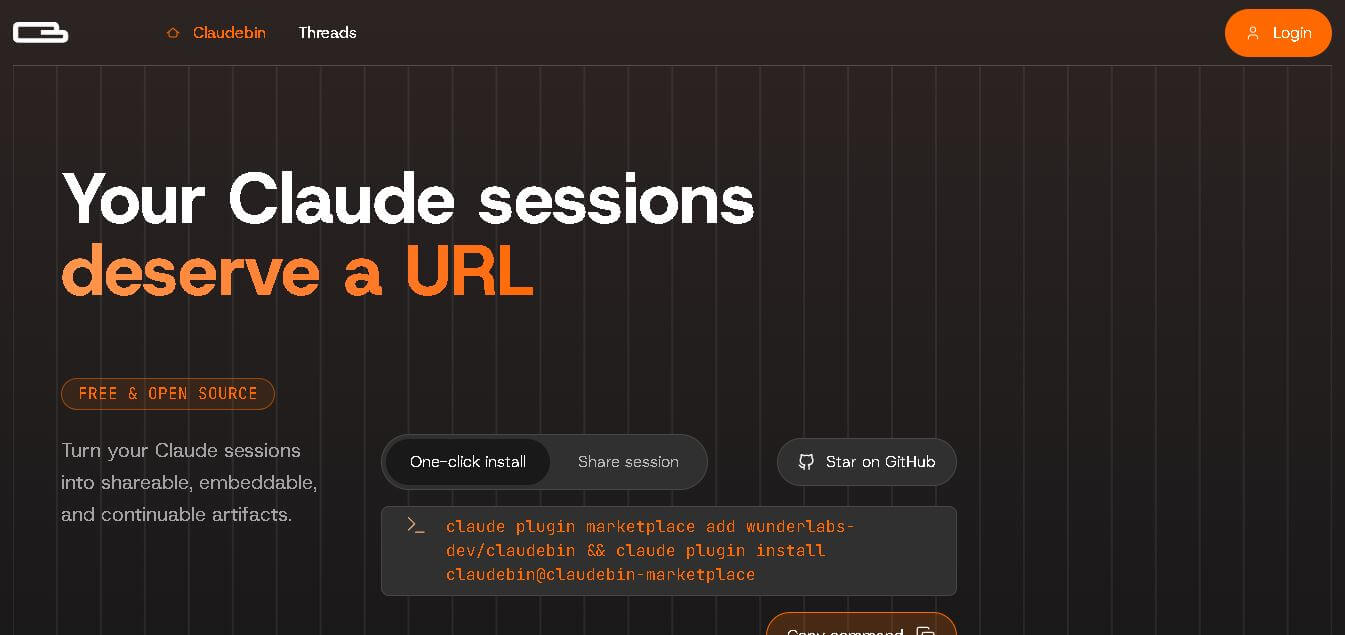
4.9Claudebin
Code Assistant
Claudebin is an open-source tool for sharing Claude Code sessions through structured, accessible web links. It captures conversations, file operations, terminal commands, and tool calls, helping developers explain their coding workflows. With session viewing and embedding capabilities, it simplifies technical documentation, collaboration, debugging discussions, and knowledge sharing across development projects.
 4.9
4.9GitFluence
Code Assistant
GitFluence is an AI-powered Git command generator that helps developers turn plain-English instructions into exact Git commands. It eliminates the need to memorize syntax, speeds up version control workflows, and lets users quickly copy accurate commands for tasks like branching, merging, and fixing commits.
 4.9
4.9Kiro
Vibe Coding
Kiro is an AI-powered developer platform that helps teams plan, build, and ship software using autonomous agents. It turns prompts into structured specs, writes and tests code, and automates workflows across IDE, CLI, and cloud, enabling faster, reliable development from prototype to production.
 4.8
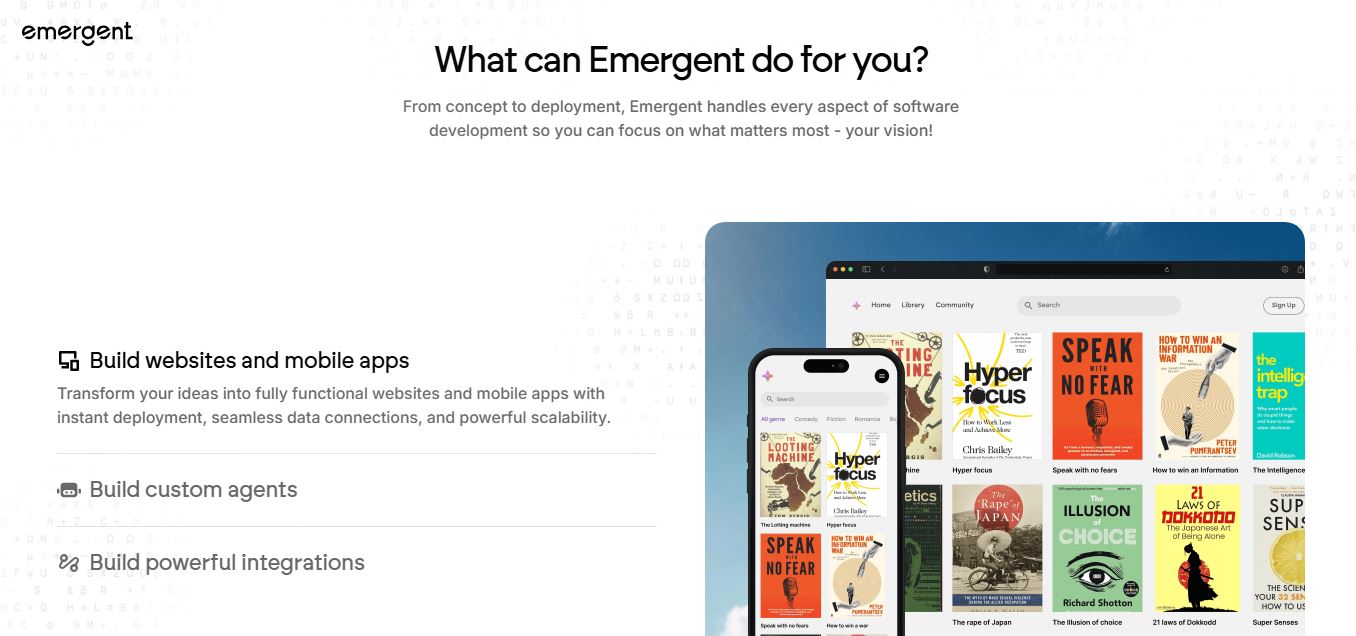
4.8Emergent
Vibe Coding
Emergent is an AI-powered app builder that lets users create full-stack web and mobile applications by simply describing their idea. It uses autonomous agents to plan, code, test, and deploy apps, handling everything from backend to hosting without requiring traditional programming skills.
 4.7
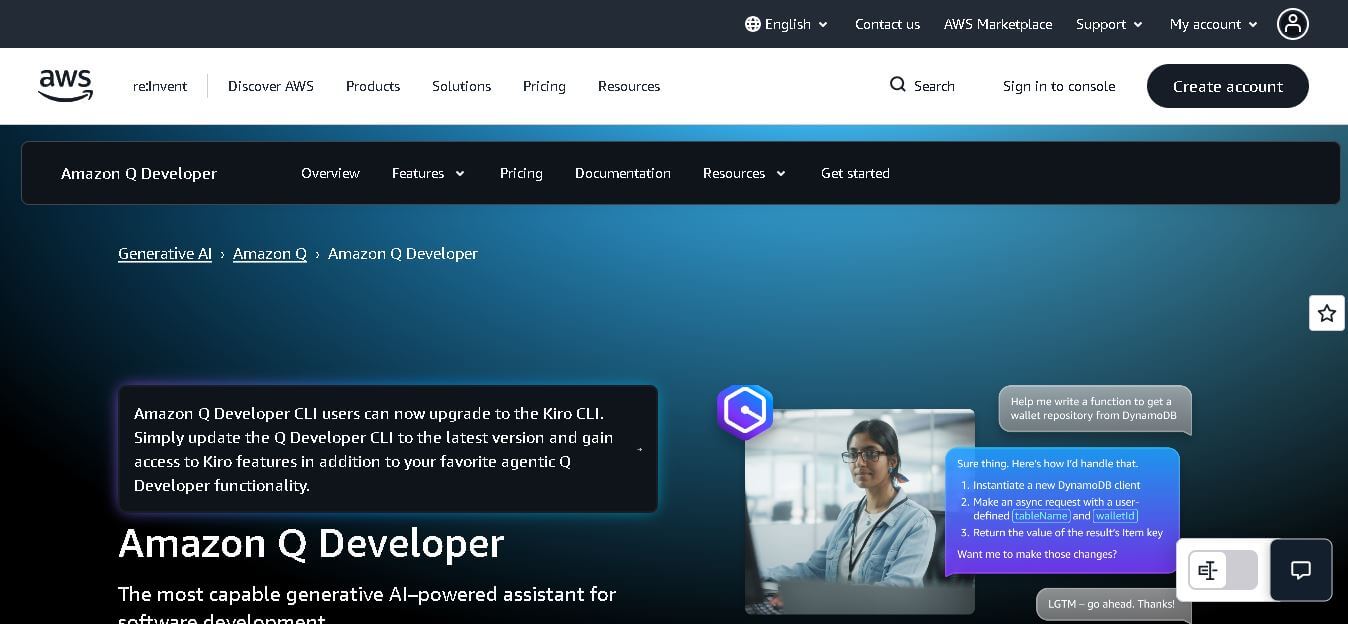
4.7Amazon Q Developer
Code Assistant
Amazon Q Developer helps developers write, explain, test, refactor, secure, and troubleshoot code while working with AWS services. It provides conversational assistance, inline suggestions, agentic coding, and cloud guidance across supported IDEs, command-line environments, and AWS interfaces. Its goal is to reduce repetitive work and help teams move from ideas to deployable software.
 4.9
4.9GitLab
Code Assistant
GitLab is a DevOps platform that provides a complete suite for planning, coding, testing, and deploying software in one place. It combines version control, CI/CD, security, and collaboration tools, helping teams streamline development workflows and deliver software faster and more efficiently.
 4.9
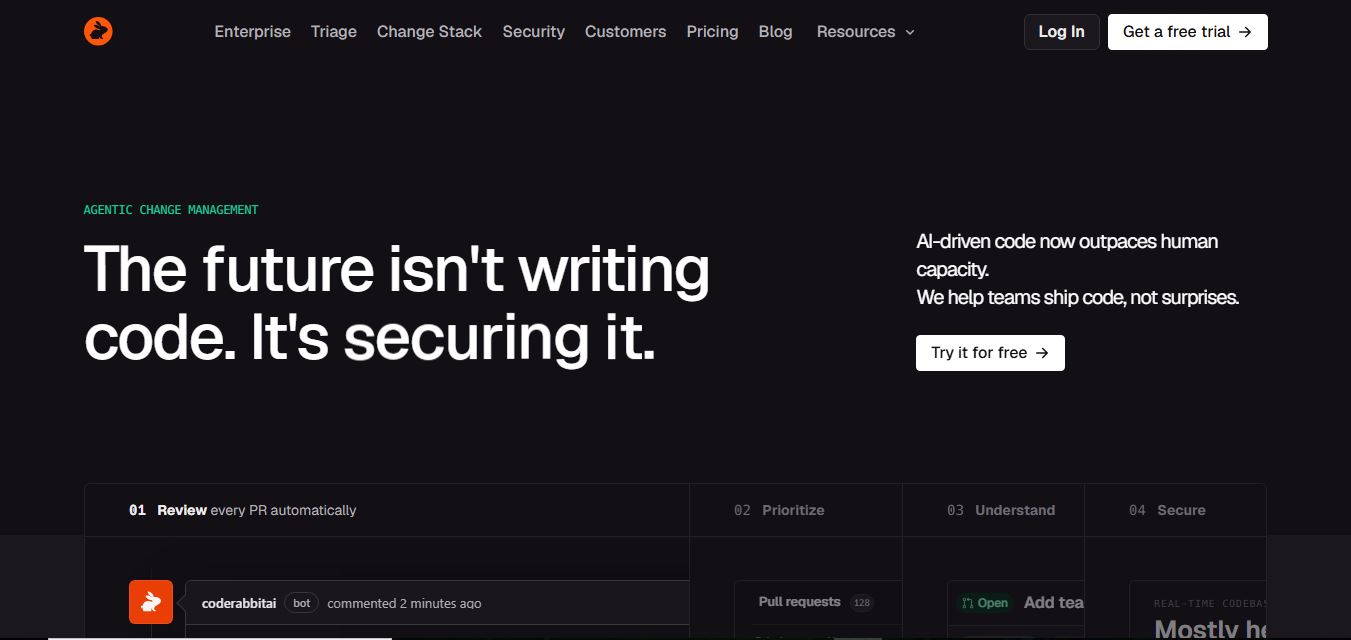
4.9CodeRabbit
Code Assistant
CodeRabbit is an AI-powered code review assistant that helps developers catch bugs, improve code quality, and speed up pull requests. It analyzes code changes in real time, provides actionable feedback, and integrates with Git workflows to make reviews faster and more efficient.
 4.9
4.9Sourcery
Code Assistant
Sourcery is an AI-powered code refactoring tool that helps developers automatically improve Python code quality. It analyzes code, suggests cleaner and more efficient alternatives, and applies refactors instantly, making code more readable, maintainable, and aligned with best practices.
Tenki Cloud
Code Assistant
Tenki Cloud is a high-performance, cost-efficient cloud infrastructure platform offering disposable sandboxes for AI agents, self-hosted GitHub Actions runners, and automated AI code review.