
Claude in PowerPoint
Claude in PowerPoint is an AI-powered assistant powered by Anthropic’s Claude models that helps draft, refine, and style presentation slides using natural language prompts.

What is Claude in PowerPoint?
- Founder: Claude AI
- Launch: 2025
- Use Cases:
- Generate presentation outlines using prompts.
- Draft slides with natural language input.
- Improve existing slide content and clarity.
- Rewrite bullet points for impact and tone.
- Add suggested visuals and layout ideas.
- Technology: Claude in PowerPoint makes use of Anthropic's Claude-family large language models (LLMs) embedded in Microsoft's AI platform to understand user prompts and generate context-aware content within the PowerPoint interface.
Claude in PowerPoint is a built-in AI-powered assistance feature that combines generative AI capability into Microsoft PowerPoint, allowing users to create, edit, and update presentations with natural language. Powered by Anthropic's Claude AI, it allows users to create presentations, generate structure and content, modify bullet points, improve style, and even suggest images—all without leaving PowerPoint. It accelerates workflow, increases creativity, and makes presentation design accessible to users of all skill levels.
Key Features
Claude in PowerPoint key features are
- AI Slide Drafting: Claude in PowerPoint generates entire slides from simple instructions—like “Create a sales pitch deck” or “Summarize this report as slides."
- Smart Rewriting & Editing: Allows you to reword bullets, fix grammar, adjust tone, and improve clarity with AI suggestions.
- Context-Aware Suggestions: The AI-assistant understands your existing slides and can generate content that flows with the rest of the deck.
- Visual & Layout Ideas: Offers recommended image placements, icons, and layouts suited to your message.
Pricing
Claude offers both free and paid plans
Free Plan:
- Allows chat on the web, iOS, and Android
- Allows generating code and visualizing data
- Allows to write, edit, and create content
- Offers to analyze text and images
Pro Plan:
- The plan starts at $20 per month
- Allows chat on the web, ios, and Android
- Allows generating code and visualizing data
- Allows to write, edit, and create content
- Offers to analyze text and images
- Allows access to Claude's code directly in the terminal.
- Allows you to create unlimited projects to organize chats and documents.
Disclaimer: For the latest and most accurate pricing information, please visit the official Claude AI website.
Who is using Claude by PowerPoint?
A diverse range of users and organizations utilize Claude by PowerPoint
- Professionals
- Students
- Sales teams
- Marketing teams
- Educators
- Content creators
Claude by Powerpoint Alternatives
Some Claude by Powerpoint alternatives are
- Beautiful AI
- Gamma App
- Canva AI
- Tome App
- Slidebean
Conclusion
Claude in PowerPoint combines advanced generative AI into the heart of presentation development. Anthropic's language models can be directly integrated into Microsoft PowerPoint, allowing users to create slides, rewrite content, suggest images, and edit messaging without disrupting their productivity. It is extremely useful for professionals, educators, and students who wish to create complex, effective decks easily even without design experience. While access may be limited to Microsoft's AI subscription plans, the feature shows how AI can enhance everyday productivity tools, reducing tasks that used to take hours, such as structuring and updating presentations, to minutes.
People are also reading:
FAQ
What is Claude in PowerPoint?
It’s an AI assistant inside PowerPoint powered by Claude for generating and refining slides.
Do I need a subscription?
Yes — typically requires Microsoft 365 or Copilot/AI plan access.
Can it generate full decks?
Yes — you can prompt it to create structured presentations.
Can it fix slide text?
Yes — it can rewrite and improve text tone and clarity.
Does it suggest visuals?
The AI can suggest layouts and visual elements.
User Reviews
No reviews yet for Claude in PowerPoint.
Featured Tools
Featured AI tools from TechShark

Melody Genie
MelodyGenie is an AI-powered music generator that creates original songs from simple text prompts. Users can choose styles, moods, and genres, then instantly generate melodies and full tracks, making it easy for creators, marketers, and hobbyists to produce custom music without musical expertise.
Freemium

Kimi AI
Kimi AI is an advanced AI assistant developed by Moonshot AI that helps you chat, research, write, code, and automate tasks in one place. It supports web search, file analysis, and multimodal inputs, and can even run autonomous “agent” workflows to complete complex tasks end-to-end.
Freemium

Fashion Diffusion AI
Fashion Diffusion is an AI-powered fashion design platform that helps brands and designers create clothing designs, virtual try-ons, AI models, product photos, and marketing visuals faster and cost-effectively.
Paid

Veo 4
Veo 4 AI is an AI video creation platform that generates dramatic videos from text, images, audio, and video prompts using realistic motion and synchronized sound.
Paid
Alternatives
Alternatives to Claude in PowerPoint
Claude integrates generative AI slide creation and editing into PowerPoint. Alternatives include Beautiful.ai for auto layout, Gamma.app for storytelling decks, Tome.app for narrative presentations, Slidebean for AI design, and Canva AI for creating visual content.
 4.8
4.8Chatnode
AI Chatbot Tools
ChatNode is a customer-support AI agent platform for businesses that want to automate conversations using their own websites, documents, and knowledge bases. It supports no-code deployment, AI Actions, integrations, lead capture, analytics, and human escalation, helping teams deliver 24/7 assistance while automating repetitive support and customer-service workflows.
 4.9
4.9ChatGOT
AI Chatbot Tools
ChatGOT is an AI chatbot platform that combines multiple models like GPT, Claude, and Gemini into one interface. It helps users chat, write, code, summarize PDFs, and generate images, while allowing them to compare answers or tag specific AI models for different perspectives.
 4.8
4.8Sensay
AI Chatbot Tools
Sensay helps businesses capture valuable knowledge and turn it into accessible AI agents. Users can train agents with documents, websites, audio, video, and other information, then deploy them across websites and supported channels. Its features include multilingual conversations, analytics, customization, knowledge bases, API access, and secure data handling for teams.
 4.8
4.8Microsoft Copilot
Productivity
Microsoft Copilot is an AI-powered assistant that helps users write, research, analyze data, and automate tasks across apps like Word, Excel, Outlook, and Teams. It combines large language models with real-time data to generate content, answer questions, and improve productivity across personal and professional workflows.
 5.0
5.0Perplexity AI
AI Chatbot Tools
Perplexity is an AI-powered answer engine that searches the web in real time and delivers clear, cited responses instead of just links. It combines conversational AI with live data, helping users research topics, compare information, and get reliable insights quickly with verifiable sources.
 5.0
5.0DeepSeek
AI Chatbot Tools
DeepSeek is an AI platform that helps users generate text, code, and insights using advanced large language models. It offers chat, API access, and open-weight models for developers, enabling fast, cost-efficient AI applications for writing, coding, research, and automation tasks.
 4.9
4.9Grok
AI Chatbot Tools
Grok is an AI-powered assistant by xAI that helps users search, write, analyze data, and generate images, code, and content in real time. It connects to live web and X (Twitter) data, enabling up-to-date insights, problem-solving, and conversational AI across multiple tasks.
 4.8
4.8AIChatbot.support
AI Chatbot Tools
AIChatbot.support (aichatbot.support) is an intelligent customer support platform that allows businesses to build, train, and deploy AI customer service agents trained on website content, help docs, and internal knowledge bases for 24/7 automated support.
 4.8
4.8ZenMux
AI Chatbot Tools
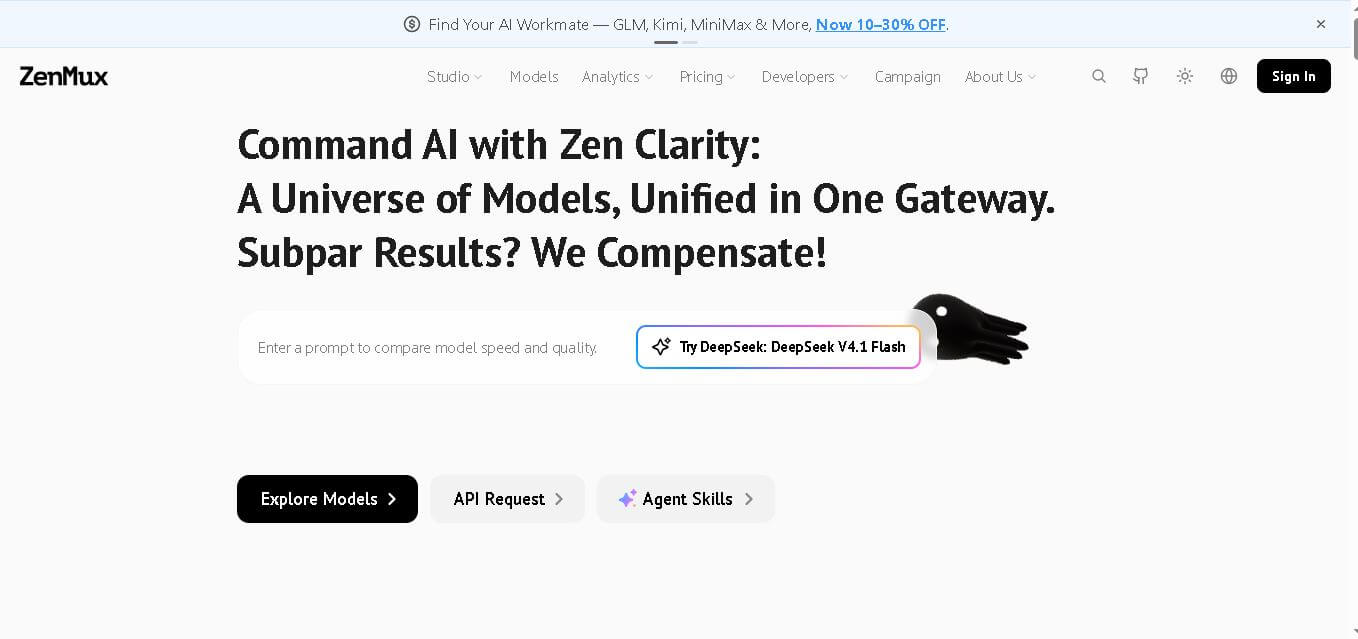
ZenMux brings multiple leading AI models into one gateway for developers. It combines API access, model selection, automatic routing, provider failover, usage analytics, and flexible billing. The platform supports coding, chat, image, and video workflows, helping users experiment with models without managing accounts, keys, and integrations. It supports multi-model development.