
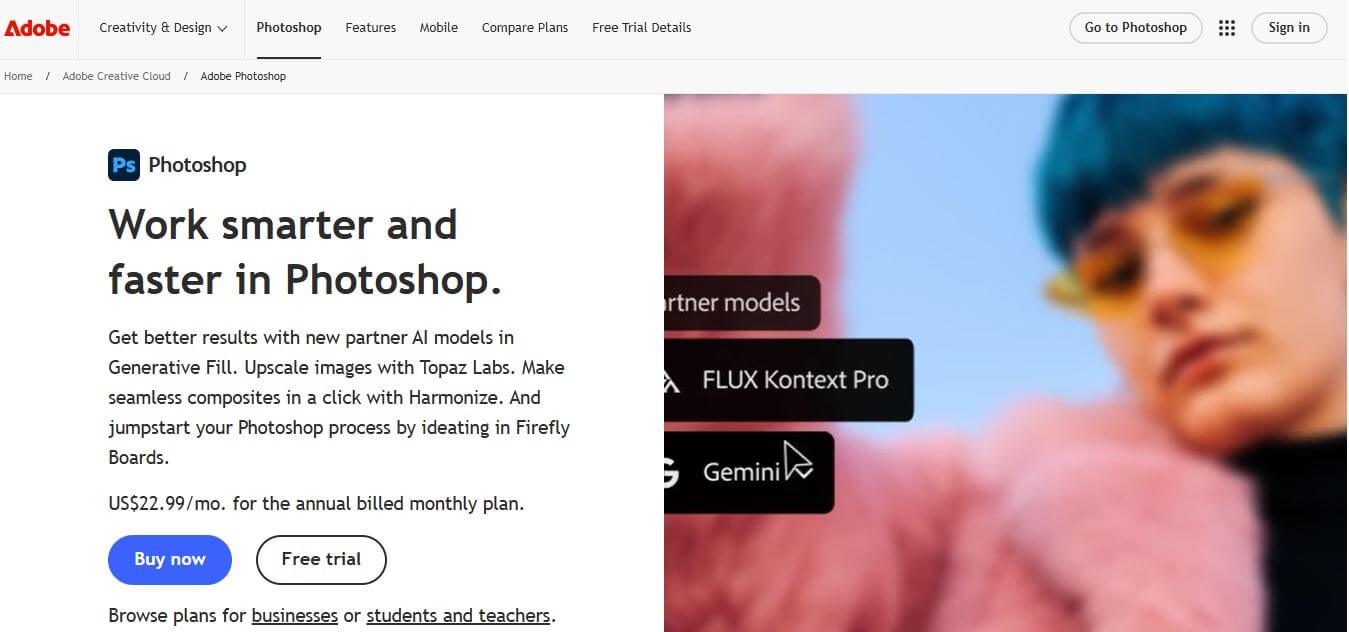
What is Adobe Photoshop?
- Founders: Thomas Knoll & John Knoll
- Launch Year: 1990
Use Cases:
- Photo editing and retouching
- Graphic design and marketing visuals
- Product mockups and branding assets
- Digital painting and illustrations
- AI-based image generation and enhancements
Technology:
- Adobe Sensei AI
- Layer-based editing
- Neural Filters
- Generative AI tools
- Cloud-based syncing and collaboration
Adobe Photoshop is an AI-powered image-editing platform that enables the creators, designers, and businesses to enhance their visuals with precise editing, striking manipulation, and high-end artistry. Photoshop has integrated Adobe Sensei AI, allowing the user to automate tedious chores like eliminating objects, fixing light, restoring pictures, or even building complex digital content. Despite possessing a variety of brushes, filters, layers, generative AI capabilities, and intelligent tools, Photoshop stands as the industry standard for manipulating photographic images. Photoshop gives you exquisite reach, performance, and creative freedom whether you are dabbling in branding, digital marketing, photography, or an art project. It is an essential software tool for both the amateur and professional worldwide.
Key Features
Adobe Photoshop key features are
- Generative AI for creating objects and expanding scenes
- Intelligent retouching tools, neural filters
- Maximum control with LAYERS EDITING
- Smart object support for non-destructive workflow
- Broad brush libraries and digital painting tools
- The software supports high resolution, export options, and color management.
- Seamless collaboration through cloud document support
- Automated background removal and recognition of objects
Pricing
- Photoshop single app plan: Easy monthly subscription plan.
- Photography Plan: It consists of Photoshop and Lightroom.
- Business Plan: Only pricing is available for teams and enterprises.
- Free Trial: A time-to-time trial for newer users.
Disclaimer: For the latest and most accurate pricing information, please visit the official Adobe Photoshop website.
Who is Using?
A diverse range of users and organizations utilize Adobe Photoshop
- Professional Photographers
- Graphic Designers
- Digital artists include illustrators.
- These individuals work for marketing teams and branding agencies.
- E-commerce businesses.
- Social media content creators are also included in this group.
- UI/UX designing.
- Students and creative learners.
Alternatives
Some Adobe Photoshop alternatives are
- GIMP
- Affinity Photo
- Corel PaintShop Pro
- Canva Pro
- Pixlr
Conclusion
Adobe Photoshop is perhaps the most trusted software for image editing and for digital designs; it is very versatile. The software has AI-equipped features, powerful creative tools, and functions even at the level of the professionals, which make the tool perfect for everyone, from beginners to advanced users. Photoshop, which is perpetually innovated and has seamless cloud integration, is ever redefining visual creativity across industries.









 Verified