
Adobe Lightroom
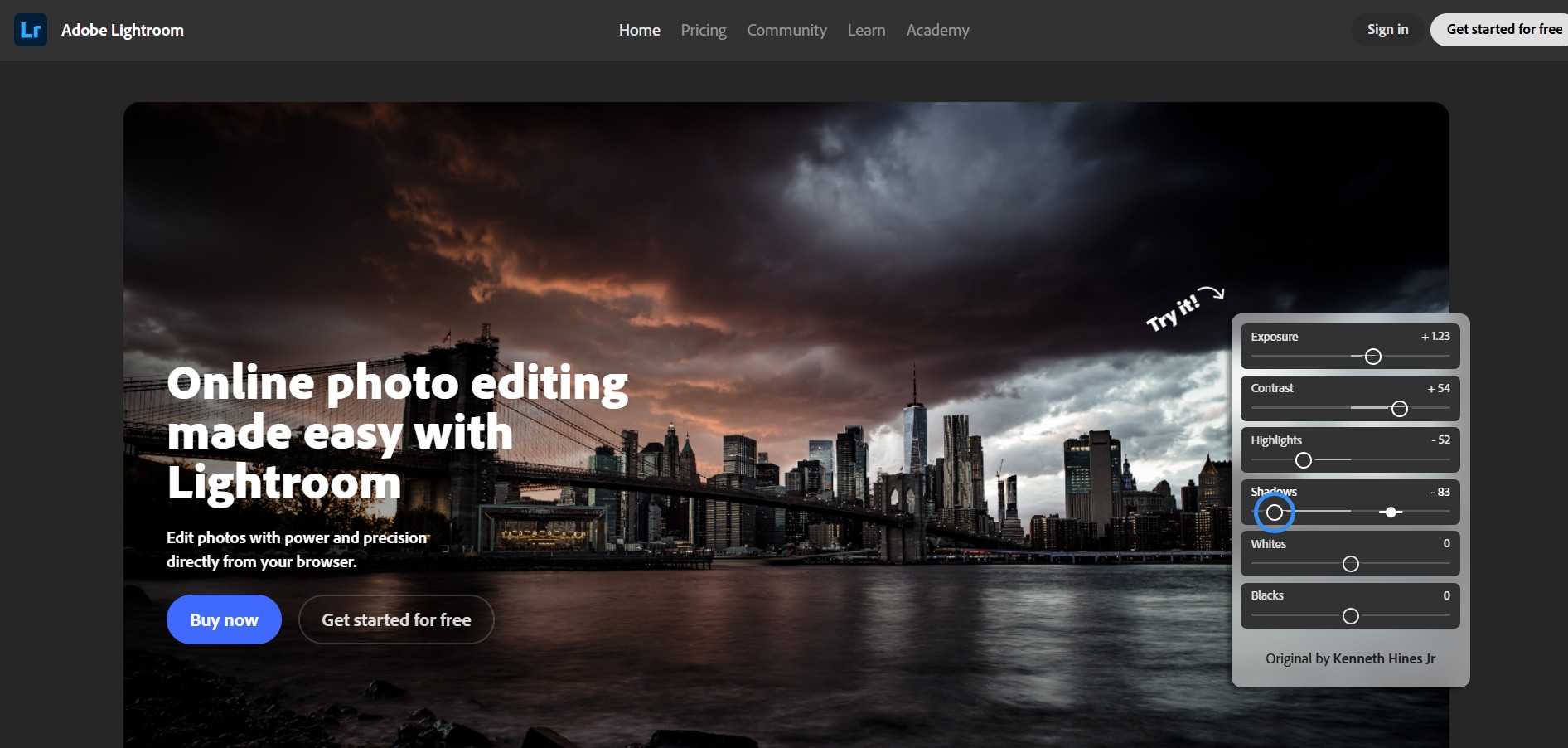
Adobe Lightroom is a photo editing and management app that helps you enhance images with powerful tools like exposure control, color grading, presets, and AI-based adjustments. It also syncs across devices, making it easy to edit, organize, and share photos from anywhere.
What is Adobe Lightroom?
Adobe Lightroom is a cloud-based image editing and management platform designed to help users edit, organize, store, and share photos across devices from one place. It offers powerful yet easy-to-use tools for adjusting lighting, color, contrast, and details, along with presets, filters, and advanced features like masking and AI-powered edits such as background removal and subject focus. Lightroom also includes cloud storage and syncing, allowing users to access and edit their photo library on mobile, desktop, or web seamlessly. Built for everyone from beginners to professional photographers, it simplifies complex editing workflows while giving full creative control to enhance images efficiently.
As the cloud-connected evolution of Adobe's classic desktop cataloging system (Lightroom Classic), modern Lightroom allows photographers to edit, organize, and share their full-resolution RAW libraries seamlessly across web browsers (lightroom.adobe.com), desktop (macOS/Windows), iPad, and mobile (iOS/Android). Powered by Adobe Sensei and Adobe Firefly generative AI, Lightroom features Generative Remove, automatic AI Subject/Sky/Portrait masking, customizable Lens Blur with depth-map simulation, and non-destructive RAW adjustments. Lightroom offers a 7-day free trial with subscription tiers starting from $9.99 to $19.99 per month.
- Developer / Parent Company: Adobe Inc. (San Jose, California)
- Platform Access: Web Browser (lightroom.adobe.com), Desktop (macOS/Windows), iPad & Mobile (iOS/Android)
- Ecosystem Foundation: Adobe Creative Cloud, Camera Raw (ACR) Engine & Adobe Firefly AI
Use Cases:
- Editing and color-grading full-resolution uncompressed RAW photos from Sony, Canon, Nikon, Fujifilm, and Leica cameras
- Removing complex background distractions, power lines, and unwanted tourists using Firefly Generative Remove
- Applying targeted local adjustments to skin, teeth, iris, clothing, or hair using automated AI portrait masking
- Synchronizing high-resolution edits and image libraries seamlessly between web browsers, laptops, tablets, and smartphones
- Organizing large image catalogs using Adobe Sensei semantic search, facial recognition tags, and geographic geotags
Technology:
- Non-destructive Adobe Camera Raw (ACR) processing engine preserving native RAW sensor data throughout adjustments
- Adobe Firefly generative AI diffusion models providing context-aware image inpainting and seamless blending
- Cloud-native synchronization fabric supporting continuous background uploads, smart previews, and full-resolution asset caching
Target Users:
- Professional portrait, commercial, wedding, and landscape photographers needing consistent color profiles across client shoots
- Travel and street photographers editing on mobile devices or web browsers while away from desktop workstations
- Content creators and social media influencers applying signature aesthetic presets and exporting optimized social dimensions
- Photography students and enthusiasts looking for structured color grading, tone curve adjustments, and composition tools
Acquisition: Flagship digital photography software brand developed and published by Adobe Inc.

Key features of Adobe Lightroom
Adobe Lightroom's key platform features are
- Generative Remove (Powered by Adobe Firefly): Erase photobombers, electrical wires, reflections, and distracting objects with natural inpainting that matches lighting and depth.
- AI Adaptive Masking: Instantly isolate subjects, skies, backgrounds, or specific portrait elements (facial skin, teeth, eyebrows, hair) in a single click for local grading.
- AI Lens Blur & Bokeh Simulation: Applies realistic optical blur to any image by generating a 3D scene depth map, allowing customized bokeh shapes and focus focal planes.
- Non-Destructive RAW Processing: Adjust exposure, highlight recovery, shadows, whites, blacks, and clarity curves without altering underlying RAW pixels.
- Advanced Color Grading & Color Mixer: Fine-tune individual hue, saturation, and luminance (HSL) channels, supported by 3-way split toning color wheels for shadows, midtones, and highlights.
- Point Color & HDR Optimization: Target precise color swatches for micro-hue shifts, and preview high-dynamic-range (HDR) images on compatible HDR displays.
- Seamless Multi-Device Cloud Sync: Start an edit on the web (lightroom.adobe.com), continue on an iPad with Apple Pencil, and finish on desktop with changes synchronized instantly.
- Smart Semantic Search & Auto-Tagging: Adobe Sensei automatically categorizes images by subject matter (e.g., “mountains,” “dog,” “sunset”) without manual keyword tagging.
Adobe Lightroom Pricing
Adobe Lightroom is offered as part of Adobe Creative Cloud subscription plans, available with dedicated cloud storage allocations and a 7-day free trial.
Free Trial:
- 7-Day Free Trial: Full access to desktop, web, and mobile editing features, cloud storage, and AI masking tools
Lightroom Plan (1TB):
- $9.99 / month (billed annually) or $119.88/year
- Includes cloud-based Lightroom for desktop, web, and mobile, with 1 TB of secure cloud storage (~20,000 RAW or 200,000 JPEG images)
- Access to Generative Remove, AI masking, Point Color, and cross-device sync
Photography Plan (20GB / 1TB):
- $9.99 / month (20GB storage): Includes Lightroom, Lightroom Classic, Photoshop on desktop and iPad, and 20 GB cloud storage
- $19.99 / month (1TB storage – Most Popular for Pros): Includes Lightroom, Lightroom Classic, Photoshop on desktop/iPad, and 1 TB cloud storage
Creative Cloud All Apps:
- $59.99+ / month: Full access to 20+ Adobe creative applications (Lightroom, Photoshop, Premiere Pro, Illustrator, After Effects) with 100 GB+ cloud storage
Disclaimer: Mobile versions on iOS and Android feature free basic editing tools, with premium cloud sync and selective AI masking requiring an active Creative Cloud subscription. For current enterprise team plans and educational discounts, visit adobe.com/products/photoshop-lightroom.
Who is using Adobe Lightroom?
Adobe Lightroom is used by millions of photographers and visual creatives worldwide, including
- Professional Wedding & Event Photographers: Culling, color grading, and batch-applying look-and-feel presets across large shoot deliveries
- Commercial & Editorial Portrait Specialists: Enhancing skin tones, refining clothing, and softening backgrounds using AI adaptive portrait masks
- Landscape & Nature Photographers: Extracting dynamic range from complex bracketed exposures and balancing skies with graduated filters
- Mobile Creators & Influencers: Editing high-bitrate RAW photos directly on phones or web browsers for immediate social publishing
Best Adobe Lightroom Alternatives
Some of the strongest Adobe Lightroom alternatives include
- Capture One Pro
- DxO PhotoLab
- Luminar Neo (Skylum)
- Kumoo (kumoo.ai - High-Speed Batch Portrait Retoucher)
- Darktable (Open-Source)
- ON1 Photo RAW
Pros and Cons of Adobe Lightroom
Pros
- Gold standard RAW demosaicing and non-destructive image adjustment pipeline
- Generative Remove powered by Firefly cleanly removes distractions while matching original lighting
- AI adaptive masking automatically detects people, skin, eyes, and skies with extreme precision
- Flawless multi-device synchronization lets you edit across web, desktop, and mobile tablets
- Massive community ecosystem of custom presets, LUTs, tutorials, and third-party profiles
Cons
- Requires an ongoing Creative Cloud subscription with no perpetual one-time purchase license available
- Web and cloud versions lack some legacy local cataloging and print-module controls found in Lightroom Classic
- High-volume cloud RAW storage scaling beyond 1 TB incurs additional monthly subscription costs
Why Choose Adobe Lightroom?
While basic photo editors treat images as compressed, destructible JPEGs, Adobe Lightroom provides a comprehensive, professional ecosystem for processing raw sensor data.
- Protects your original image files with completely non-destructive editing instructions
- Saves hours of tedious manual brushwork with automated AI subject and portrait masks
- Keeps your full photo catalog synchronized and accessible from any computer or mobile browser
- Integrates seamlessly with Adobe Photoshop and the broader Creative Cloud ecosystem
Adobe Lightroom vs. Competitors
The main difference between Adobe Lightroom, Capture One Pro, DxO PhotoLab, and Kumoo lies in workflow focus and deployment architecture. While Capture One specializes in tethered studio capture with advanced color wheels, and Kumoo focuses on high-speed batch portrait retouching (1,000 photos/hour with clothing ironing), Adobe Lightroom provides the most versatile cross-platform cloud ecosystem—pairing Firefly Generative AI with multi-device synchronization across desktop, iPad, and web browsers.
| Feature / Tool | Adobe Lightroom (Adobe) | Capture One Pro | DxO PhotoLab | Kumoo (kumoo.ai) |
|---|---|---|---|---|
| Core Focus | Cloud RAW Workflow & AI Masking | Studio Tethering & Color Grading | Optical Corrections & Denoising | Batch AI Portrait Retouching |
| Cloud Multi-Device Sync | Yes (Web, Desktop, iPad, Mobile) | Capture One Cloud / Mobile app | No (Local desktop only) | Desktop app & cloud tools |
| Generative Inpainting | Yes (Adobe Firefly Generative Remove) | Standard healing/cloning | Standard healing/cloning | Background & garment cleanup |
| Licensing Model | Subscription Only ($9.99–$19.99/mo) | Subscription or Perpetual License | Perpetual License ($229) | Subscription / Credits (from $3.99/mo) |
| Best For | Photographers wanting cross-device cloud editing | Commercial fashion & studio photographers | Pixel-level optical sharpness & lens fixing | High-volume wedding & event portrait batches |
How do we rate Adobe Lightroom?
| Parameter | Rating (out of 5) |
|---|---|
| RAW Demosaicing & Color Grading Quality | 5.0 |
| AI Adaptive Masking & Generative Remove | 4.9 |
| Cross-Device Cloud Sync & Web Experience | 4.9 |
| Catalog Management & Semantic Search | 4.8 |
| Value for Money | 4.7 |
| Overall Score | 4.86 |
Adobe Lightroom Review
Adobe Lightroom continues to define the standard for photographic post-production. By blending its camera-raw processing core with Adobe Firefly generative removal, AI adaptive subject masking, and cloud-synchronized catalog management, it offers a seamless bridge between desktop precision and mobile flexibility. Whether adjusting complex RAW highlights on a browser via lightroom.adobe.com or applying signature presets across an entire wedding shoot on desktop, Lightroom delivers the tools, color accuracy, and reliability that serious photographers demand.
Conclusion
Adobe Lightroom is a powerful, AI-driven photo editing and management platform that helps creators enhance, organize, and transform images with precision and ease. It offers non-destructive editing, meaning all changes are applied without altering the original file, allowing full creative flexibility and safe experimentation. Its biggest strength lies in combining professional-grade editing tools with simplicity—users can adjust light, color, contrast; apply presets, use masking tools, and even remove unwanted objects using AI features like Generative Remove and Lens Blur. Built as a cloud-based ecosystem, it works seamlessly across desktop, mobile, and web, enabling users to edit anywhere while keeping photos synced and organized. While advanced workflows may require some learning, the balance of power, usability, and AI automation makes it accessible for both beginners and professionals.
FAQ
What is Adobe Lightroom and how does it work?
Adobe Lightroom is a cloud-based photo editing and management platform designed for photographers and creators who want to edit, organize, store, and share images across devices. It combines powerful editing tools with AI-driven enhancements, allowing users to adjust exposure, colors, lighting, and details without permanently altering the original file. Because it syncs across desktop, mobile, and web, users can start editing on one device and continue seamlessly on another.
Who should use Adobe Lightroom?
Lightroom is ideal for photographers, content creators, social media managers, and anyone who works with large collections of images. It is especially useful for users who need fast editing, consistent results, and organized workflows. Beginners benefit from its simple interface and presets, while professionals rely on its advanced controls and non-destructive editing for high-quality output.
What are the key features of Adobe Lightroom?
Lightroom offers a wide range of features including AI-powered tools like Generative Remove, subject detection, and lens blur, along with traditional controls for exposure, contrast, and color grading. It also includes presets for quick edits, batch processing for handling multiple photos, and cloud storage for syncing files. These features are designed to speed up editing while maintaining professional-level quality and flexibility.
Can Adobe Lightroom edit photos in bulk?
Yes, Lightroom supports batch editing, allowing users to apply the same adjustments or presets across multiple images at once. This is particularly useful for events, product shoots, or content creation workflows where consistency is important. Users can sync edits across photos, significantly reducing the time spent on repetitive adjustments.
Is Adobe Lightroom free or paid?
Lightroom offers a free version on mobile devices with basic editing features, but full access requires a subscription. Paid plans typically start around ₹382/month in India and include premium editing tools, cloud storage (usually 1TB), and cross-device syncing. There is also a free trial available, allowing users to test the full version before subscribing.
What is the difference between Lightroom and Photoshop?
ightroom is designed for photo editing and organization with a streamlined, non-destructive workflow, while Photoshop is built for more advanced editing like compositing, graphic design, and detailed retouching. Lightroom focuses on speed and efficiency for photographers, whereas Photoshop provides deeper control for complex image manipulation.
User Reviews
No reviews yet for Adobe Lightroom.
Featured Tools
Featured AI tools from TechShark

Melody Genie
MelodyGenie is an AI-powered music generator that creates original songs from simple text prompts. Users can choose styles, moods, and genres, then instantly generate melodies and full tracks, making it easy for creators, marketers, and hobbyists to produce custom music without musical expertise.
Freemium

Kimi AI
Kimi AI is an advanced AI assistant developed by Moonshot AI that helps you chat, research, write, code, and automate tasks in one place. It supports web search, file analysis, and multimodal inputs, and can even run autonomous “agent” workflows to complete complex tasks end-to-end.
Freemium

Fashion Diffusion AI
Fashion Diffusion is an AI-powered fashion design platform that helps brands and designers create clothing designs, virtual try-ons, AI models, product photos, and marketing visuals faster and cost-effectively.
Paid

Veo 4
Veo 4 AI is an AI video creation platform that generates dramatic videos from text, images, audio, and video prompts using realistic motion and synchronized sound.
Paid
Alternatives
Alternatives to Adobe Lightroom
The best Adobe Lightroom alternatives include Capture One Pro, DxO PhotoLab, Luminar Neo (Skylum), Kumoo (kumoo.ai), Darktable, and ON1 Photo RAW. These platforms provide RAW image processing, non-destructive editing, and catalog management. While Adobe Lightroom offers a unified cloud ecosystem across web, desktop, and mobile with Firefly Generative Remove and AI adaptive masking, alternatives like Capture One excel in tethered studio capture, and Kumoo focuses on rapid batch portrait retouching.
 4.8
4.8Airbrush AI
Image
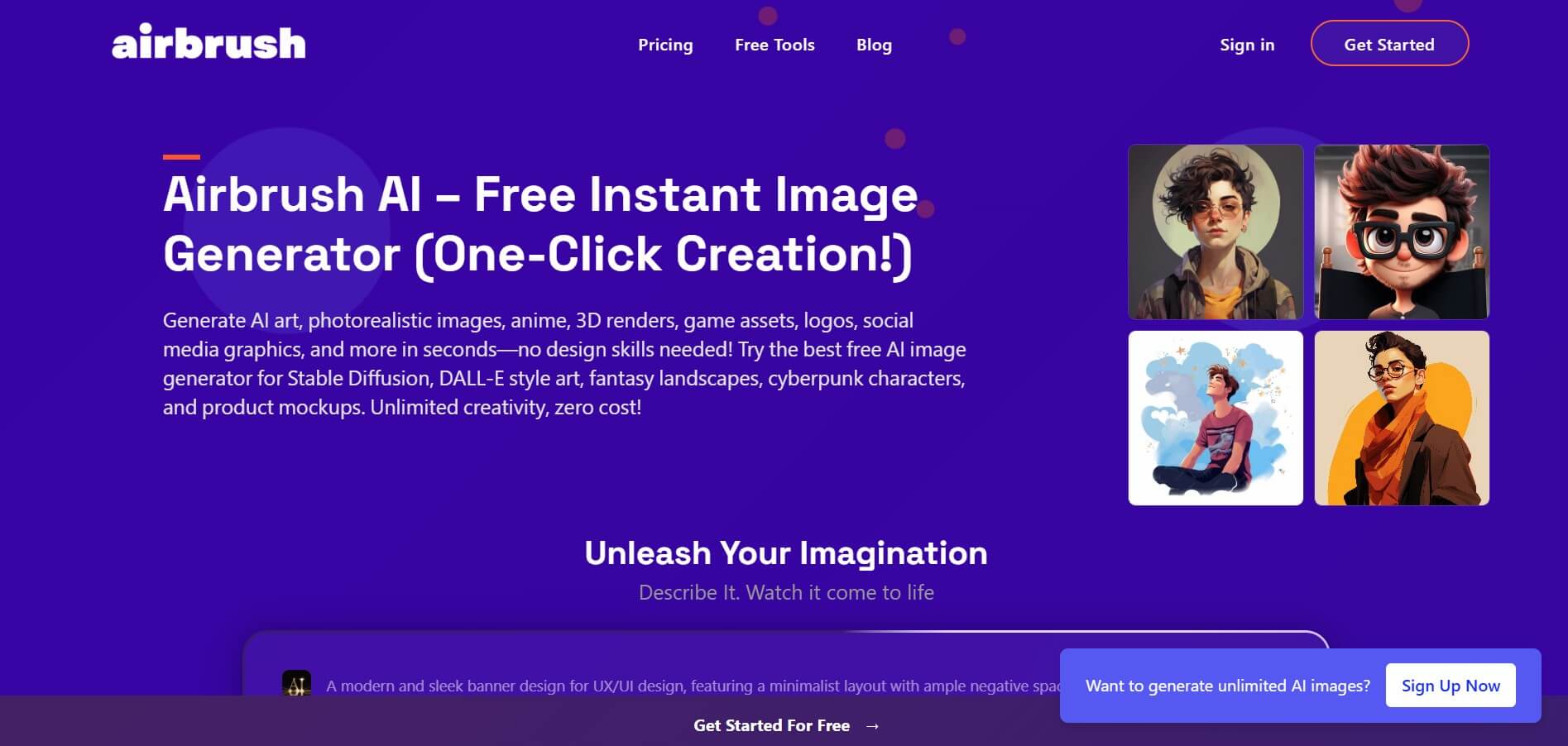
Airbrush is an AI-powered image generation and editing platform that helps users create, enhance, and customize visuals from simple text prompts. It supports multiple AI models and styles, enabling creators to generate artwork, marketing assets, and realistic images quickly without advanced design skills.
 4.8
4.8AliveAI
Image
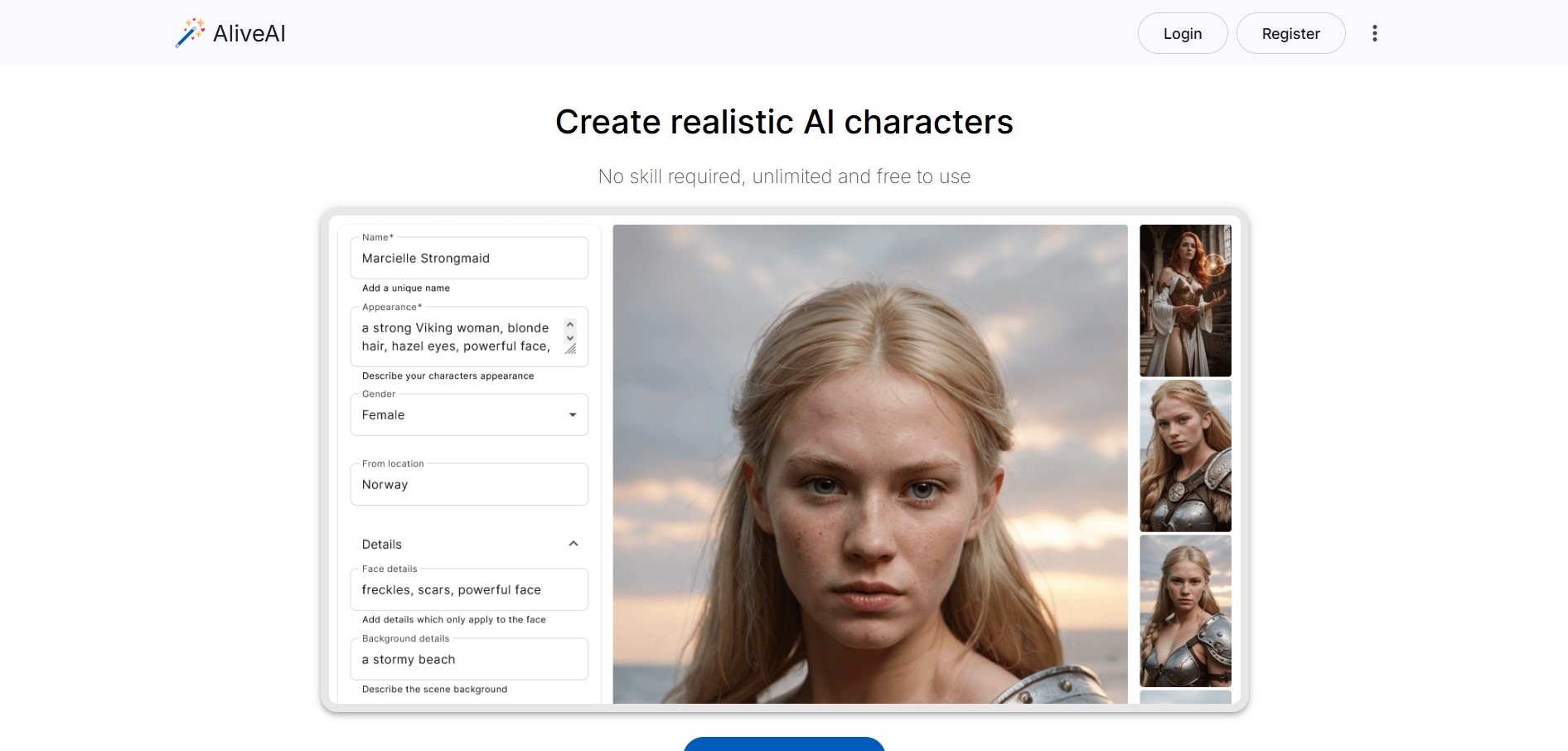
Alive AI is an AI content generation platform that lets users create realistic images, videos, and characters from simple text prompts. It supports multiple styles like realistic and anime, offers editing tools, and even enables interactive character chat, making it useful for creators and apps.
 4.9
4.9iPic Ai
Image
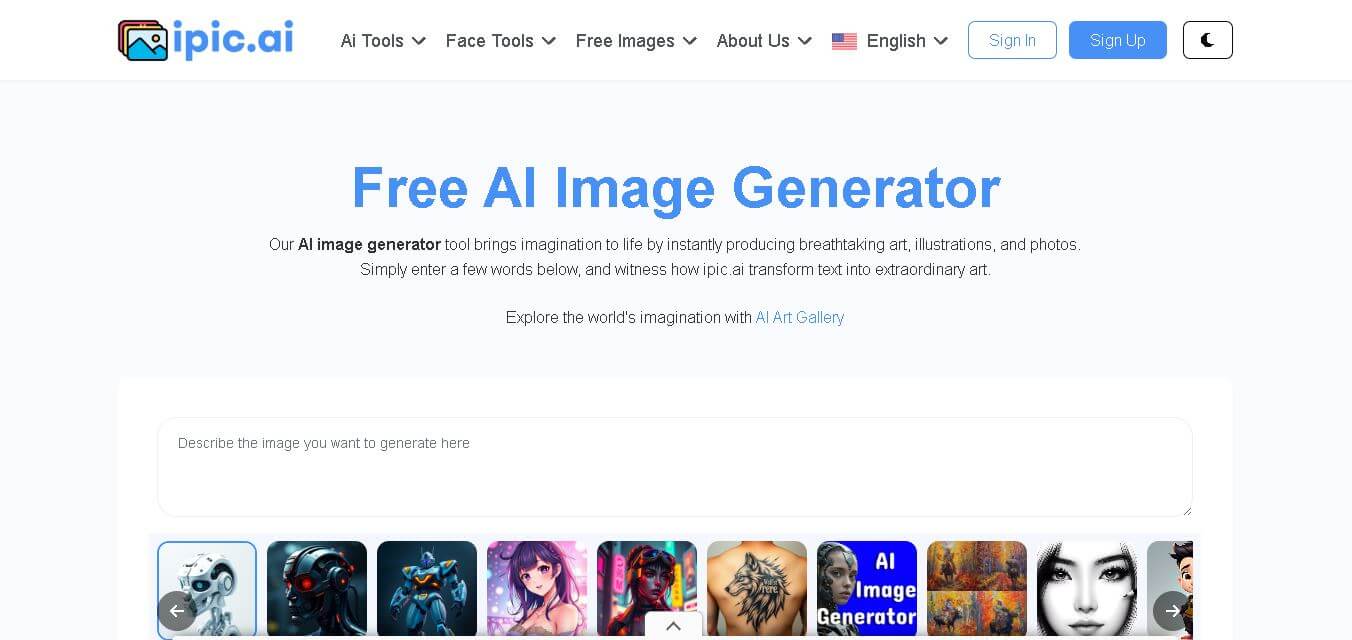
iPic is an AI-powered image generation and editing platform that lets users create visuals from text prompts and enhance photos with tools like background removal, upscaling, and style filters. It’s designed for quick, creative image creation for marketing, social media, and design needs.
Photoleap
Image
Photoleap is an AI-powered photo editing app that helps users create and enhance images with tools like background removal, AI image generation, effects, and retouching. It’s designed for both beginners and creators to easily transform photos into professional-looking visuals and creative designs.
 4.8
4.8Facewow
Image
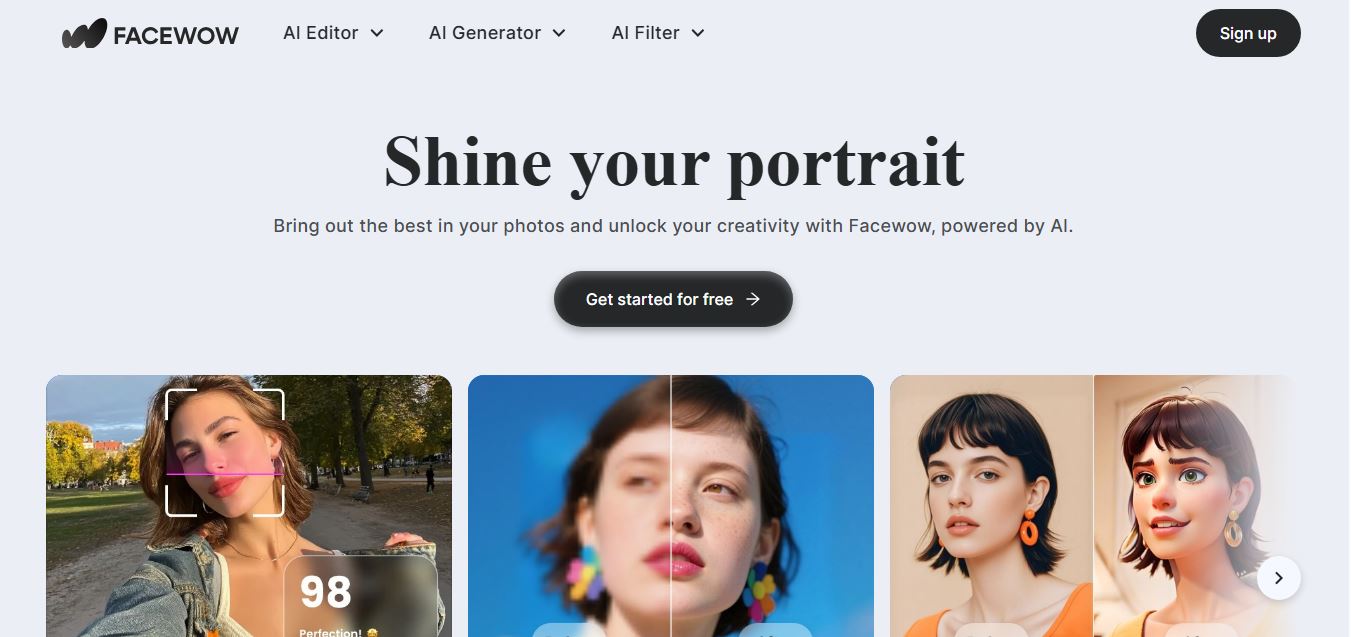
Facewow is an AI-powered photo enhancement tool that helps users improve portraits with features like face retouching, background editing, and image upscaling. It automatically enhances facial details and overall quality, making photos look clearer, more polished, and ready for social media or professional use.
 4.8
4.8Getimg AI
Image
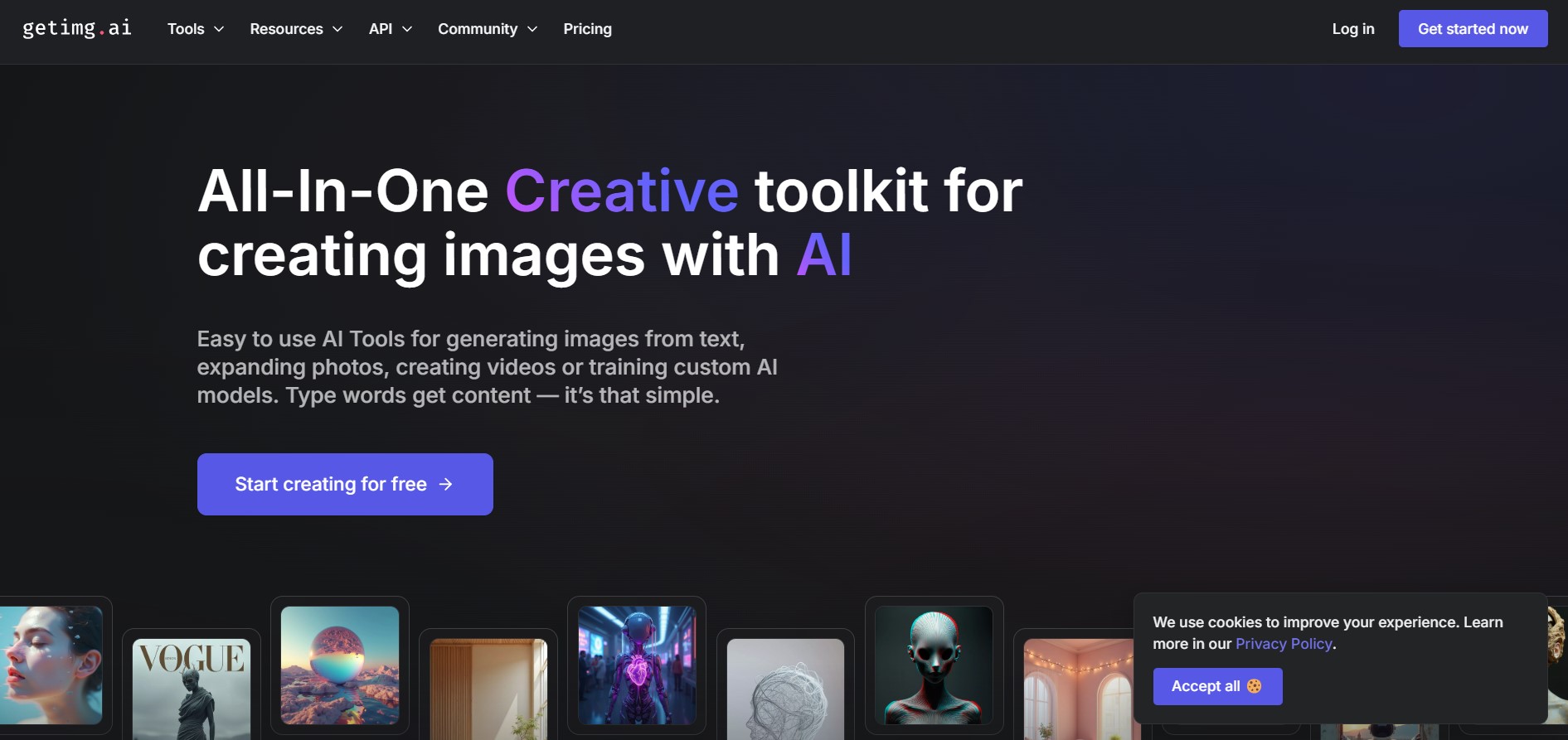
Getimg AI is an all-in-one AI creative studio and API platform that consolidates 20+ foundation models (including FLUX, Google Veo, Kling, Sora, Seedream, and Wan) across text-to-image, video generation, audio synthesis, and canvas editing under a unified credit balance.
 4.9
4.9Civitai
Image
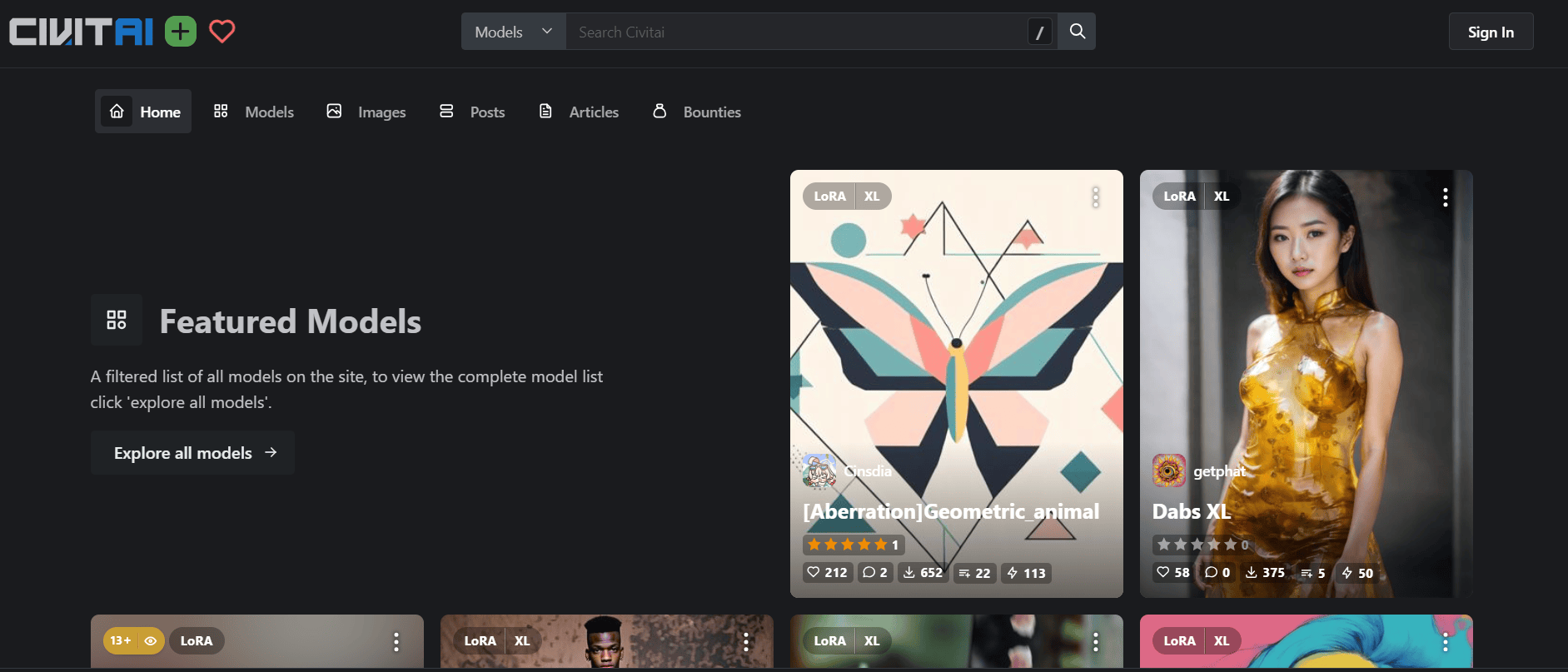
Civitai is the world's largest open-source generative AI model repository and creative community platform, hosting hundreds of thousands of checkpoints, LoRAs, and embeddings across SD 1.5, SDXL, Pony, Illustrious, and FLUX.1 with integrated cloud generation, LoRA training, and creator monetization.
 4.9
4.9OpenAI Sora
Text-to-Image
OpenAI Sora is a flagship diffusion-transformer text-to-video and image-to-video generation model developed by OpenAI, capable of simulating complex real-world physical dynamics, camera movement, synchronized audio, and multi-shot cinematic video sequences up to 1080p resolution.
 4.9
4.9Leonardo AI
Design
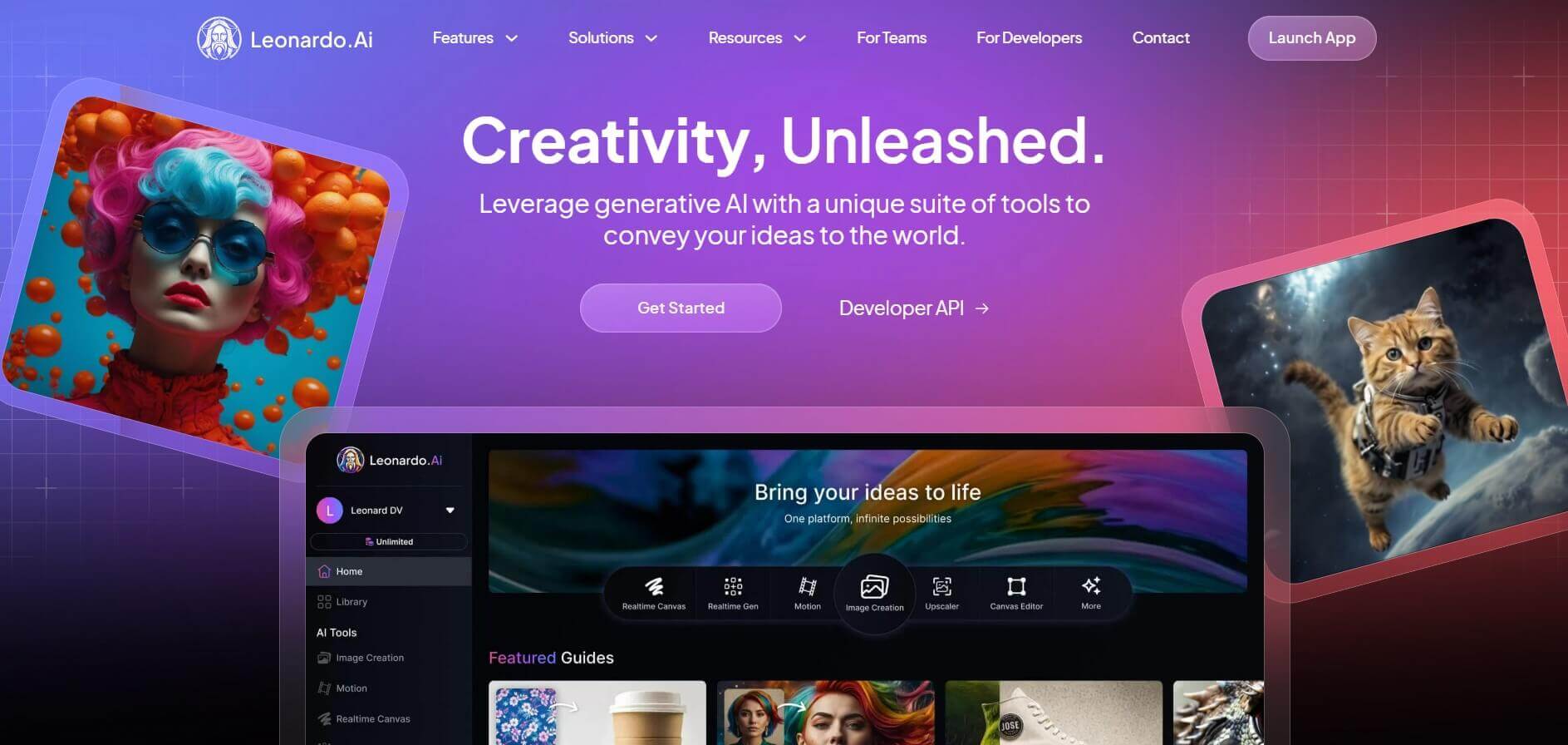
Leonardo is an advanced generative AI platform for image and video creation, featuring custom model fine-tuning (LoRA training), Real-Time Canvas, Real-Time Generation, and multi-model support across proprietary Phoenix, Lucid, and FLUX architectures.