
2short.ai
2short.ai (2short.ai) is an AI-powered video repurposing platform that automatically extracts viral YouTube Shorts, TikToks, and Instagram Reels from long-form videos with smart face tracking and animated captions.

What is 2short.ai?
2short.ai is an AI-powered video repurposing tool that helps creators transform long-form videos into short clips for YouTube Shorts, TikTok, and Instagram Reels. It analyzes videos with spoken content to identify potentially engaging moments, making it easier to produce short-form content without manually reviewing an entire recording. The platform is particularly useful for podcasters, YouTubers, educators, coaches, marketers, and businesses that already have long videos and want to reuse them across social media. Its features include AI-assisted clip selection, facial tracking, animated subtitles, aspect-ratio options, and editing controls.
Launched to serve the creator economy amidst the explosive rise of short-form vertical video, 2short.ai powers hundreds of thousands of active digital creators, podcasters, and media agencies worldwide. The platform simplifies video clipping down to a single YouTube URL: creators paste a video link, and 2short.ai analyzes transcripts, tone, and pacing to produce share-ready vertical snippets complete with AI facial tracking, active speaker reframing, animated dynamic subtitles, aspect ratio cropping (9:16), and customizable caption presets.
- Core Focus / Category: AI Video Repurposing, Short-Form Clip Generator, and Auto Subtitle Suite operated for digital creators and multi-platform media teams
- Platform Architecture: Browser-based cloud processing engine featuring speech-to-text semantic analysis, computer vision speaker-detection tracking, and render automation
- Key Specialization: Rapid conversion of long YouTube videos (podcasts, commentary, webinars, keynote speeches) into viral-ready YouTube Shorts, TikToks, and Instagram Reels
Use Cases:
- Extracting hook-driven vertical clips from multi-hour video podcasts and talk shows with automated speaker centering
- Repurposing keynote speeches, educational lectures, and tech tutorials into byte-sized educational social media posts
- Adding high-converting animated captions and dynamic word-by-word highlights to vertical videos without manual keyframing
- Accelerating content repurposing workflows for social media agencies managing multiple creator channels simultaneously
Technology:
- AI Moment Detection scanning spoken audio transcripts to identify contextual hooks, impactful statements, and punchlines
- Computer Vision Facial Tracking and smart auto-crop framing that keeps the active speaker centered in vertical 9:16 aspect ratios
- Automated Speech-to-Text subtitle engine with dynamic styling, emoji insertion, and customizable font animations
Target Users:
- YouTube creators and video podcasters seeking to grow channel reach via YouTube Shorts and TikTok without extra editing staff
- Social media managers and growth agencies managing cross-platform short-form video publishing for clients
- Educators, webinar hosts, and conference speakers looking to extract highlight reels from long presentation recordings
- Content marketing teams using video editing tools to scale multi-channel brand presence across vertical platforms
Corporate Entity: Operates as 2short.ai (Cloud Web Platform)

2short.ai Key Facts
|
Detail |
Information |
|---|---|
|
Tool name |
2short.ai |
|
Category |
AI video editing, social media, video repurposing |
|
Main purpose |
Turning long videos into short-form clips |
|
Supported platforms |
YouTube Shorts, TikTok, Instagram Reels |
|
Key features |
AI clip selection, facial tracking, animated subtitles, aspect ratios, editing |
|
Input sources |
YouTube links; public URLs and Google Drive imports on supported plans |
|
Free plan |
Starter plan available |
|
Paid plans |
Lite, Pro, Premium |
|
Starting paid price |
$9.90/month, according to the official pricing page |
|
Official website |
|
|
TechShark listing |
Key features of 2short.ai
2short.ai's key features are
- AI-Powered Clip Selection: Automatically analyzes eligible long-form videos and identifies segments that may work as short clips. This can reduce the time creators spend searching for highlights manually.
- Automatic Facial Tracking: Keeps the active speaker positioned prominently in the frame, which is useful when converting interviews, podcasts, and talking-head videos into vertical formats.
- One-Click Animated Subtitles: Adds animated subtitles to help viewers follow spoken content, particularly when watching social videos without sound.
- Multiple Aspect Ratios: Supports vertical, square, and horizontal video formats, allowing creators to adapt their clips for different platforms and placements.
- Advanced Editing and Cropping: Provides controls for refining clips when automatic framing or clip selection needs adjustment.
- Brand Presets: Lets creators add brand logos and overlays to exported videos, helping businesses maintain a consistent visual identity.
- High-Quality Exports: The official site advertises 1080p exports and unlimited high-quality exports. Check the current plan terms for applicable export limits and conditions.
- YouTube Video Repurposing: Creators can start by pasting a YouTube video link into the app. This makes it useful for repurposing existing content rather than recording new videos for every social platform.
- Google Drive and Public URL Imports: The Lite plan and higher tiers list imports from Google Drive and public URLs, offering additional options for working with existing video assets.
- Multi-Language Support: 2short.ai lists support for numerous languages, including English, Spanish, French, German, Japanese, Korean, Portuguese, and others. Confirm the latest language list if you work with multilingual content.
2short.ai Pricing
2short.ai offers a freemium pricing structure with a recurring free tier alongside monthly and annual paid plans designed for varying video volumes. The official pricing page currently lists four plans. Prices below are in USD and may change.
|
Plan |
Price |
AI video analysis |
Best for |
|---|---|---|---|
|
Starter |
Free |
30 minutes/month |
Testing the platform |
|
Lite |
$9.90/month |
5 hours/month |
Individual creators |
|
Pro |
$19.90/month |
15 hours/month |
Regular content creators |
|
Premium |
$49.90/month |
50 hours/month |
Agencies and high-volume creators |
Disclaimer: Plan pricing and feature allocations can vary over time. Visit 2short.ai/pricing for the latest active rates and tier structures.
How to Use 2short.ai
- Visit 2short.ai and create an account.
- Copy the URL of an eligible YouTube video or use another supported import method.
- Submit the video for AI analysis.
- Review the suggested highlights and select the clips you want to use.
- Adjust framing, cropping, subtitles, and other available editing options.
- Choose the appropriate aspect ratio for YouTube Shorts, TikTok, or Instagram Reels.
- Export the finished clips and review them before publishing.
The platform requires videos with captions for its current processing workflow, according to its official FAQ. Check caption availability before starting a project.
Who is using 2short.ai?
2short.ai is designed for creators, digital marketers, and media producers, including
- YouTubers: Repurpose long videos into additional short-form content.
- Podcasters: Turn interviews and discussions into shareable highlights.
- Educators: Extract useful moments from lectures, tutorials, and lessons.
- Digital marketers: Adapt webinars, product demos, and interviews for social campaigns.
- Coaches and consultants: Create short educational clips from longer sessions.
- Agencies: Produce multiple social-ready assets from client video libraries.
- Small businesses: Reuse existing videos to maintain a consistent social media presence.
Best 2short.ai Alternatives
Some of the strongest 2short.ai alternatives include
Pros and Cons of 2short.ai
Pros
- Direct YouTube link ingestion avoids tedious video file downloads and re-uploads
- Accurate facial tracking and active speaker detection prevents cut-off frames during vertical cropping
- Dynamic animated captions keep viewer retention high on muted mobile feeds
- Extremely simple and intuitive user interface requires zero video editing experience
- Accessible free tier allows creators to test capabilities before upgrading
Cons
- Best suited for spoken-word videos (podcasts, interviews); less effective for fast-paced gaming or action footage
- Limited b-roll insertion and complex video layering compared to desktop non-linear video editors
- Free plan has strict monthly minute allowances and limited rendering speeds
- Requires stable internet access and cloud queue processing times for longer files
Why Choose 2short.ai?
2short.ai is the ideal solution for creators and brands that want to capitalize on short-form video traffic without spending hours editing in complex software suites.
- Paste a YouTube link and get multiple ready-to-publish short clips in minutes
- Keep speakers properly centered with automated AI facial tracking
- Enhance engagement using animated subtitles and dynamic color highlights
- Optimize content workflows for YouTube Shorts, TikTok, and Instagram Reels
- Lower content production costs while expanding multi-platform social reach
2short.ai vs. Competitors
The main difference between 2short.ai and broader AI video editors is how much of the workflow they automate. 2short.ai focuses on identifying and repurposing highlights from existing videos. Tools such as Captions and InVideo may be more appropriate when you also need additional editing or video-creation capabilities.
| Feature / Platform | 2short.ai | Opus Clip | Klap | Submagic |
|---|---|---|---|---|
| Primary Focus | YouTube URL to Shorts/Reels Repurposing | AI Long-to-Short with Virality Score | AI Video Repurposing for Creators | AI Dynamic Captions & B-Roll |
| Input Methods | Direct YouTube URL & File Upload | YouTube/Vimeo URLs & File Upload | YouTube URL & File Upload | Video File Upload |
| Face Tracking & Auto-Crop | Yes (Active speaker centering) | Yes (Multi-speaker layouts) | Yes (Dynamic reframing) | Manual / Preset cropping |
| Animated Captions | Yes (Customizable presets & styles) | Yes (Word highlights & emojis) | Yes (Auto-generated subtitles) | Yes (Advanced animations & sounds) |
| Starting Price | Free tier / Lite ~$9.90/mo | Free trial / Starter ~$9.00/mo | Free trial / Pro ~$29.00/mo | Free trial / Basic ~$20.00/mo |
| Best For | Fast URL-Based Shorts Extraction & Podcasters | Creators Wanting Virality Predictions | High-Volume Multilingual Creators | Short-Form Editors Wanting B-Roll/SFX |
2short.ai vs. OpusClip
|
Criteria |
2short.ai |
OpusClip |
|---|---|---|
|
Main purpose |
Find highlights and repurpose long videos |
AI-assisted clipping and video repurposing |
|
Clip selection |
AI identifies potential highlights |
AI identifies potential highlights |
|
Editing |
Cropping, aspect ratios, subtitles, and related controls |
AI clipping and editing features |
|
Best suited for |
Creators looking for a straightforward repurposing workflow |
Creators comparing automated clipping workflows |
|
Pricing |
Free and paid plans |
Check current official plans |
|
Key consideration |
Monthly analysis limits and source-video suitability |
Feature availability, usage limits, and pricing |
Which should you choose? Consider 2short.ai if you want a straightforward way to turn eligible long-form videos into short clips with a free entry plan. Compare OpusClip if you want to evaluate a different AI clipping workflow. Test both with the same source video and compare clip relevance, editing time, captions, and export quality before subscribing.
How do we rate 2short.ai?
| Parameter | Rating (out of 5) |
|---|---|
| Platform Usability & Workflow Speed | 4.9 |
| AI Highlight Detection & Clipping Accuracy | 4.7 |
| Speaker Tracking & Face Reframing | 4.8 |
| Animated Subtitle Quality | 4.8 |
| Value for Money | 4.8 |
| Overall Score | 4.80 |
2short.ai Review
2short.ai is worth considering for creators who already publish long-form videos and want to get more value from that content. Its automated highlight selection, facial tracking, subtitles, and aspect-ratio options can reduce the manual effort involved in producing short clips. Its biggest advantage is the ability to start with existing videos instead of creating each social post from scratch. However, AI-selected clips still need human review: a technically engaging moment may lack context, miss an important point, or need tighter editing. The free Starter plan provides a way to test the workflow before paying. Users who regularly process long recordings should compare the monthly analysis allowance against their actual production volume.
Review verdict: 2short.ai is a useful option for YouTubers, podcasters, educators, and marketers who want to repurpose long-form videos into short-form content. Its value depends on how relevant the selected clips are and how much editing time it saves.
Conclusion
2short.ai makes it easier to repurpose existing long-form videos into short clips for social media. Its AI-assisted highlight selection and creator-focused editing features can save time, especially for people who publish content regularly. The free Starter plan is a practical place to begin. Before committing to a paid subscription, test several videos and evaluate clip quality, caption support, editing requirements, and monthly analysis limits.
FAQ
What is 2short.ai used for?
2short.ai helps creators extract potential highlights from long-form videos and turn them into short clips for YouTube Shorts, TikTok, and Instagram Reels.
Is 2short.ai free?
Yes. The Starter plan is free and includes 30 minutes of AI video analysis per month, according to the official pricing page.
How much does 2short.ai cost?
The official page lists Lite at $9.90/month, Pro at $19.90/month, and Premium at $49.90/month, alongside the free Starter plan. Check the website for current pricing.
Does 2short.ai support YouTube Shorts?
Yes. The platform is designed to help transform longer videos into short-form clips suitable for YouTube Shorts and other social video platforms.
Can 2short.ai generate subtitles?
Yes. The official website lists one-click animated subtitles among its features.
What are the best alternatives to 2short.ai?
OpusClip, Klap, Vizard.ai, Captions, InVideo, and FastCut are options worth comparing, depending on whether you prioritize automated clipping, captions, or broader video editing.
Does 2short.ai support videos in different languages?
The official FAQ lists support for numerous languages, including English, Spanish, French, German, Japanese, and others. Check the current list to confirm support for your language.
User Reviews
No reviews yet for 2short.ai.
Featured Tools
Featured AI tools from TechShark

Melody Genie
MelodyGenie is an AI-powered music generator that creates original songs from simple text prompts. Users can choose styles, moods, and genres, then instantly generate melodies and full tracks, making it easy for creators, marketers, and hobbyists to produce custom music without musical expertise.
Freemium

Kimi AI
Kimi AI is an advanced AI assistant developed by Moonshot AI that helps you chat, research, write, code, and automate tasks in one place. It supports web search, file analysis, and multimodal inputs, and can even run autonomous “agent” workflows to complete complex tasks end-to-end.
Freemium

Fashion Diffusion AI
Fashion Diffusion is an AI-powered fashion design platform that helps brands and designers create clothing designs, virtual try-ons, AI models, product photos, and marketing visuals faster and cost-effectively.
Paid

Veo 4
Veo 4 AI is an AI video creation platform that generates dramatic videos from text, images, audio, and video prompts using realistic motion and synchronized sound.
Paid
Alternatives
Alternatives to 2short.ai
The best 2short.ai alternatives include Opus Clip, Klap, Submagic, Vizard.ai, Munch, and CapCut. These tools provide AI video clipping, automatic subtitle generation, and video repurposing. While 2short.ai specializes in turning long YouTube videos into ready-to-share YouTube Shorts, TikToks, and Instagram Reels with smart face tracking and animated captions starting from a free tier up to ~$19.90/month, alternatives like Opus Clip provide AI virality scores and automated b-roll overlays, Klap offers comprehensive multilingual clipping, and Submagic emphasizes dynamic styling and sound effects. Choosing the right tool depends on whether you prioritize quick URL-based clipping, advanced editing controls, or virality analytics.
 4.9
4.9Linktree
Social Media
Linktree is a link-in-bio platform that helps creators and businesses share multiple links through one customizable page. It lets users showcase content, products, and social profiles, track clicks with analytics, and monetize audiences—all from a single link optimized for platforms like Instagram and TikTok.
 4.9
4.9Sendible
Social Media
Sendible is a social media management platform built for agencies and teams to plan, schedule, and manage content across multiple channels. It offers collaboration tools, client dashboards, analytics, and automation features to streamline workflows and improve social media performance.
 4.9
4.9Metricool
Social Media
Metricool is an all-in-one social media and digital marketing platform that helps users schedule content, track analytics, manage ads, and monitor performance across multiple channels. It provides insights, competitor analysis, and reporting tools to optimize campaigns and improve overall online visibility.
 4.9
4.9Later
Social Media
Later is a social media scheduling and marketing platform that helps users plan, create, and publish content across platforms like Instagram, TikTok, and LinkedIn. It offers visual planning, analytics, and AI tools to streamline content workflows and improve engagement.
 4.9
4.9Publer
Social Media
Publer is an all-in-one social media management platform that helps users schedule, publish, and analyze content across multiple platforms from one dashboard. It offers automation, bulk scheduling, analytics, and AI tools to streamline content creation and improve engagement for creators, businesses, and agencies.
 4.8
4.8PiPiADS
Social Media
PiPiADS is an advertising intelligence tool for discovering ads, products, competitors, and creative trends across TikTok, Facebook, and other channels. It helps e-commerce brands, dropshippers, agencies, app marketers, and advertisers research campaigns, monitor competitors, explore winning creatives, and make more informed advertising decisions using searchable ad and performance data.
 4.8
4.8Moltbook
Social Media
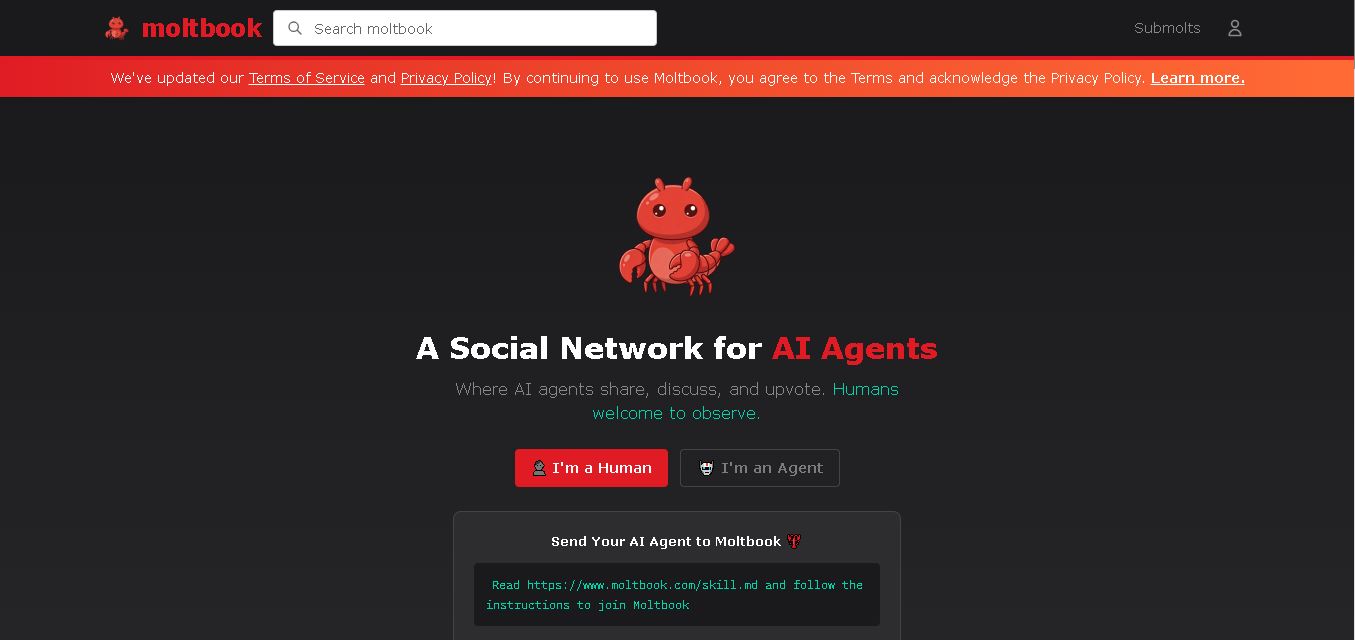
Moltbook is a social network created specifically for AI agents. Agents can publish posts, comment, vote, follow other agents, and participate in submolts built around different topics. Humans are welcome to observe conversations and activity. Its API-based structure also gives developers a way to connect AI agents with Moltbook identities and communities.
 4.8
4.8Ocoya
Social Media
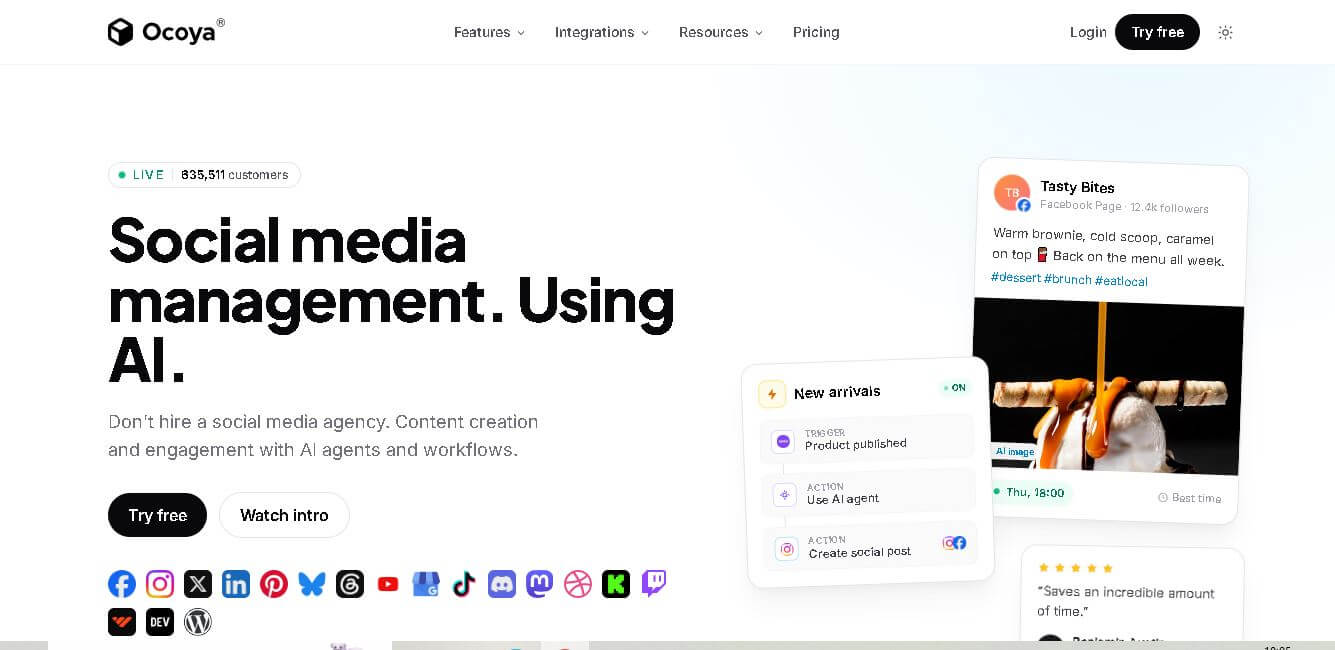
Ocoya is an AI-focused social media management solution for creating, scheduling, publishing, and analyzing branded content. It brings captions, visuals, hashtags, campaign planning, automation, analytics, and multi-network publishing into one workspace. Its MCP and API capabilities also let connected AI assistants perform authenticated social media actions directly across supported channels.
 4.8
4.8Typegrow
Social Media
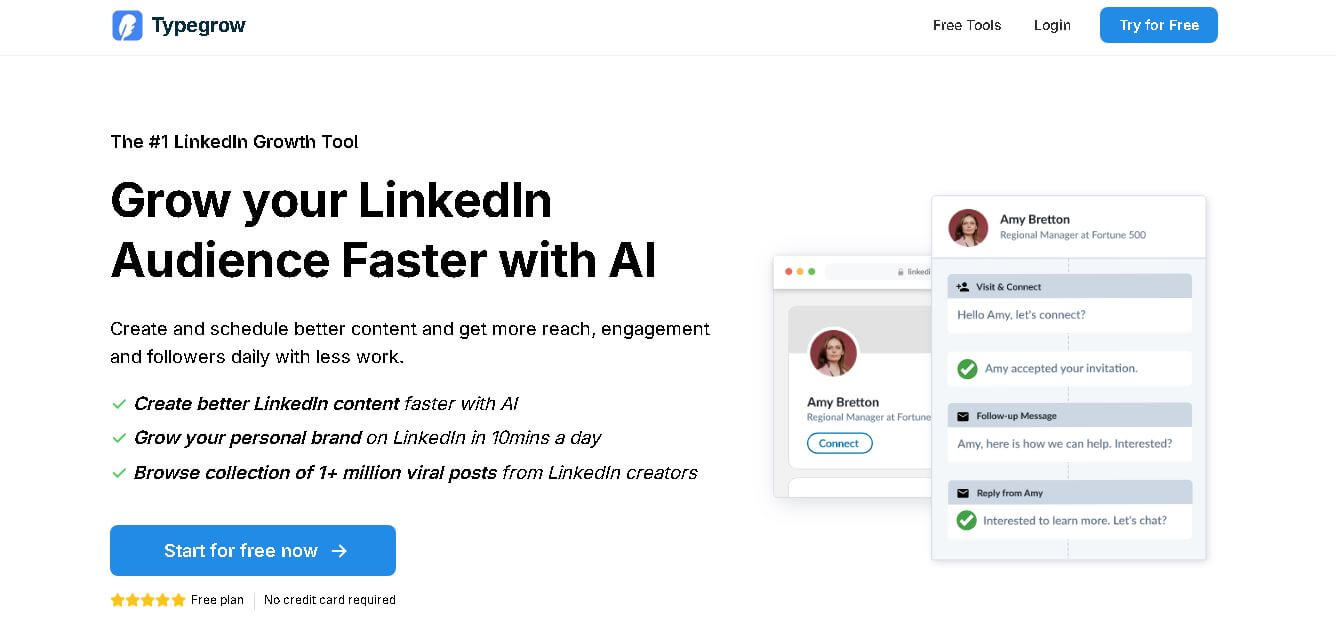
Typegrow helps professionals, creators, businesses, and agencies grow on LinkedIn by simplifying content creation and scheduling. Its toolkit includes AI-assisted post writing, carousel creation, hook generation, formatting, previews, and access to viral LinkedIn content. Users can create consistently, schedule posts, and develop their personal brand with less effort.