Zoo
Zoo (zoo.dev)—formerly KittyCAD—is an AI-native hardware engineering and CAD platform featuring Zoo Design Studio, the KCL programming language for parametric B-rep CAD, Zookeeper AI agent, Engine/Agent/File APIs, Zoo MCP, and a CNC machining beta for mechanical engineers, developers, and hardware teams.
What is Zoo?
Zoo (zoo.dev)—which expanded from KittyCAD—is an artificial intelligence-native hardware engineering and computer-aided design platform built for mechanical engineers, hardware teams, developers, and manufacturing workflows. Rather than treating CAD solely as a closed visual interface or a disconnected geometry file, Zoo builds around a proprietary CAD kernel, the KCL (KittyCAD) programming language for parametric B-rep geometry, the Zookeeper AI agent, and developer APIs/MCP integrations. Engineers and builders can sketch, code in KCL, or prompt Zookeeper inside Zoo Design Studio (desktop or browser), run Design for Manufacturability (DfM) and engineering checks, connect external AI agents via Zoo MCP or APIs, and submit parts for CNC machining.
Built around code-backed parametric B-rep geometry, AI agent assistance, and hardware-focused APIs, Zoo connects CAD design, analysis, automation, and manufacturing. Across Zoo Design Studio, Zookeeper, and Zoo's APIs and MCP, hardware teams can design parts with KCL code, point-and-click tools, or prompts; iterate with Zookeeper reasoning and DfM/structural/thermal checks; automate or integrate CAD and ML workflows via Engine, Agent, File APIs and Zoo MCP; and move toward CNC machining.
- Core Focus / Category: AI-Native CAD & Hardware Engineering Platform (Zoo Design Studio), KCL Parametric B-Rep CAD Language & Zookeeper AI Agent, Engine, Agent & File APIs plus Zoo MCP Integration, and DfM/Engineering Analysis & CNC Machining Beta
- Platform Architecture: Hybrid desktop and browser CAD workspace (Zoo Design Studio) backed by a custom CAD kernel, KCL text-based source files (.kcl), per-second compute metering for Zookeeper and billable API/MCP operations, and organization/enterprise controls
- Key Specialization: Keeping parametric B-rep geometry connected to readable, versionable KCL code (.kcl) while combining point-and-click modeling, text-to-CAD, and Zookeeper reasoning modes; running CNC DfM checks alongside structural and thermal analysis; and exposing the underlying CAD and ML foundation through Engine API, Agent API, File API, and Zoo MCP with pay-as-you-go billing ($0.0083/second)
Use Cases:
- Designing parametric mechanical parts, brackets, housings, and structured patterns (such as isogrids) in Zoo Design Studio using KCL code, point-and-click tools, or Zookeeper prompts
- Checking CNC manufacturability (DfM) and running structural or thermal analysis to iterate on geometry and engineering requirements
- Building custom hardware automation, text-to-CAD generation, or AI-agent CAD workflows using Zoo's Engine API, Agent API, File API, and Zoo MCP
- Exploring community CAD examples in the CAD Aquarium or submitting eligible parts for Zoo's metal CNC machining beta (currently shipping within the United States)
Technology:
- Zoo CAD Kernel & KCL Programming Language maintaining parametric B-rep geometry and readable .kcl source code across sketching, solids, transforms, and patterns
- Zookeeper AI & ML/CAD Engine supporting reasoning modes (Auto, Standard, Thoughtful on qualifying plans), text-to-CAD and KCL iteration workflows, DfM checks, and structural/thermal analysis
- Engine, Agent, File API & Zoo MCP Layer exposing CAD modeling, file handling, and AI agent actions to custom apps and external AI agents
Target Users:
- Mechanical engineers, hardware designers, and engineering teams working with parametric CAD and DfM workflows
- Developers and technical builders creating CAD automation, text-to-CAD tools, or MCP-connected agent workflows
- Organizations and enterprises needing organization-wide API keys, admin/audit controls, SAML SSO, and custom ML models trained on org data
- Engineers and teams using design tools and AI-assisted CAD platforms to speed up hardware design and iteration
Corporate Entity: Operates as Zoo (evolved from KittyCAD; zoo.dev)

Key features of Zoo
Zoo's key features are
- Zoo Design Studio & KCL Code: Model with KCL parametric code, point-and-click tools, and prompts in a desktop or browser app with unlimited CAD modeling across plans.
- Zookeeper AI Agent & Reasoning Modes: Generate and iterate on CAD geometry with Zookeeper (Auto mode on Free; Auto, Standard, or Thoughtful modes on Plus and above).
- DfM & Engineering Analysis: Run CNC manufacturability checks and structural or thermal analyses to refine designs.
- Engine, Agent, File APIs & Zoo MCP: Integrate CAD modeling, file operations, and AI agent tools into applications or MCP workflows.
- CNC Machining Beta & CAD Aquarium: Browse community CAD models in the Aquarium or submit parts for Zoo's CNC machining beta.
Zoo Pricing
Zoo offers a Free plan and paid Plus, Pro, and Team subscriptions plus custom Enterprise plans, with unlimited CAD modeling in Zoo Design Studio and a shared monthly compute/API allowance (with optional pay-as-you-go API/compute billing at $0.0083/second when enabled).
Subscription Plans & Included Compute/API Allowance (USD Reference):
- Free ($0/month): Includes unlimited Zoo Design Studio CAD modeling, 20 minutes/month ($10/month credit equivalent) shared across Zookeeper, billable API calls outside Zoo Design Studio, and MCP usage, Auto reasoning mode, and community support (Zoo can train on data with no opt-out on Free).
- Plus ($20/month): Includes unlimited CAD modeling, ~400 minutes/month ($200/month credit equivalent) shared Zookeeper/API/MCP allowance, Auto, Standard, or Thoughtful reasoning modes, manual opt-out from training on user data, and standard email support.
- Pro ($99/month): Includes unlimited CAD modeling, 2,500 minutes/month ($1,245/month credit equivalent) shared Zookeeper/API/MCP allowance, data excluded from training by default (opt-in available), and expanded professional capabilities.
- Team ($399/month/user) & Enterprise (Custom): Team adds 10,000 minutes/month ($4,980/month credit equivalent) shared allowance, organization-wide service account API keys, admin console, unified billing, auditing, and priority email support; Enterprise adds custom usage/rates, dedicated account manager, domain verification, onboarding/training, custom security review, custom ML models on org data, SAML SSO, and premium support (published USD prices exclude applicable taxes such as GST in India).
Disclaimer: Included compute/API minutes, credit equivalents, per-second pay-as-you-go rates ($0.0083/second), data training/opt-out settings, CNC machining beta availability/shipping limits, and published USD prices are subject to change and exclude applicable taxes such as GST in India. Check zoo.dev/zoo-pricing and zoo.dev/api-pricing for current terms.
Who is using Zoo?
Zoo is designed for hardware engineers, developers, and organizations, including
- Mechanical & Hardware Engineers: Building parametric B-rep geometry with KCL, point-and-click tools, and Zookeeper plus DfM and structural/thermal checks
- Developers & Technical Builders: Integrating CAD modeling, text-to-CAD, file APIs, and Zoo MCP into custom apps and agent pipelines
- Growing Engineering Teams & Enterprises: Managing organization-wide API keys, auditing, data privacy defaults, SAML SSO, and custom ML models
- Makers & Hardware Prototypers: Exploring CAD Aquarium models and testing CNC machining beta workflows
Best Zoo Alternatives
Some of the strongest Zoo alternatives include
- Backflip AI (AI CAD reconstruction platform converting 3D scans/meshes, scaled photos, and engineering drawings into parametric CAD with editable feature trees and CAD add-ins)
- Onshape / Autodesk Fusion (Cloud-native or established parametric 3D CAD and product engineering platforms for mechanical design and assemblies)
- 3D AI Studio (Browser-based AI 3D model generation and processing suite offering text/image-to-3D, PBR maps, quad-remeshing, LODs, rigging, and multi-format exports)
- Hyper3D (AI 3D asset generation platform—known for Rodin workflows—creating 3D models from text prompts and reference images)
- Meshy (AI 3D model and texture generator creating 3D assets from text and images for games, 3D printing, and design)
- Blender (Free, open-source full 3D modeling, sculpting, texturing, animation, and rendering suite)
Pros and Cons of Zoo
Pros
- Combines a custom CAD kernel and readable KCL parametric code with point-and-click modeling, Zookeeper AI, DfM/structural/thermal checks, and a CNC machining beta
- Offers unlimited CAD modeling in Zoo Design Studio across plans, clear shared compute/API allowances, and optional pay-as-you-go billing ($0.0083/sec) with no charge for failed API calls
- Provides strong developer tooling via Engine API, Agent API, File API, and Zoo MCP
- Supports organization-wide API keys, auditing, default data exclusion from training on Pro/Team, and SAML SSO/custom org ML models on Enterprise
Cons
- Zookeeper reasoning, billable API calls outside Zoo Design Studio, and MCP operations share a metered monthly allowance—and Free tier usage allows data training with no opt-out
- Team pricing ($399/month/user) is priced for organizations and teams rather than solo hobbyists, while CNC machining beta quotes and US-only shipping have operational rules
- Code-centric KCL workflows and AI-generated CAD require engineering verification and iteration for complex mechanical assemblies and manufacturability
- Focused on hardware CAD, KCL, APIs, and manufacturing workflows rather than 3D character animation or social media video editing
Why Choose Zoo?
Zoo is a strong fit when you want code-backed parametric B-rep CAD (KCL), Zookeeper AI assistance, DfM and engineering analysis, and developer APIs/MCP in an AI-native hardware workflow.
- Model parametric B-rep geometry with KCL code, point-and-click tools, and Zookeeper in Zoo Design Studio
- Run CNC DfM checks and structural or thermal analysis to iterate on designs
- Automate or connect workflows with Engine API, Agent API, File API, and Zoo MCP
- Start on Free ($0) or scale across Plus ($20/mo), Pro ($99/mo), Team ($399/mo/user), and Enterprise
Zoo vs. Competitors
The primary difference between Zoo, Backflip AI, Onshape, and 3D AI Studio lies in building an AI-native B-rep CAD kernel around the KCL programming language, Zookeeper AI, DfM/engineering checks, and Engine/Agent/File/MCP APIs against scan/photo/drawing-to-CAD reconstruction, traditional cloud mechanical CAD, or browser AI 3D mesh/texture generation. While Backflip AI focuses on turning scans, scaled photos, and drawings into editable parametric CAD feature trees and Onshape provides conventional cloud parametric CAD while 3D AI Studio targets creative/game 3D mesh and texture workflows, Zoo emphasizes KCL code-driven parametric CAD, AI agent/API automation, and hardware design-to-manufacturing workflows.
| Feature / Platform | Zoo (zoo.dev) | Backflip AI | Onshape | 3D AI Studio |
|---|---|---|---|---|
| Primary Focus | AI-Native B-Rep CAD, KCL Code, Zookeeper & APIs/MCP | AI Scan/Photo/Drawing-to-Parametric CAD | Cloud Parametric 3D CAD & Product Data Management | Browser AI 3D Generation, Texturing, Remeshing & Rigging |
| Core Capabilities | KCL (.kcl), Zookeeper, DfM/structural/thermal, APIs & CNC beta | Feature trees, Fast/Thinking modes, Fusion add-in | Parametric modeling, assemblies, drawings, release mgmt | Text/image/multi-image 3D, PBR, quad-remesh, LOD & rig |
| Best Workflow Fit | Code-backed parametric CAD, AI/API automation & hardware | Reverse engineering, legacy parts & engineering CAD | Collaborative mechanical CAD & enterprise PDM | Game/3D assets, remeshing, rigging & multi-format export |
| Pricing Model | Free; Plus $20/mo, Pro $99/mo, Team $399/mo/user, Ent + PAYG | Free; Builder $20/mo, Pro $50/mo, Business $380/mo, Ent | Free & tiered commercial/enterprise plans | Free credits; Basic $19/mo, Studio $29/mo, Pro $149/mo + packs |
| Best For | Programmable KCL Parametric CAD, Zookeeper & CAD/ML APIs | Parametric CAD Feature Trees from Scans, Photos & Drawings | Browser Mechanical CAD Assemblies & Versioned PDM | All-in-One Browser AI 3D Asset Generation & Remeshing |
How do we rate Zoo?
| Parameter | Rating (out of 5) |
|---|---|
| KCL Parametric CAD, Zookeeper & DfM/Analysis Workflow | 4.2 |
| Engine/Agent/File APIs, Zoo MCP & Developer Architecture | 4.3 |
| Unlimited Studio CAD, Tiered Allowances & Enterprise Controls | 4.0 |
| Shared Compute Metering, Team Seat Cost & Free Data Policy | 3.6 |
| Overall Score | 4.03 |
Zoo Review
Zoo is an ambitious AI-native hardware engineering platform that combines a custom CAD kernel, the KCL programming language, Zookeeper AI, DfM and structural/thermal checks, and Engine/Agent/File/MCP APIs in a unified stack. Its unlimited Zoo Design Studio CAD modeling, clear monthly compute/API allowances, optional $0.0083/second pay-as-you-go billing, and enterprise security/ML controls make it compelling for engineers and technical builders. While shared compute metering, Free-tier data training terms, and $399/user/month Team pricing require careful evaluation, Zoo remains a strong choice for programmable CAD and hardware automation.
Conclusion
Zoo is an AI-native CAD and hardware engineering platform that helps engineers and developers build parametric B-rep geometry with KCL, iterate with Zookeeper, and automate workflows via APIs and MCP. With Zoo Design Studio, DfM/engineering analysis, and a CNC machining beta, it connects digital CAD to hardware workflows. For engineering teams and developers building programmable CAD and hardware tools, Zoo is a solid choice.
User Reviews
No reviews yet for Zoo.
Featured Tools
Featured AI tools from TechShark

TestMu AI
TestMu AI is an AI-powered quality engineering platform that helps teams automate software testing across browsers, operating systems, mobile devices, and AI agents. It combines natural-language test creation, cloud execution, visual testing, and intelligent test management to accelerate software releases.
Freemium
LandAtlas
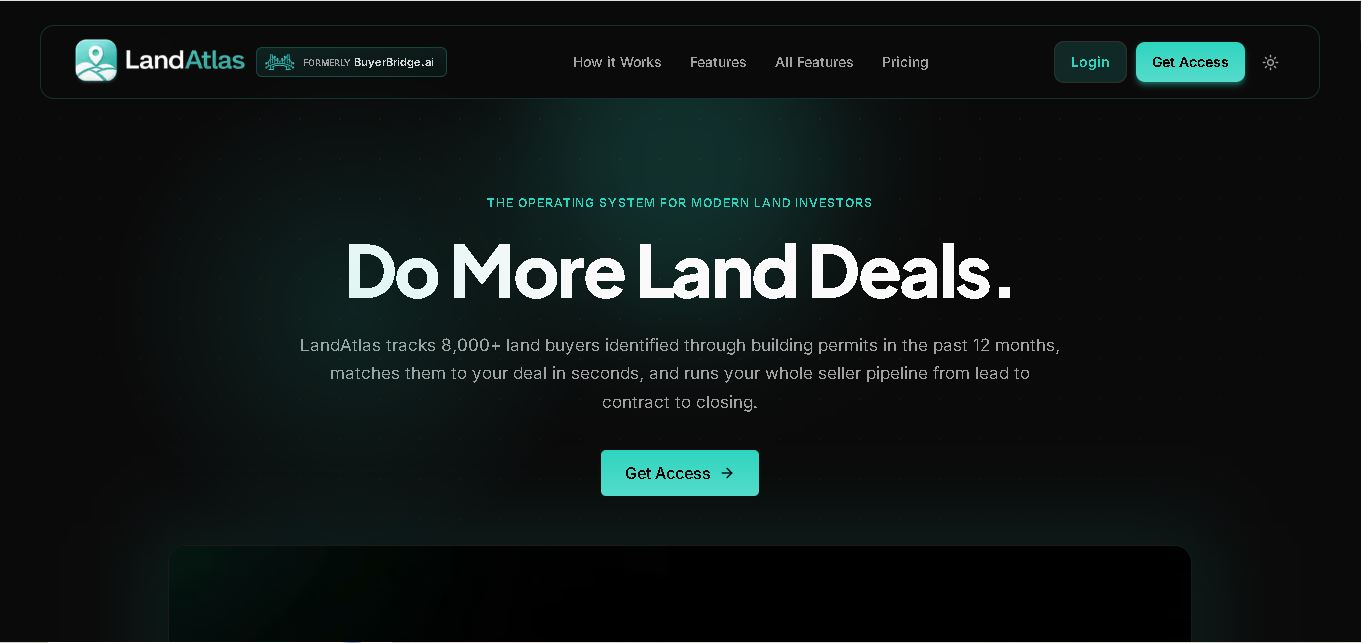
LandAtlas is a land investing platform that combines parcel research, skip tracing, buyer matching, contracts, and deal management. It helps land wholesalers and acquisition teams organize property leads, evaluate opportunities, connect with potential buyers, and manage transactions from one workspace.
Paid
Klap
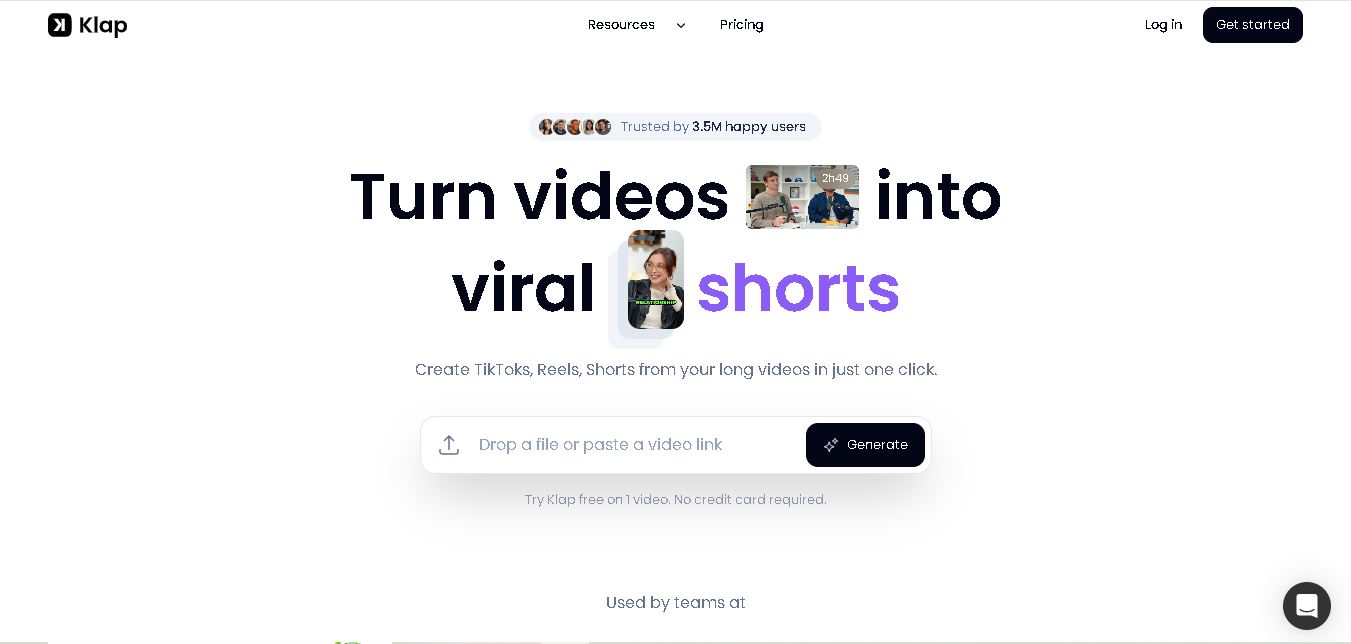
Klap is an AI video clipping platform that transforms long videos into short-form social media content. It automatically identifies highlights, creates captions, reframes speakers, and schedules clips, helping creators, podcasters, and marketing teams repurpose existing videos with less manual editing.
Free
Melody Genie
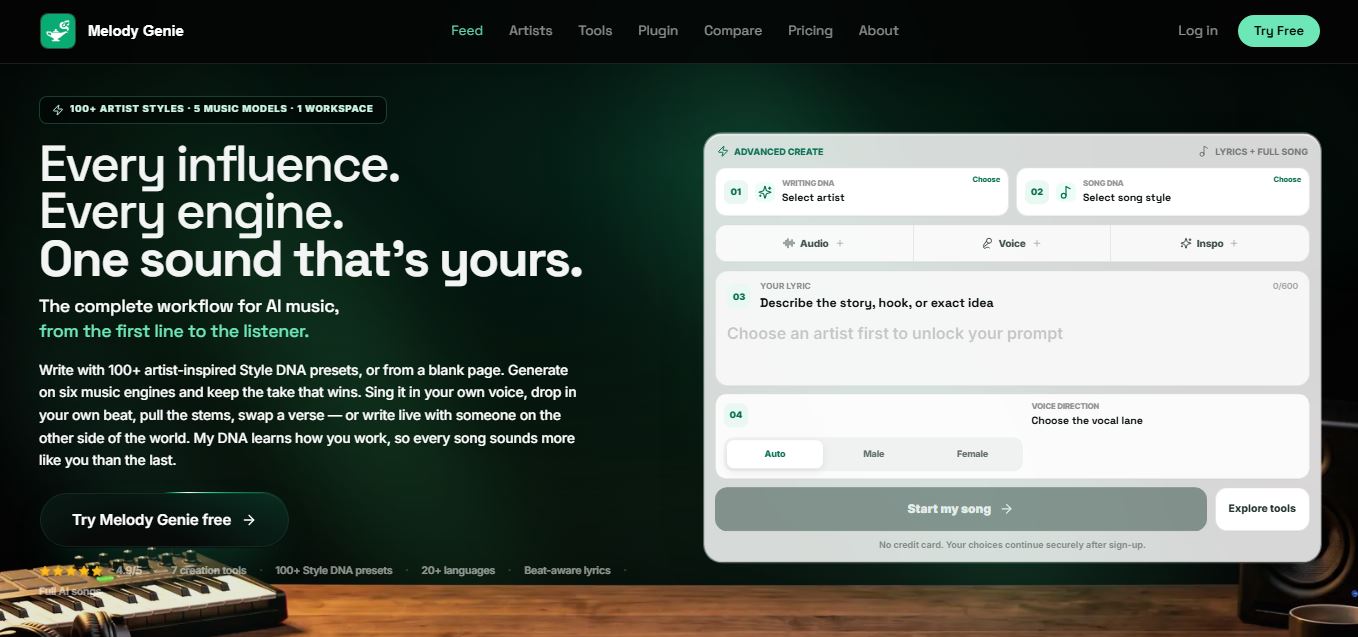
MelodyGenie is an AI-powered music generator that creates original songs from simple text prompts. Users can choose styles, moods, and genres, then instantly generate melodies and full tracks, making it easy for creators, marketers, and hobbyists to produce custom music without musical expertise.
Freemium
Alternatives
Alternatives to Zoo
The best Zoo alternatives include Backflip AI, Onshape, Autodesk Fusion, 3D AI Studio, Hyper3D, Meshy, and Blender. These platforms provide AI scan/photo/drawing-to-CAD reconstruction, traditional cloud or desktop parametric CAD, AI 3D model generation and remeshing, or open-source 3D production workflows. While Zoo stands out for its custom CAD kernel, KCL programming language for parametric B-rep geometry, Zookeeper AI agent, CNC DfM and structural/thermal analysis, Engine/Agent/File APIs, Zoo MCP, and CNC machining beta across Free ($0), Plus ($20/mo), Pro ($99/mo), Team ($399/mo/user), and Enterprise plans plus optional $0.0083/second pay-as-you-go billing, alternatives like Backflip AI focus on converting scans, scaled photos, and drawings into editable parametric CAD feature trees, Onshape emphasizes conventional cloud mechanical CAD and PDM, and 3D AI Studio targets browser AI 3D asset generation and remeshing. Choosing the right platform depends on whether you want KCL code-driven parametric B-rep CAD with AI/API automation or scan-to-CAD reconstruction, traditional mechanical CAD, and 3D asset generators.
Unity
AI Agent
Unity (unity.com) is a cross-platform real-time 3D and 2D game engine and interactive development platform—with Unity 6 and Unity AI workflows, C# scripting, Unity Cloud DevOps (Version Control, Asset Manager, Build Automation), and mobile/console/PC/XR deployment—for game studios, indie developers, and industrial 3D teams.
Physna
AI Agent
Physna (physna.com) is a physical AI and geometric deep-learning platform—led by CEO Paul Powers and connected to the Thangs 3D ecosystem—that codifies 3D models, CAD files, scans, and photos into searchable geometric data so engineering, procurement, and manufacturing teams can identify parts, find duplicates or alternates, and connect data across PLM and ERP systems.
Onshape
AI Agent
Onshape (onshape.com)—acquired by PTC—is a cloud-native 3D CAD and built-in Product Data Management (PDM) platform that runs in web browsers and mobile devices with real-time multi-user collaboration, branching and merging, release management, BOMs, Simulation, CAM Studio, Render Studio, and PCB Studio for hardware and product engineering teams.
Adam
AI Agent
Adam (adam.new) is an AI mechanical engineering and CAD platform—with CADAM open-source text-to-CAD, Copilot for Onshape and Fusion, MCP integrations, and workflows for SOLIDWORKS, PLM, and simulation—that helps engineers generate and edit CAD models, create 2D drawings, run DFM and FEA loops, and manage engineering context.
Womp
AI Agent
Womp (womp.com) is a browser-based 3D modeling, AI generation, and on-demand 3D printing platform featuring Liquid 3D (SDF/CSG), Spark AI copilot, Womp Flow nodes, 500+ Super Materials, 4K/60fps renders, clean-topology mesh exports, and direct physical 3D printing in 17 materials for designers, creators, and teams.
Vectary
AI Agent
Vectary (vectary.com) is a browser-based 3D design, AI ideation, and interactive web/AR publishing platform featuring Vectary Studio and Vectary Canvas AI, CAD importing and optimization, PBR materials, 3D product configurators, interactive manuals, app-free AR, and Viewer API workflows for designers, product teams, and enterprises.
Rosebud AI
AI Agent
Rosebud AI (rosebud.ai) is a browser-based AI game maker and creation platform—founded in 2019 by CEO Lisha Li and backed by Y Combinator—that turns natural-language prompts into playable 2D, 3D, voxel, and multiplayer games with editable code, generated art, sound, and 360° skyboxes, instant web hosting, Windows/Steam export on Pro, and Rosebud Play community remixing.
WANNA
AI Agent
WANNA (wanna.fashion)—a brand of Perfect Corp.—is an augmented reality (AR) virtual try-on and 3D product visualization platform for fashion and luxury brands, offering AR try-on and 3D viewers for footwear, bags, clothes, watches, jewellery, and scarves across web, iOS, Android, and in-store mirrors.
 4.7
Spark Hire
AI Agent
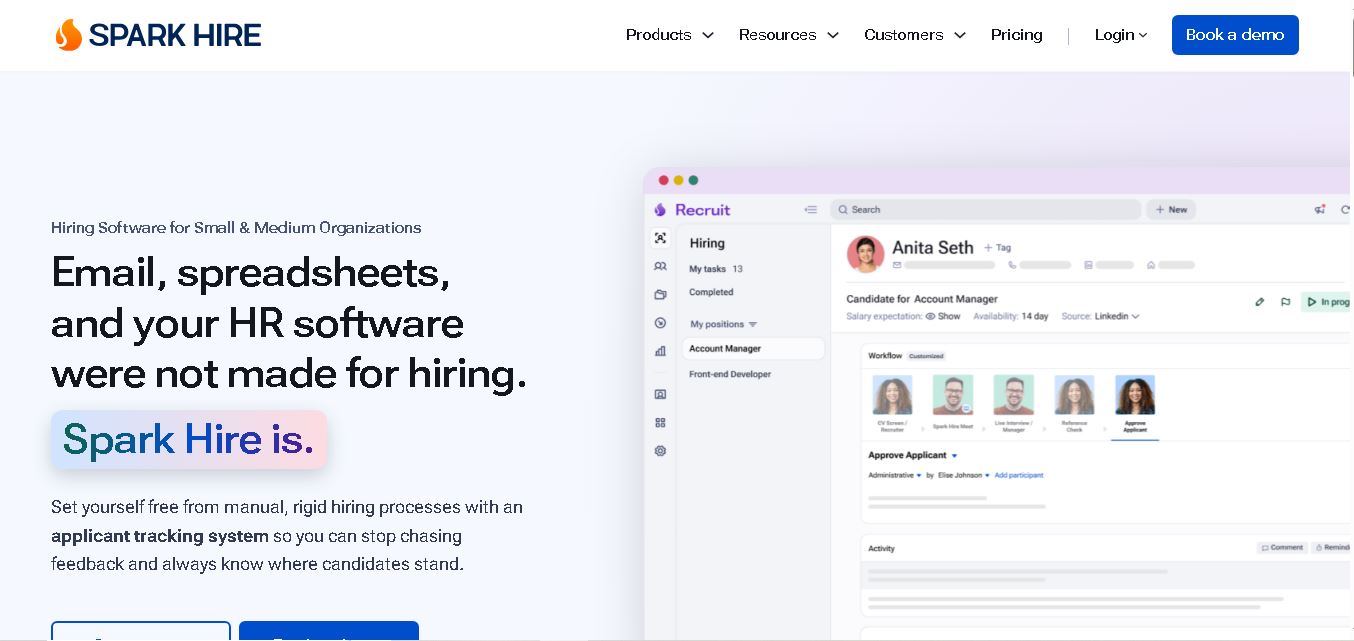
Spark Hire helps recruitment teams simplify hiring through one-way video interviews, live interviews, applicant tracking, and candidate evaluations. It enables employers to screen applicants remotely, collaborate with hiring managers, and organize recruitment workflows. Its AI-assisted features support interview transcription, summaries, and candidate review while maintaining human involvement in hiring decisions.