Adam
Adam (adam.new) is an AI mechanical engineering and CAD platform—with CADAM open-source text-to-CAD, Copilot for Onshape and Fusion, MCP integrations, and workflows for SOLIDWORKS, PLM, and simulation—that helps engineers generate and edit CAD models, create 2D drawings, run DFM and FEA loops, and manage engineering context.
What is Adam?
Adam (adam.new) is an artificial intelligence mechanical engineering and CAD platform built for hardware teams, mechanical engineers, product designers, and makers. Rather than treating AI 3D generation solely as a standalone mesh export tool, Adam connects with CAD environments—including Onshape, Autodesk Fusion, SOLIDWORKS, and broader CAD/PLM/CAE ecosystems—alongside its open-source text-to-CAD workspace (CADAM), Copilot tools, and MCP connectors. Engineers can move from text prompts or 2D drawings to 3D CAD geometry, edit existing parts and feature trees, generate 2D drawings, run DFM and simulation loops, and keep BOMs, specs, and team workflows connected.
Built around real mechanical engineering workflows, connected CAD/PLM/CAE tools, and strong IP/security controls, Adam helps hardware teams speed up design iteration without leaving their engineering stack. Across its CAD copilots, CADAM open-source text-to-CAD, MCP/API layers, and team integrations, engineers can generate and edit CAD geometry from prompts or selection context; optimize feature trees and parametrize variables; create 2D drawings and run DFM or simulation loops; and coordinate specs, BOMs, and updates across connected tools.
- Core Focus / Category: AI Mechanical Engineering & CAD Assistant (adam.new), CAD Copilot for Onshape & Autodesk Fusion plus SOLIDWORKS/CAD/PLM/CAE Workflows, Open-Source Text-to-CAD & 3D Generation (CADAM), and MCP, API & Team/Spec Integrations
- Platform Architecture: Multi-surface engineering AI platform combining CAD extensions/connectors (such as Onshape, Autodesk Fusion, and SOLIDWORKS), open-source CADAM text-to-CAD tools, Model Context Protocol (MCP) and API access, isolated per-user sandboxes, and Lite/Pro/Ultra model tiers with Free, Pro, Max, and Enterprise plans
- Key Specialization: Operating directly inside CAD and engineering workflows for prompt-to-CAD, part edits, selection-context feature creation, feature-tree cleanup, and parametrization; linking CAD geometry with PLM BOMs, 2D drawings, DFM checks, and FEA/CAE simulation loops; and protecting engineering IP with SOC 2 Type I compliance, TLS/AES-256 encryption, isolated sandboxes, and zero model training on inputs under commercial terms
Use Cases:
- Generating 3D CAD geometry from natural-language descriptions or 2D drawings and inspecting or refining features in connected CAD tools
- Editing existing CAD parts, referencing selected geometry, cleaning up duplicate operations in feature trees, and parametrizing dimensions into cascading variables
- Generating 2D engineering drawings from 3D models, performing Design for Manufacturability (DFM) checks, and running CAD-to-FEA simulation loops
- Keeping BOMs, PLM data, specs, and engineering tasks synced across tools like Onshape, Fusion, SOLIDWORKS, Slack, Teams, Jira, and Google Drive or using CADAM for open-source text-to-CAD
Technology:
- CAD & Engineering Reasoning Engine supporting Lite, Pro, and Ultra model tiers (plus Fast/Ultrafast modes and large-context handling) to generate CAD geometry, edit features, optimize feature trees, and assist with DFM, drawings, and simulation loops
- CAD, PLM, CAE & MCP Integration Layer connecting CAD platforms (Onshape, Autodesk Fusion, SOLIDWORKS, and broader CAD/PLM/CAE tools), MCP clients, and APIs with per-user isolated sandboxes
- CADAM Open-Source & Asset Export Layer providing open-source text-to-CAD generation and 3D model exports for 3D printing, hardware prototypes, and product concepts
Target Users:
- Mechanical engineers, hardware designers, and engineering teams working with Onshape, Autodesk Fusion, SOLIDWORKS, and PLM/CAE tools
- Hardware startups, product developers, and makers prototyping parts, parametrizing models, or using open-source CADAM
- Engineering organizations requiring SOC 2 Type I security, isolated sandboxes, private enterprise data, and BOM/spec context across tools
- Engineers and teams using design tools and AI CAD software to accelerate mechanical design and iteration
Corporate Entity: Operates as Adam (adam.new)

Key features of Adam
Adam's key features are
- Prompt-to-CAD, Part Edits & Selection Context: Create CAD from descriptions, edit existing models, and use selected CAD geometry as context for new features.
- Feature Tree Optimization & Parametrization: Clean up redundant operations in feature trees and convert hardcoded dimensions into cascading parameters.
- 2D Drawings, DFM & Simulation Loops: Generate 2D drawings from 3D CAD, check manufacturability (DFM), and connect CAD with simulation workflows.
- CADAM Open-Source Text-to-CAD & MCP/APIs: Access open-source text-to-CAD via CADAM alongside MCP client support, APIs, and Slack/Teams/PLM/doc integrations.
- Security & Isolated Sandboxes: Built with SOC 2 Type I approval, TLS 1.2+ and AES-256 encryption, isolated per-user sandboxes, and enterprise privacy controls.
Adam Pricing
Adam offers a Free tier alongside paid Pro, Max, and Enterprise plans, with model usage metered across Lite, Pro, and Ultra model families (plus optional add-on funds and Fast/Ultrafast or large-context multipliers).
Plans & Usage Model (Check Official Site):
- Free: Limited daily usage on the Lite model tier with persistent memory, Slack/email access, and integrations.
- Pro & Max Plans: Unlock access to all model families (Lite, Pro, and Ultra), shared folders, custom models, persistent memory, multimodal generation, Slack/email workflows, and integrations (with Max adding cloud storage and Ultrafast mode access; published USD rates are subject to change and exclude applicable taxes such as GST in India).
- Enterprise & Add-On Usage: Adds enterprise data privacy guarantees and workspace/API/MCP usage allowances with optional shared add-on funds and Lite fallback when monthly allowance is exhausted.
Disclaimer: Plan tiers, monthly usage allowances, Lite/Pro/Ultra and Fast/Ultrafast token multipliers, add-on funds, platform connector availability, and published USD pricing are subject to change and exclude applicable taxes such as GST in India. Check adam.new for current plans and terms.
Who is using Adam?
Adam is designed for mechanical engineers, hardware builders, and technical teams, including
- Mechanical & Hardware Engineers: Generating CAD, editing parts, optimizing feature trees, creating 2D drawings, and running DFM/FEA loops
- Onshape, Fusion & SOLIDWORKS Teams: Working with AI assistance across CAD models, BOMs, PLM data, and engineering docs
- Makers & Open-Source Builders: Experimenting with CADAM open-source text-to-CAD and 3D model exports
- Enterprise Engineering Organizations: Requiring SOC 2 Type I security, isolated sandboxes, and enterprise data privacy
Best Adam Alternatives
Some of the strongest Adam alternatives include
- Zoo (AI-native CAD and hardware engineering platform featuring Zoo Design Studio, KCL parametric code, Zookeeper AI, DfM/analysis, APIs/MCP, and CNC machining beta)
- Backflip AI (AI CAD reconstruction platform converting 3D scans/meshes, scaled photos, and engineering drawings into parametric CAD with editable feature trees and CAD add-ins)
- Onshape / Autodesk Fusion (Cloud-native and desktop parametric 3D CAD platforms for mechanical design, assemblies, and engineering workflows)
- 3D AI Studio (Browser-based AI 3D model generation and processing suite offering text/image-to-3D, PBR maps, quad-remeshing, LODs, rigging, and multi-format exports)
- Hyper3D (AI 3D asset generation platform—known for Rodin workflows—creating 3D models from text prompts and reference images)
- Blender (Free, open-source full 3D modeling, sculpting, texturing, animation, and rendering suite)
Pros and Cons of Adam
Pros
- Supports mechanical engineering workflows—including prompt-to-CAD, part edits, selection context, feature-tree cleanup, parametrization, 2D drawings, DFM, and simulation loops—alongside open-source CADAM
- Connects with major CAD/PLM/CAE tools, MCP clients, APIs, and team apps like Slack, Teams, and Google Drive
- Prioritizes engineering IP protection with SOC 2 Type I approval, TLS/AES-256 encryption, isolated per-user sandboxes, and enterprise privacy controls
- Offers flexible model families (Lite, Pro, Ultra) and a free entry tier to test workflows
Cons
- Complex multi-step geometry, tolerances, or imported bodies without feature history still require engineering review and manual refinement
- Connector maturity and supported operations vary across CAD platforms (with some connectors in preview or development)
- Token/allowance consumption increases across multi-step tasks, large context windows, Fast/Ultrafast modes, and Pro/Ultra model tiers
- Focused on mechanical CAD, engineering workflows, and 3D prototypes rather than 3D character animation or social media video editing
Why Choose Adam?
Adam is a strong fit when you want an AI mechanical engineering assistant that works with CAD, PLM, CAE, and team tools while offering open-source CADAM text-to-CAD and strong IP safeguards.
- Generate and edit CAD geometry, optimize feature trees, parametrize variables, and create 2D drawings
- Connect CAD with PLM BOMs, DFM checks, simulation workflows, MCP/APIs, and team chat tools
- Use CADAM for open-source text-to-CAD and 3D model exports
- Rely on SOC 2 Type I security, isolated sandboxes, and enterprise data privacy
Adam vs. Competitors
The primary difference between Adam, Zoo, Backflip AI, and Blender lies in pairing mechanical CAD/PLM/CAE/MCP workflows, feature-tree/drawing/DFM/FEA assistance, and open-source CADAM text-to-CAD against KCL code-first B-rep CAD and CNC beta workflows, scan/photo/drawing-to-CAD feature-tree reconstruction, or full manual 3D modeling and rendering suites. While Zoo centers on its KCL parametric CAD language, Zookeeper AI, and APIs/MCP and Backflip AI focuses on turning scans, scaled photos, and drawings into editable parametric CAD feature trees while Blender provides complete open-source 3D modeling control, Adam emphasizes multi-tool mechanical engineering workflows across CAD, PLM, CAE, drawings, DFM, and CADAM.
| Feature / Platform | Adam (adam.new) | Zoo | Backflip AI | Blender |
|---|---|---|---|---|
| Primary Focus | AI Mechanical Engineer for CAD, PLM, CAE & CADAM | AI-Native B-Rep CAD, KCL Code, Zookeeper & APIs/MCP | AI Scan/Photo/Drawing-to-Parametric CAD | Full Open-Source 3D Modeling, Rigging & Render Suite |
| Core Capabilities | Prompt-to-CAD, edits, trees, 2D drawings, DFM, FEA & MCP | KCL (.kcl), Zookeeper, DfM/structural/thermal, APIs & CNC beta | Feature trees, Fast/Thinking modes, Fusion add-in | Modeling, sculpting, rigging, graph editor, physics, Cycles |
| Best Workflow Fit | Mechanical CAD edits, BOM/PLM sync, DFM/FEA & CADAM | Code-backed parametric CAD, AI/API automation & hardware | Reverse engineering, legacy parts & engineering CAD | End-to-end 3D creation without software licensing costs |
| Pricing Model | Free + paid Pro, Max & Enterprise (Lite/Pro/Ultra tiers) | Free; Plus $20/mo, Pro $99/mo, Team $399/mo/user, Ent + PAYG | Free; Builder $20/mo, Pro $50/mo, Business $380/mo, Ent | Free & open-source |
| Best For | Connected Mechanical CAD, Drawings, DFM/FEA & Open Text-to-CAD | Programmable KCL Parametric CAD, Zookeeper & CAD/ML APIs | Parametric CAD Feature Trees from Scans, Photos & Drawings | Complete Manual 3D Production & Open-Source Pipelines |
How do we rate Adam?
| Parameter | Rating (out of 5) |
|---|---|
| Mechanical CAD, Feature Tree, Drawing & DFM/FEA Fit | 4.1 |
| CAD/PLM/CAE Connectors, MCP/APIs & CADAM Workflow | 4.1 |
| IP Security, Isolated Sandboxes & Tiered Model Options | 4.2 |
| Complex Geometry Verification & Usage Meter Complexity | 3.7 |
| Overall Score | 4.03 |
Adam Review
Adam is a capable AI mechanical engineering platform that brings prompt-to-CAD, part editing, feature-tree cleanup, parametrization, 2D drawings, DFM checks, and simulation loops alongside CADAM open-source text-to-CAD and MCP/API integrations. Its focus on connected CAD/PLM/CAE workflows, isolated sandboxes, and SOC 2 Type I security makes it well suited for hardware teams with strict IP requirements. While complex geometry and multi-step usage multipliers still require engineering review and allowance planning, Adam remains a strong option for AI-assisted mechanical CAD.
Conclusion
Adam is an AI mechanical engineering and CAD platform that helps engineers generate and refine CAD models, automate drawings and DFM/FEA loops, and connect engineering context across tools. With CAD copilots, CADAM text-to-CAD, MCP/API support, and enterprise security controls, it streamlines hardware iteration. For engineering teams and builders seeking AI-assisted mechanical CAD and workflow automation, Adam is a solid choice.
User Reviews
No reviews yet for Adam.
Featured Tools
Featured AI tools from TechShark
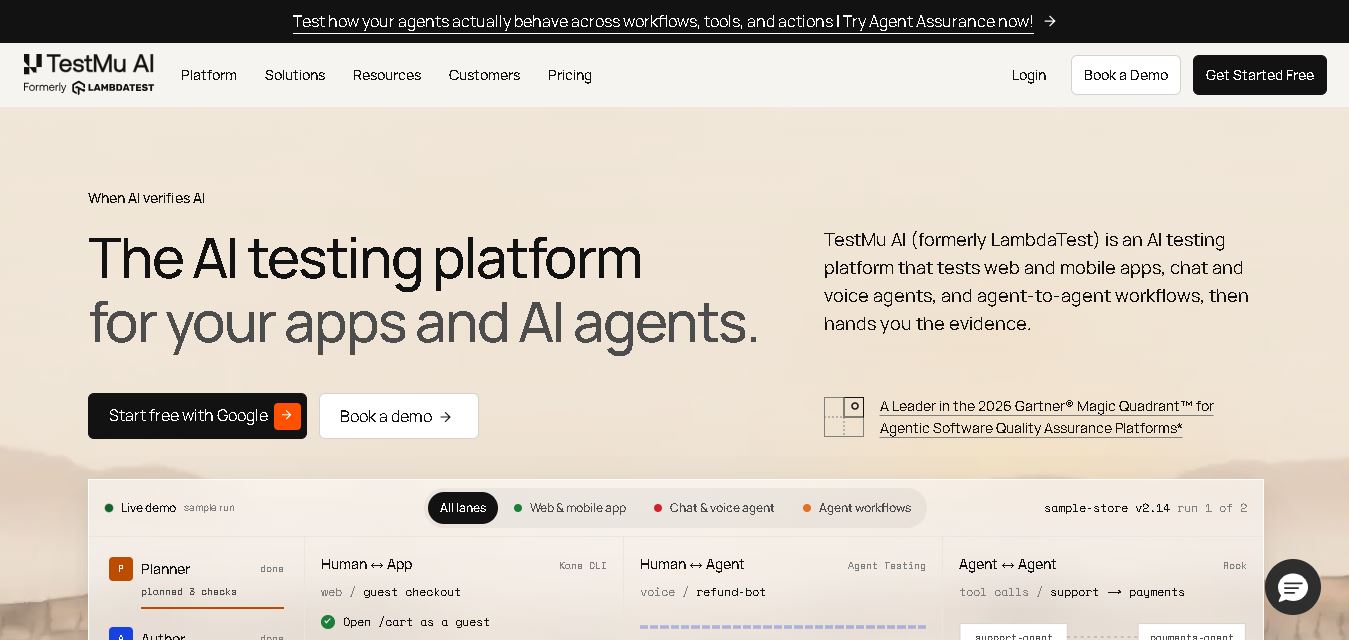
TestMu AI
TestMu AI is an AI-powered quality engineering platform that helps teams automate software testing across browsers, operating systems, mobile devices, and AI agents. It combines natural-language test creation, cloud execution, visual testing, and intelligent test management to accelerate software releases.
Freemium

LandAtlas
LandAtlas is a land investing platform that combines parcel research, skip tracing, buyer matching, contracts, and deal management. It helps land wholesalers and acquisition teams organize property leads, evaluate opportunities, connect with potential buyers, and manage transactions from one workspace.
Paid

Klap
Klap is an AI video clipping platform that transforms long videos into short-form social media content. It automatically identifies highlights, creates captions, reframes speakers, and schedules clips, helping creators, podcasters, and marketing teams repurpose existing videos with less manual editing.
Free
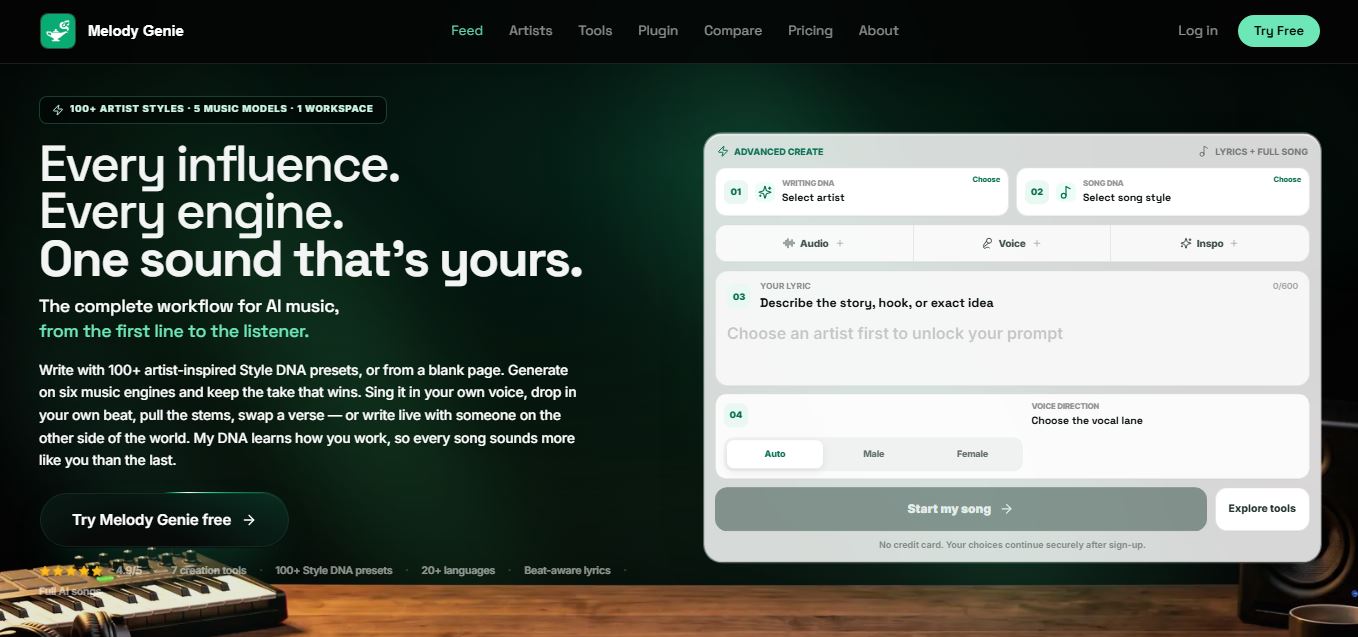
Melody Genie
MelodyGenie is an AI-powered music generator that creates original songs from simple text prompts. Users can choose styles, moods, and genres, then instantly generate melodies and full tracks, making it easy for creators, marketers, and hobbyists to produce custom music without musical expertise.
Freemium
Alternatives
Alternatives to Adam
The best Adam alternatives include Zoo, Backflip AI, Onshape, Autodesk Fusion, 3D AI Studio, Hyper3D, and Blender. These platforms provide AI-native parametric CAD, scan/photo/drawing-to-CAD reconstruction, traditional cloud or desktop CAD, AI 3D asset generation, or full open-source 3D production workflows. While Adam stands out for connecting mechanical CAD, PLM, CAE, drawings, DFM checks, and team tools alongside CADAM open-source text-to-CAD, MCP/APIs, and SOC 2 Type I/isolated sandbox IP protections across Free, Pro, Max, and Enterprise plans, alternatives like Zoo emphasize KCL parametric code and Zookeeper AI, Backflip AI focuses on scan/photo/drawing-to-CAD feature trees, and Blender provides complete manual 3D modeling and rendering control. Choosing the right platform depends on whether you want a multi-tool mechanical CAD and engineering workflow assistant with open-source text-to-CAD or KCL-first parametric CAD, scan-to-CAD reconstruction, and general 3D suites.
Zoo
AI Agent
Zoo (zoo.dev)—formerly KittyCAD—is an AI-native hardware engineering and CAD platform featuring Zoo Design Studio, the KCL programming language for parametric B-rep CAD, Zookeeper AI agent, Engine/Agent/File APIs, Zoo MCP, and a CNC machining beta for mechanical engineers, developers, and hardware teams.
Womp
AI Agent
Womp (womp.com) is a browser-based 3D modeling, AI generation, and on-demand 3D printing platform featuring Liquid 3D (SDF/CSG), Spark AI copilot, Womp Flow nodes, 500+ Super Materials, 4K/60fps renders, clean-topology mesh exports, and direct physical 3D printing in 17 materials for designers, creators, and teams.
Vectary
AI Agent
Vectary (vectary.com) is a browser-based 3D design, AI ideation, and interactive web/AR publishing platform featuring Vectary Studio and Vectary Canvas AI, CAD importing and optimization, PBR materials, 3D product configurators, interactive manuals, app-free AR, and Viewer API workflows for designers, product teams, and enterprises.
Rosebud AI
AI Agent
Rosebud AI (rosebud.ai) is a browser-based AI game maker and creation platform—founded in 2019 by CEO Lisha Li and backed by Y Combinator—that turns natural-language prompts into playable 2D, 3D, voxel, and multiplayer games with editable code, generated art, sound, and 360° skyboxes, instant web hosting, Windows/Steam export on Pro, and Rosebud Play community remixing.
WANNA
AI Agent
WANNA (wanna.fashion)—a brand of Perfect Corp.—is an augmented reality (AR) virtual try-on and 3D product visualization platform for fashion and luxury brands, offering AR try-on and 3D viewers for footwear, bags, clothes, watches, jewellery, and scarves across web, iOS, Android, and in-store mirrors.
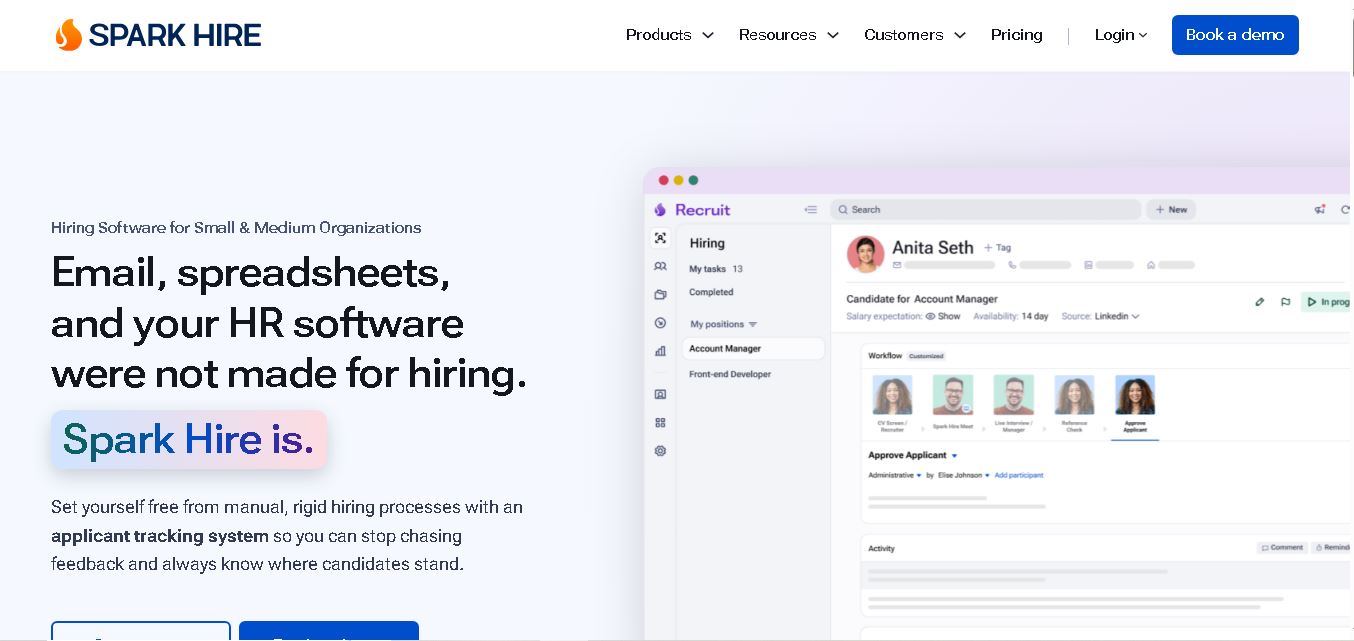 4.7
Spark Hire
AI Agent
Spark Hire helps recruitment teams simplify hiring through one-way video interviews, live interviews, applicant tracking, and candidate evaluations. It enables employers to screen applicants remotely, collaborate with hiring managers, and organize recruitment workflows. Its AI-assisted features support interview transcription, summaries, and candidate review while maintaining human involvement in hiring decisions.
 4.9
Materiom
AI Agent
Materiom helps researchers, designers, and businesses discover and develop sustainable materials using renewable ingredients. Its resources include biomaterial recipes, material datasets, ingredient information, and AI-assisted research. By supporting experimentation and knowledge sharing, Materiom encourages innovation in bio-based packaging, textiles, and other products while helping users explore alternatives to conventional plastic materials.
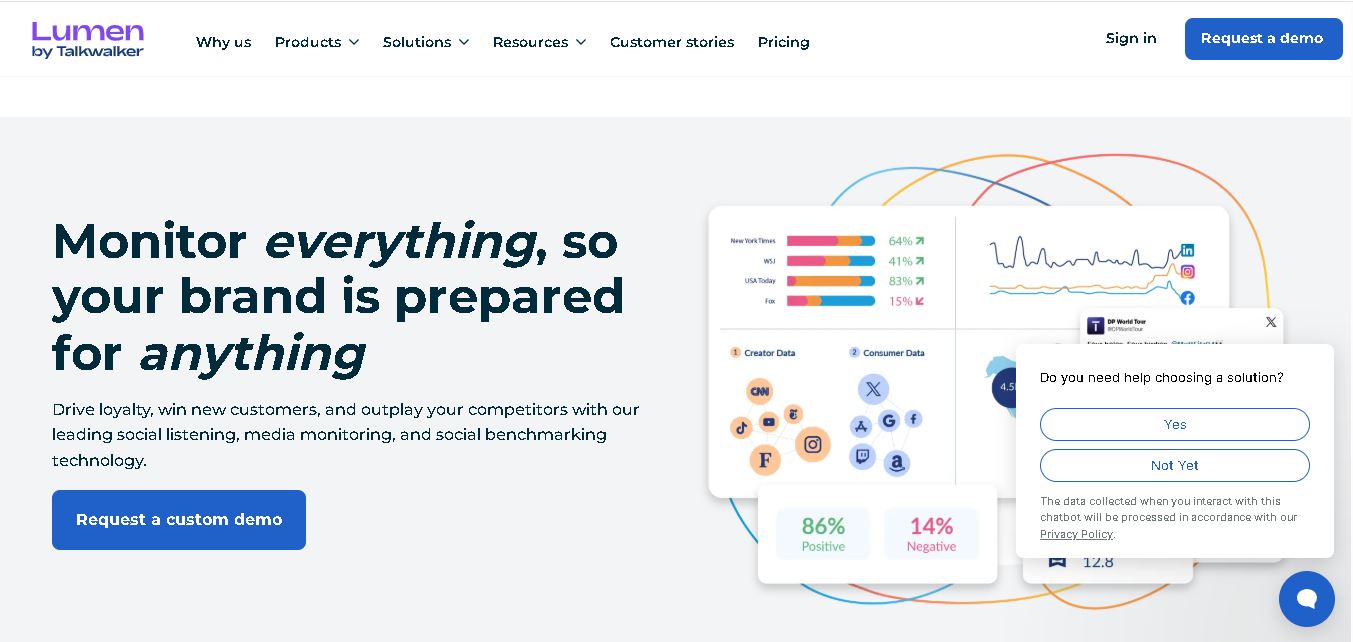 4.9
Talkwalker
AI Agent
Talkwalker is a consumer intelligence and social listening solution that helps brands track online mentions, analyze audience sentiment, monitor competitors, and discover emerging trends. It combines social media analytics, media monitoring, customer feedback, and AI-powered insights to support marketing, public relations, reputation management, and data-driven business decisions across global markets.
 5.0
AI4K12
AI Agent
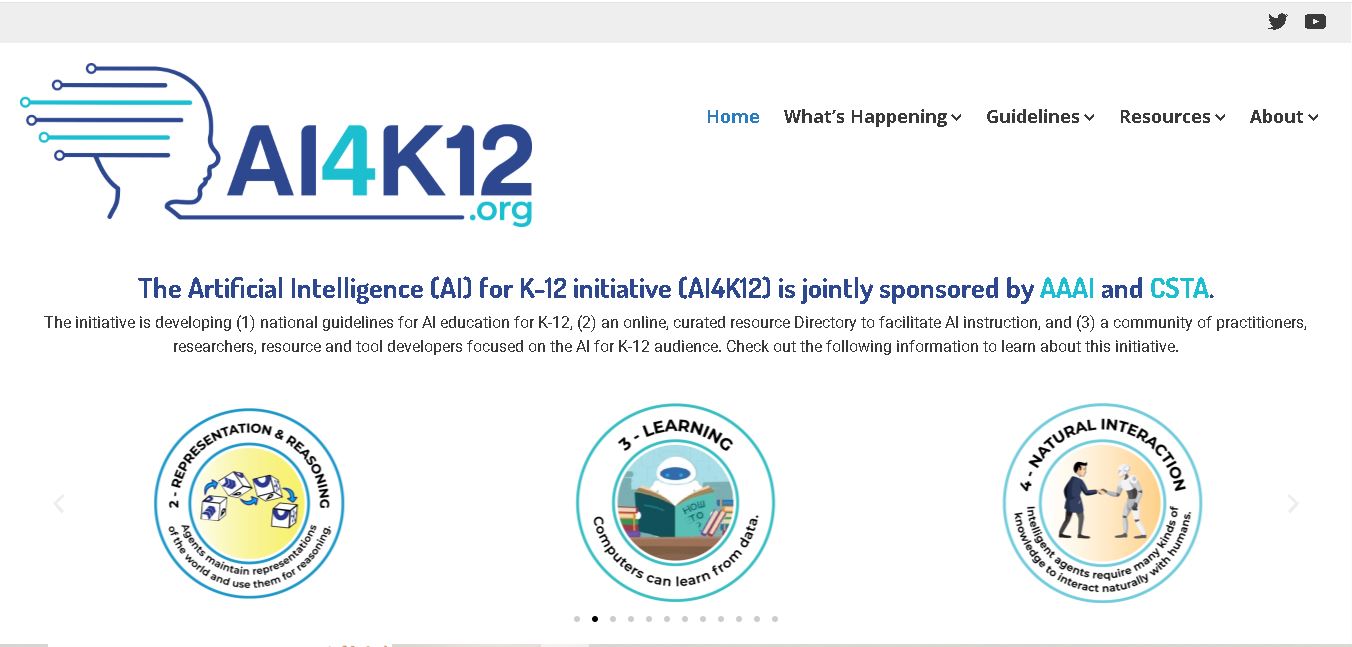
AI4K12 is an educational initiative focused on bringing artificial intelligence into K–12 classrooms. It provides grade-level learning guidelines, curated teaching resources, and the Five Big Ideas framework. Designed for educators and curriculum developers, AI4K12 supports age-appropriate AI instruction and helps students understand how intelligent technologies work and affect society.