
Void Editor
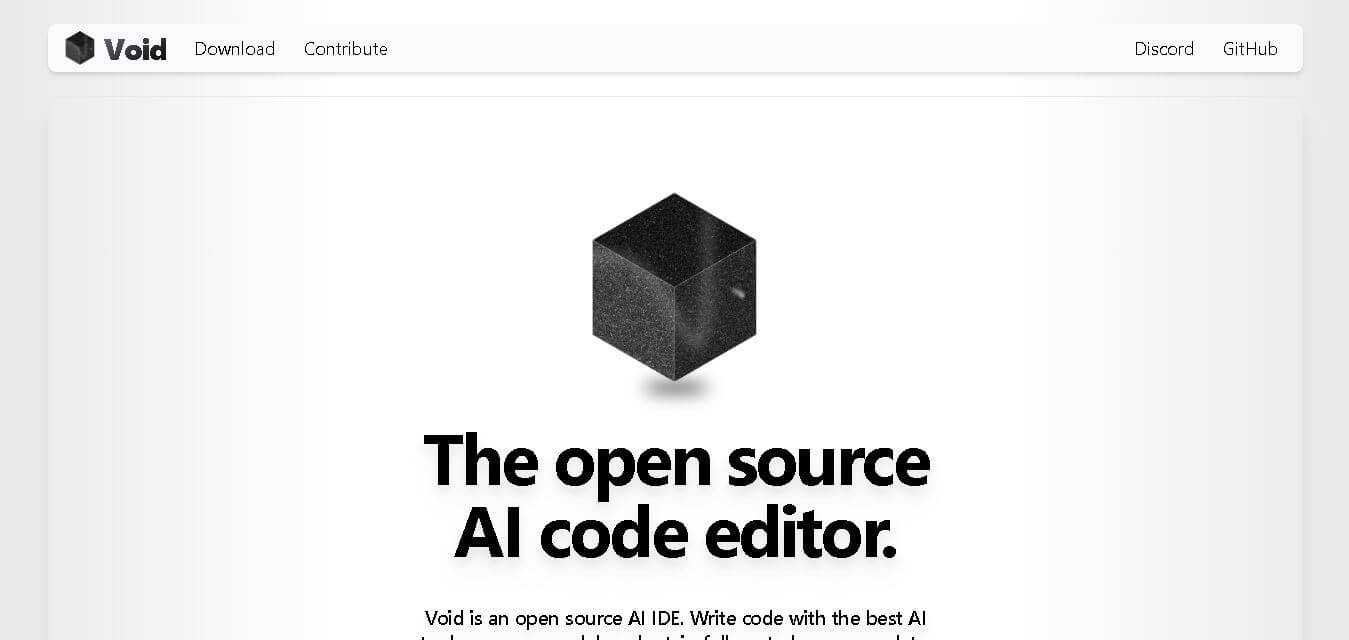
Void Editor is an open-source AI code editor built on Visual Studio Code that helps developers write, edit, debug, and review code with AI assistance. It supports multiple AI models, local and cloud-based deployments, and privacy-focused workflows, allowing developers to maintain complete control over their coding environment and project data.
What is Void Editor?
Void Editor is an open-source code editor designed to simplify software development by combining a familiar coding environment with advanced AI assistance. Built as a fork of Visual Studio Code, it enables developers to generate, edit, review, and optimize code using their preferred AI models instead of relying on a single provider. Users can connect cloud-based or locally hosted large language models directly, ensuring greater privacy and flexibility. The editor also includes intelligent code completion, inline editing, AI chat, checkpoints, and project-aware assistance, making it suitable for individual developers, open-source contributors, and engineering teams working on modern software projects.
Void Editor is an open-source AI IDE built on Visual Studio Code and supports 10+ leading AI models, including Claude, Gemini, OpenAI, DeepSeek, Llama, Qwen, Gemma, and Ollama-hosted models. It offers 3 AI interaction modes—Chat, Agent, and Gather—alongside AI autocomplete, Quick Edit, and checkpoint tracking. The platform works across Windows, macOS, and Linux, enabling developers to integrate AI into coding workflows while maintaining complete control over their APIs and development environment.
- Developer/Company: Glass Devtools, Inc. (San Francisco, CA)
- License: Open Source (Apache 2.0 / MIT)
Use Cases:
- Writing and refactoring code with private, local LLMs (via Ollama or vLLM)
- Accelerating daily software development with tab autocomplete and inline edits
- Executing multi-file agentic coding tasks and command-line automated operations
- Maintaining compliance for enterprise codebases requiring direct API data privacy
Technology:
- VS Code core engine with custom React and Tailwind UI extensions
- Direct LLM connection engine supporting OpenAI, Anthropic Claude, Gemini, DeepSeek, and custom OpenAI-compatible endpoints
- Fill-in-the-Middle (FIM) prompt pipeline for fast inline autocomplete
Target Users:
- Privacy-conscious software developers and security engineers
- Enterprise software teams with strict data governance rules
- Open-source advocates and developers running self-hosted AI models
Ecosystem: Seamlessly imports existing VS Code settings, extensions, keybindings, and themes with one-click migration.

Key features of Void Editor
Void Editor's key features are
- Direct Model Connections: Connects directly to Anthropic, OpenAI, Google Gemini, or local Ollama endpoints with no relay server in between.
- AI Tab Autocomplete: Real-time code completion triggered by the Tab key using Fill-in-the-Middle (FIM) LLMs.
- Inline Quick Edit: Keyboard-driven inline diff editing allowing swift code modifications directly inside active files.
- Agent & Gather Chat Modes: Built-in AI chat that can navigate full codebases, execute terminal commands, edit multiple files, and answer repository-wide questions.
- Checkpoints & Lint Detection: Take a snapshot of LLM-generated changes before committing and use real-time language server diagnostic checks.
- Native VS Code Extension Compatibility: Works with all standard VS Code extensions, themes, and debugger tools right out of the box.
Void Editor Pricing
Void Editor is completely free and open source. There are no platform subscriptions, tier limits, or recurring hosting costs from Void itself.
Free & Open Source Plan:
- $0 / month
- Includes full access to the editor's source code, local LLM integrations, tab autocomplete, agent workflows, and direct API key connectivity (users pay their own third-party API usage fees if they use cloud LLM providers).
Disclaimer: For the latest and most accurate pricing information, please visit the official Void Editor AI website.
Is Void Editor Worth It?
Void Editor is highly worth it for developers who want the intelligence of AI coding agents while maintaining total privacy and data ownership. For engineers working under strict NDA or corporate data policies, Void's zero-middleman architecture provides an unmatched level of security compared to closed-source competitors.
Real-World Use Cases
- Secure Enterprise Coding: Software engineers develop proprietary applications locally using Ollama-hosted DeepSeek or Llama models to prevent code exposure.
- Multi-File Refactoring: Senior developers utilize Agent Mode to search across multi-file repositories, fix bugs, and run test suites automatically.
- Rapid Prototyping: Full-stack developers use inline quick edits to generate boilerplate code and automated unit tests instantly.
- Custom LLM Integration: AI researchers test custom fine-tuned code models directly within a native VS Code environment.
Who is using Void Editor?
Void Editor is designed for developers across various disciplines, including
- Security-Conscious Engineers: Developers working in finance, healthcare, or enterprise tech needing strict data control
- Open-Source Developers: Creators looking for non-proprietary, community-driven development tools
- Local AI Enthusiasts: Developers who prefer running hardware-accelerated local models via Ollama or vLLM
- VS Code Power Users: Engineers who want AI capability while keeping their exact VS Code extensions and keybindings intact
Best Void Editor Alternatives
Some of the strongest Void Editor alternatives include
- Cursor
- Windsurf (by Codeium)
- Continue.dev
- GitHub Copilot
- Trae
- DevoxxGenie
Pros and Cons of Void Editor
Pros
- 100% open source and free with zero server relay or telemetry tracking
- Full control over model choices—supports local Ollama models and direct API key integrations
- One-click import of existing VS Code profiles, themes, extensions, and keybindings
- Powerful Agent Mode for multi-file workspace operations and terminal command execution
- Fast diff visualization with built-in checkpoint rollback capabilities
Cons
- The core upstream repository is currently archived/deprecated, relying on community forks for updates
- Requires manual configuration of API keys or local LLM runtimes
- Lacks a fully managed cloud backend service for users who prefer instant out-of-the-box setups
Why Choose Void Editor?
Void Editor stands out by prioritizing developer privacy and model autonomy. While proprietary AI editors force code through private proxy servers, Void routes requests directly from the user's desktop to the destination AI endpoint, giving developers total visibility and control over their codebase.
- Eliminates monthly subscription fees for AI editor software
- Protects intellectual property by preventing external data logging
- Supports offline coding setups via locally hosted models
- Preserves familiar VS Code workflows without locked-in environments
How Void Editor Works
- Install & Import: Download Void Editor and launch it to automatically import existing VS Code settings, extensions, and configurations in one click.
- Configure Model Provider: Enter your preferred API key (OpenAI, Anthropic, or Gemini) or enable an Ollama/vLLM local model endpoint in settings.
- Code with AI: Use Tab for autocomplete, Ctrl+K for inline quick edits, or Ctrl+L to launch interactive AI chat and Agent Mode.
- Review & Accept: Inspect real-time diffs and checkpoint snapshots before committing AI-generated updates to your codebase.
Void Editor vs. Competitors
The main distinction between Void Editor, Cursor, and Continue.dev lies in privacy architecture and platform delivery. While Cursor routes code requests through proprietary cloud servers under a subscription model, and Continue operates as an extension inside existing VS Code installations, Void functions as a full open-source IDE fork with direct API routing.
| Feature | Void Editor | Cursor | Continue.dev |
|---|---|---|---|
| Primary Architecture | Open-Source VS Code Fork | Proprietary VS Code Fork | VS Code Extension |
| Data Routing | Direct to Model / Local | Proprietary Relay Server | Direct to Model / Local |
| Local Model Support | Native (Ollama / vLLM) | Limited | Native (Ollama / vLLM) |
| Pricing | 100% Free (Open Source) | Freemium / $20 per month | 100% Free (Open Source) |
How do we rate Void Editor?
| Parameter | Rating (out of 5) |
|---|---|
| Ease of Use | 4.5 |
| AI Features & Performance | 4.7 |
| Privacy & Security | 5.0 |
| Value for Money | 5.0 |
| Extension Ecosystem | 4.8 |
| Overall Score | 4.6 |
Void Editor Review
Void Editor provides a privacy-first AI development environment for software engineers who refuse to compromise on data security. By combining a native VS Code experience with direct LLM connectivity and local model support, Void delivers Cursor-grade AI capabilities while keeping full control of code and prompts firmly in the developer's hands.
Conclusion
Void Editor offers a practical choice for developers who want AI-assisted coding without sacrificing privacy or flexibility. Its open-source foundation, compatibility with VS Code, support for multiple AI providers, and ability to connect local language models make it a strong option for modern software development. Instead of locking users into a single ecosystem, it allows complete freedom to choose the tools and models that best fit individual or team requirements. Whether you are writing new applications, reviewing code, fixing bugs, or experimenting with AI workflows, Void Editor provides a reliable and customizable environment that grows with your development needs.
FAQ
What makes Void Editor different from other AI code editors?
Void Editor stands out because it gives you complete ownership of your AI workflow. Instead of sending your code through its servers, it connects directly to your preferred AI provider or local model. This privacy-first approach, combined with Visual Studio Code compatibility and open-source flexibility, makes it an excellent choice for developers seeking transparency and customization.
Is Void Editor free to use?
Yes. Void Editor is completely free and open source, so you can download and use it without paying a subscription. However, if you choose premium AI models such as OpenAI or Claude, you'll only pay those providers for API usage. Local AI models can also be used at no additional software cost.
Who should use Void Editor?
Void Editor is ideal for software developers, AI engineers, students, startups, and development teams that want AI-powered coding assistance without sacrificing privacy. Whether you're building web applications, mobile apps, APIs, or enterprise software, the editor supports modern development workflows while allowing you to select the AI model that best fits your project requirements.
Can I use my own AI models with Void Editor?
Absolutely. One of Void Editor's biggest strengths is its flexibility. You can connect your API keys for providers like OpenAI, Anthropic, or Google Gemini, or use locally hosted models through Ollama and similar platforms. This allows you to choose the balance between performance, cost, and privacy that best matches your development needs.
Does Void Editor support Visual Studio Code extensions?
Yes. Since Void Editor is built on Visual Studio Code, you can import your existing themes, keyboard shortcuts, extensions, and settings with minimal effort. This makes switching from VS Code quick and familiar while adding advanced AI capabilities that improve productivity without disrupting your existing development workflow.
User Reviews
No reviews yet for Void Editor.
Featured Tools
Featured AI tools from TechShark

Melody Genie
MelodyGenie is an AI-powered music generator that creates original songs from simple text prompts. Users can choose styles, moods, and genres, then instantly generate melodies and full tracks, making it easy for creators, marketers, and hobbyists to produce custom music without musical expertise.
Freemium

Kimi AI
Kimi AI is an advanced AI assistant developed by Moonshot AI that helps you chat, research, write, code, and automate tasks in one place. It supports web search, file analysis, and multimodal inputs, and can even run autonomous “agent” workflows to complete complex tasks end-to-end.
Freemium

Fashion Diffusion AI
Fashion Diffusion is an AI-powered fashion design platform that helps brands and designers create clothing designs, virtual try-ons, AI models, product photos, and marketing visuals faster and cost-effectively.
Paid

Veo 4
Veo 4 AI is an AI video creation platform that generates dramatic videos from text, images, audio, and video prompts using realistic motion and synchronized sound.
Paid
Alternatives
Alternatives to Void Editor
The best Void Editor alternatives include Cursor, Windsurf, Continue.dev, GitHub Copilot, and Trae. Cursor and Windsurf provide polished proprietary AI coding environments with dedicated cloud relays, while Continue.dev acts as an open-source VS Code extension for bring-your-own-model workflows.
 4.9
4.9Claudebin
Code Assistant
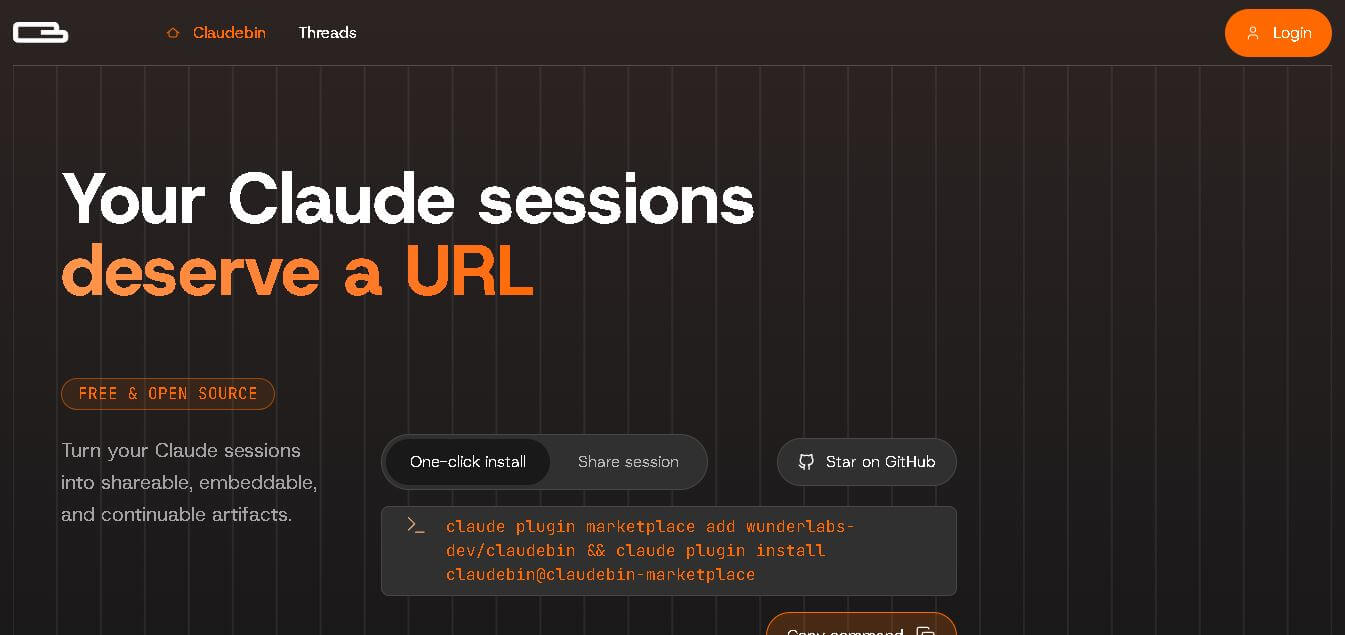
Claudebin is an open-source tool for sharing Claude Code sessions through structured, accessible web links. It captures conversations, file operations, terminal commands, and tool calls, helping developers explain their coding workflows. With session viewing and embedding capabilities, it simplifies technical documentation, collaboration, debugging discussions, and knowledge sharing across development projects.
 4.9
4.9GitFluence
Code Assistant
GitFluence is an AI-powered Git command generator that helps developers turn plain-English instructions into exact Git commands. It eliminates the need to memorize syntax, speeds up version control workflows, and lets users quickly copy accurate commands for tasks like branching, merging, and fixing commits.
 4.9
4.9Kiro
Vibe Coding
Kiro is an AI-powered developer platform that helps teams plan, build, and ship software using autonomous agents. It turns prompts into structured specs, writes and tests code, and automates workflows across IDE, CLI, and cloud, enabling faster, reliable development from prototype to production.
 4.8
4.8Emergent
Vibe Coding
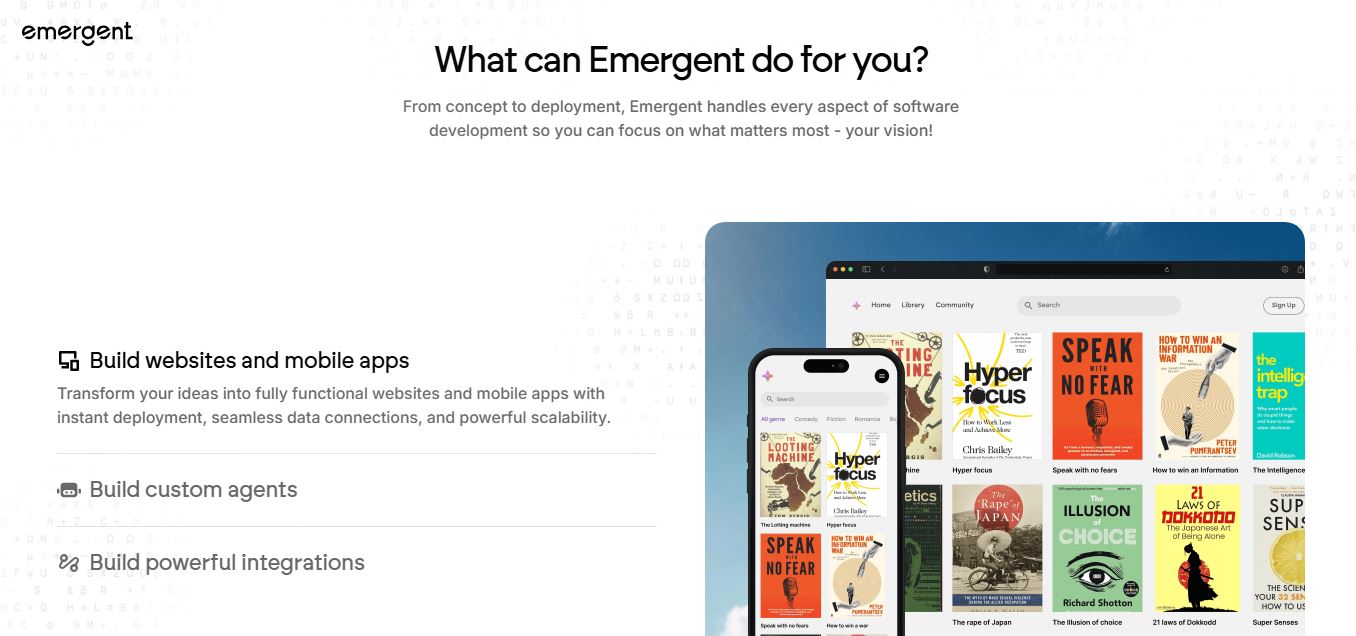
Emergent is an AI-powered app builder that lets users create full-stack web and mobile applications by simply describing their idea. It uses autonomous agents to plan, code, test, and deploy apps, handling everything from backend to hosting without requiring traditional programming skills.
 4.7
4.7Amazon Q Developer
Code Assistant
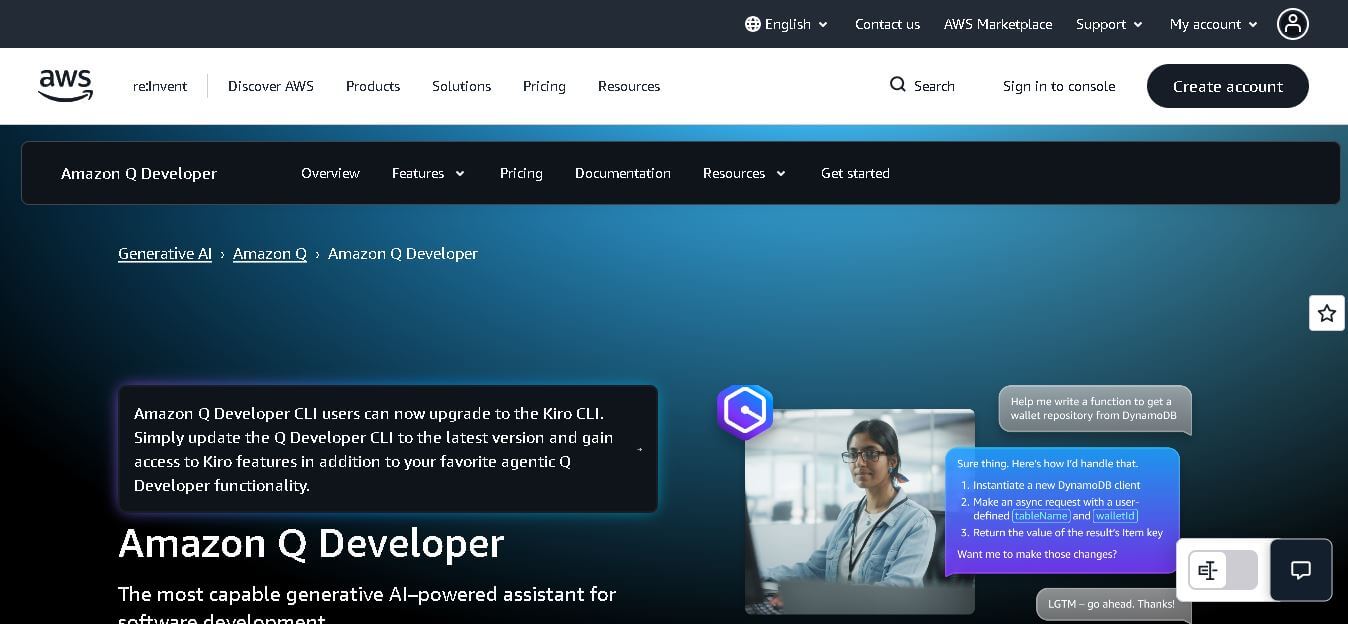
Amazon Q Developer helps developers write, explain, test, refactor, secure, and troubleshoot code while working with AWS services. It provides conversational assistance, inline suggestions, agentic coding, and cloud guidance across supported IDEs, command-line environments, and AWS interfaces. Its goal is to reduce repetitive work and help teams move from ideas to deployable software.
 4.9
4.9GitLab
Code Assistant
GitLab is a DevOps platform that provides a complete suite for planning, coding, testing, and deploying software in one place. It combines version control, CI/CD, security, and collaboration tools, helping teams streamline development workflows and deliver software faster and more efficiently.
 4.9
4.9CodeRabbit
Code Assistant
CodeRabbit is an AI-powered code review assistant that helps developers catch bugs, improve code quality, and speed up pull requests. It analyzes code changes in real time, provides actionable feedback, and integrates with Git workflows to make reviews faster and more efficient.
 4.9
4.9Sourcery
Code Assistant
Sourcery is an AI-powered code refactoring tool that helps developers automatically improve Python code quality. It analyzes code, suggests cleaner and more efficient alternatives, and applies refactors instantly, making code more readable, maintainable, and aligned with best practices.
Tenki Cloud
Code Assistant
Tenki Cloud is a high-performance, cost-efficient cloud infrastructure platform offering disposable sandboxes for AI agents, self-hosted GitHub Actions runners, and automated AI code review.