
Voiceflow
Voiceflow helps businesses design and deploy conversational AI agents for customer interactions. Teams can create workflows, connect knowledge and APIs, test conversations, monitor performance, and deploy agents across multiple channels. Its collaborative environment supports designers, developers, CX teams, and enterprises that need greater control over AI-driven customer experiences.
What is Voiceflow?
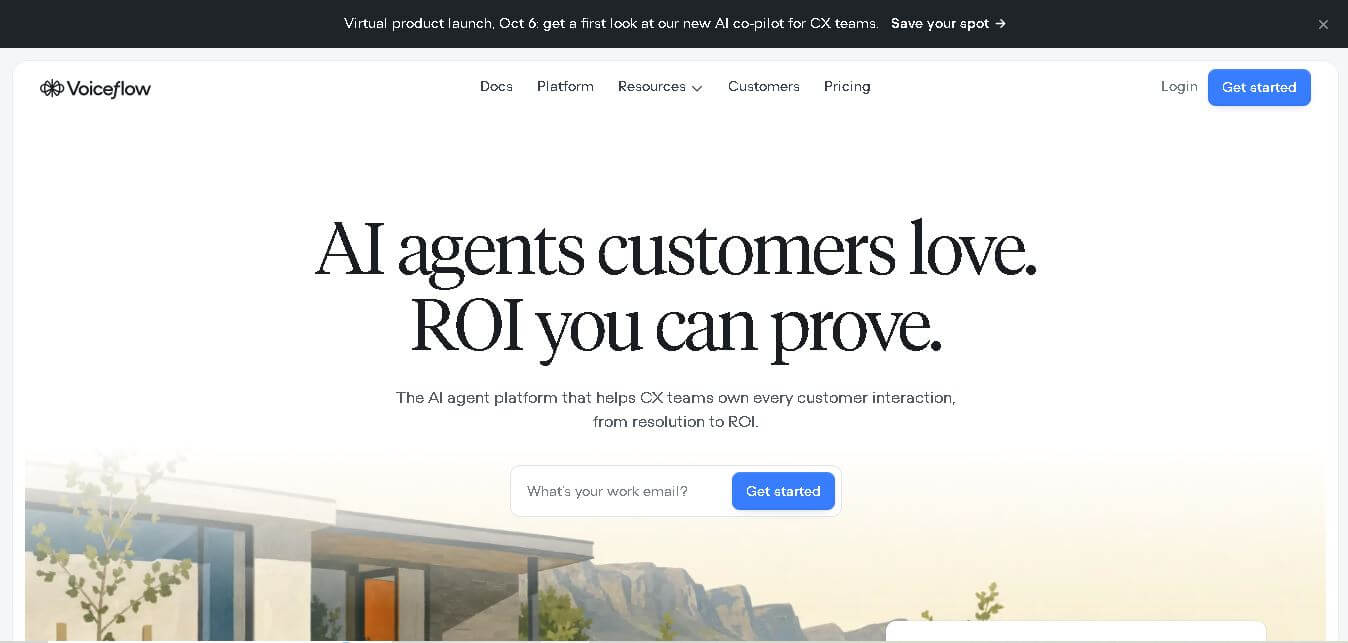
Voiceflow is a platform for designing, building, testing, deploying, and monitoring conversational AI agents across customer-facing channels. It helps teams create structured workflows, add business logic, connect APIs and external tools, and manage generative AI behavior without rebuilding the entire experience. Voiceflow supports chat, voice, web, app, WhatsApp, and SMS experiences, making it useful for customer support, automation, and conversational product development.
Voiceflow supports enterprise-scale conversational AI with 10K+ live agents in production, 300K messages per minute, and a reported voice latency of 500 ms on its current homepage. The platform also highlights a 70% AI resolution rate, 99.95% agent uptime, and 50 ms infrastructure latency. Voiceflow states that it is SOC 2 Type II audited, ISO/IEC 27001:2022 certified, GDPR compliant, and HIPAA compliant, making it suitable for organizations with demanding security requirements.
- Platform Role: Conversational AI Platform, AI Agent Builder & Voice/Chat Automation System
- Developer & Organization: Voiceflow, Inc.
- Cross-Platform Access: Web Browser (SaaS Interface), REST APIs, SDKs, and multi-channel deployments (Web Chat, WhatsApp, Mobile App, Telephony, SMS)
Use Cases:
- Building and launching AI support agents to automate customer service tickets, order lookups, and account queries
- Designing and prototyping interactive voice AI agents for call centers, virtual receptionists, and phone appointment scheduling
- Collaborating across cross-functional teams (UX designers, product owners, and engineers) to map out dialogue journeys and test prototypes in real time
- Orchestrating agentic workflows that integrate directly with enterprise CRMs, helpdesks, and custom backend APIs
- Monitoring bot performance, evaluating LLM responses, and running staging-to-production pipelines with continuous observability
Technology:
- Agentic Context Engine delivering ultra-low voice/text latency (under 64 ms) and high throughput (300k+ messages per minute)
- Model-agnostic LLM orchestration supporting leading models (OpenAI GPT, Anthropic Claude) alongside custom bring-your-own-model (BYOM) setups
- Visual node-based canvas coupled with custom JavaScript code execution, custom API blocks, and state management
- Enterprise security backbone compliant with SOC-2 Type II, ISO/IEC 27001:2022, GDPR, and HIPAA standards
Target Users:
- Customer Experience (CX) and Customer Support Leaders looking to boost automated resolution rates
- Conversation designers and UX researchers designing complex conversational dialogue and voice interfaces
- AI engineers and developers integrating automated agentic workflows into existing tech stacks
- Enterprise Operations Teams looking to scale support without proportional headcount growth
Acquisition: Cloud SaaS platform developed and operated by Voiceflow, Inc. (voiceflow.com)
What are the key features of Voiceflow?
Voiceflow's key platform features are
- Visual Drag-and-Drop Agent Canvas: Map out complex logic, decision trees, dynamic variables, and dialogue branches in a collaborative workspace.
- Hybrid Workflow Building: Balance rigid deterministic business logic with flexible generative AI playbooks protected by global system instructions and guardrails.
- Model Agnostic Architecture: Switch seamlessly between LLM providers (GPT, Claude, etc.) or connect custom self-hosted models to prevent vendor lock-in.
- Omnichannel Deployment: Deploy a single agent across web, mobile apps, WhatsApp, SMS, and IVR/voice channels without rebuilding flows.
- Developer-First API & Code Blocks: Write custom JavaScript, handle API payloads, and integrate with platforms like Zendesk, Salesforce, and Shopify.
- LLM Observability & Evaluations: Track pass rates, analyze conversation logs, and run automated evaluations to iterate agent accuracy over time.
How much does Voiceflow cost?
Voiceflow offers a flexible pricing structure starting with a free tier for individual creators and scaling to paid plans for growing teams and enterprises.
Pricing Tiers:
- Starter Plan ($0 / Free): Includes basic canvas access, interactive prototyping, and community support for individual creators building initial agents.
- Pro / Team Plans: Scaled monthly or annual per-editor pricing adding expanded AI token allowances, collaborative workspaces, custom API steps, and production hosting.
- Enterprise Plan (Custom): Tailored enterprise licensing with custom LLM integrations, dedicated SLAs, SOC-2/HIPAA security compliance, advanced analytics, and dedicated support.
Disclaimer: Plan limits, AI token usage, and feature availability vary by tier. Visit voiceflow.com/pricing for current tier pricing and usage caps.
Who should use Voiceflow?
Voiceflow is designed for modern product, support, and engineering teams, including
- Enterprise CX & Support Teams: Companies looking to increase first-contact resolution and deflect repetitive support volume across chat and voice channels.
- Conversation Designers: UX experts needing an interactive canvas to prototype, test, and present live voice/chat journeys to stakeholders.
- AI Automation Agencies: Consultants and developers building and deploying custom conversational AI agents for business clients.
What are the best alternatives to Voiceflow?
Some of the strongest Voiceflow alternatives include
- Google Dialogflow (CX / ES)
- Botpress
- Rasa
- Microsoft Copilot Studio
- VoiceBot / Kore.ai
- ManyChat
What are the pros and cons of Voiceflow?
What are the pros of Voiceflow?
- Exceptional collaborative visual interface suitable for non-technical designers and engineers alike
- Flexibility to combine deterministic rule-based paths with generative AI agent playbooks
- No LLM vendor lock-in with native support for multiple models and custom APIs
- High performance with sub-64ms latency and enterprise-grade uptime (99.95%)
What are the cons of Voiceflow?
- Advanced API integrations and custom JavaScript blocks require developer expertise
- Scaling high message volume across large production user bases can increase usage costs
- Steeper learning curve for users shifting from simple static chatbot builders to agentic architectures
Why should you choose Voiceflow?
Building production-ready AI agents often requires balancing non-technical design collaboration with complex engineering infrastructure. Voiceflow eliminates this friction by unifying design, testing, deployment, and observability into a single platform. With model independence, low voice latency, and fine-grained control over guardrails, Voiceflow empowers teams to build AI agents that deliver high resolution rates and measurable business ROI.
How does Voiceflow compare to competitors?
The primary distinction between Voiceflow, Dialogflow, Botpress, and Microsoft Copilot Studio lies in workflow flexibility, design experience, and model freedom. While Dialogflow and Copilot Studio bind users closely to Google Cloud or Microsoft 365 environments, Voiceflow provides a platform-agnostic, design-first builder with native multi-LLM choice and seamless API integrations.
| Feature / Platform | Voiceflow | Google Dialogflow | Botpress | Microsoft Copilot Studio |
|---|---|---|---|---|
| Core Focus | Collaborative AI Agent Platform & Builder | Developer NLU & Enterprise Cloud Bots | Developer-Centric Bot Building Platform | Microsoft 365 & Power Platform Copilots |
| Design & Prototyping UX | High (Figma-like collaborative visual canvas) | Moderate (technical developer dashboard) | High (Flow editor with developer hooks) | Moderate (Power Platform-style interface) |
| LLM Model Choice | Model Agnostic (GPT, Claude, BYOM) | Google Cloud / Gemini Centric | Model Agnostic (OpenAI, Claude, custom) | Microsoft/OpenAI Centric |
| Channel Support | Omnichannel (Web, Voice, WhatsApp, SMS) | Omnichannel (Integrates via GCP) | Omnichannel (Messaging & Web) | Teams, Web, Microsoft 365 Channels |
| Best For | Cross-functional CX teams wanting rapid prototyping & flexible LLM orchestration | GCP engineers building large-scale telephony & enterprise bots | Developers wanting autonomous AI agents with code control | Enterprises standardizing on the Microsoft Copilot ecosystem |
How do we rate Voiceflow?
| Parameter | Rating (out of 5) |
|---|---|
| Design Canvas & Collaborative Prototyping | 4.9 |
| LLM Flexibility & Guardrail Controls | 4.8 |
| Omnichannel Deployment & API Extensibility | 4.7 |
| Enterprise Security & Observability | 4.8 |
| Value for Money | 4.6 |
| Overall Score | 4.76 |
What is our review and verdict on Voiceflow?
Voiceflow sets the industry standard for collaborative conversational AI design and agent building. By combining a visual canvas with developer-grade execution tools and open LLM choices, it bridges the gap between creative conversation designers and technical software engineers. For CX teams seeking to deploy scalable, high-resolution AI agents without sacrificing control, Voiceflow is a premier choice.
Conclusion
Voiceflow provides a comprehensive environment for businesses building conversational AI agents across chat, voice, and other customer channels. Its combination of visual workflows, integrations, model flexibility, observability, collaboration, and enterprise-focused infrastructure makes it useful for both growing teams and large organizations. With 10K+ live production agents and support for 300K messages per minute, Voiceflow is positioned for teams that want to design, launch, measure, and continuously improve AI-driven customer experiences.
FAQ
What is Voiceflow used for?
Voiceflow is used to build and manage conversational AI agents for customer support, automation, and interactive experiences. You can design conversation flows, add AI instructions, connect APIs, integrate business tools, test responses, and monitor agents after deployment. It is particularly useful for teams creating customer-facing chat and voice experiences at scale.
Can beginners use Voiceflow?
Yes, beginners can use Voiceflow because its visual workflow environment makes conversational design easier to understand without requiring extensive coding knowledge. You can visually structure conversations, test interactions, and gradually introduce APIs or custom functions as your requirements become more advanced. Developers can also use its technical capabilities for deeper customization.
Can Voiceflow create AI chatbots?
Yes, Voiceflow can be used to create AI chatbots for customer-facing experiences. You can combine conversational workflows with AI instructions, business logic, integrations, and knowledge sources to create agents that handle customer questions and tasks. The platform is designed to help teams move from conversation design through deployment and ongoing improvement.
Does Voiceflow support voice AI?
Yes, Voiceflow supports voice experiences alongside chat-based interactions. Its website currently highlights voice latency and positions voice as one of the channels where agents can operate. This makes it useful for businesses wanting conversational experiences that can extend beyond websites or text interfaces into voice-based customer interactions.
What channels does Voiceflow support?
Voiceflow supports multiple customer interaction channels, including web, apps, WhatsApp, SMS, and voice. This allows businesses to create an agent experience that can operate across different customer touchpoints instead of maintaining completely separate conversational systems. The same agent can be adapted for different channels according to the organization's requirements.
Can Voiceflow connect with external tools and APIs?
Yes, Voiceflow provides integration capabilities for connecting agents with external applications, APIs, and business systems. Its website specifically highlights integrations with tools such as Salesforce, Shopify, Zendesk, Google Sheets, Airtable, HubSpot, Make, and Gmail. Developers can also use APIs, JavaScript, and functions for more customized agent behavior.
User Reviews
No reviews yet for Voiceflow.
Featured Tools
Featured AI tools from TechShark

Melody Genie
MelodyGenie is an AI-powered music generator that creates original songs from simple text prompts. Users can choose styles, moods, and genres, then instantly generate melodies and full tracks, making it easy for creators, marketers, and hobbyists to produce custom music without musical expertise.
Freemium

Kimi AI
Kimi AI is an advanced AI assistant developed by Moonshot AI that helps you chat, research, write, code, and automate tasks in one place. It supports web search, file analysis, and multimodal inputs, and can even run autonomous “agent” workflows to complete complex tasks end-to-end.
Freemium

Fashion Diffusion AI
Fashion Diffusion is an AI-powered fashion design platform that helps brands and designers create clothing designs, virtual try-ons, AI models, product photos, and marketing visuals faster and cost-effectively.
Paid

Veo 4
Veo 4 AI is an AI video creation platform that generates dramatic videos from text, images, audio, and video prompts using realistic motion and synchronized sound.
Paid
Alternatives
Alternatives to Voiceflow
The best Voiceflow alternatives include Google Dialogflow, Botpress, Microsoft Copilot Studio, and Rasa. While Voiceflow provides a collaborative, model-agnostic visual builder for designing and deploying AI agents across voice and chat channels, alternatives like Dialogflow integrate natively into Google Cloud services and Copilot Studio seamlessly connects with Microsoft 365 ecosystems.
 4.8
4.8Chatnode
AI Chatbot Tools
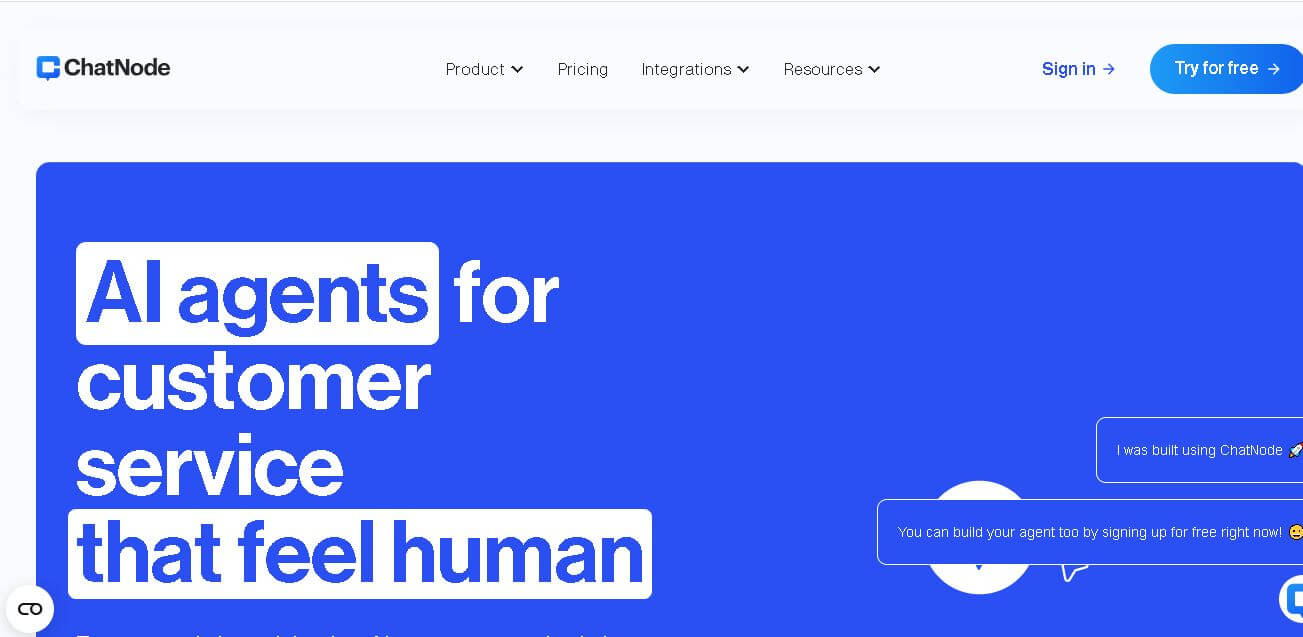
ChatNode is a customer-support AI agent platform for businesses that want to automate conversations using their own websites, documents, and knowledge bases. It supports no-code deployment, AI Actions, integrations, lead capture, analytics, and human escalation, helping teams deliver 24/7 assistance while automating repetitive support and customer-service workflows.
 4.9
4.9ChatGOT
AI Chatbot Tools
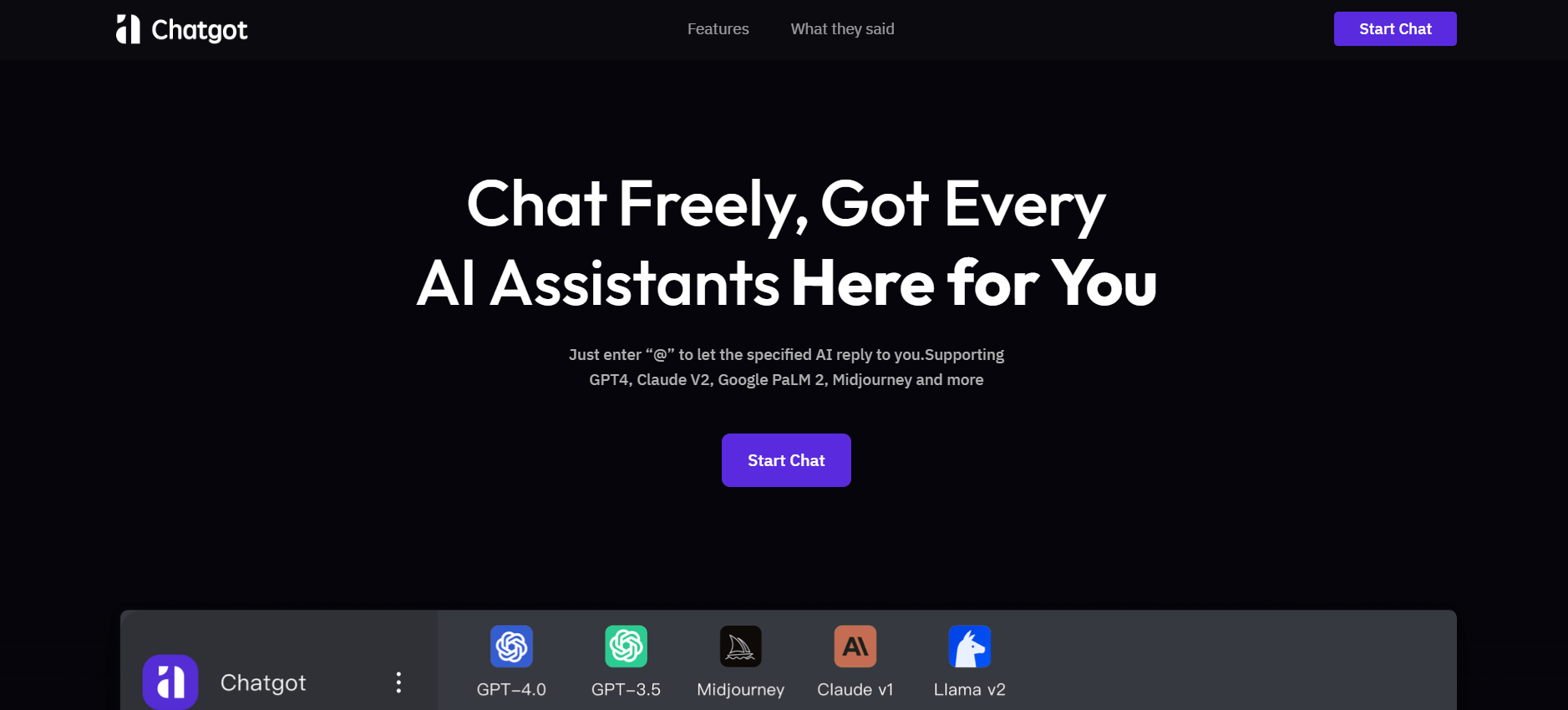
ChatGOT is an AI chatbot platform that combines multiple models like GPT, Claude, and Gemini into one interface. It helps users chat, write, code, summarize PDFs, and generate images, while allowing them to compare answers or tag specific AI models for different perspectives.
 4.8
4.8Sensay
AI Chatbot Tools
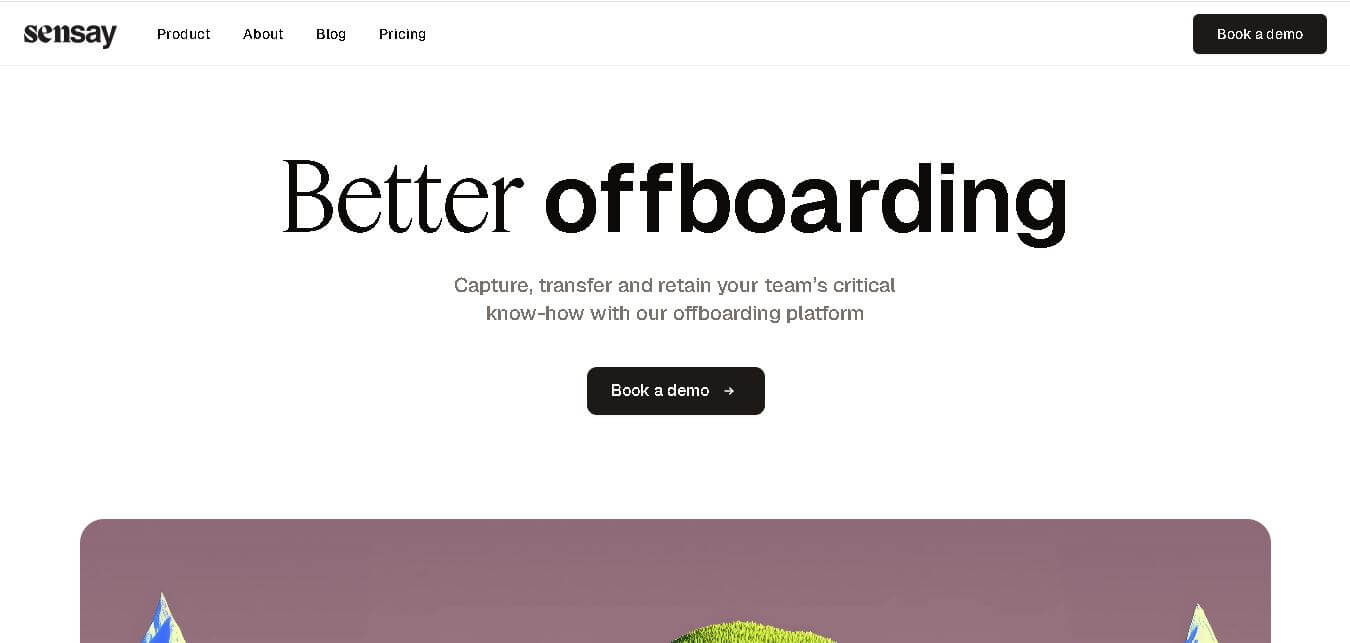
Sensay helps businesses capture valuable knowledge and turn it into accessible AI agents. Users can train agents with documents, websites, audio, video, and other information, then deploy them across websites and supported channels. Its features include multilingual conversations, analytics, customization, knowledge bases, API access, and secure data handling for teams.
 4.8
4.8Microsoft Copilot
Productivity
Microsoft Copilot is an AI-powered assistant that helps users write, research, analyze data, and automate tasks across apps like Word, Excel, Outlook, and Teams. It combines large language models with real-time data to generate content, answer questions, and improve productivity across personal and professional workflows.
 5.0
5.0Perplexity AI
AI Chatbot Tools
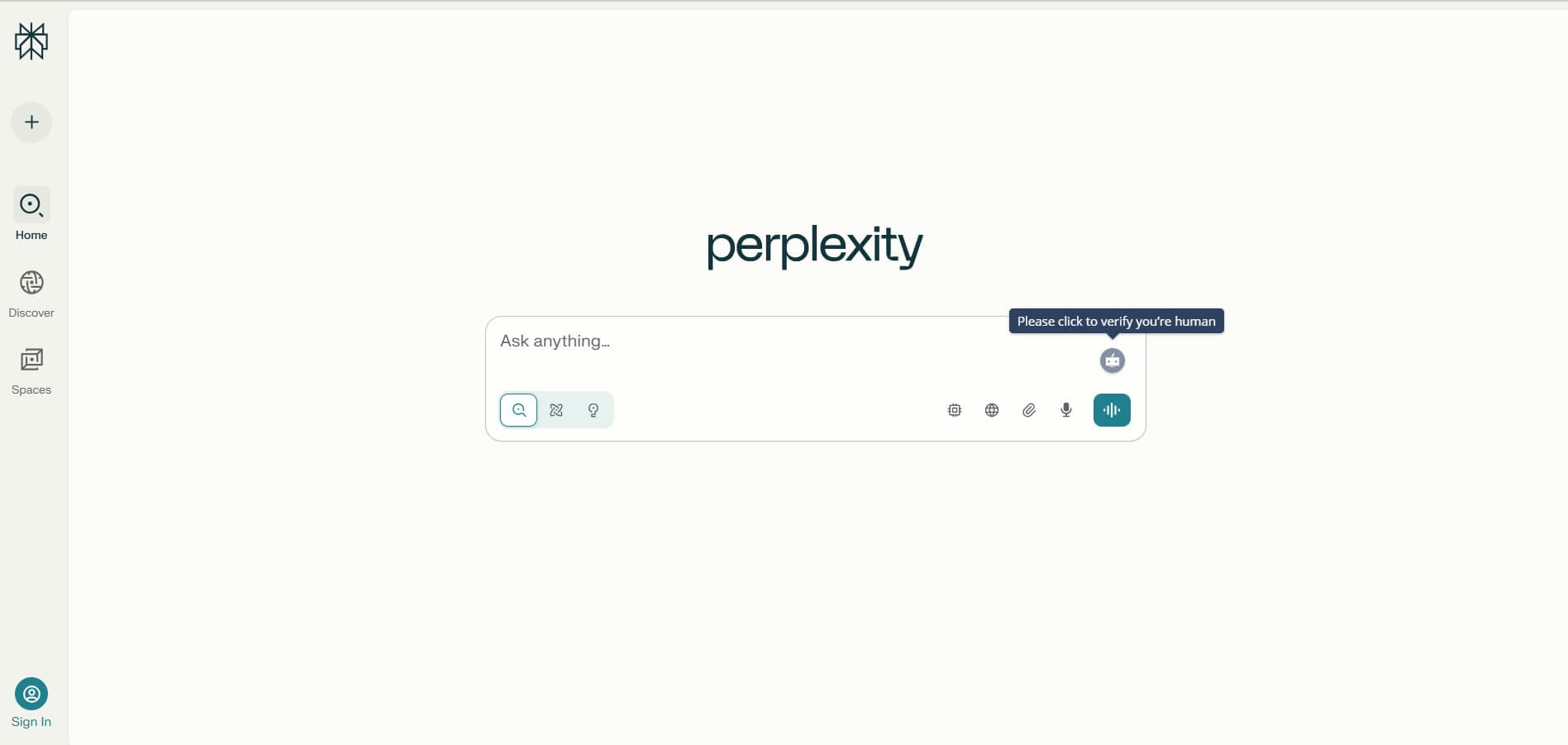
Perplexity is an AI-powered answer engine that searches the web in real time and delivers clear, cited responses instead of just links. It combines conversational AI with live data, helping users research topics, compare information, and get reliable insights quickly with verifiable sources.
 5.0
5.0DeepSeek
AI Chatbot Tools
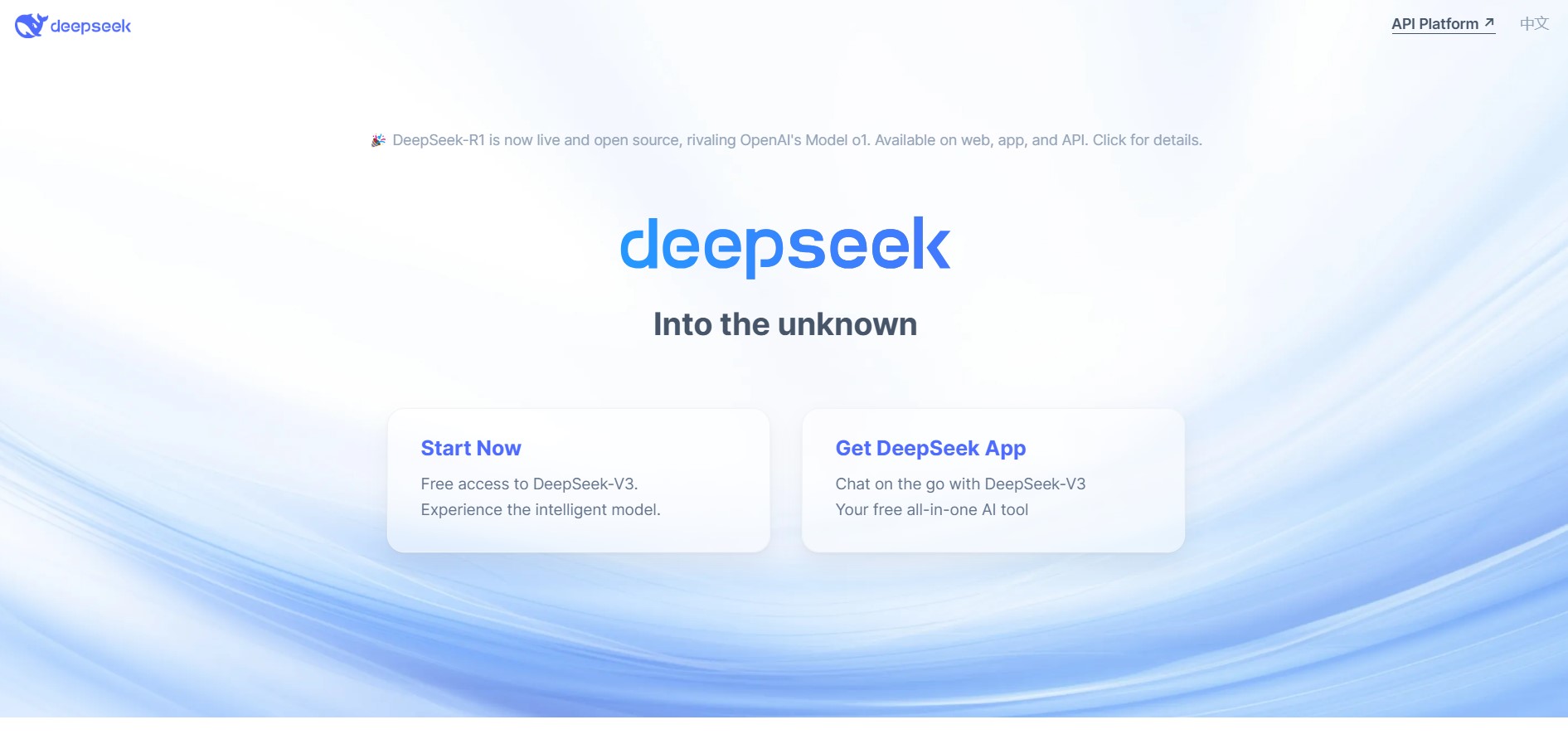
DeepSeek is an AI platform that helps users generate text, code, and insights using advanced large language models. It offers chat, API access, and open-weight models for developers, enabling fast, cost-efficient AI applications for writing, coding, research, and automation tasks.
 4.9
4.9Grok
AI Chatbot Tools
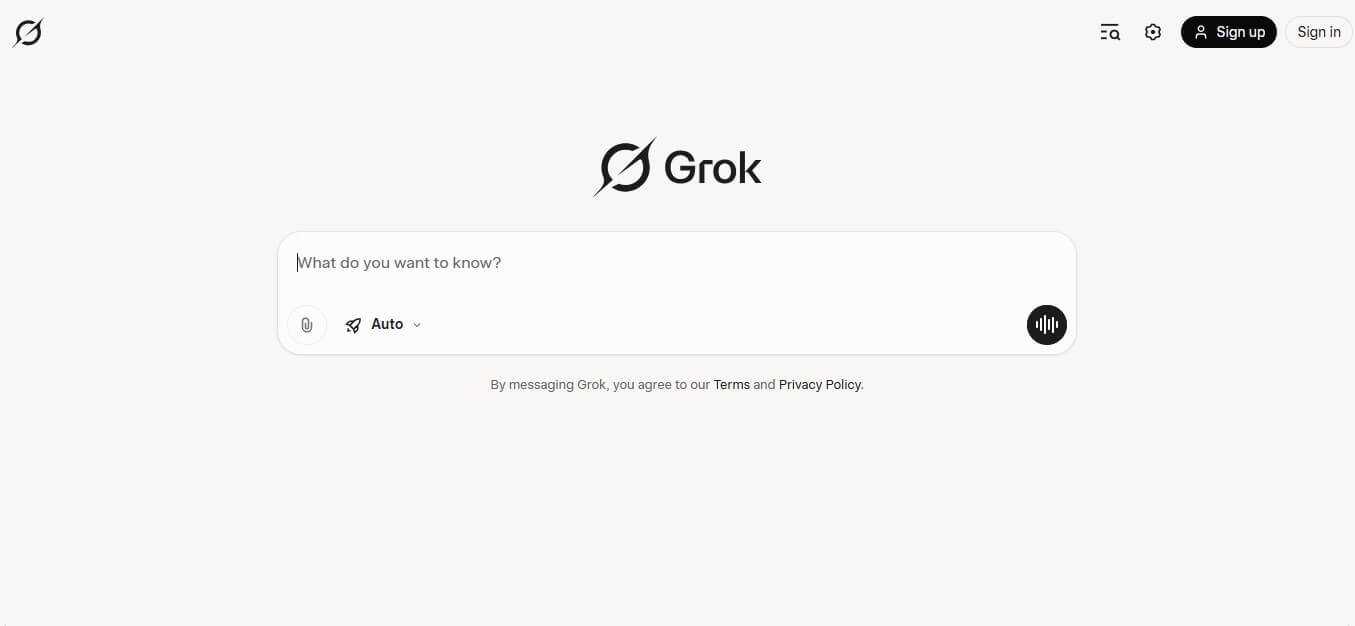
Grok is an AI-powered assistant by xAI that helps users search, write, analyze data, and generate images, code, and content in real time. It connects to live web and X (Twitter) data, enabling up-to-date insights, problem-solving, and conversational AI across multiple tasks.
 4.8
4.8AIChatbot.support
AI Chatbot Tools
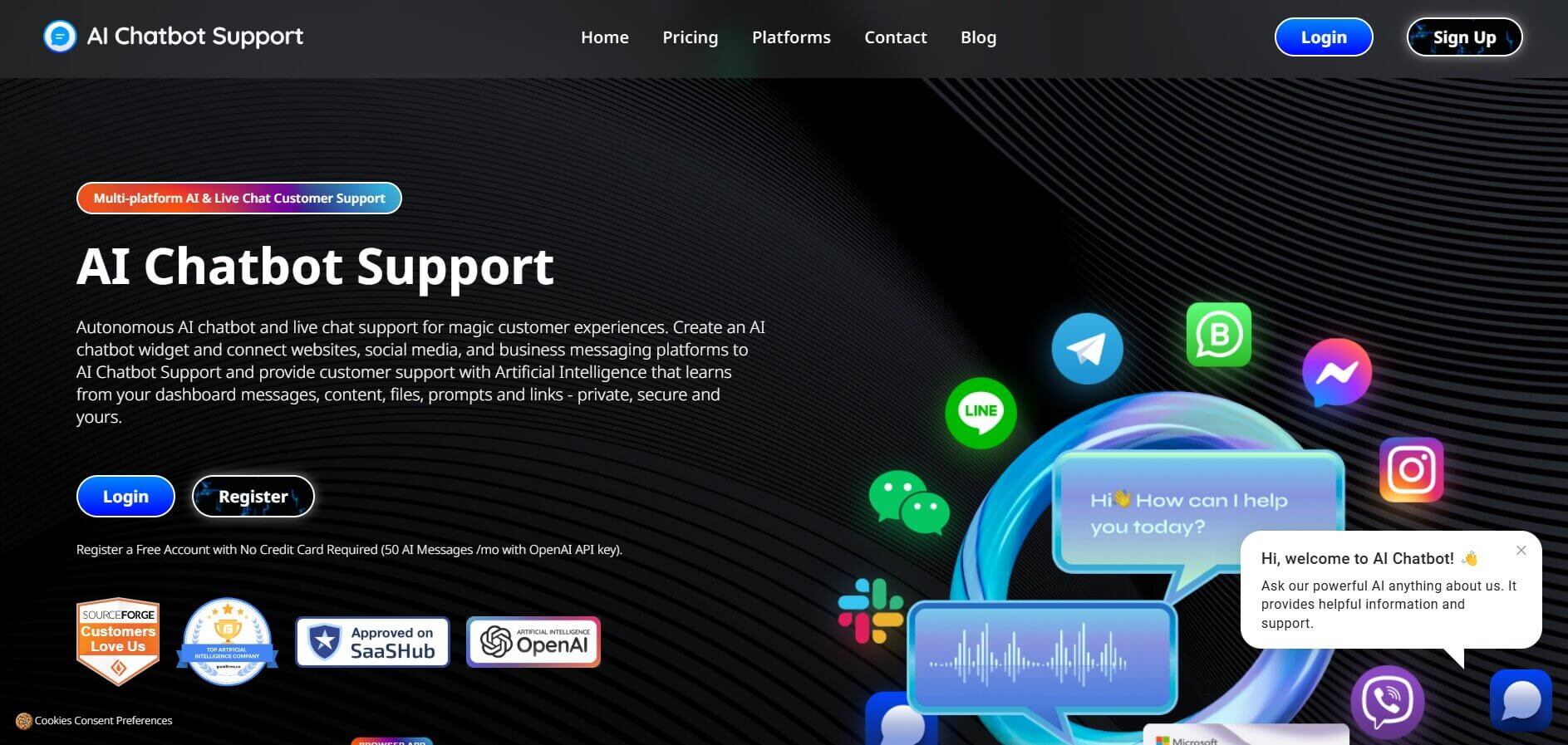
AIChatbot.support (aichatbot.support) is an intelligent customer support platform that allows businesses to build, train, and deploy AI customer service agents trained on website content, help docs, and internal knowledge bases for 24/7 automated support.
 4.8
4.8ZenMux
AI Chatbot Tools
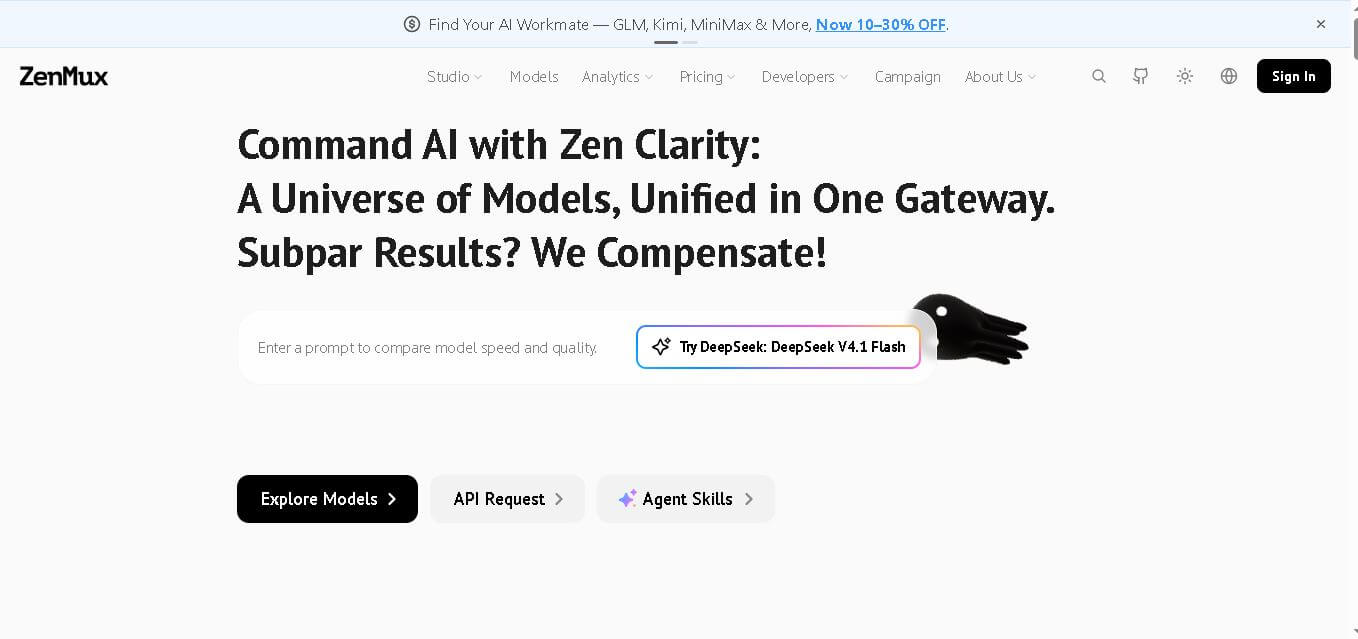
ZenMux brings multiple leading AI models into one gateway for developers. It combines API access, model selection, automatic routing, provider failover, usage analytics, and flexible billing. The platform supports coding, chat, image, and video workflows, helping users experiment with models without managing accounts, keys, and integrations. It supports multi-model development.