
VideoProc Converter AI
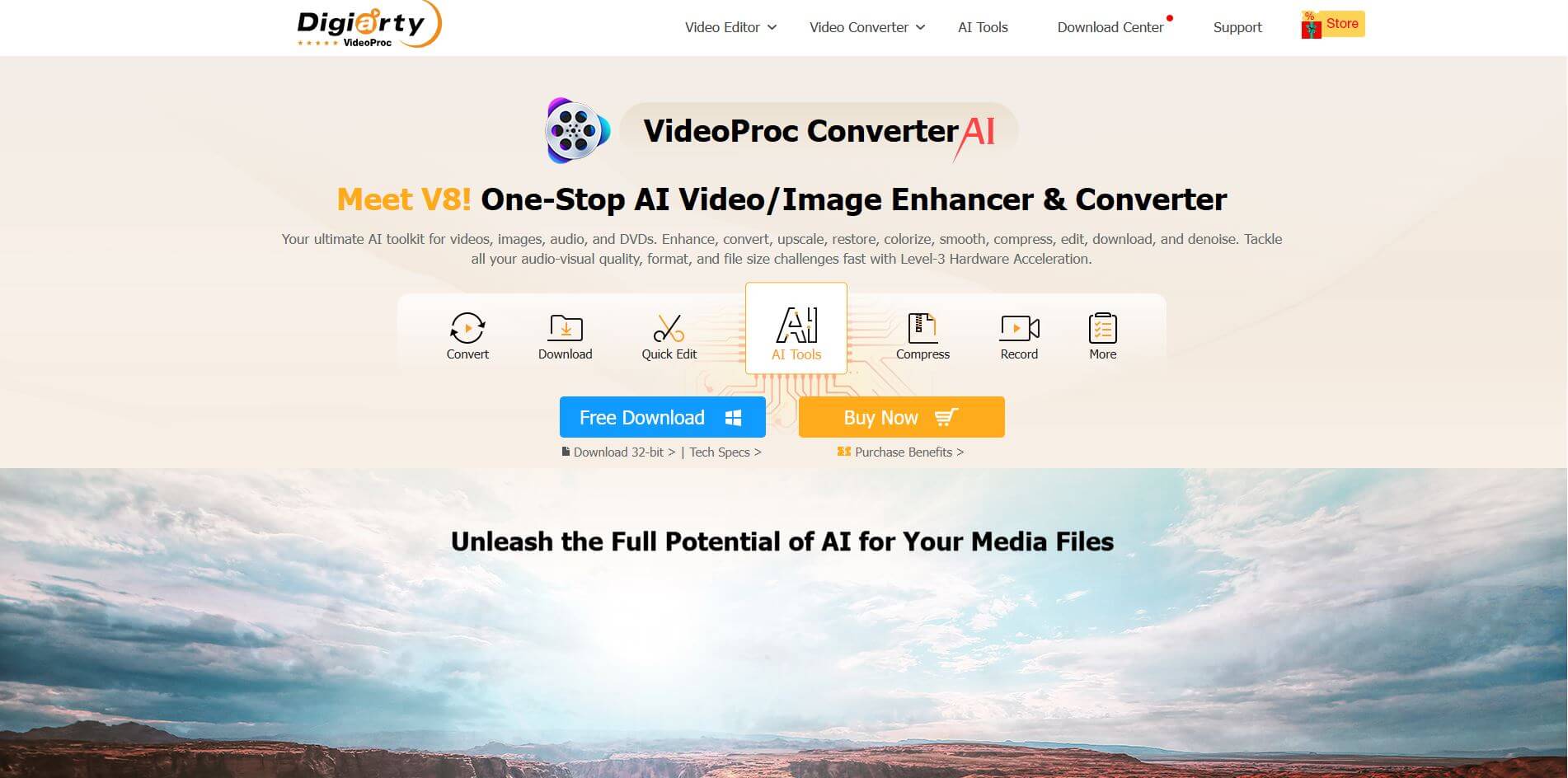
VideoProc Converter AI is an AI video tool with AI enhancements, fast GPU-accelerated conversion, editing, recording, and downloading, making multimedia processing simple, efficient, and high-quality.
What is VideoProc Converter AI?
- Founder: Digiarty Software
- Launch: 2018
- Use Cases: Video conversion, compression, editing, DVD digitization, screen recording, and media optimization for devices.
- Technology: GPU acceleration, 4K/8K video processing, high-speed transcoding, and advanced compression algorithms.
VideoProc Converter is an AI-powered video processing platform created by Digiarty Software. VideoProc Converter is intended to simplify video editing and conversion workflows for professionals, creators, and everyday users alike. Offering powerful Level-3 GPU acceleration technology, VideoProc Converter can handle sizable 4K and 8K video files smoothly while providing incredibly rapid processing speed and maintaining its output quality. VideoProc Converter handles over 420 output formats, making it easy to play on any type of device or platform. Also, VideoProc Converter makes it easy to convert files while being able to trim, merge, rotate, and add effects to your media all in one simple interface. It is perfect for beginners who are looking to polish their videos. Further features of VideoProc include screen recording, webcam capture, and DVD digitization to provide users with a full media package. Whether you want to compress large video file sizes, enhance media for social platforms, or convert your old DVD footage into a digital file, VideoProc Converter combines speed, quality, and accessibility under a single package with professional software.
VideoProc Converter AI Video/Demo
people are also reading
FAQ
What is VideoProc Converter used for?
VideoProc Converter is used for converting, compressing, editing, recording, and digitizing video and DVD files with high quality.
Does VideoProc support 4K video editing?
Yes, VideoProc Converter is optimized for 4K and 8K video processing with advanced GPU acceleration for smooth editing and conversion.
Can beginners use VideoProc Converter easily?
Absolutely. Its intuitive interface allows even beginners to edit, convert, and manage videos without a steep learning curve.
Does VideoProc Converter reduce video quality when compressing?
No, VideoProc maintains excellent video quality while reducing file size using advanced compression technology.
Is VideoProc Converter available for both Windows and Mac?
Yes, VideoProc Converter works seamlessly on both Windows and macOS operating systems.
User Reviews
No reviews yet for VideoProc Converter AI.
Featured Tools
Featured AI tools from TechShark

Melody Genie
MelodyGenie is an AI-powered music generator that creates original songs from simple text prompts. Users can choose styles, moods, and genres, then instantly generate melodies and full tracks, making it easy for creators, marketers, and hobbyists to produce custom music without musical expertise.
Freemium

Kimi AI
Kimi AI is an advanced AI assistant developed by Moonshot AI that helps you chat, research, write, code, and automate tasks in one place. It supports web search, file analysis, and multimodal inputs, and can even run autonomous “agent” workflows to complete complex tasks end-to-end.
Freemium

Fashion Diffusion AI
Fashion Diffusion is an AI-powered fashion design platform that helps brands and designers create clothing designs, virtual try-ons, AI models, product photos, and marketing visuals faster and cost-effectively.
Paid

Veo 4
Veo 4 AI is an AI video creation platform that generates dramatic videos from text, images, audio, and video prompts using realistic motion and synchronized sound.
Paid
Alternatives
Alternatives to VideoProc Converter AI
VideoProc Converter AI is an AI-powered video software that combines AI-powered enhancements and GPU-accelerated video conversion, editing, recording, and downloading, enabling creators and professionals to process, improve, and manage videos quickly, efficiently, and with exceptional quality.
 4.5
4.5character gpt
Video Enhancer
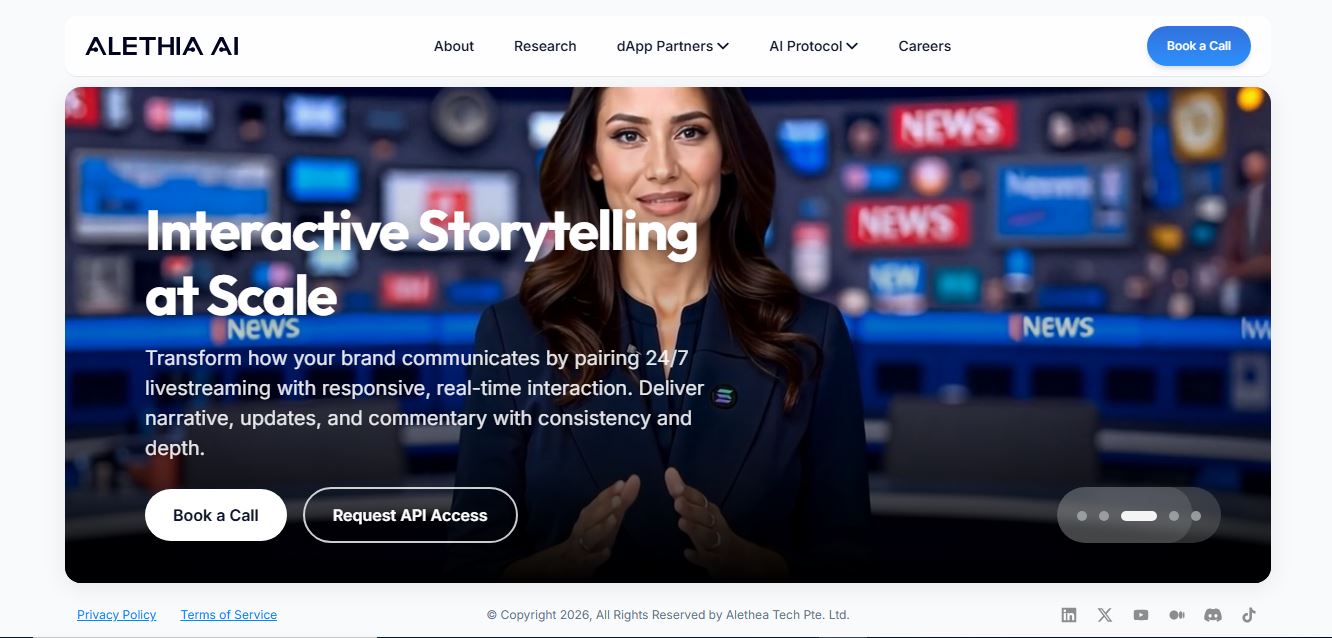
CharacterGPT is an AI platform that creates interactive digital characters with unique personalities, appearances, and identities using natural-language descriptions and generative AI.
 4.3
4.3MokSa.AI
AI-Detection
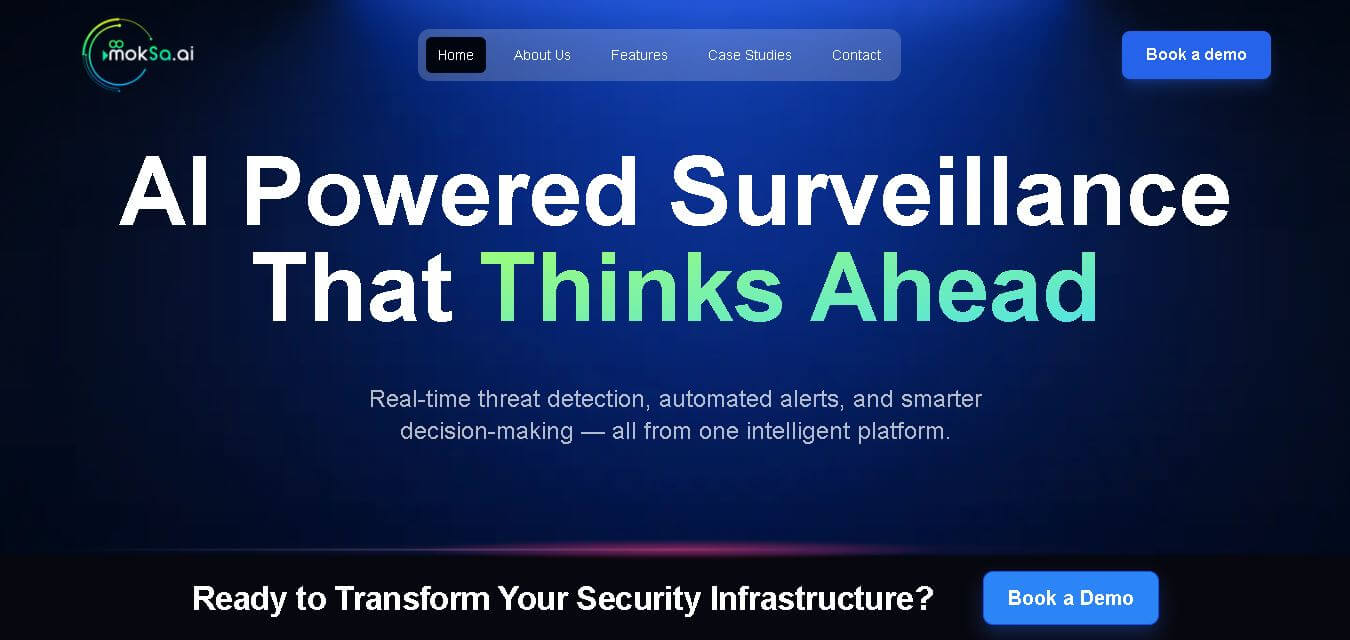
MokSa.ai is an AI-powered video intelligence platform that helps businesses improve security, monitor operations, detect theft, and generate real-time surveillance analytics.
 4.7
4.7HitPaw Edimakor
Video Editing
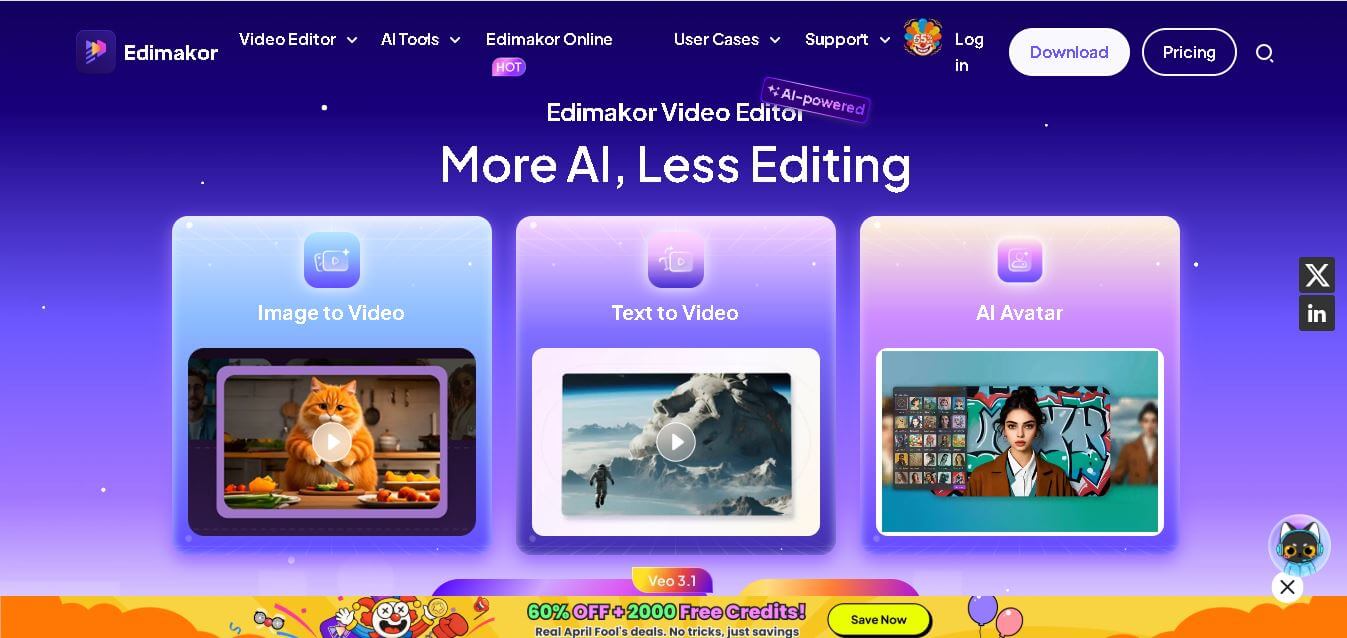
Edimakor is an AI-powered video editing tool that simplifies content creation with automated subtitles, voiceovers, and smart editing features for creators, marketers, and beginners. Sec 2: 35-word description
 4.5
4.5UniFab Video Enhancer
Video Enhancer
UniFab AI Video Enhancer improves video quality using AI, enhancing resolution, clarity, and detail to deliver sharper, professional-grade visuals from low-quality or old footage.
 4.5
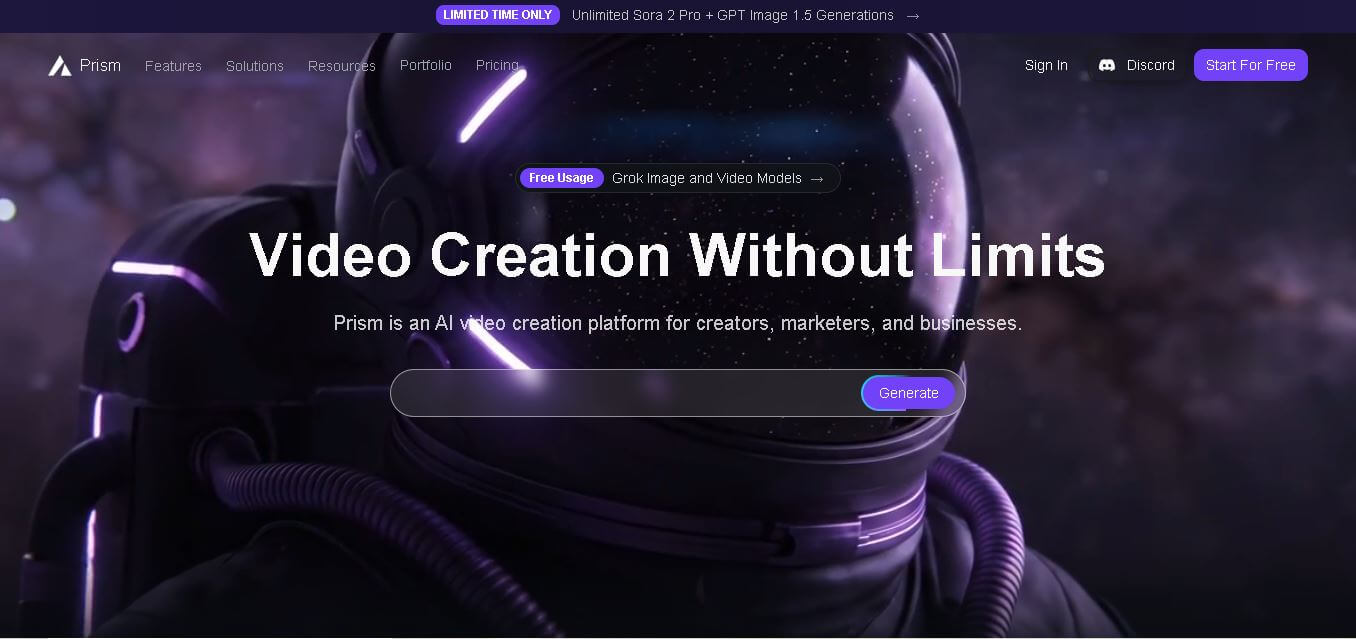
4.5Prism Videos
Video Generator
Prism Videos is an AI-powered video platform that creates professional videos from scripts, templates, and prompts with automated captions, music, and editing tools for social creators and marketers.
 4.5
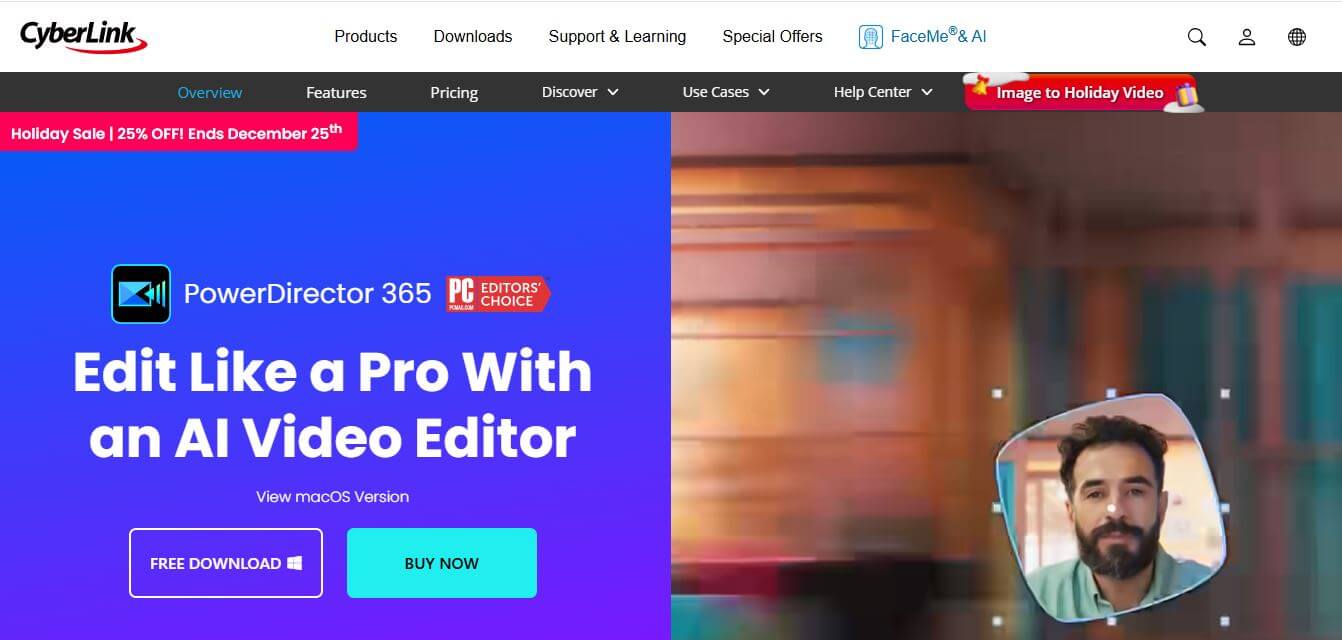
4.5PowerDirector
Video Editing
PowerDirector is an advanced video editing software by CyberLink that blends AI tools, creative effects, and professional features to create stunning videos effortlessly.
 4.6
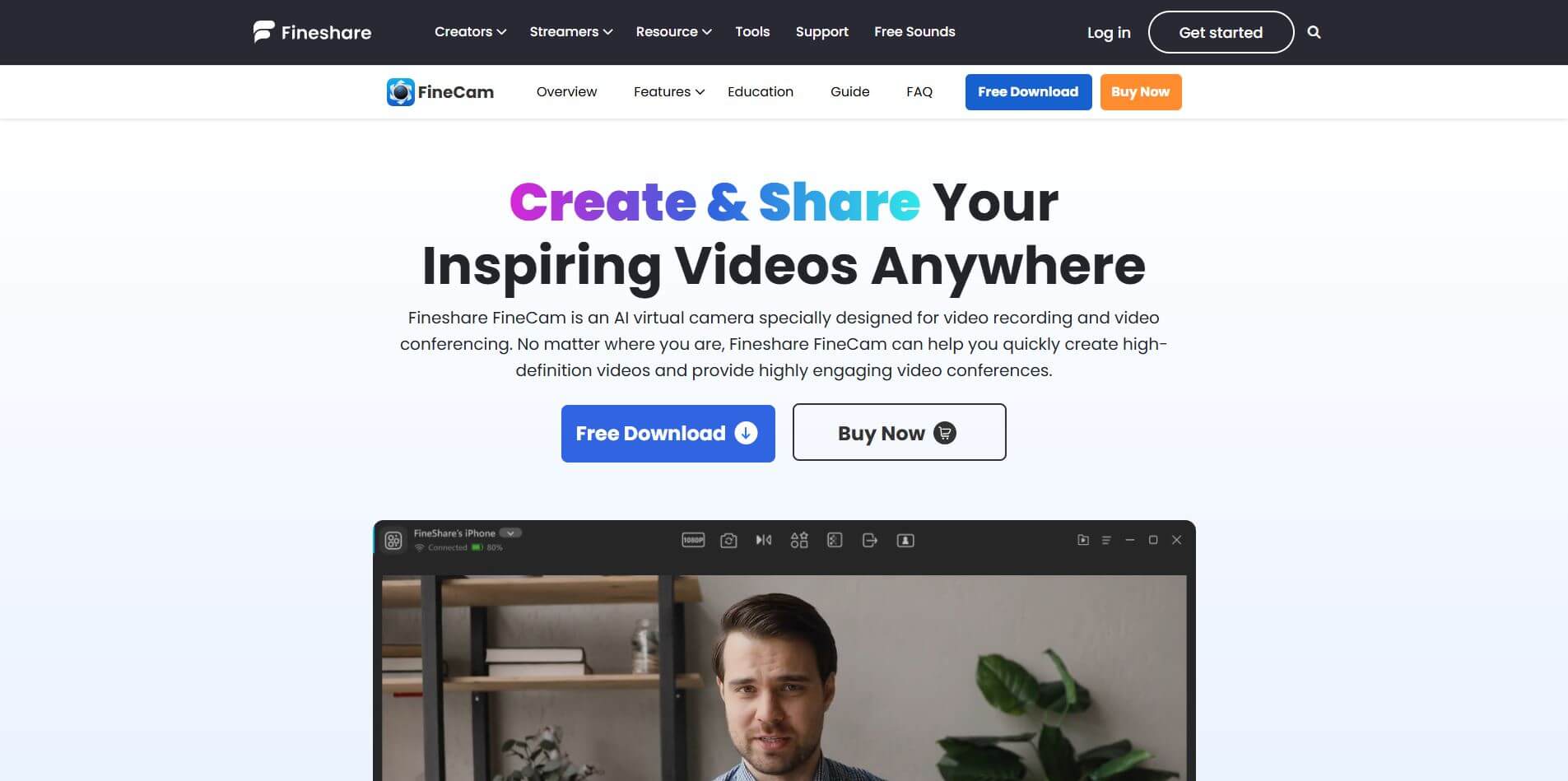
4.6Fineshare FineCam
Productivity
FineCam is an AI-powered virtual camera platform that enhances video quality for meetings, streams, and recordings.
 4.3
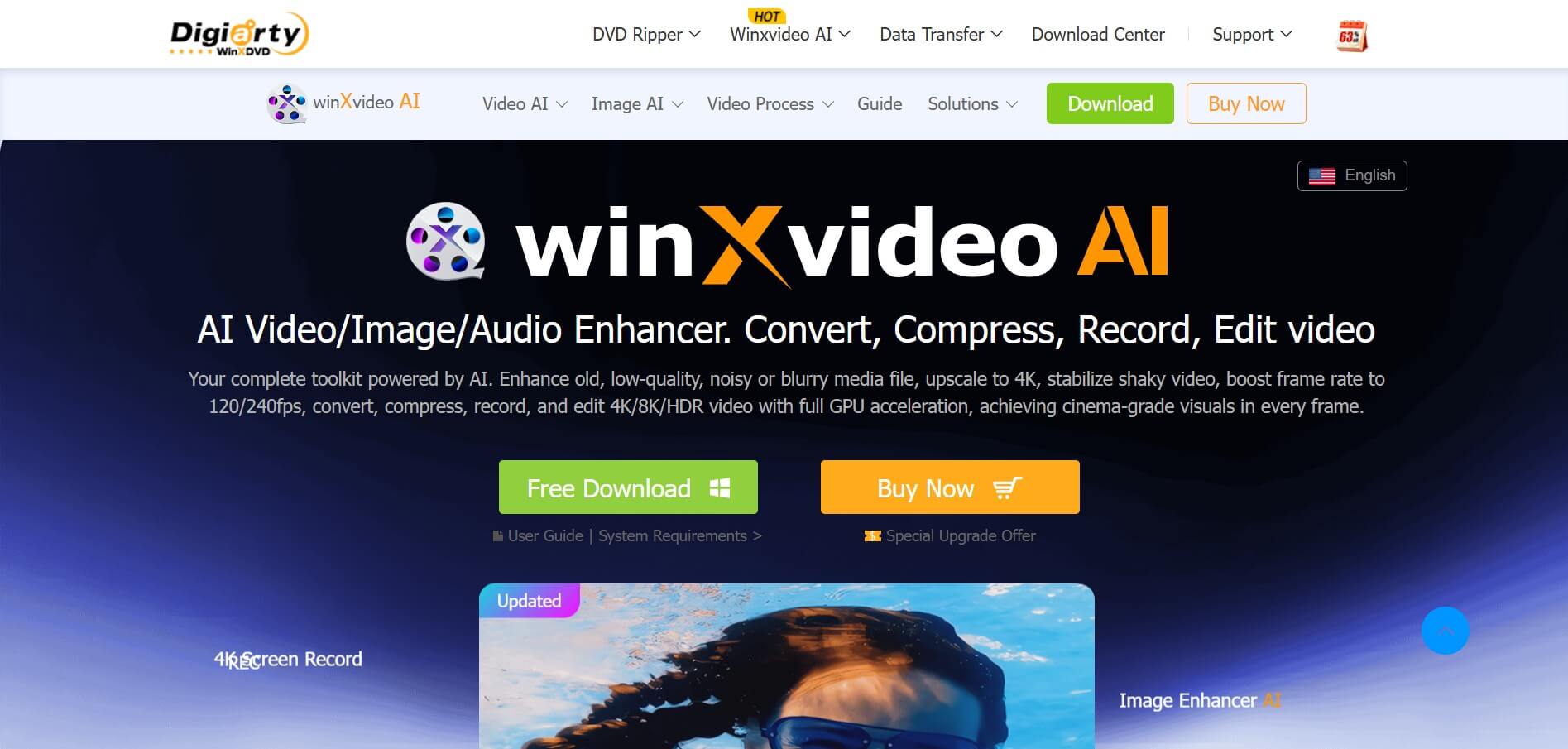
4.3Winxvideo AI
Video Enhancer
Winxvideo AI is an AI-powered video enhancer that enhances videos, images, and audio using AI, improving quality, stabilizing footage, removing noise, and upscaling to 4K, with conversion and editing features.
 4.6
4.6Clip Fm
Video Generator
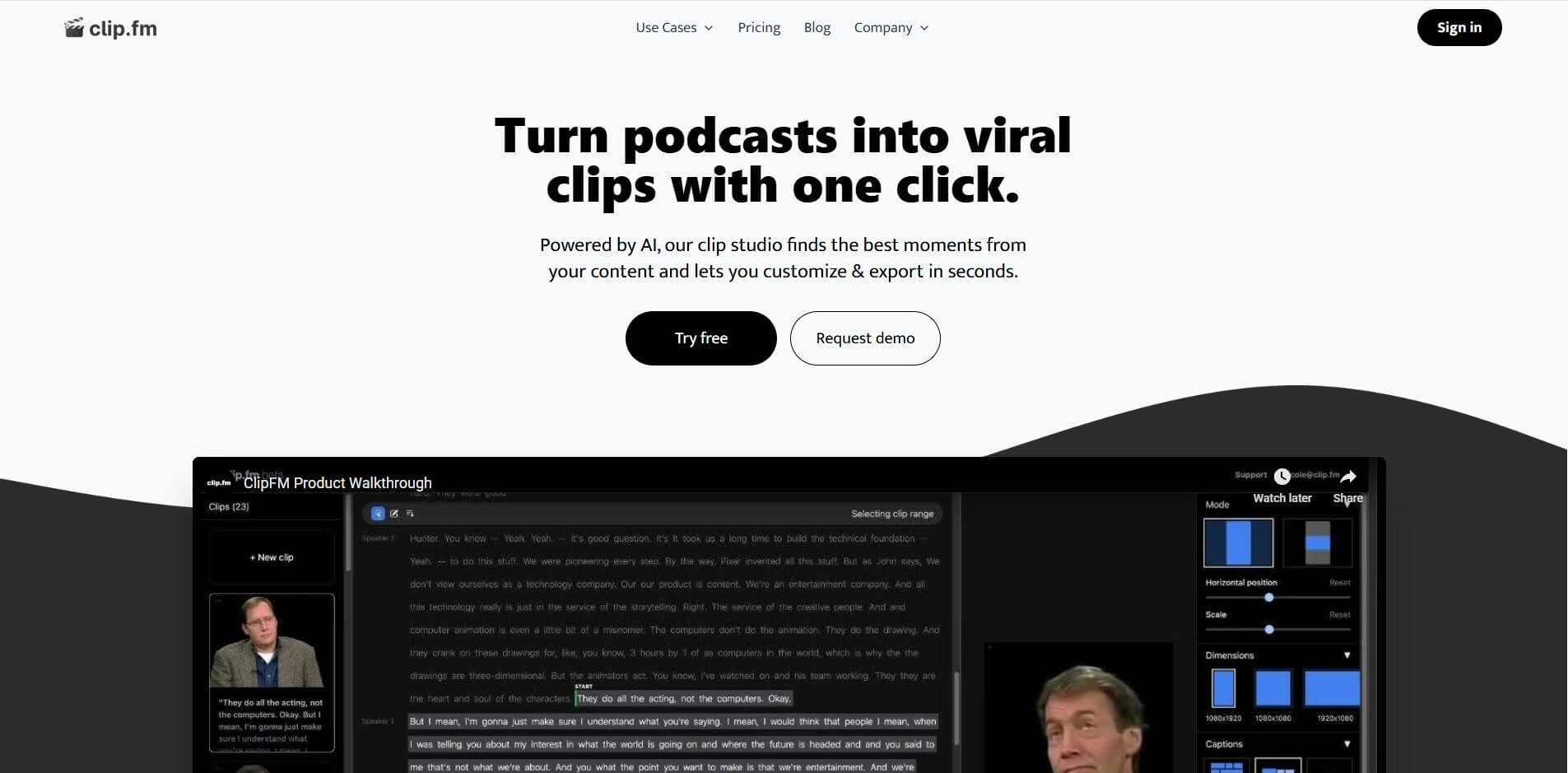
Clip Fm is an AI-powered platform that transforms long-form videos and podcasts into short, engaging clips optimized for social media.